Putting Social to Work:
 Real-Life Examples of
Organizations and Info
   Pros Using Social
  Networking Tools
      Library Buzz – July 30, 2009
Scott Brown – Social Information Group
                      1
                                         1
Agenda
Overview and some examples
 Why social networking tools?
 Topeka and Shawnee County Public
  Library
 Considerations
Q&A throughout!
                 2
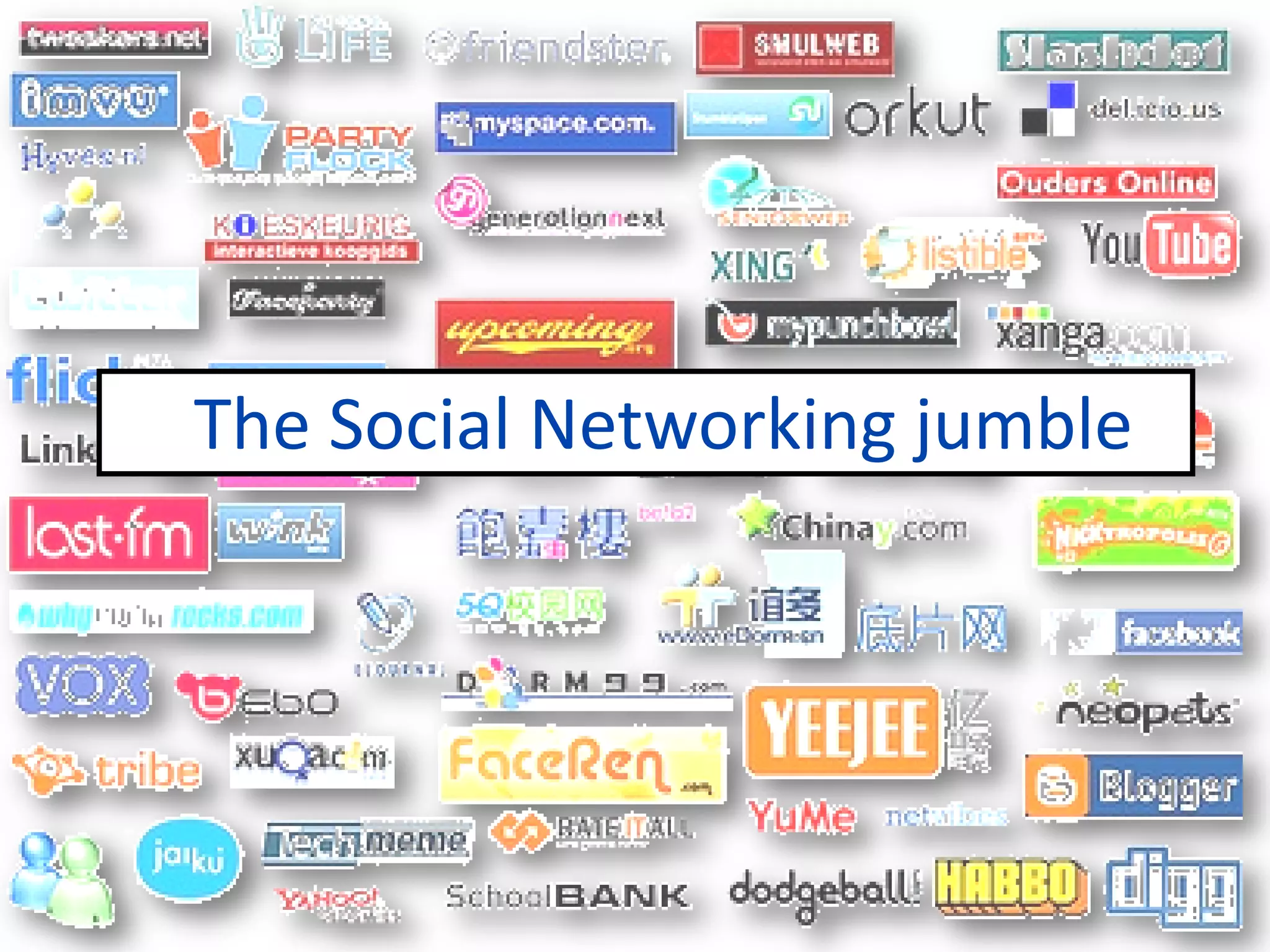
The Social Networking jumble


              3
May 2009: Twitter trumps New
York Times, Wall Street Journal
Twitter surpassed The New York
Times and The Wall Street Journal
in unique visitors last month, due in
part to the followers that celebrity
tweeters such as Oprah Winfrey
and Ashton Kutcher draw.
SmartBrief, May 2009


                       4
What do these tools have in common?

Connecting
    Sharing
    Participating
                  5
6
What happens when you
  add information?

    Serendipity
    Community
      Loyalty
           7
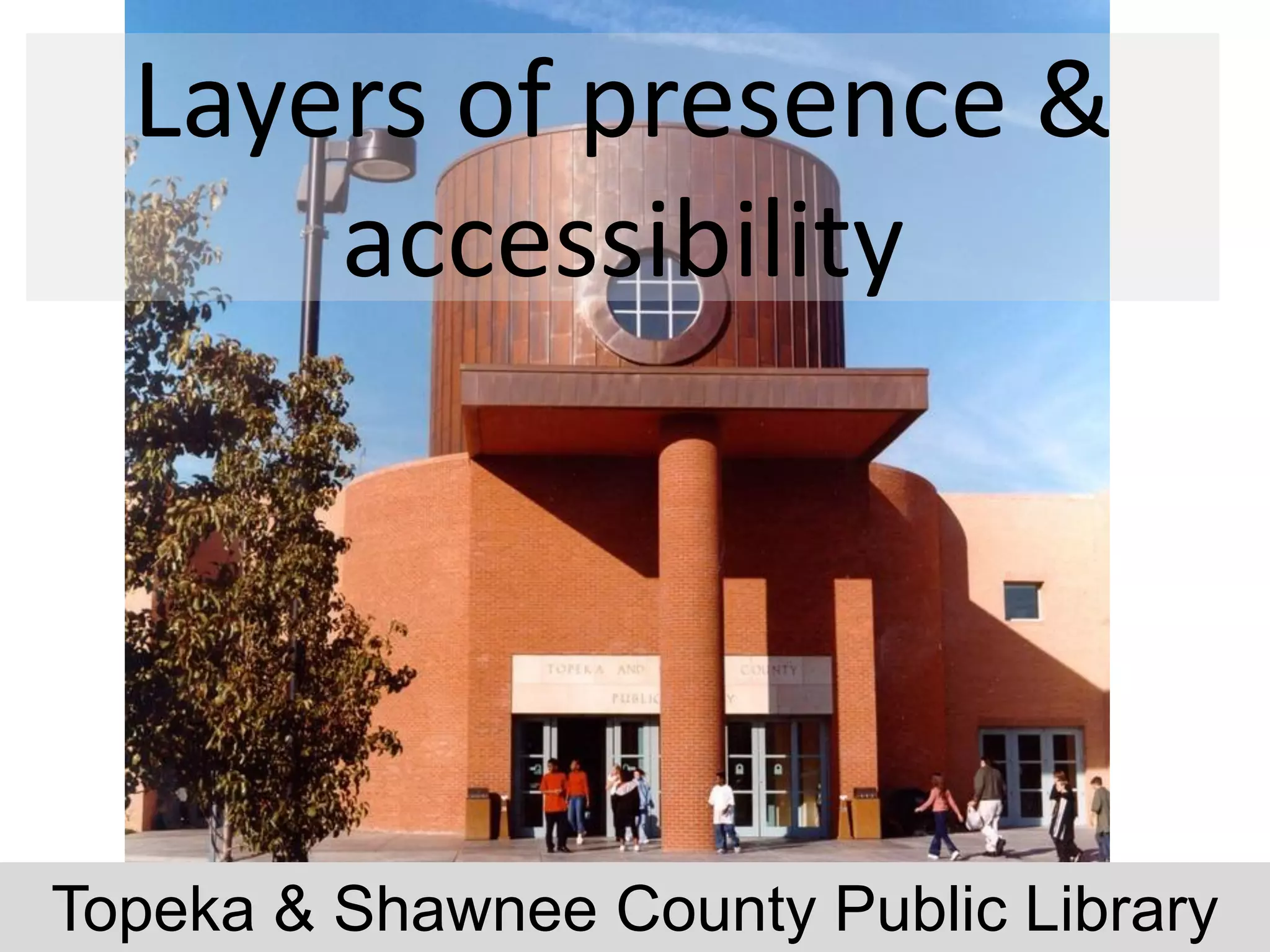
Layers of presence &
      accessibility


                   8
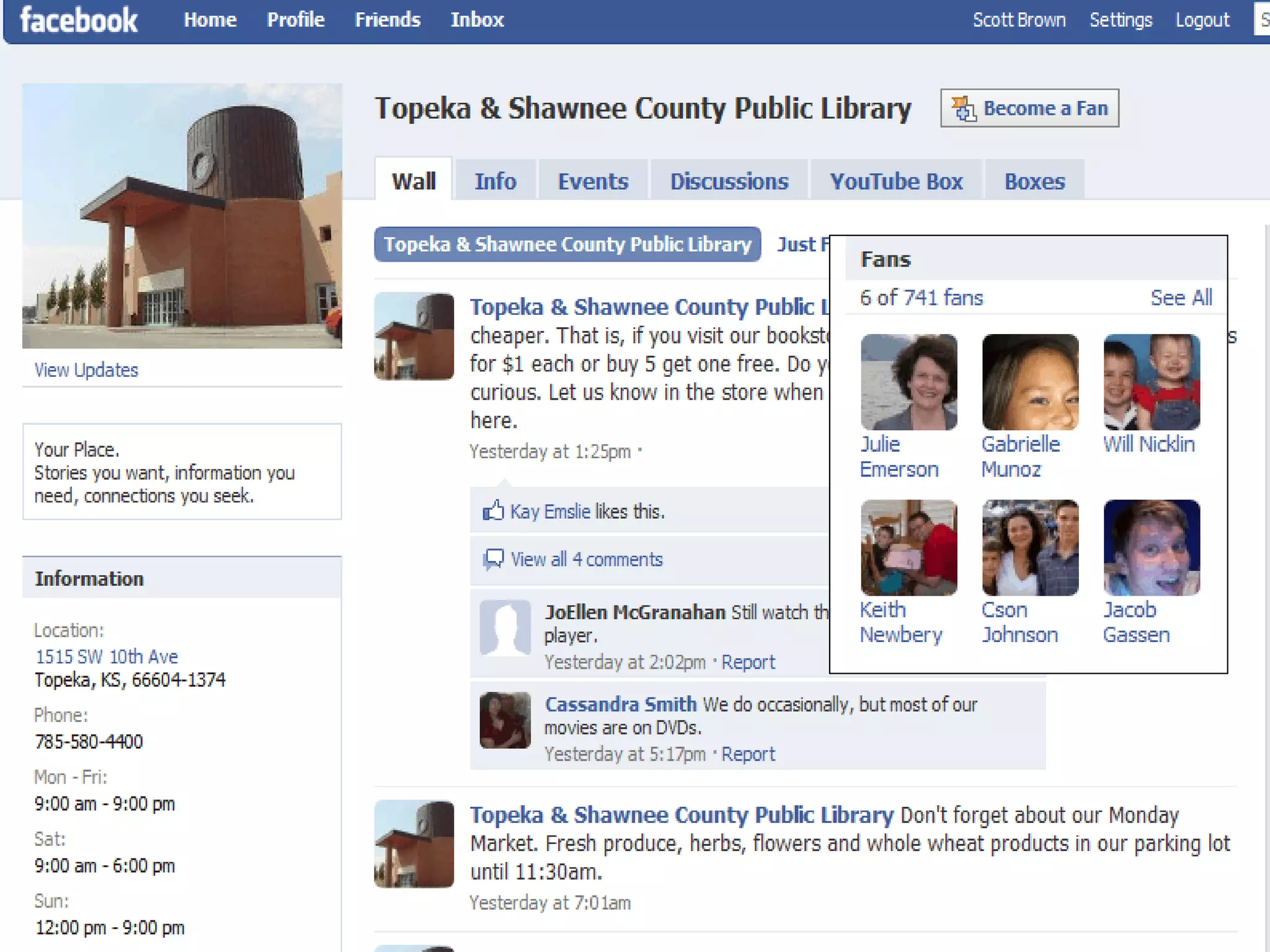
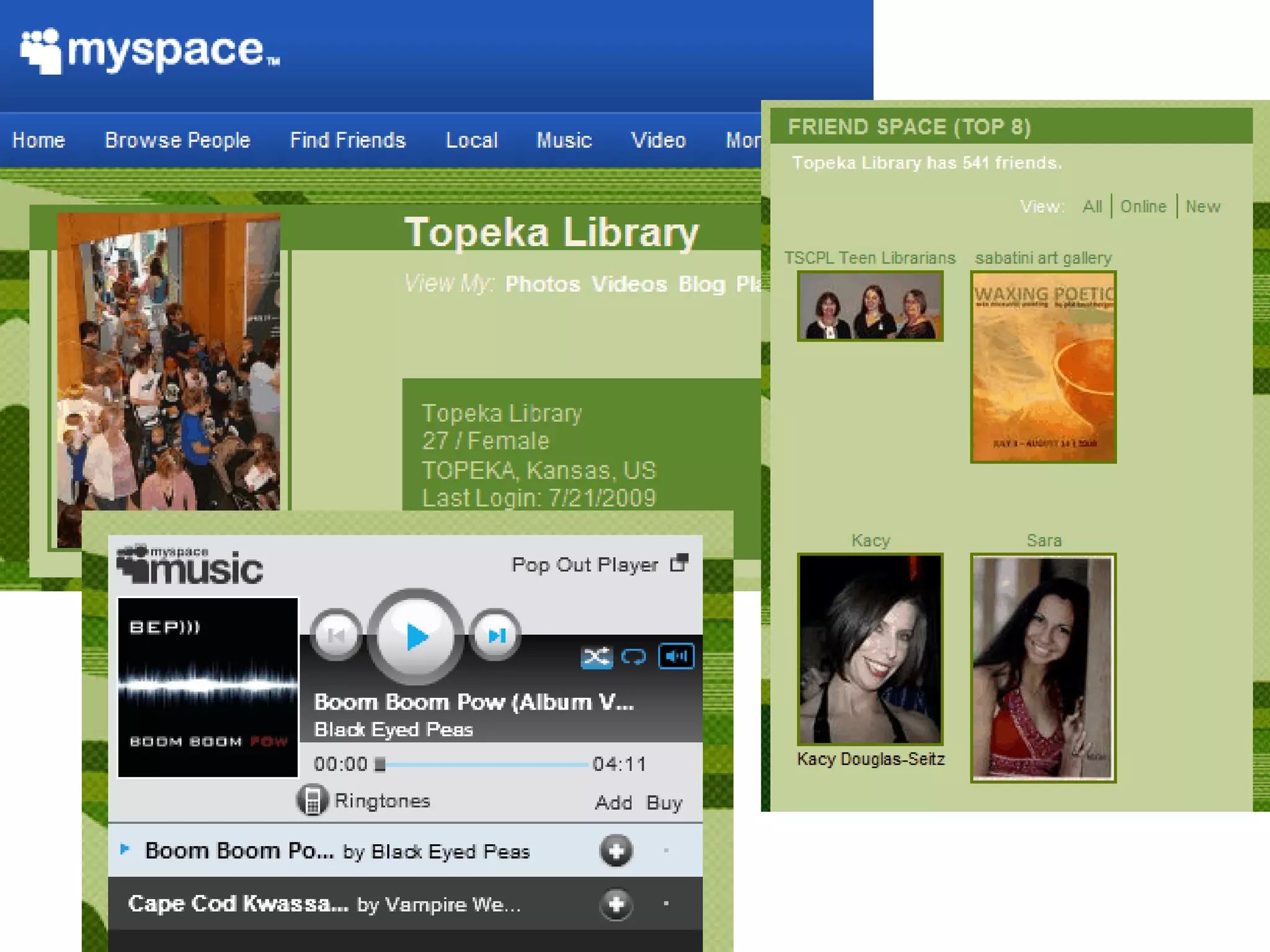
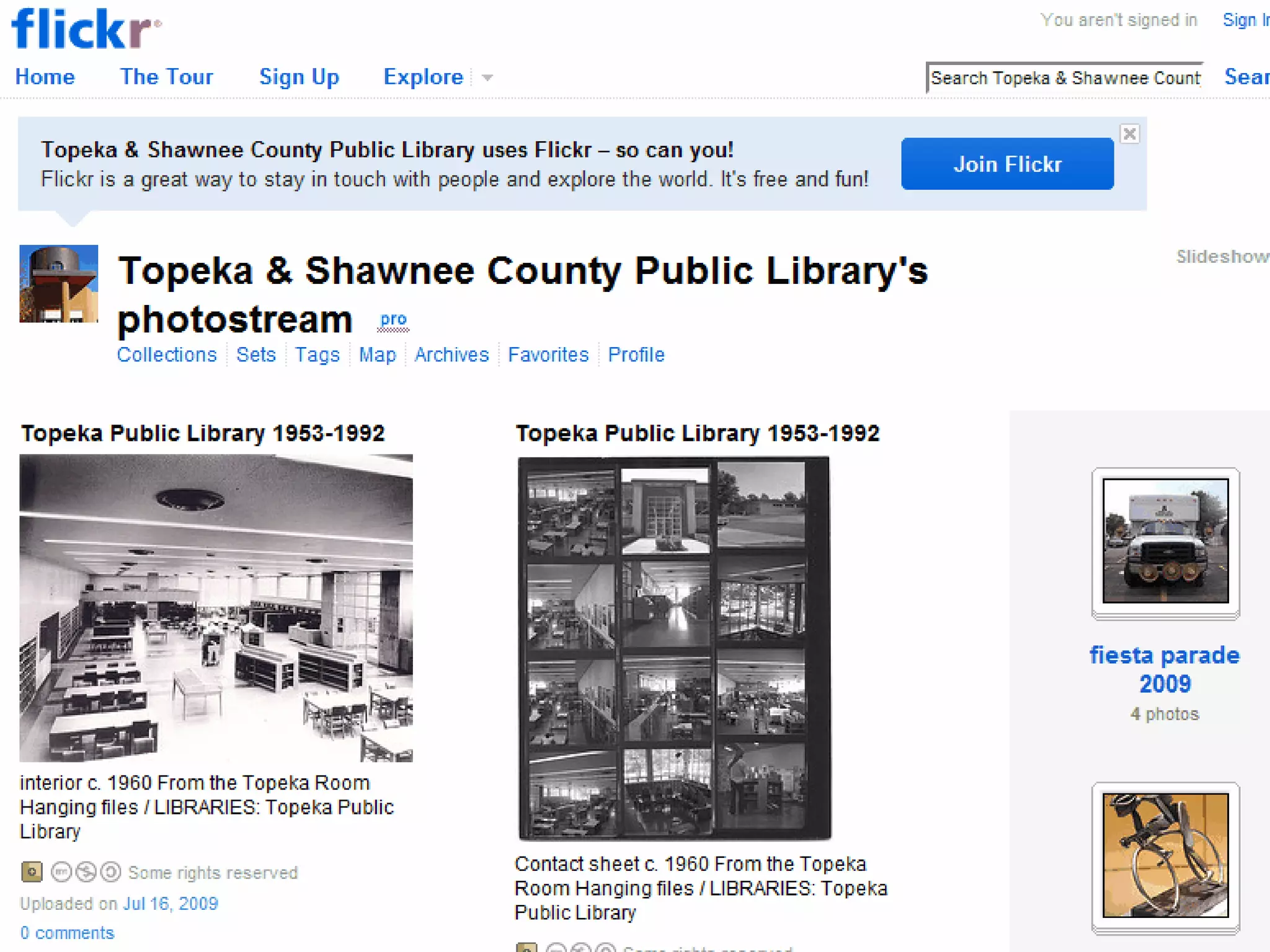
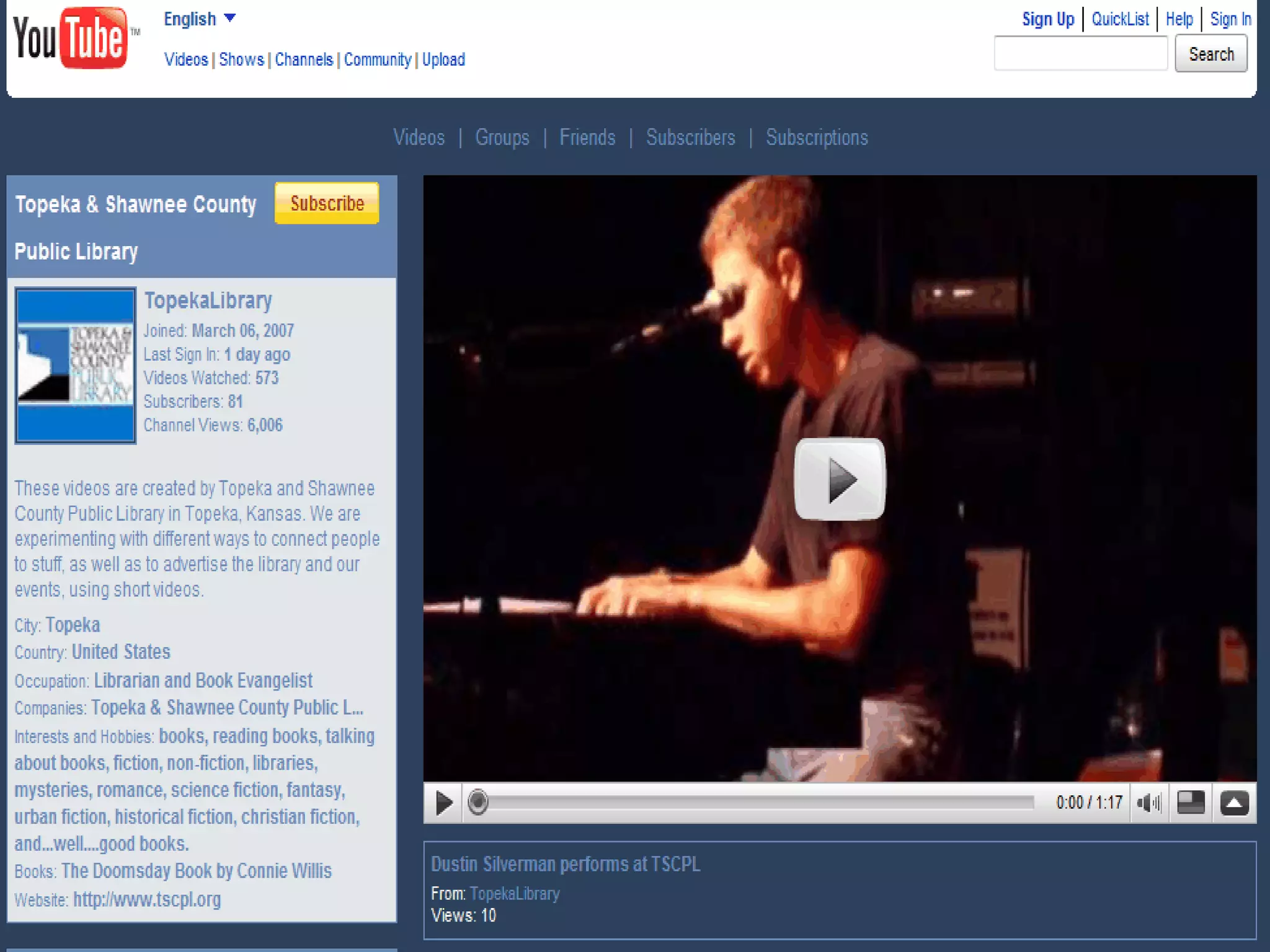
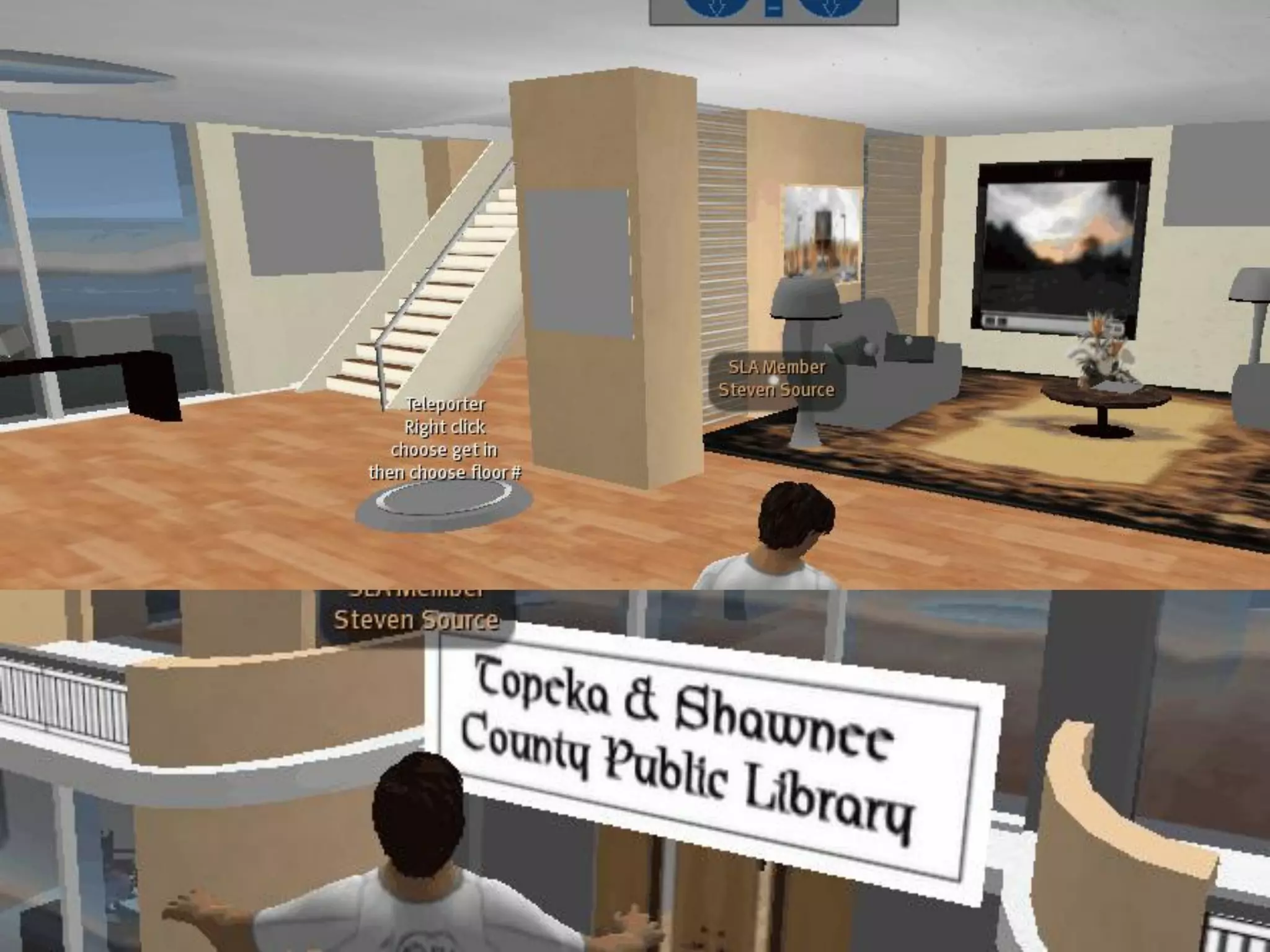
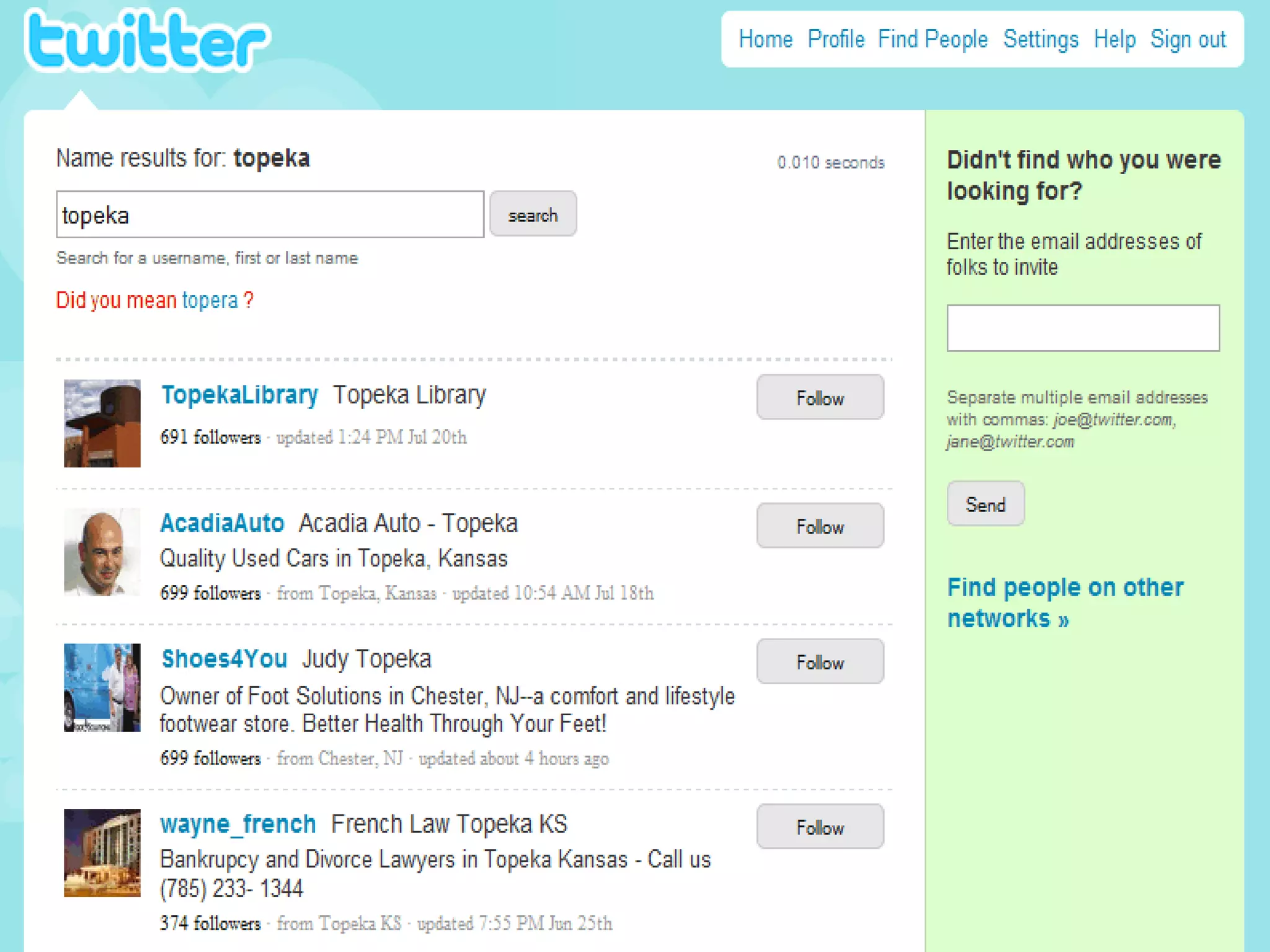
Topeka & Shawnee County Public Library
9
10
11
12
13
14
15
16
17
18
19
Book plug


     Author plug


     Event plug


20
What would you tweet?


          21
Considerations: Logical/technical
Technology and firewall issues
Privacy and confidentiality
Adoption and usage
Multiple tools
Making the time/wasting the time
Dedicating time and energy – following
 through
                     22
Considerations: Organization/personal
Creating or sharing a “personality”
Shift in thinking about your role
 Authority to moderator
 One to many to many to many
Loss of control
 Can you/your group/your
  organization handle that?
                   23
Opportunities with these tools
 These tools have changed how people interact
  and find information
 Multiple channels, multiple topics
 Do one thing, share in multiple places
  Blog
  “Tweet” about your blog entries
  Feed your Twitter streams into your blog
  Feed your blog entries into your Facebook profile
  Etc., etc. etc.
                           24
Good rules for sharing
Be brief
Make it useful
  Know your audience
Make it personal
Make it fresh
Relate it to your business and/or value

Adapted from Chris Brogan:
   http://www.chrisbrogan.com
                                 25
Which might be best for you?

Facebook – why?
Blogs – why?
Twitter – why?
Others – why?
               26
Suggestions
 Experiment and play around with these tools
  See what works for you
 Invite and involve others
  People who are already using these technologies
   expect to be invited
  They’re called “social” tools for a reason
 Leverage what others are doing
 Do one thing well first.
                            27
Suggestions
 Integrate into workflow
 Make it personal.
 Make it obvious!


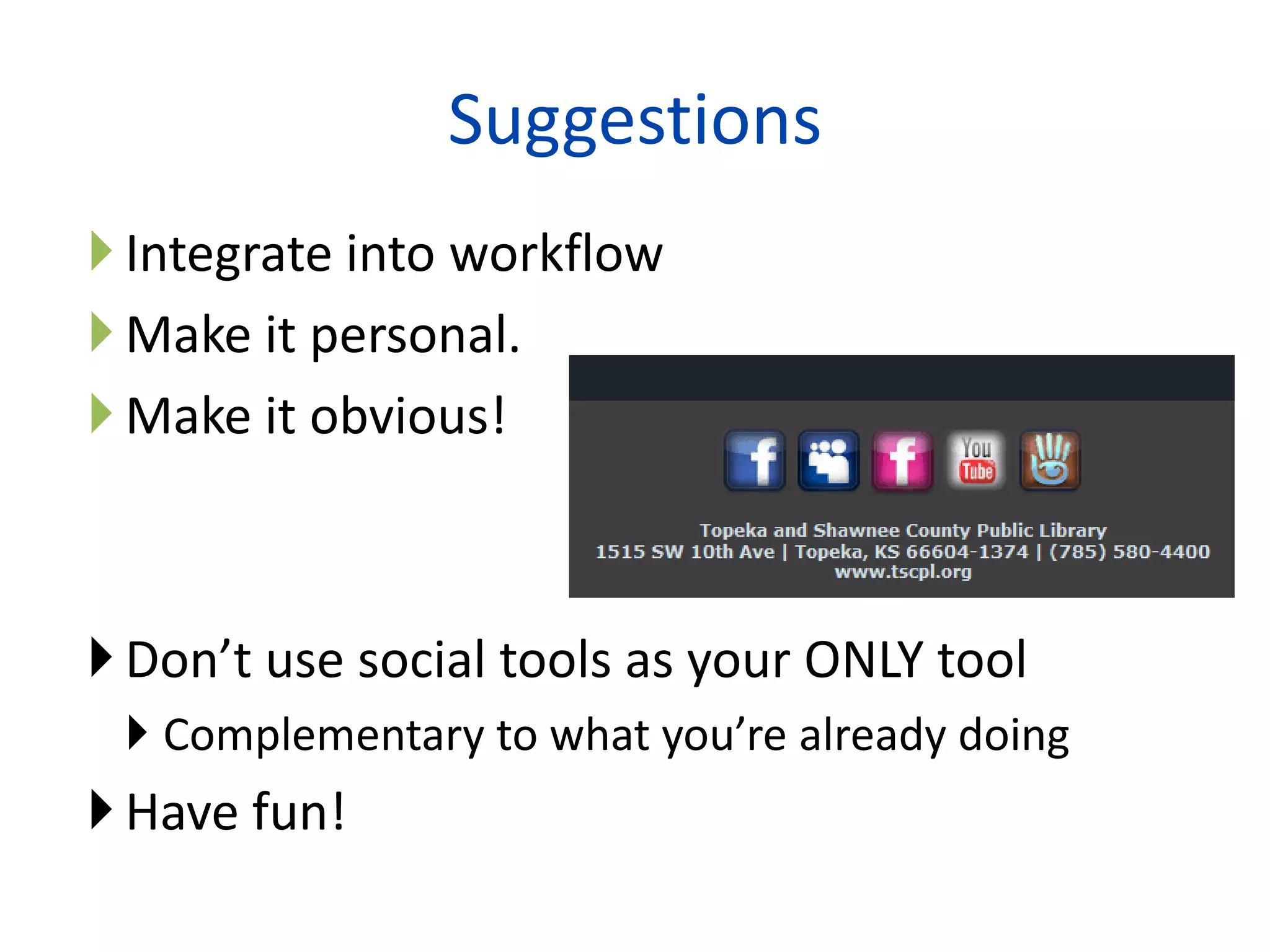
 Don’t use social tools as your ONLY tool
  Complementary to what you’re already doing
 Have fun!
                         28
Connect with me
 Scott Brown
    LinkedIn: linkedin.com/in/scottrbrown
    Twitter: twitter.com/scbrown5
    Blog: scottbrown.typepad.com
    Podcast: scottbrown.typepad.com/music_therapy
    Facebook: http://www.facebook.com/scott.r.brown
    Second Life: Steven Source
    Email: scott_r_brown@comcast.net


 Social Information Group
  URL: socialinformationgroup.com
  Twitter: twitter.com/socialinfo
  Email: scott@socialinformationgroup.com
                                 29
      29
Thank you!


      Library Buzz – July 30, 2009
Scott Brown – Social Information Group

   scott@socialinformationgroup.com
                    30
http://www.socialinformationgroup.com

Putting Social to Work: Real-Life Examples of Organizations and Info Pros Using Social Networking Tools

  • 1.
    Putting Social toWork: Real-Life Examples of Organizations and Info Pros Using Social Networking Tools Library Buzz – July 30, 2009 Scott Brown – Social Information Group 1 1
  • 2.
    Agenda Overview and someexamples Why social networking tools? Topeka and Shawnee County Public Library Considerations Q&A throughout! 2
  • 3.
  • 4.
    May 2009: Twittertrumps New York Times, Wall Street Journal Twitter surpassed The New York Times and The Wall Street Journal in unique visitors last month, due in part to the followers that celebrity tweeters such as Oprah Winfrey and Ashton Kutcher draw. SmartBrief, May 2009 4
  • 5.
    What do thesetools have in common? Connecting Sharing Participating 5
  • 6.
  • 7.
    What happens whenyou add information? Serendipity Community Loyalty 7
  • 8.
    Layers of presence& accessibility 8 Topeka & Shawnee County Public Library
  • 9.
  • 10.
  • 11.
  • 12.
  • 13.
  • 14.
  • 15.
  • 16.
  • 17.
  • 18.
  • 19.
  • 20.
    Book plug Author plug Event plug 20
  • 21.
    What would youtweet? 21
  • 22.
    Considerations: Logical/technical Technology andfirewall issues Privacy and confidentiality Adoption and usage Multiple tools Making the time/wasting the time Dedicating time and energy – following through 22
  • 23.
    Considerations: Organization/personal Creating orsharing a “personality” Shift in thinking about your role Authority to moderator One to many to many to many Loss of control Can you/your group/your organization handle that? 23
  • 24.
    Opportunities with thesetools  These tools have changed how people interact and find information  Multiple channels, multiple topics  Do one thing, share in multiple places  Blog  “Tweet” about your blog entries  Feed your Twitter streams into your blog  Feed your blog entries into your Facebook profile  Etc., etc. etc. 24
  • 25.
    Good rules forsharing Be brief Make it useful Know your audience Make it personal Make it fresh Relate it to your business and/or value Adapted from Chris Brogan:  http://www.chrisbrogan.com 25
  • 26.
    Which might bebest for you? Facebook – why? Blogs – why? Twitter – why? Others – why? 26
  • 27.
    Suggestions  Experiment andplay around with these tools  See what works for you  Invite and involve others  People who are already using these technologies expect to be invited  They’re called “social” tools for a reason  Leverage what others are doing  Do one thing well first. 27
  • 28.
    Suggestions  Integrate intoworkflow  Make it personal.  Make it obvious!  Don’t use social tools as your ONLY tool  Complementary to what you’re already doing  Have fun! 28
  • 29.
    Connect with me Scott Brown  LinkedIn: linkedin.com/in/scottrbrown  Twitter: twitter.com/scbrown5  Blog: scottbrown.typepad.com  Podcast: scottbrown.typepad.com/music_therapy  Facebook: http://www.facebook.com/scott.r.brown  Second Life: Steven Source  Email: scott_r_brown@comcast.net  Social Information Group  URL: socialinformationgroup.com  Twitter: twitter.com/socialinfo  Email: scott@socialinformationgroup.com 29 29
  • 30.
    Thank you! Library Buzz – July 30, 2009 Scott Brown – Social Information Group scott@socialinformationgroup.com 30 http://www.socialinformationgroup.com