Click here
    Using New Media and
Communications Technologies with
    Newcomers to Canada


               Chris to phe r Wulff, Social Planning
               Toronto
               Marc o Campana , Ontario Council of
               Agencies Serving Im igrants (OCASI)
                                  m
A Quick Overview

 Introduction
 Profile
 Strategies
 Tools
 Resources
Introduction

It’s about:
  •   Learning to work/listen online
  •   Having a strategy
  •   Choosing the right tools for you
  •   Managing your workflow
  •   Avoiding “Garbage Overload”
  •   Becoming a proficient information
      manager – find the right information for
      the right people at the right time
  •   Learning to share and collaborate – becoming an aggregator
Web 2.0

5 Pillars of the Modern Internet
      • Ease of Use
      • Trusted Networks
      • Everyone Can Publish
      • Act/Pass(ive)
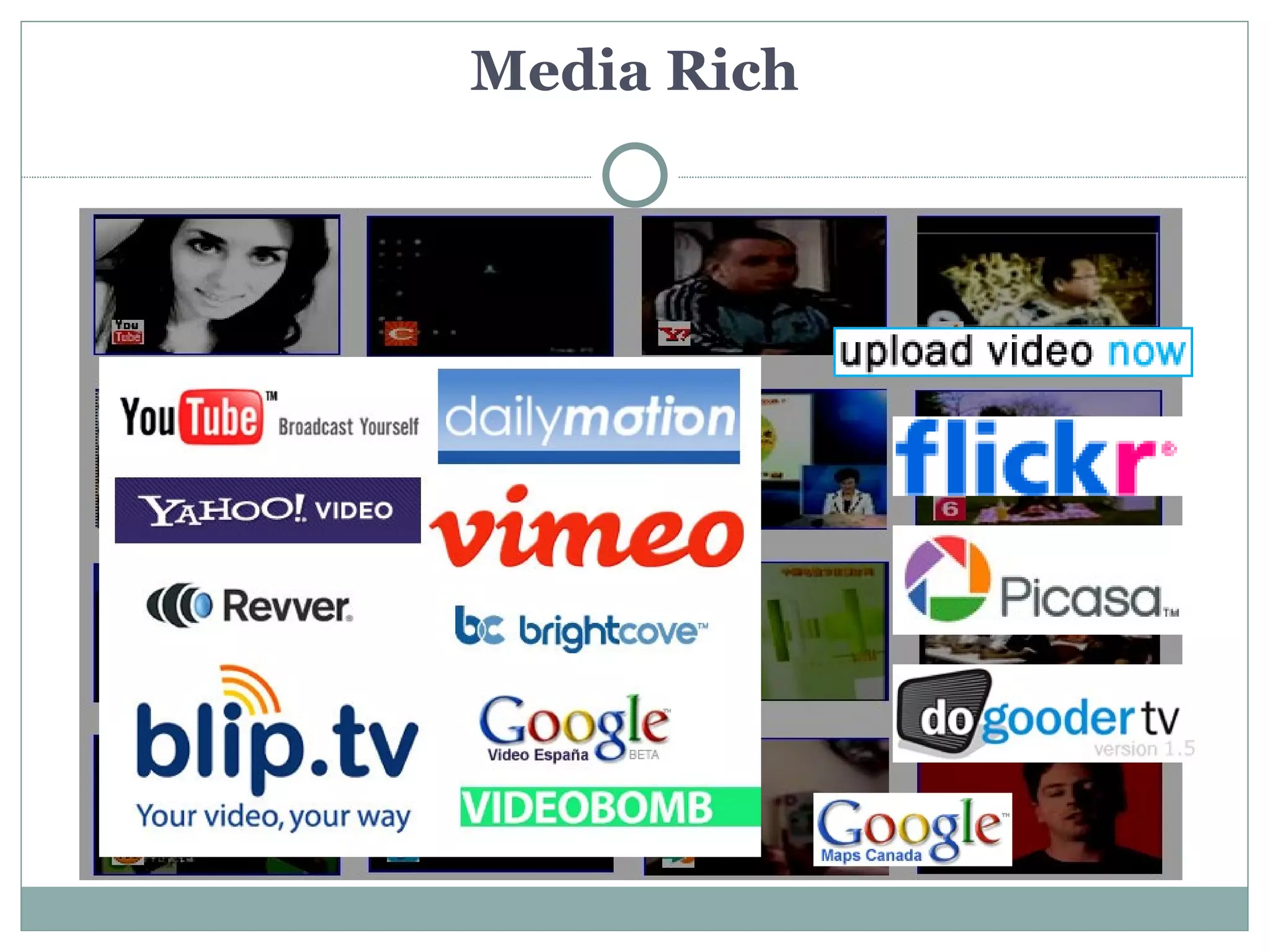
      • Media Rich
Newcomers Online – A Profile


Who’s Online and What do They Want From Me?
 Newcomers to Canada – 78%
 Youth and Young Adults - 96% (but 51 per cent of Canadians
  aged 60 and older are online users)
 Service Expectations
   Immediacy
   Peer Networks
   Consistency
   Accuracy
   Expertise
Newcomers Want Online Services!


Some examples:

 Some examples of newcomer websites
 Settlement.Org
 Loonlounge.com
 Canadiandesi.com
 A Canada Immigrant's Blog
 Skills for Change - online video
 Skills for Change - online courses
 OCASI - customized mapping
 OCASI - online courses
Newcomers Want Online Services!

     But, what do we give them?
       What’s the right service?
WE Want Online Services!


What if increased use of online tools could save us time, free
 us up to do more interesting work, get us the information
 we needed to do our jobs more efficiently, effectively?
Strategies


 Core - listen, fail informatively, and evolve
 Daily Routine – process, discipline -
  challenging
 Sharing – collaborating, informing,
  developing expertise
 Responding – are you listening
  strategically?
Strategies
                     Getting your organization ready to listen


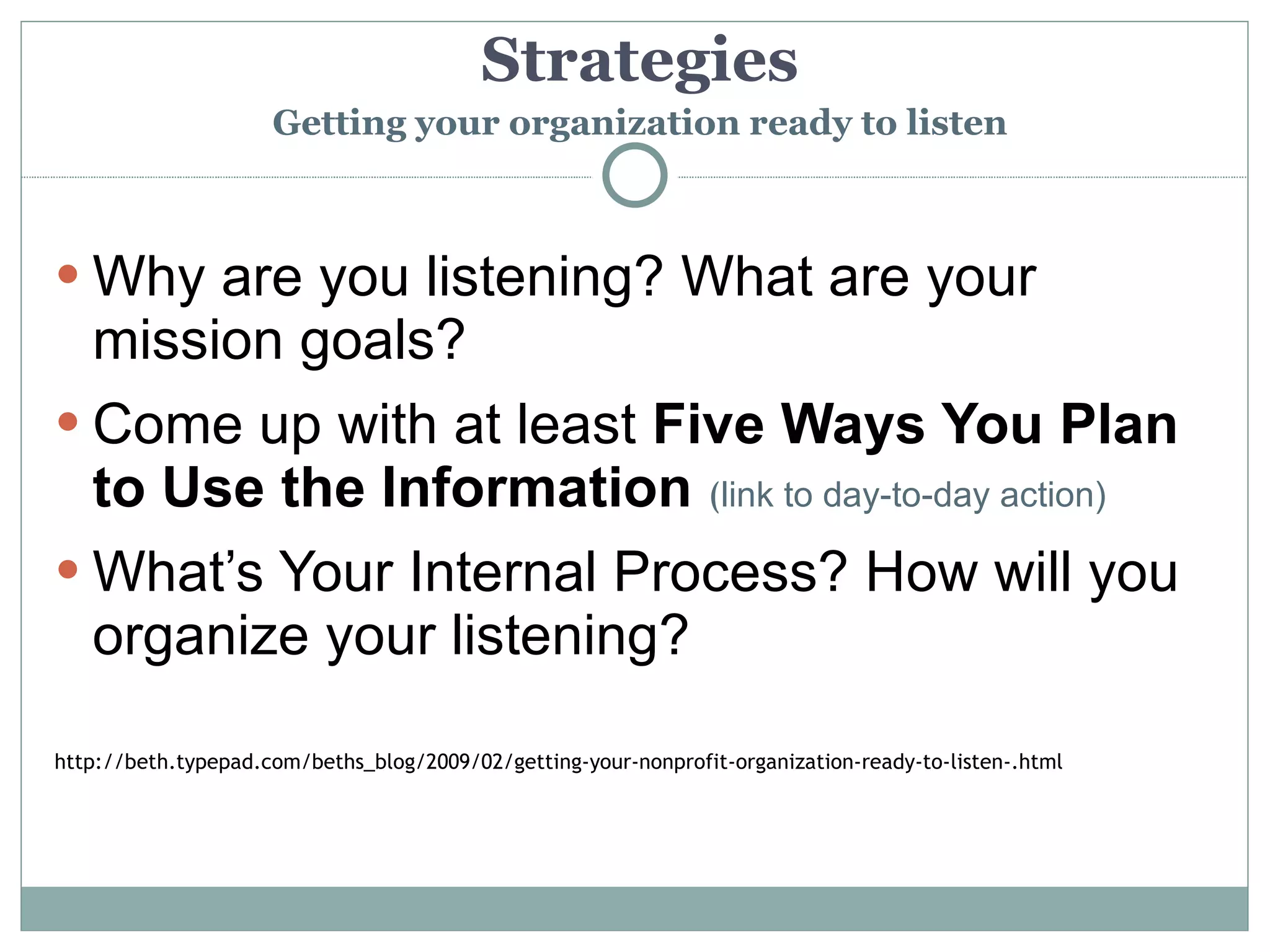
 Why are you listening? What are your
  mission goals?
 Come up with at least Five Ways You Plan
  to Use the Information (link to day-to-day action)
 What’s Your Internal Process? How will you
  organize your listening?

http://beth.typepad.com/beths_blog/2009/02/getting-your-nonprofit-organization-ready-to-listen-.html
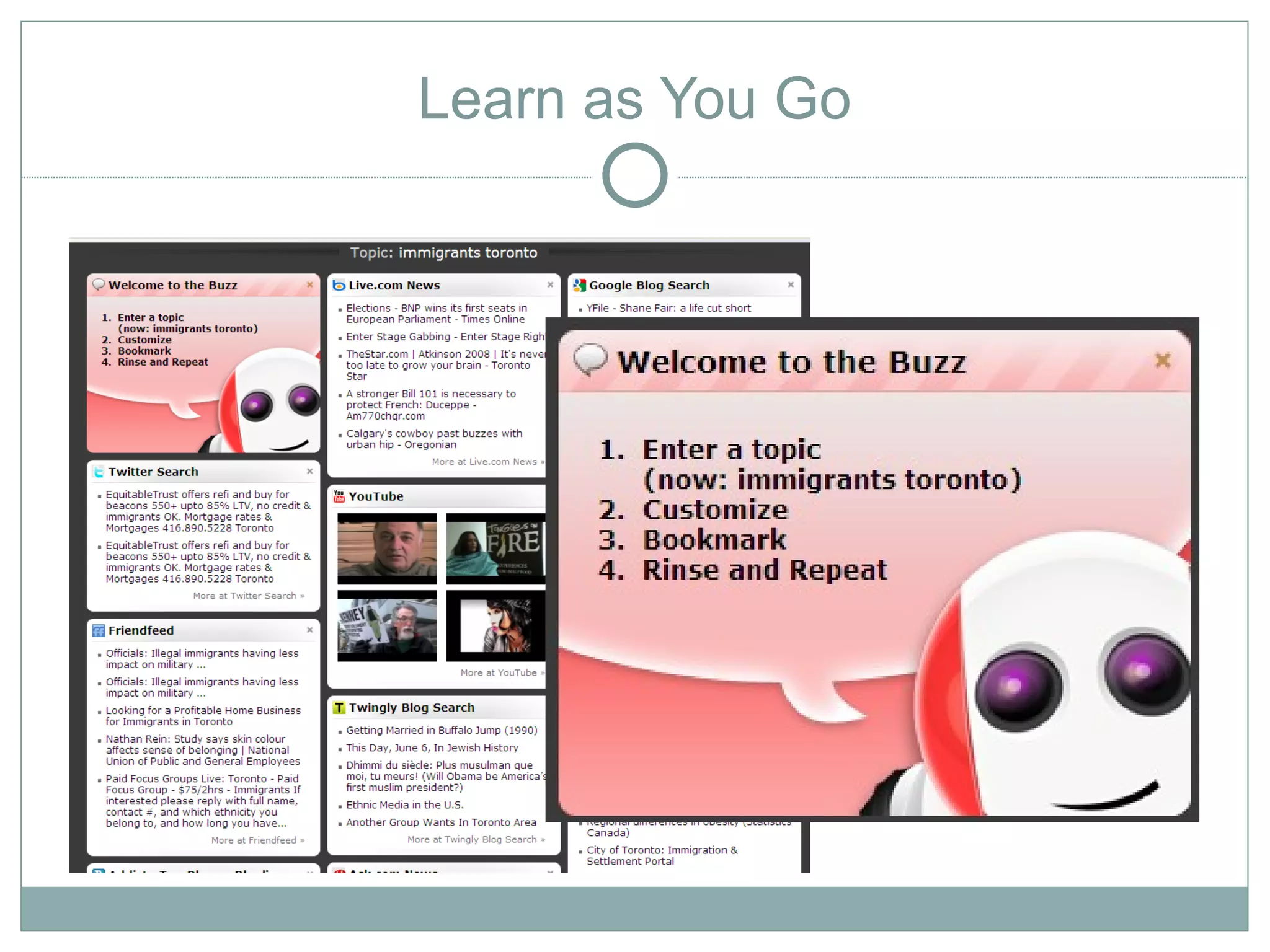
Learn as You Go
Tools
Tools
Tools
Tools
Tools

Let’s review a few:
 Email (Yes! Email)/e-Newsletters/Watchthatpage/RSS to
    email
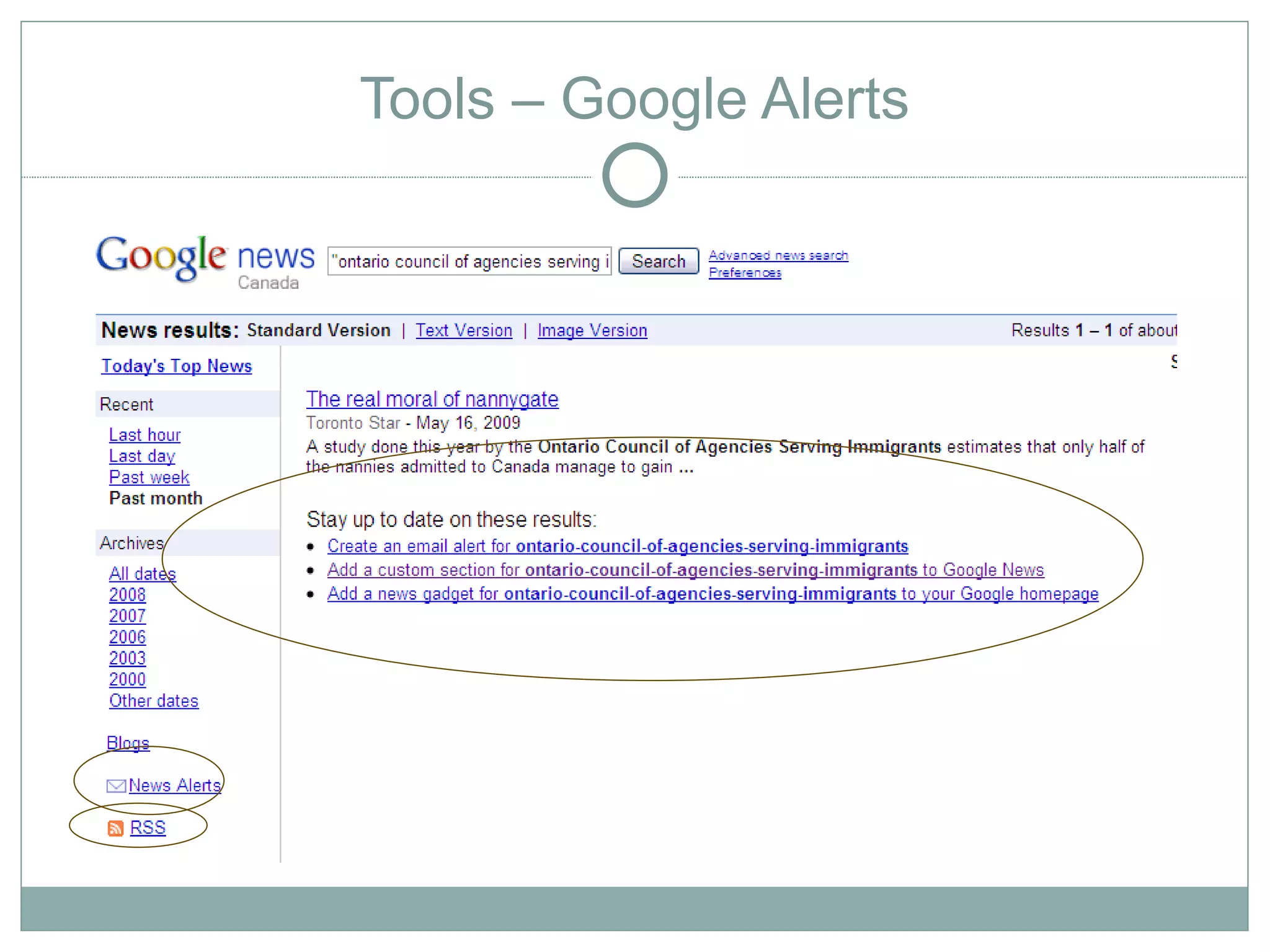
   Google Alerts
   RSS and Twitter
   Social Networks/Online Communities (Facebook, LinkedIn,
    Ning, etc.)
   Social Bookmarking - Delicious, Diigo
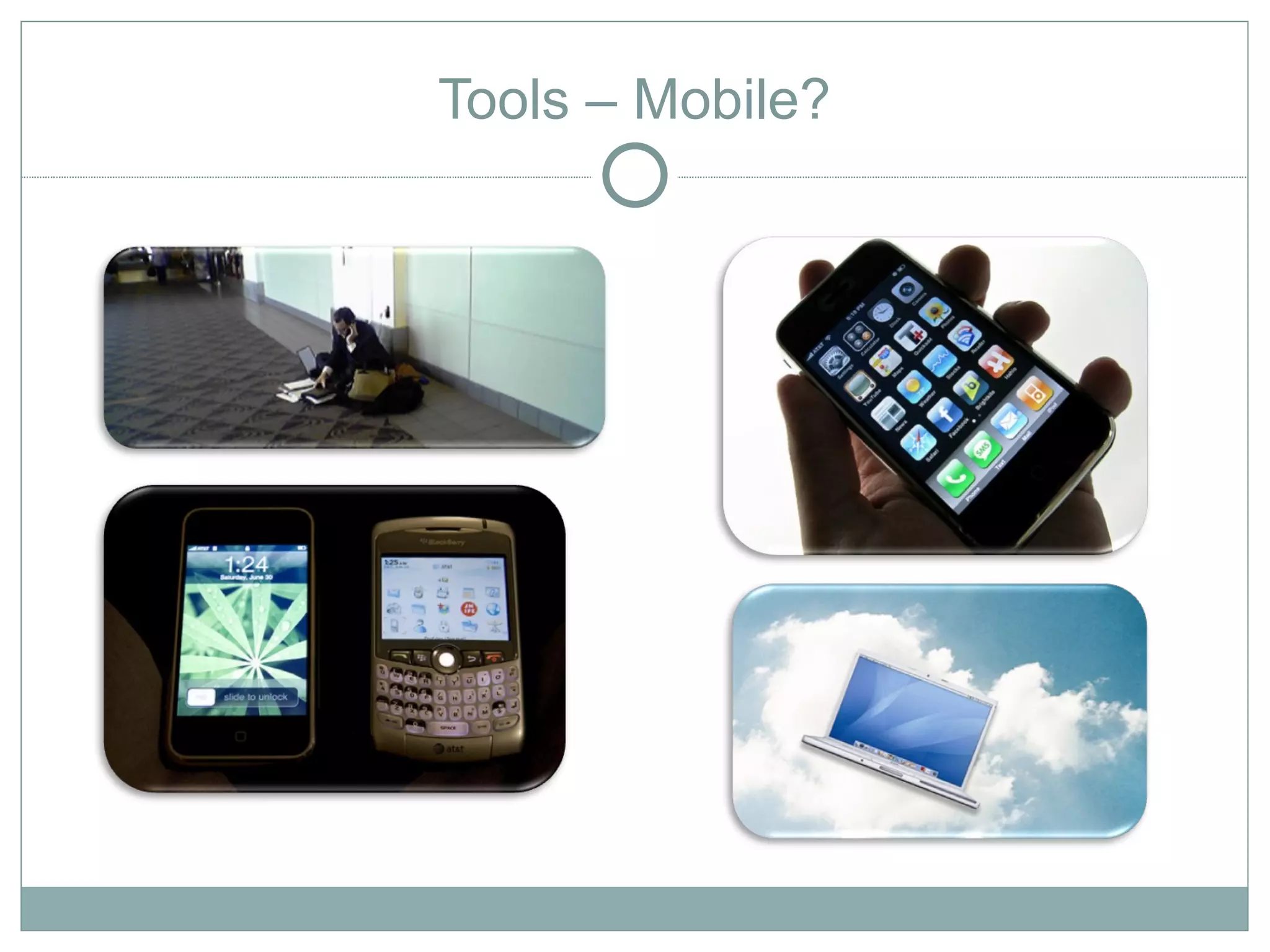
   Mobile?
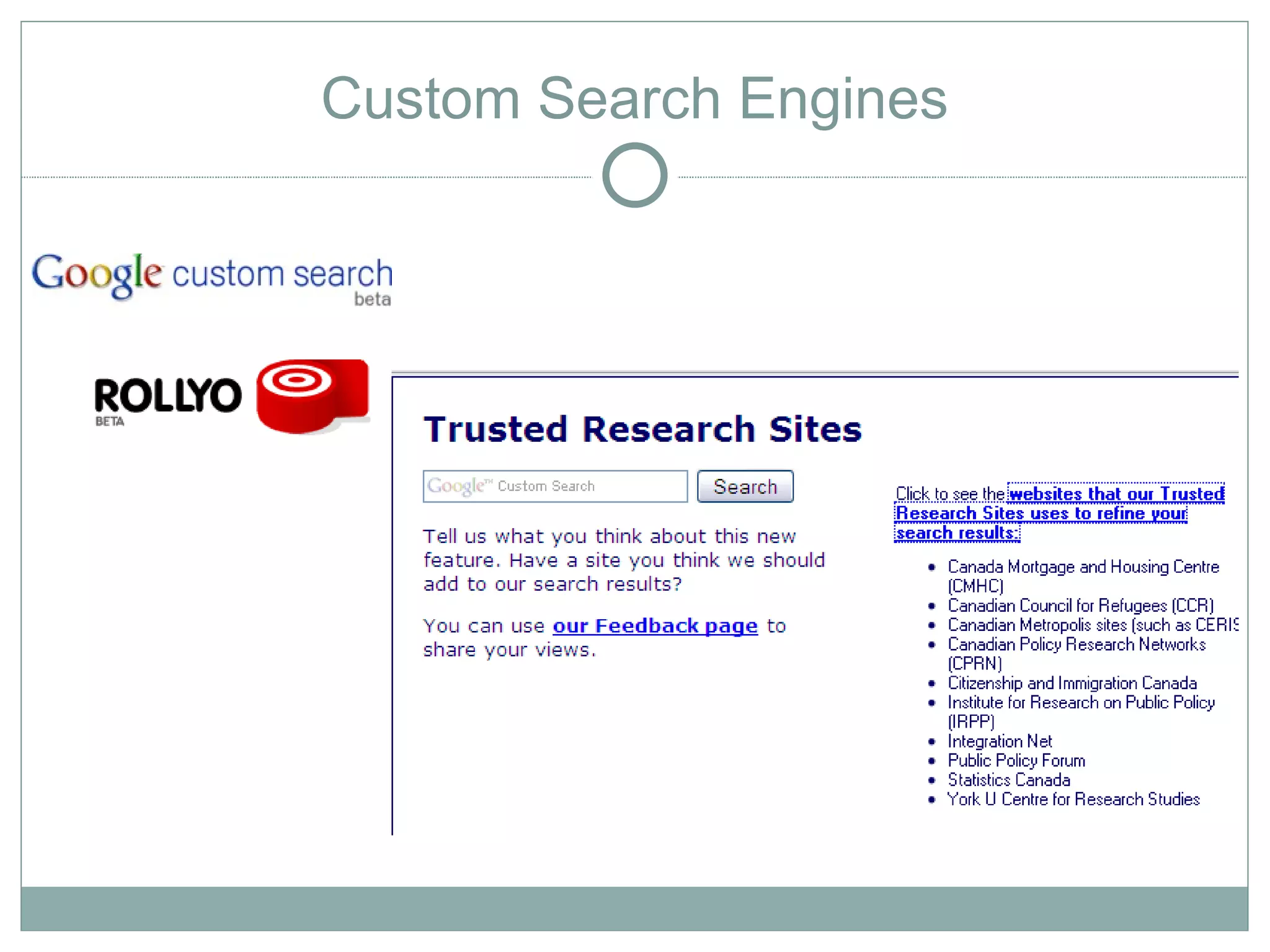
   Google CSE
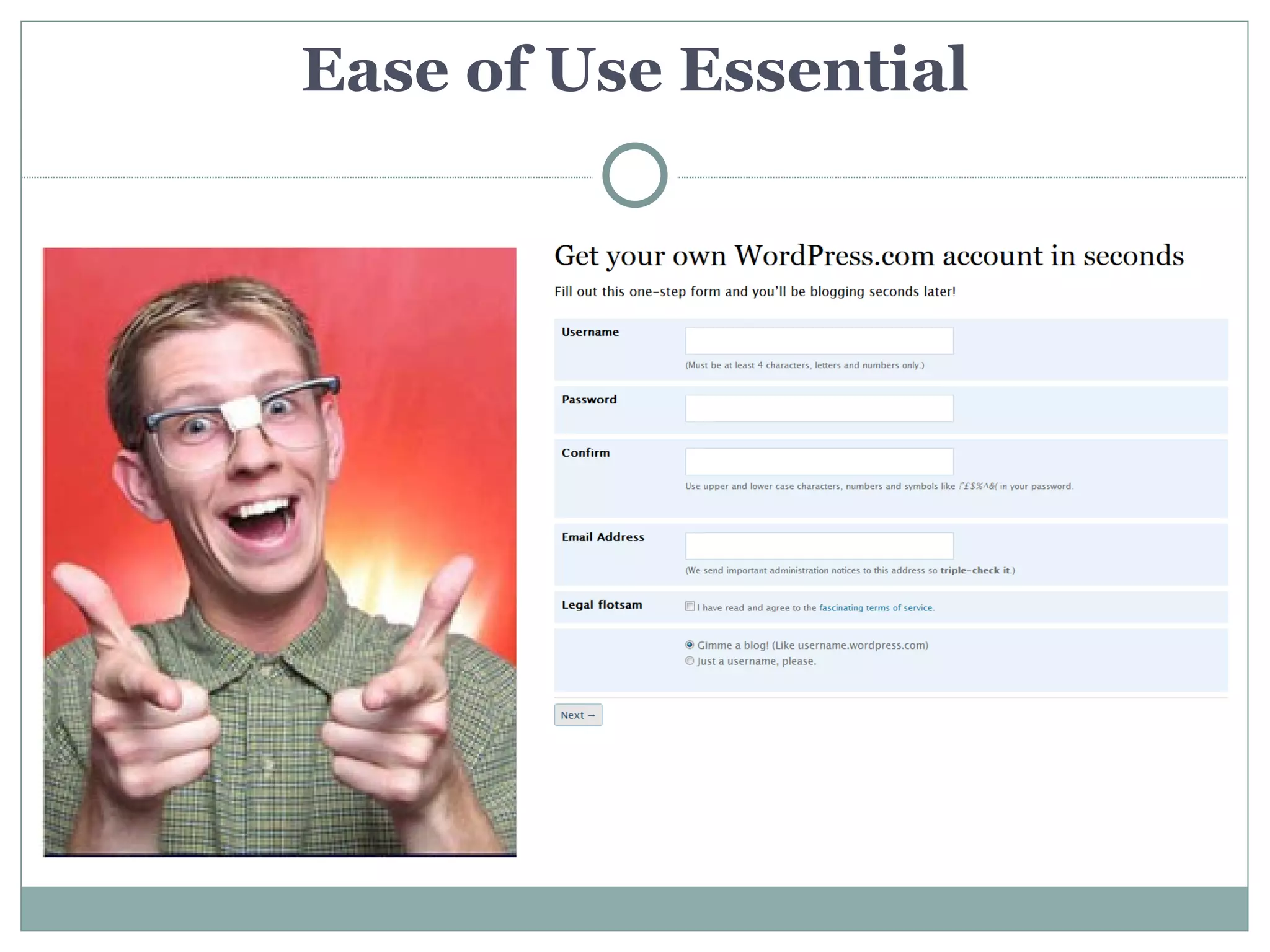
Ease of Use Essential
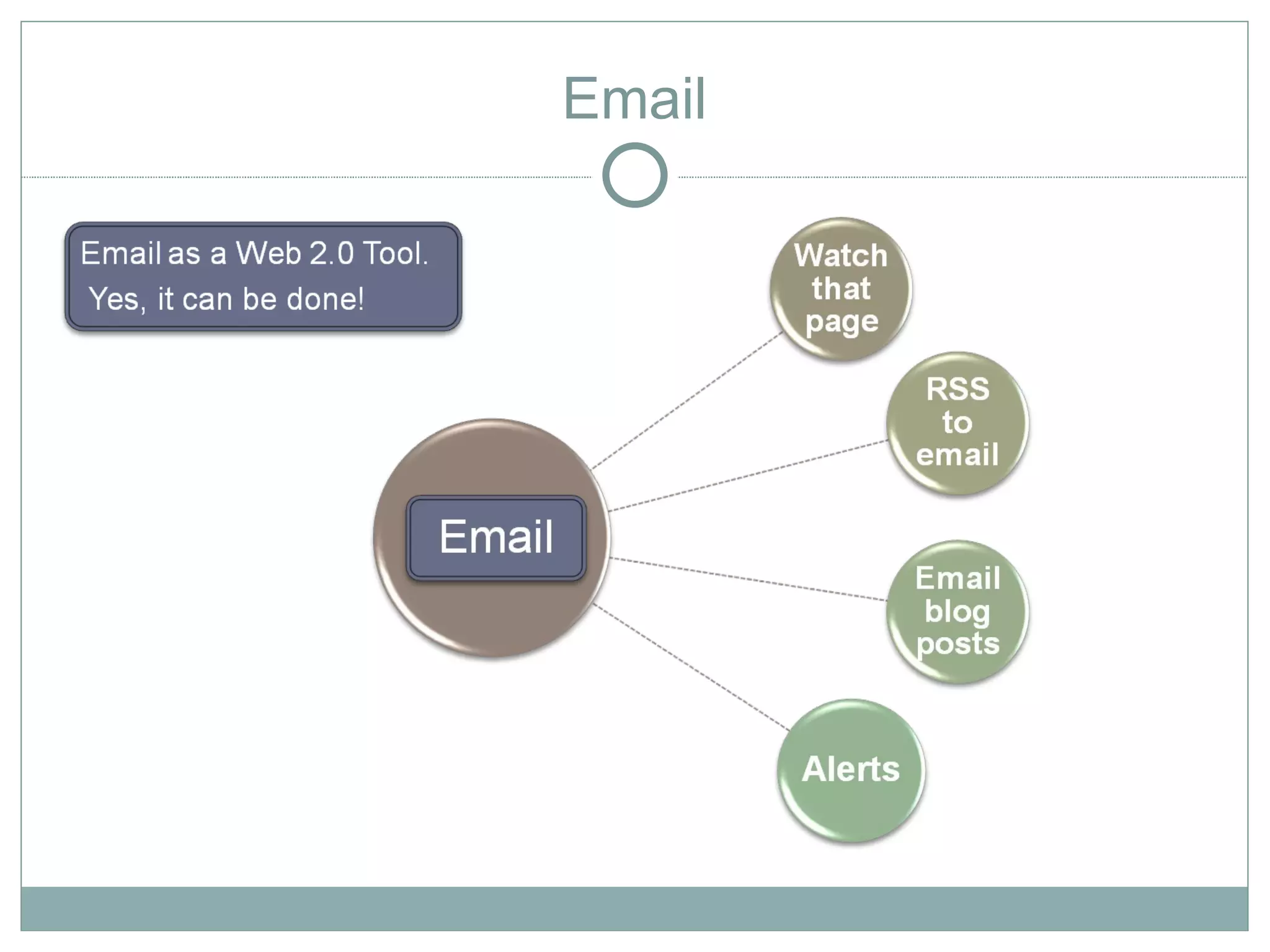
Tools - Email as Web 2.0?
                            Email
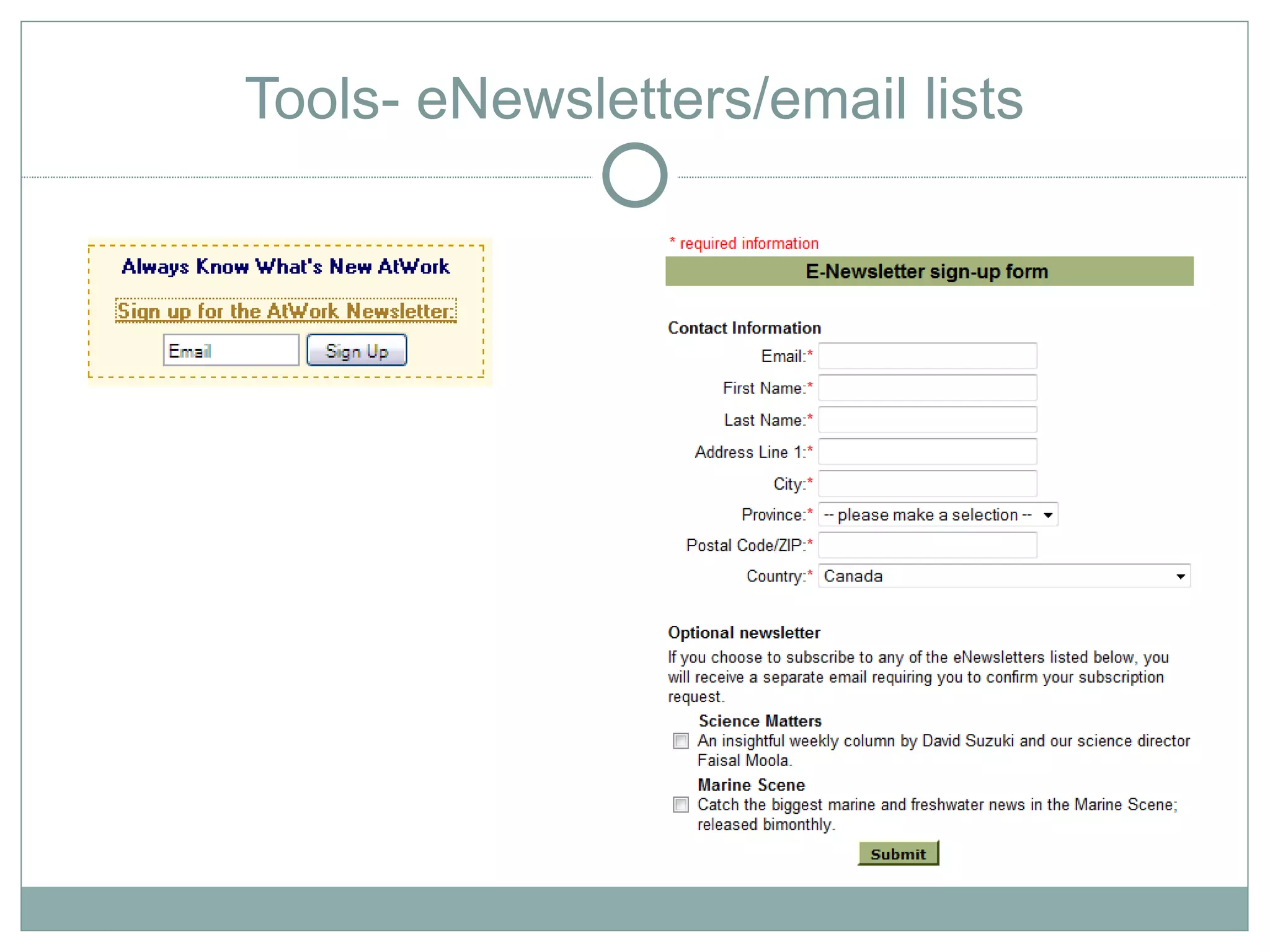
Tools- eNewsletters/email lists
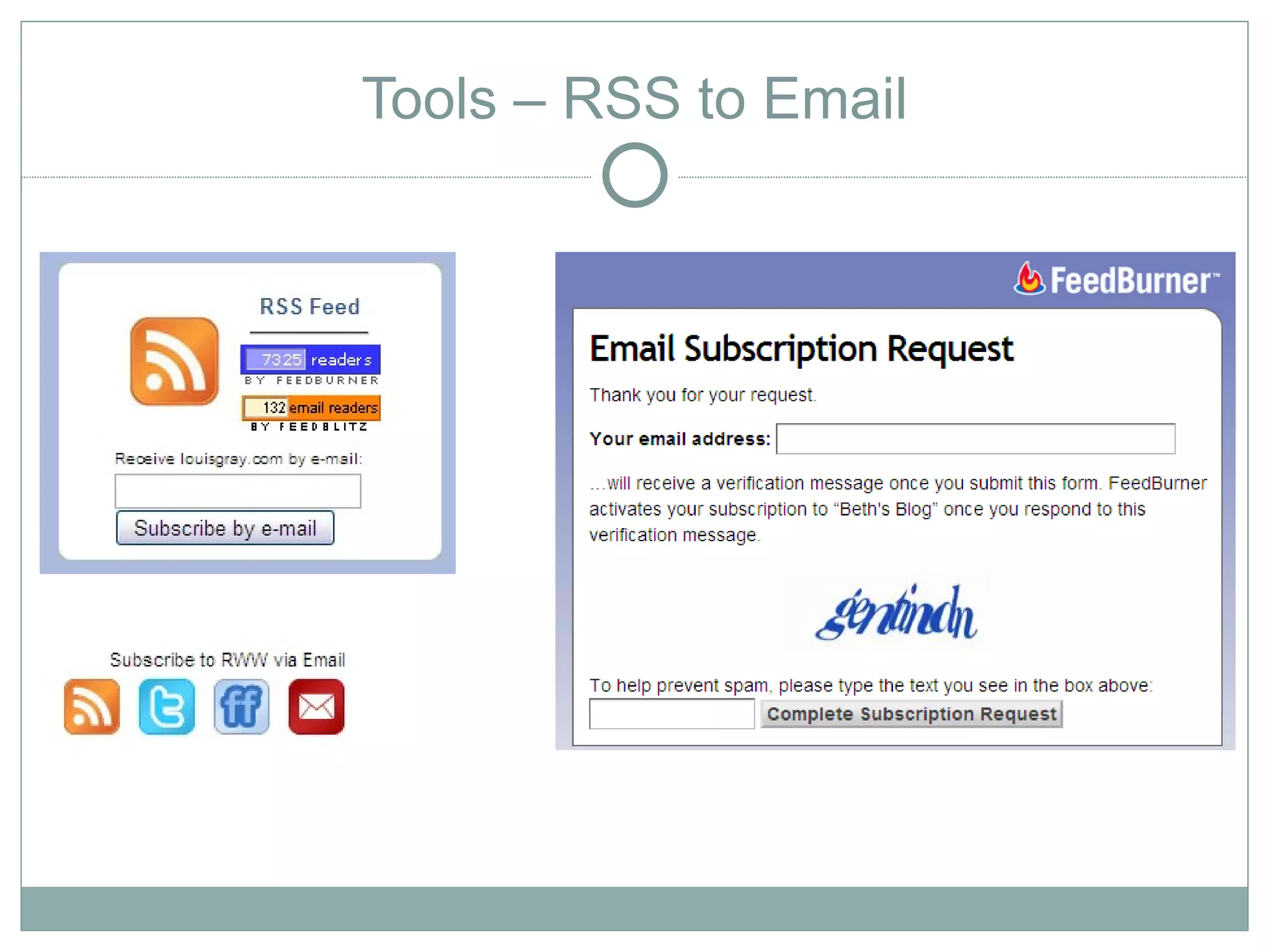
Tools – RSS to Email
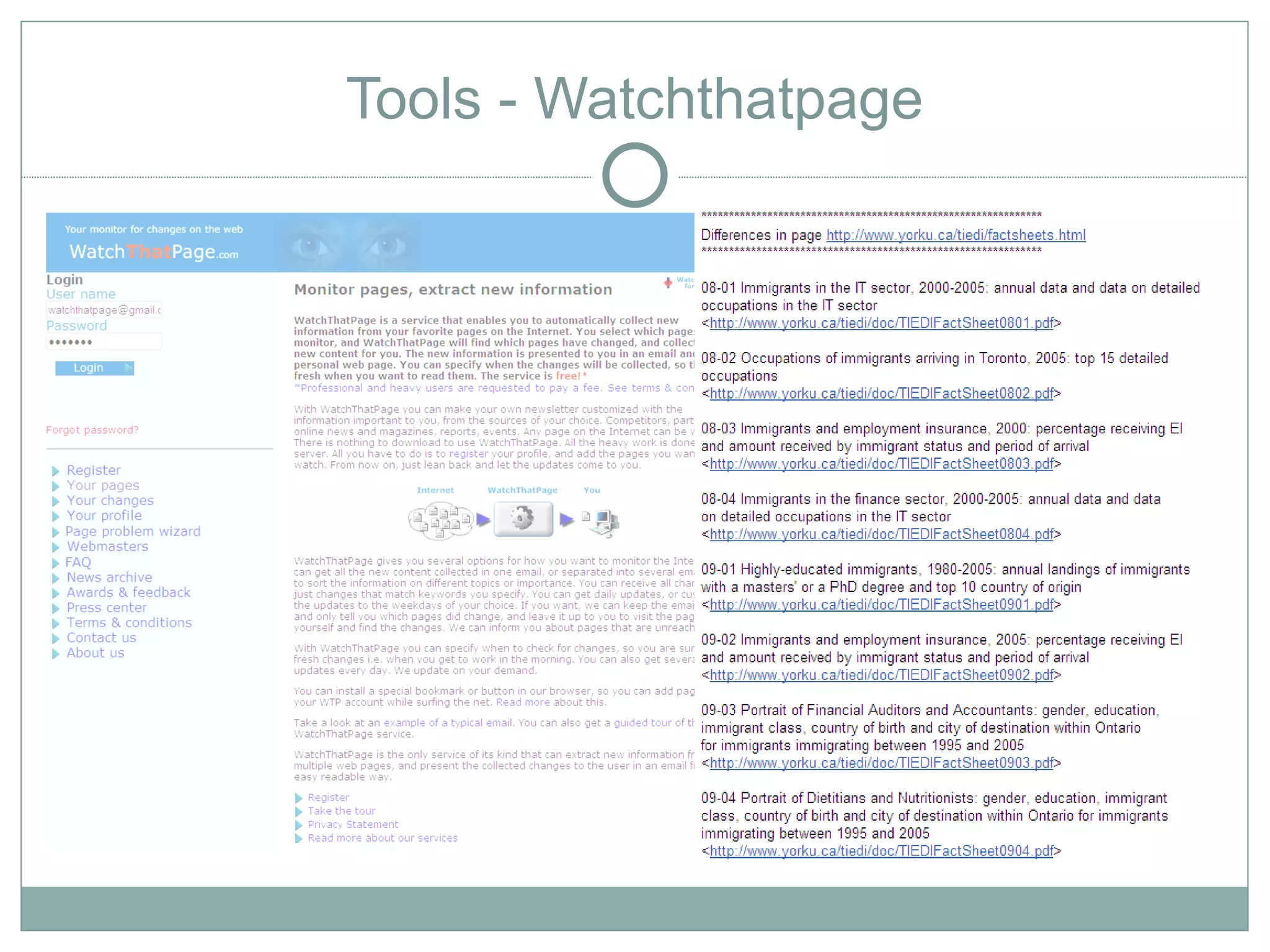
Tools - Watchthatpage
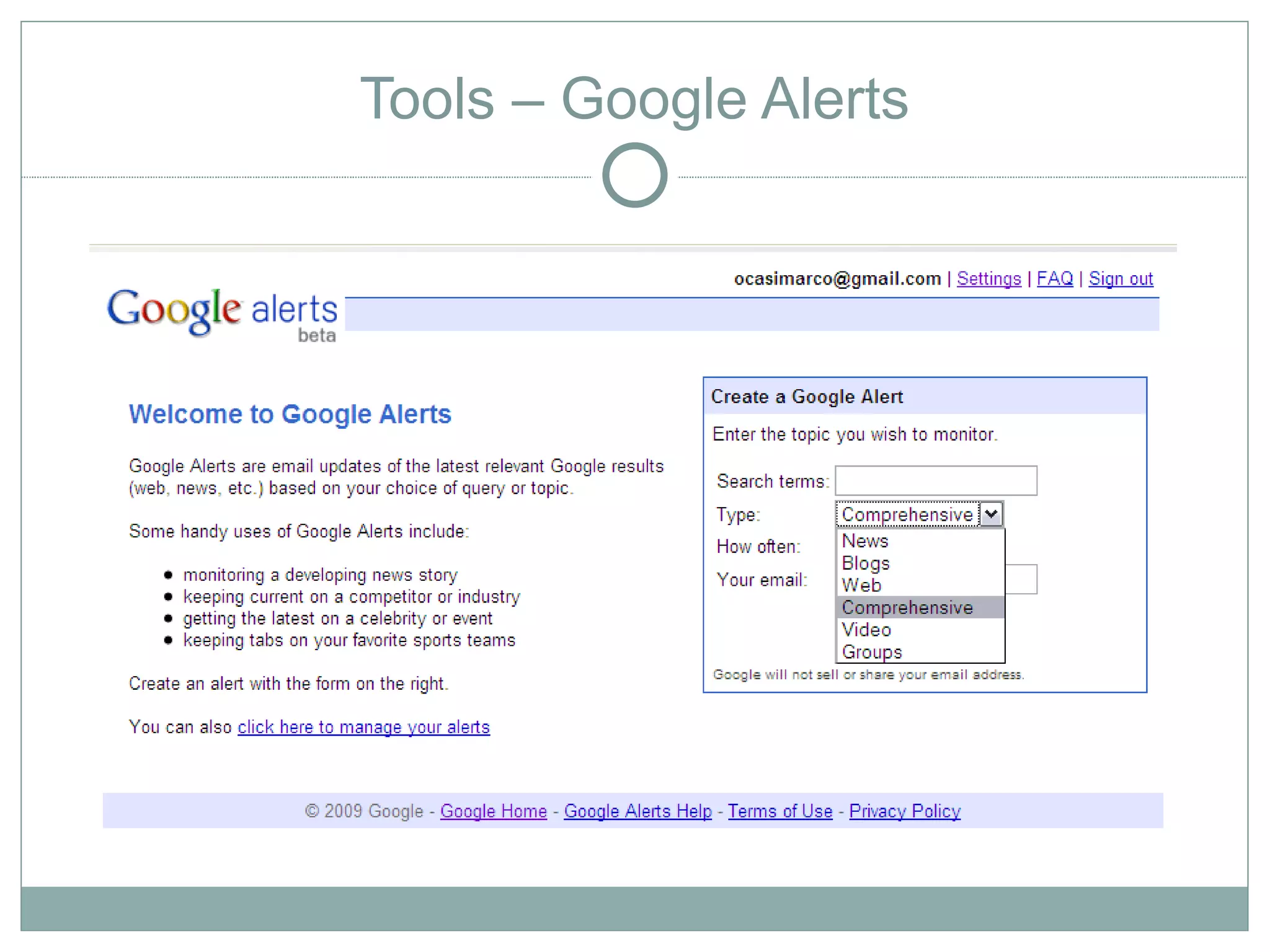
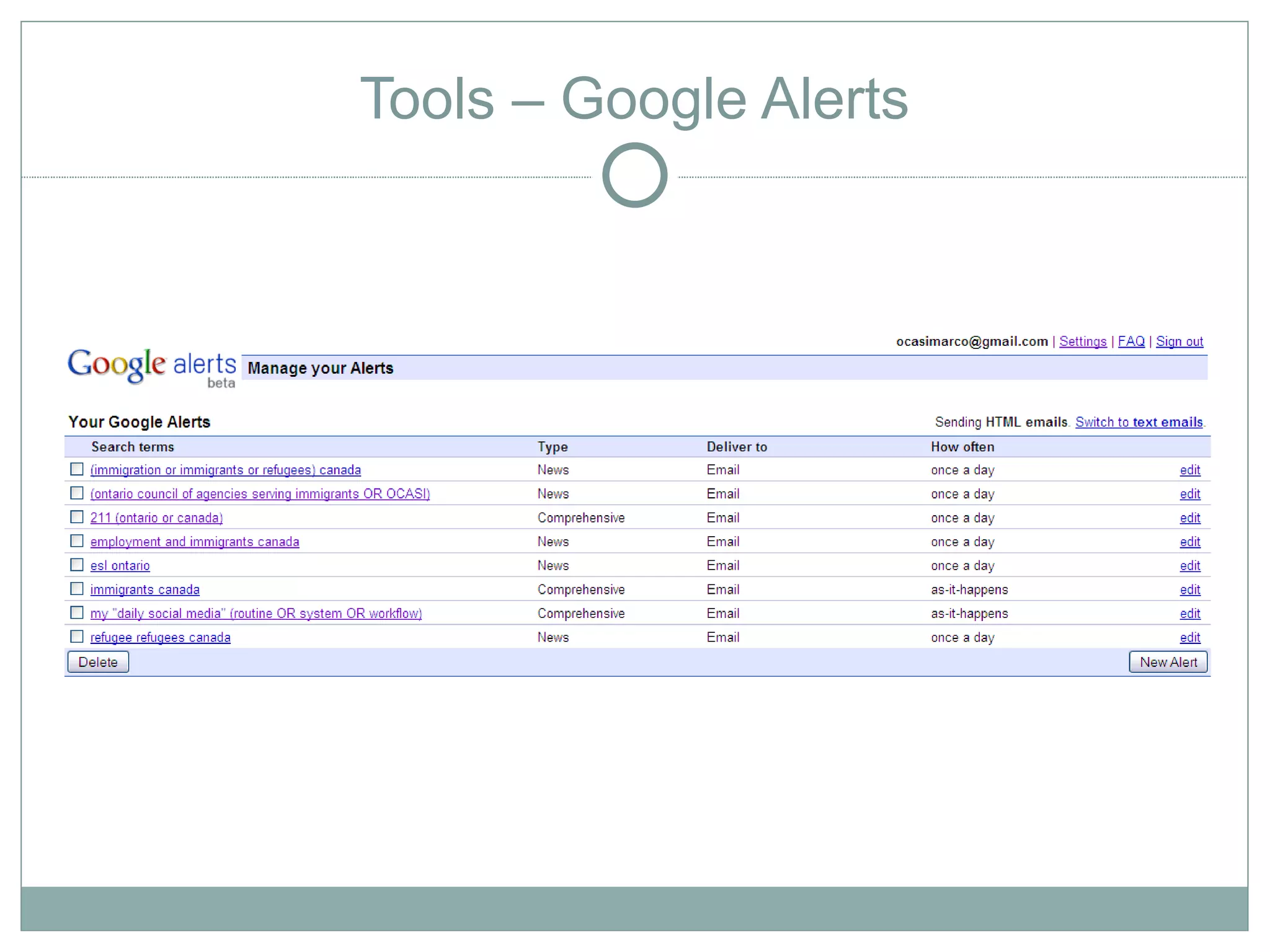
Tools – Google Alerts
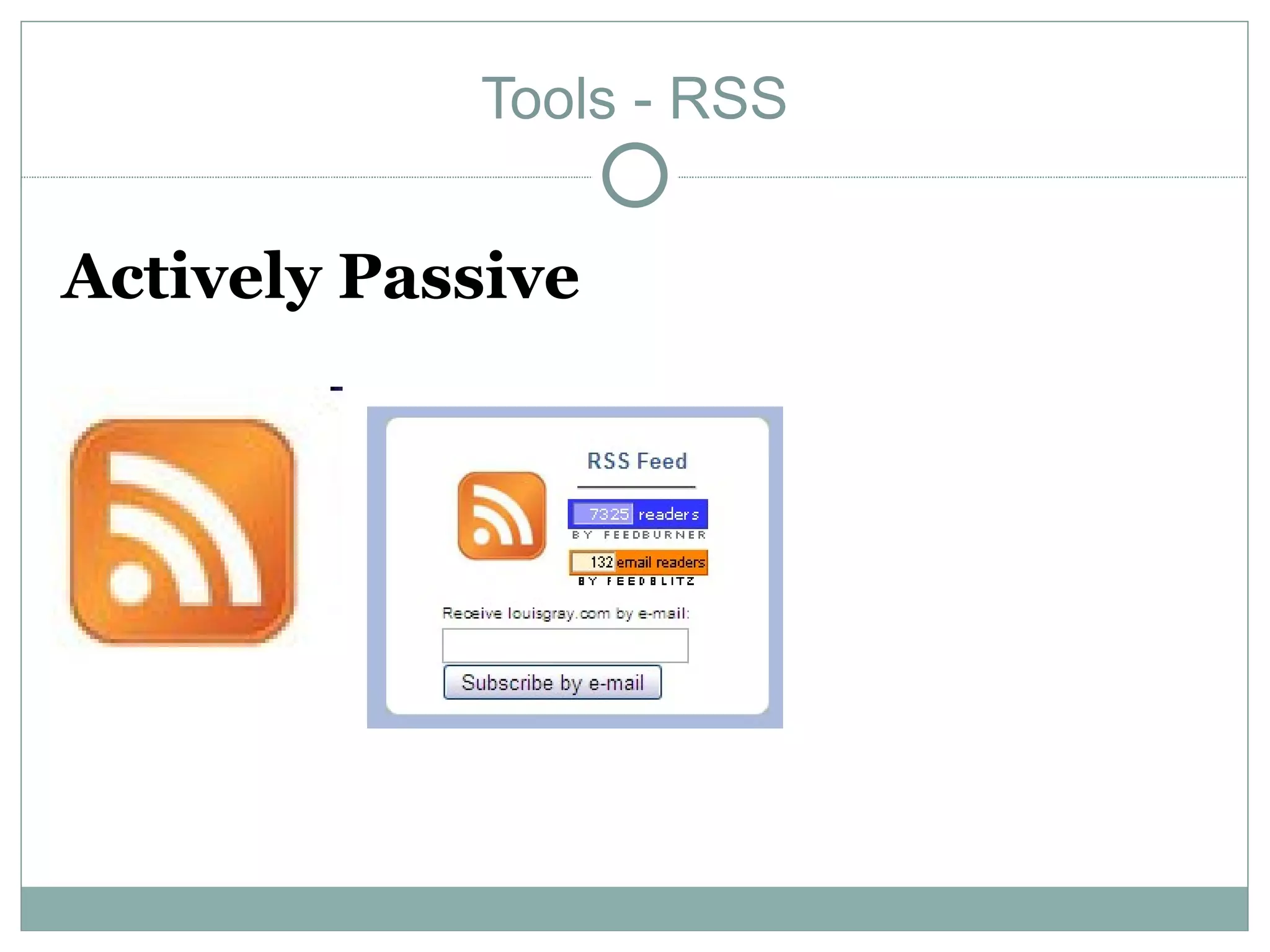
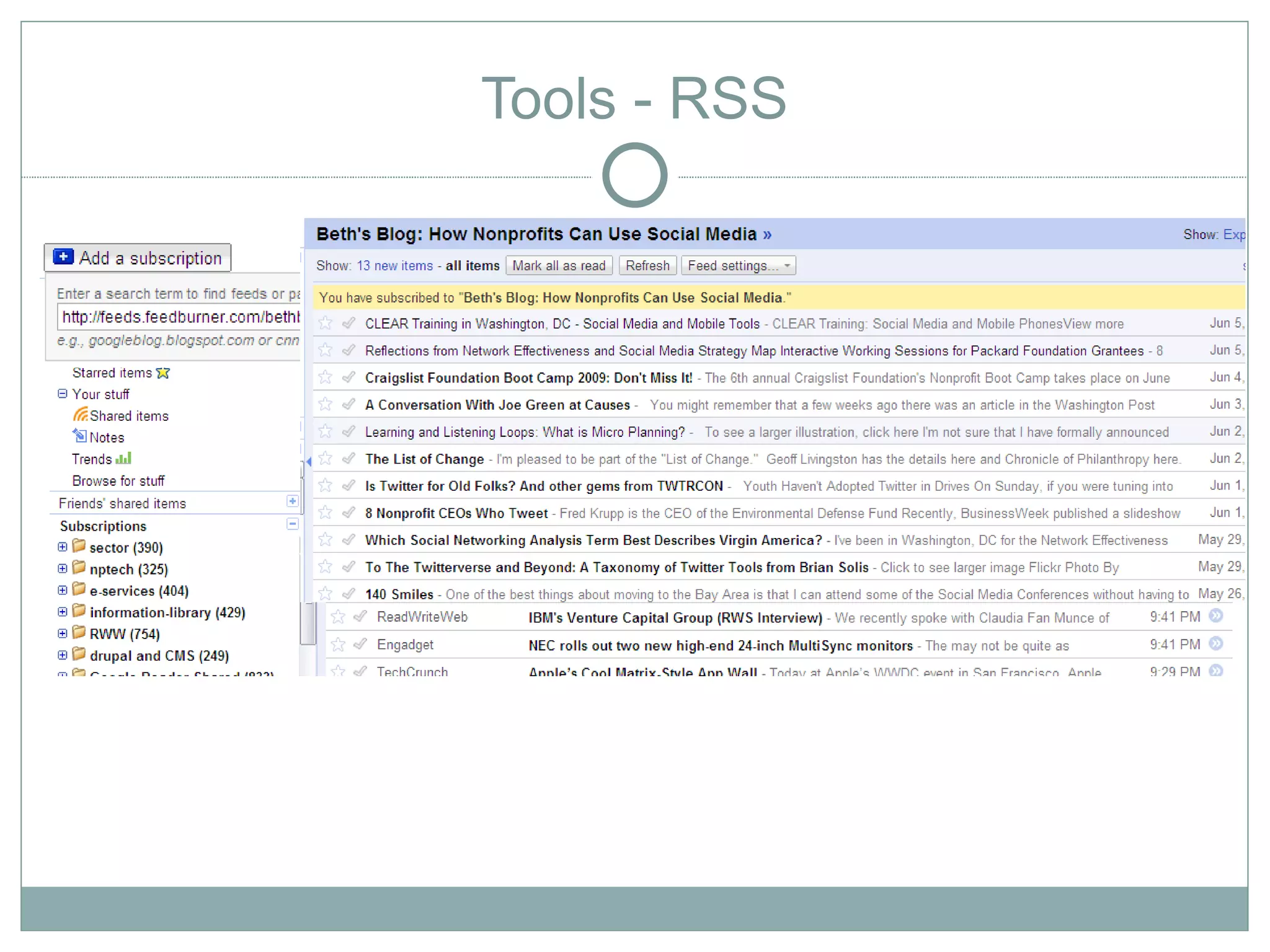
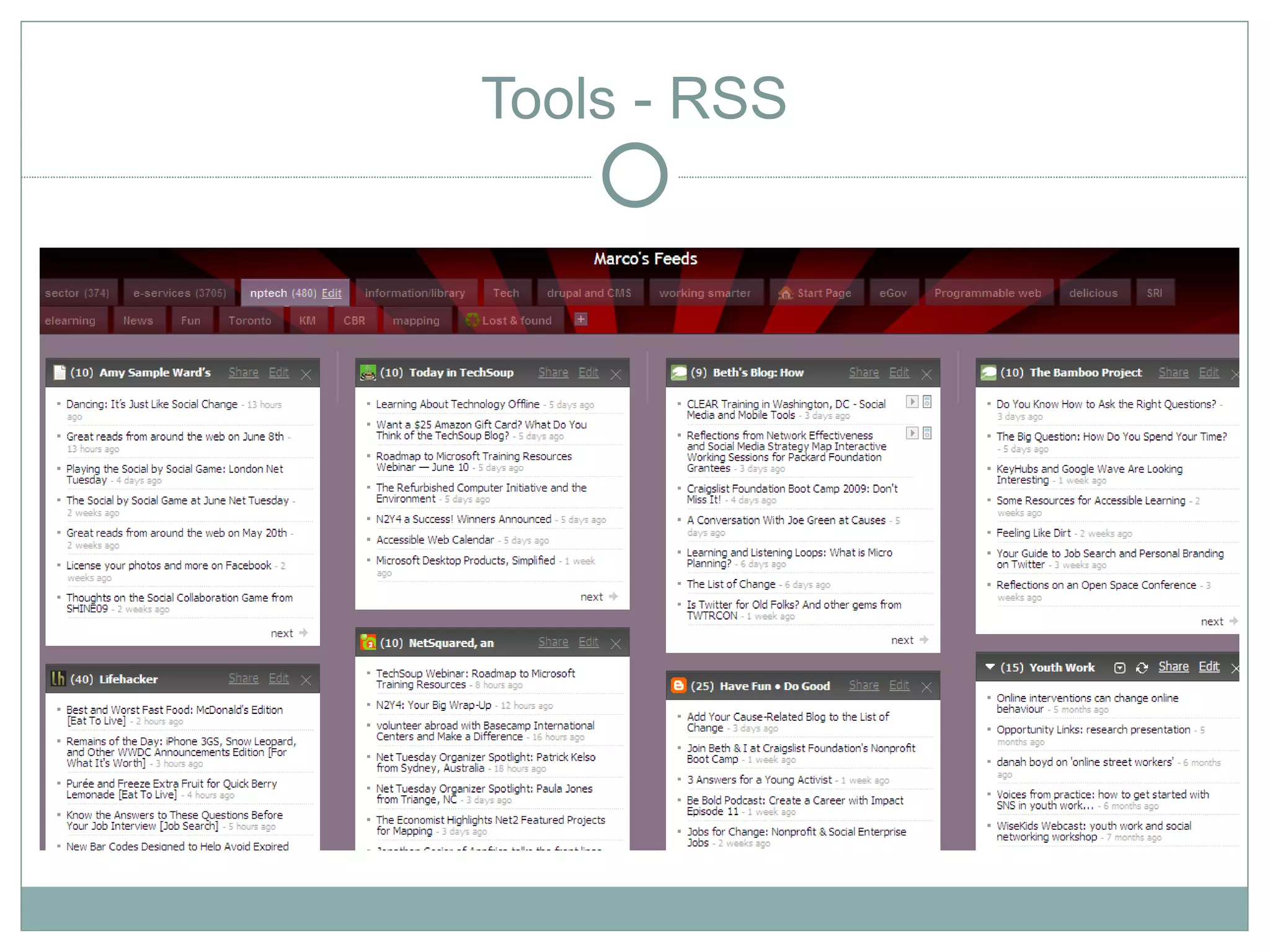
Tools - RSS


Actively Passive
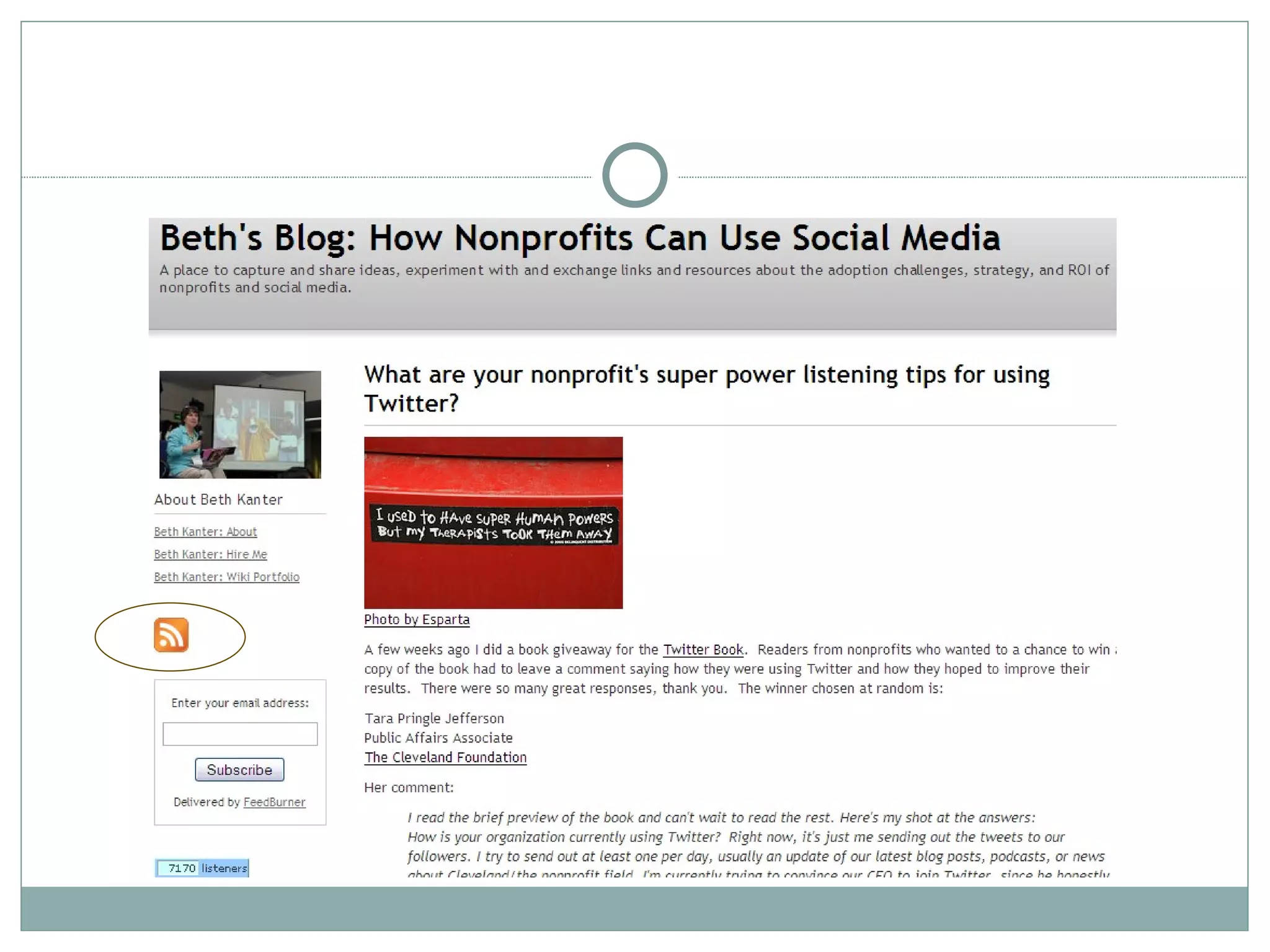
Tools - RSS
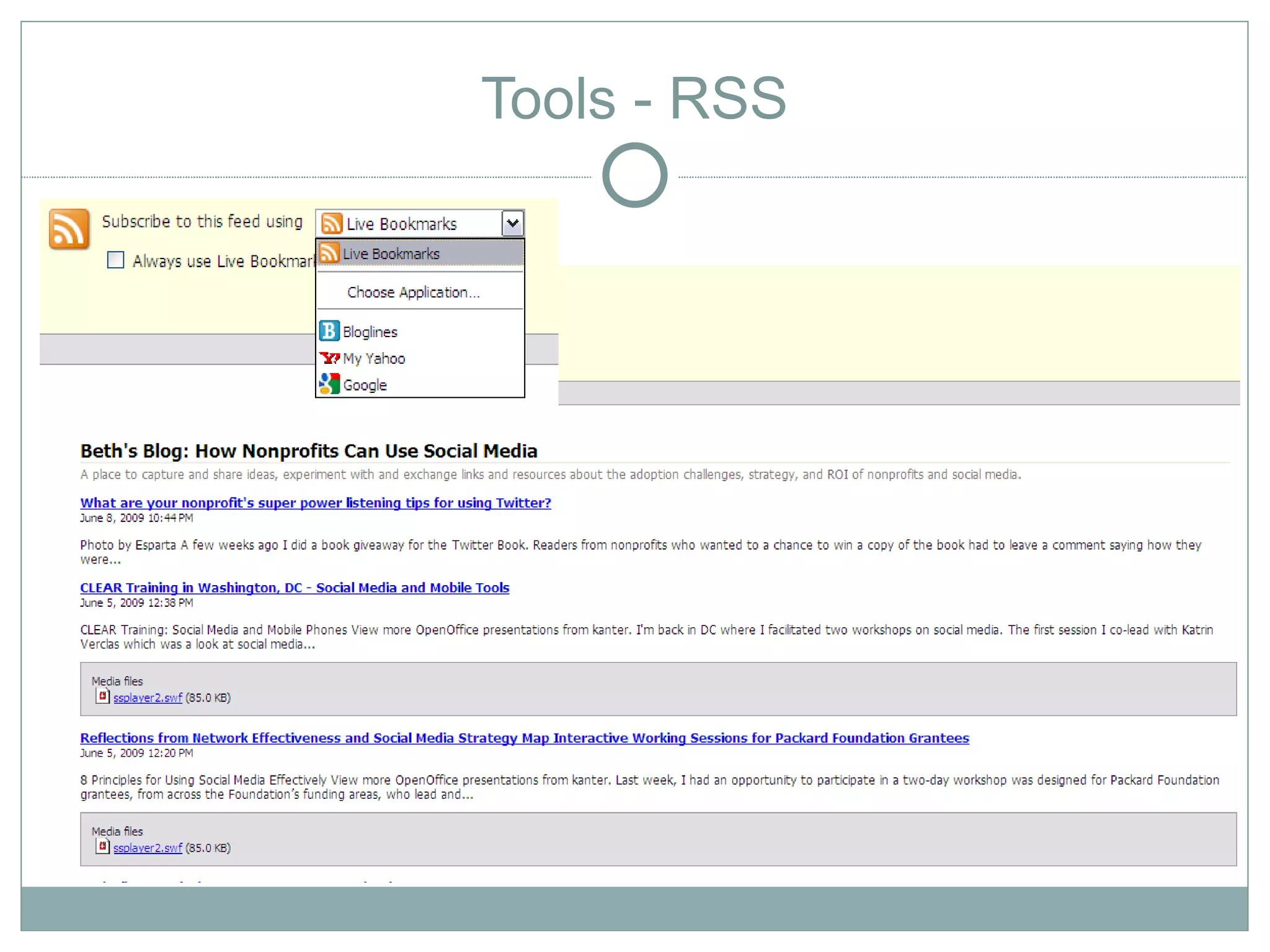
Tools - RSS
Tools - RSS
Tools - RSS
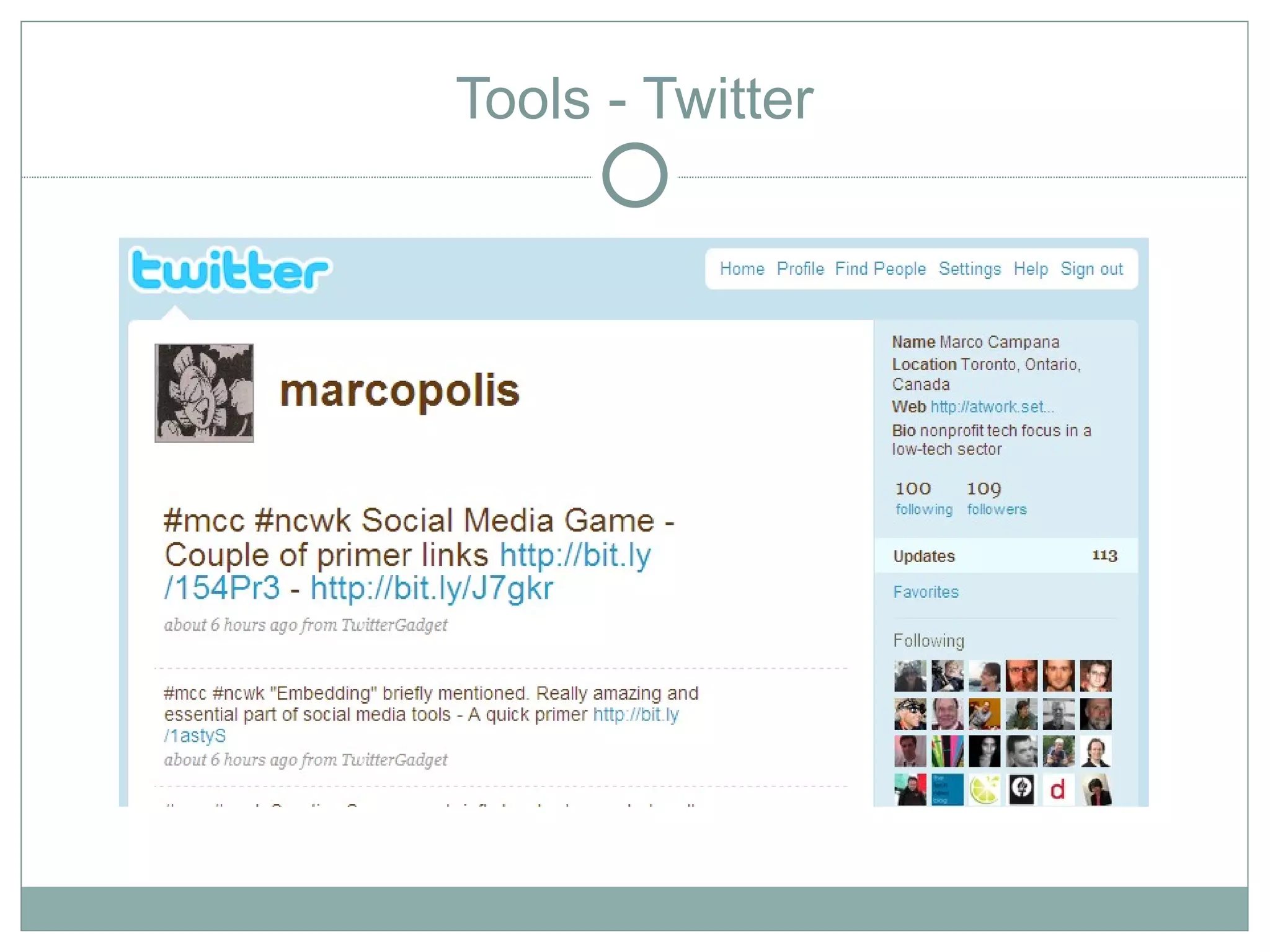
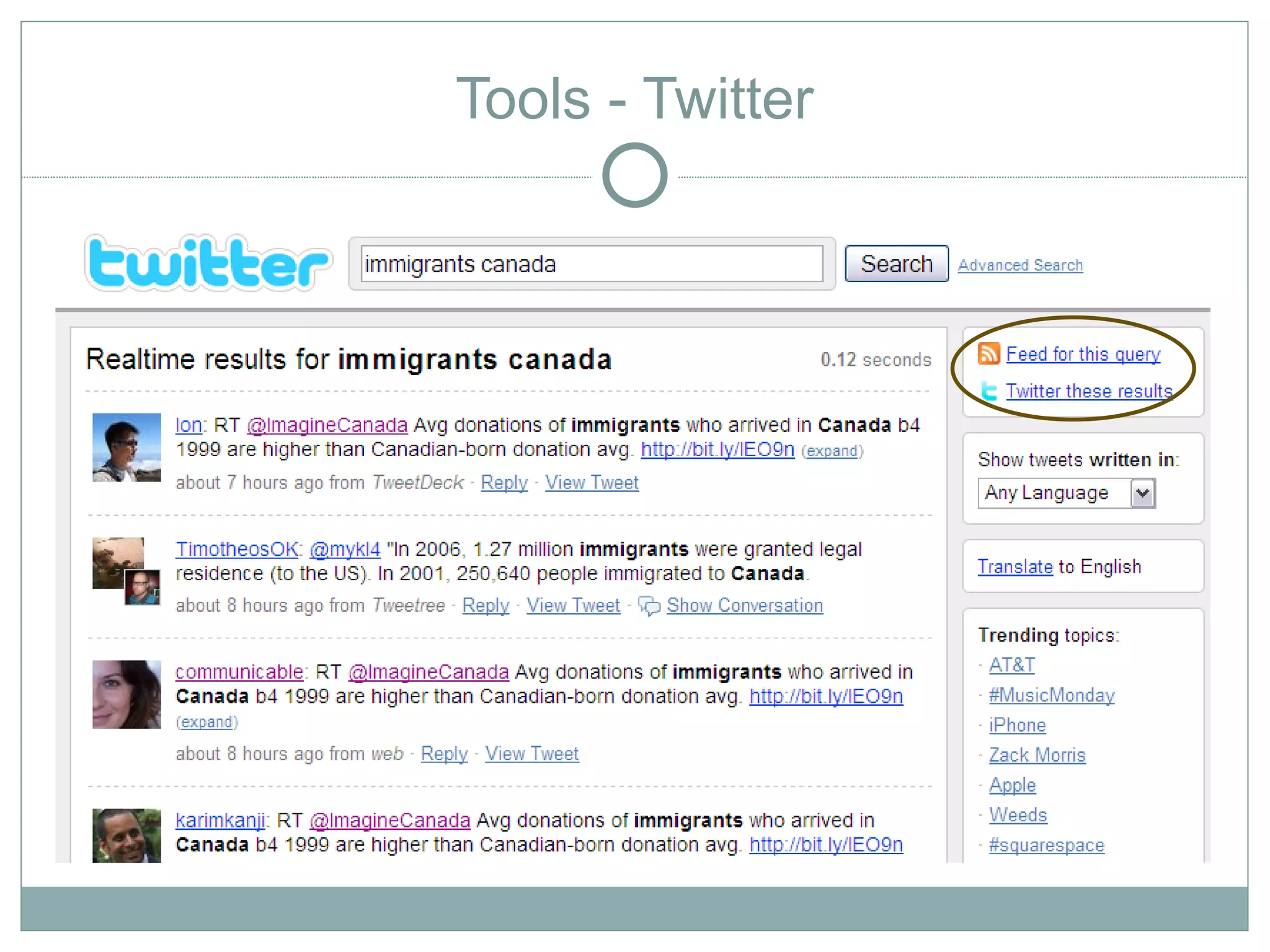
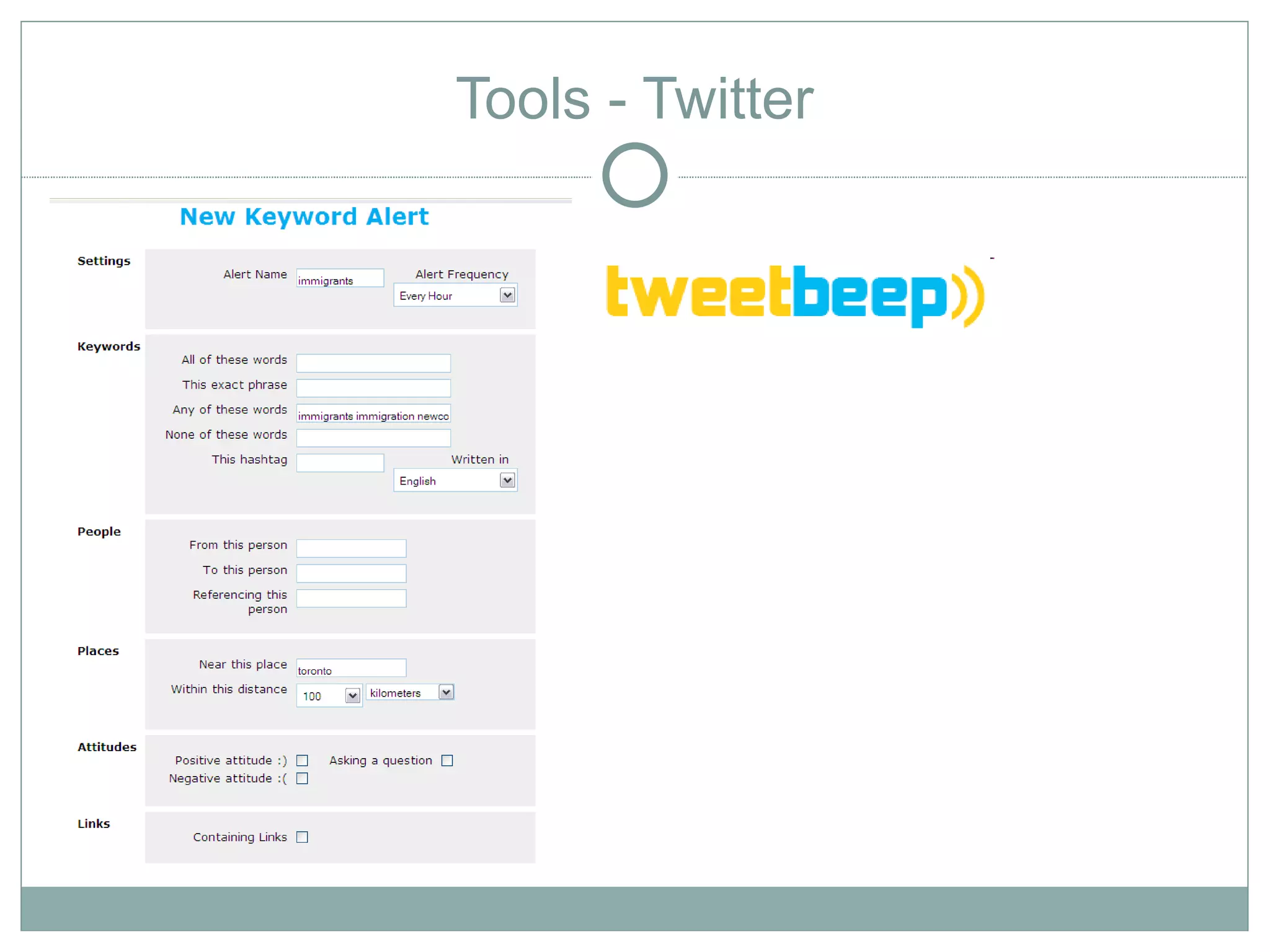
Tools - Twitter
Tools - Twitter
Tools - Twitter
Tools - Trusted Networks
                  Social Networks
Tools - Trusted Networks
                  Social Networks


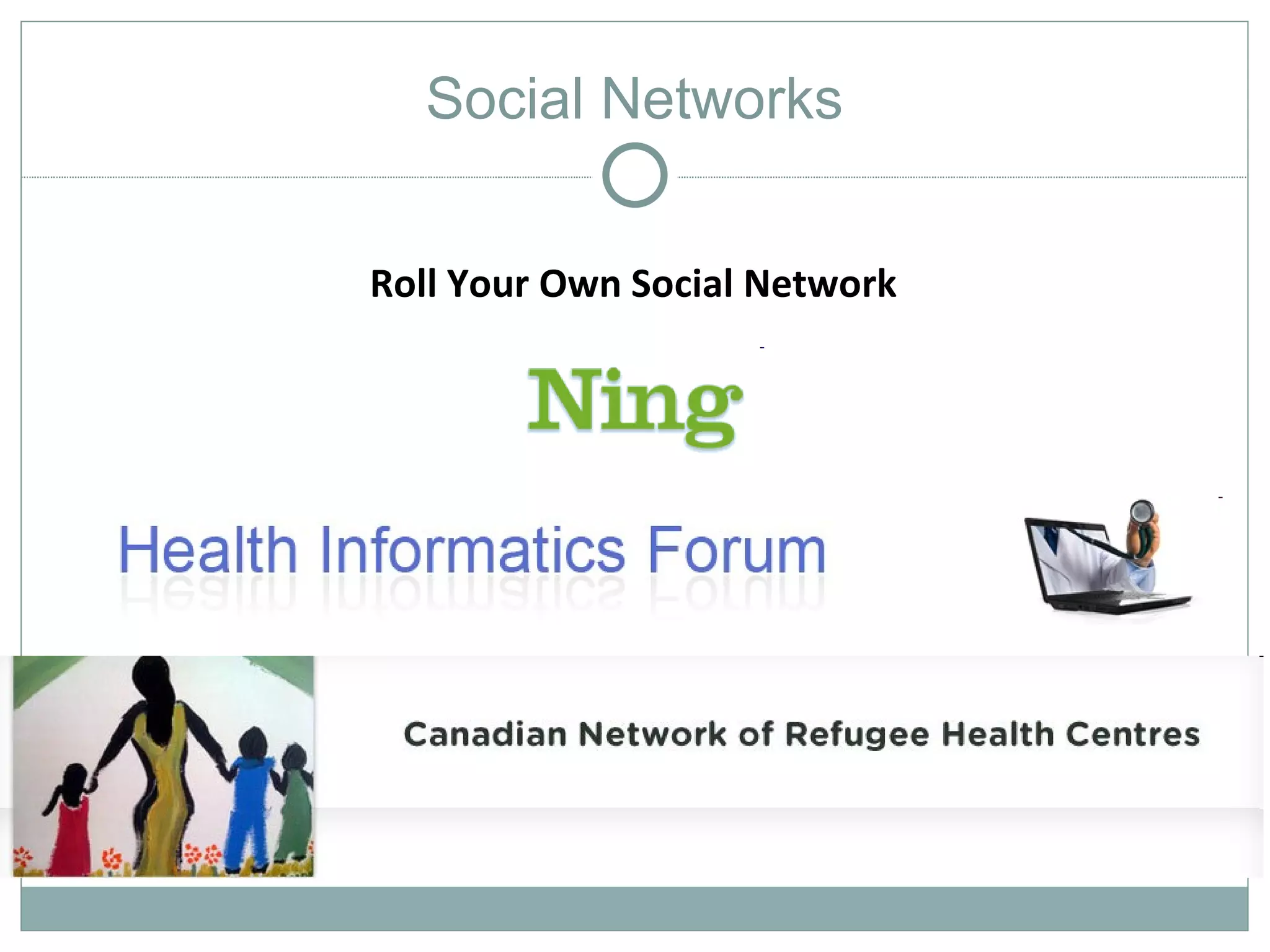
               Roll Your Own Social Network
Tools - Trusted Networks
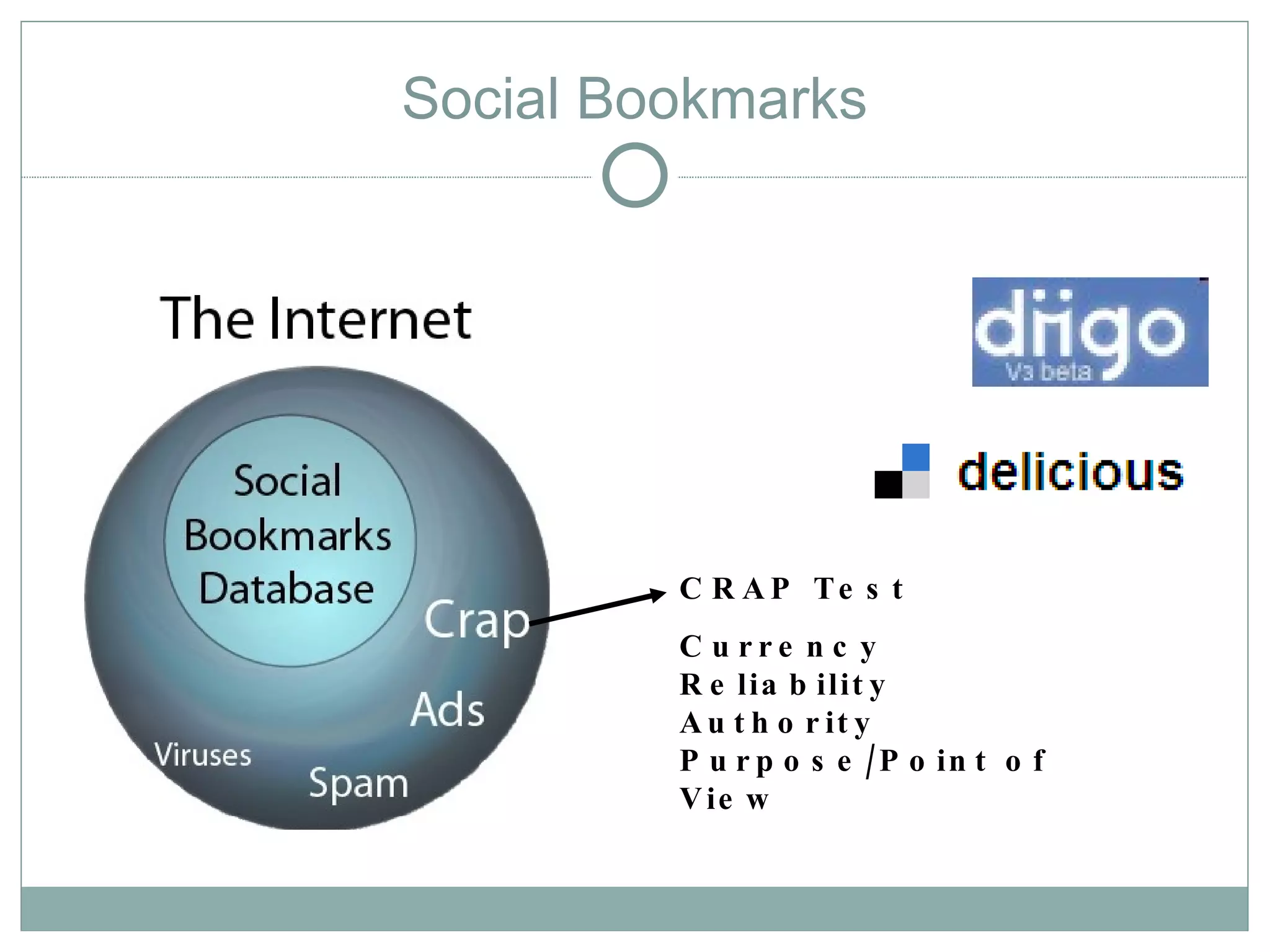
                 Social Bookmarks


                           C R A P Te s t
                           C u rre n c y
                           R e lia b ilit y
                           A u t h o r it y
                           P u r p o s e / P o in t o f
                           V ie w
Tools – Mobile?
Custom Search Engines
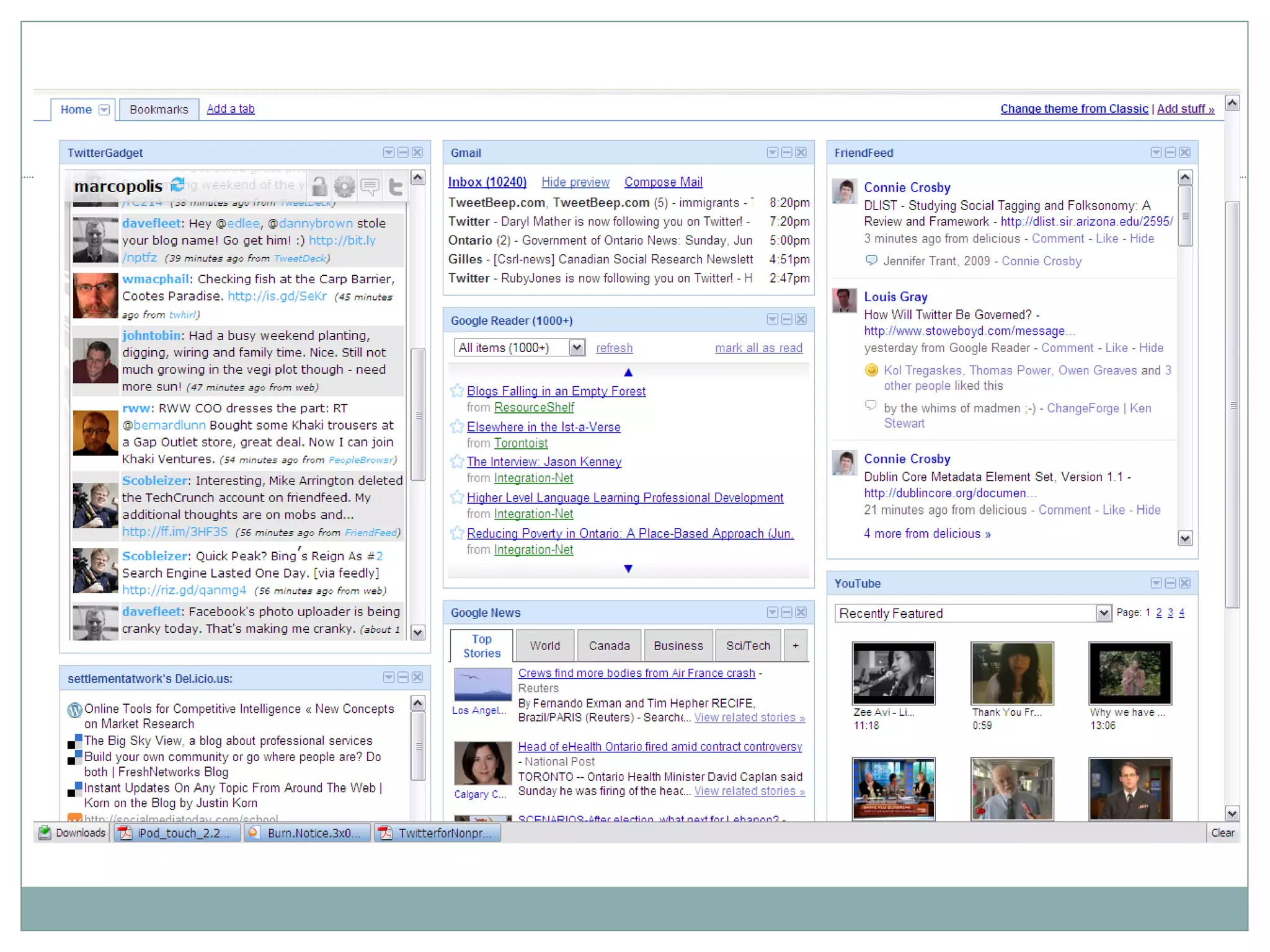
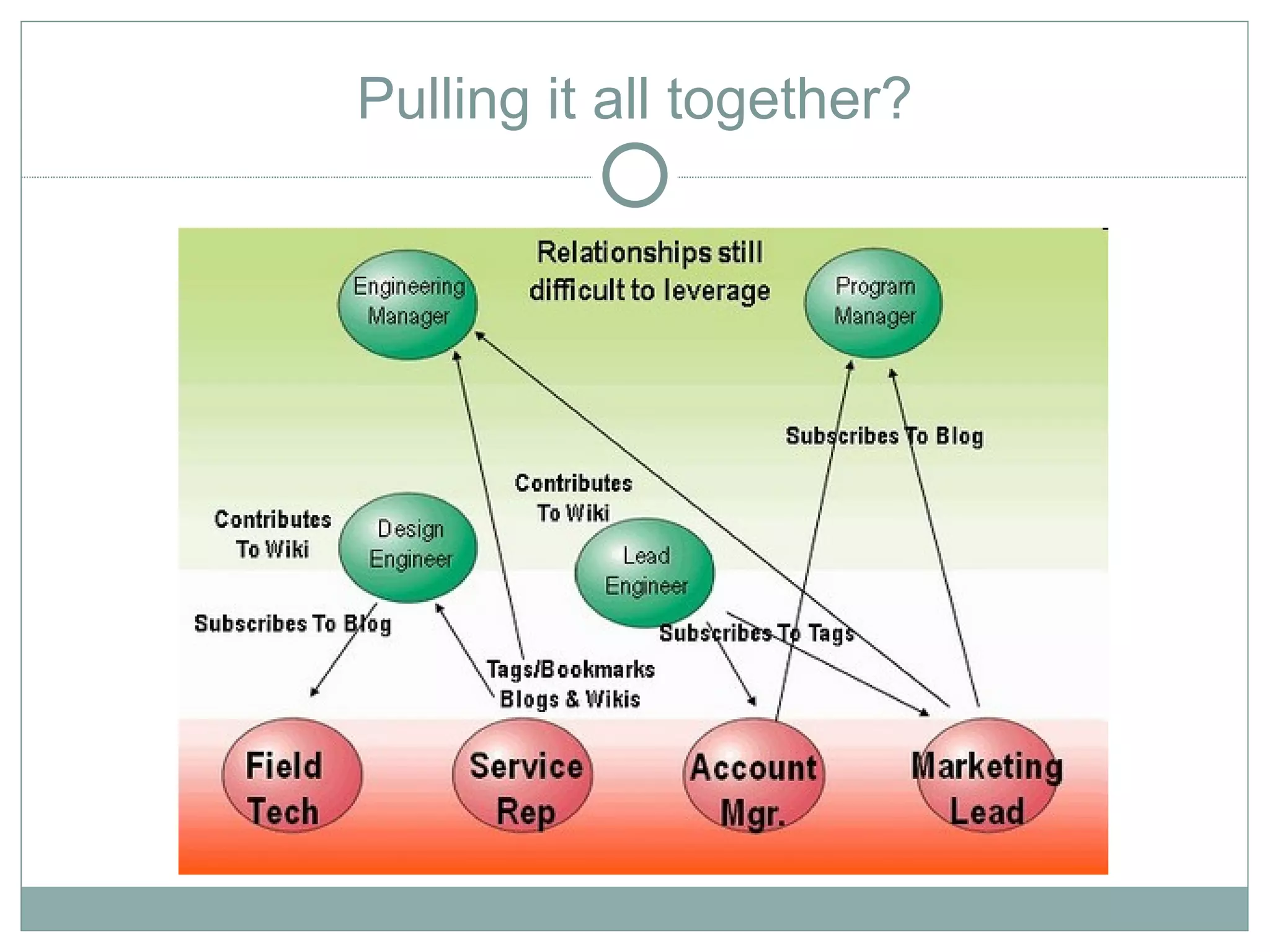
Pulling it all together?
Media Rich
Click Here - Using New Media Technologies
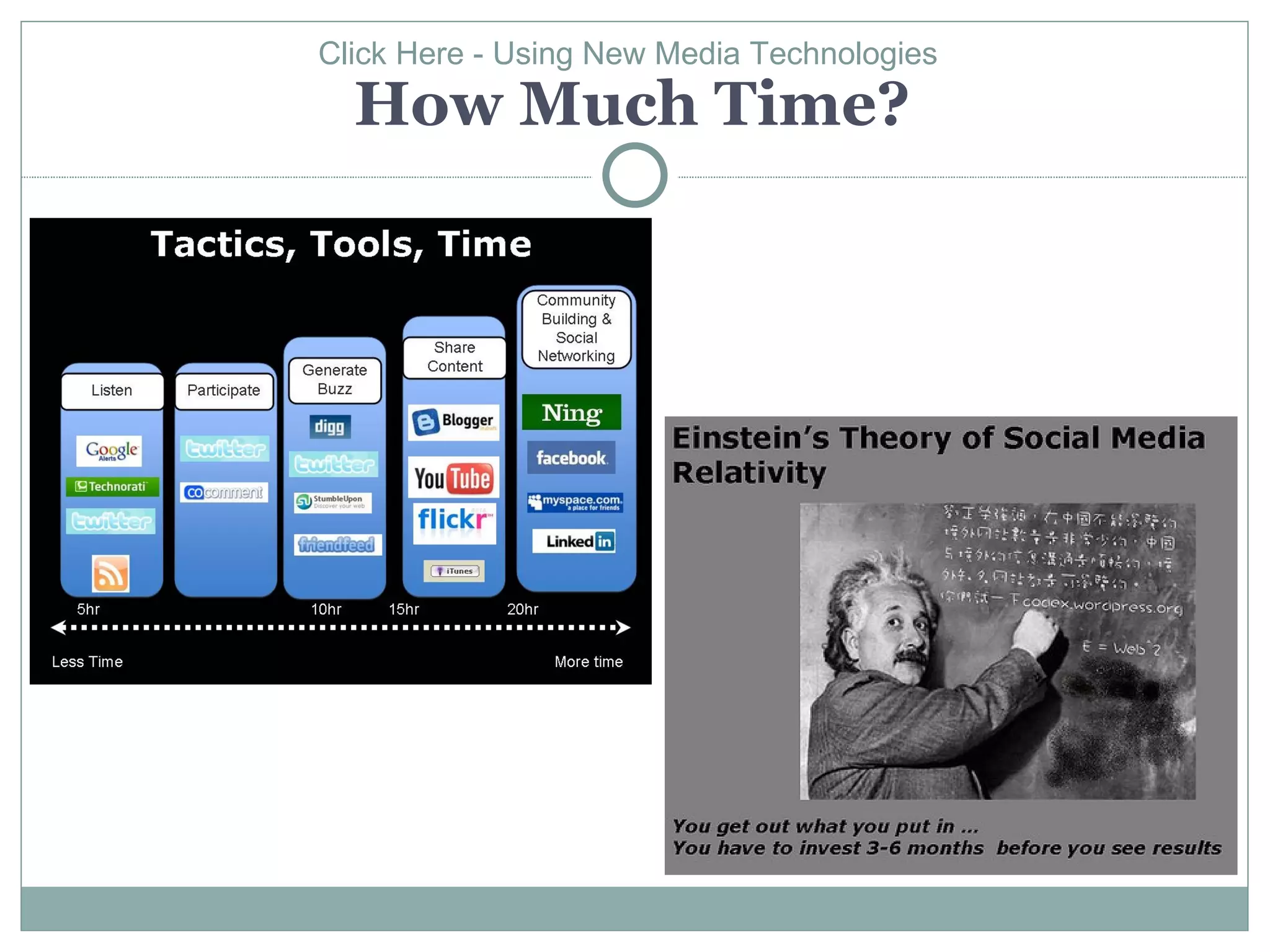
  How Much Time?
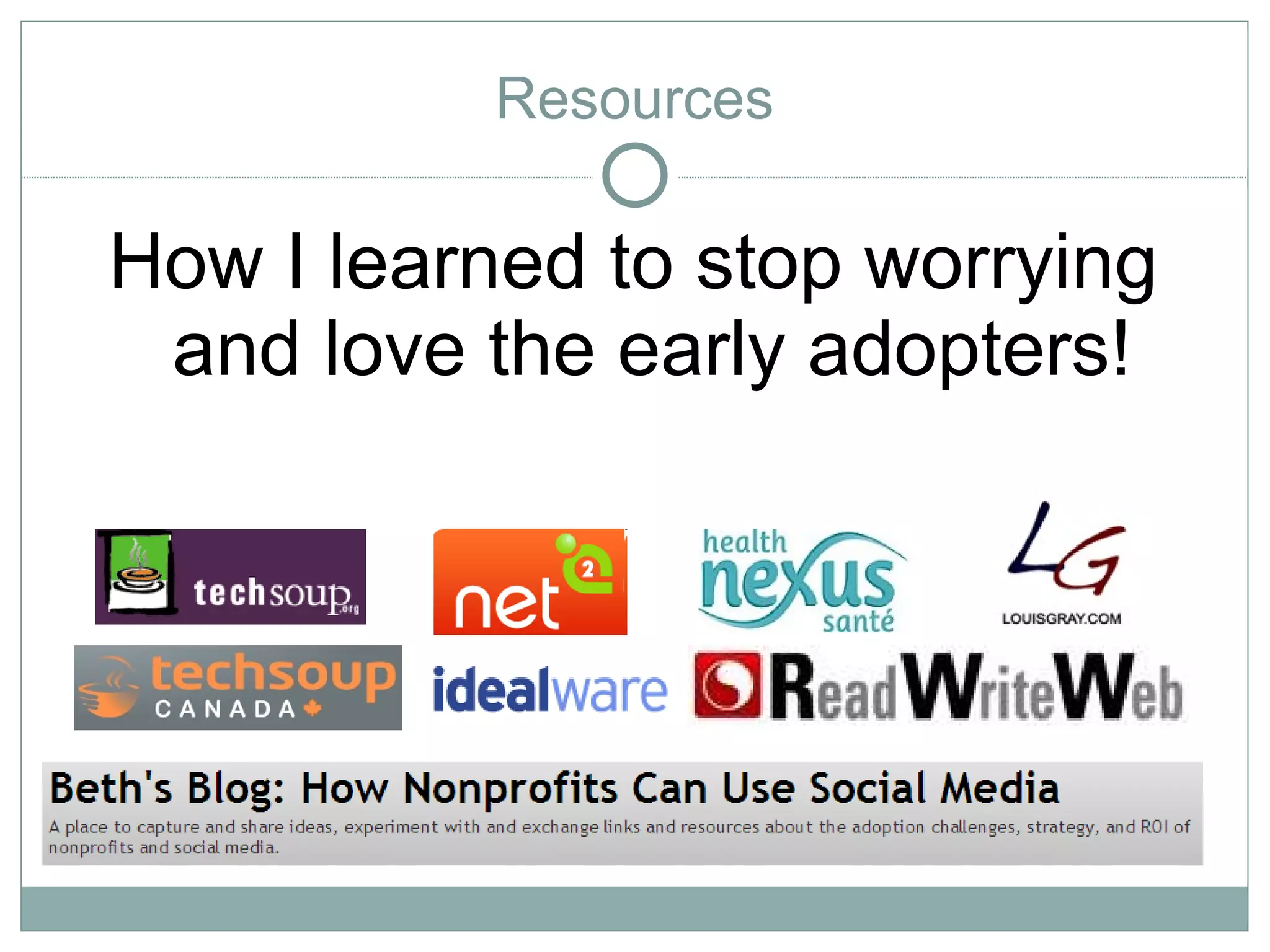
Resources

How I learned to stop worrying
 and love the early adopters!
Resources

http://socialmedia-listening.wikispaces.com/
          http://www.wearemedia.org
        http://wiki.healthnexussante.ca

 Setting the Stage/Strategy
 Blogs to Follow
 Daily Routines
 Practical Tool Examples and Explanations
 Learn
 Play!
Images

   http://www.flickr.com/photos/tyla/2613836330/             http://www.flickr.com/photos/luc/1824234195/
   http://www.flickr.com/photos/matthamm/294555912           http://www.flickr.com/photos/w5nyv/455756468/
    8                                                         http://www.flickr.com/photos/dan_h/667441709/
   http://www.flickr.com/photos/dailypic/1459055735/         http://www.flickr.com/photos/sparktography/248514
   http://www.flickr.com/photos/cambodia4kidsorg/322          7794/
    6367547/sizes/o/
                                                              http://www.flickr.com/photos/skemsley/3554049015
   Webinar:Twitter for Nonprofits - Jeff Patrick,
    Common Knowledge                                          http://www.flickr.com/photos/archiemcphee/340197
   http://www.flickr.com/photos/i-1326/2968175502/            4951/
   http://www.flickr.com/photos/debschultz/192555548         http://www.flickr.com/photos/timheuer/143007903/
    5/sizes/o/                                                http://www.flickr.com/photos/bre/448847262/
   http://www.flickr.com/photos/stabilo-boss/93136022/       http://www.flickr.com/photos/zachinglis/41443867/
    in/pool-web2dot0diagrams                                  http://www.flickr.com/photos/cambodia4kidsorg/290
   http://www.flickr.com/photos/ycc2106/134414023/            6235414/
   http://www.flickr.com/photos/abiesudiono/3640386883/      http://farm4.static.flickr.com/3027/2905389559_d3e
   http://www.flickr.com/photos/nielsvk/258851215/            c3e6530.jpg
   http://www.flickr.com/photos/adunne/286285676             http://www.flickr.com/photos/erio/51737097/

Using New Media and Communications Technologies with Newcomers to Canada

  • 1.
    Click here Using New Media and Communications Technologies with Newcomers to Canada Chris to phe r Wulff, Social Planning Toronto Marc o Campana , Ontario Council of Agencies Serving Im igrants (OCASI) m
  • 2.
    A Quick Overview Introduction  Profile  Strategies  Tools  Resources
  • 3.
    Introduction It’s about: • Learning to work/listen online • Having a strategy • Choosing the right tools for you • Managing your workflow • Avoiding “Garbage Overload” • Becoming a proficient information manager – find the right information for the right people at the right time • Learning to share and collaborate – becoming an aggregator
  • 4.
    Web 2.0 5 Pillarsof the Modern Internet • Ease of Use • Trusted Networks • Everyone Can Publish • Act/Pass(ive) • Media Rich
  • 5.
    Newcomers Online –A Profile Who’s Online and What do They Want From Me?  Newcomers to Canada – 78%  Youth and Young Adults - 96% (but 51 per cent of Canadians aged 60 and older are online users)  Service Expectations  Immediacy  Peer Networks  Consistency  Accuracy  Expertise
  • 6.
    Newcomers Want OnlineServices! Some examples:  Some examples of newcomer websites  Settlement.Org  Loonlounge.com  Canadiandesi.com  A Canada Immigrant's Blog  Skills for Change - online video  Skills for Change - online courses  OCASI - customized mapping  OCASI - online courses
  • 7.
    Newcomers Want OnlineServices! But, what do we give them? What’s the right service?
  • 8.
    WE Want OnlineServices! What if increased use of online tools could save us time, free us up to do more interesting work, get us the information we needed to do our jobs more efficiently, effectively?
  • 9.
    Strategies  Core -listen, fail informatively, and evolve  Daily Routine – process, discipline - challenging  Sharing – collaborating, informing, developing expertise  Responding – are you listening strategically?
  • 10.
    Strategies Getting your organization ready to listen  Why are you listening? What are your mission goals?  Come up with at least Five Ways You Plan to Use the Information (link to day-to-day action)  What’s Your Internal Process? How will you organize your listening? http://beth.typepad.com/beths_blog/2009/02/getting-your-nonprofit-organization-ready-to-listen-.html
  • 12.
  • 13.
  • 14.
  • 15.
  • 16.
  • 17.
    Tools Let’s review afew:  Email (Yes! Email)/e-Newsletters/Watchthatpage/RSS to email  Google Alerts  RSS and Twitter  Social Networks/Online Communities (Facebook, LinkedIn, Ning, etc.)  Social Bookmarking - Delicious, Diigo  Mobile?  Google CSE
  • 18.
    Ease of UseEssential
  • 19.
    Tools - Emailas Web 2.0? Email
  • 20.
  • 21.
    Tools – RSSto Email
  • 22.
  • 23.
  • 24.
  • 25.
  • 26.
  • 27.
  • 28.
  • 29.
  • 30.
  • 31.
  • 32.
  • 33.
  • 34.
    Tools - TrustedNetworks Social Networks
  • 35.
    Tools - TrustedNetworks Social Networks Roll Your Own Social Network
  • 36.
    Tools - TrustedNetworks Social Bookmarks C R A P Te s t C u rre n c y R e lia b ilit y A u t h o r it y P u r p o s e / P o in t o f V ie w
  • 37.
  • 38.
  • 39.
    Pulling it alltogether?
  • 41.
  • 42.
    Click Here -Using New Media Technologies How Much Time?
  • 43.
    Resources How I learnedto stop worrying and love the early adopters!
  • 44.
    Resources http://socialmedia-listening.wikispaces.com/ http://www.wearemedia.org http://wiki.healthnexussante.ca Setting the Stage/Strategy Blogs to Follow Daily Routines Practical Tool Examples and Explanations Learn Play!
  • 45.
    Images  http://www.flickr.com/photos/tyla/2613836330/  http://www.flickr.com/photos/luc/1824234195/  http://www.flickr.com/photos/matthamm/294555912  http://www.flickr.com/photos/w5nyv/455756468/ 8  http://www.flickr.com/photos/dan_h/667441709/  http://www.flickr.com/photos/dailypic/1459055735/  http://www.flickr.com/photos/sparktography/248514  http://www.flickr.com/photos/cambodia4kidsorg/322 7794/ 6367547/sizes/o/  http://www.flickr.com/photos/skemsley/3554049015  Webinar:Twitter for Nonprofits - Jeff Patrick, Common Knowledge  http://www.flickr.com/photos/archiemcphee/340197  http://www.flickr.com/photos/i-1326/2968175502/ 4951/  http://www.flickr.com/photos/debschultz/192555548  http://www.flickr.com/photos/timheuer/143007903/ 5/sizes/o/  http://www.flickr.com/photos/bre/448847262/  http://www.flickr.com/photos/stabilo-boss/93136022/  http://www.flickr.com/photos/zachinglis/41443867/ in/pool-web2dot0diagrams  http://www.flickr.com/photos/cambodia4kidsorg/290  http://www.flickr.com/photos/ycc2106/134414023/ 6235414/  http://www.flickr.com/photos/abiesudiono/3640386883/  http://farm4.static.flickr.com/3027/2905389559_d3e  http://www.flickr.com/photos/nielsvk/258851215/ c3e6530.jpg  http://www.flickr.com/photos/adunne/286285676  http://www.flickr.com/photos/erio/51737097/