


Identify the Problem
Problem Solving Module
Session 2
Step #1: Identify the Problem
• It sounds simple but is usually the toughest step in the
process
• You need to figure out what is really causing the
problem
• Once you know what the problem is you should write it
down
Ask Questions
• What?
• Where?
• How?
• When?
• With whom?
• Why?
Ask Questions
• What can you see that causes you to think there's a
problem?
Ask Questions
• Where is it happening?
Ask Questions
• How is it happening?
Ask Questions
• When is it happening?
Ask Questions
• With whom is it
happening?
• Don't jump to "Who is
causing the problem?"
• You need to address
issues more than people
Ask Questions
• Why is it happening?
Write it down….
• Write down a four or five-sentence description of
the problem
• Start with "The following should be happening,
but isn't ..." or "The following is happening and
shouldn't be: ..."
• Be specific when you describe the problem,
including what is happening, where, how, with
whom and why.
Build Your Skills
• Identifying patterns, improving your organization
skills, classifying information, synthesizing
information and “narrowing things down” all build
your ability to identify problems.
• In the activities that follow, you will be building skills
that will help you identify problems.
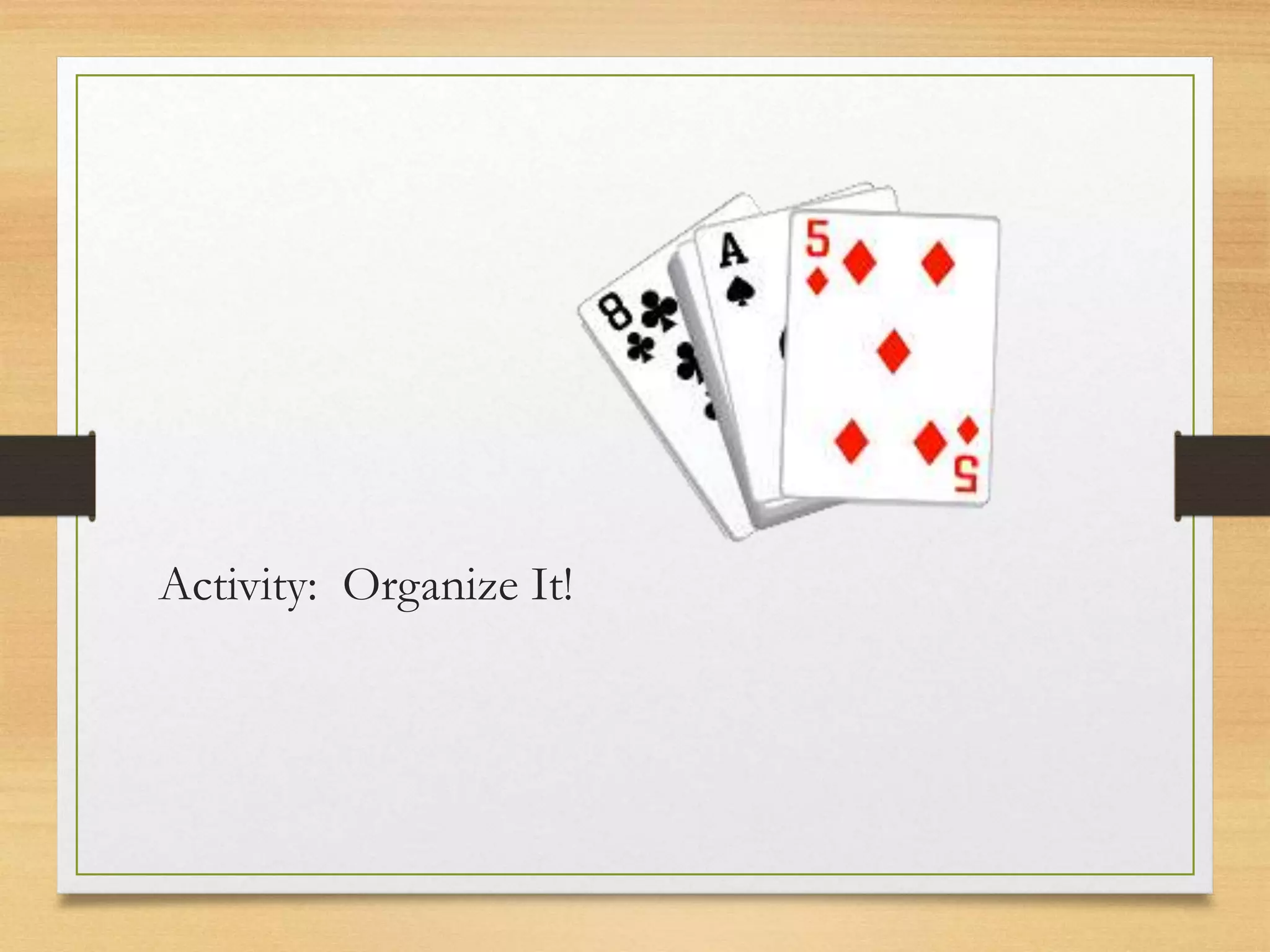
Activity: Organize It!
Organize It!
• Putting objects or ideas into logical order is an
important aspect of problem solving.
• Something as simple as organizing a binder with tabs
can help you build critical thinking skills.
• Can you think of different ways you organize things
everyday?
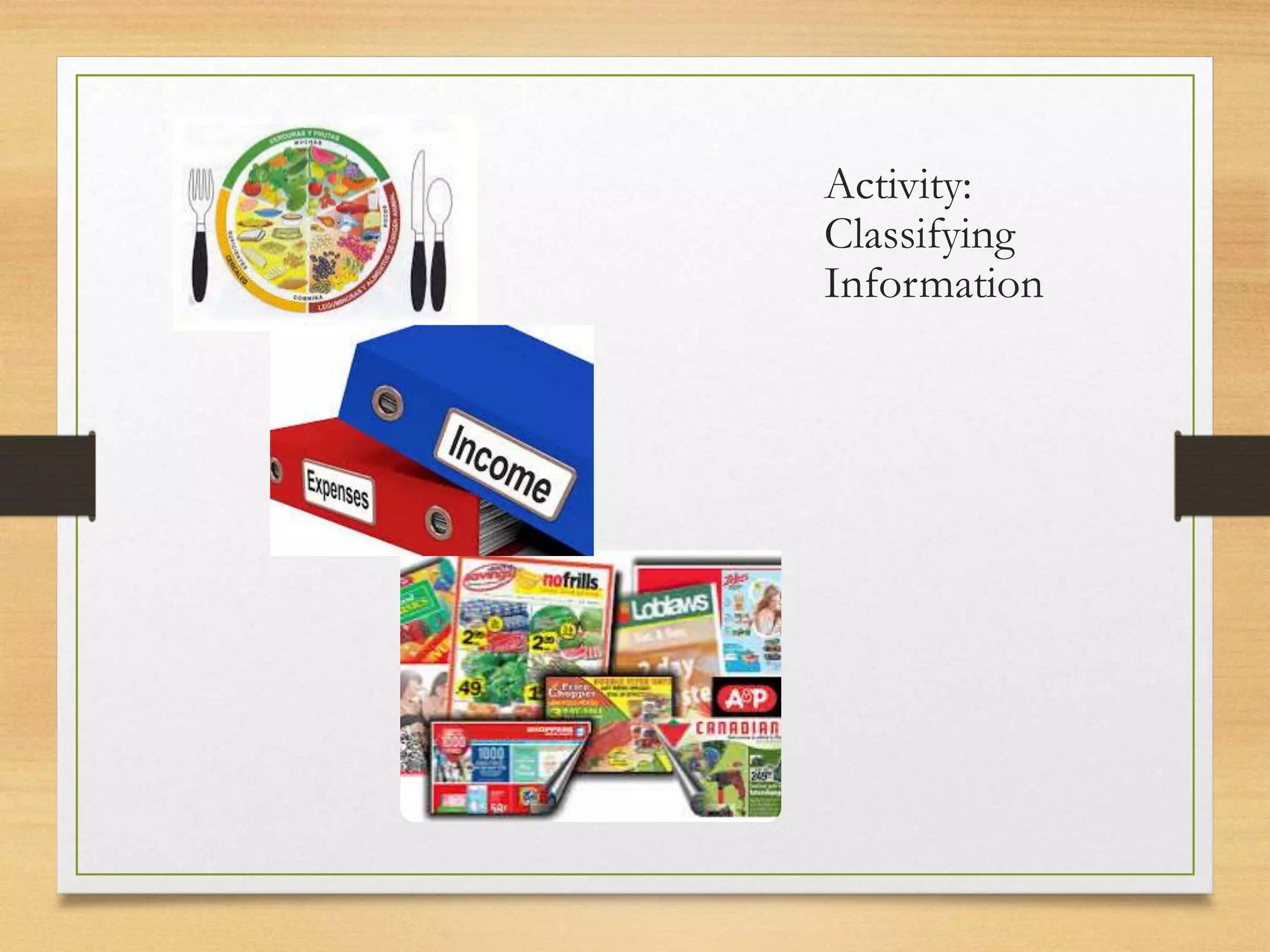
Activity:
Classifying
Information
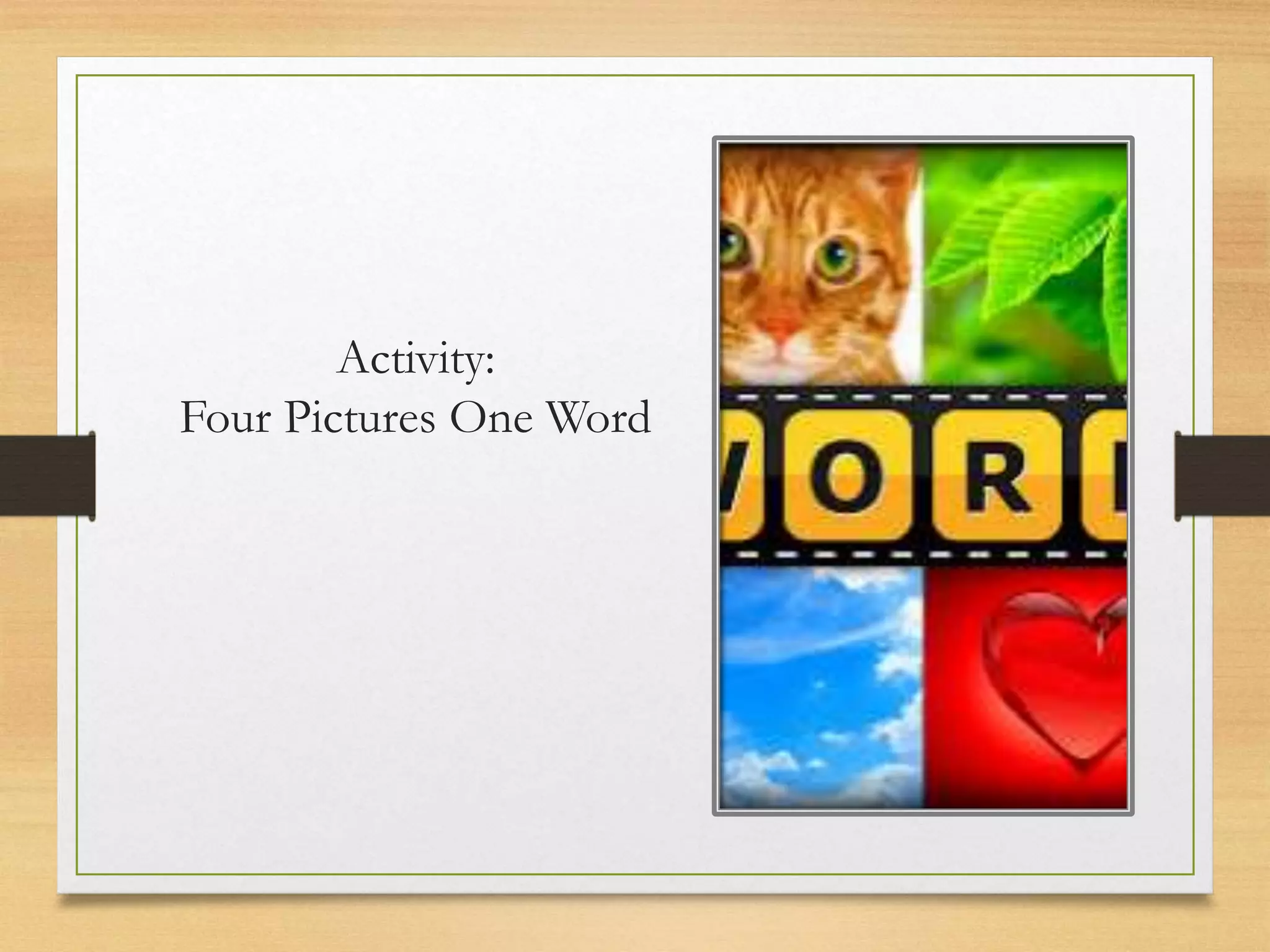
Activity:
Four Pictures One Word
Activity:
Newspaper
Headline
Writing Newspaper Headlines
• Read the problem carefully before writing your
headline
• Use proper punctuation
• Use the present tense and avoid words ending in -ed
• Choose a limited number of words
Activity: 40-20-10-5
Practice
John was told by his boss four weeks ago
that he had would have to do a big
presentation at work. The presentation
needed to be prepared in addition to a
number of regular daily tasks. He focused on
his daily tasks and did a good job completing
them but the presentation kept "slipping" his
mind. On the night before the due date of
the presentation, he realized that he had at
least 8-10 hours' worth of work left to do on
the presentation. This wasn't the first time he
had procrastinated on a major work
assignment and left it until the last minute.
Last year he received a note on his personal
file for a similar situation.
• What is the
problem?
Credits
This Power Point was created by Laubach Literacy Ontario.
The resources can be downloaded free of charge at www.laubach-on.ca.
This Employment Ontario project was funded by the Ontario Government. 2015
All website links were accurate at the time of original distribution-March 2015.
All of the images and clip art used in this Power Point are from Clipart.com and
Microsoft Office.com.

Ps session 2 identify the problem

  • 1.
    Identify the Problem ProblemSolving Module Session 2
  • 2.
    Step #1: Identifythe Problem • It sounds simple but is usually the toughest step in the process • You need to figure out what is really causing the problem • Once you know what the problem is you should write it down
  • 3.
    Ask Questions • What? •Where? • How? • When? • With whom? • Why?
  • 4.
    Ask Questions • Whatcan you see that causes you to think there's a problem?
  • 5.
  • 6.
    Ask Questions • Howis it happening?
  • 7.
  • 8.
    Ask Questions • Withwhom is it happening? • Don't jump to "Who is causing the problem?" • You need to address issues more than people
  • 9.
    Ask Questions • Whyis it happening?
  • 10.
    Write it down…. •Write down a four or five-sentence description of the problem • Start with "The following should be happening, but isn't ..." or "The following is happening and shouldn't be: ..." • Be specific when you describe the problem, including what is happening, where, how, with whom and why.
  • 11.
    Build Your Skills •Identifying patterns, improving your organization skills, classifying information, synthesizing information and “narrowing things down” all build your ability to identify problems. • In the activities that follow, you will be building skills that will help you identify problems.
  • 13.
  • 14.
    Organize It! • Puttingobjects or ideas into logical order is an important aspect of problem solving. • Something as simple as organizing a binder with tabs can help you build critical thinking skills. • Can you think of different ways you organize things everyday?
  • 15.
  • 16.
  • 17.
  • 18.
    Writing Newspaper Headlines •Read the problem carefully before writing your headline • Use proper punctuation • Use the present tense and avoid words ending in -ed • Choose a limited number of words
  • 19.
  • 20.
    Practice John was toldby his boss four weeks ago that he had would have to do a big presentation at work. The presentation needed to be prepared in addition to a number of regular daily tasks. He focused on his daily tasks and did a good job completing them but the presentation kept "slipping" his mind. On the night before the due date of the presentation, he realized that he had at least 8-10 hours' worth of work left to do on the presentation. This wasn't the first time he had procrastinated on a major work assignment and left it until the last minute. Last year he received a note on his personal file for a similar situation. • What is the problem?
  • 21.
    Credits This Power Pointwas created by Laubach Literacy Ontario. The resources can be downloaded free of charge at www.laubach-on.ca. This Employment Ontario project was funded by the Ontario Government. 2015 All website links were accurate at the time of original distribution-March 2015. All of the images and clip art used in this Power Point are from Clipart.com and Microsoft Office.com.

Editor's Notes

  • #13 Use one or more of the suggested Patterns Activities found in the Practitioner Manual.
  • #14 Use one or more of the suggested Organize It! Activities suggested here: Organize paperwork in a particular order in a learner file Organize a binder with tabs to keep the material from the module Organize playing cards by suit or numerical order Create a schedule to organize learning activities for the day, week or month
  • #17 You can access this game on Facebook or as an App from the Apple store, Google Play or the Windows Phone Apps and Games Store. This is a great way to incorporate tablets into instruction.
  • #18 See the Practitioner Manual for instructions.
  • #20 See the Practitioner Manual for instructions.
  • #21 As a group discuss the scenario and identify the problem.  This practice scenario will be used in the other sessions.