PROJECT PRESENTATIONGuide:- Mr. DilipJaiswalGroup:- 1SHABBIR HASAN		07080108045RITU RAJ			07080108044KISHAN SINGH BISHT		07080108022
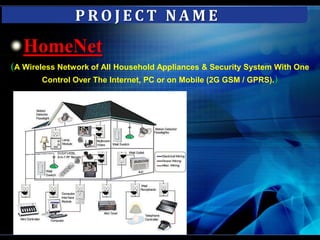
PROJECT NAMEHomeNet(A Wireless Network of All Household Appliances & Security System With One Control Over The Internet, PC or on Mobile (2G GSM / GPRS).)
What is Automation?Automation is the process of automatically performing everyday functions around the home to save you time, energy, money and at the same time offering improved security .
Home automation saves your time and effort by controlling you home automatically for performing routine functions such as watering your grass, or turning off all lights, setting the thermostat to economy mode, control scheduled appliances operation and arming the security system when you retire for the night
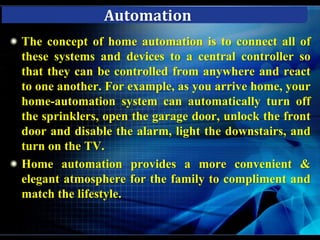
The automation is performed by a central controller. AutomationThe concept of home automation is to connect all of these systems and devices to a central controller so that they can be controlled from anywhere and react to one another. For example, as you arrive home, your home-automation system can automatically turn off the sprinklers, open the garage door, unlock the front door and disable the alarm, light the downstairs, and turn on the TV. Home automation provides a more convenient & elegant atmosphere for the family to compliment and match the lifestyle.
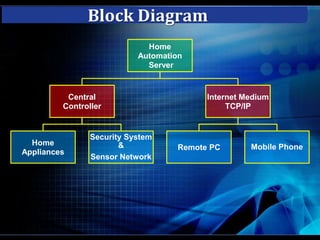
Block Diagram
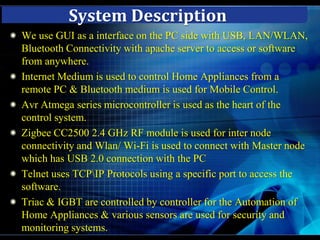
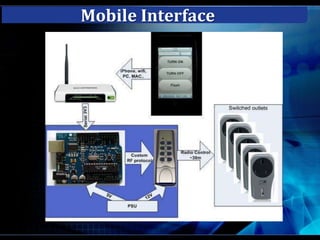
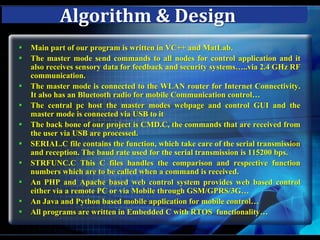
System DescriptionWe use GUI as a interface on the PC side with USB, LAN/WLAN, Bluetooth Connectivity with apache server to access or software from anywhere.Internet Medium is used to control Home Appliances from a remote PC & Bluetooth medium is used for Mobile Control.AvrAtmega series microcontroller is used as the heart of the control system.Zigbee CC2500 2.4 GHz RF module is used for inter node connectivity and Wlan/ Wi-Fi is used to connect with Master node which has USB 2.0 connection with the PCTelnet uses TCP\IP Protocols using a specific port to access the software.Triac & IGBT are controlled by controller for the Automation of  Home Appliances & various sensors are used for security and monitoring systems.

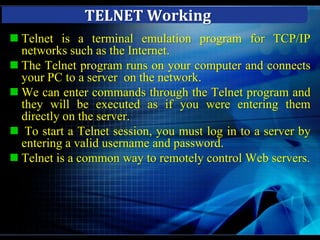
TELNET WorkingTelnet is a terminal emulation program for TCP/IP networks such as the Internet.
The Telnet program runs on your computer and connects your PC to a server  on the network.
We can enter commands through the Telnet program and they will be executed as if you were entering them directly on the server.
 To start a Telnet session, you must log in to a server by entering a valid username and password.
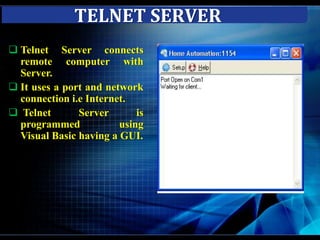
Telnet is a common way to remotely control Web servers. TELNET SERVERTelnet Server connects remote computer with Server.
It uses a port and network connection i.e Internet.
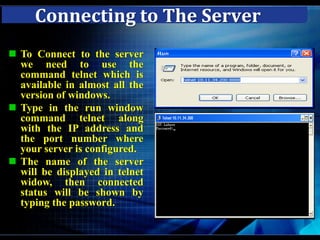
 Telnet Server is programmed   using Visual Basic having a GUI.Connecting to The ServerTo Connect to the server we need to use the command telnet which is available in almost all the version of windows.
Type in the run window command telnet along with the IP address and the port number where your server is configured.
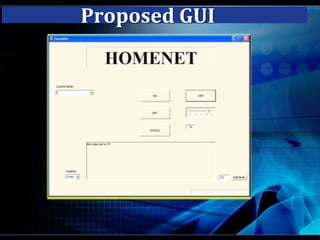
The name of the server will be displayed in telnet widow, then connected  status will be shown by typing the password.Proposed GUI
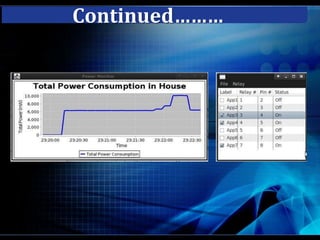
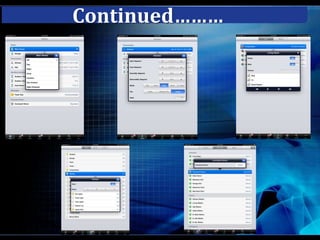
Continued………
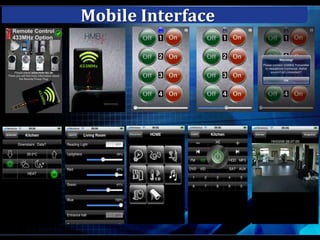
Mobile Interface
Mobile Interface
Mobile Interface
Mobile Interface
Mobile Interface
Continued………
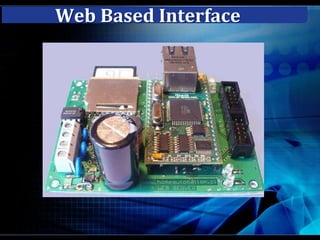
Web Based Interface
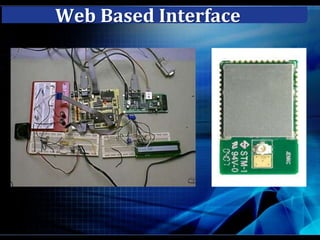
Web Based Interface
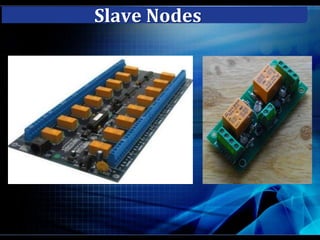
Slave Nodes
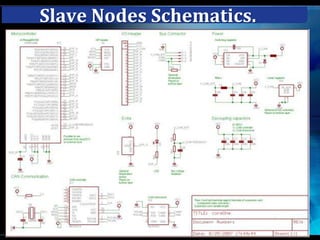
Slave Nodes Schematics.
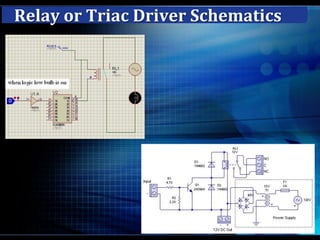
Relay or Triac Driver Schematics
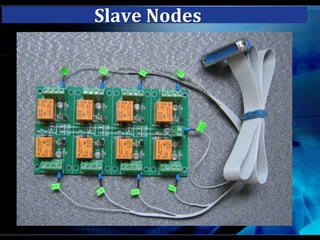
Slave Nodes
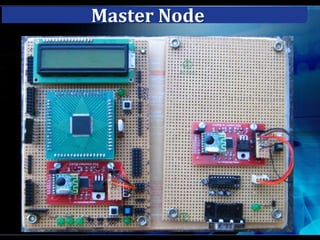
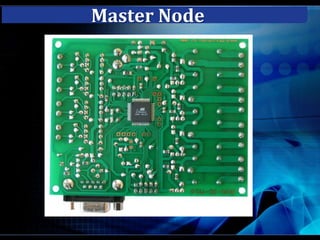
Master Node
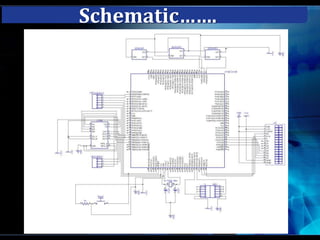
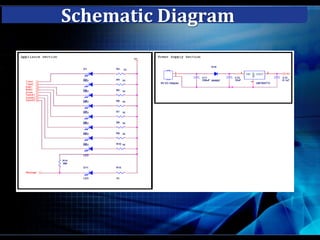
Schematic…….
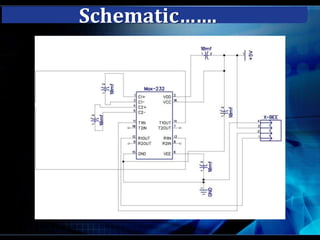
Schematic…….
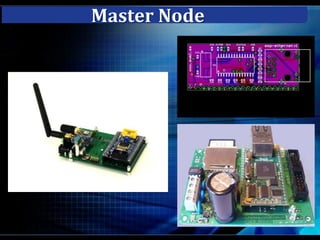
Master Node
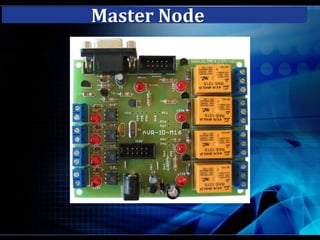
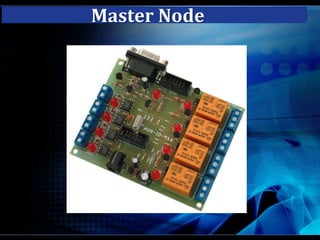
Master Node
Master Node
Master Node
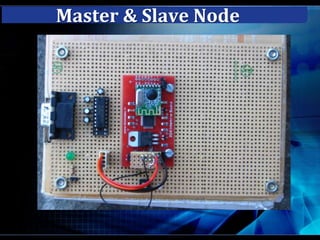
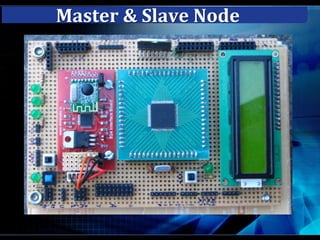
Master & Slave Node
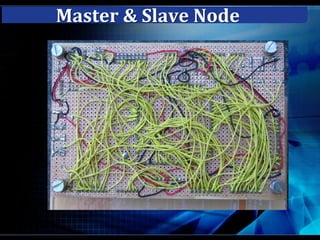
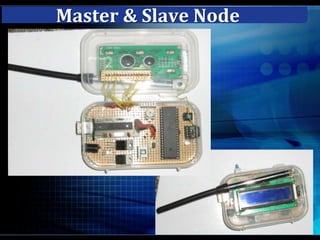
Master & Slave Node

Project presentation

  • 1.
    PROJECT PRESENTATIONGuide:- Mr.DilipJaiswalGroup:- 1SHABBIR HASAN 07080108045RITU RAJ 07080108044KISHAN SINGH BISHT 07080108022
  • 2.
    PROJECT NAMEHomeNet(A WirelessNetwork of All Household Appliances & Security System With One Control Over The Internet, PC or on Mobile (2G GSM / GPRS).)
  • 3.
    What is Automation?Automationis the process of automatically performing everyday functions around the home to save you time, energy, money and at the same time offering improved security .
  • 4.
    Home automation savesyour time and effort by controlling you home automatically for performing routine functions such as watering your grass, or turning off all lights, setting the thermostat to economy mode, control scheduled appliances operation and arming the security system when you retire for the night
  • 5.
    The automation isperformed by a central controller. AutomationThe concept of home automation is to connect all of these systems and devices to a central controller so that they can be controlled from anywhere and react to one another. For example, as you arrive home, your home-automation system can automatically turn off the sprinklers, open the garage door, unlock the front door and disable the alarm, light the downstairs, and turn on the TV. Home automation provides a more convenient & elegant atmosphere for the family to compliment and match the lifestyle.
  • 6.
  • 7.
    System DescriptionWe useGUI as a interface on the PC side with USB, LAN/WLAN, Bluetooth Connectivity with apache server to access or software from anywhere.Internet Medium is used to control Home Appliances from a remote PC & Bluetooth medium is used for Mobile Control.AvrAtmega series microcontroller is used as the heart of the control system.Zigbee CC2500 2.4 GHz RF module is used for inter node connectivity and Wlan/ Wi-Fi is used to connect with Master node which has USB 2.0 connection with the PCTelnet uses TCP\IP Protocols using a specific port to access the software.Triac & IGBT are controlled by controller for the Automation of Home Appliances & various sensors are used for security and monitoring systems.
  • 8.
    TELNET WorkingTelnet isa terminal emulation program for TCP/IP networks such as the Internet.
  • 9.
    The Telnet programruns on your computer and connects your PC to a server on the network.
  • 10.
    We can entercommands through the Telnet program and they will be executed as if you were entering them directly on the server.
  • 11.
    To starta Telnet session, you must log in to a server by entering a valid username and password.
  • 12.
    Telnet is acommon way to remotely control Web servers. TELNET SERVERTelnet Server connects remote computer with Server.
  • 13.
    It uses aport and network connection i.e Internet.
  • 14.
    Telnet Serveris programmed using Visual Basic having a GUI.Connecting to The ServerTo Connect to the server we need to use the command telnet which is available in almost all the version of windows.
  • 15.
    Type in therun window command telnet along with the IP address and the port number where your server is configured.
  • 16.
    The name ofthe server will be displayed in telnet widow, then connected status will be shown by typing the password.Proposed GUI
  • 17.
  • 18.
  • 19.
  • 20.
  • 21.
  • 22.
  • 23.
  • 24.
  • 25.
  • 26.
  • 27.
  • 28.
    Relay or TriacDriver Schematics
  • 29.
  • 30.
  • 31.
  • 32.
  • 33.
  • 34.
  • 35.
  • 36.
  • 37.
  • 38.