Presentation Skills Orna Farrell [email_address]
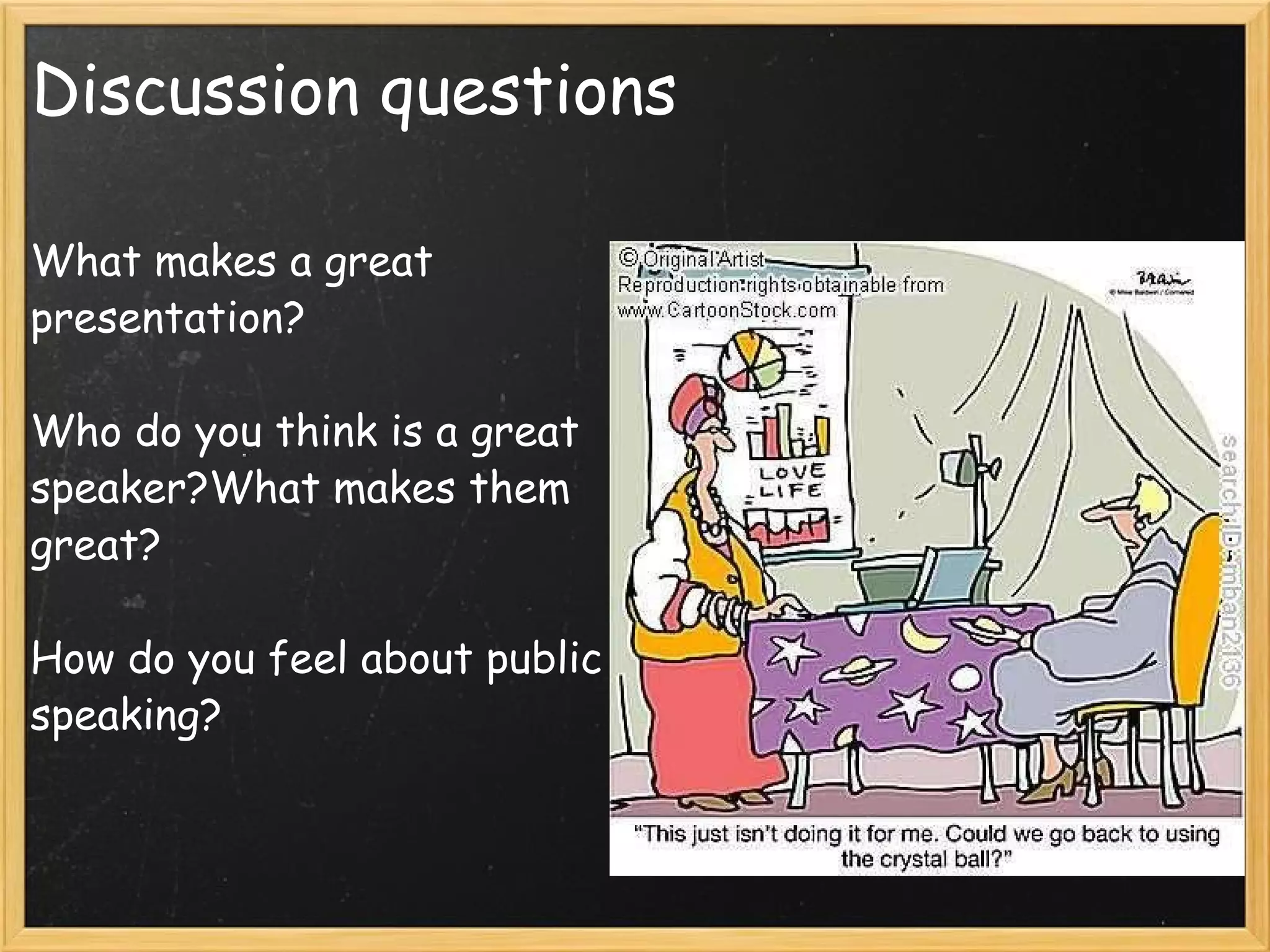
Discussion questions What makes a great presentation?   Who do you think is a great speaker?What makes them great?   How do you feel about public speaking?       
  Topics Remember the audience  What make an effective presentation? Nerves  Verbal & Non- Verbal communication  Notes  Using Powerpoint  Effective slides   10 steps for preparing your presentation
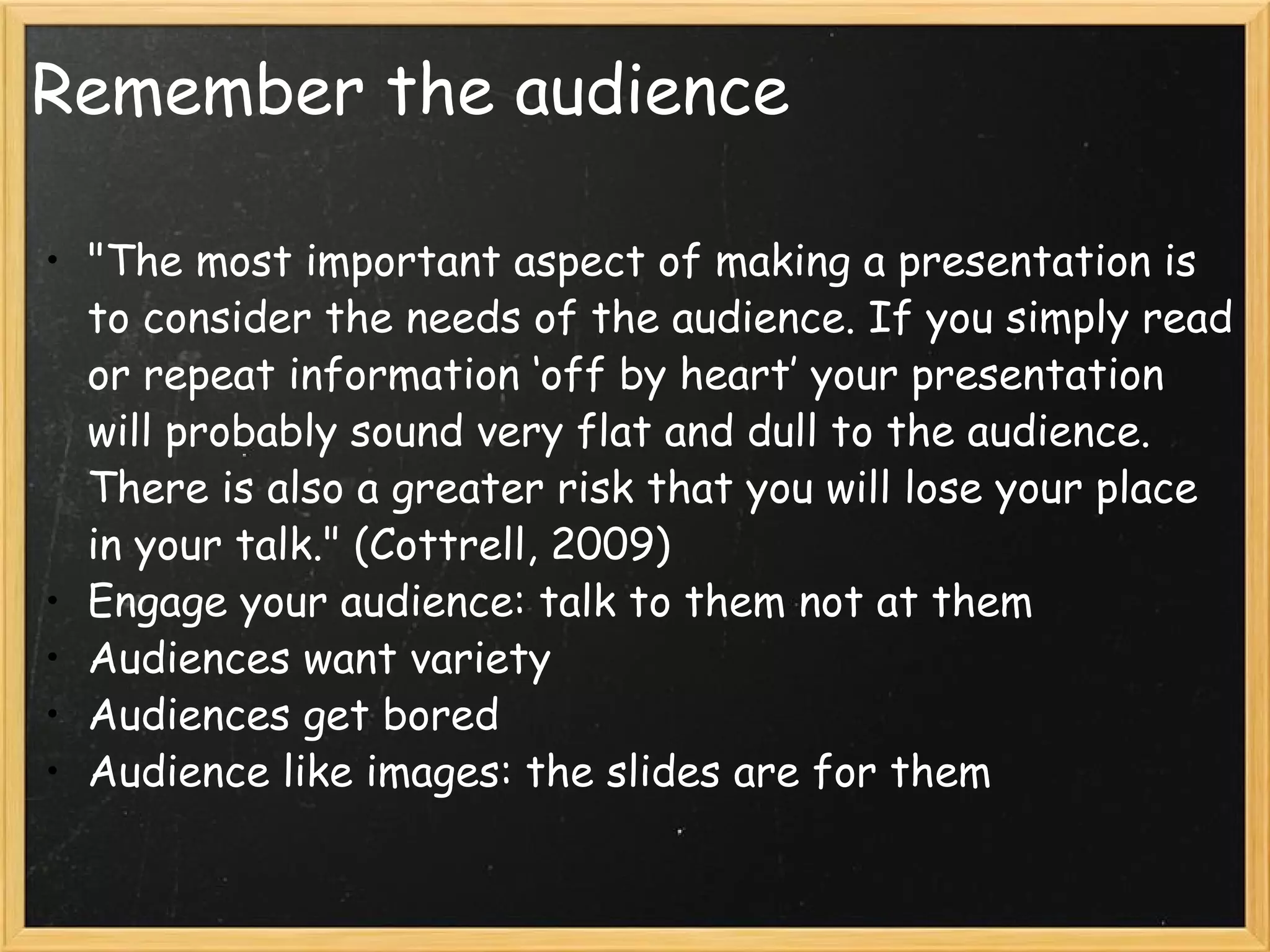
Remember the audience "The most important aspect of making a presentation is to consider the needs of the audience. If you simply read or repeat information ‘off by heart’ your presentation will probably sound very flat and dull to the audience. There is also a greater risk that you will lose your place in your talk." (Cottrell, 2009) Engage your audience: talk to them not at them Audiences want variety Audiences get bored Audience like images: the slides are for them  
What makes an effective presentation? Careful planning & preparation   clear structure Good time management Relevant & interesting content  Good communication skills Appropriate use of slide/supporting documentation   Suitable audience participation
Careful planning & preparation This involves researching & choosing relevant content Preparing slides   Allocating tasks if group work Planning slide handovers Preparing an introduction & conclusion Reharsing the presentation: Speak aloud & use the actual room for the presentation Think about where you will stand, especially if its a group
Time Management Time your presentation Allow for a few minutes extra Better to be too short than too long If in a group: give each member a similar time period to speak, over running will make you unpopular
Content   Make sure your content is relevant & interesting Use examples, definitions, theories, case studies, quotes and personal examples to make the presentation interesting Images: photos, graphs, charts, maps are all effective means of communication
Structure 1 A clear structure is very important   Introduction: introduce yourself & your group. Outline the main parts of the presentation. Say how long it will take and when you will have questions   Have an introduction: Hello my name is Orna Farrell and Im  going to talk to you about......... Firstly I will discuss..........then ................... and lastly................................. The presentation will take 10 minutes and I will take questions at the end 
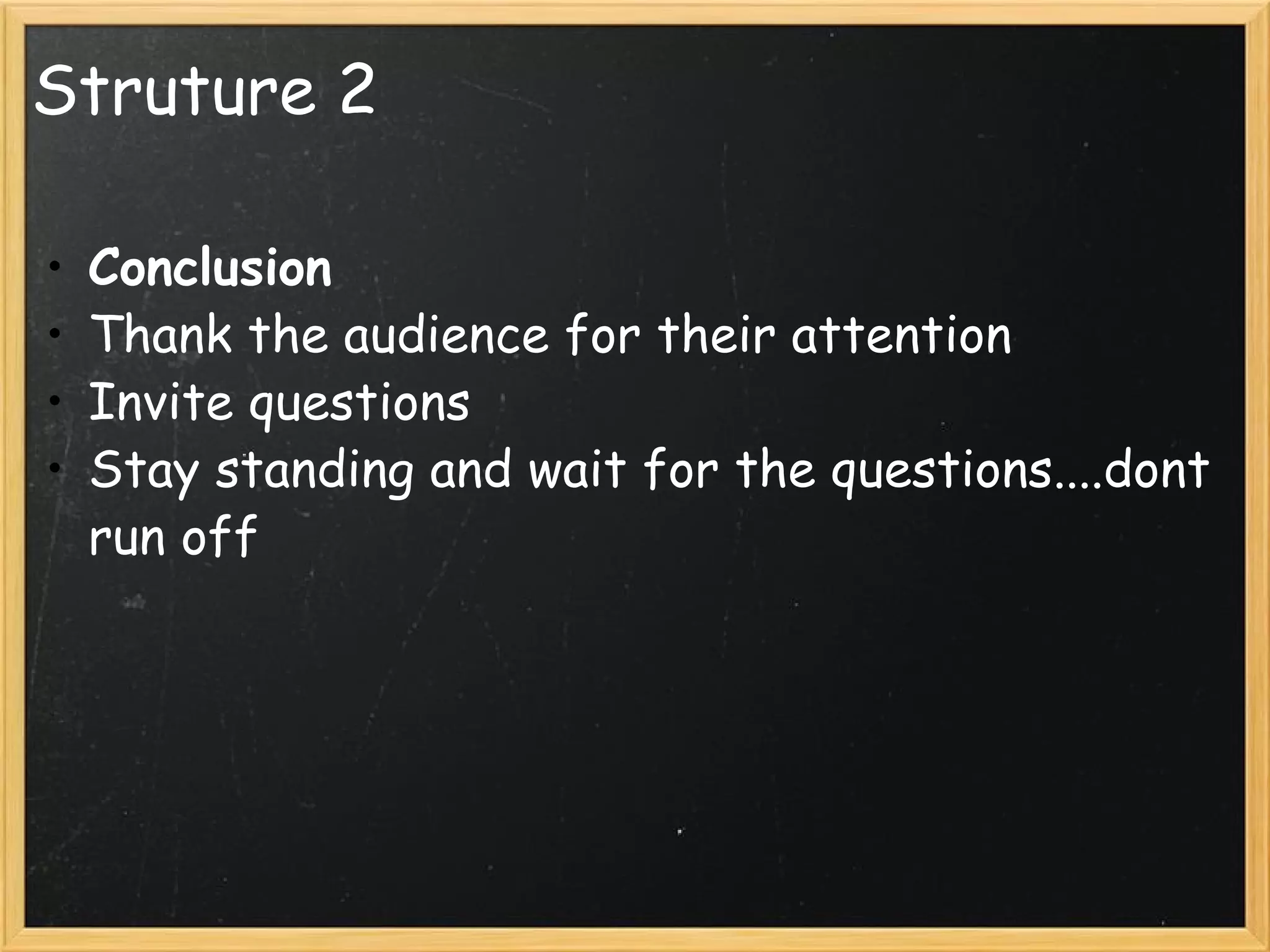
Struture 2 Conclusion Thank the audience for their attention Invite questions Stay standing and wait for the questions....dont run off
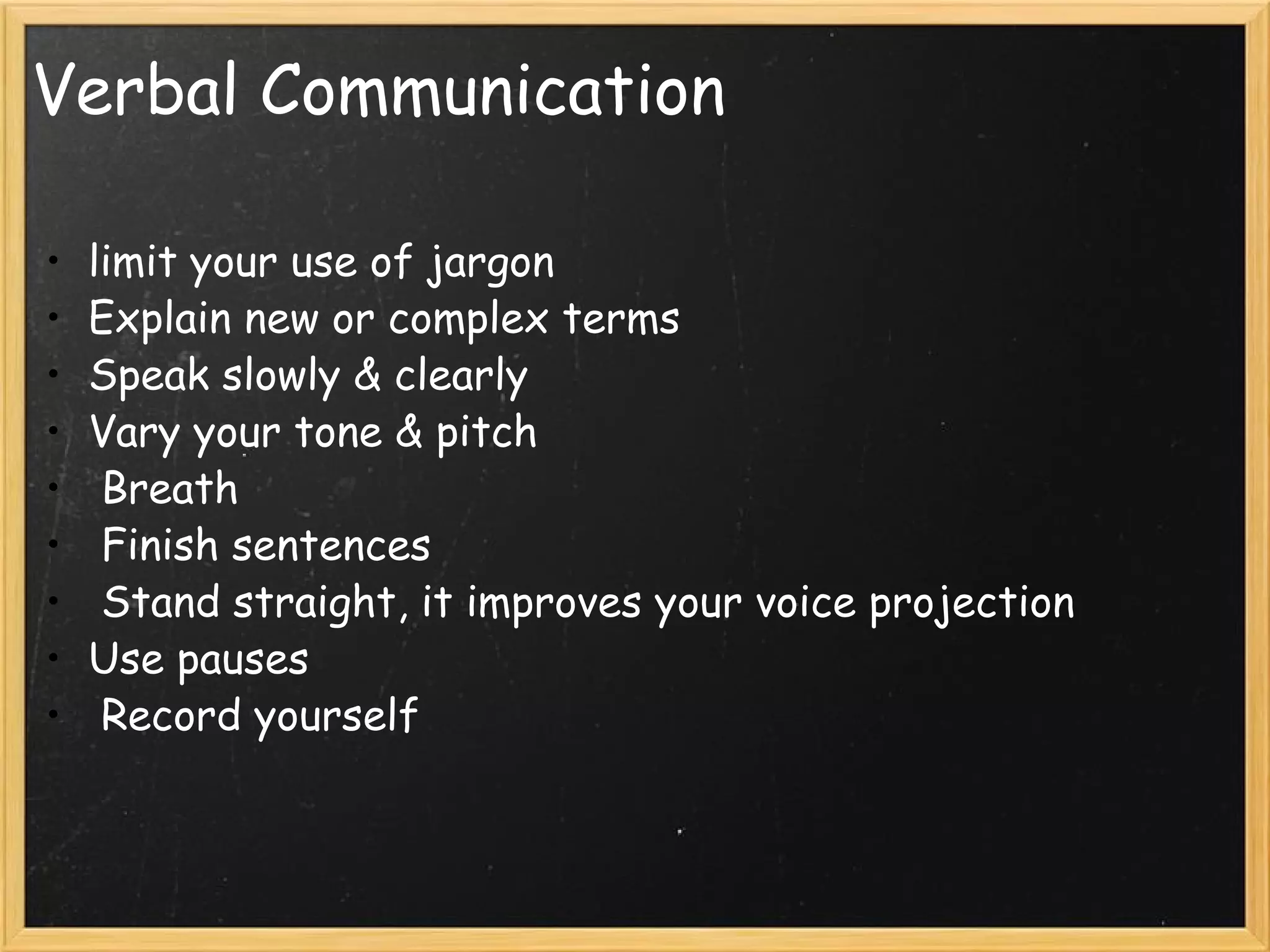
Verbal Communication limit your use of jargon Explain new or complex terms Speak slowly & clearly Vary your tone & pitch   Breath   Finish sentences   Stand straight, it improves your voice projection  Use pauses    Record yourself
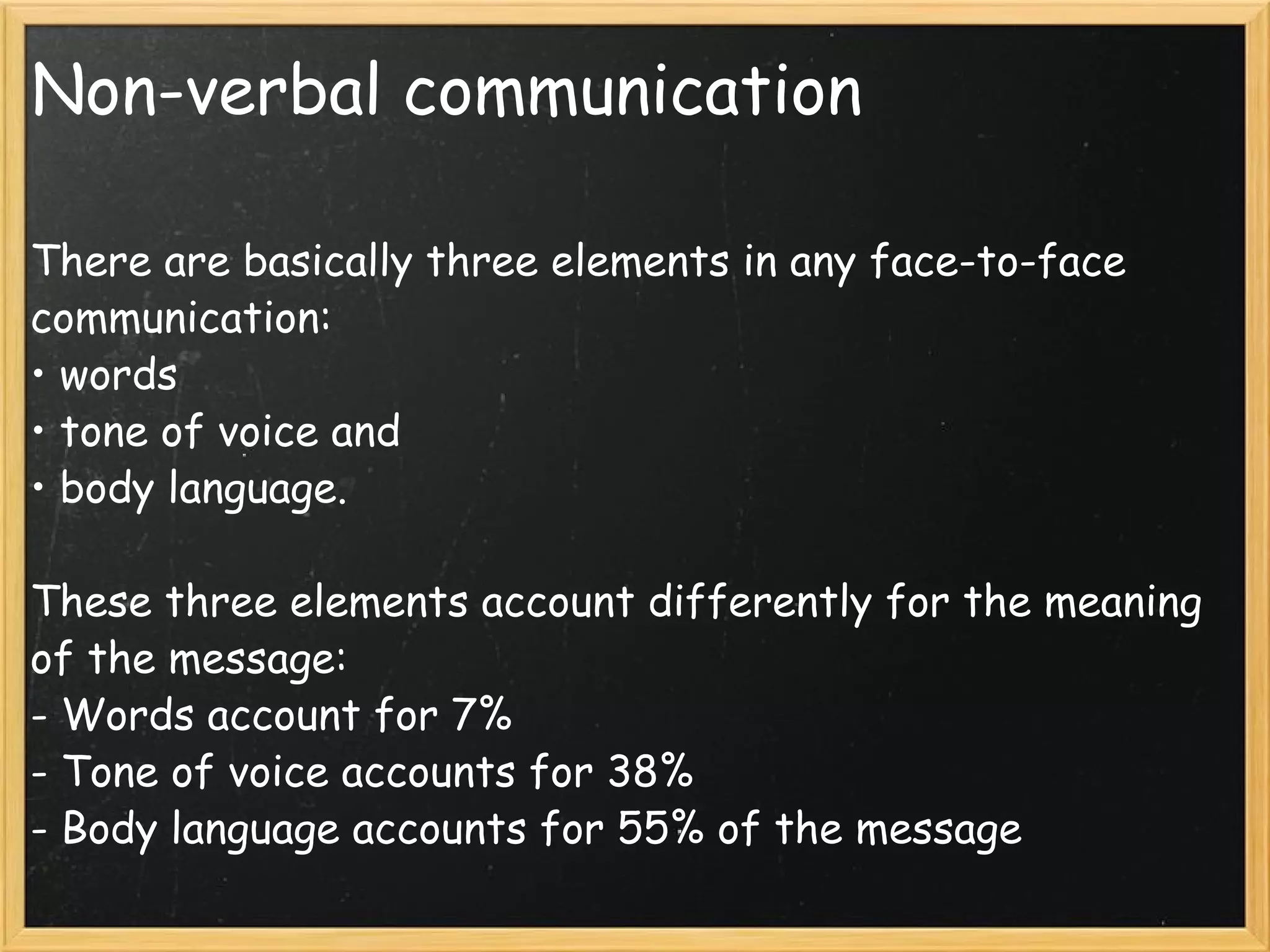
Non-verbal communication There are basically three elements in any face-to-face communication: • words • tone of voice and • body language.  These three elements account differently for the meaning of the message:  - Words account for 7% - Tone of voice accounts for 38%  - Body language accounts for 55% of the message
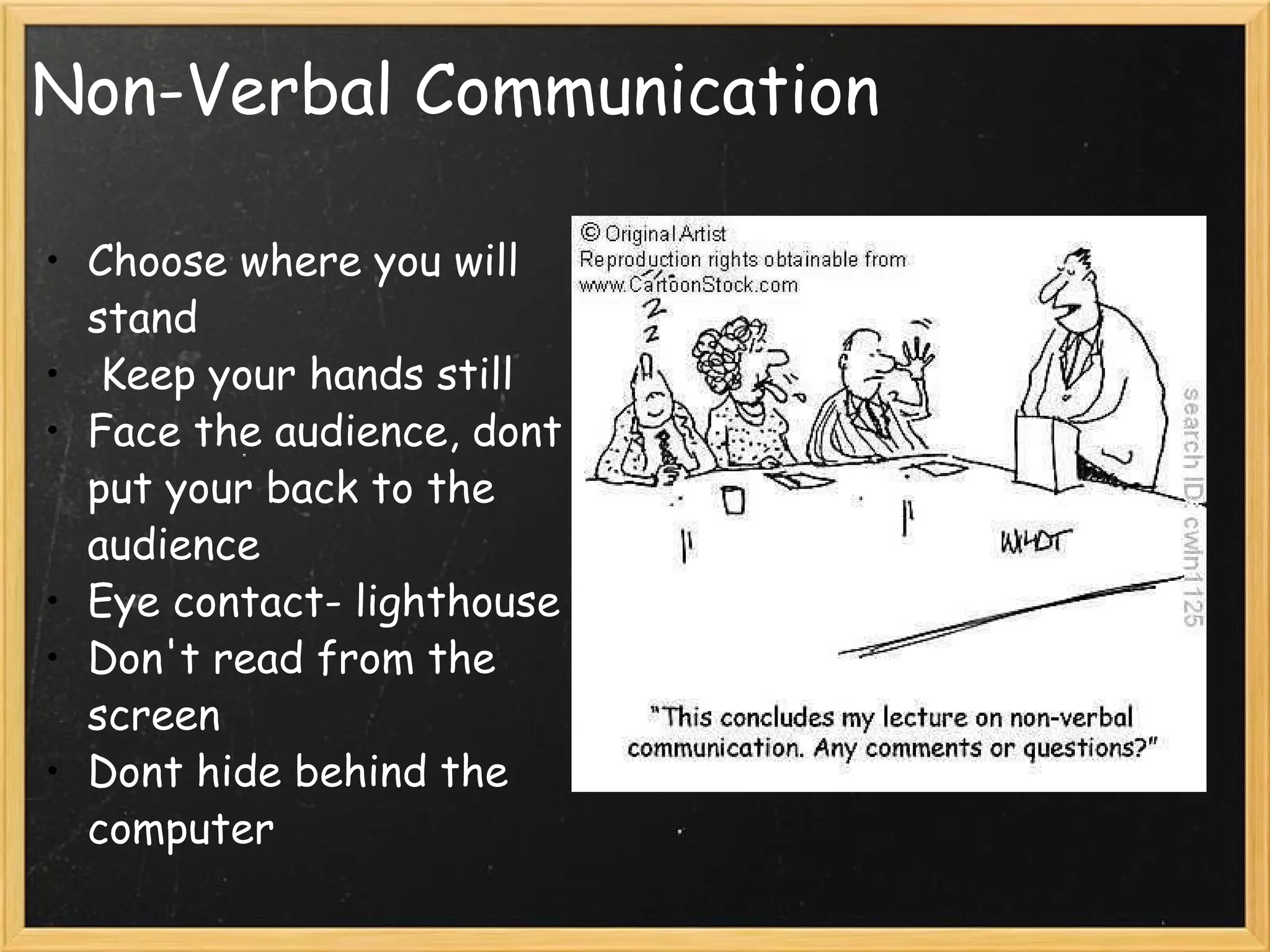
Non-Verbal Communication Choose where you will stand   Keep your hands still Face the audience, dont put your back to the audience Eye contact- lighthouse Don't read from the screen Dont hide behind the computer  
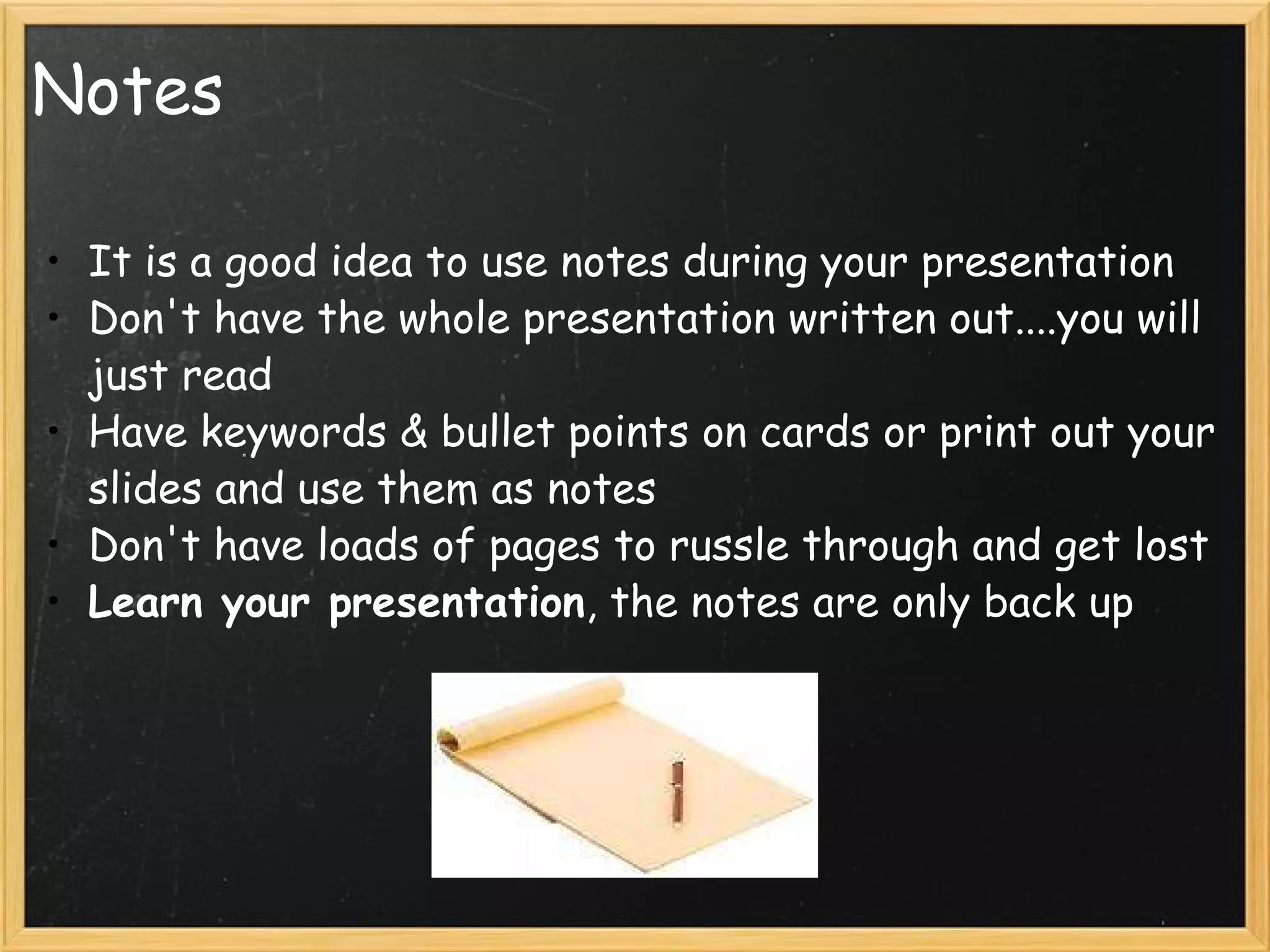
Notes It is a good idea to use notes during your presentation Don't have the whole presentation written out....you will just read Have keywords & bullet points on cards or print out your slides and use them as notes Don't have loads of pages to russle through and get lost Learn your presentation , the notes are only back up
Using powerpoint Common mistakes: Over reliance on the powerpoint Information overload   Getting too technical & wasting time Thinking in bullet point  Too many fonts and styles Boring slides Only talking about whats on the slide
How to make good PowerPoint slides Do Use bullet points & short phrases Use a consistent slide background Use pictures, graphs and short clips Use big font Proof read your slides for spelling and grammar Don’t Use long pieces of text Flashy graphics & animation Use many different slide designs, fonts Many different colour fonts
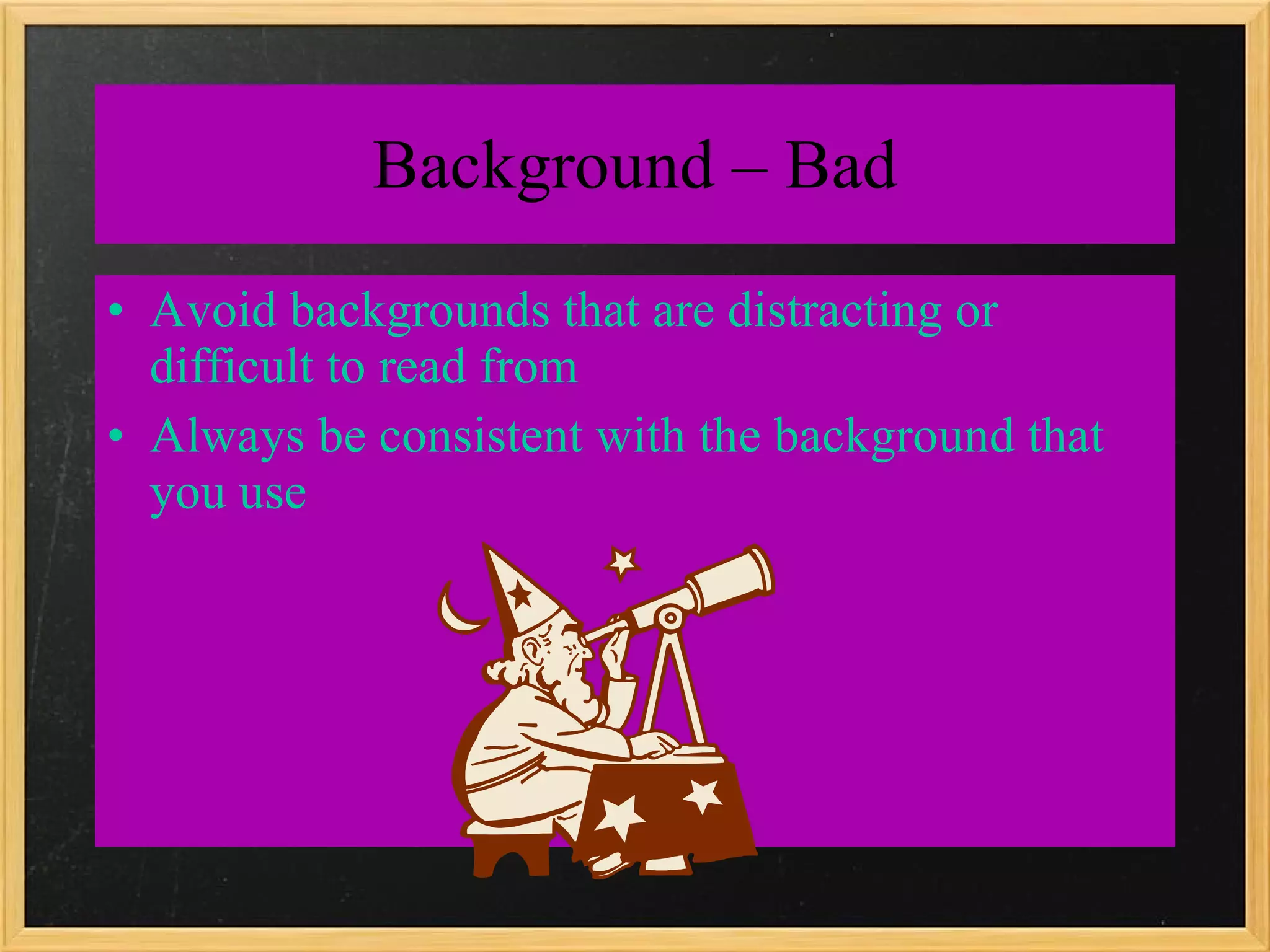
Background – Bad Avoid backgrounds that are distracting or difficult to read from Always be consistent with the background that you use
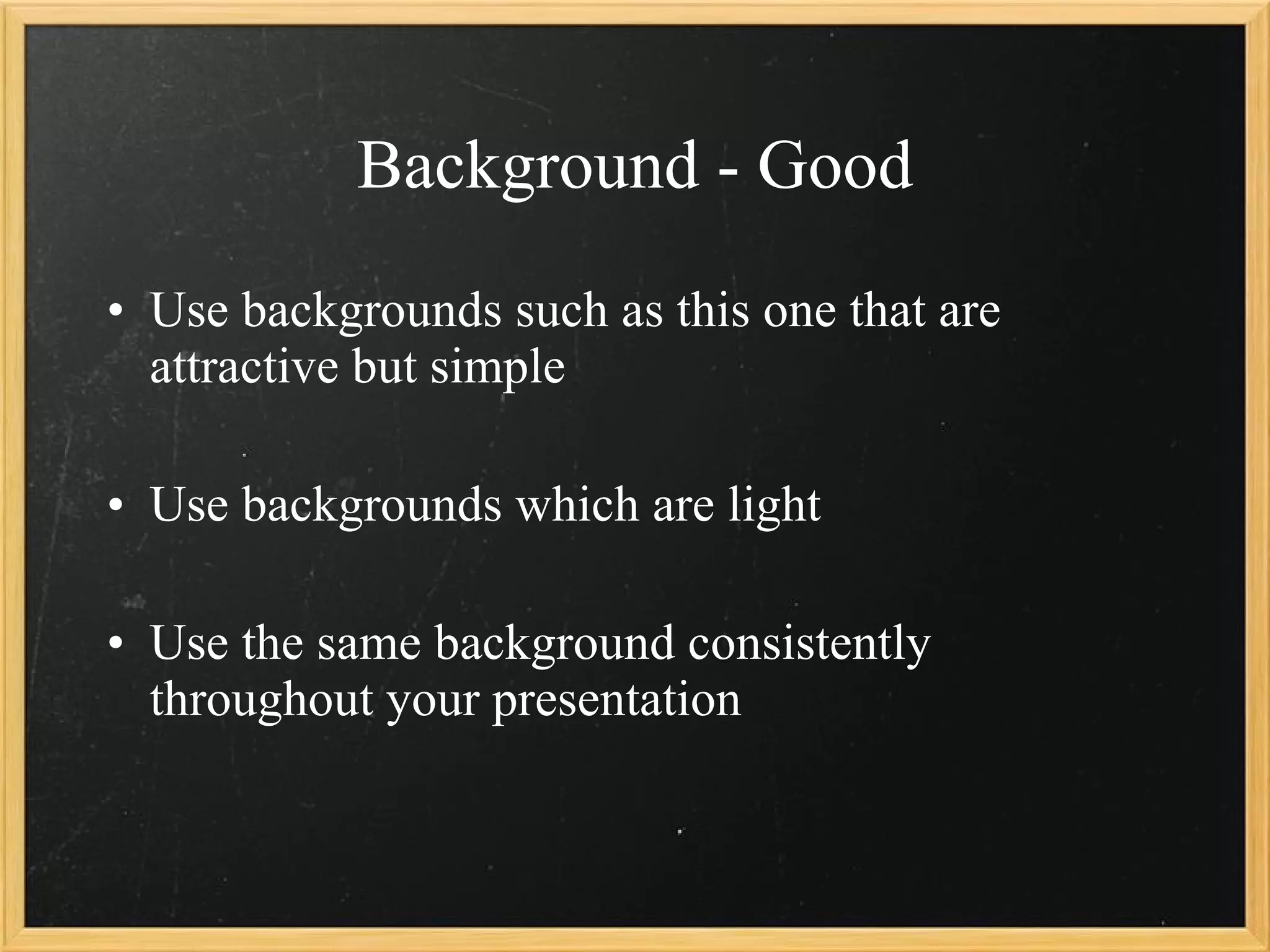
Background - Good Use backgrounds such as this one that are attractive but simple Use backgrounds which are light Use the same background consistently throughout your presentation
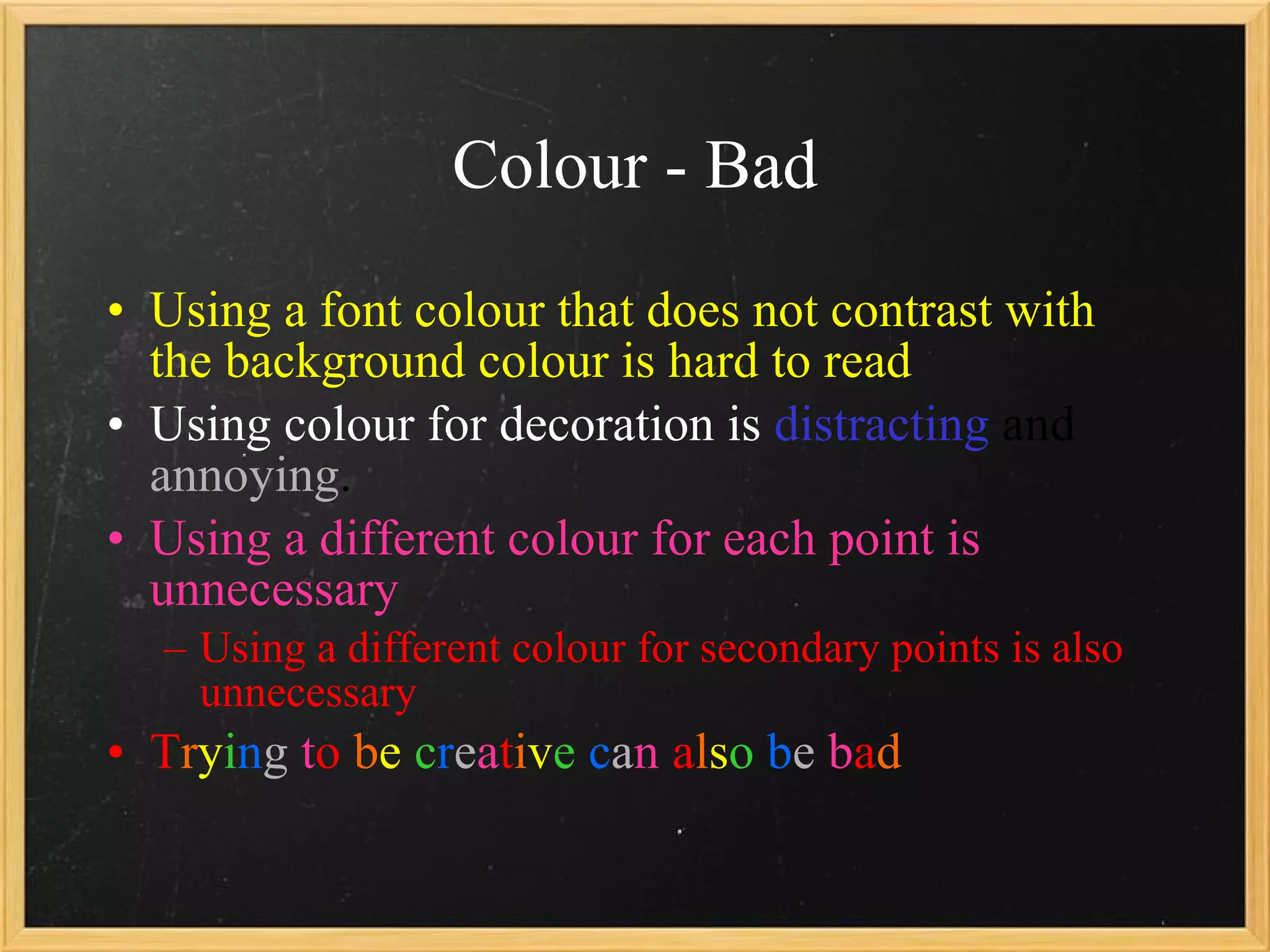
Colour - Bad Using a font colour that does not contrast with the background colour is hard to read  Using colour for decoration is  distracting  and  annoying . Using a different colour for each point is unnecessary Using a different colour for secondary points is also unnecessary T r y i n g  t o   b e  c r e a t i v e   c a n  a l s o   b e  b a d
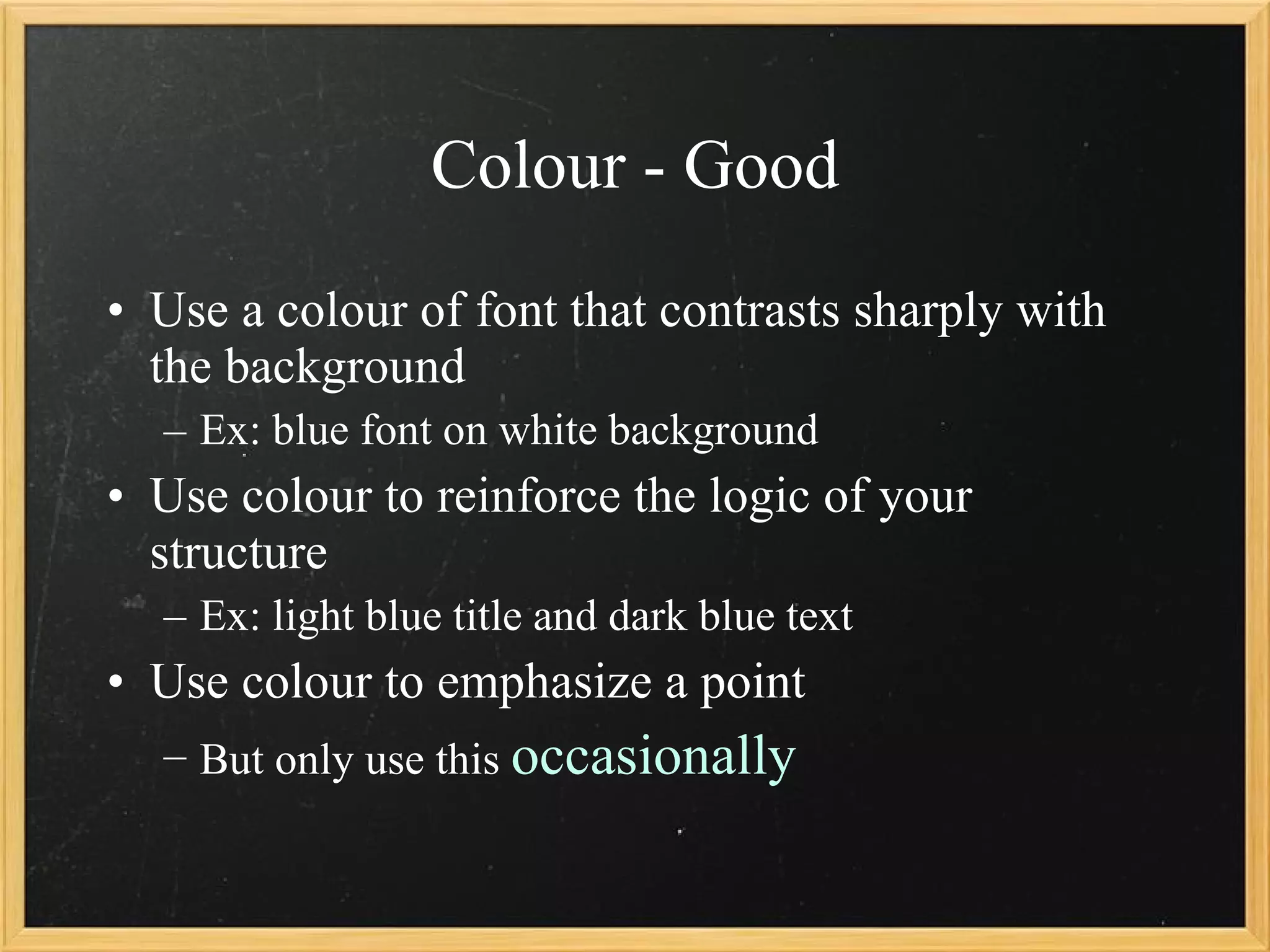
Colour - Good Use a colour of font that contrasts sharply with the background Ex: blue font on white background Use colour to reinforce the logic of your structure Ex: light blue title and dark blue text Use  colour  to emphasize a point But only use this  occasionally
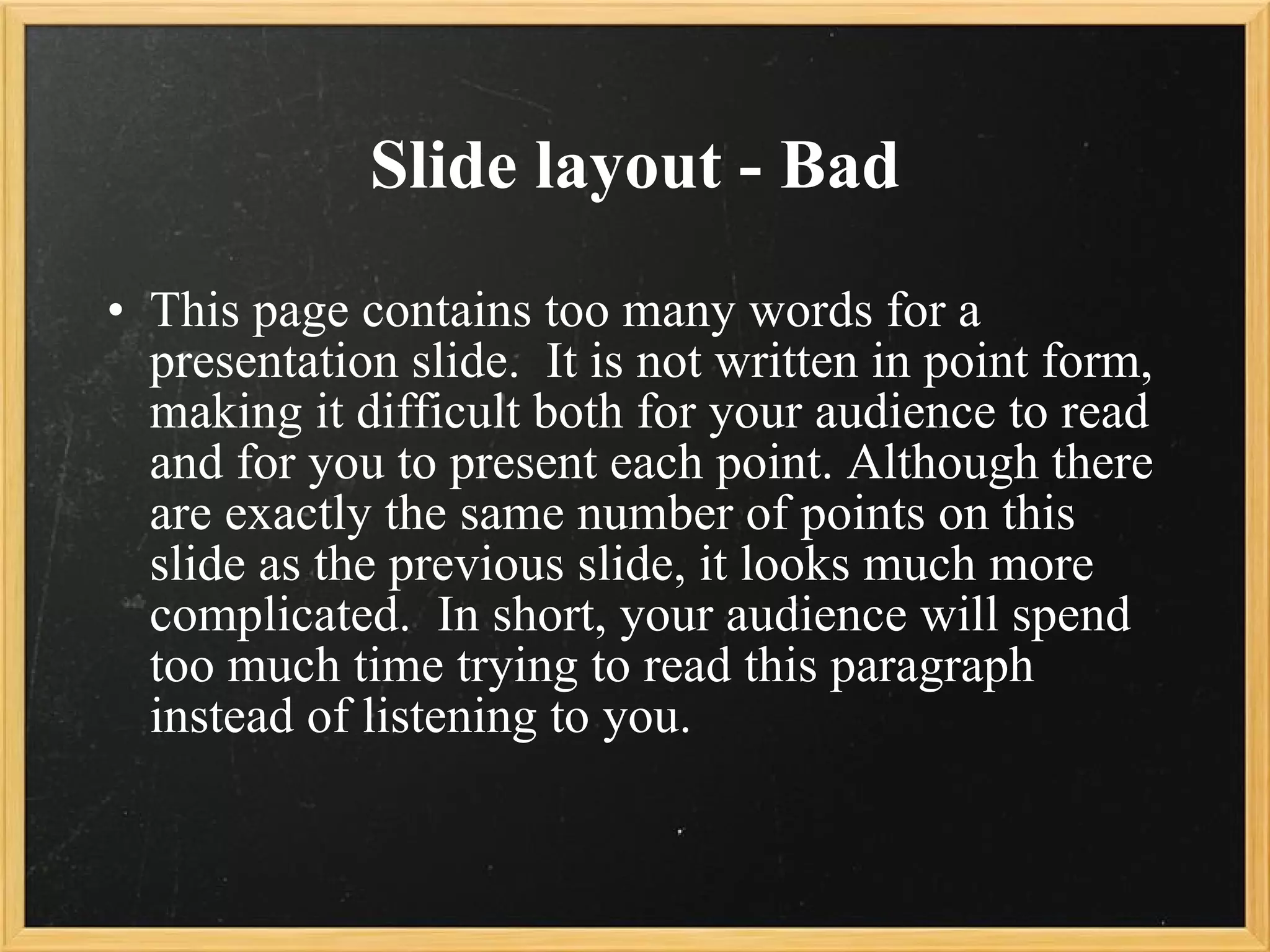
Slide layout - Bad This page contains too many words for a presentation slide.  It is not written in point form, making it difficult both for your audience to read and for you to present each point. Although there are exactly the same number of points on this slide as the previous slide, it looks much more complicated.  In short, your audience will spend too much time trying to read this paragraph instead of listening to you.
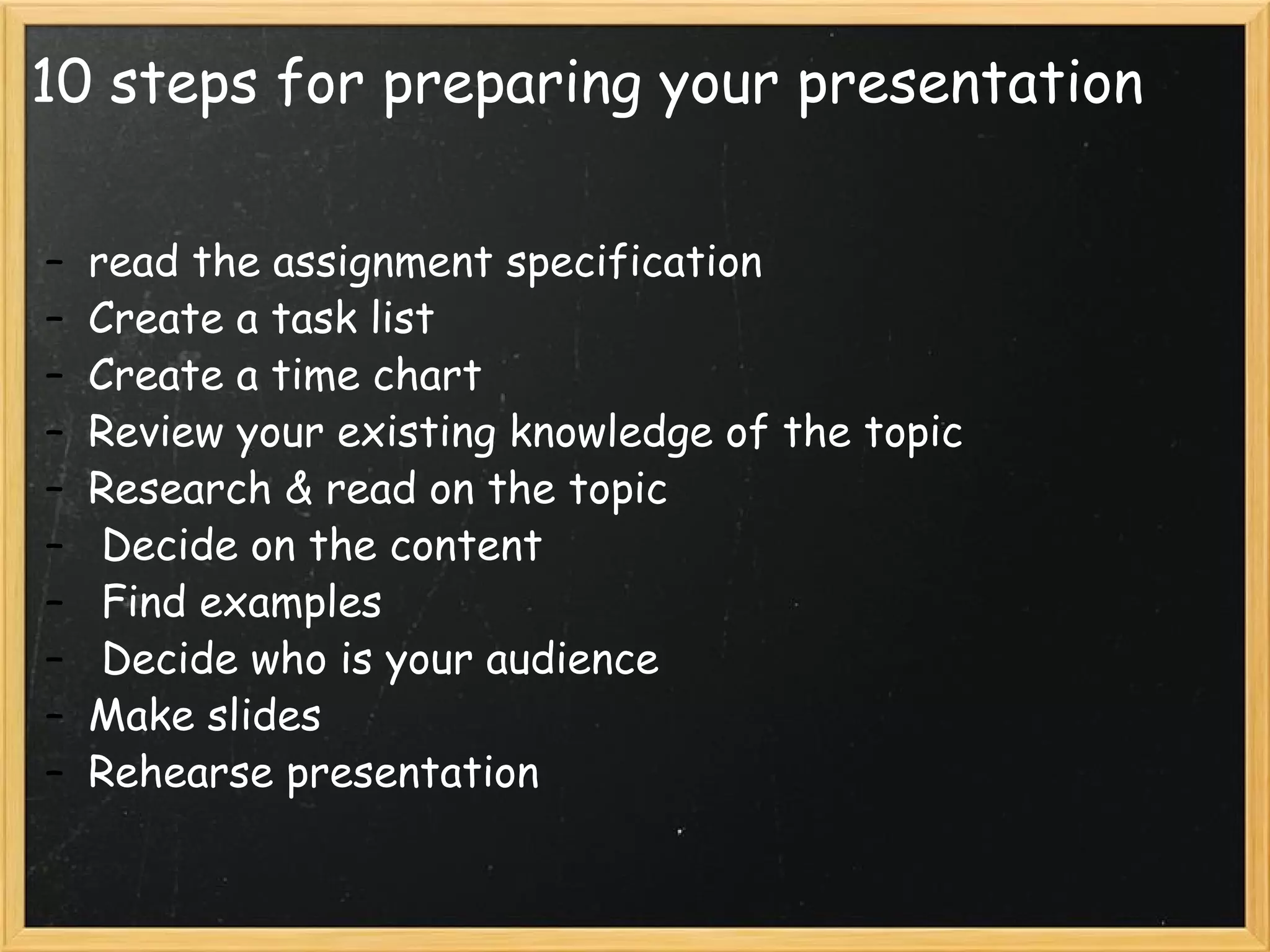
10 steps for preparing your presentation read the assignment specification Create a task list Create a time chart Review your existing knowledge of the topic Research & read on the topic   Decide on the content   Find examples   Decide who is your audience Make slides Rehearse presentation
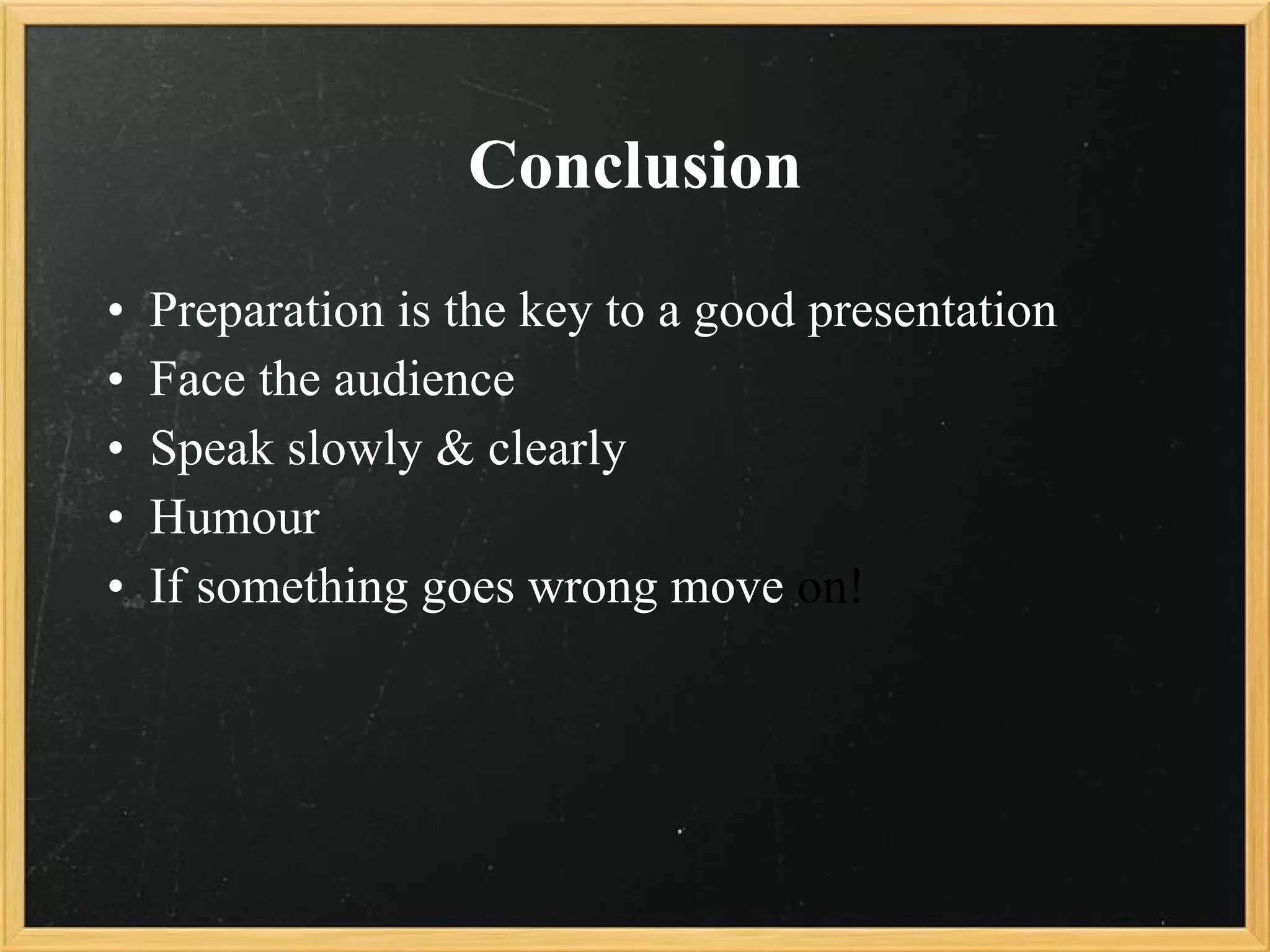
Conclusion Preparation is the key to a good presentation Face the audience Speak slowly & clearly Humour If something goes wrong move  on!
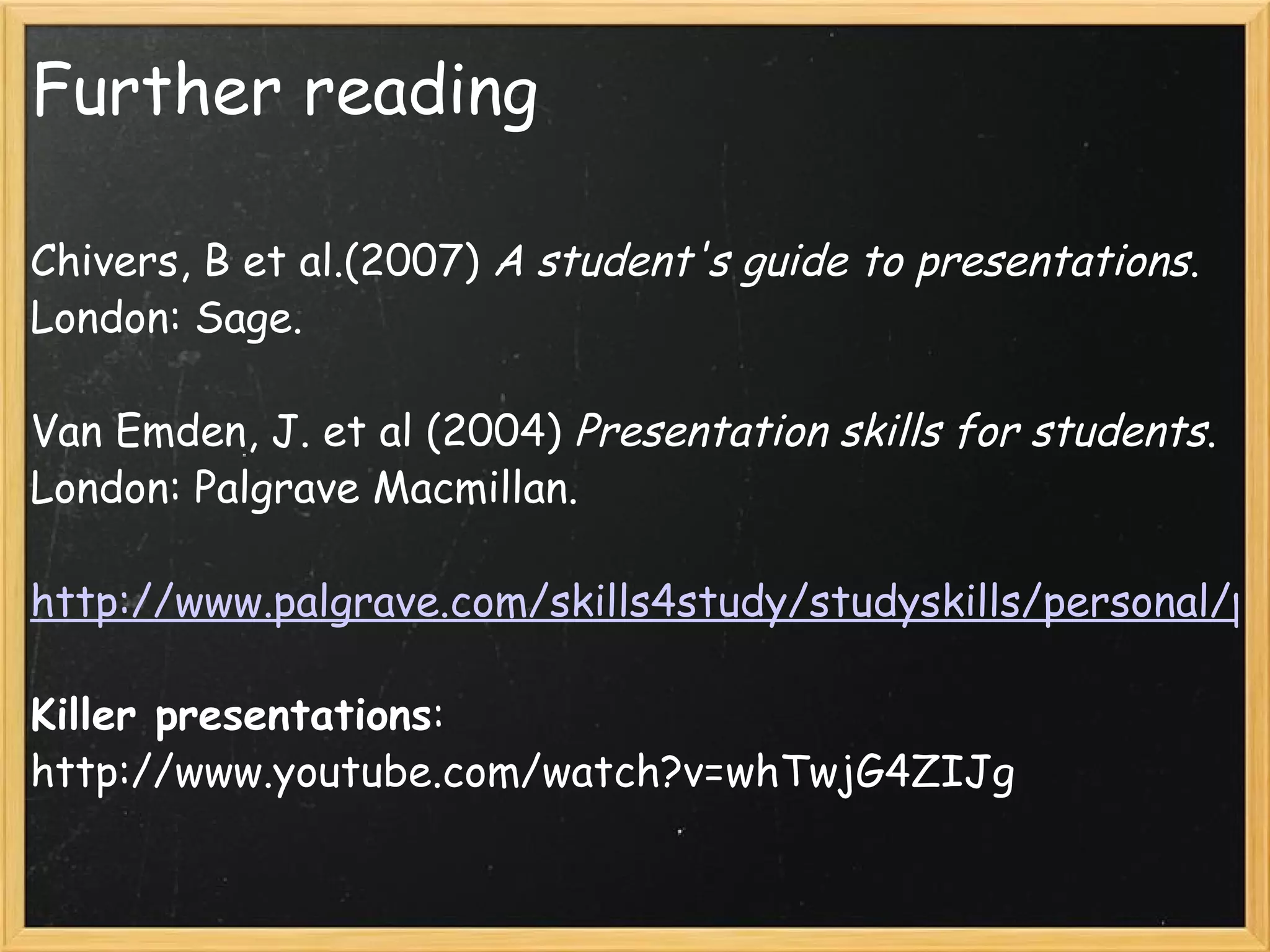
Further reading Chivers, B et al.(2007)  A student's guide to presentations . London: Sage. Van Emden, J. et al (2004)  Presentation skills for students . London: Palgrave Macmillan.   http://www.palgrave.com/skills4study/studyskills/personal/presentation.asp#Remember Killer presentations : http://www.youtube.com/watch?v=whTwjG4ZIJg          

Presentation Skills2009

  • 1.
    Presentation Skills OrnaFarrell [email_address]
  • 2.
    Discussion questions Whatmakes a great presentation?   Who do you think is a great speaker?What makes them great?   How do you feel about public speaking?      
  • 3.
      Topics Rememberthe audience What make an effective presentation? Nerves Verbal & Non- Verbal communication  Notes  Using Powerpoint Effective slides   10 steps for preparing your presentation
  • 4.
    Remember the audience"The most important aspect of making a presentation is to consider the needs of the audience. If you simply read or repeat information ‘off by heart’ your presentation will probably sound very flat and dull to the audience. There is also a greater risk that you will lose your place in your talk." (Cottrell, 2009) Engage your audience: talk to them not at them Audiences want variety Audiences get bored Audience like images: the slides are for them  
  • 5.
    What makes aneffective presentation? Careful planning & preparation   clear structure Good time management Relevant & interesting content Good communication skills Appropriate use of slide/supporting documentation   Suitable audience participation
  • 6.
    Careful planning &preparation This involves researching & choosing relevant content Preparing slides   Allocating tasks if group work Planning slide handovers Preparing an introduction & conclusion Reharsing the presentation: Speak aloud & use the actual room for the presentation Think about where you will stand, especially if its a group
  • 7.
    Time Management Timeyour presentation Allow for a few minutes extra Better to be too short than too long If in a group: give each member a similar time period to speak, over running will make you unpopular
  • 8.
    Content   Makesure your content is relevant & interesting Use examples, definitions, theories, case studies, quotes and personal examples to make the presentation interesting Images: photos, graphs, charts, maps are all effective means of communication
  • 9.
    Structure 1 Aclear structure is very important   Introduction: introduce yourself & your group. Outline the main parts of the presentation. Say how long it will take and when you will have questions   Have an introduction: Hello my name is Orna Farrell and Im  going to talk to you about......... Firstly I will discuss..........then ................... and lastly................................. The presentation will take 10 minutes and I will take questions at the end 
  • 10.
    Struture 2 ConclusionThank the audience for their attention Invite questions Stay standing and wait for the questions....dont run off
  • 11.
    Verbal Communication limityour use of jargon Explain new or complex terms Speak slowly & clearly Vary your tone & pitch   Breath   Finish sentences   Stand straight, it improves your voice projection  Use pauses   Record yourself
  • 12.
    Non-verbal communication Thereare basically three elements in any face-to-face communication: • words • tone of voice and • body language. These three elements account differently for the meaning of the message: - Words account for 7% - Tone of voice accounts for 38%  - Body language accounts for 55% of the message
  • 13.
    Non-Verbal Communication Choosewhere you will stand   Keep your hands still Face the audience, dont put your back to the audience Eye contact- lighthouse Don't read from the screen Dont hide behind the computer  
  • 14.
    Notes It isa good idea to use notes during your presentation Don't have the whole presentation written out....you will just read Have keywords & bullet points on cards or print out your slides and use them as notes Don't have loads of pages to russle through and get lost Learn your presentation , the notes are only back up
  • 15.
    Using powerpoint Commonmistakes: Over reliance on the powerpoint Information overload   Getting too technical & wasting time Thinking in bullet point Too many fonts and styles Boring slides Only talking about whats on the slide
  • 16.
    How to makegood PowerPoint slides Do Use bullet points & short phrases Use a consistent slide background Use pictures, graphs and short clips Use big font Proof read your slides for spelling and grammar Don’t Use long pieces of text Flashy graphics & animation Use many different slide designs, fonts Many different colour fonts
  • 17.
    Background – BadAvoid backgrounds that are distracting or difficult to read from Always be consistent with the background that you use
  • 18.
    Background - GoodUse backgrounds such as this one that are attractive but simple Use backgrounds which are light Use the same background consistently throughout your presentation
  • 19.
    Colour - BadUsing a font colour that does not contrast with the background colour is hard to read Using colour for decoration is distracting and annoying . Using a different colour for each point is unnecessary Using a different colour for secondary points is also unnecessary T r y i n g t o b e c r e a t i v e c a n a l s o b e b a d
  • 20.
    Colour - GoodUse a colour of font that contrasts sharply with the background Ex: blue font on white background Use colour to reinforce the logic of your structure Ex: light blue title and dark blue text Use colour to emphasize a point But only use this occasionally
  • 21.
    Slide layout -Bad This page contains too many words for a presentation slide. It is not written in point form, making it difficult both for your audience to read and for you to present each point. Although there are exactly the same number of points on this slide as the previous slide, it looks much more complicated. In short, your audience will spend too much time trying to read this paragraph instead of listening to you.
  • 22.
    10 steps forpreparing your presentation read the assignment specification Create a task list Create a time chart Review your existing knowledge of the topic Research & read on the topic   Decide on the content   Find examples   Decide who is your audience Make slides Rehearse presentation
  • 23.
    Conclusion Preparation isthe key to a good presentation Face the audience Speak slowly & clearly Humour If something goes wrong move on!
  • 24.
    Further reading Chivers,B et al.(2007) A student's guide to presentations . London: Sage. Van Emden, J. et al (2004) Presentation skills for students . London: Palgrave Macmillan.   http://www.palgrave.com/skills4study/studyskills/personal/presentation.asp#Remember Killer presentations : http://www.youtube.com/watch?v=whTwjG4ZIJg