This document provides tips for effectively planning and delivering a presentation. It recommends that presentations have a clear structure with a beginning, middle, and end. Presenters should choose a topic, outline their presentation, and select delivery methods such as PowerPoint. It's important to consider the audience's knowledge level and time constraints. Presenters should introduce themselves, speak clearly, maintain eye contact, and conclude their presentation strongly. PowerPoint slides should be easy to read and understand with clear, concise text and visuals like graphs and tables to convey meaning. Thorough practice is also emphasized.
This presentation takesyou through the stages involved in the planning and delivery of a presentation. Consideration will also be given to the effective use of PowerPoint slides in your presentation.
3.
Has a clearstructure Encourages independent thinking Uses clear explanations Is delivered with enthusiasm
4.
Your presentation shouldhave a beginning, a middle, and an end. Beginning – Tell your audience what you are going to say. Middle – Say it. End – Tell them what you said.
5.
Choose your topicPlan your presentation outline Build the talk from your outline Choose your delivery method(s)
6.
Consider using oneor two of the following: Video PowerPoint Overhead Projector Handouts White/Black board
7.
It is importantthat your talk is geared to the knowledge level of your audience. Research your audience to avoid going over their heads, or boring them. Do not talk down to your audience.
8.
Know the timeconstraints for your presentation, and leave time for questions. A typical audience has an attention span of around 20 minutes, so get important points in early.
9.
Use humour, whenappropriate, to add sparkle to your talk. Demonstrations also add interest. If you are using a whiteboard or overhead projector, different coloured pens will help to add emphasis.
10.
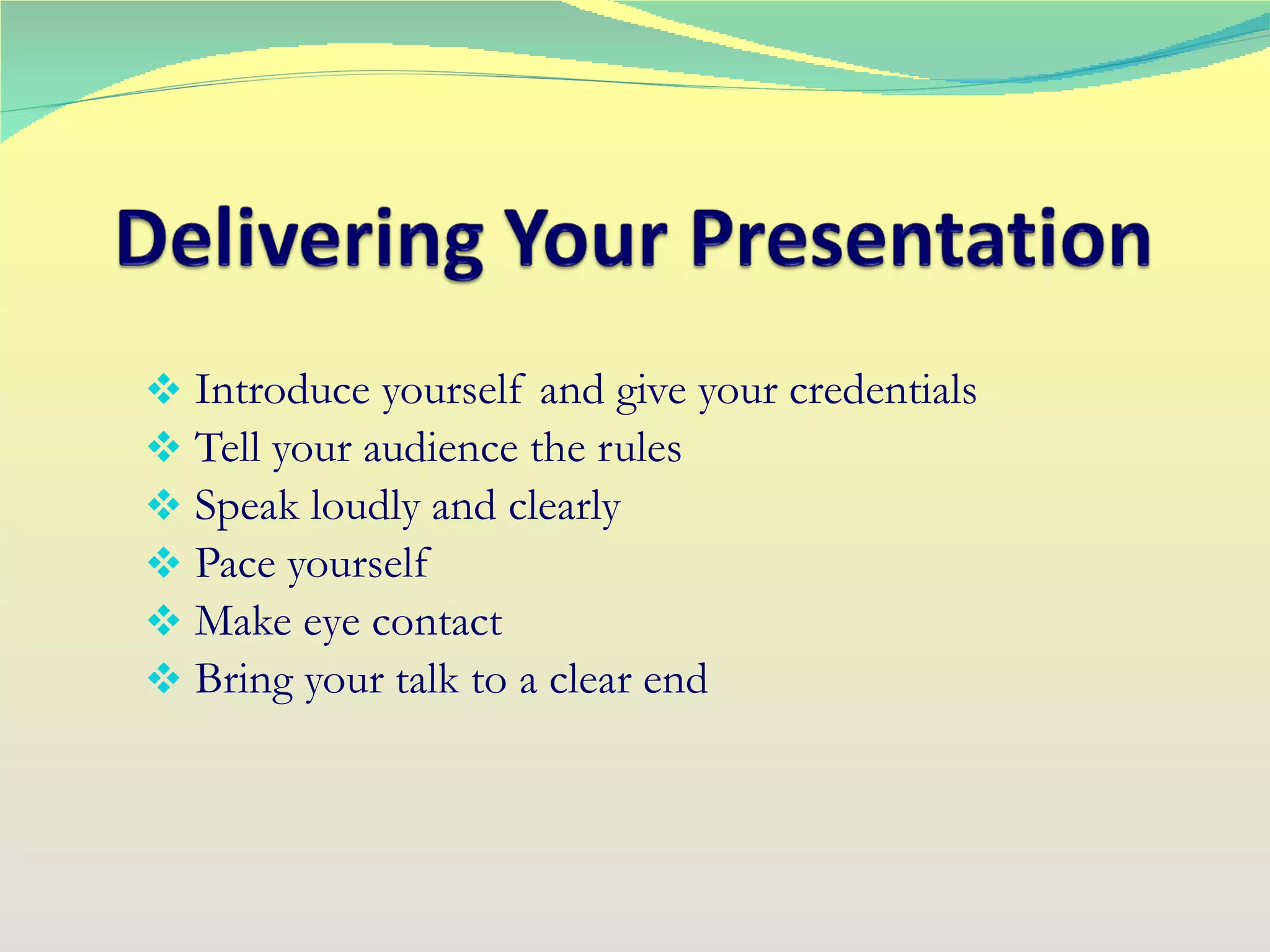
Introduce yourself andgive your credentials Tell your audience the rules Speak loudly and clearly Pace yourself Make eye contact Bring your talk to a clear end
11.
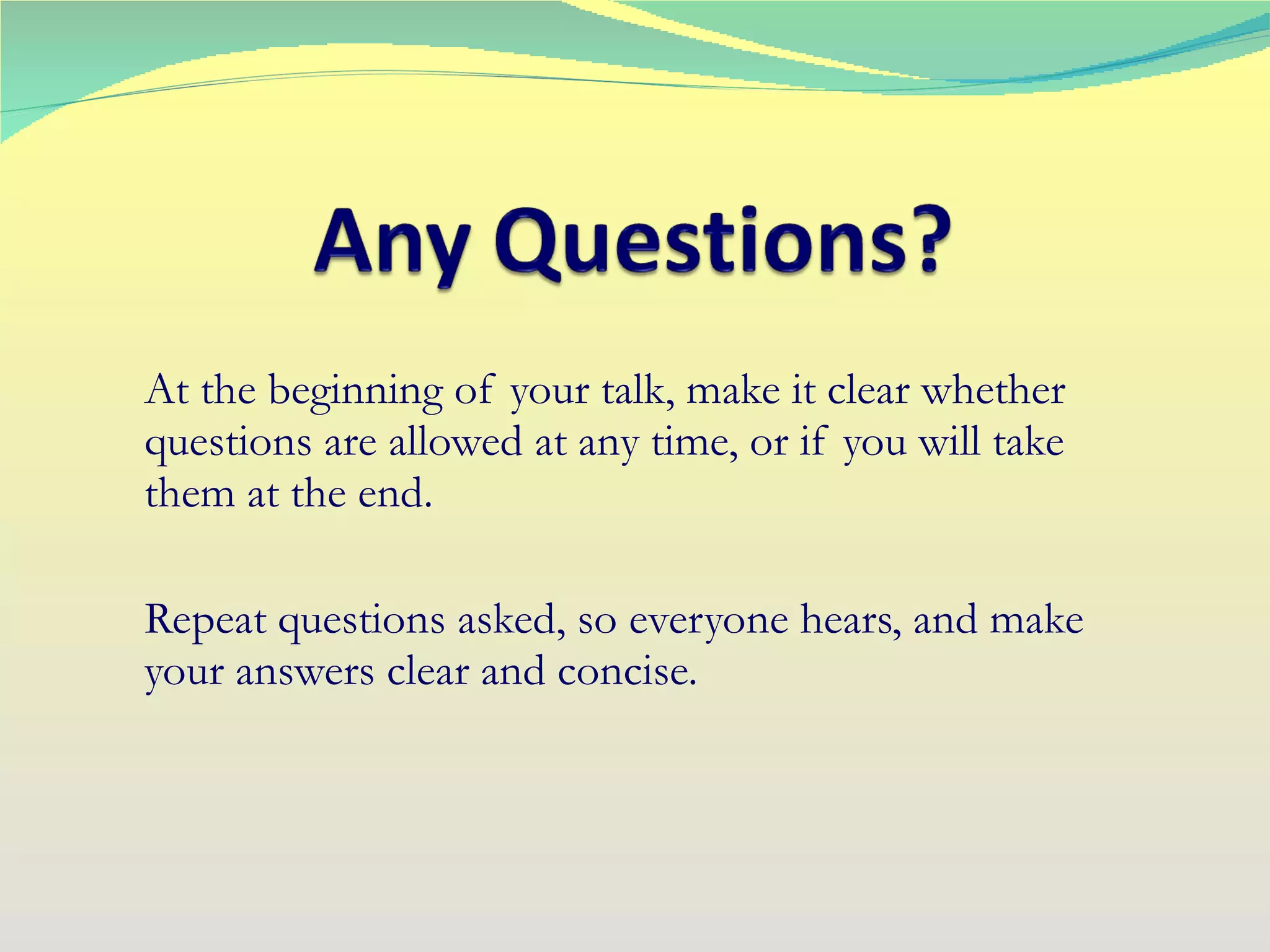
At the beginningof your talk, make it clear whether questions are allowed at any time, or if you will take them at the end. Repeat questions asked, so everyone hears, and make your answers clear and concise.
12.
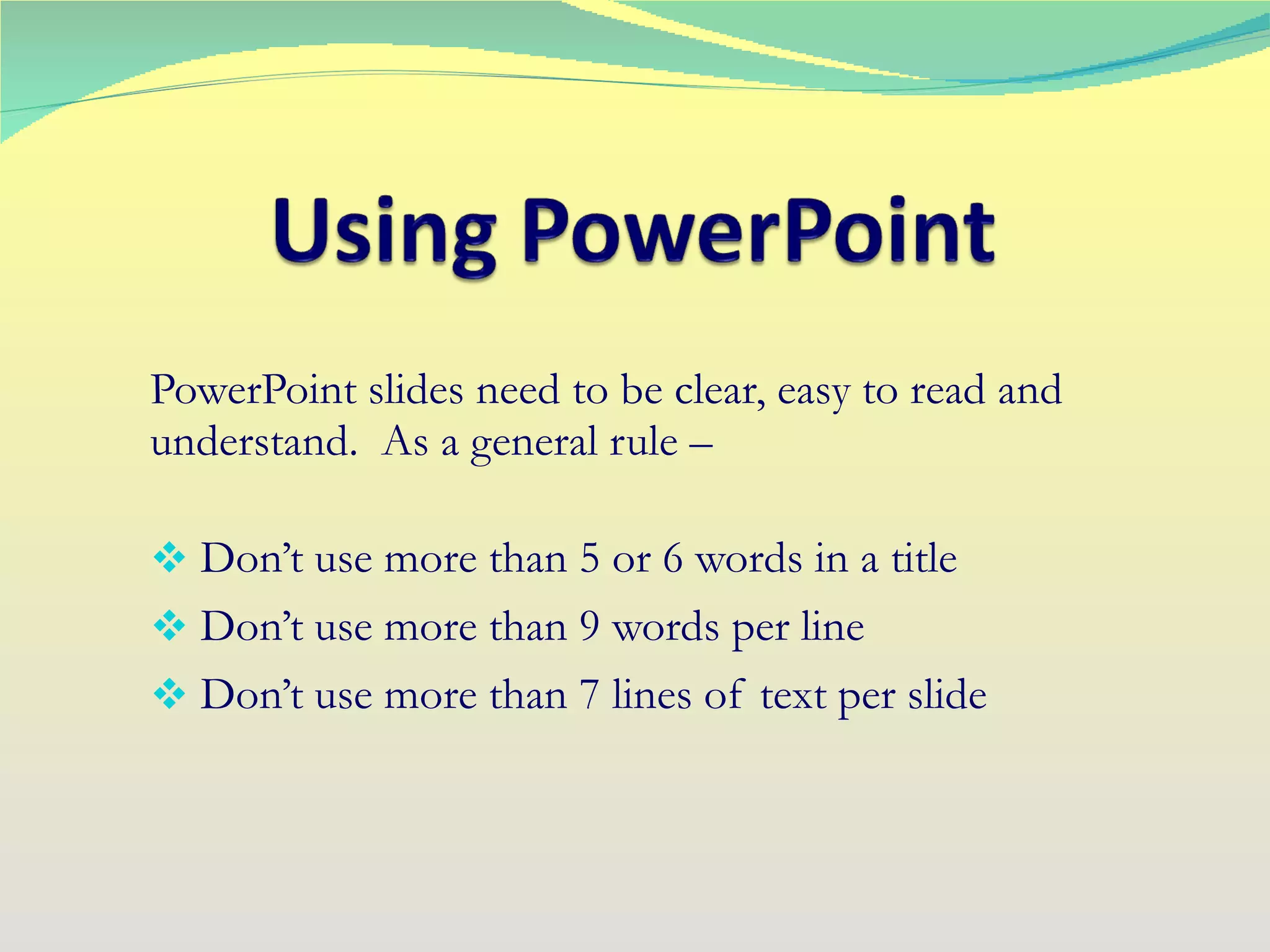
PowerPoint slides needto be clear, easy to read and understand. As a general rule – Don’t use more than 5 or 6 words in a title Don’t use more than 9 words per line Don’t use more than 7 lines of text per slide
13.
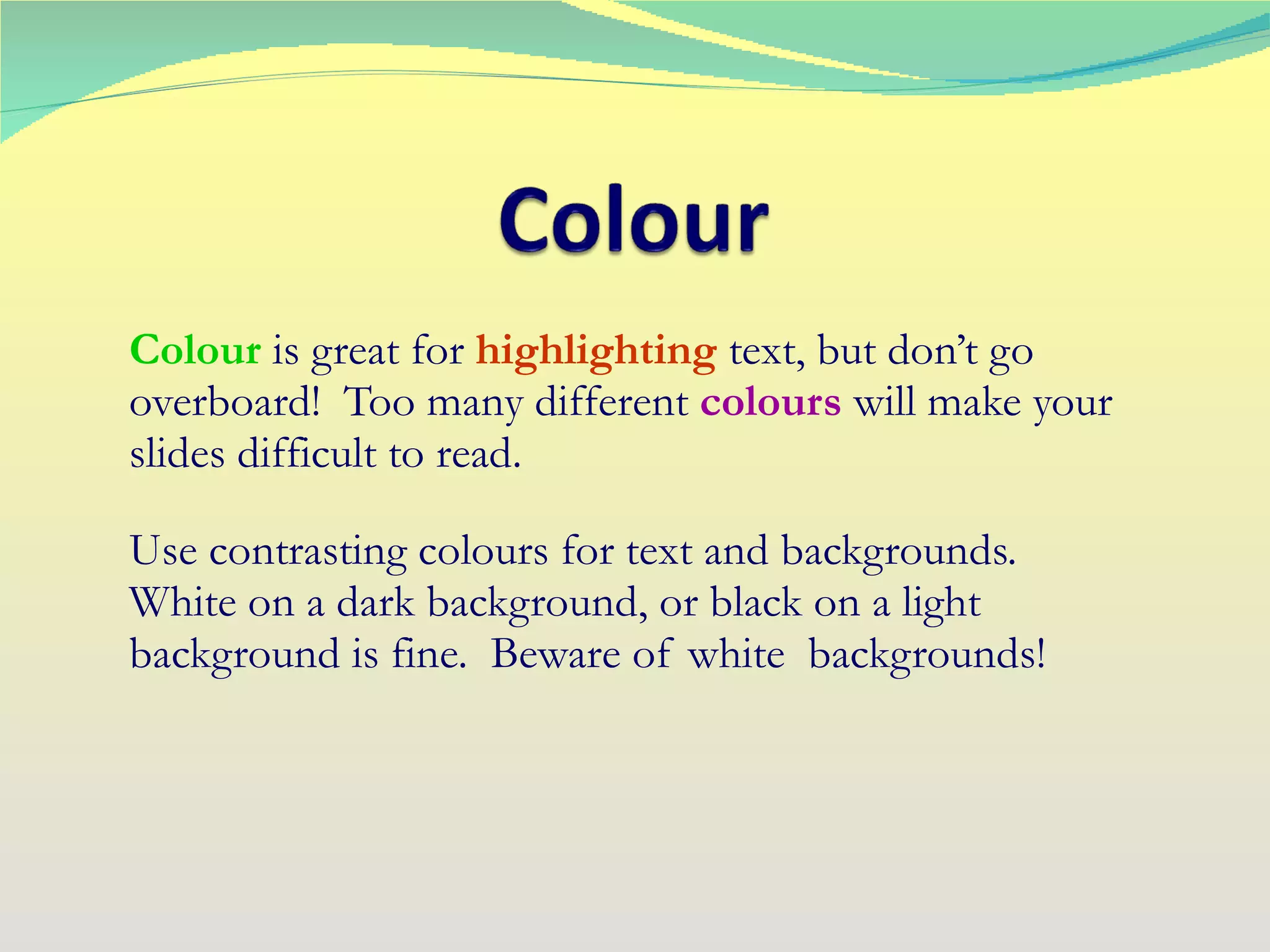
Colour isgreat for highlighting text, but don’t go overboard! Too many different colours will make your slides difficult to read. Use contrasting colours for text and backgrounds. White on a dark background, or black on a light background is fine. Beware of white backgrounds!
14.
Bold text stands out very well, as does text in italics . Be cautious using underlining as it can make your slide too busy. Space lines out evenly, avoid gaps in your text, and don’t use too many different fonts .
15.
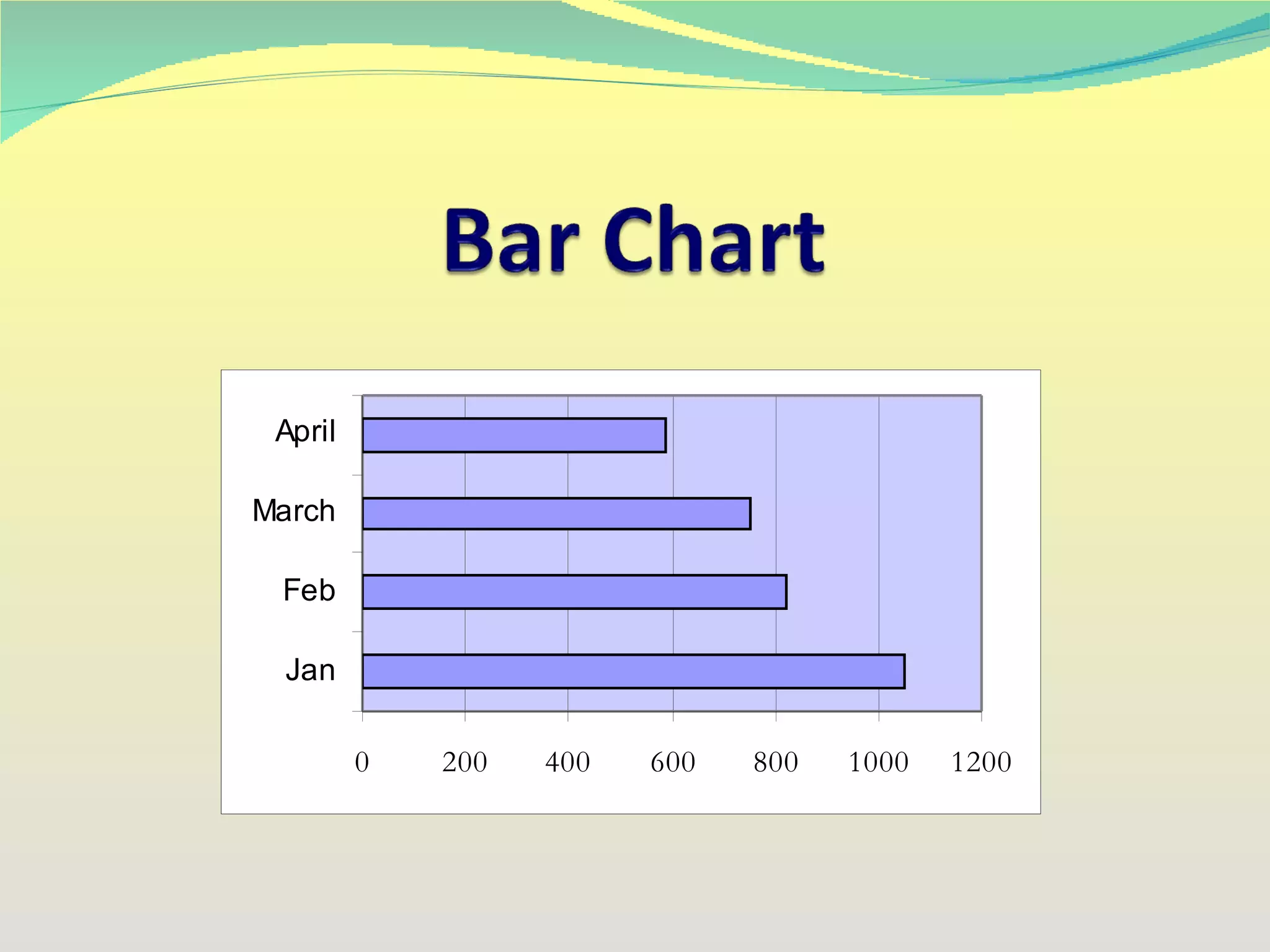
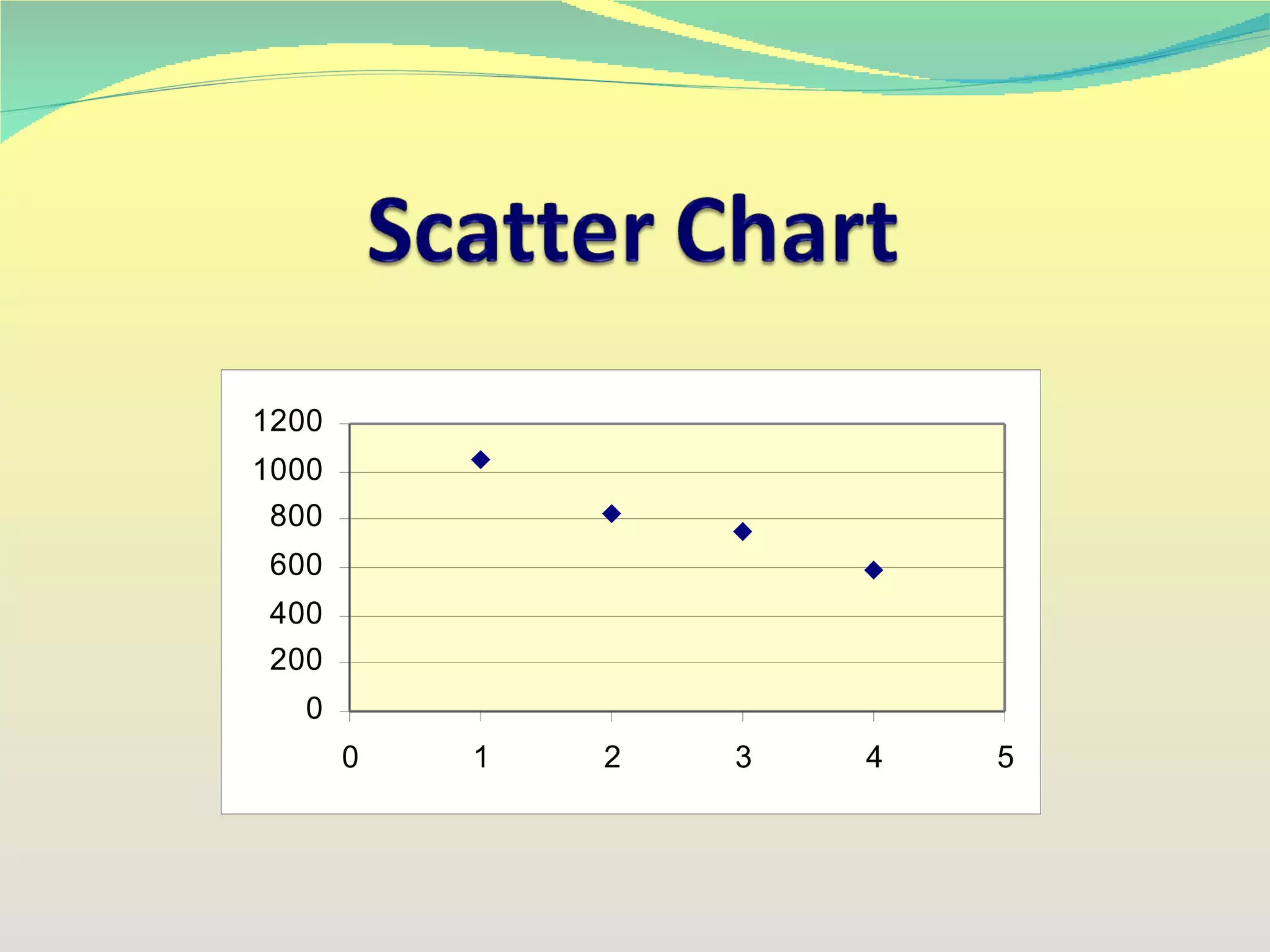
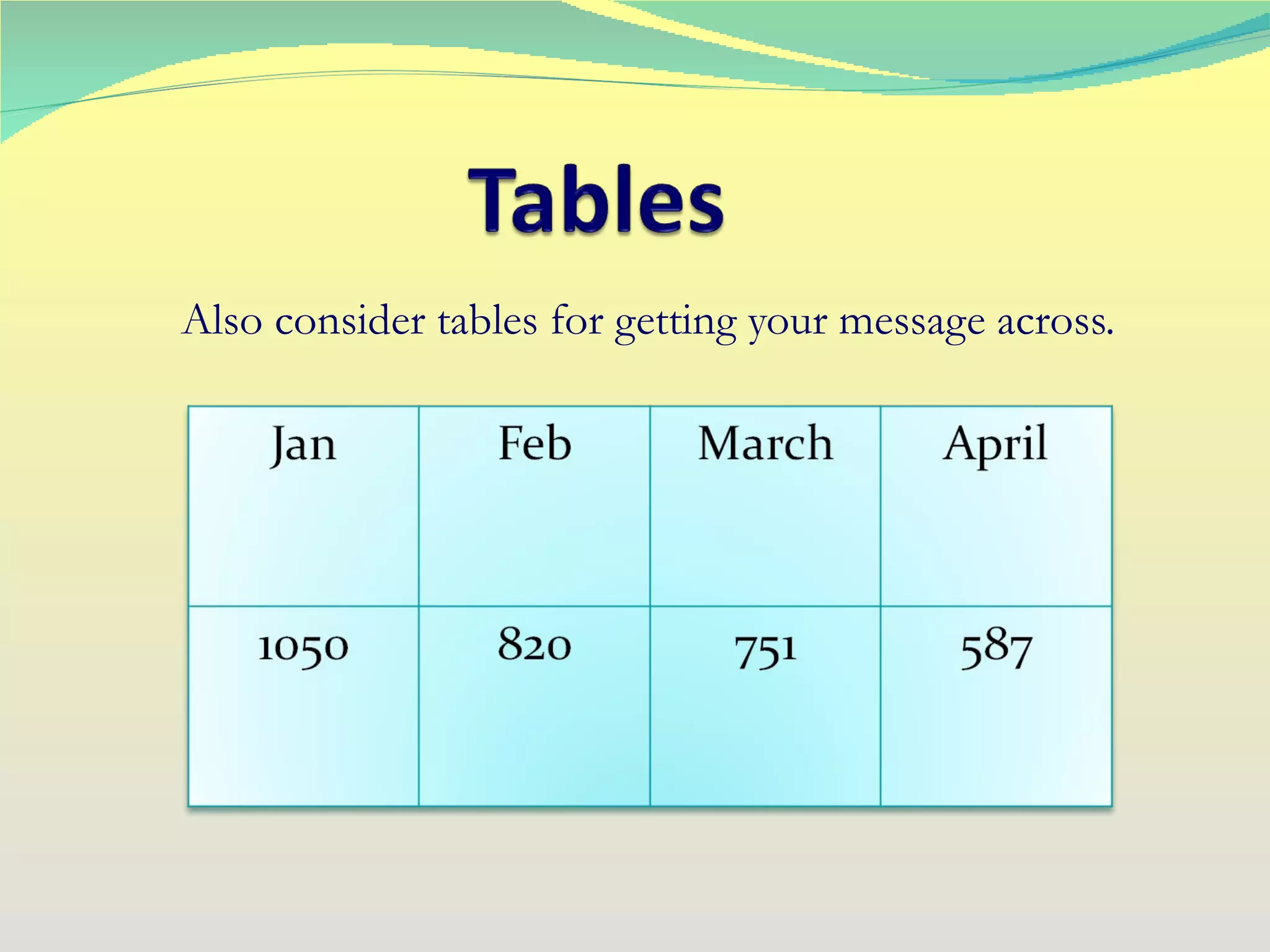
Pictures, charts, andgraphs are very useful in conveying meaning. Don’t crowd your slides though, try to use a separate slide for each picture or graph.
16.
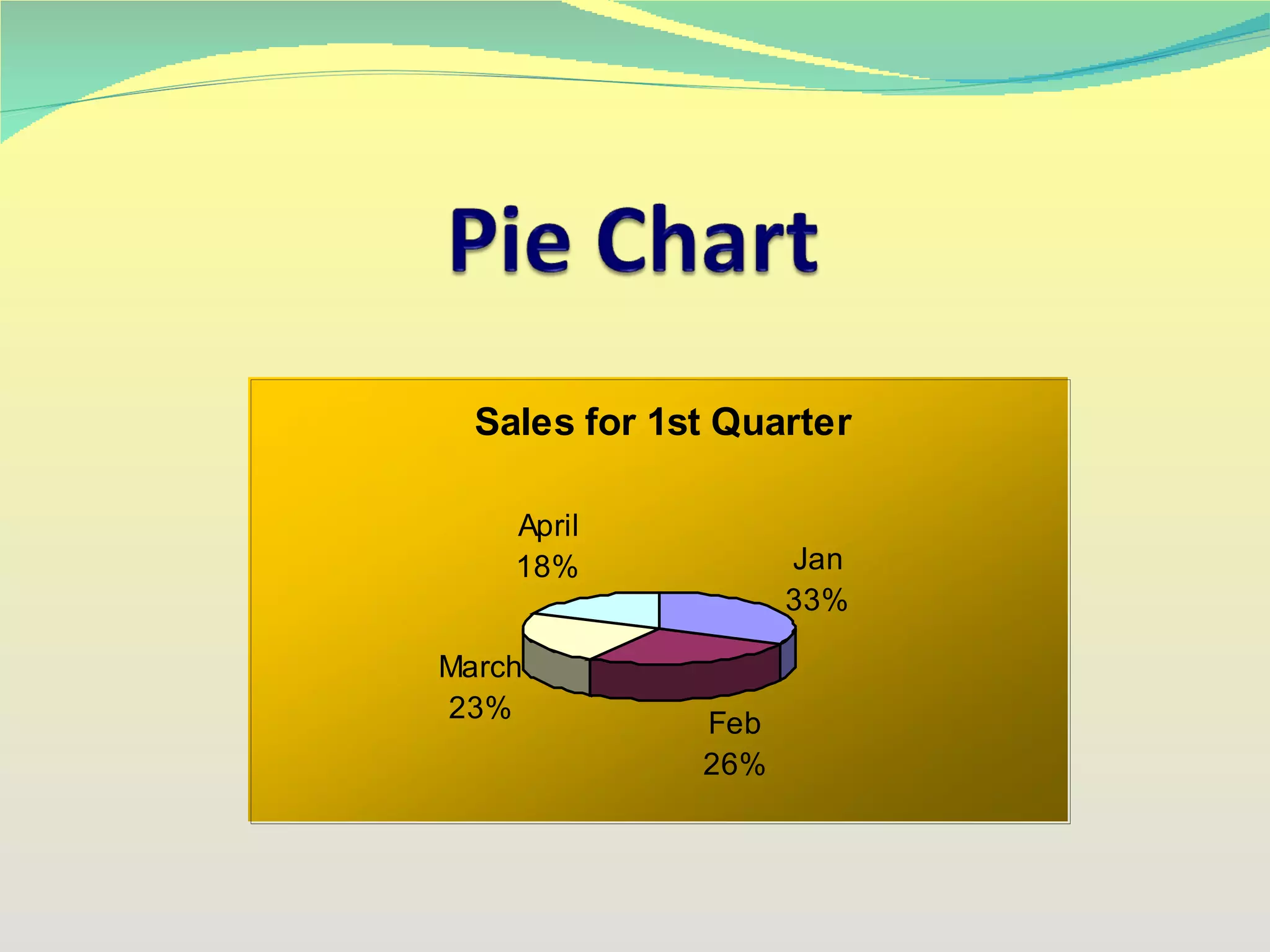
Give some thoughtto which sort of graph will convey your message best. You could use: Line Graphs Pie Charts Bar Graphs Scatter Chart
Once your presentationis ready, the last thing you must do is practice, practice, and then practice again. You are now ready to face your audience and deliver an interesting and informative presentation. http://presentations-expert.blogspot.com