SABC 2010-11 Presentation Opening Q&A on SABC event Poster Board Presentation Power Point Oral Presentation
Opening Q &A April 21 st  Event Agenda... Judging Guidelines... Mentor Declaration... Abstract – 250 Words... Lab Journal... Invitations to event...RSVP... Poster and PowerPoint Requirements... SABC Website – News/Regional/PEI –  Presentation Resources 2011 http://www.sanofibiotalentchallenge.ca
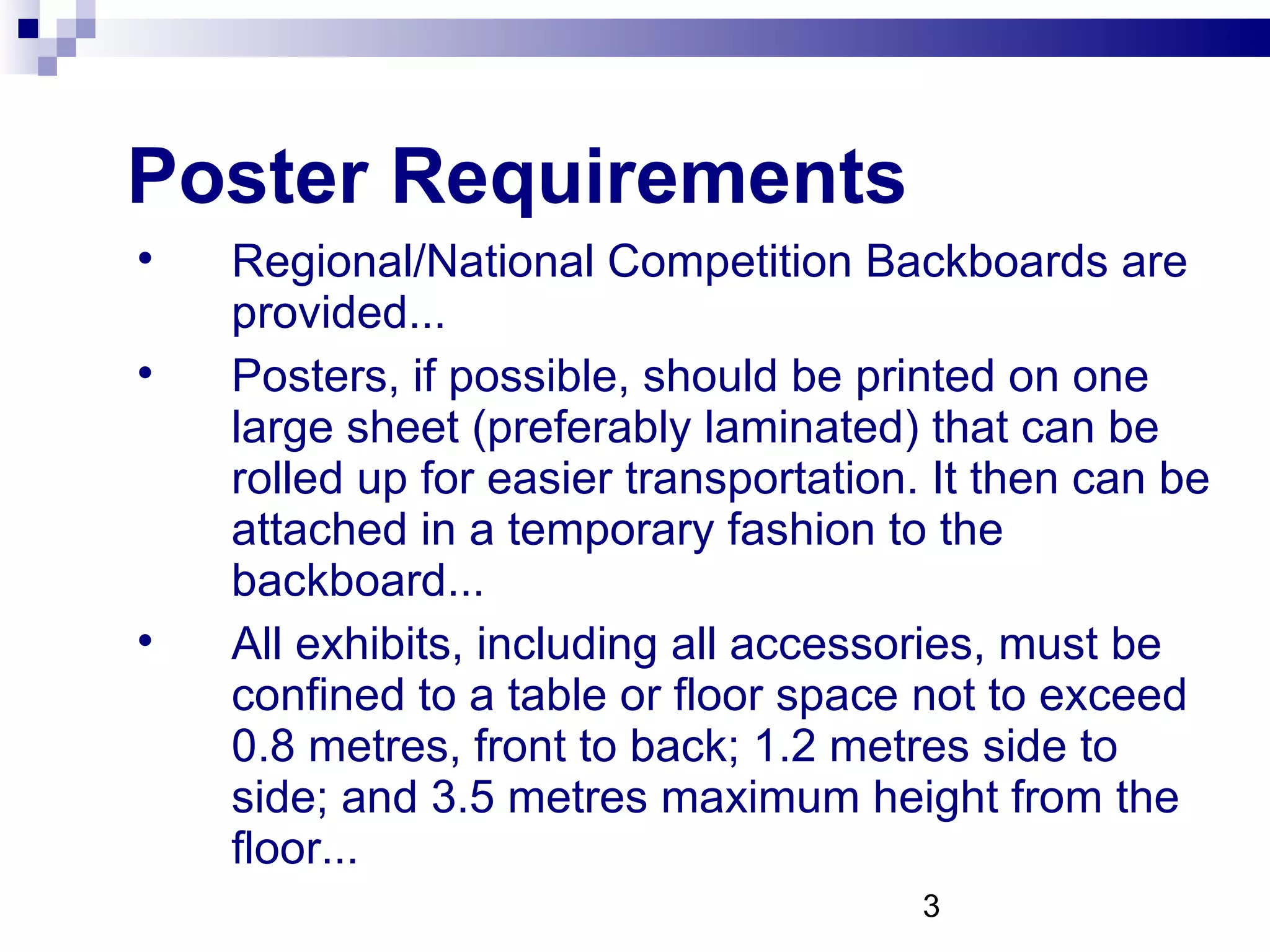
Poster Requirements Regional/National Competition Backboards are provided... Posters, if possible, should be printed on one large sheet (preferably laminated) that can be rolled up for easier transportation. It then can be attached in a temporary fashion to the backboard... All exhibits, including all accessories, must be confined to a table or floor space not to exceed 0.8 metres, front to back; 1.2 metres side to side; and 3.5 metres maximum height from the floor...
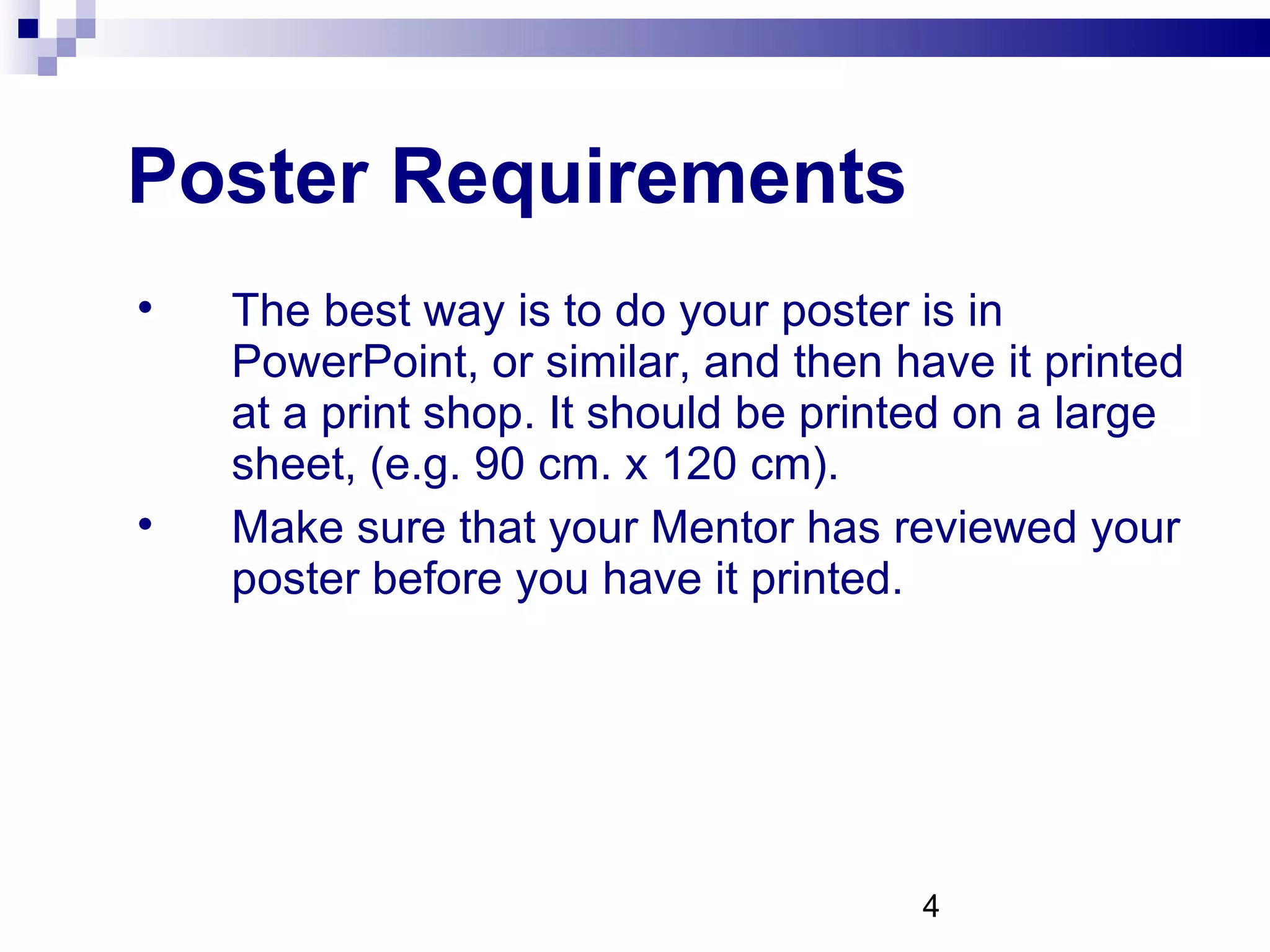
Poster Requirements The best way is to do your poster is in PowerPoint, or similar, and then have it printed at a print shop. It should be printed on a large sheet, (e.g. 90 cm. x 120 cm).  Make sure that your Mentor has reviewed your poster before you have it printed.
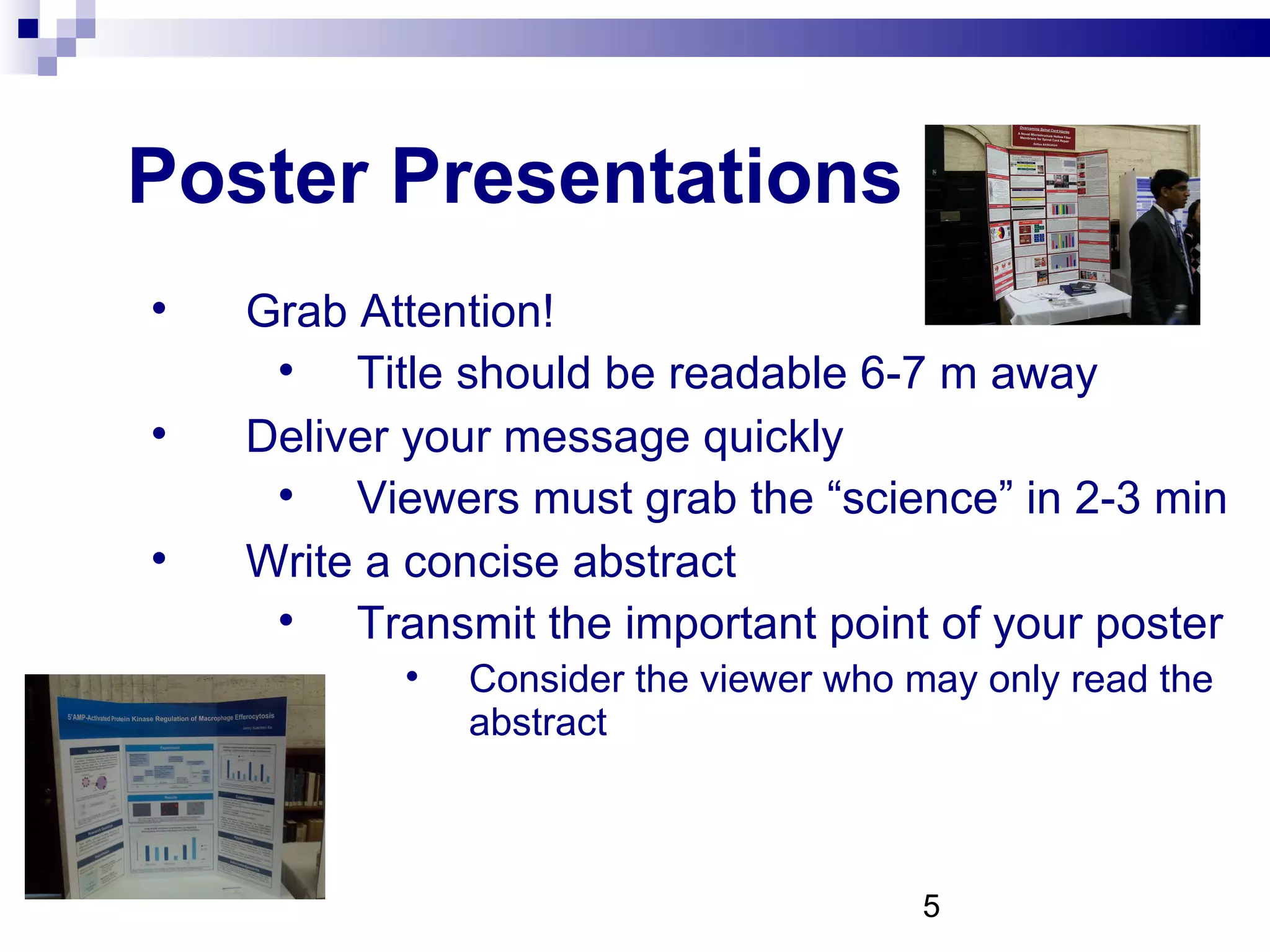
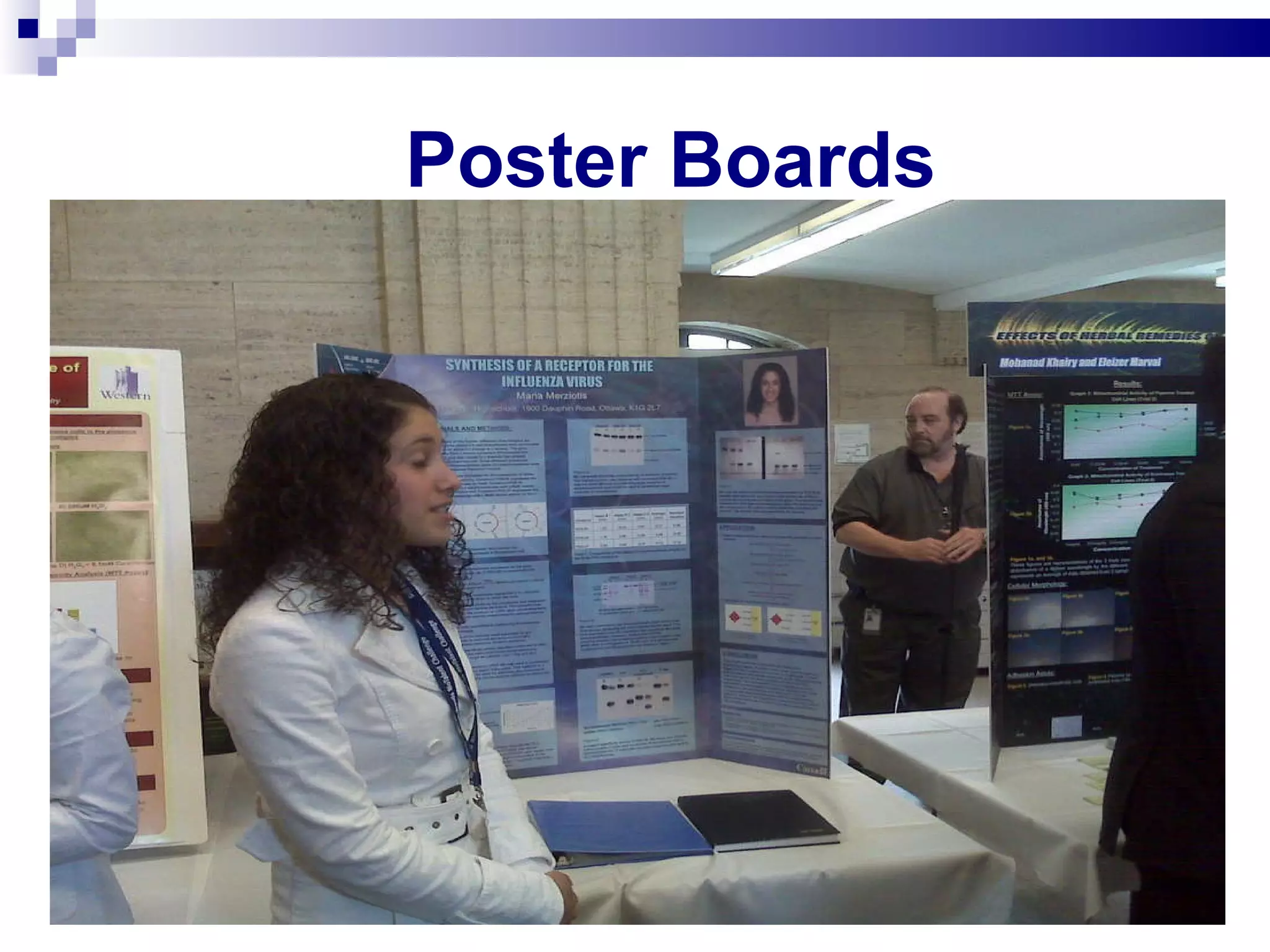
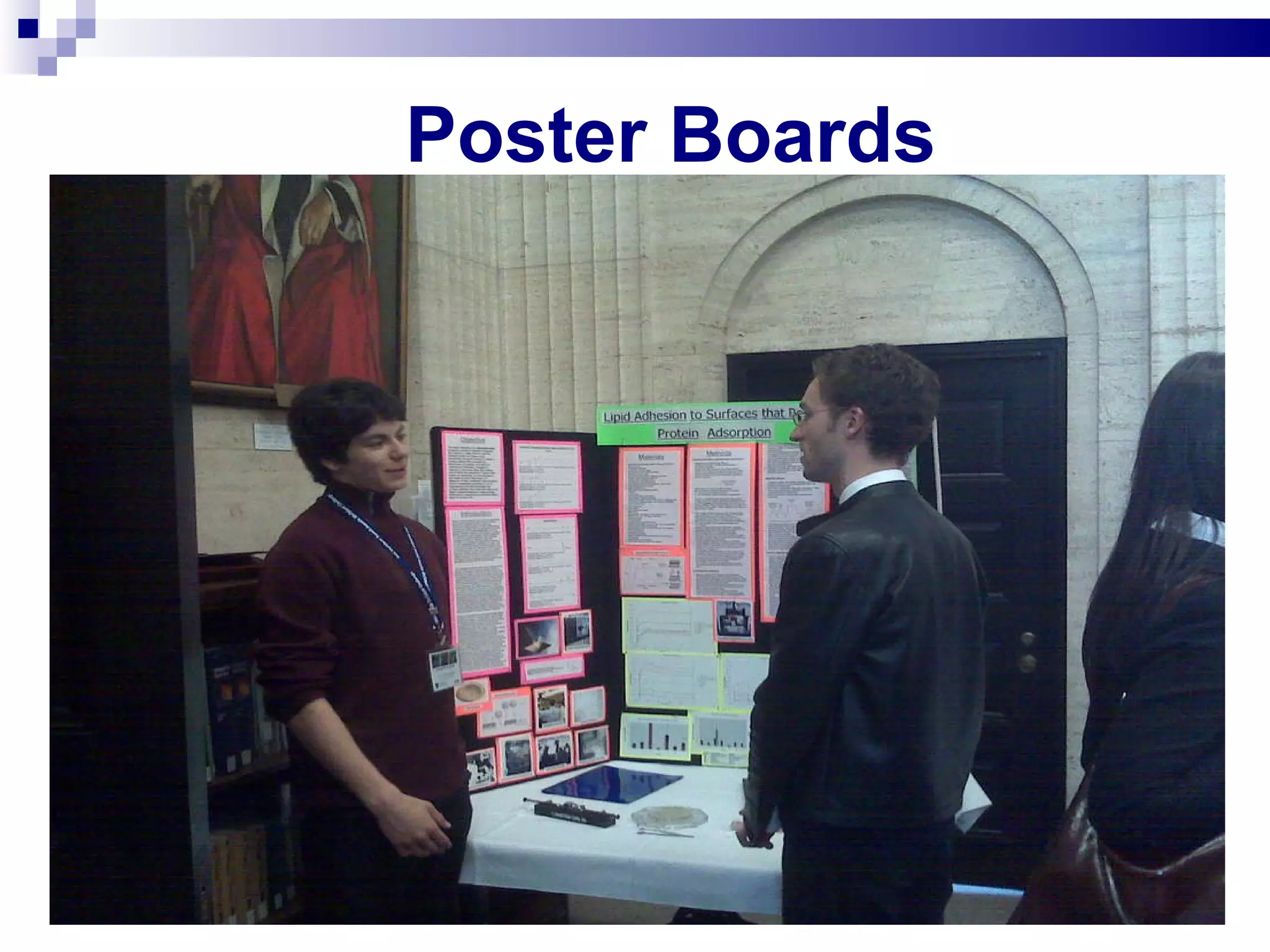
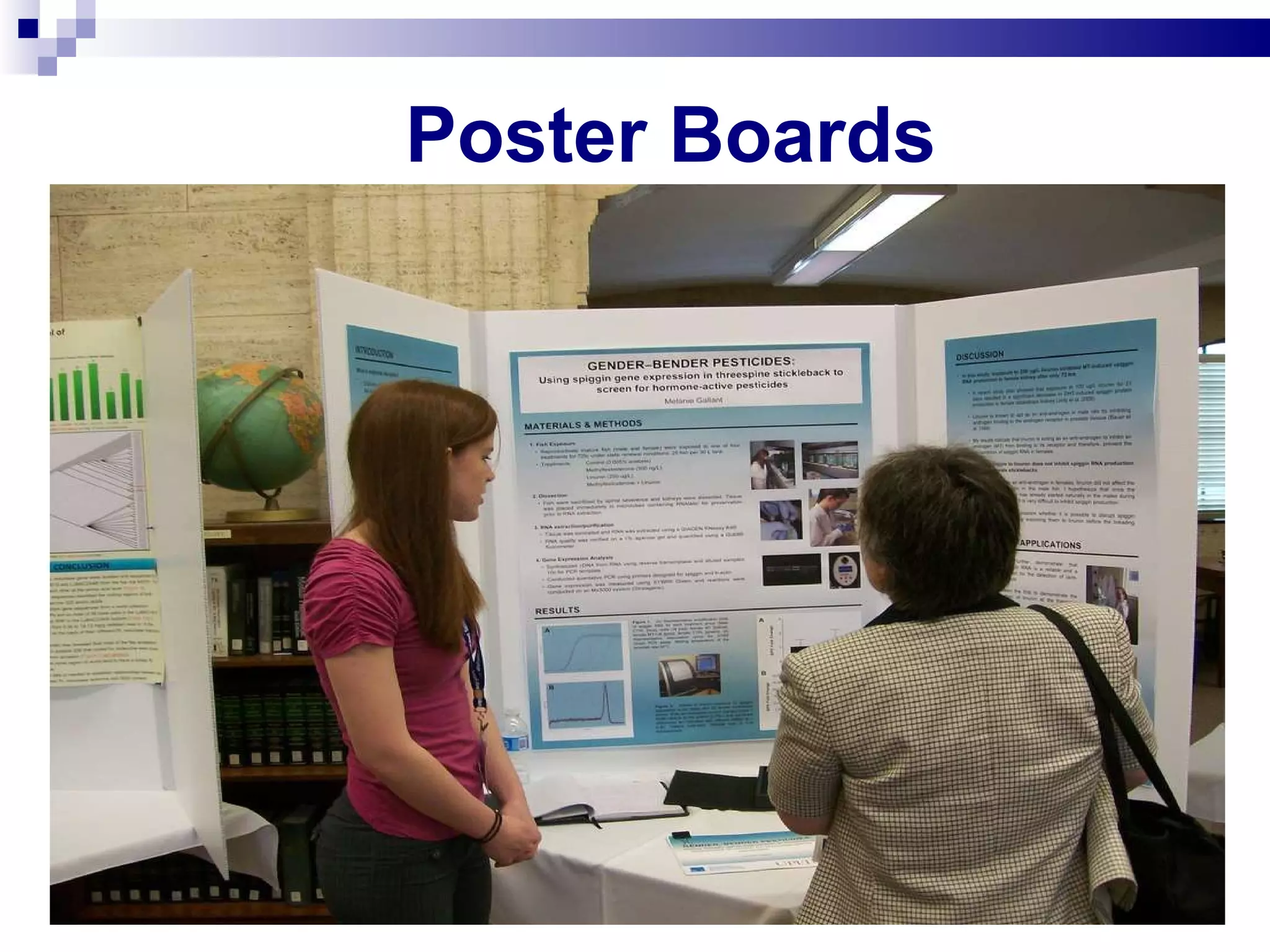
Poster Presentations Grab Attention! Title should be readable 6-7 m away Deliver your message quickly Viewers must grab the “science” in 2-3 min Write a concise abstract Transmit the important point of your poster Consider the viewer who may only read the abstract
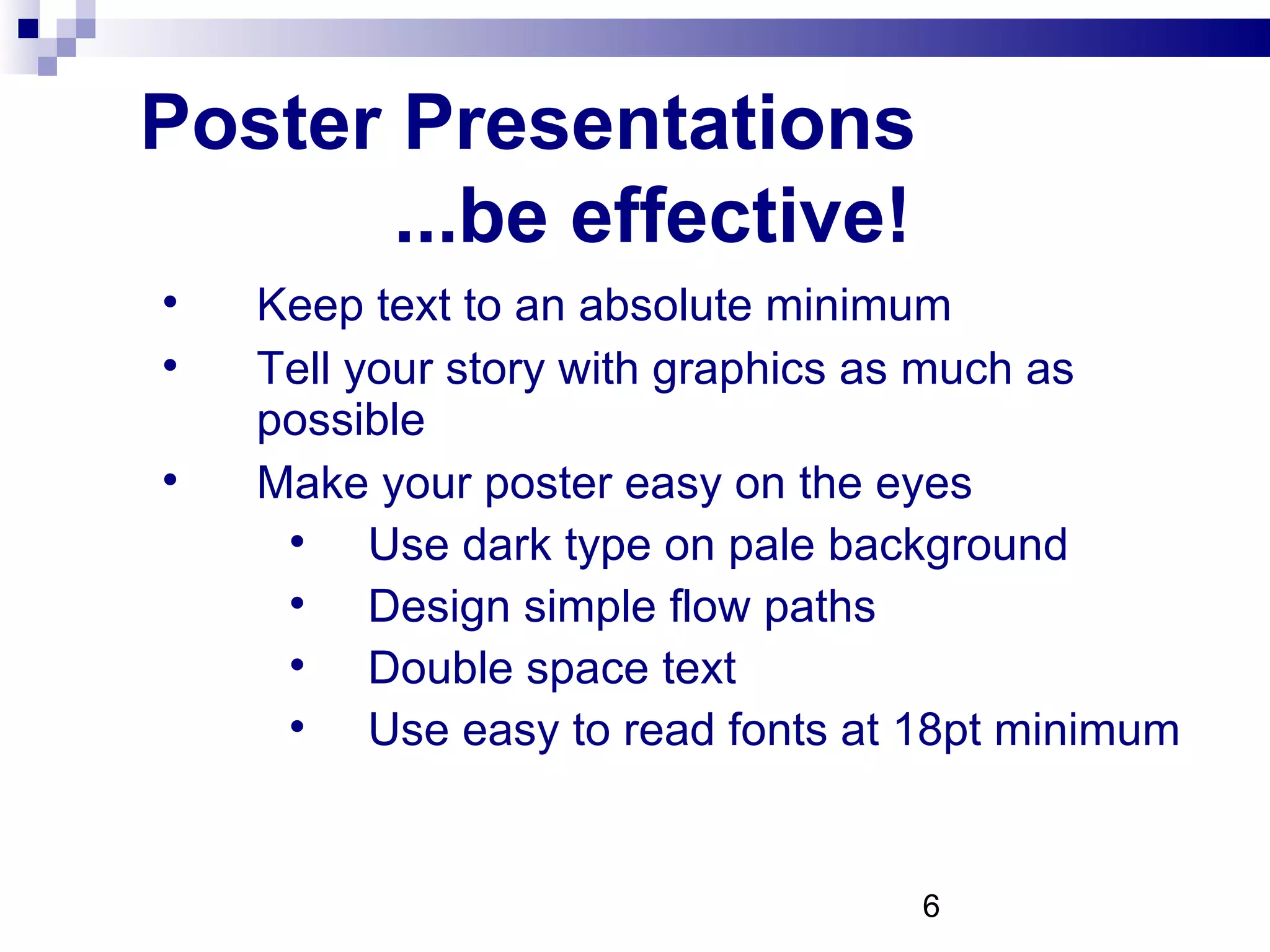
Poster Presentations  ...be effective! Keep text to an absolute minimum Tell your story with graphics as much as possible Make your poster easy on the eyes Use dark type on pale background Design simple flow paths Double space text Use easy to read fonts at 18pt minimum
Poster Presentations    ...remember! What hooked me? What did I get from a good presentation? Could I have gotten the basic message if the presenter had not been there?
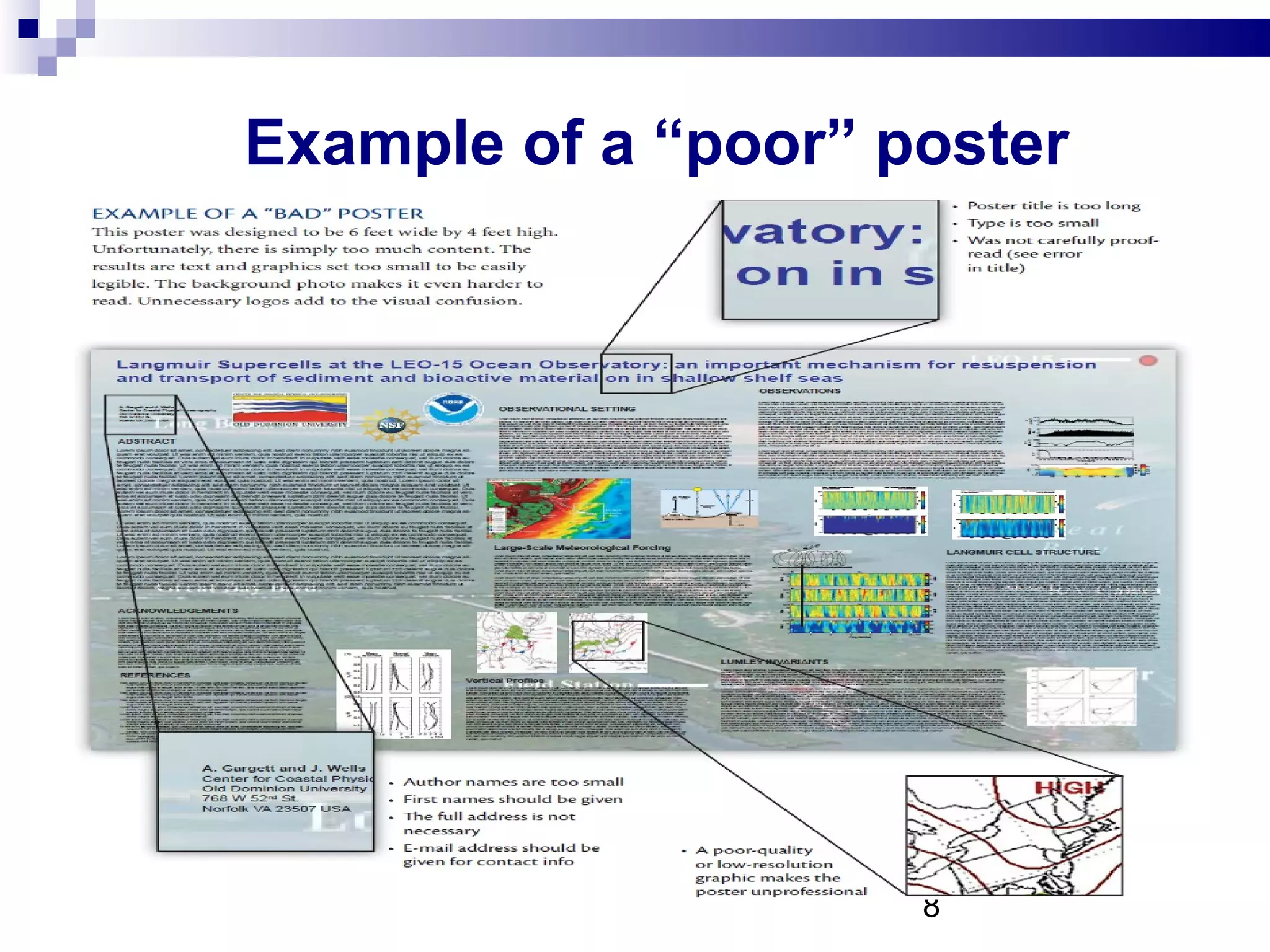
Example of a “poor” poster
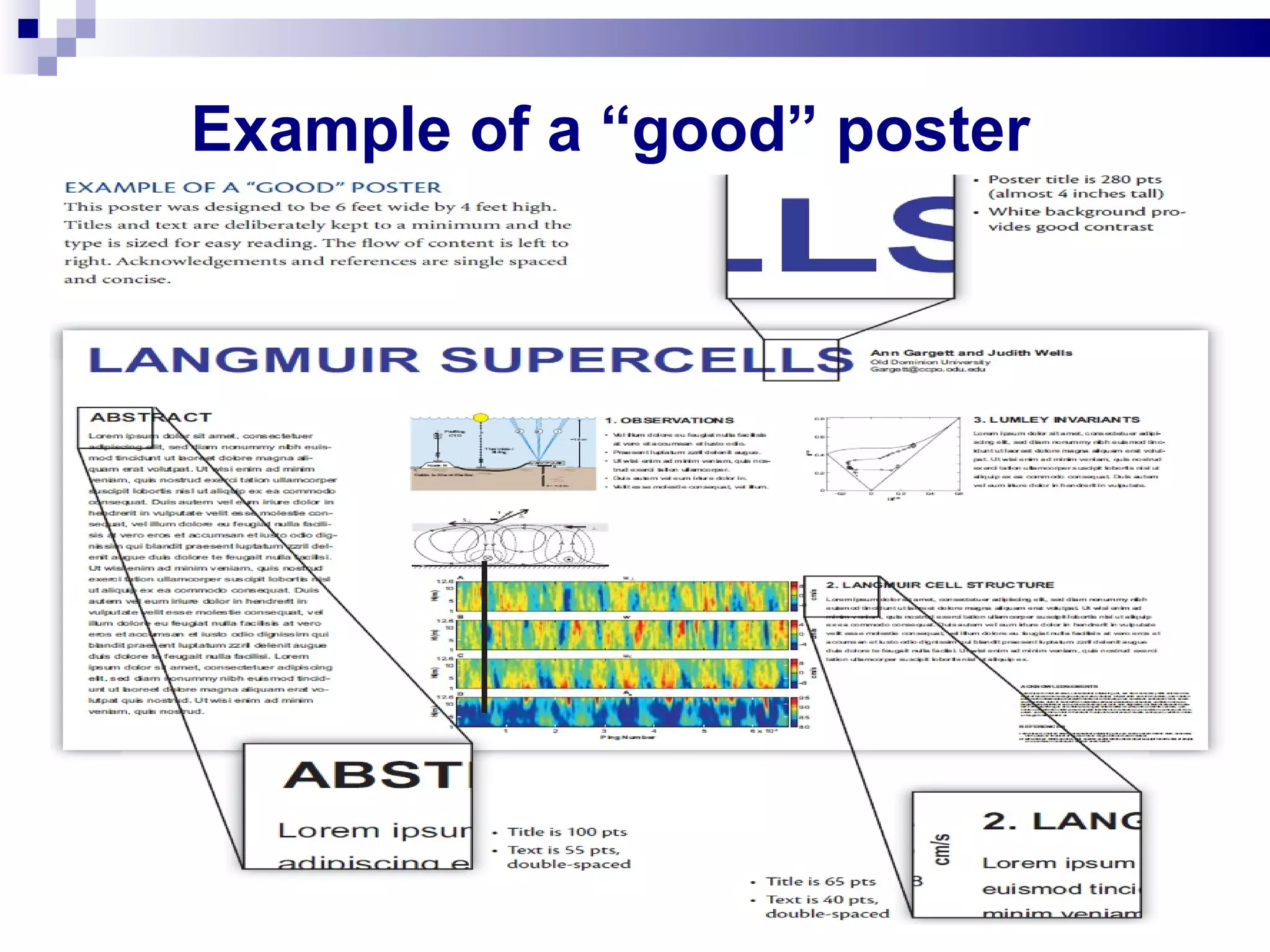
Example of a “good” poster
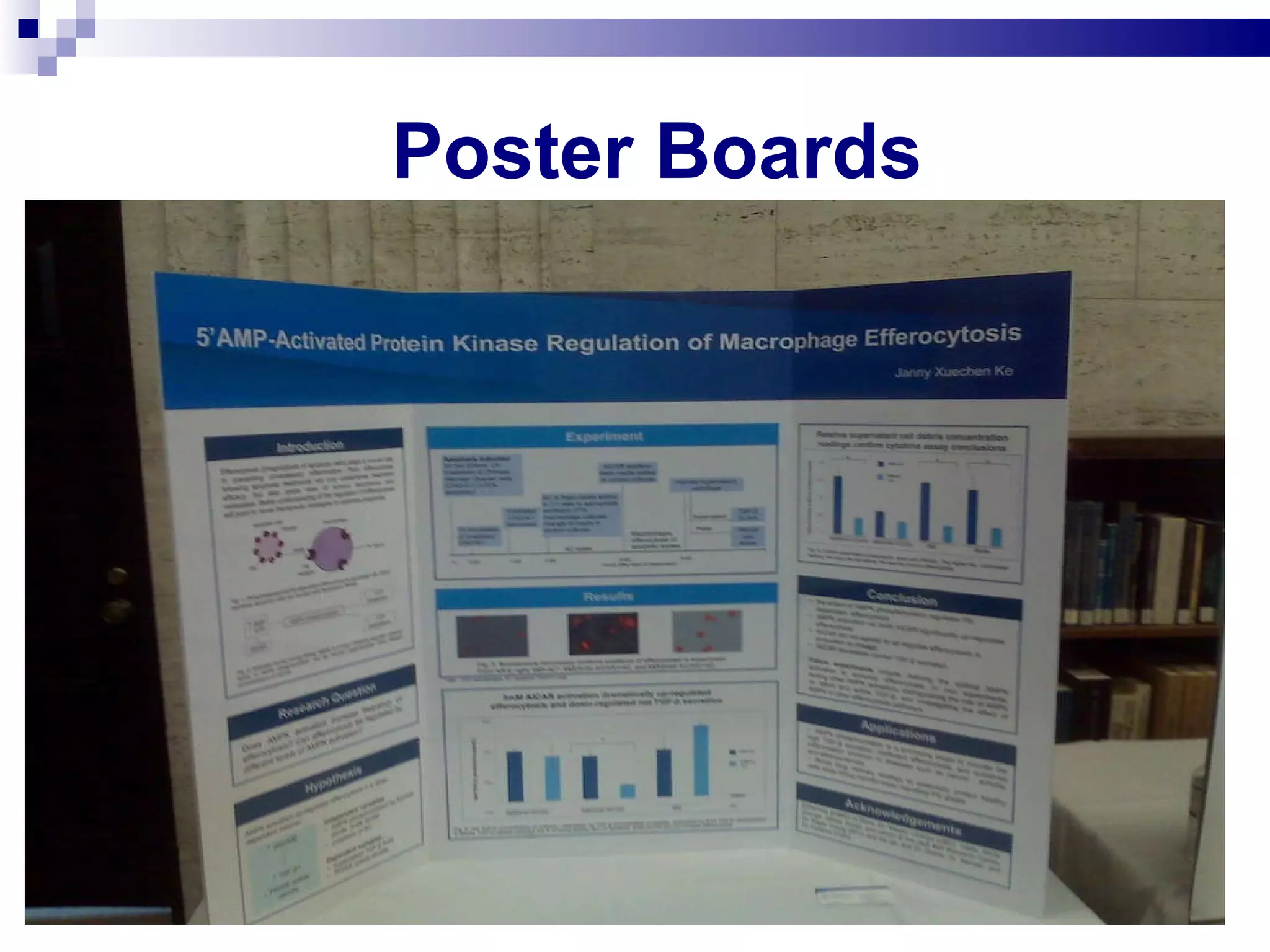
Poster Boards
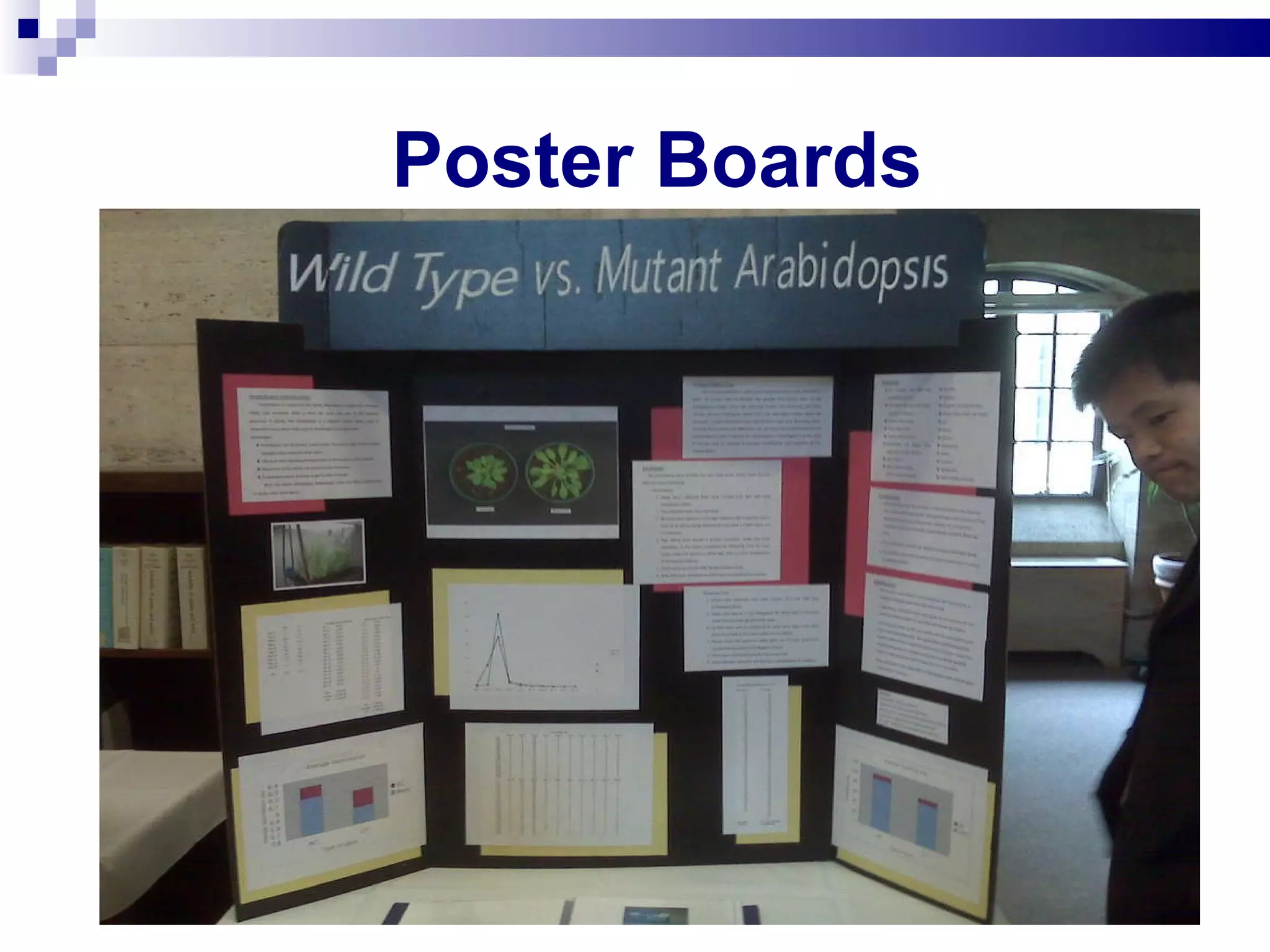
Poster Boards
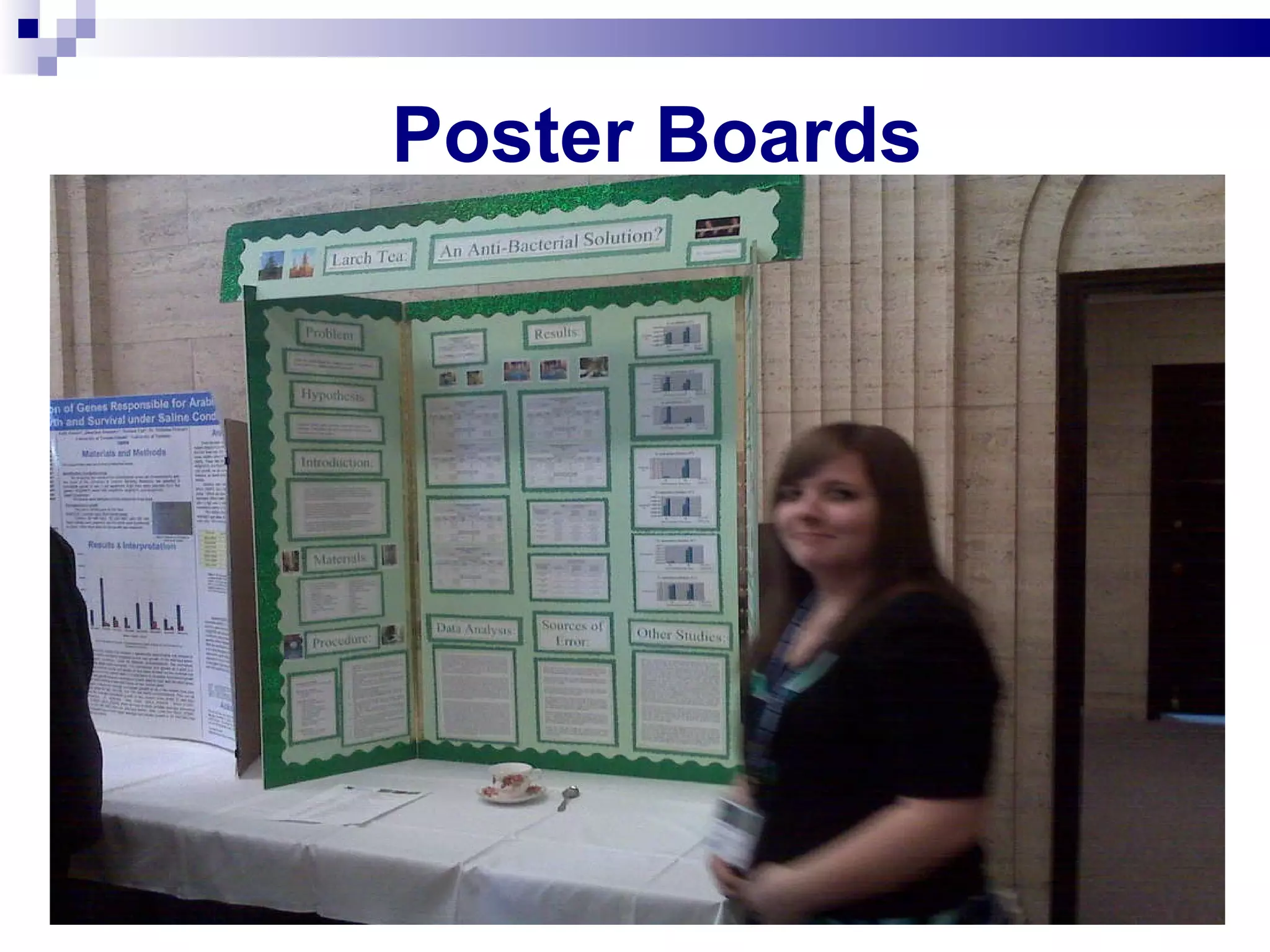
Poster Boards
Poster Boards
Poster Boards
Poster Boards
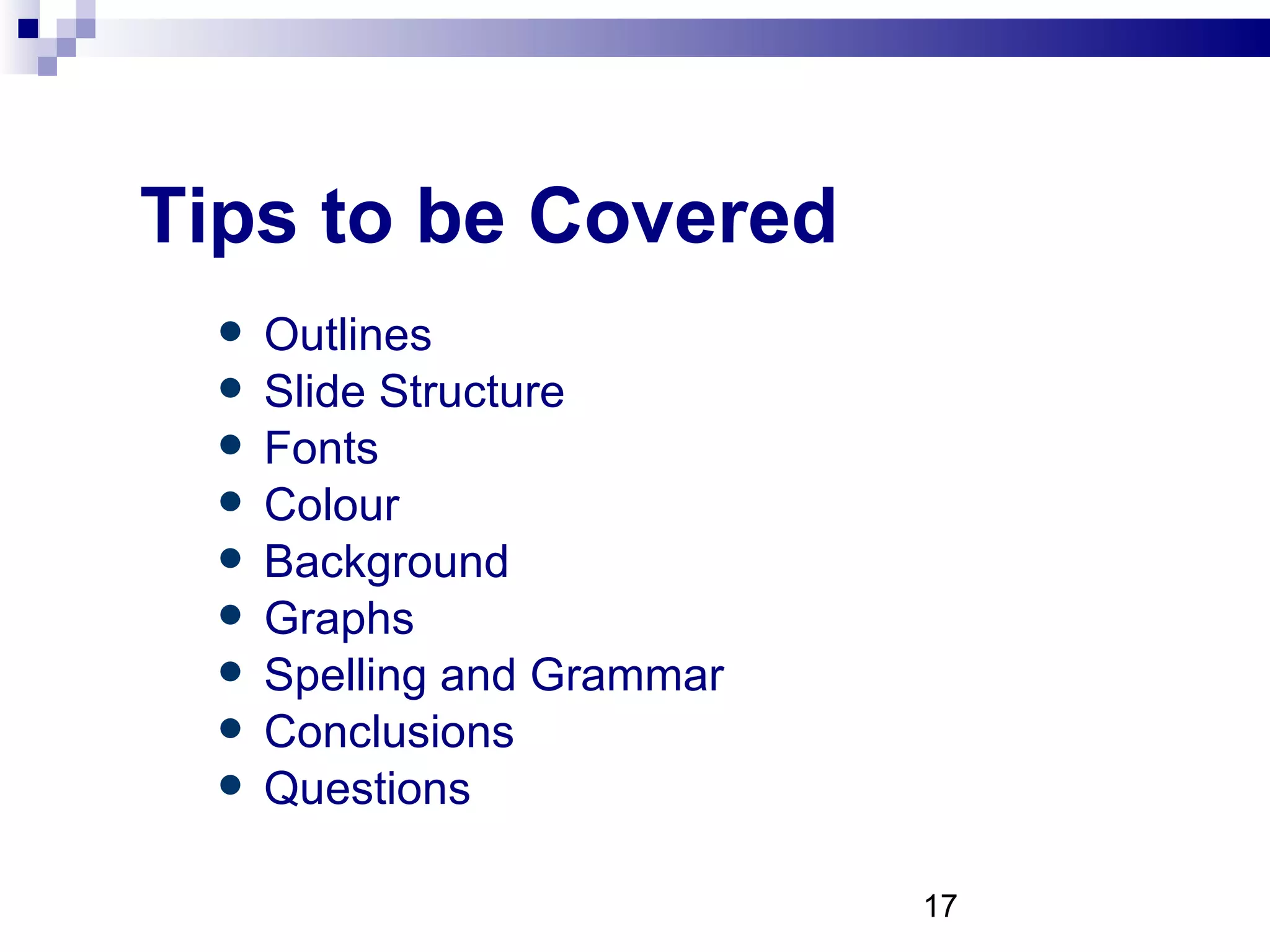
Making PowerPoint Slides Avoiding the Pitfalls of Bad Slides
Tips to be Covered Outlines Slide Structure Fonts Colour Background Graphs Spelling and Grammar Conclusions Questions
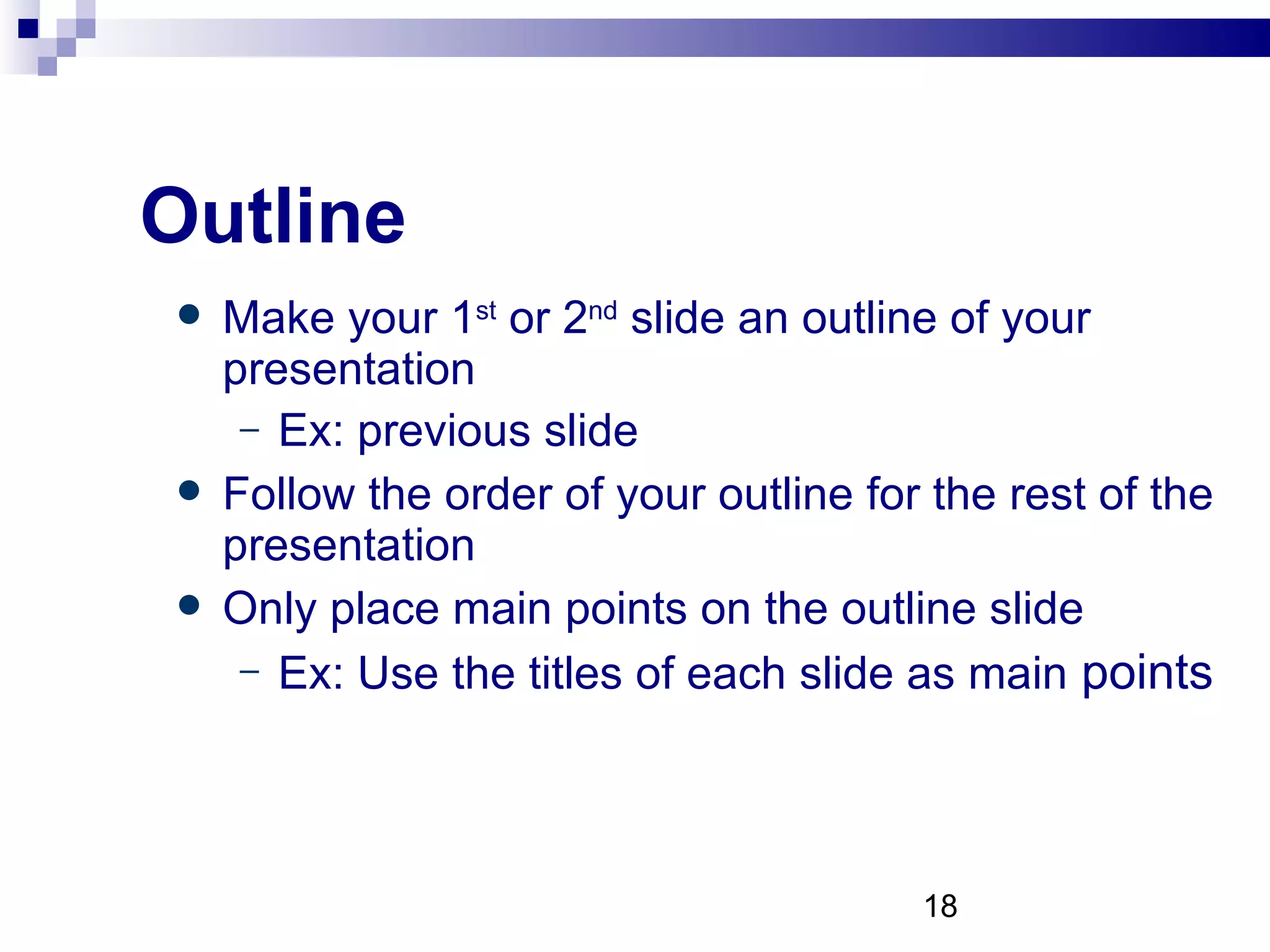
Outline Make your 1 st  or 2 nd  slide an outline of your presentation Ex: previous slide Follow the order of your outline for the rest of the presentation Only place main points on the outline slide Ex: Use the titles of each slide as main  points
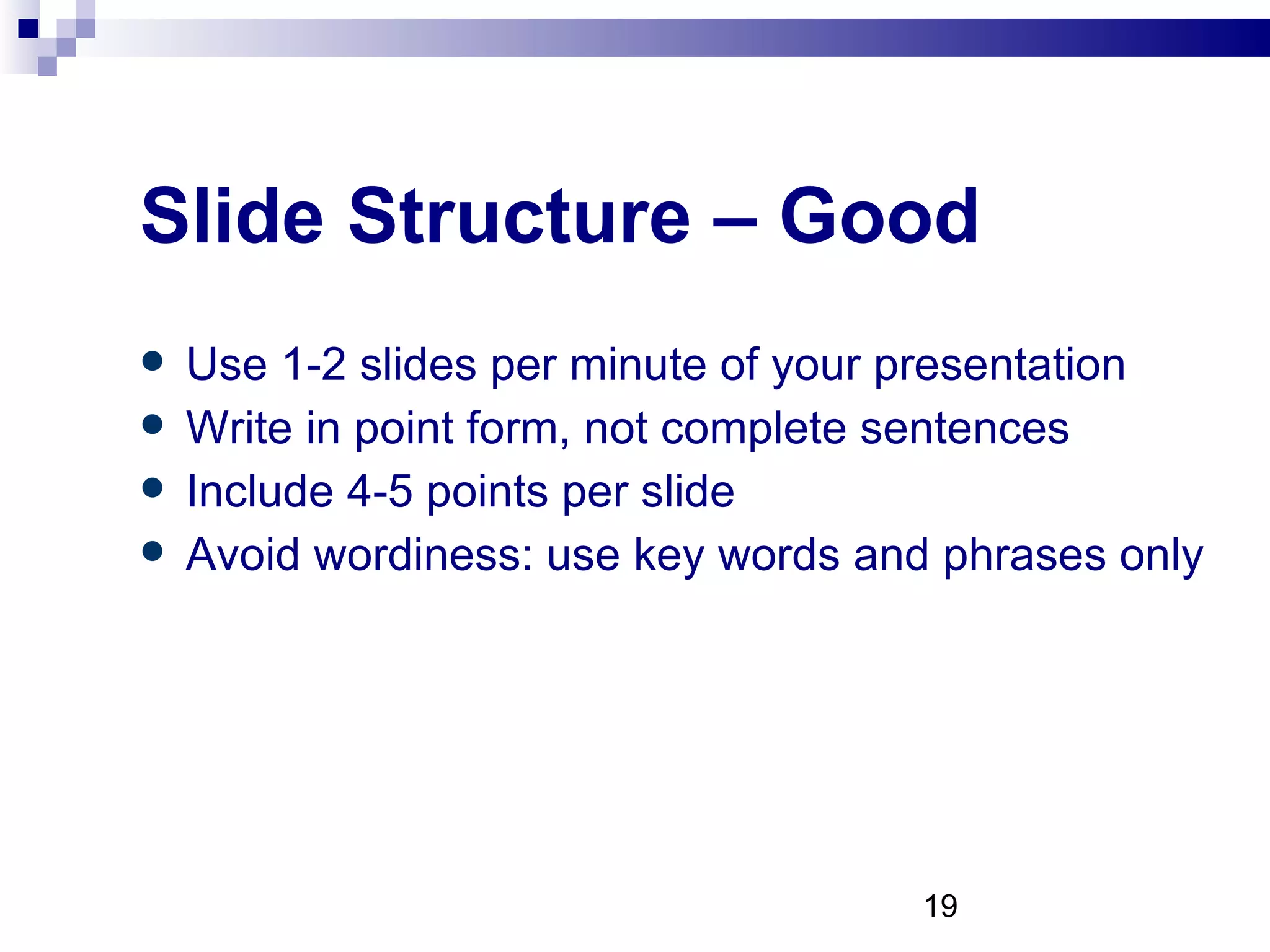
Slide Structure – Good Use 1-2 slides per minute of your presentation Write in point form, not complete sentences Include 4-5 points per slide Avoid wordiness: use key words and phrases only
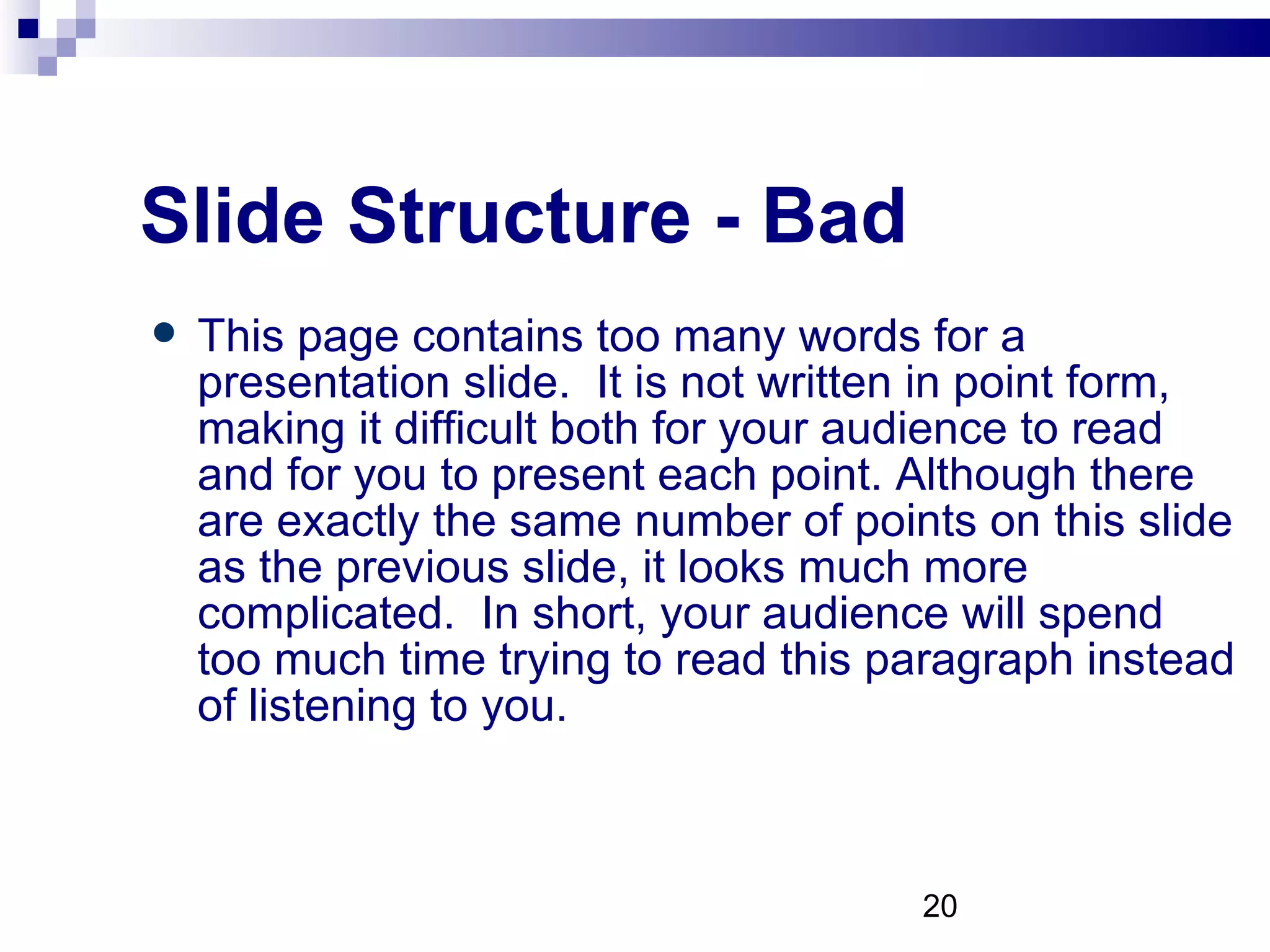
Slide Structure - Bad This page contains too many words for a presentation slide.  It is not written in point form, making it difficult both for your audience to read and for you to present each point. Although there are exactly the same number of points on this slide as the previous slide, it looks much more complicated.  In short, your audience will spend too much time trying to read this paragraph instead of listening to you.
Slide Structure – Good Show one point at a time: Will help audience concentrate on what you are saying Will prevent audience from reading ahead Will help you keep your presentation focused
Slide Structure - Bad Do not use distracting animation Do not go overboard with the animation Be consistent with the animation that you use
Fonts - Good Use at least an 18-point font Use different size fonts for main points and secondary points Main pt is 26, and the this font is 22 Use a standard font like  Times New Roman  or  Arial
Fonts - Bad If you use a small font, your audience won’t be able to read what you have written CAPITALIZE ONLY WHEN NECESSARY.  IT IS DIFFICULT TO READ Don’t use a complicated font
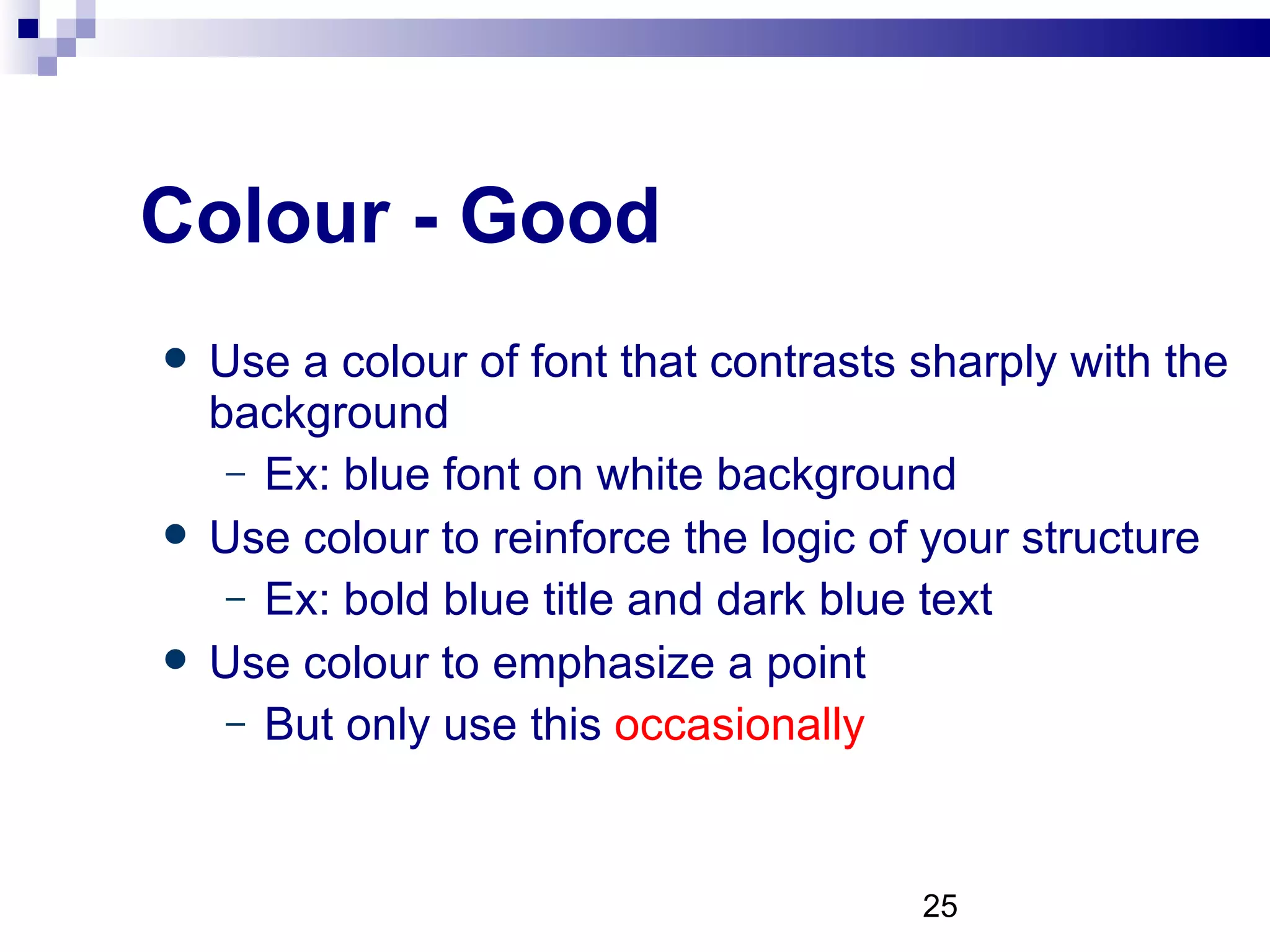
Colour - Good Use a colour of font that contrasts sharply with the background Ex: blue font on white background Use colour to reinforce the logic of your structure Ex: bold blue title and dark blue text Use colour to emphasize a point But only use this  occasionally
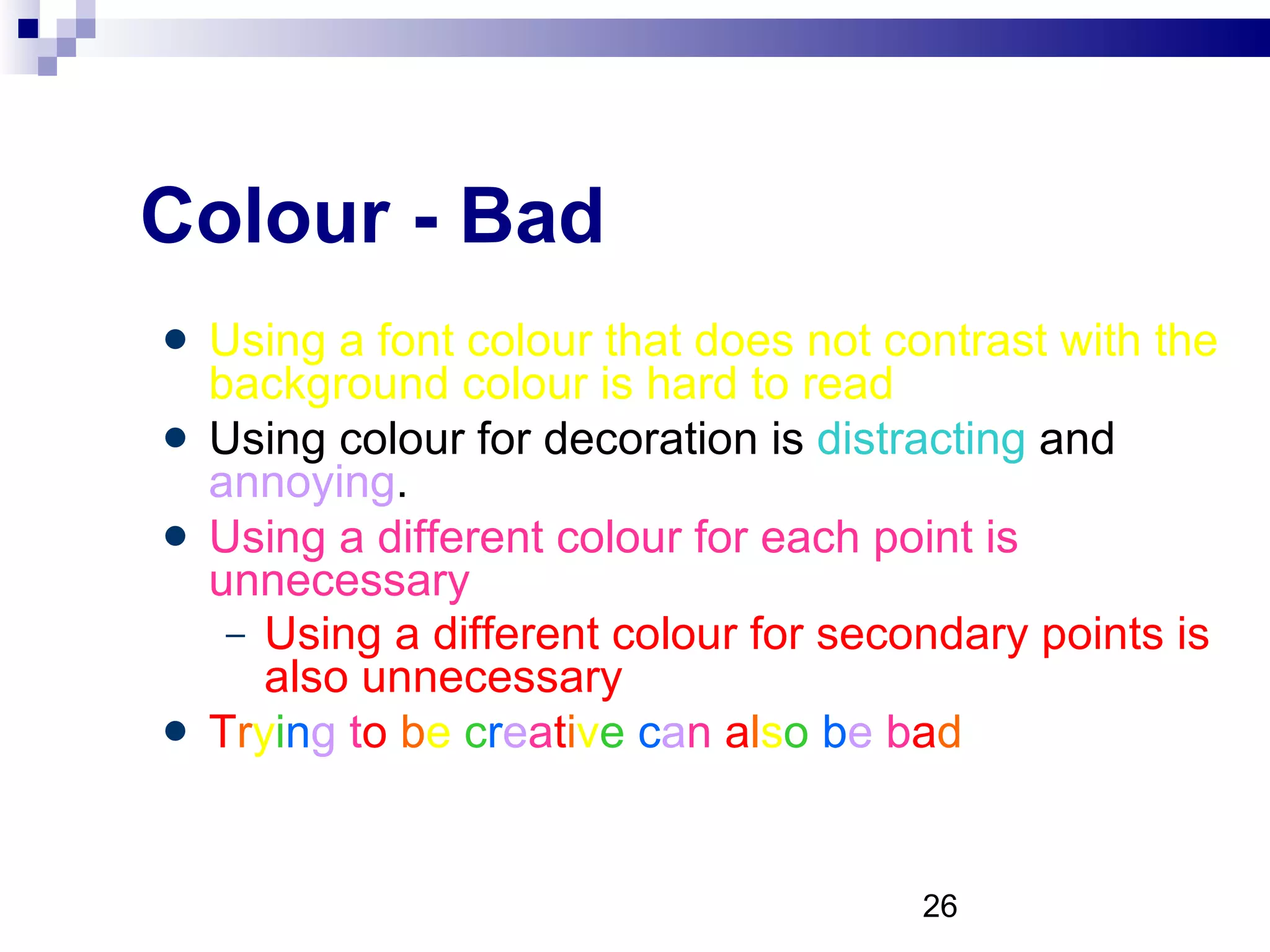
Colour - Bad Using a font colour that does not contrast with the background colour is hard to read  Using colour for decoration is  distracting  and  annoying . Using a different colour for each point is unnecessary Using a different colour for secondary points is also unnecessary T r y i n g  t o   b e  c r e a t i v e   c a n  a l s o   b e  b a d
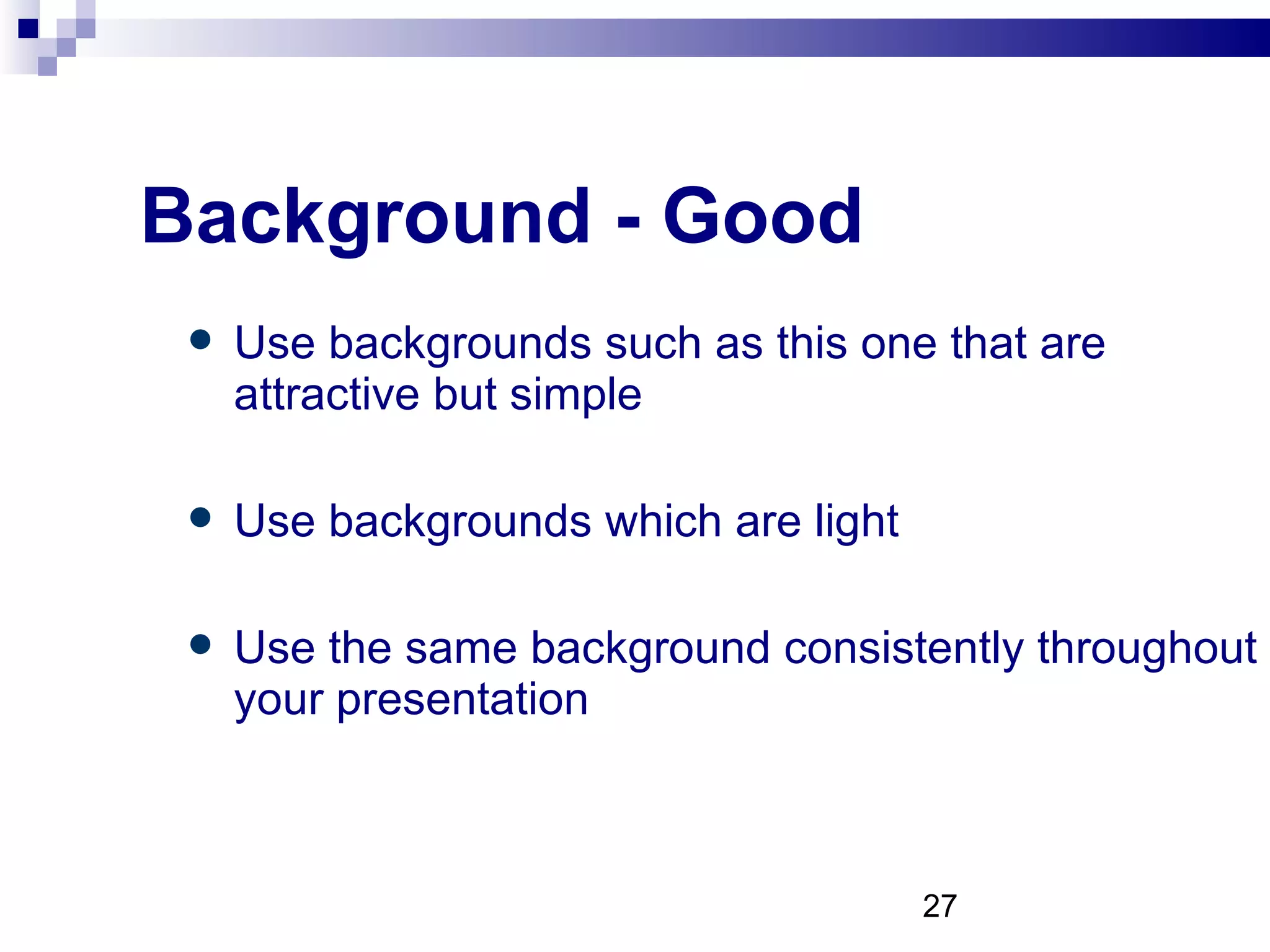
Background - Good Use backgrounds such as this one that are attractive but simple Use backgrounds which are light Use the same background consistently throughout your presentation
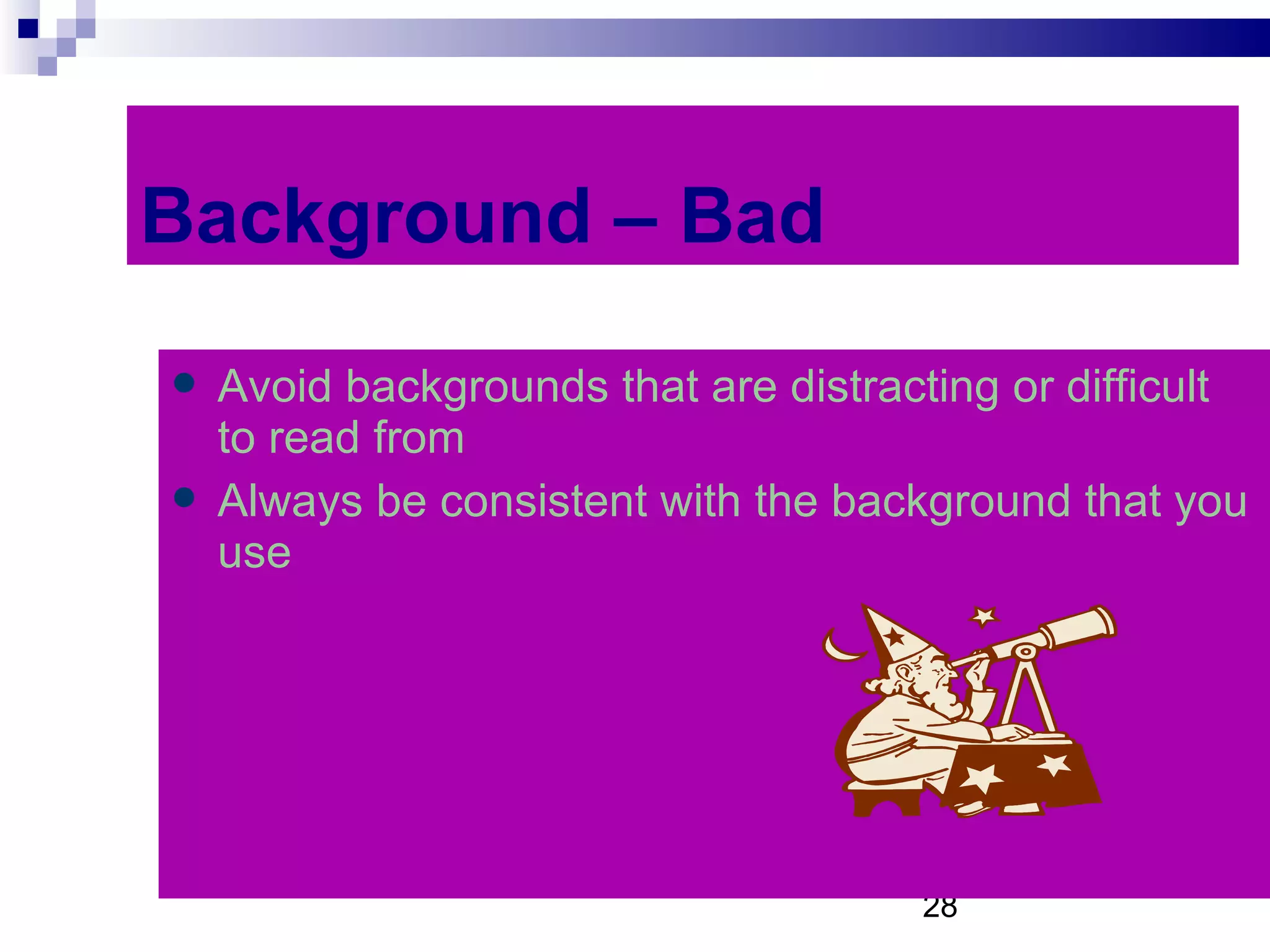
Background – Bad Avoid backgrounds that are distracting or difficult to read from Always be consistent with the background that you use
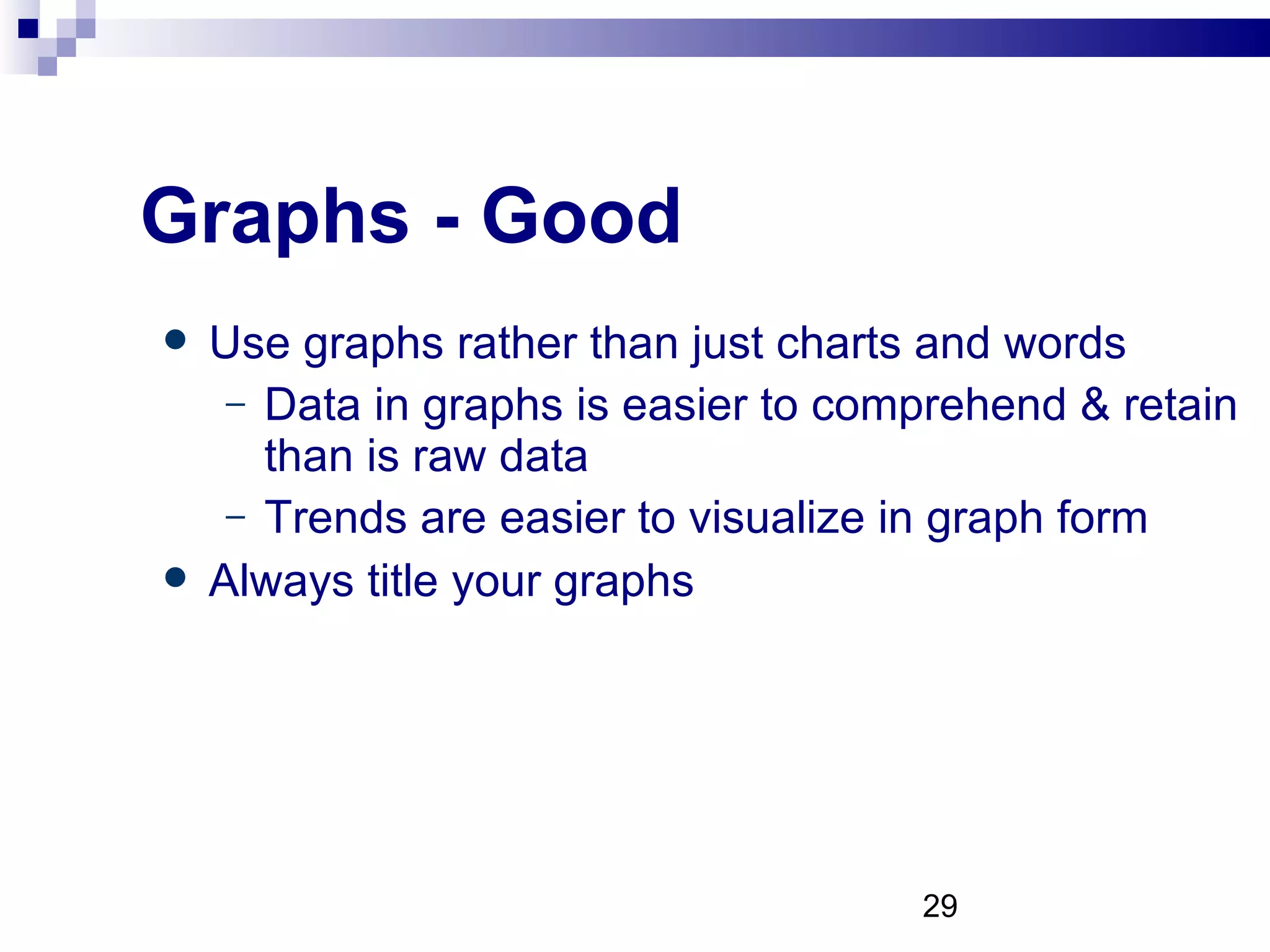
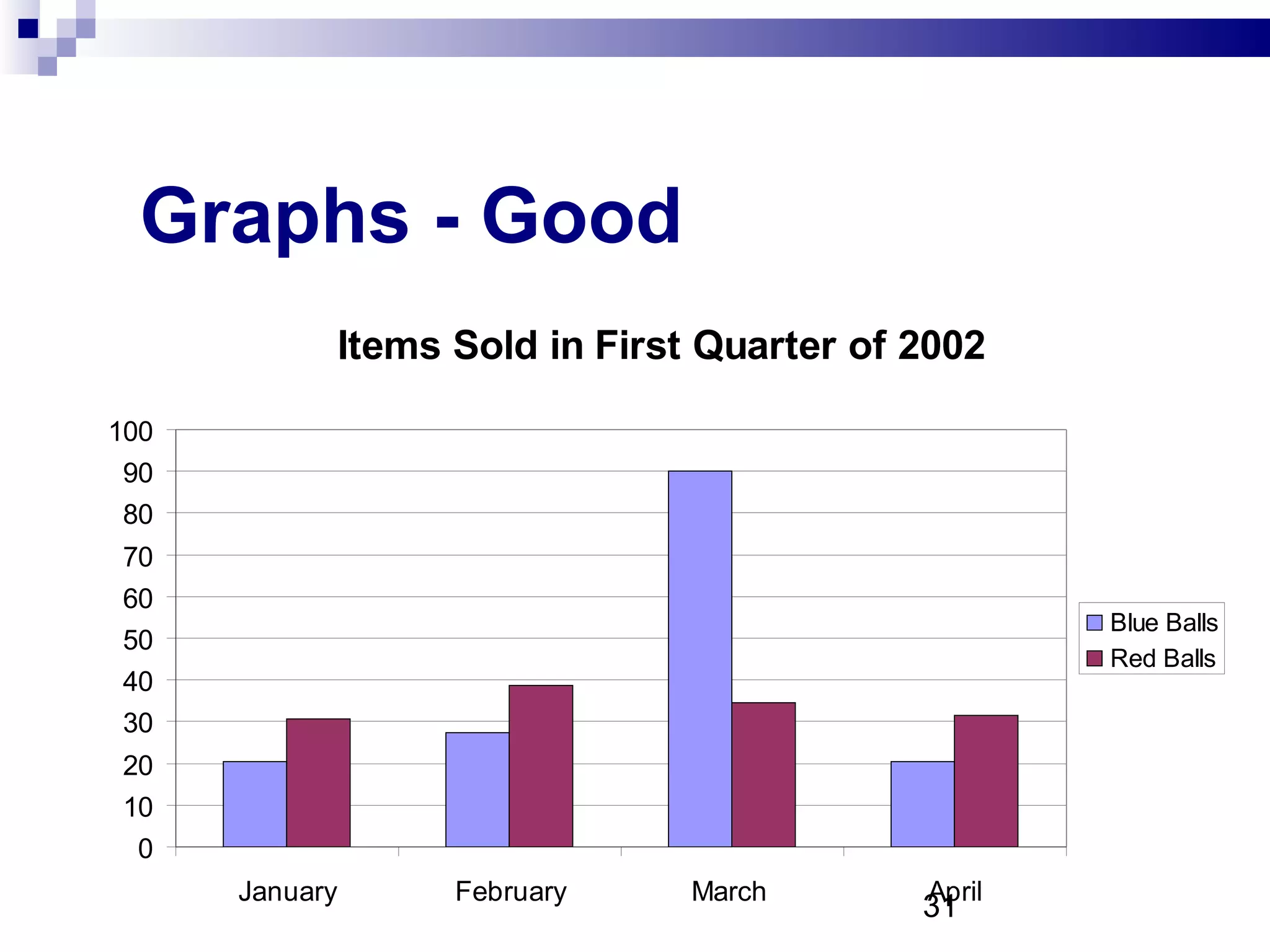
Graphs - Good Use graphs rather than just charts and words Data in graphs is easier to comprehend & retain than is raw data Trends are easier to visualize in graph form Always title your graphs
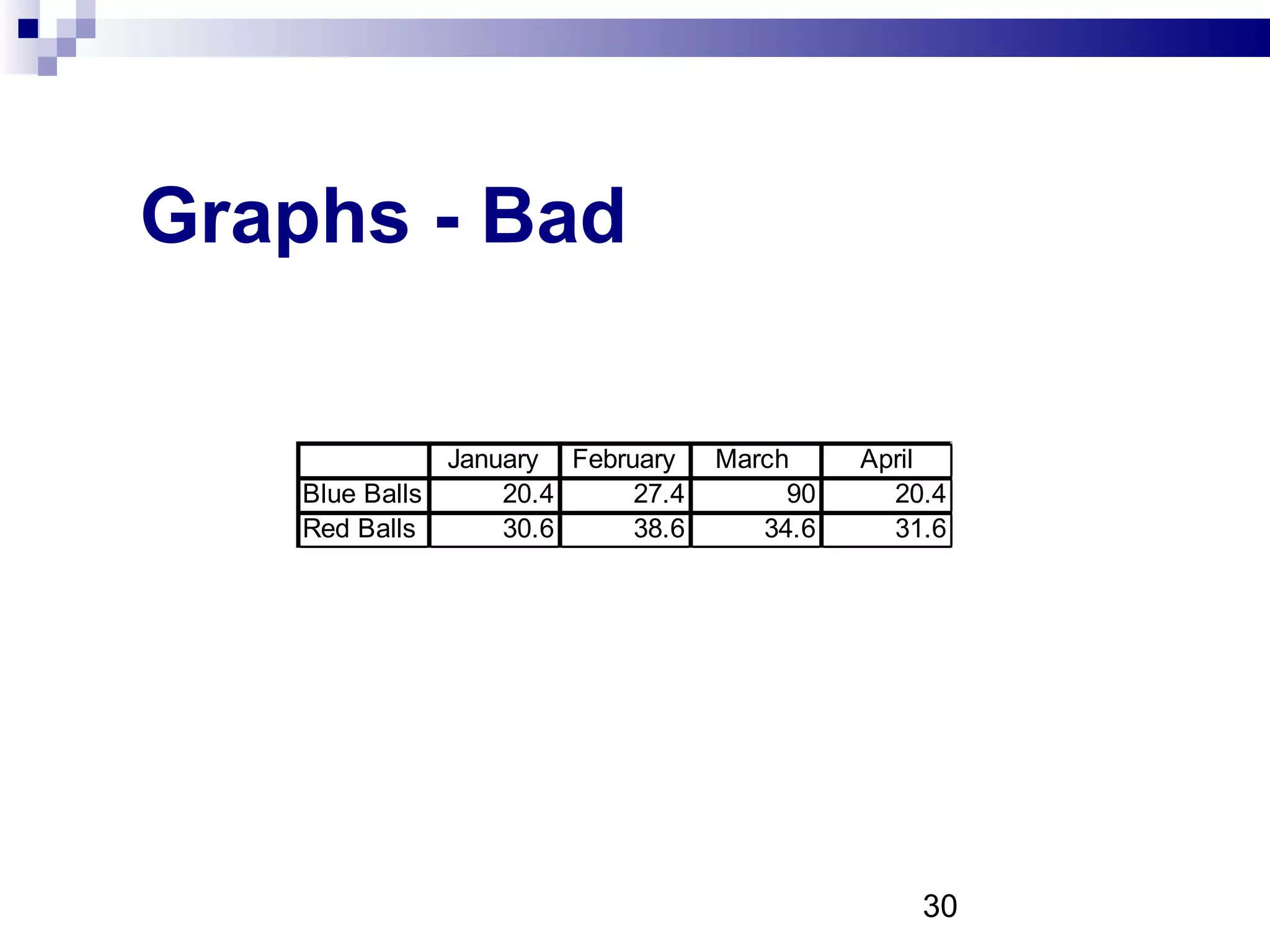
Graphs - Bad
Graphs - Good
Graphs - Bad
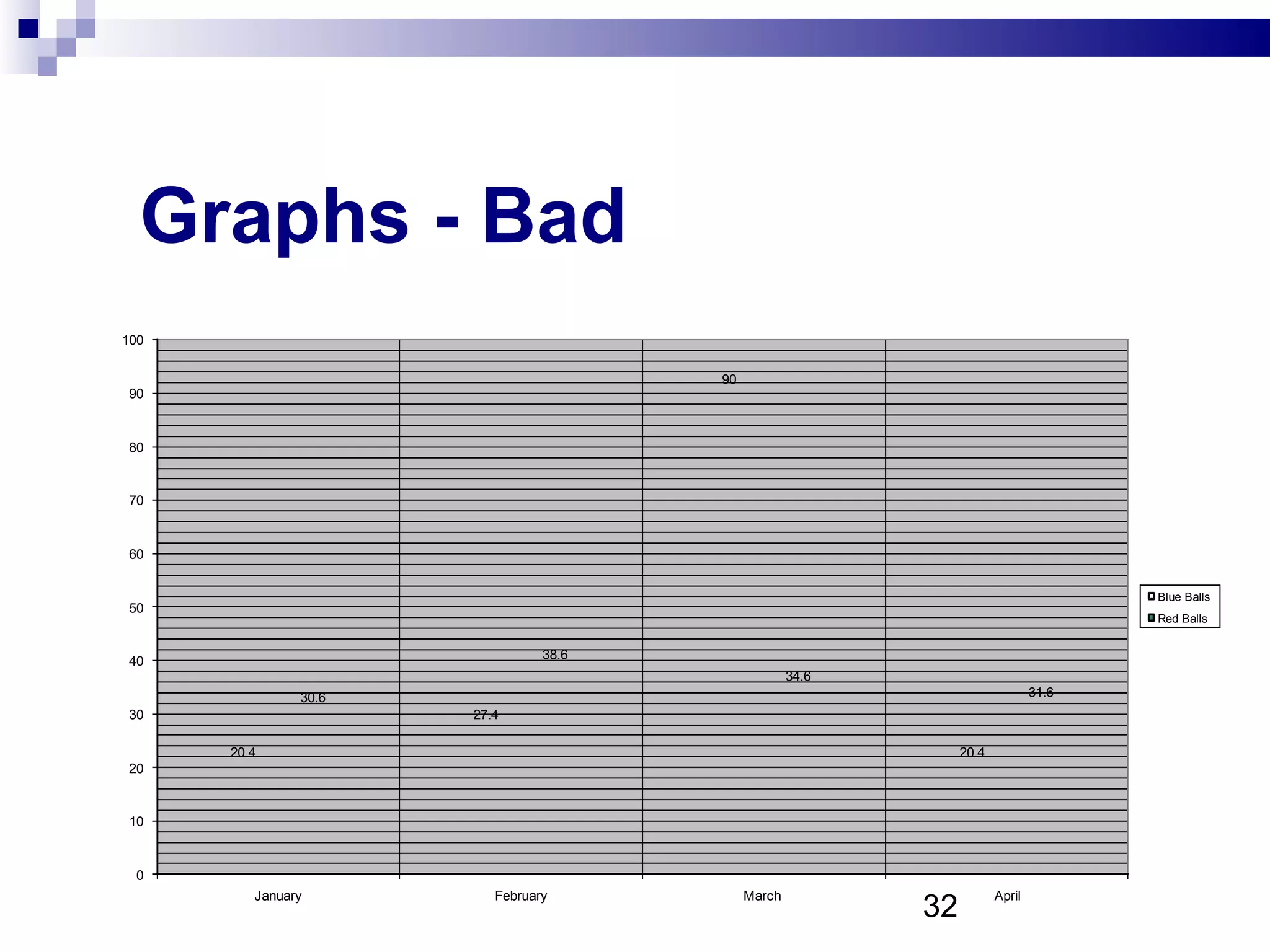
Graphs - Bad Minor gridlines are unnecessary Font is too small Colours are illogical Title is missing Shading is distracting
Spelling and Grammar Proof your slides for: speling mistakes the use of of repeated words grammatical errors you might have make  If English is not your first language, please have someone else check your presentation!
Conclusion Use an effective and strong closing Your audience is likely to remember your last words Use a conclusion slide to: Summarize the main points of your presentation Suggest future avenues of research
Questions?? End your presentation with a simple question slide to: Invite your audience to ask questions Provide a visual aid during question period Avoid ending a presentation abruptly
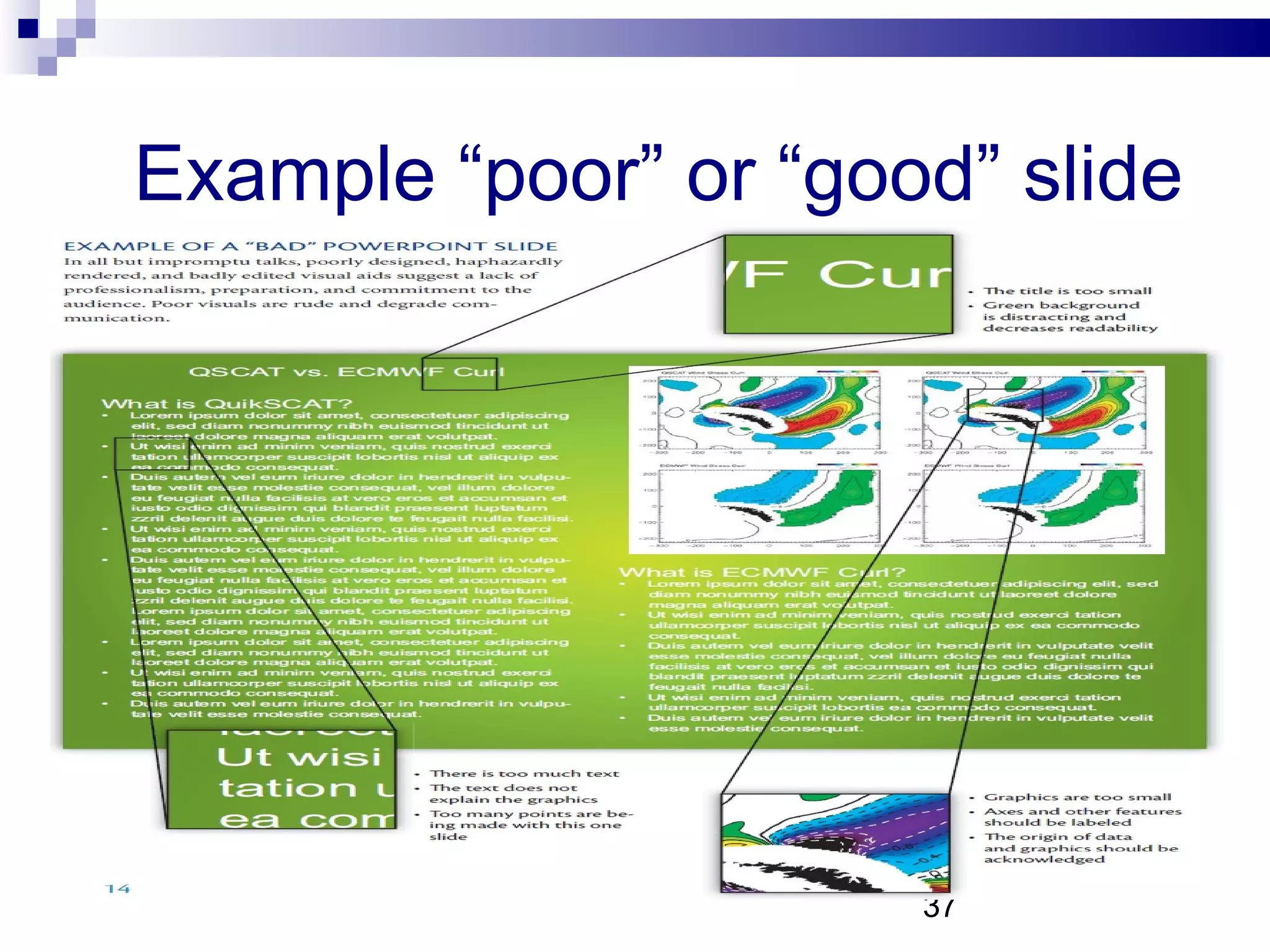
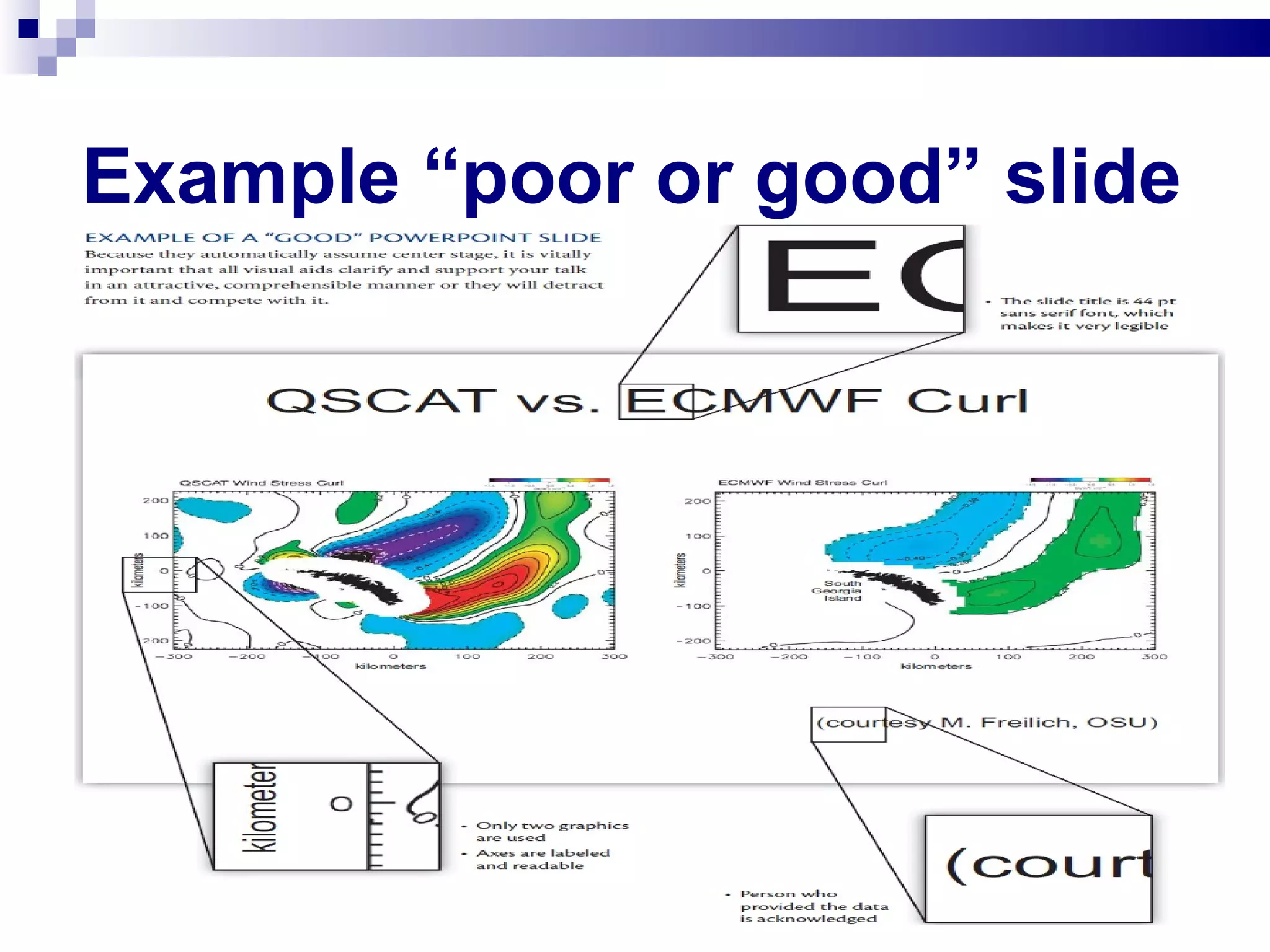
Example “poor” or “good” slide
Example “poor or good” slide
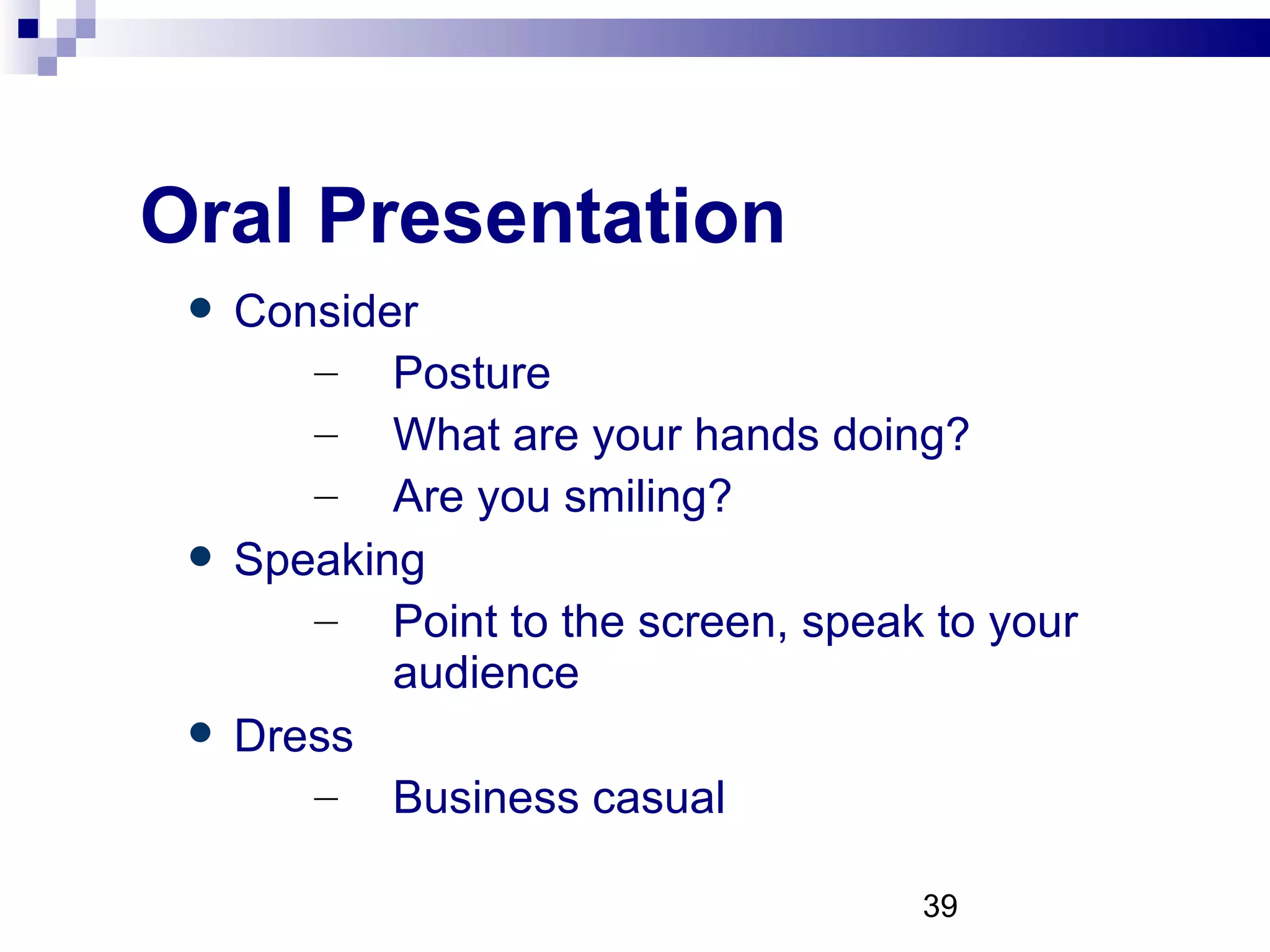
Oral Presentation Consider Posture What are your hands doing? Are you smiling? Speaking Point to the screen, speak to your audience Dress Business casual
Oral Presentation Preparation You want to hold the judges attention and  share your knowledge Audience Judges are experts, try to excite them with your knowledge and enthusiasm
Oral Presentation Content  Define your purpose, topic and scope Clarity Introduction, body and conclusion Showcase Use simple, direct, active words Keep your language at a level you are comfortable with  Try to summarize facts and data
Oral Presentation Timelines 10 minutes and 5 minutes for questions Be sure to summarize and conclude Practice, Practice and Practice Use friends and family Use your visual aids to rehearse Try not to use notes
Thank You and good luck! Questions and Comments...

Sabc presentation tips april 2011(2)

  • 1.
    SABC 2010-11 PresentationOpening Q&A on SABC event Poster Board Presentation Power Point Oral Presentation
  • 2.
    Opening Q &AApril 21 st Event Agenda... Judging Guidelines... Mentor Declaration... Abstract – 250 Words... Lab Journal... Invitations to event...RSVP... Poster and PowerPoint Requirements... SABC Website – News/Regional/PEI – Presentation Resources 2011 http://www.sanofibiotalentchallenge.ca
  • 3.
    Poster Requirements Regional/NationalCompetition Backboards are provided... Posters, if possible, should be printed on one large sheet (preferably laminated) that can be rolled up for easier transportation. It then can be attached in a temporary fashion to the backboard... All exhibits, including all accessories, must be confined to a table or floor space not to exceed 0.8 metres, front to back; 1.2 metres side to side; and 3.5 metres maximum height from the floor...
  • 4.
    Poster Requirements Thebest way is to do your poster is in PowerPoint, or similar, and then have it printed at a print shop. It should be printed on a large sheet, (e.g. 90 cm. x 120 cm). Make sure that your Mentor has reviewed your poster before you have it printed.
  • 5.
    Poster Presentations GrabAttention! Title should be readable 6-7 m away Deliver your message quickly Viewers must grab the “science” in 2-3 min Write a concise abstract Transmit the important point of your poster Consider the viewer who may only read the abstract
  • 6.
    Poster Presentations ...be effective! Keep text to an absolute minimum Tell your story with graphics as much as possible Make your poster easy on the eyes Use dark type on pale background Design simple flow paths Double space text Use easy to read fonts at 18pt minimum
  • 7.
    Poster Presentations ...remember! What hooked me? What did I get from a good presentation? Could I have gotten the basic message if the presenter had not been there?
  • 8.
    Example of a“poor” poster
  • 9.
    Example of a“good” poster
  • 10.
  • 11.
  • 12.
  • 13.
  • 14.
  • 15.
  • 16.
    Making PowerPoint SlidesAvoiding the Pitfalls of Bad Slides
  • 17.
    Tips to beCovered Outlines Slide Structure Fonts Colour Background Graphs Spelling and Grammar Conclusions Questions
  • 18.
    Outline Make your1 st or 2 nd slide an outline of your presentation Ex: previous slide Follow the order of your outline for the rest of the presentation Only place main points on the outline slide Ex: Use the titles of each slide as main points
  • 19.
    Slide Structure –Good Use 1-2 slides per minute of your presentation Write in point form, not complete sentences Include 4-5 points per slide Avoid wordiness: use key words and phrases only
  • 20.
    Slide Structure -Bad This page contains too many words for a presentation slide. It is not written in point form, making it difficult both for your audience to read and for you to present each point. Although there are exactly the same number of points on this slide as the previous slide, it looks much more complicated. In short, your audience will spend too much time trying to read this paragraph instead of listening to you.
  • 21.
    Slide Structure –Good Show one point at a time: Will help audience concentrate on what you are saying Will prevent audience from reading ahead Will help you keep your presentation focused
  • 22.
    Slide Structure -Bad Do not use distracting animation Do not go overboard with the animation Be consistent with the animation that you use
  • 23.
    Fonts - GoodUse at least an 18-point font Use different size fonts for main points and secondary points Main pt is 26, and the this font is 22 Use a standard font like Times New Roman or Arial
  • 24.
    Fonts - BadIf you use a small font, your audience won’t be able to read what you have written CAPITALIZE ONLY WHEN NECESSARY. IT IS DIFFICULT TO READ Don’t use a complicated font
  • 25.
    Colour - GoodUse a colour of font that contrasts sharply with the background Ex: blue font on white background Use colour to reinforce the logic of your structure Ex: bold blue title and dark blue text Use colour to emphasize a point But only use this occasionally
  • 26.
    Colour - BadUsing a font colour that does not contrast with the background colour is hard to read Using colour for decoration is distracting and annoying . Using a different colour for each point is unnecessary Using a different colour for secondary points is also unnecessary T r y i n g t o b e c r e a t i v e c a n a l s o b e b a d
  • 27.
    Background - GoodUse backgrounds such as this one that are attractive but simple Use backgrounds which are light Use the same background consistently throughout your presentation
  • 28.
    Background – BadAvoid backgrounds that are distracting or difficult to read from Always be consistent with the background that you use
  • 29.
    Graphs - GoodUse graphs rather than just charts and words Data in graphs is easier to comprehend & retain than is raw data Trends are easier to visualize in graph form Always title your graphs
  • 30.
  • 31.
  • 32.
  • 33.
    Graphs - BadMinor gridlines are unnecessary Font is too small Colours are illogical Title is missing Shading is distracting
  • 34.
    Spelling and GrammarProof your slides for: speling mistakes the use of of repeated words grammatical errors you might have make If English is not your first language, please have someone else check your presentation!
  • 35.
    Conclusion Use aneffective and strong closing Your audience is likely to remember your last words Use a conclusion slide to: Summarize the main points of your presentation Suggest future avenues of research
  • 36.
    Questions?? End yourpresentation with a simple question slide to: Invite your audience to ask questions Provide a visual aid during question period Avoid ending a presentation abruptly
  • 37.
    Example “poor” or“good” slide
  • 38.
    Example “poor orgood” slide
  • 39.
    Oral Presentation ConsiderPosture What are your hands doing? Are you smiling? Speaking Point to the screen, speak to your audience Dress Business casual
  • 40.
    Oral Presentation PreparationYou want to hold the judges attention and share your knowledge Audience Judges are experts, try to excite them with your knowledge and enthusiasm
  • 41.
    Oral Presentation Content Define your purpose, topic and scope Clarity Introduction, body and conclusion Showcase Use simple, direct, active words Keep your language at a level you are comfortable with Try to summarize facts and data
  • 42.
    Oral Presentation Timelines10 minutes and 5 minutes for questions Be sure to summarize and conclude Practice, Practice and Practice Use friends and family Use your visual aids to rehearse Try not to use notes
  • 43.
    Thank You andgood luck! Questions and Comments...