Research work can be presented in 3
ways:
- Oral presentation
- Poster presentation
- Writing a research paper
Two types of talks are common in
academia:
- Presentation in classroom
- Conference presentations
Both formats are challenging
Learning your work is an important
exercise
It helps to improve your writing and
thinking
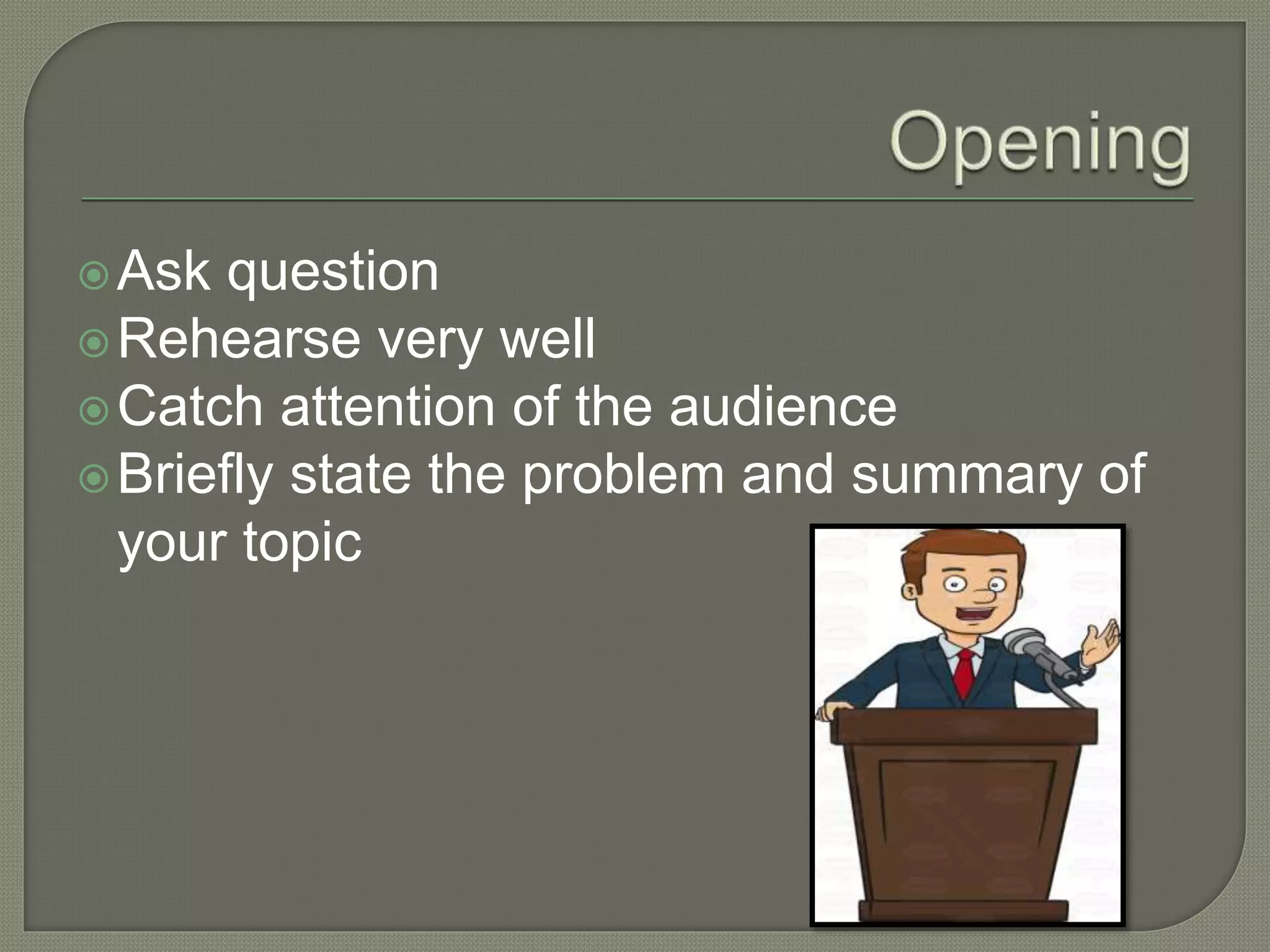
Ask question
Rehearse very well
Catch attention of the audience
Briefly state the problem and summary of
your topic
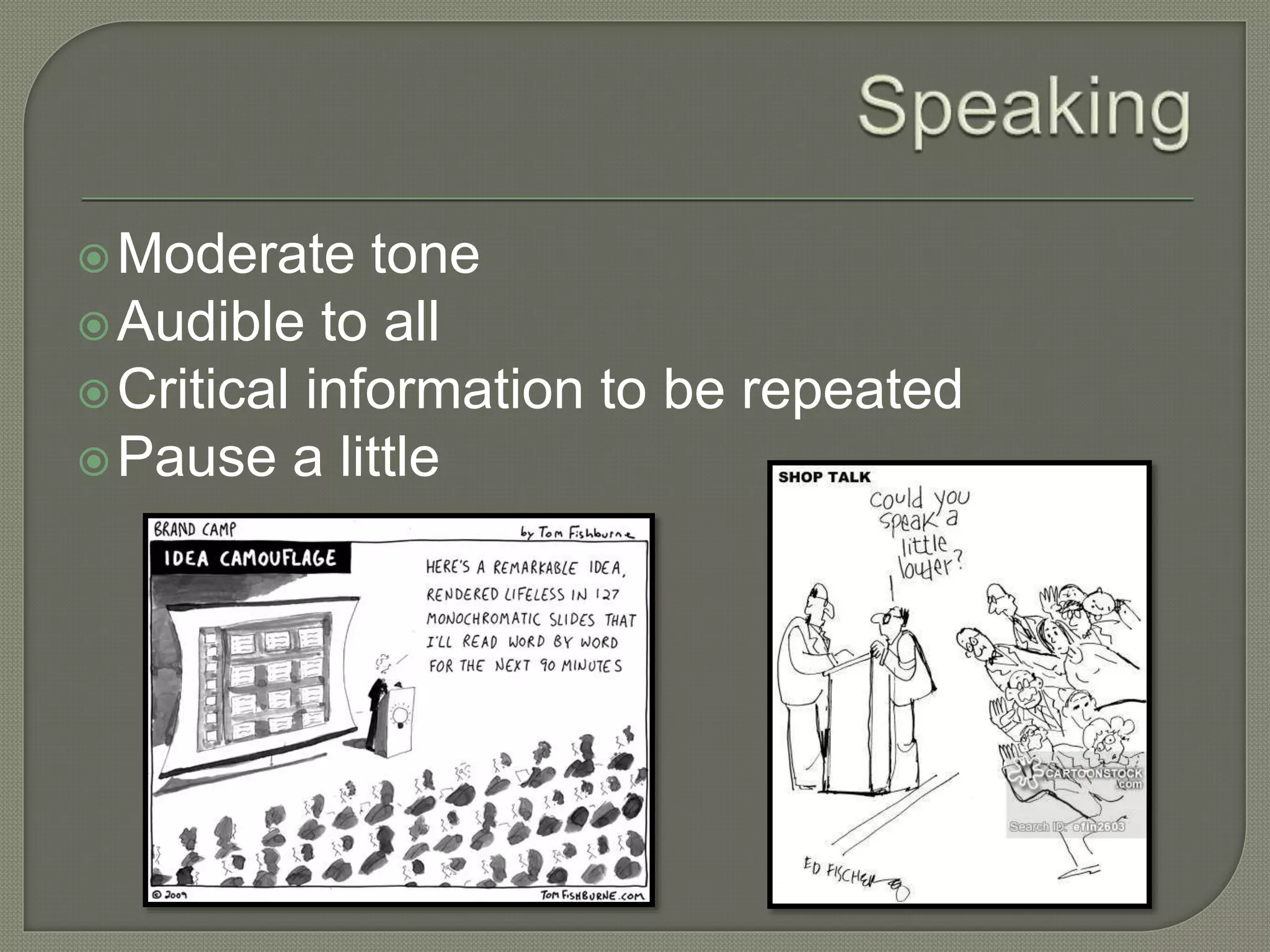
Moderate tone
Audible to all
Critical information to be repeated
Pause a little
Pictures or graphics should tell the story
Make few powerpoint slides effectively
Font size should be taken into
consideration
For long presentations you may change
the background cover
Animation effects should be used
moderately
Insert a video or animation
Don’t just read the slides
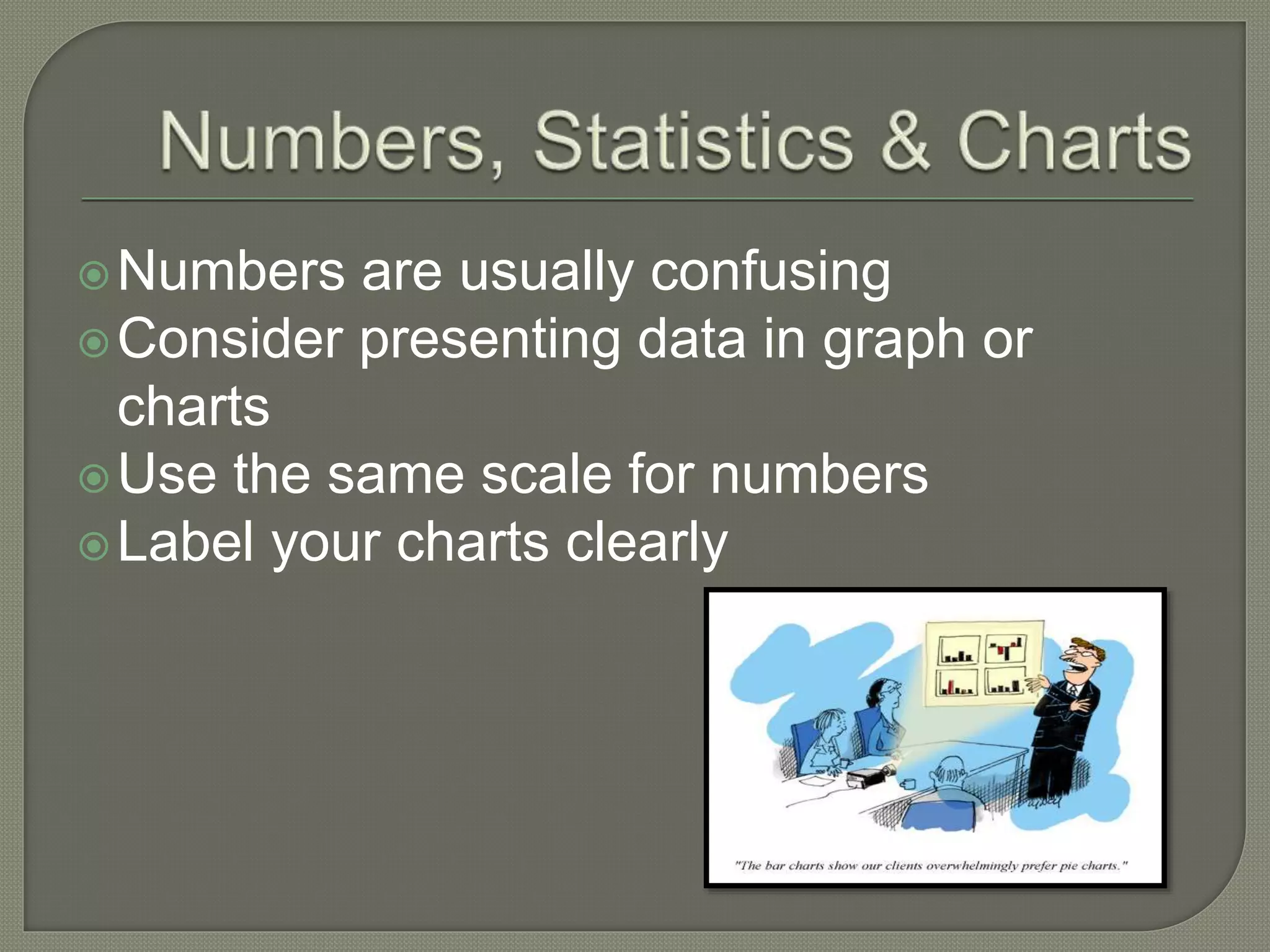
Numbers are usually confusing
Consider presenting data in graph or
charts
Use the same scale for numbers
Label your charts clearly
Background shouldn’t distract the
audience
Should be light in color
Make it look professional
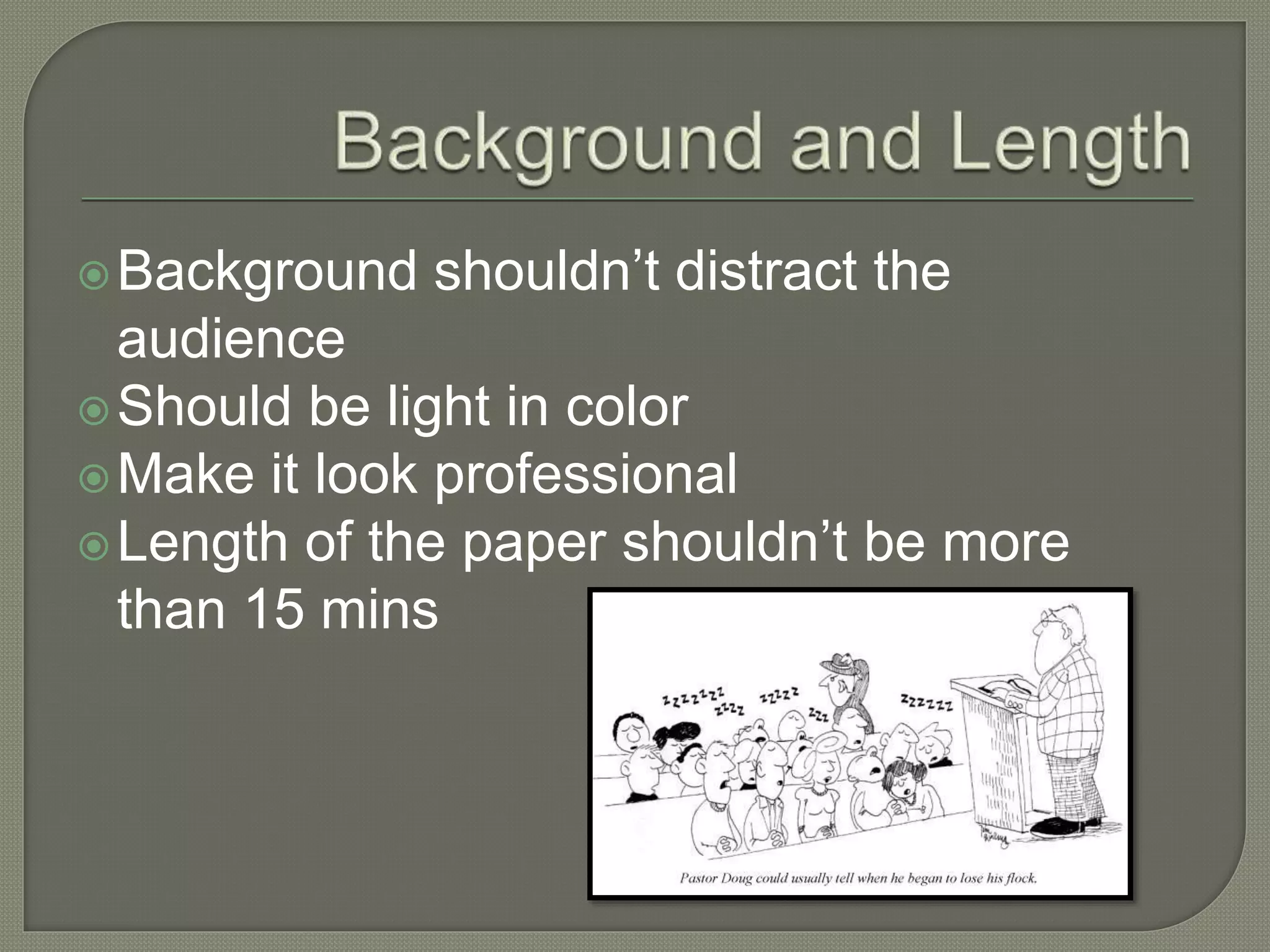
Length of the paper shouldn’t be more
than 15 mins
5 mins should be for answering the
questions
Don’t panic
It is fine not to know everything
Confidence comes with practice
Remember that many people get nervous
before a talk, even those who have done
many times.. Some things are out of
control… Have fun… No matter what !!!!!!
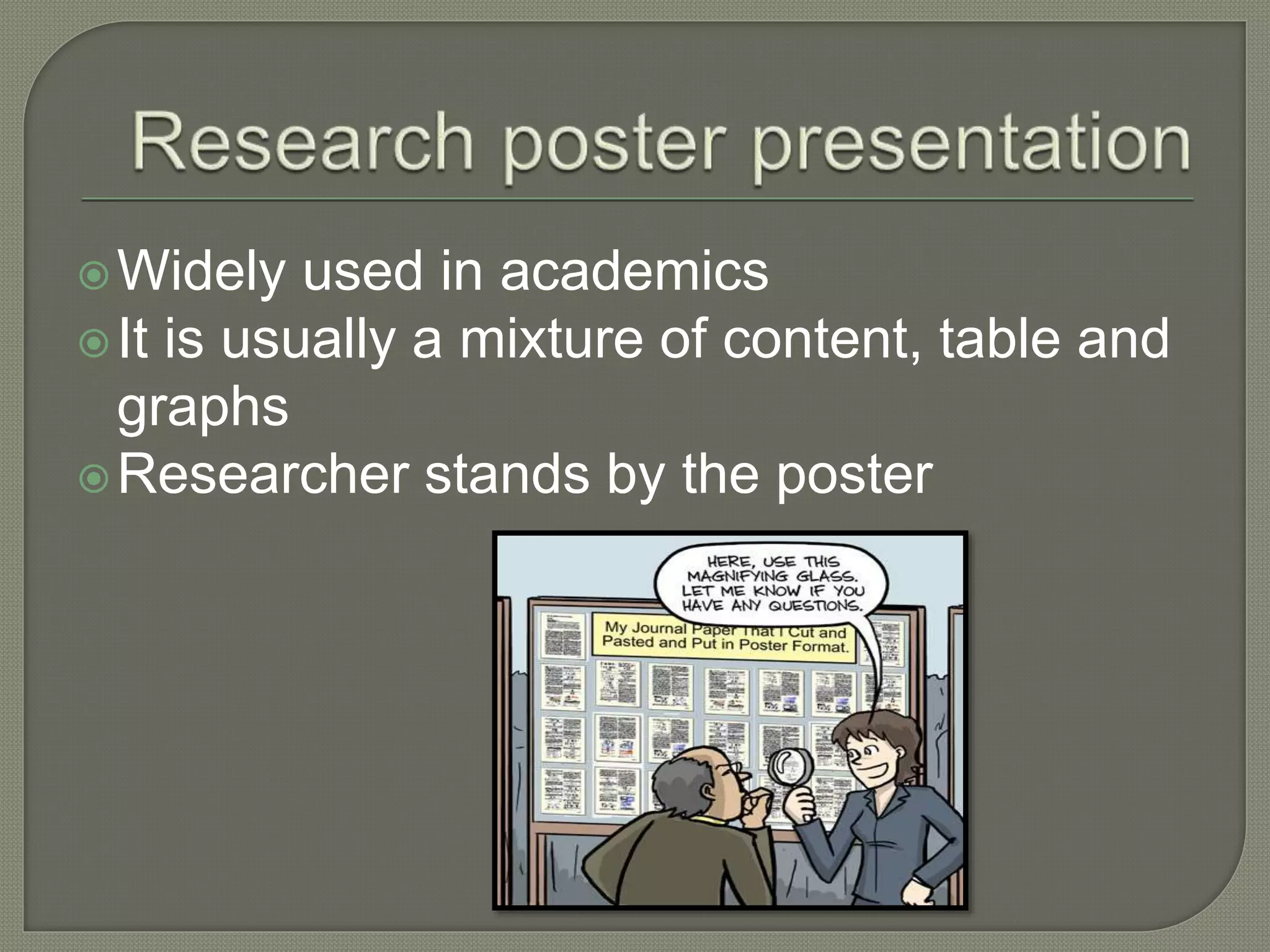
Widely used in academics
It is usually a mixture of content, table and
graphs
Researcher stands by the poster
Determine an essential concept
Determine the size of poster to be made
Allocate your time wisely
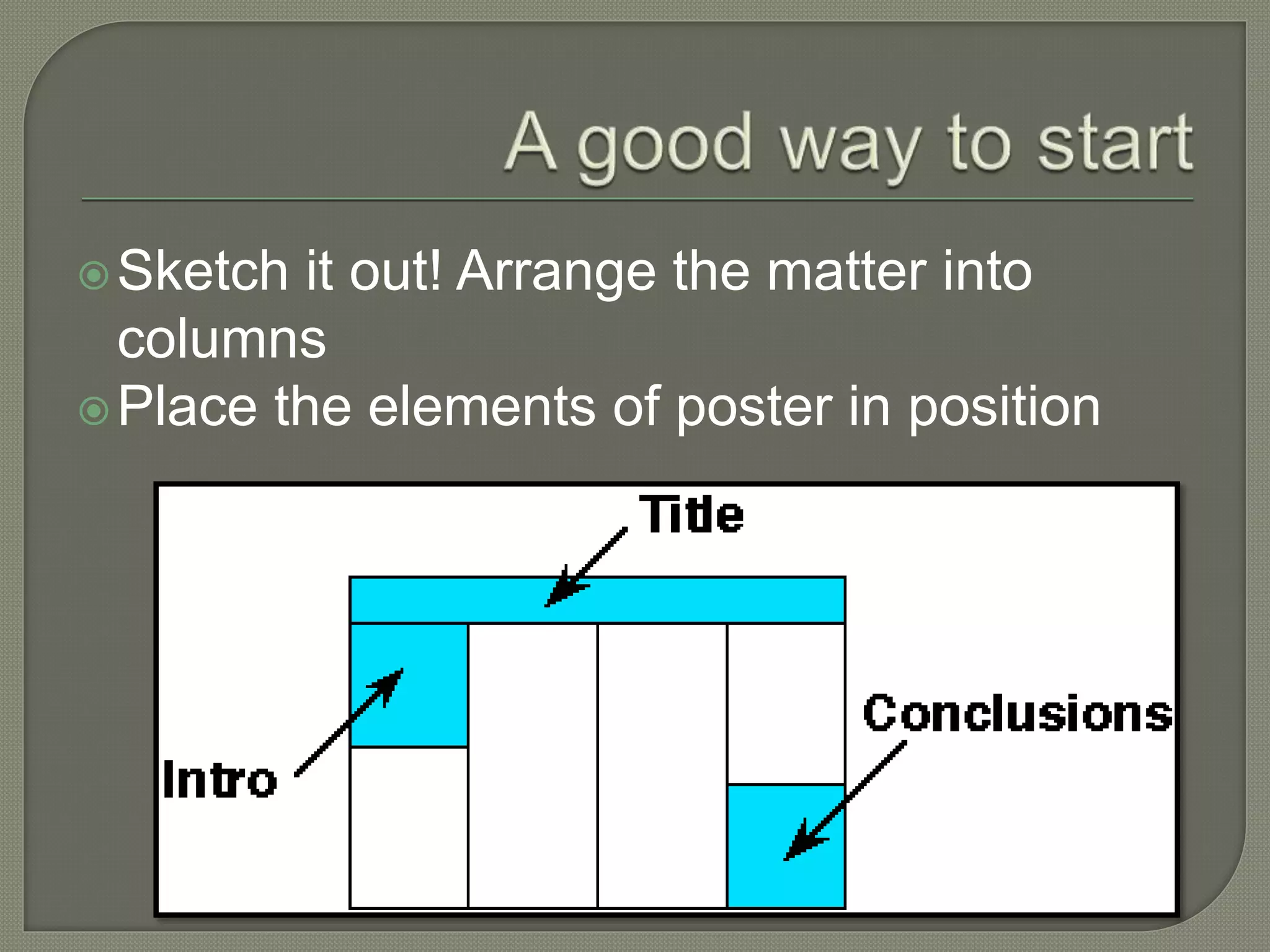
Sketch it out! Arrange the matter into
columns
Place the elements of poster in position
The Title
Sequencing the contents
Editing
Content should support the graphics
Look at poster experts suggestions
Use active voice
Self explanatory graphics
Graphics should be visible
Show no mercy when editing visual
materials!!!!
Use 2-3 colors
Poster text should be readable
Section headings should be bold
Softer colors would work better
Use colored background to unify your
poster
Design a poster to address one central
question
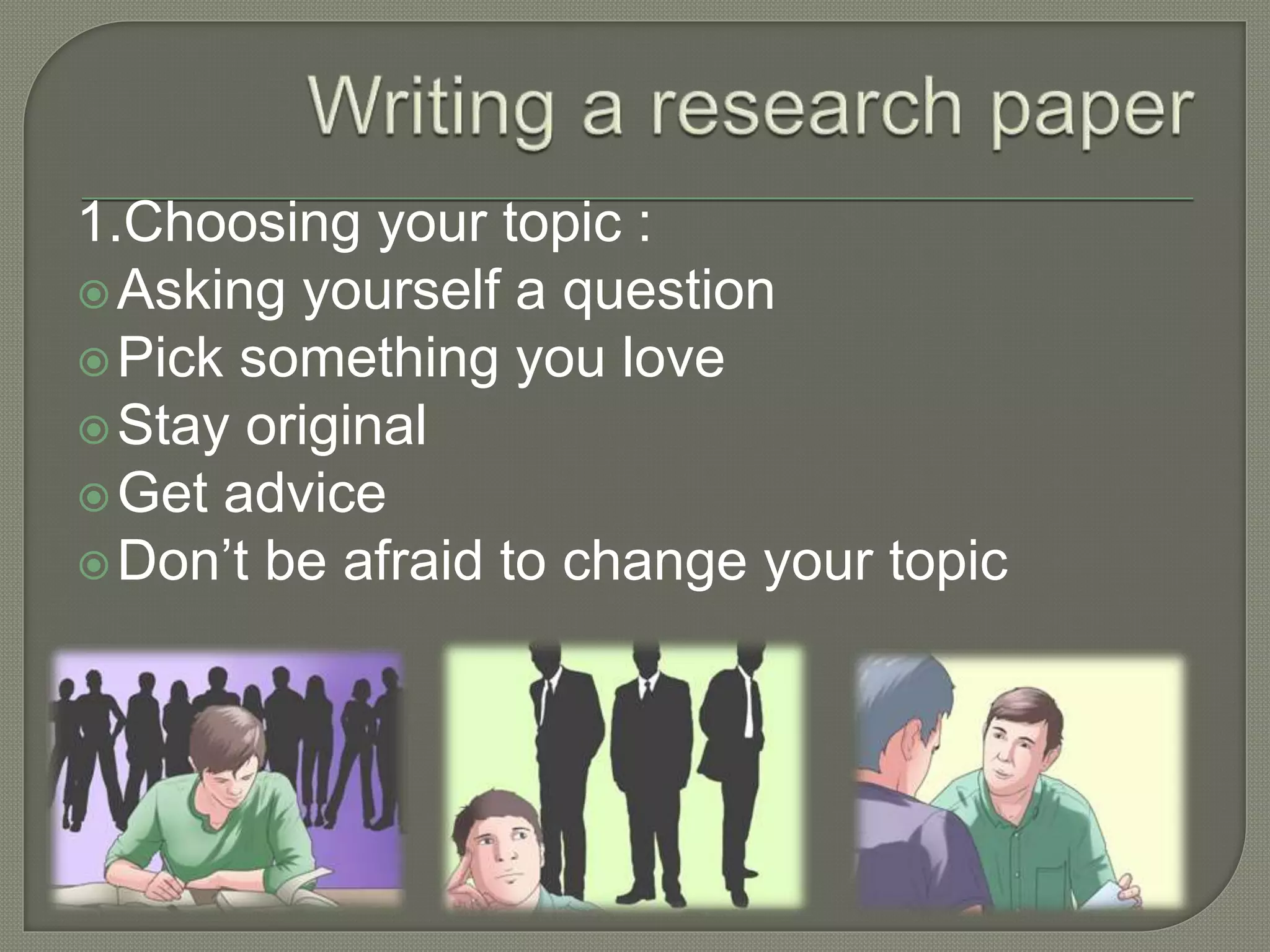
1.Choosing your topic :
Asking yourself a question
Pick something you love
Stay original
Get advice
Don’t be afraid to change your topic
2. Researching
Begin your research
Visit the library
Look online
Use academic databases
Get creative
3. Making an outline
Annotate your research
Organize your notes
Construct a bibliography
Identify goal of paper
Determine your audience
Determine and finalize your main points
Parts of paper:
Title
Abstract
Materials and methods
Results
Discussion
Acknowledgements
Presentation of research work

Presentation of research work

  • 2.
    Research work canbe presented in 3 ways: - Oral presentation - Poster presentation - Writing a research paper
  • 3.
    Two types oftalks are common in academia: - Presentation in classroom - Conference presentations
  • 4.
    Both formats arechallenging Learning your work is an important exercise It helps to improve your writing and thinking
  • 5.
    Ask question Rehearse verywell Catch attention of the audience Briefly state the problem and summary of your topic
  • 6.
    Moderate tone Audible toall Critical information to be repeated Pause a little
  • 7.
    Pictures or graphicsshould tell the story Make few powerpoint slides effectively Font size should be taken into consideration For long presentations you may change the background cover Animation effects should be used moderately Insert a video or animation Don’t just read the slides
  • 8.
    Numbers are usuallyconfusing Consider presenting data in graph or charts Use the same scale for numbers Label your charts clearly
  • 9.
    Background shouldn’t distractthe audience Should be light in color Make it look professional Length of the paper shouldn’t be more than 15 mins
  • 10.
    5 mins shouldbe for answering the questions Don’t panic It is fine not to know everything Confidence comes with practice
  • 11.
    Remember that manypeople get nervous before a talk, even those who have done many times.. Some things are out of control… Have fun… No matter what !!!!!!
  • 12.
    Widely used inacademics It is usually a mixture of content, table and graphs Researcher stands by the poster
  • 13.
    Determine an essentialconcept Determine the size of poster to be made Allocate your time wisely
  • 14.
    Sketch it out!Arrange the matter into columns Place the elements of poster in position
  • 15.
    The Title Sequencing thecontents Editing Content should support the graphics Look at poster experts suggestions Use active voice
  • 16.
    Self explanatory graphics Graphicsshould be visible Show no mercy when editing visual materials!!!! Use 2-3 colors Poster text should be readable Section headings should be bold
  • 17.
    Softer colors wouldwork better Use colored background to unify your poster Design a poster to address one central question
  • 18.
    1.Choosing your topic: Asking yourself a question Pick something you love Stay original Get advice Don’t be afraid to change your topic
  • 19.
    2. Researching Begin yourresearch Visit the library Look online Use academic databases Get creative
  • 20.
    3. Making anoutline Annotate your research Organize your notes Construct a bibliography Identify goal of paper Determine your audience Determine and finalize your main points
  • 21.
    Parts of paper: Title Abstract Materialsand methods Results Discussion Acknowledgements