The document provides an overview of the new user interface and features in Microsoft PowerPoint 2007. Some key points:
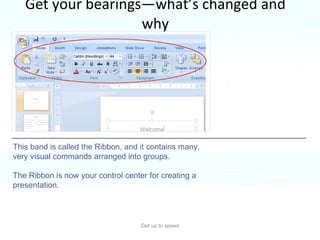
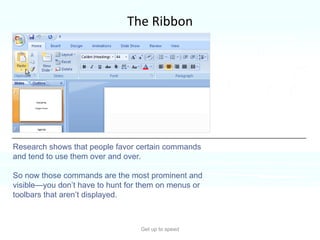
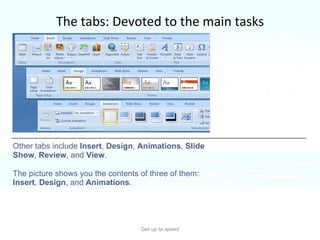
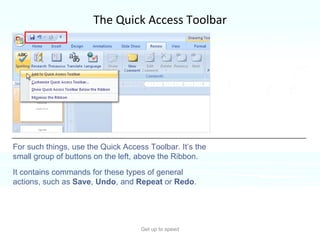
- PowerPoint 2007 introduces a new user interface called the Ribbon that contains commands organized into tabs and groups. This replaces the traditional menus and toolbars.
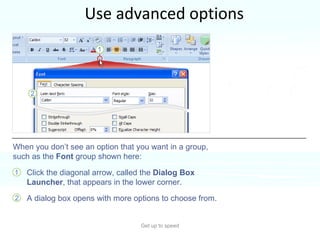
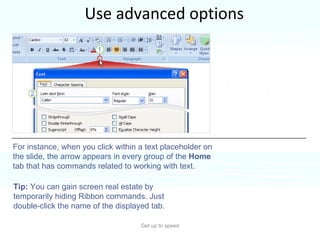
- The Ribbon allows easier access to commonly used commands. Additional options can be accessed through dialog boxes launched from individual groups.
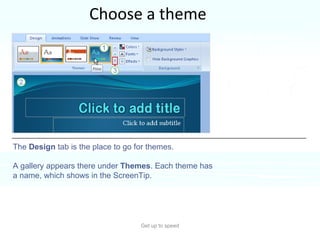
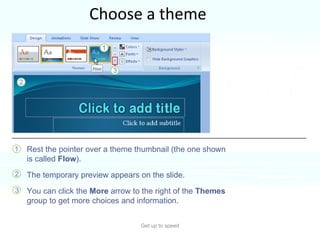
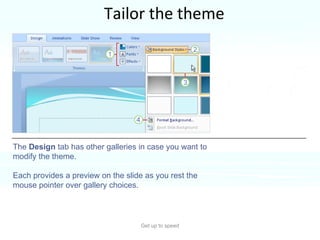
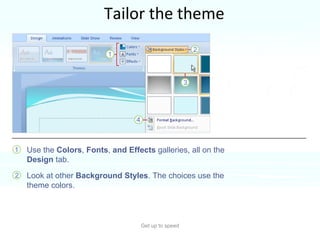
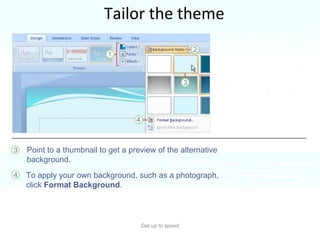
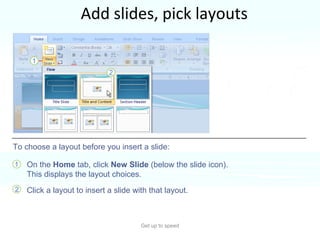
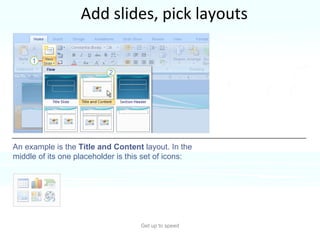
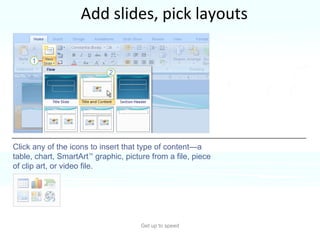
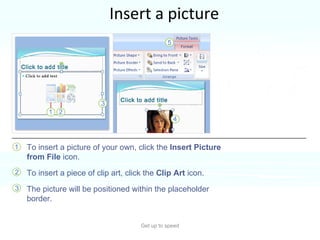
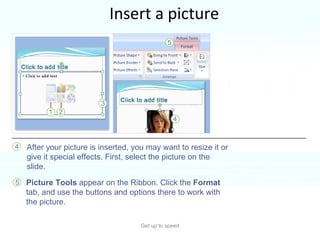
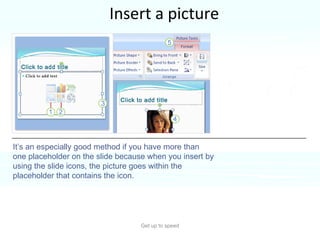
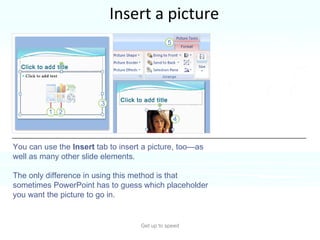
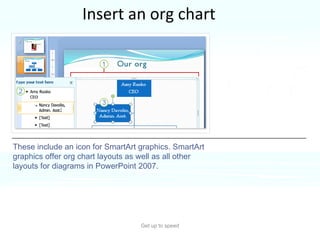
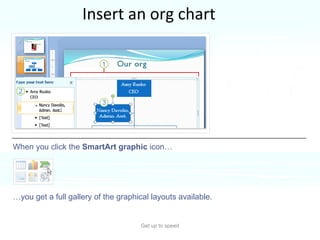
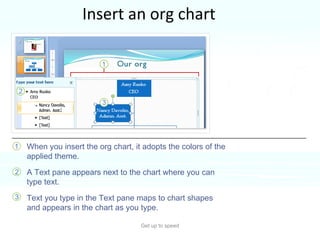
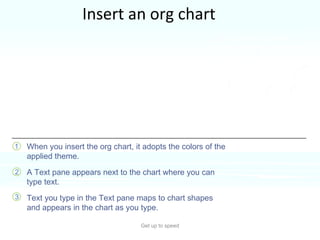
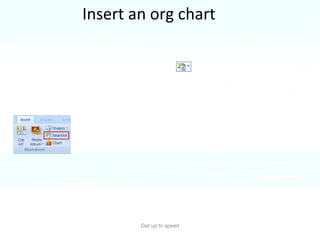
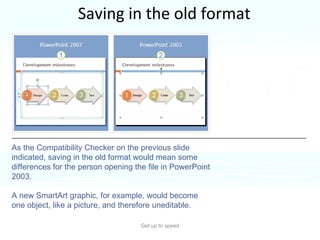
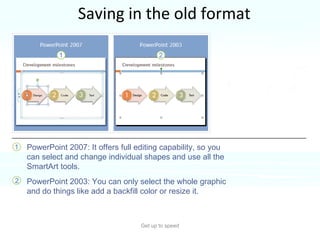
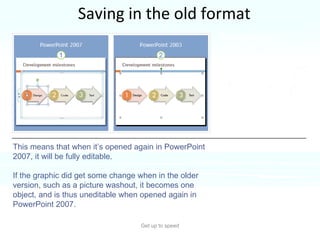
- New features include themes, layouts, and SmartArt graphics to help create and design presentations. Pictures, charts, and other media can be inserted directly into content placeholders on slides.
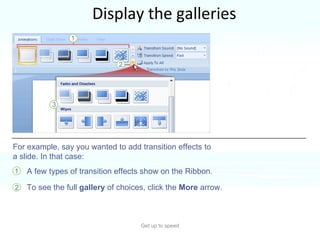
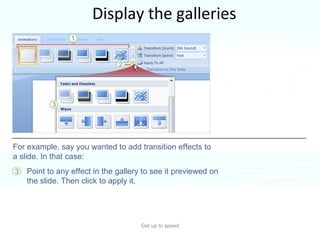
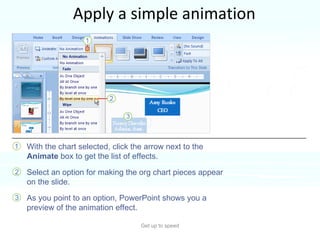
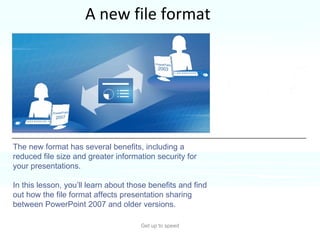
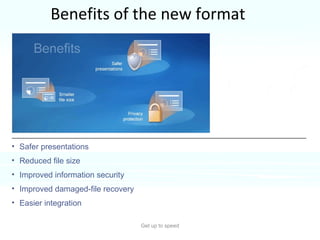
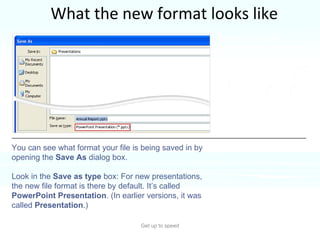
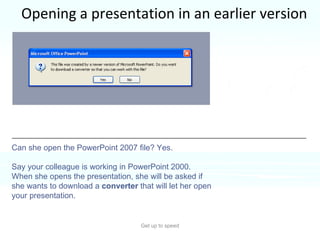
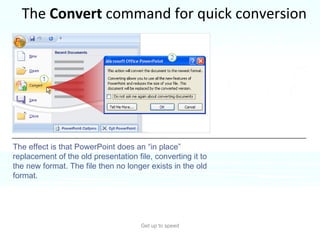
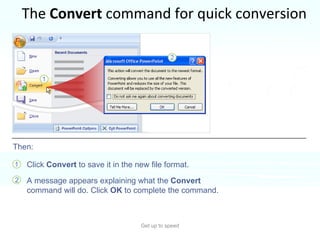
- Animations and slide transitions can be applied from the Animations tab. The file format has changed to a new