



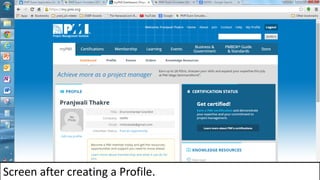
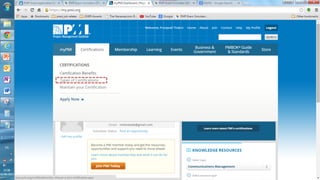
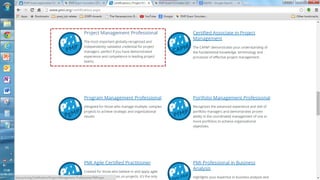
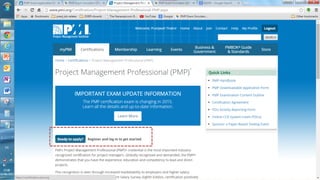
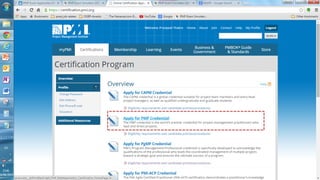
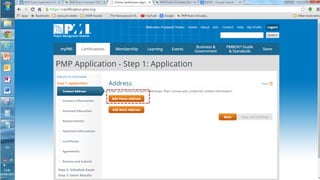
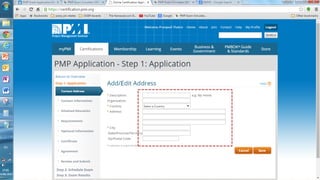
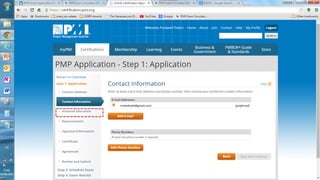
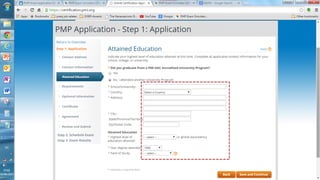
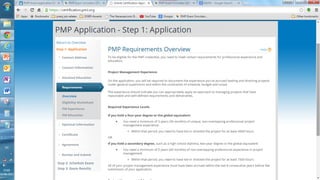
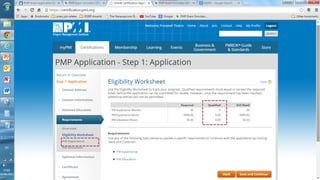
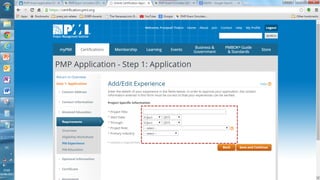
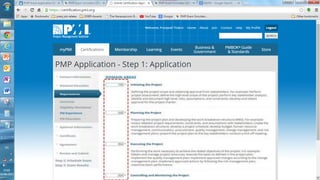
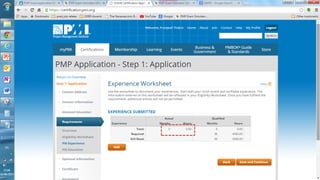
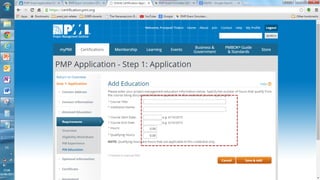
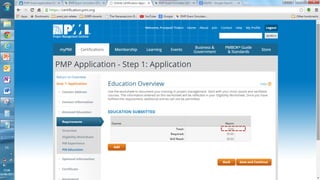
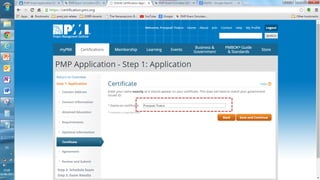
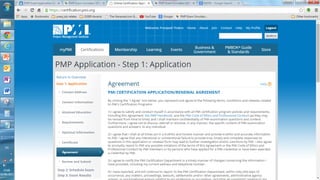
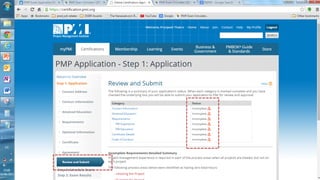
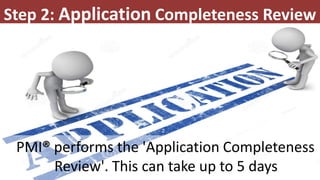


This presentation outlines the 5 steps to fill out the 9 page PMP certification application on the PMI website: 1) Create an account if needed and log in, 2) PMI will review the application for completeness within 5 days, 3) Pay the application fee online and select an exam delivery method, 4) Be prepared to submit audit materials within 90 days if randomly selected for audit, and 5) Schedule the PMP exam on the Prometric website.


