
Facebook: Terminology, Tactics and Best PracticesBy Danielle BrigidaNational Wildlife Federationbrigidad@nwf.org@starfocus or @nwf
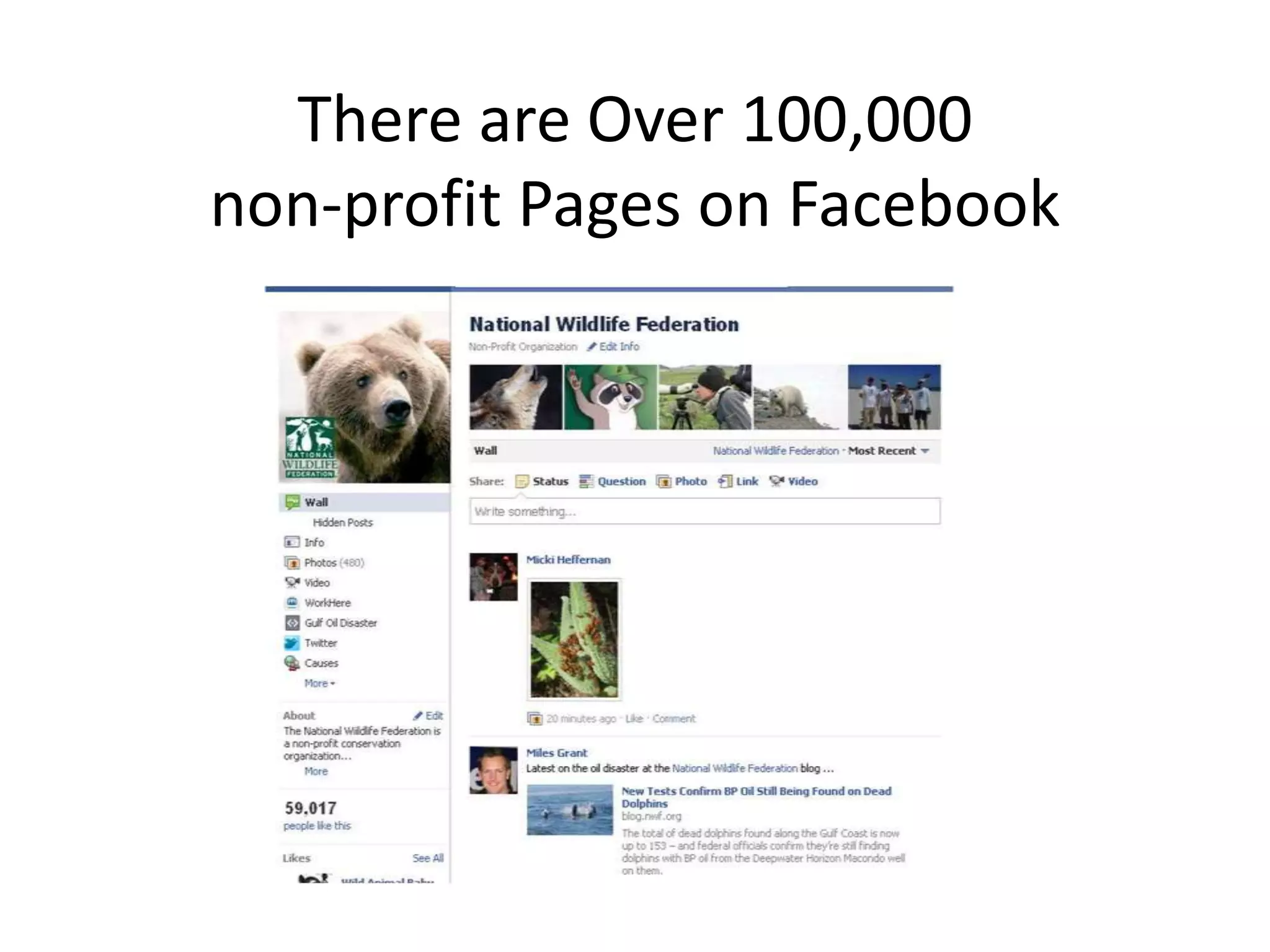
There areOver 100,000 non-profit Pages on Facebook
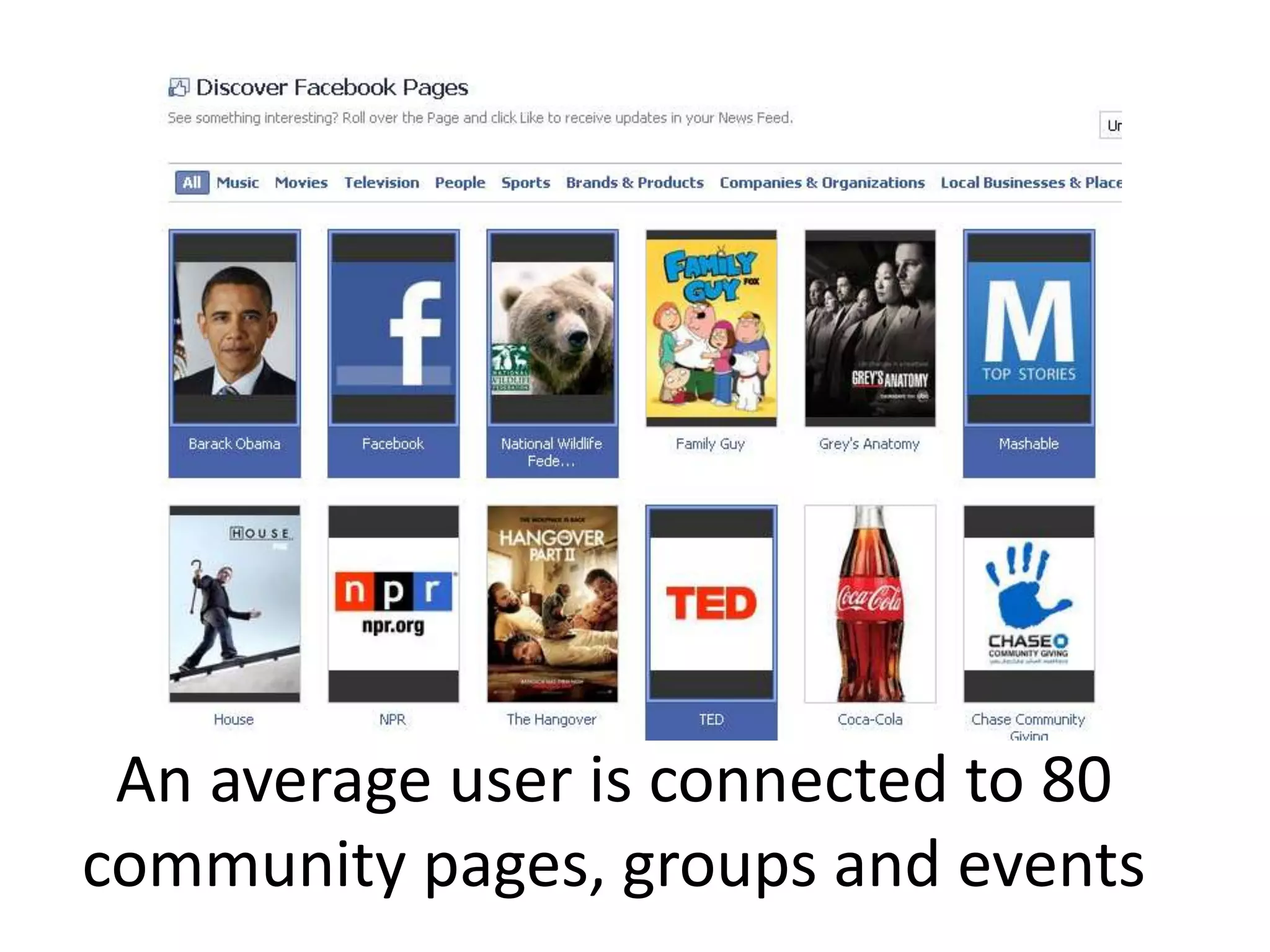
An average user is connected to 80 community pages, groups and events
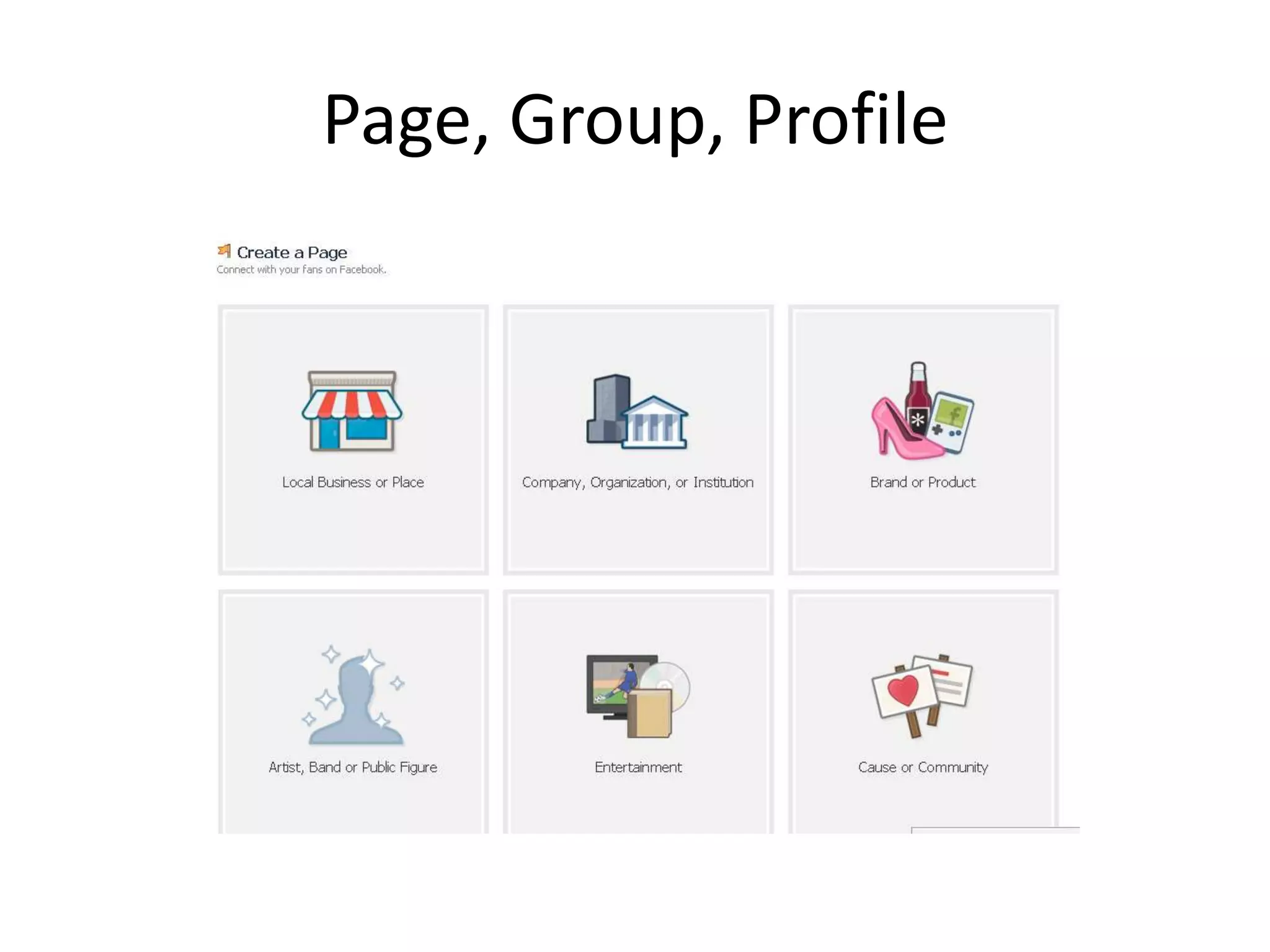
Page, Group, Profile
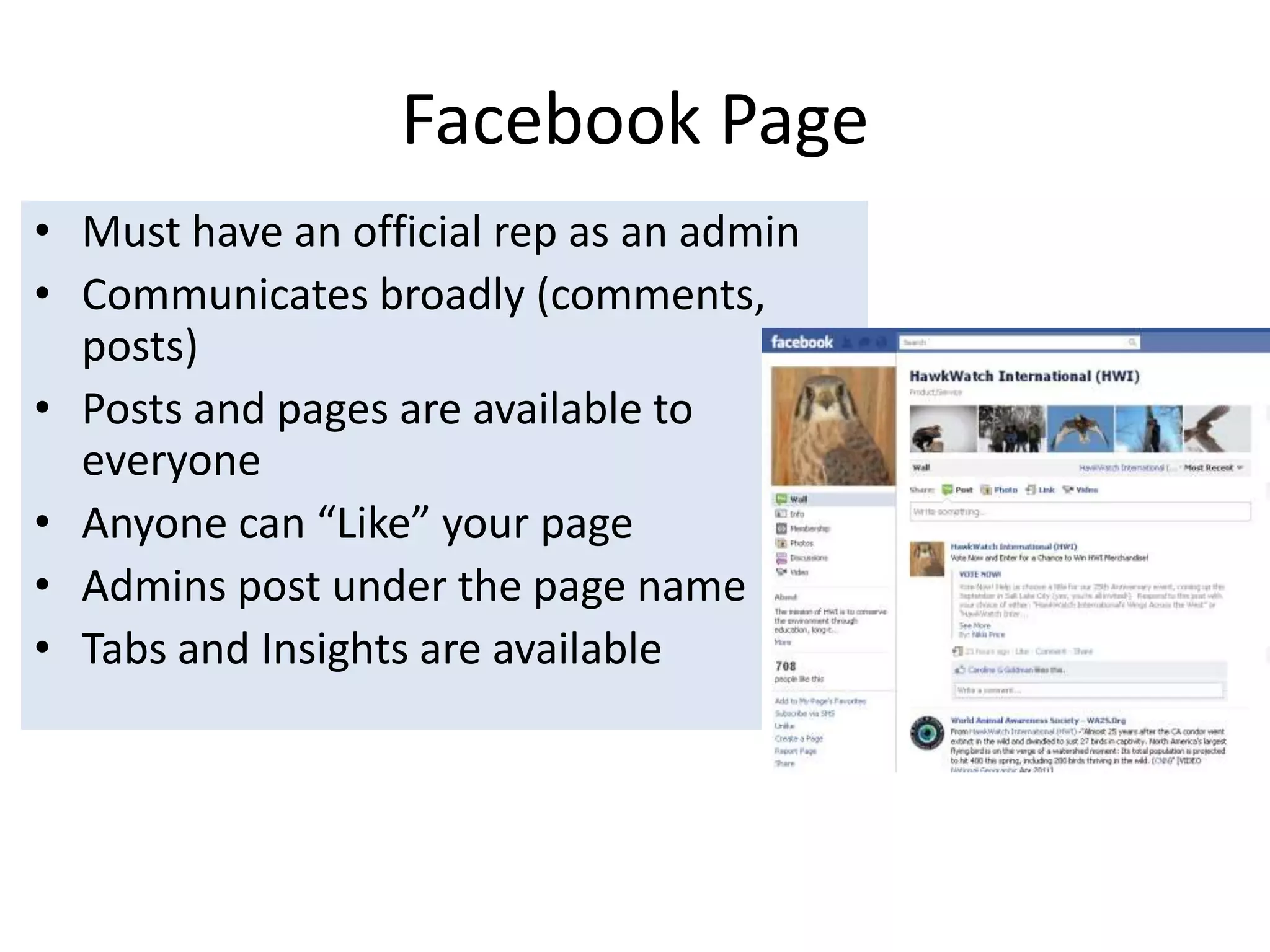
Facebook PageMust have an official rep as an adminCommunicates broadly (comments, posts)Posts and pages are available to everyone Anyone can “Like” your page Admins post under the page nameTabs and Insights are available
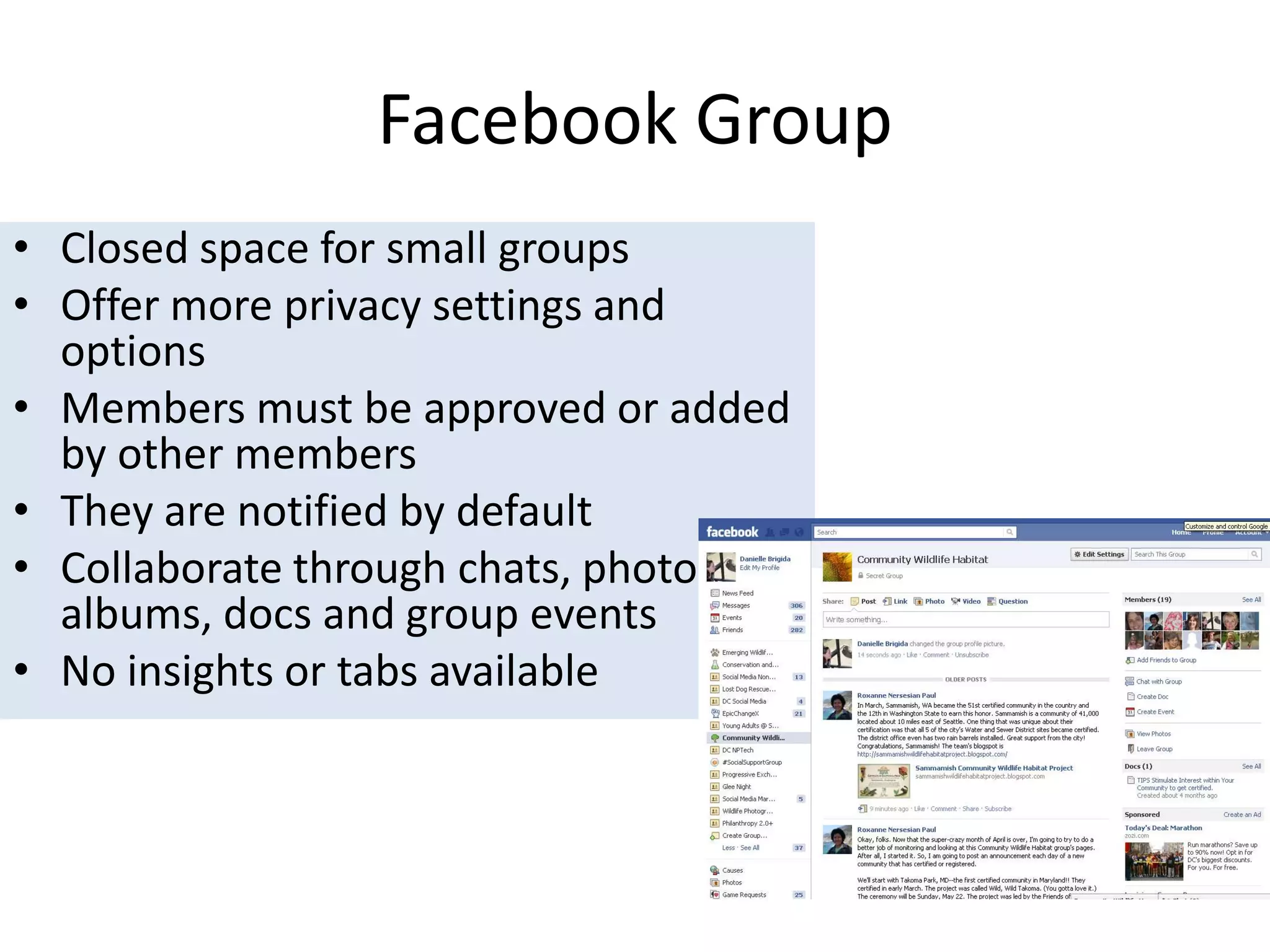
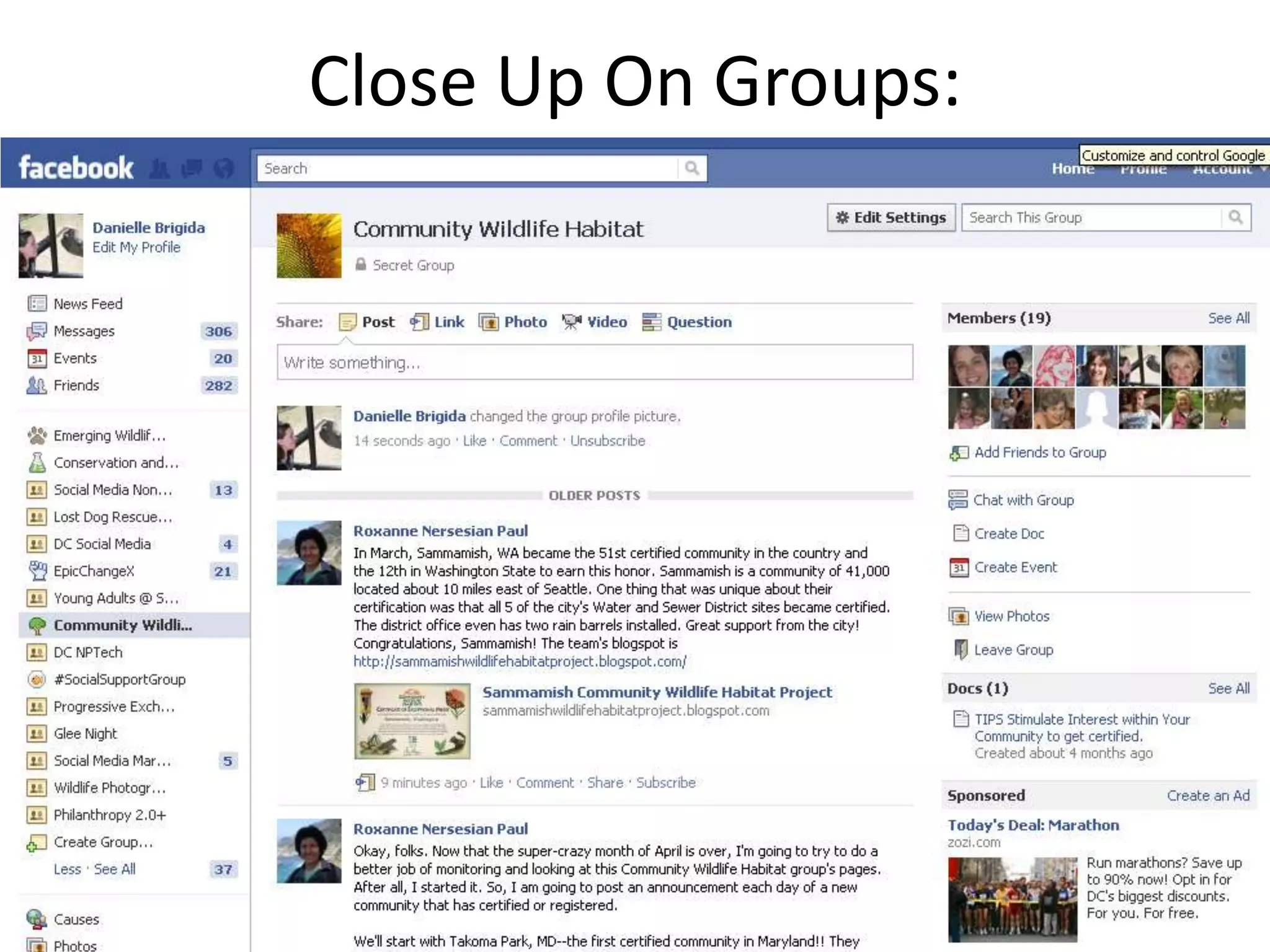
Facebook GroupClosed space for small groups Offer more privacy settings and optionsMembers must be approved or added by other membersThey are notified by defaultCollaborate through chats, photo albums, docs and group eventsNo insights or tabs available
Close Up On Groups:
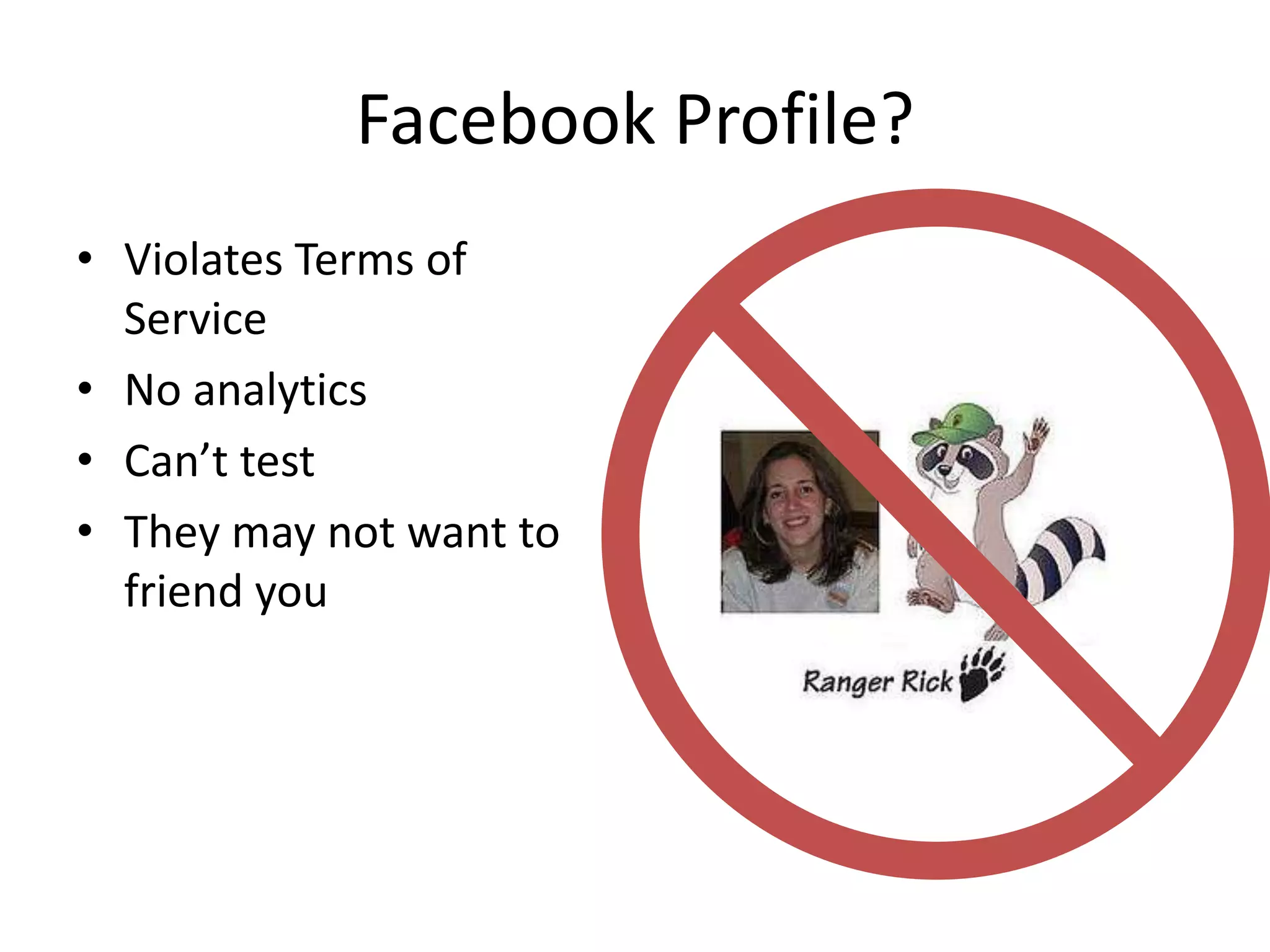
Facebook Profile? Violates Terms of ServiceNo analyticsCan’t test They may not want to friend you
Understanding TerminologyStatus – Update your friends with links, photos, or infoAdmin – person who runs a page or group.Wall – Public messaging on your profileNews Feed – Insights – Facebook page analyticsTagging – Type the "@" symbol. Select the friend, page, event, group or app you want to tag from the drop-down menu.
Engagement TipsAsk questions they can answer
Use @_name to mention other pages/people
Post colorful/interesting photos
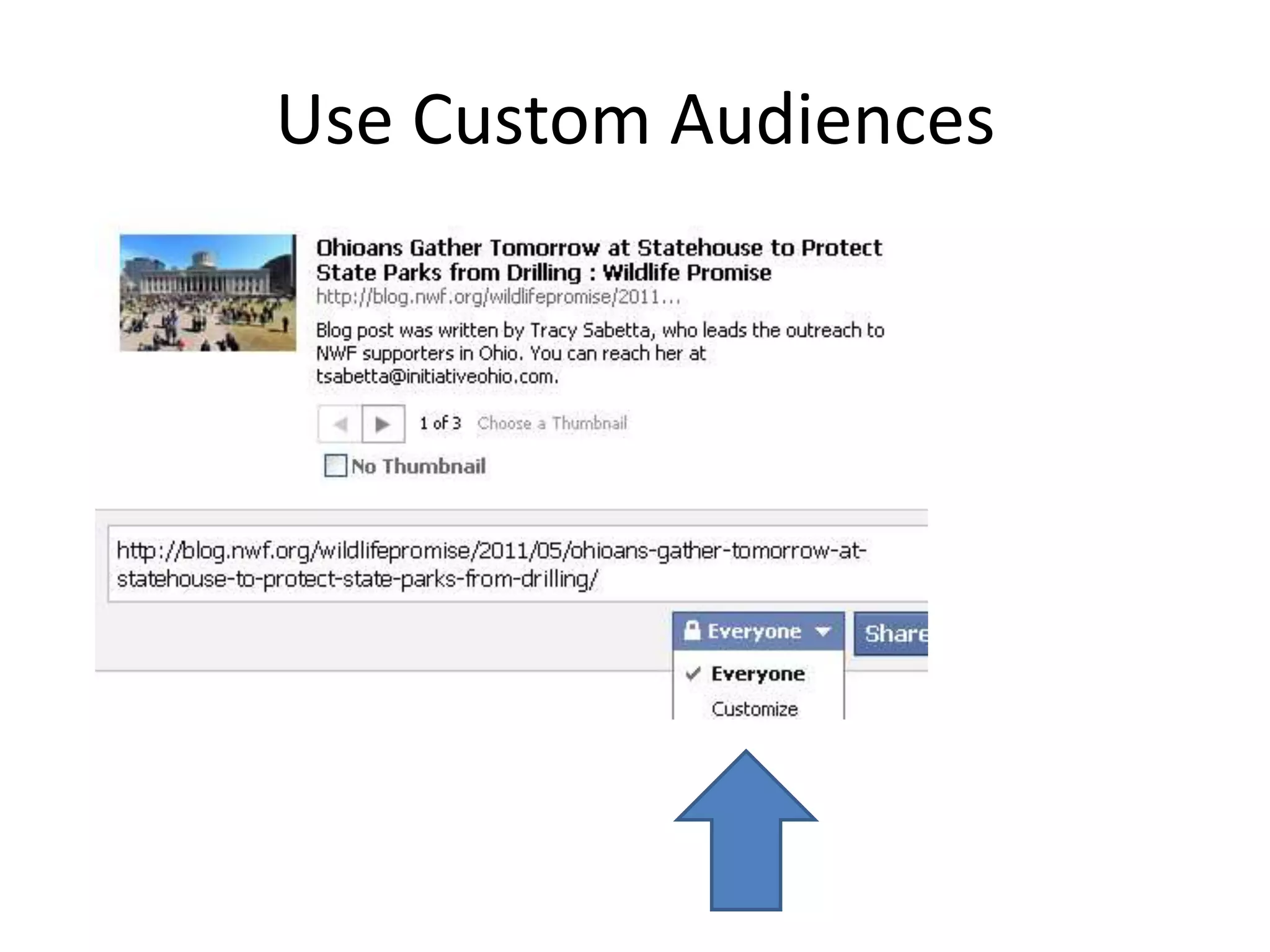
Create a landing tab (using iframes)Use Custom Audiences
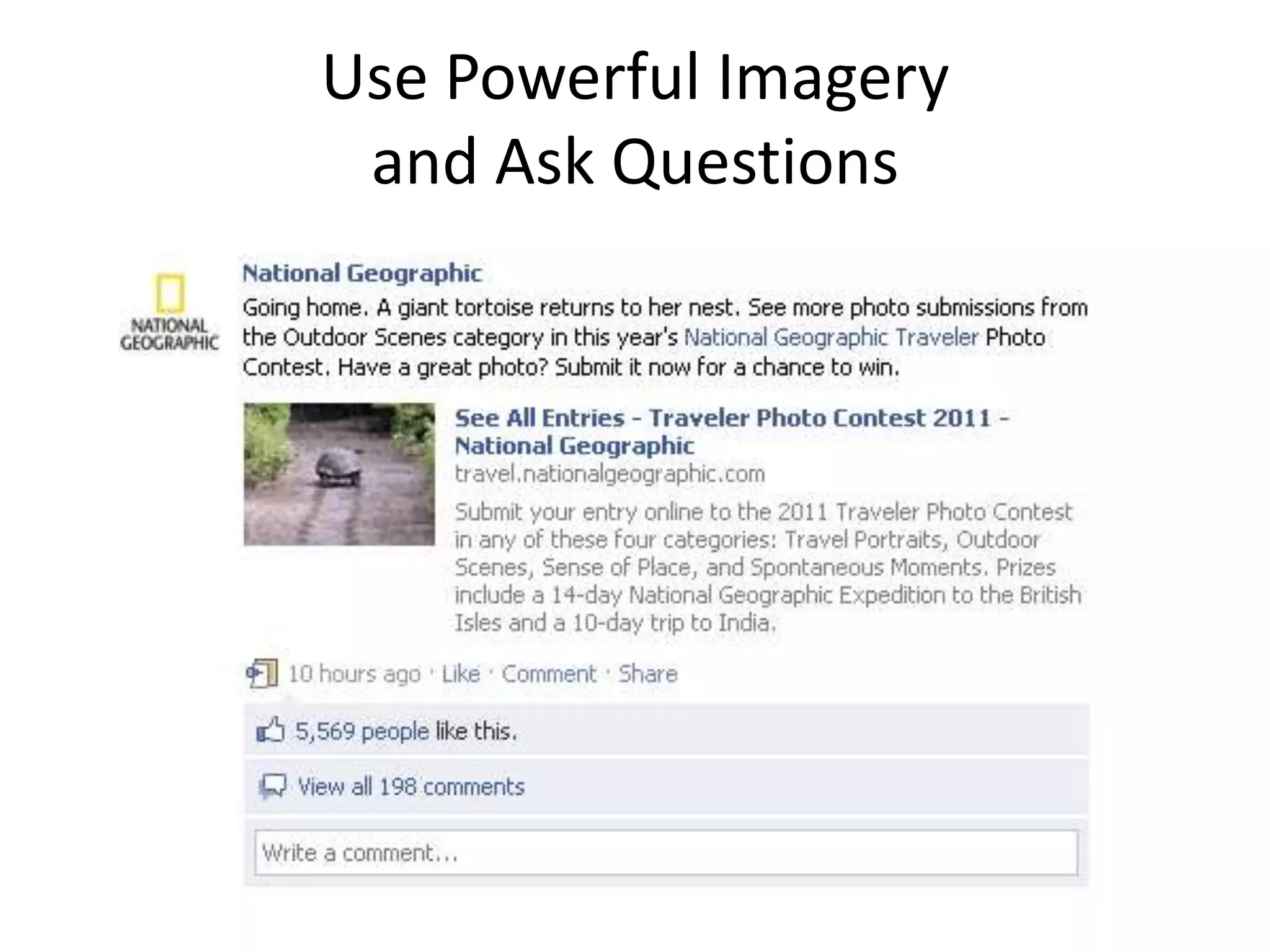
Use Powerful Imagery and Ask Questions
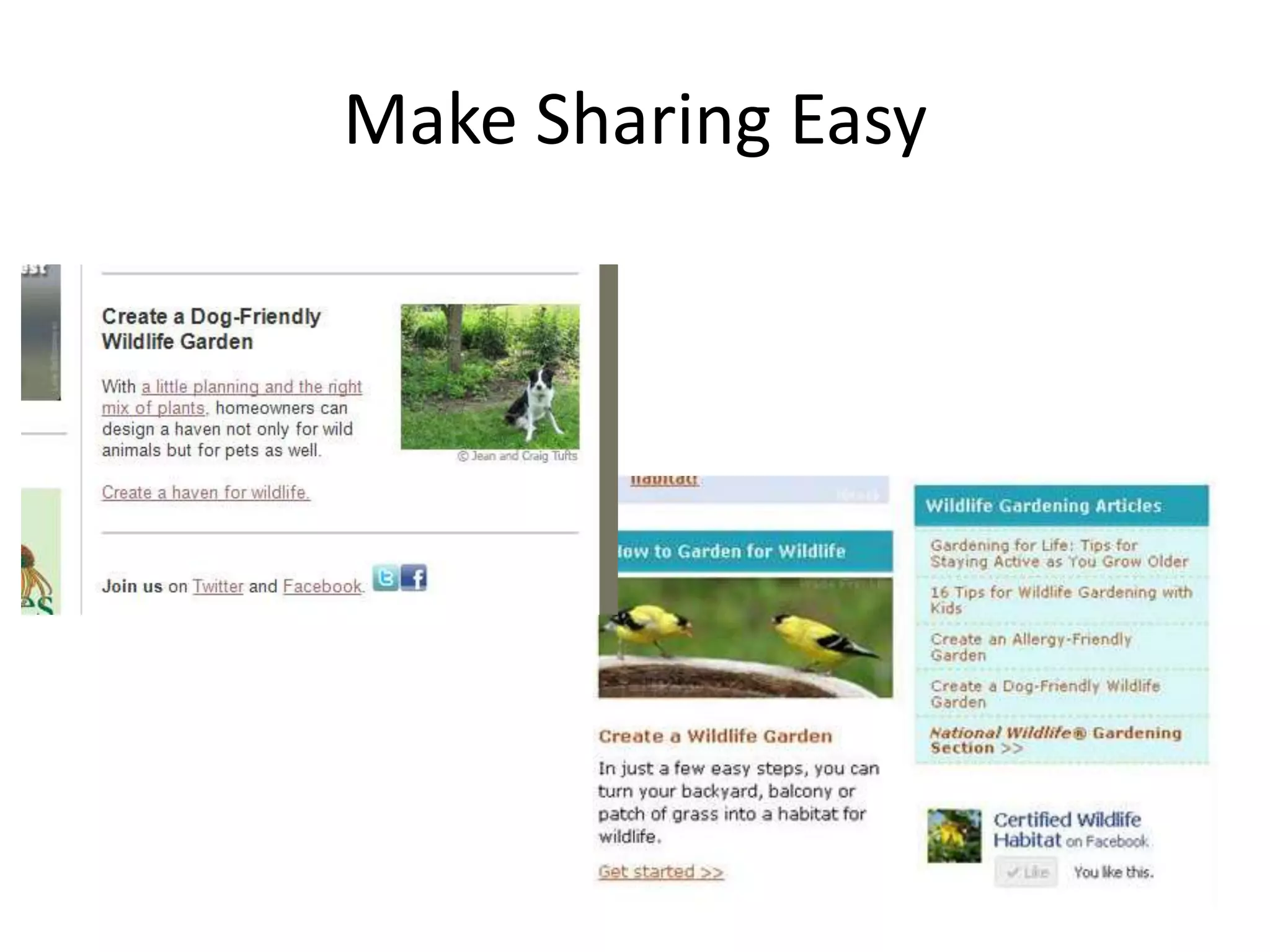
Make Sharing Easy
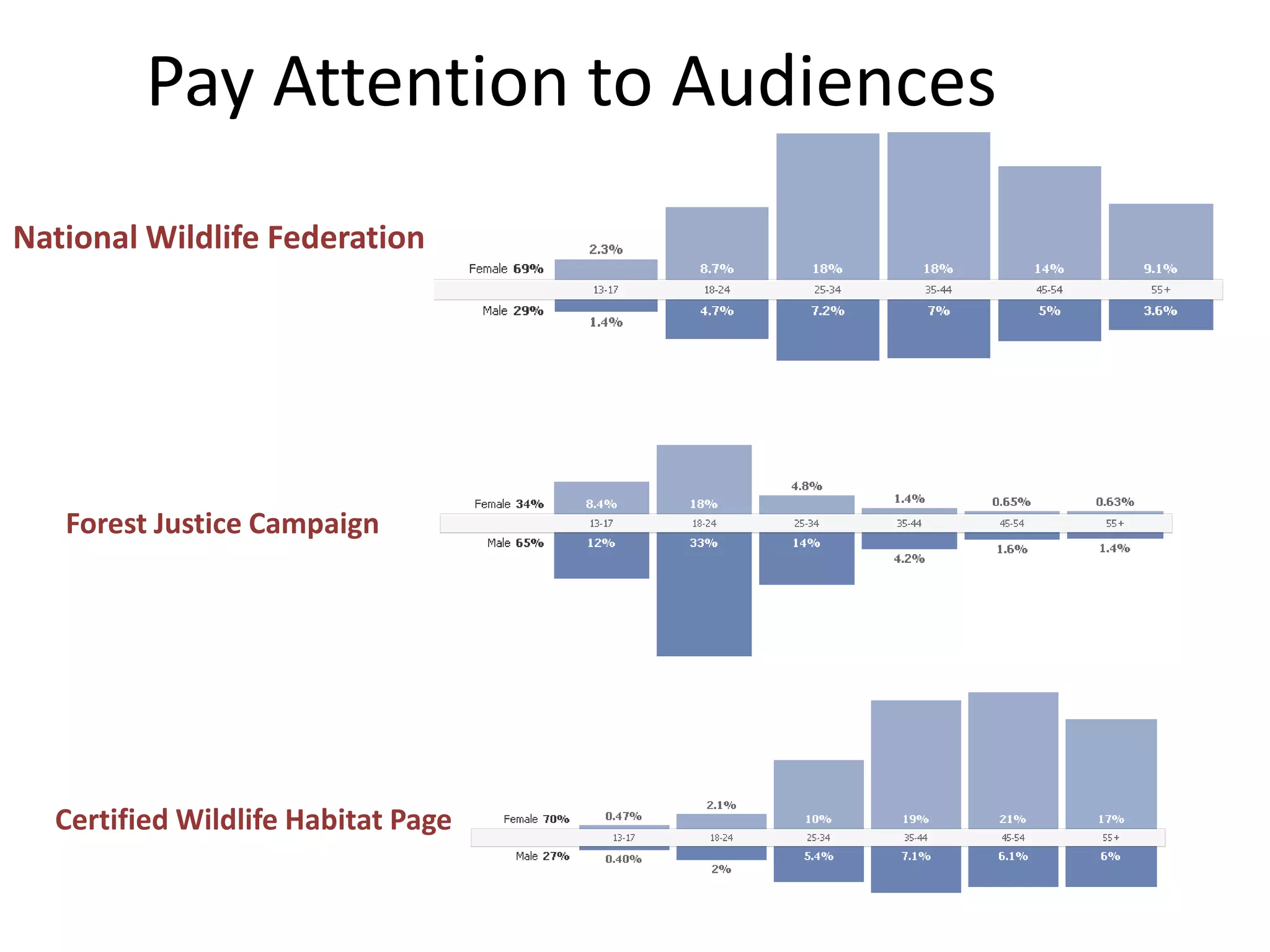
Pay Attention to AudiencesNational Wildlife FederationForest Justice CampaignCertified Wildlife Habitat Page
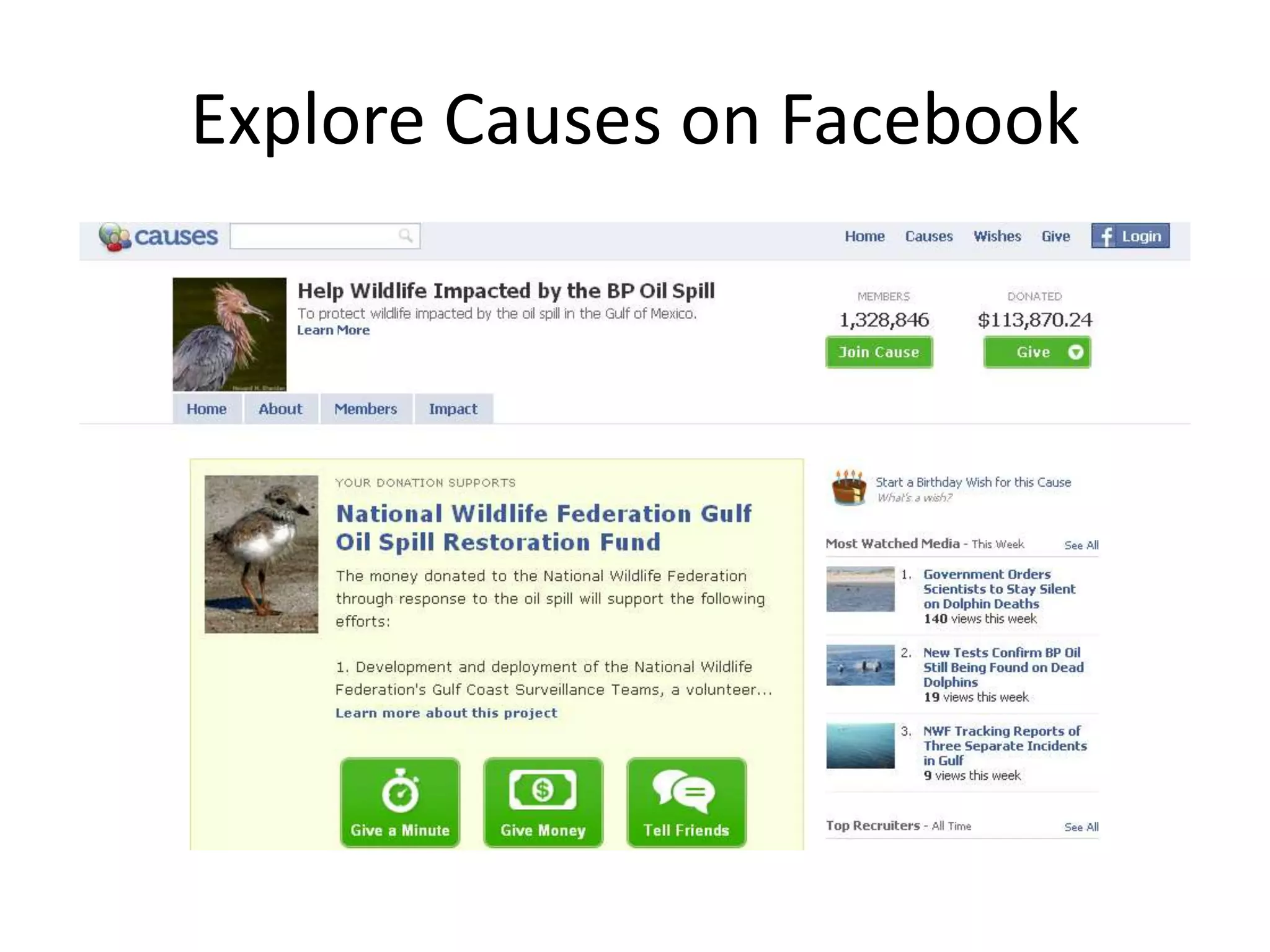
Explore Causes on Facebook
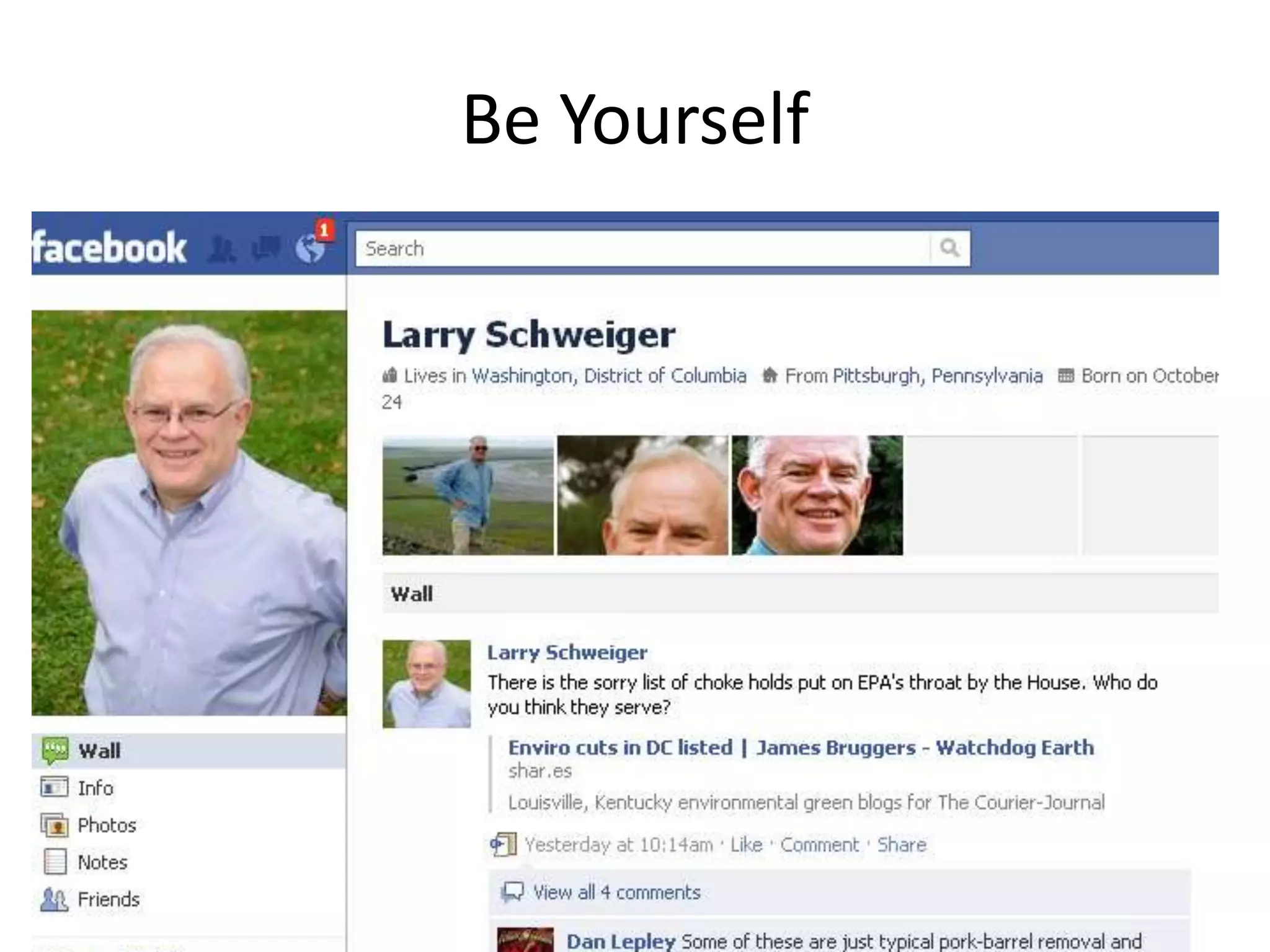
Be Yourself
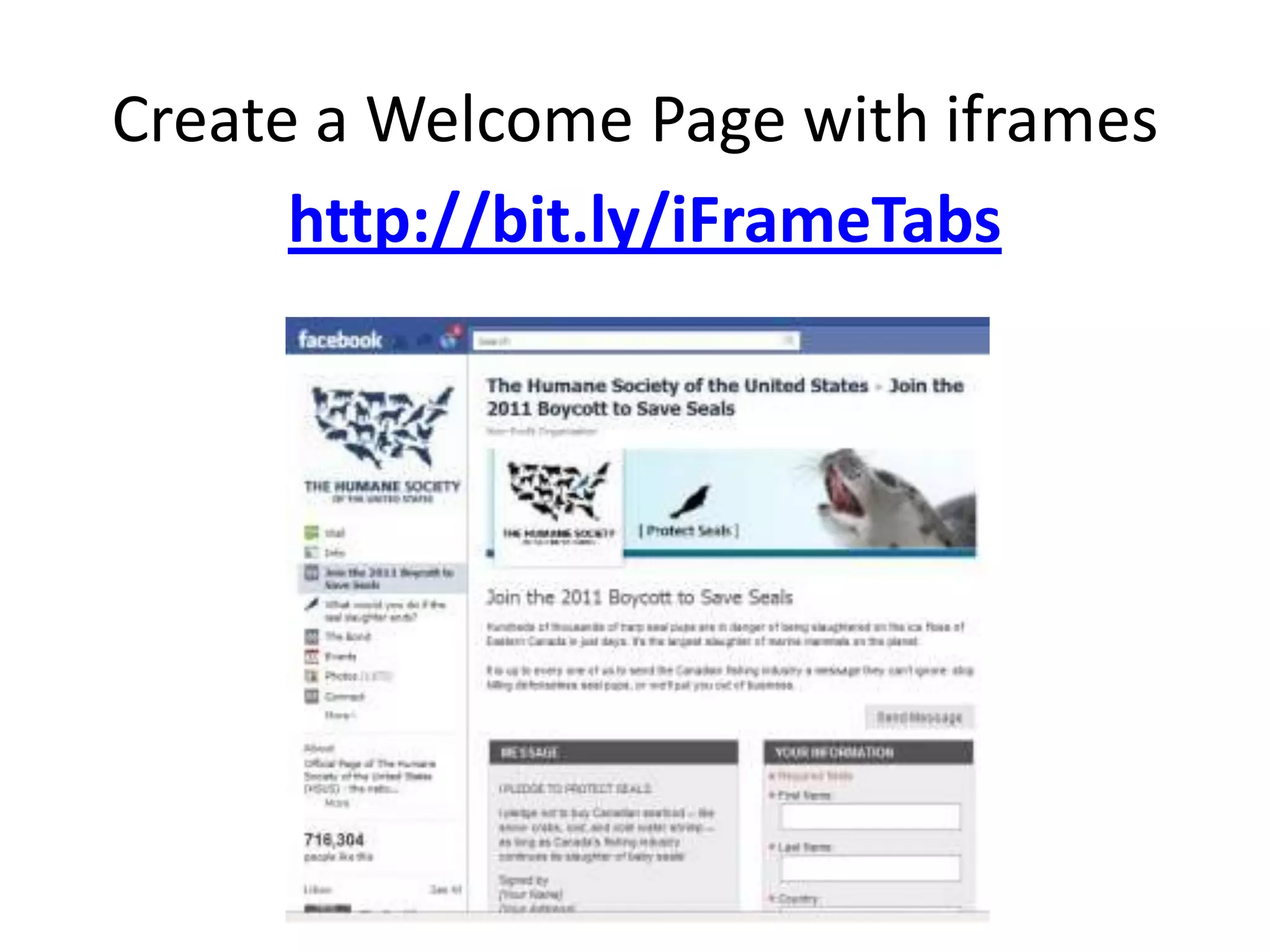
Create a Welcome Page with iframeshttp://bit.ly/iFrameTabs
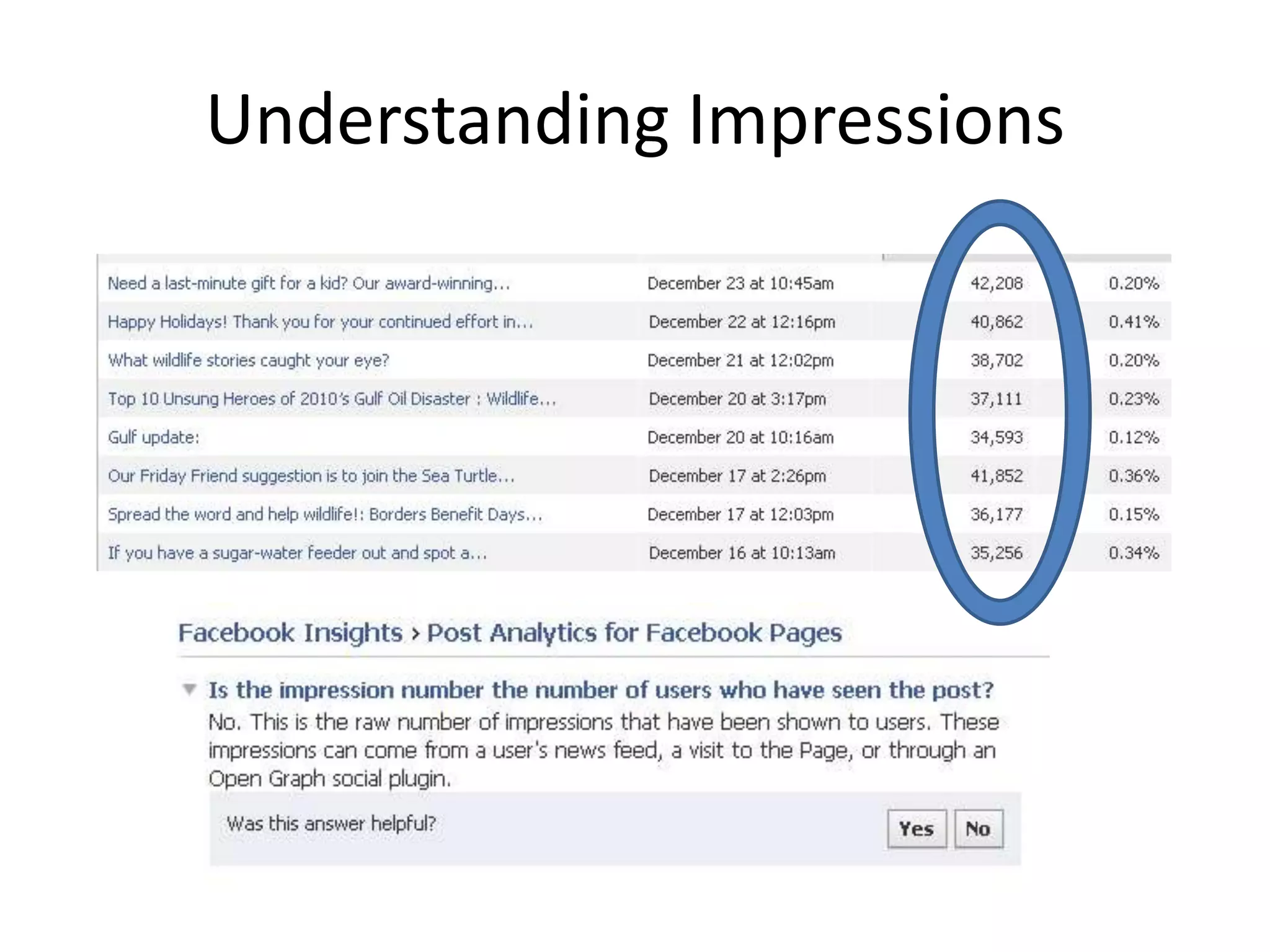
Understanding Impressions
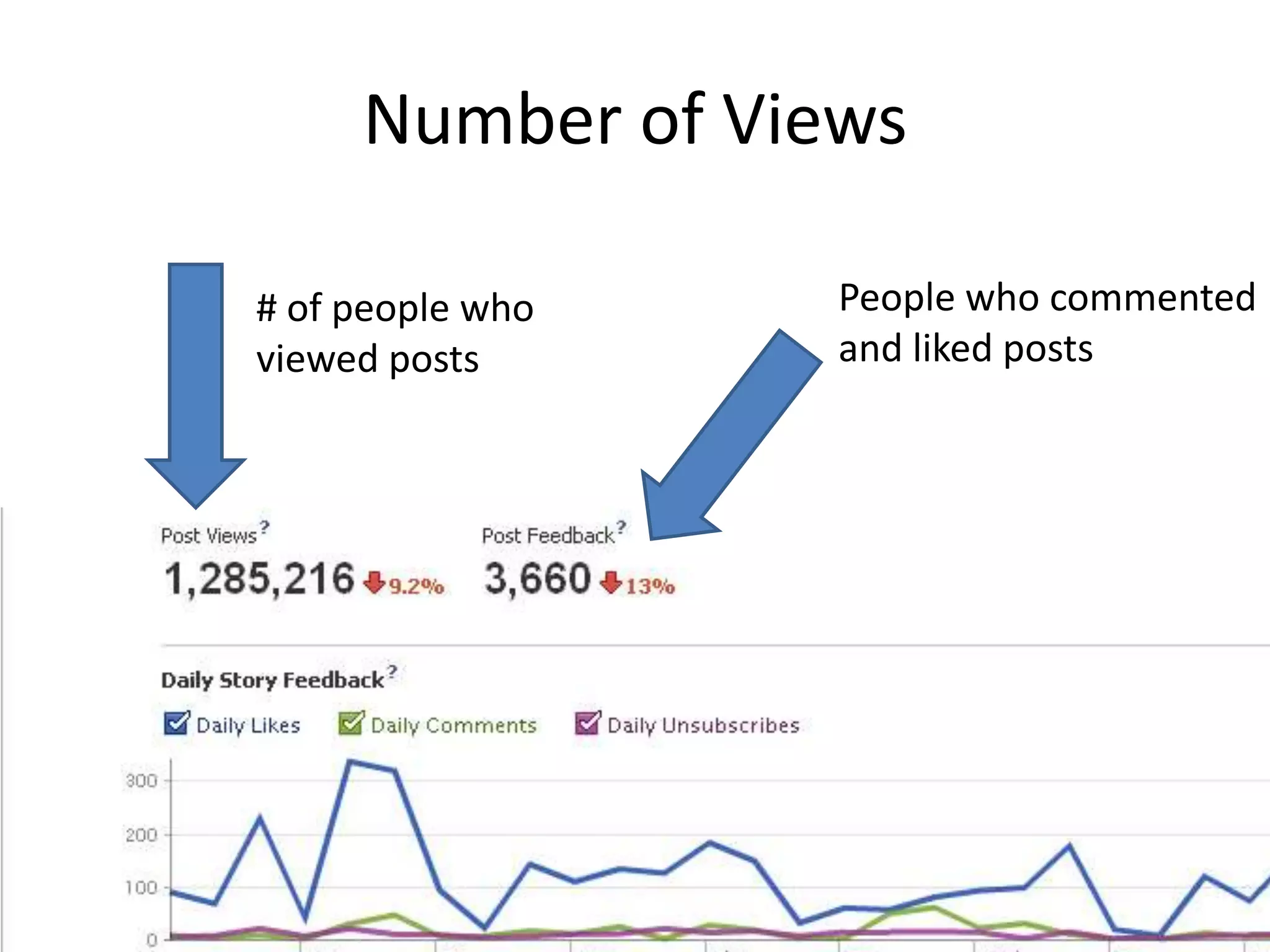
Number of Views People who commented and liked posts# of people who viewed posts
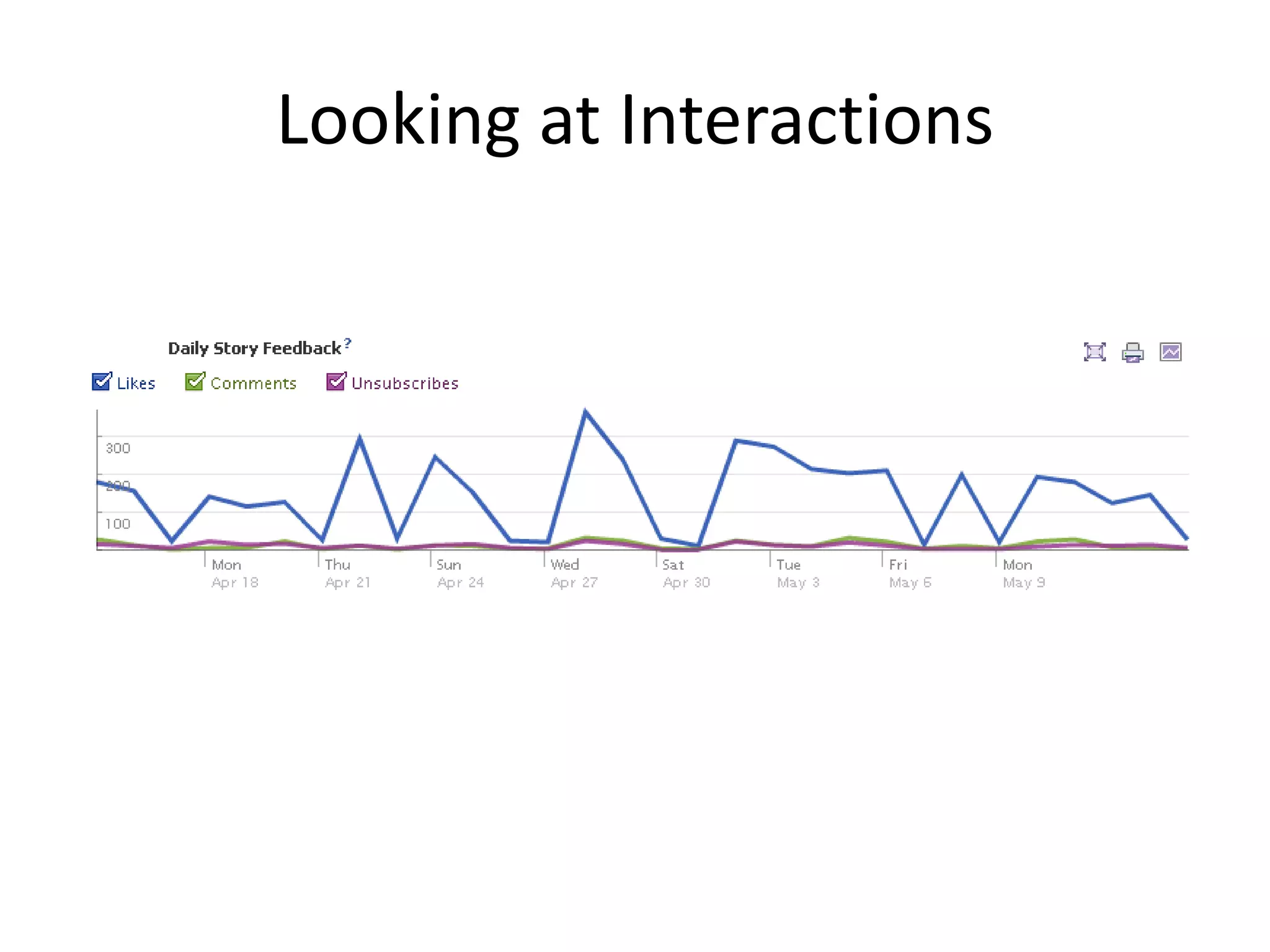
Looking at Interactions
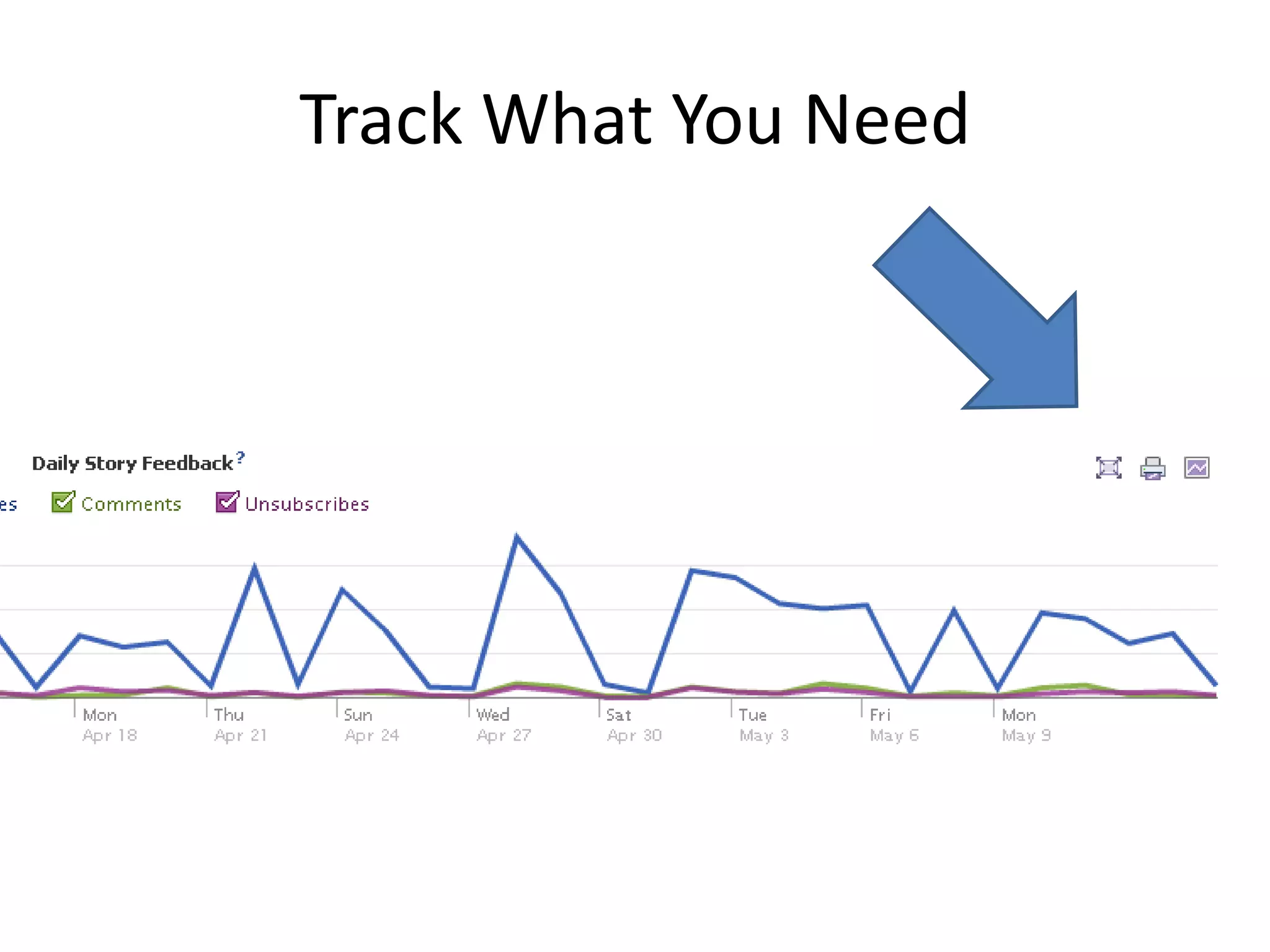
Track What You Need
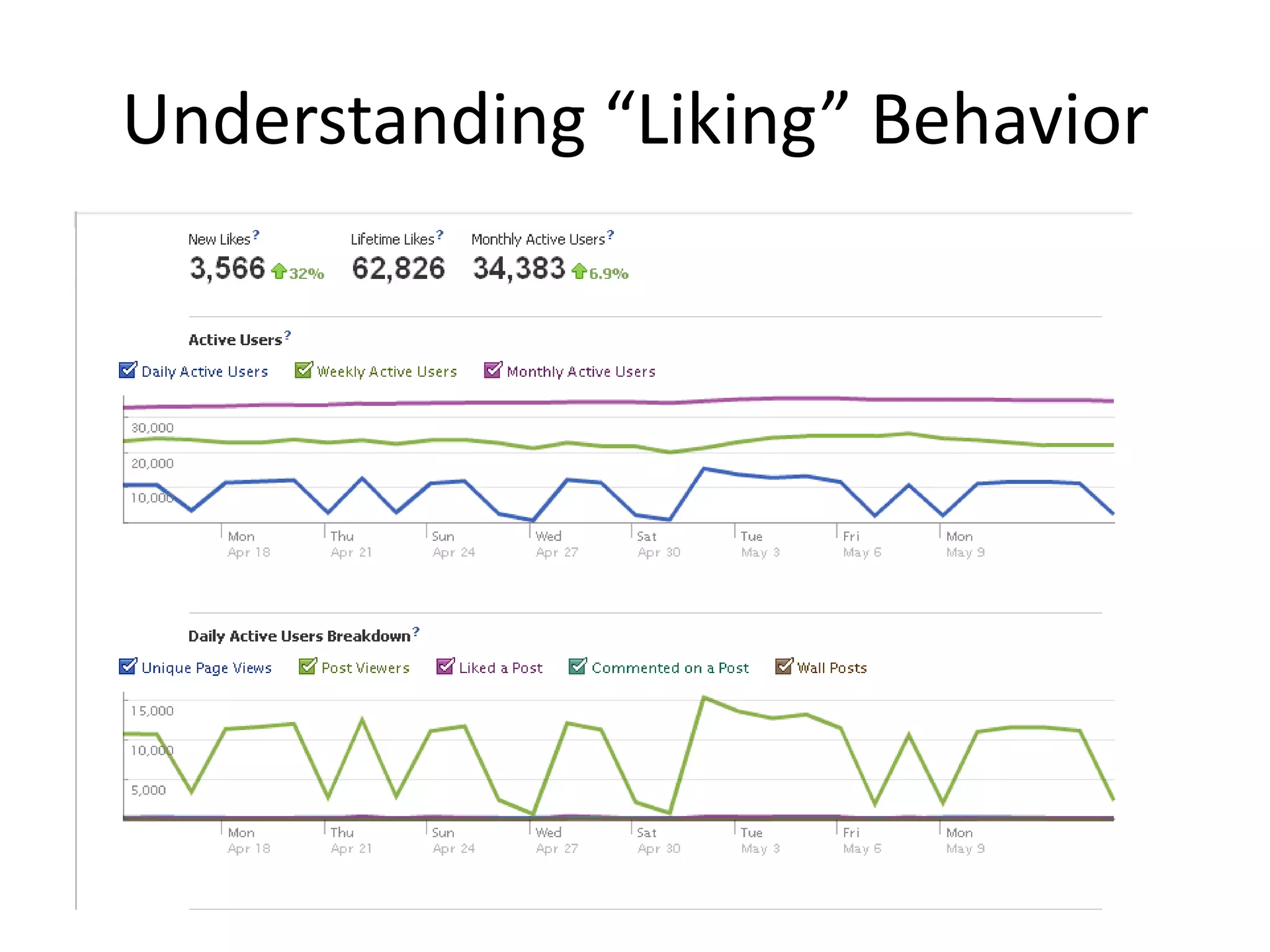
Understanding “Liking” Behavior
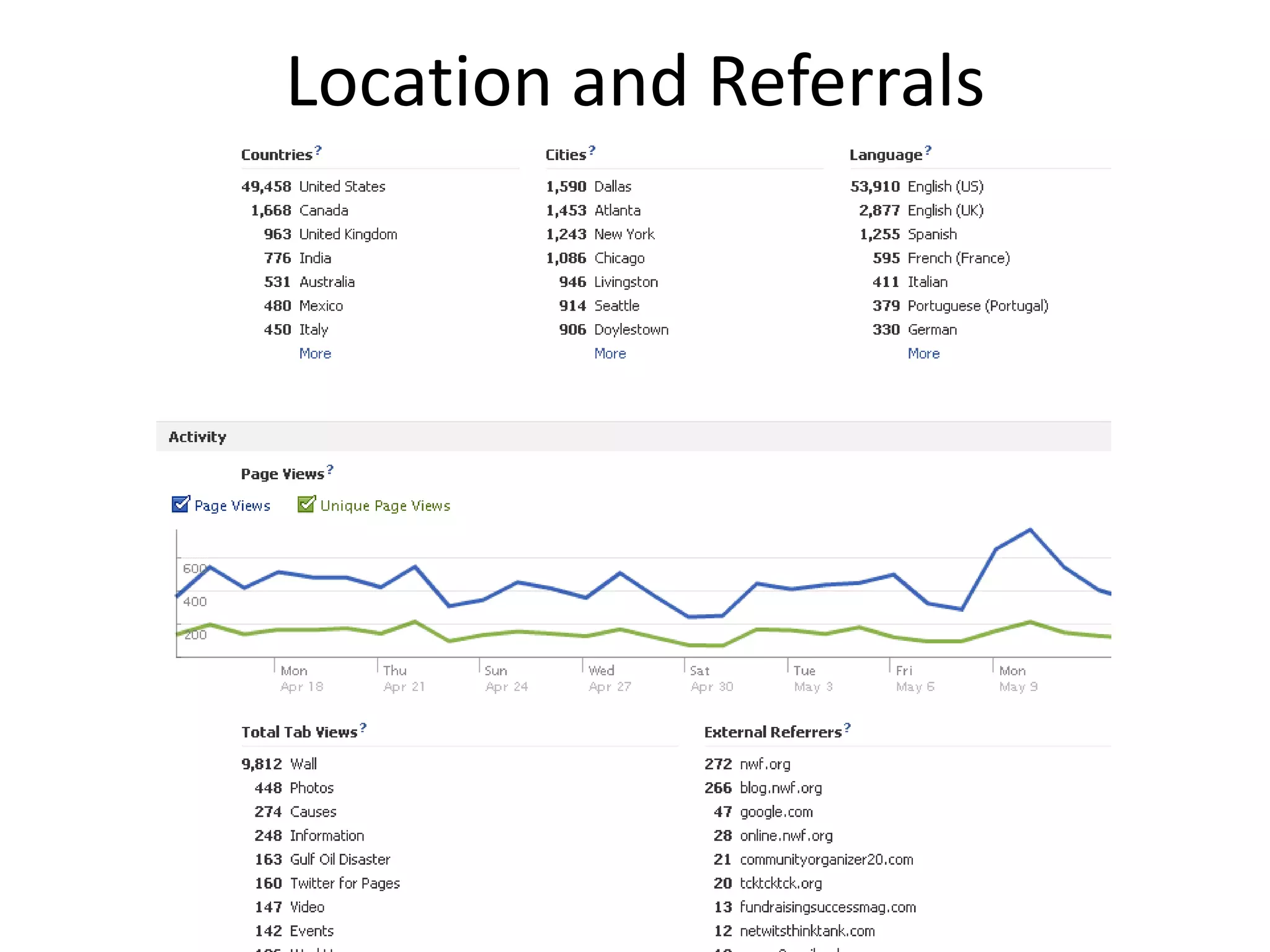
Location and Referrals
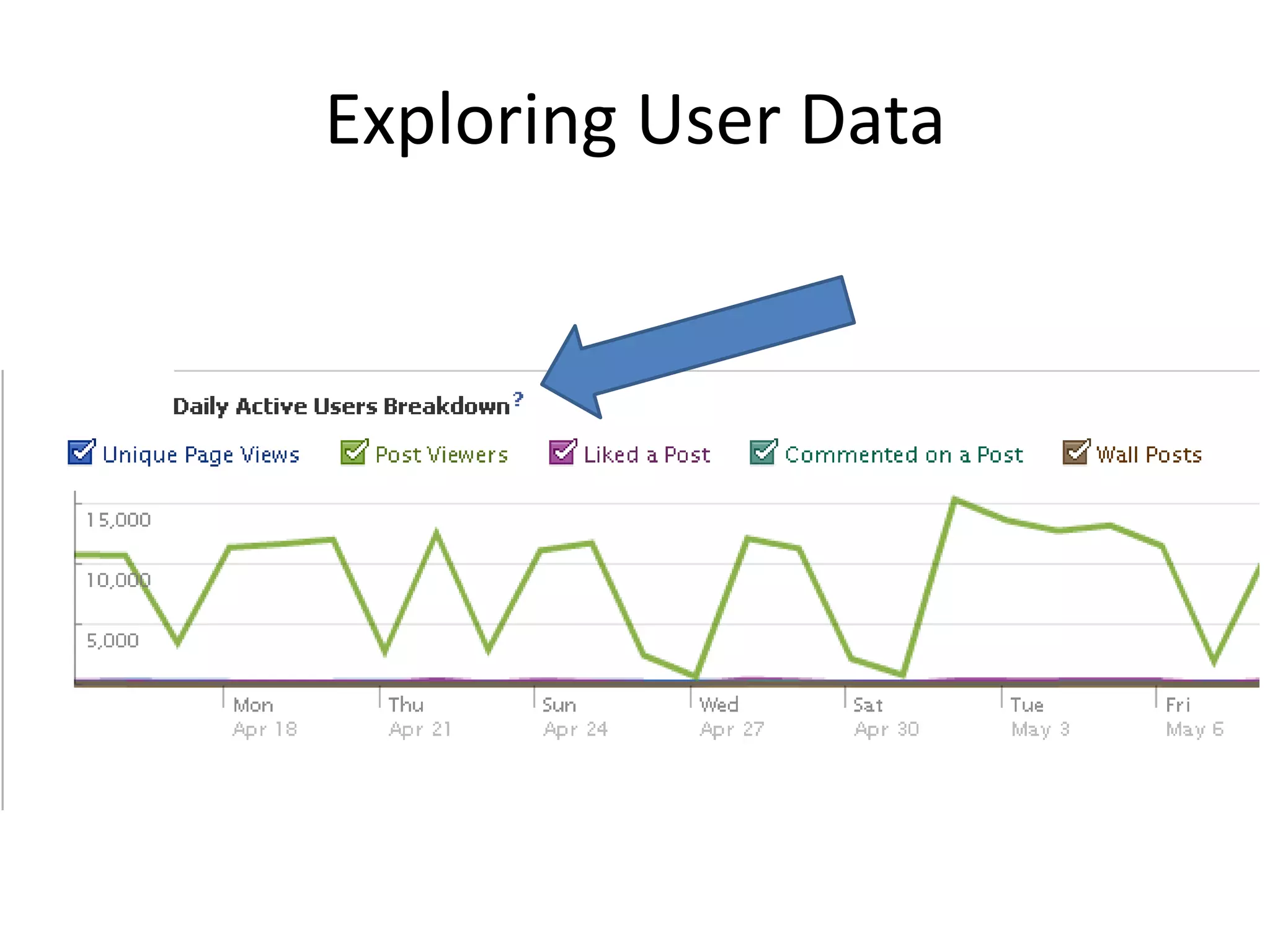
Exploring User Data
Nonprofit Resources
Questions?
Intelligent TweetingDanielle BrigidaNational Wildlife Federation@Starfocus or @NWF
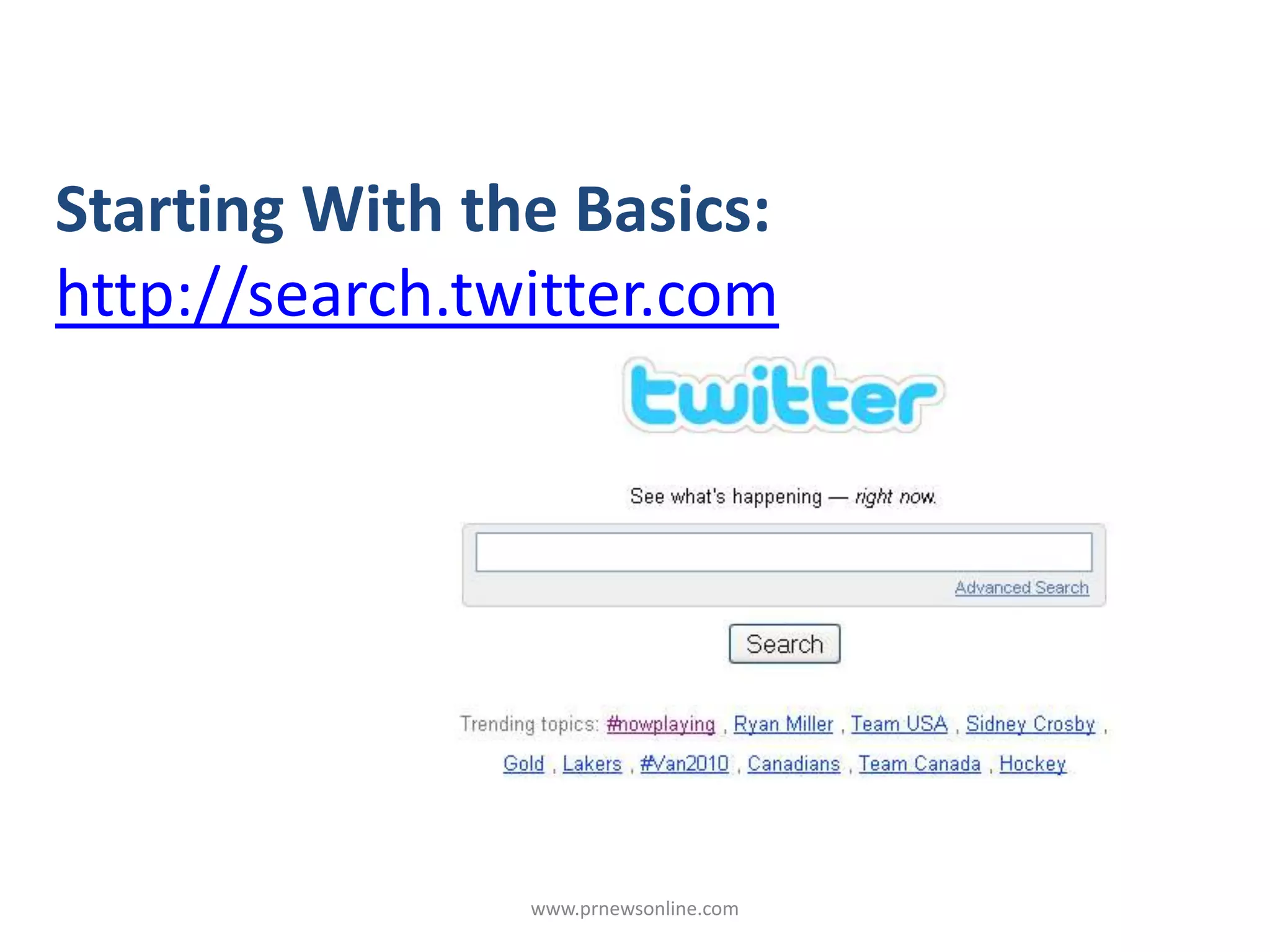
www.prnewsonline.comStarting With the Basics:http://search.twitter.com
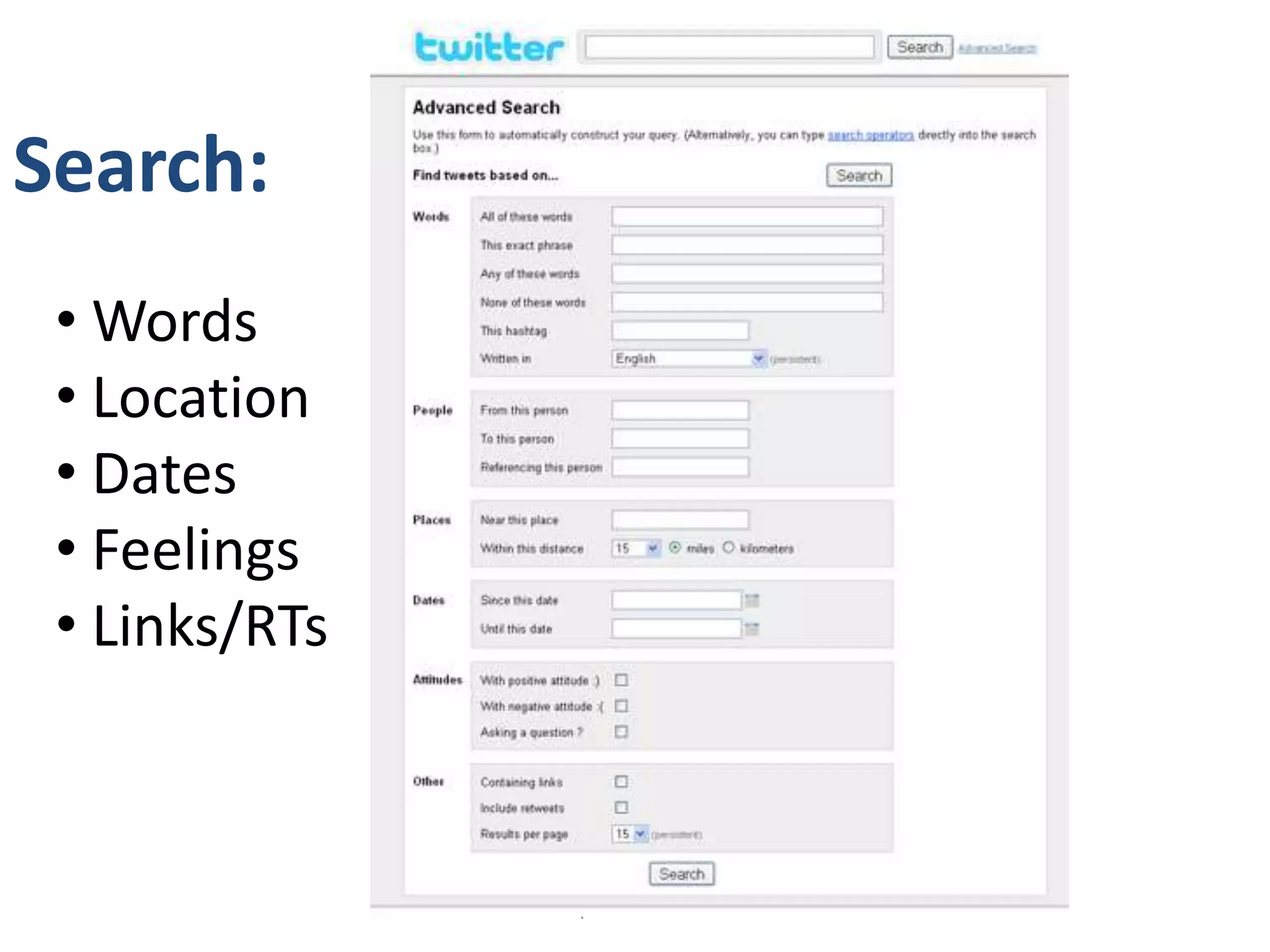
www.prnewsonline.comSearch: Words
 Location
 Dates
 Feelings
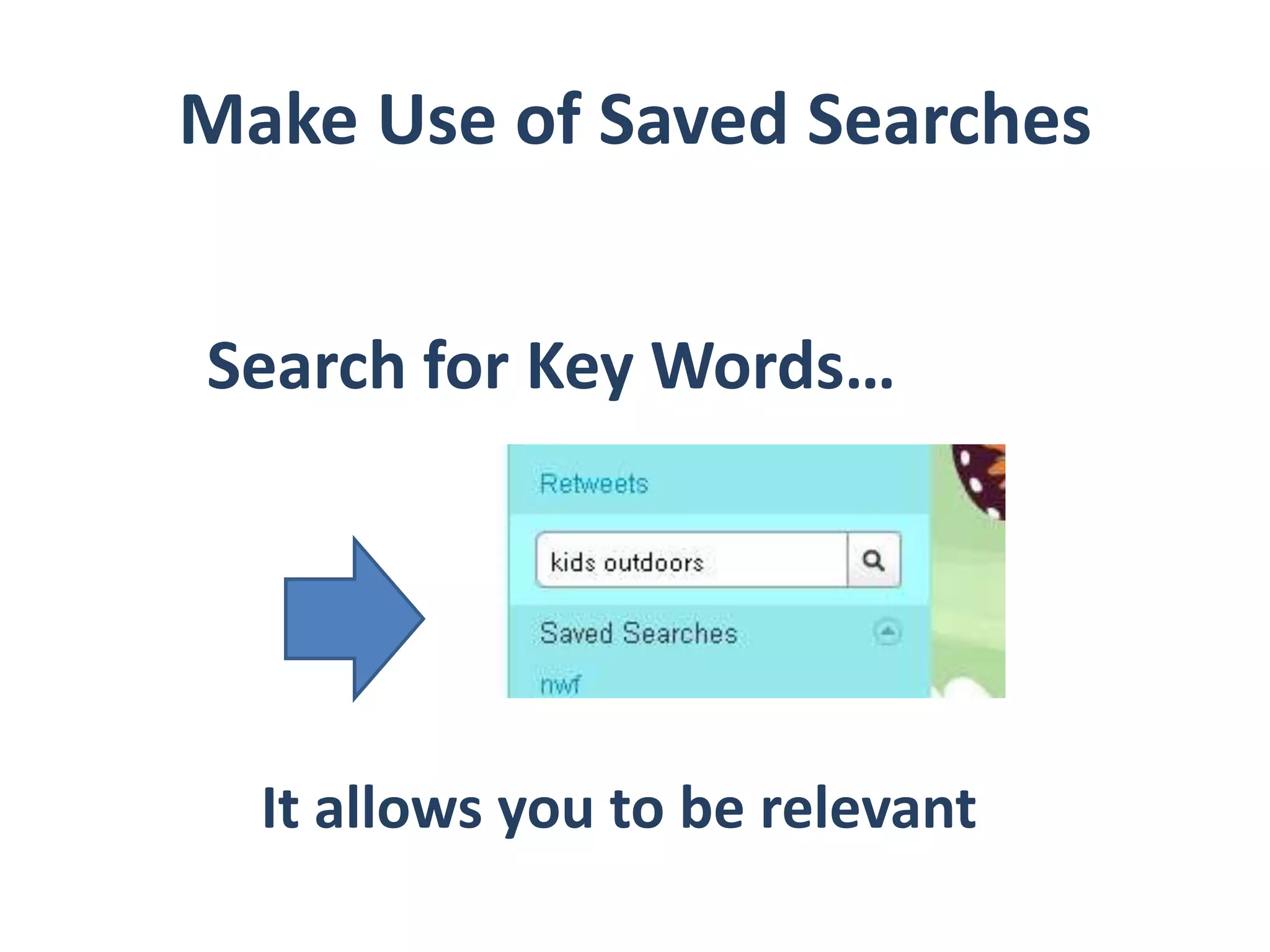
 Links/RTsMake Use of Saved SearchesSearch for Key Words…It allows you to be relevant
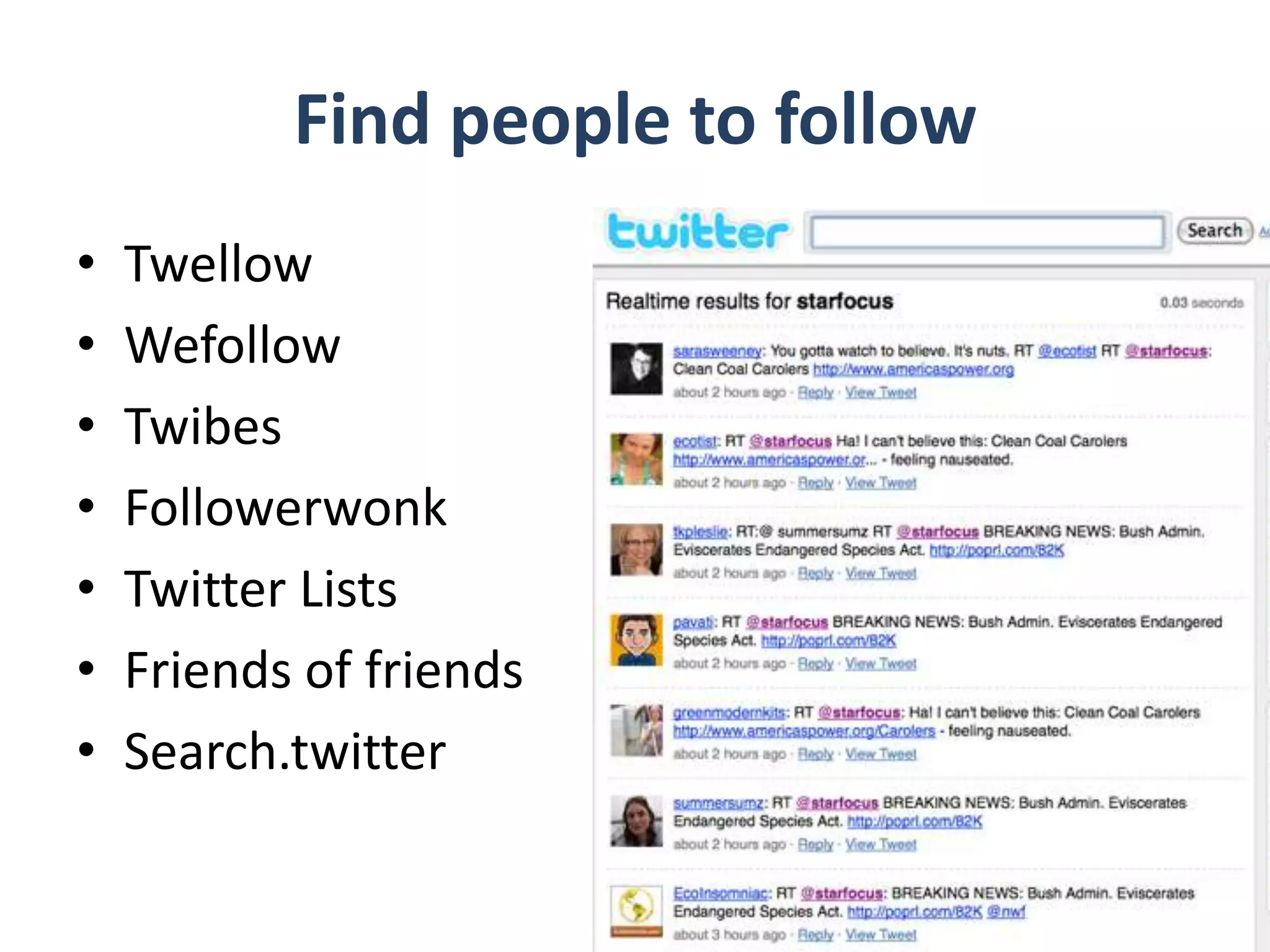
Find people to followTwellowWefollowTwibesFollowerwonkTwitter Lists Friends of friendsSearch.twitter
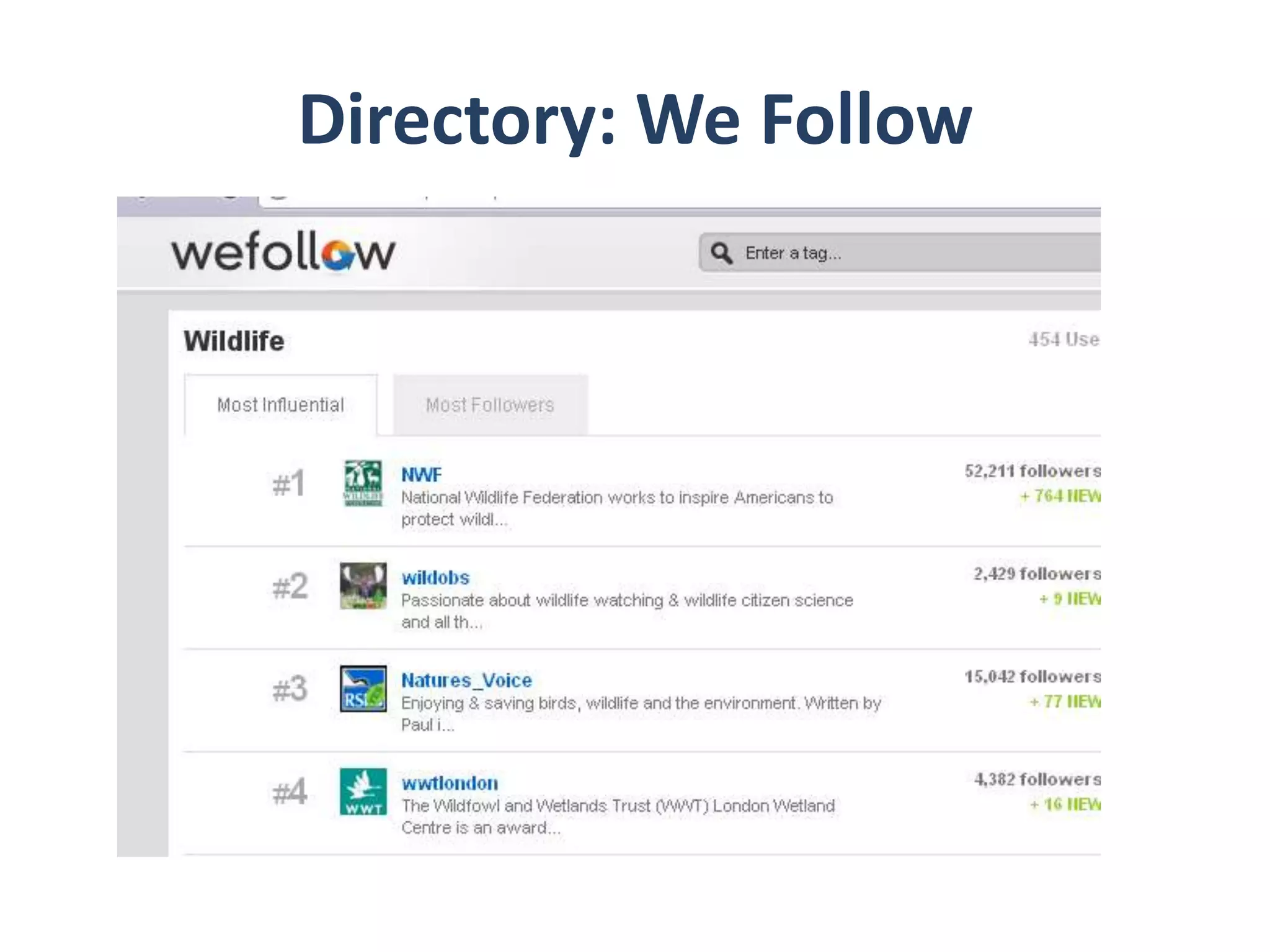
Directory: We Follow
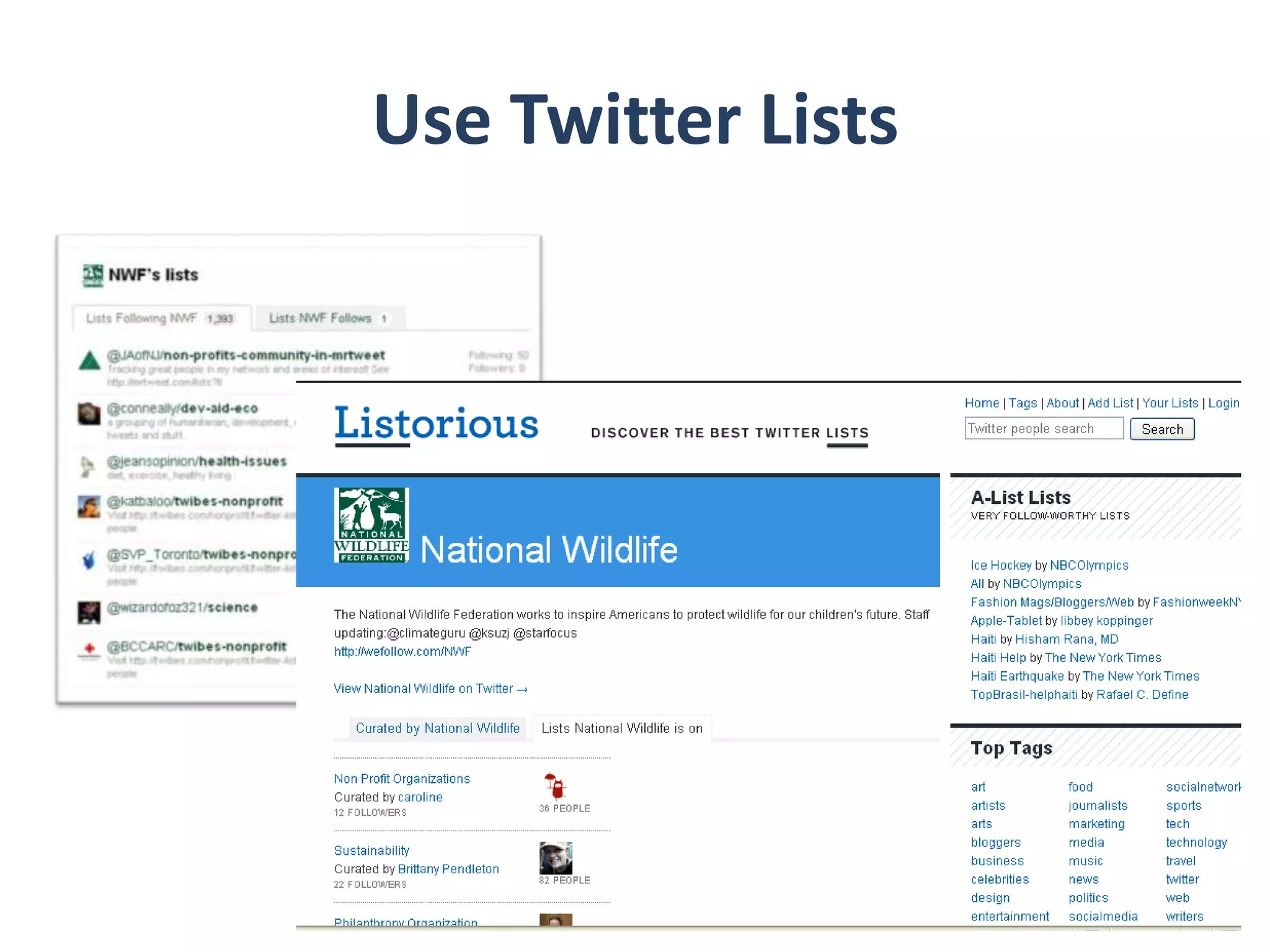
Use Twitter Lists
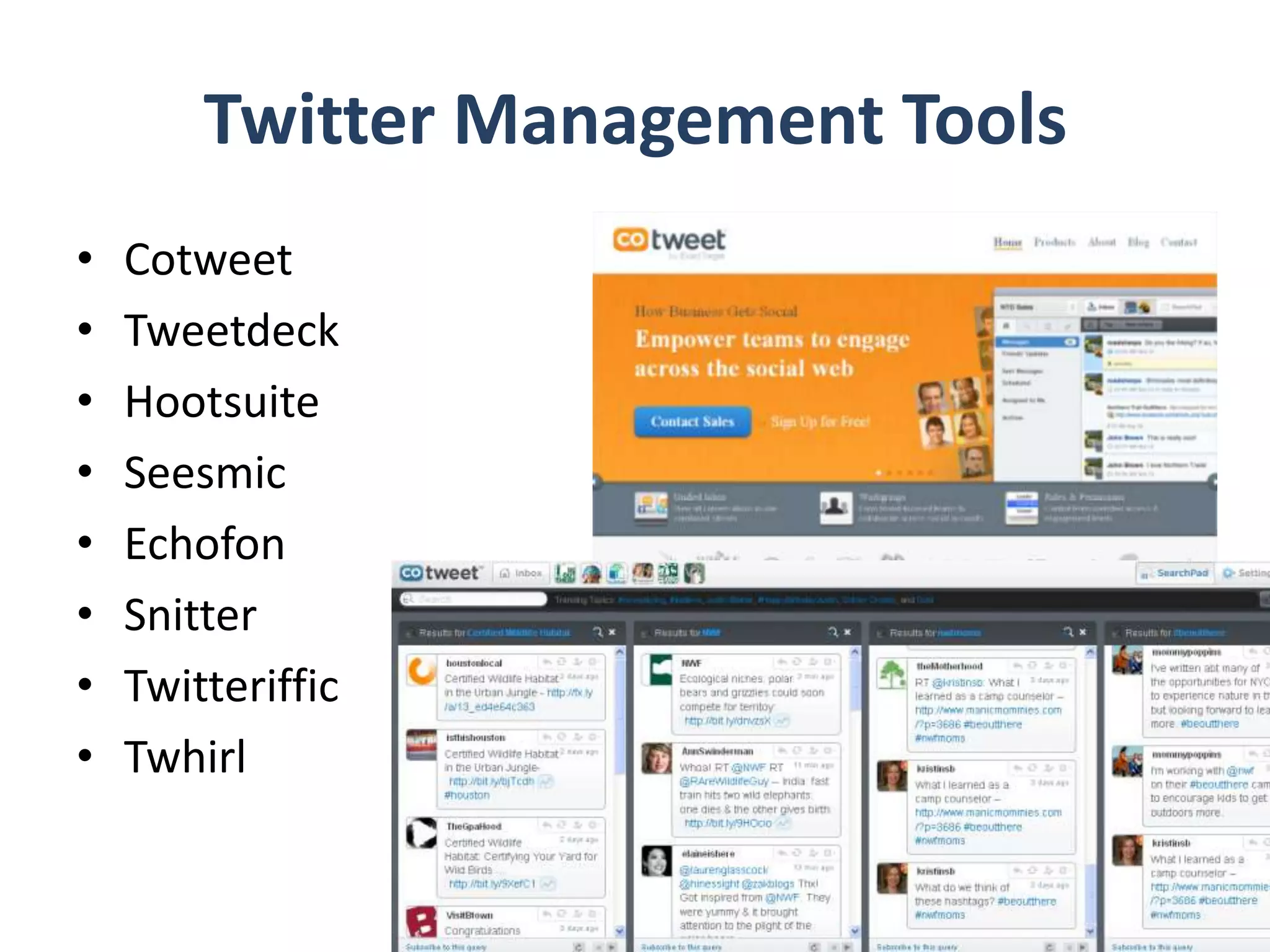
Twitter Management ToolsCotweetTweetdeckHootsuiteSeesmicEchofonSnitterTwitterifficTwhirl
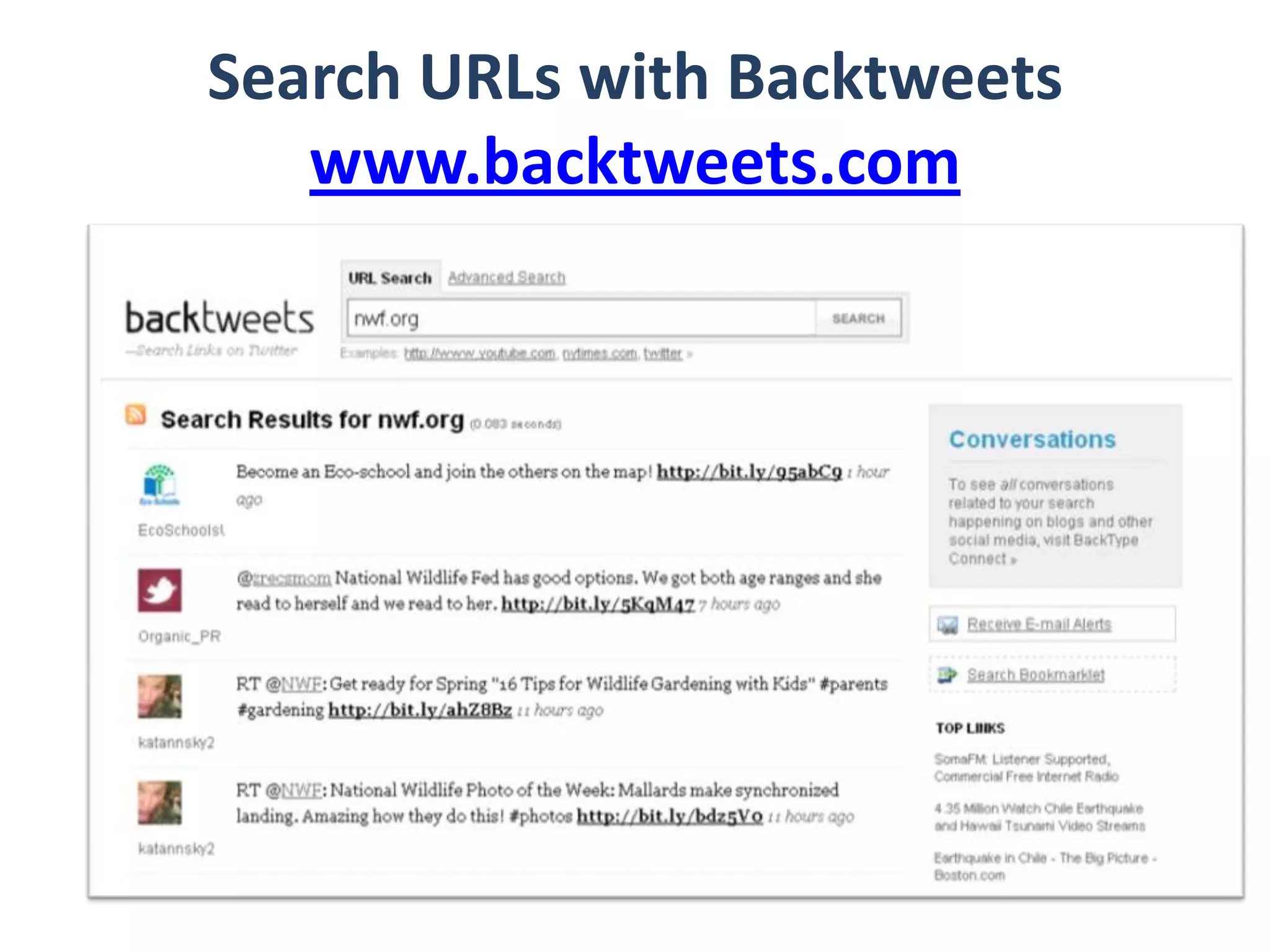
Search URLs with Backtweetswww.backtweets.com
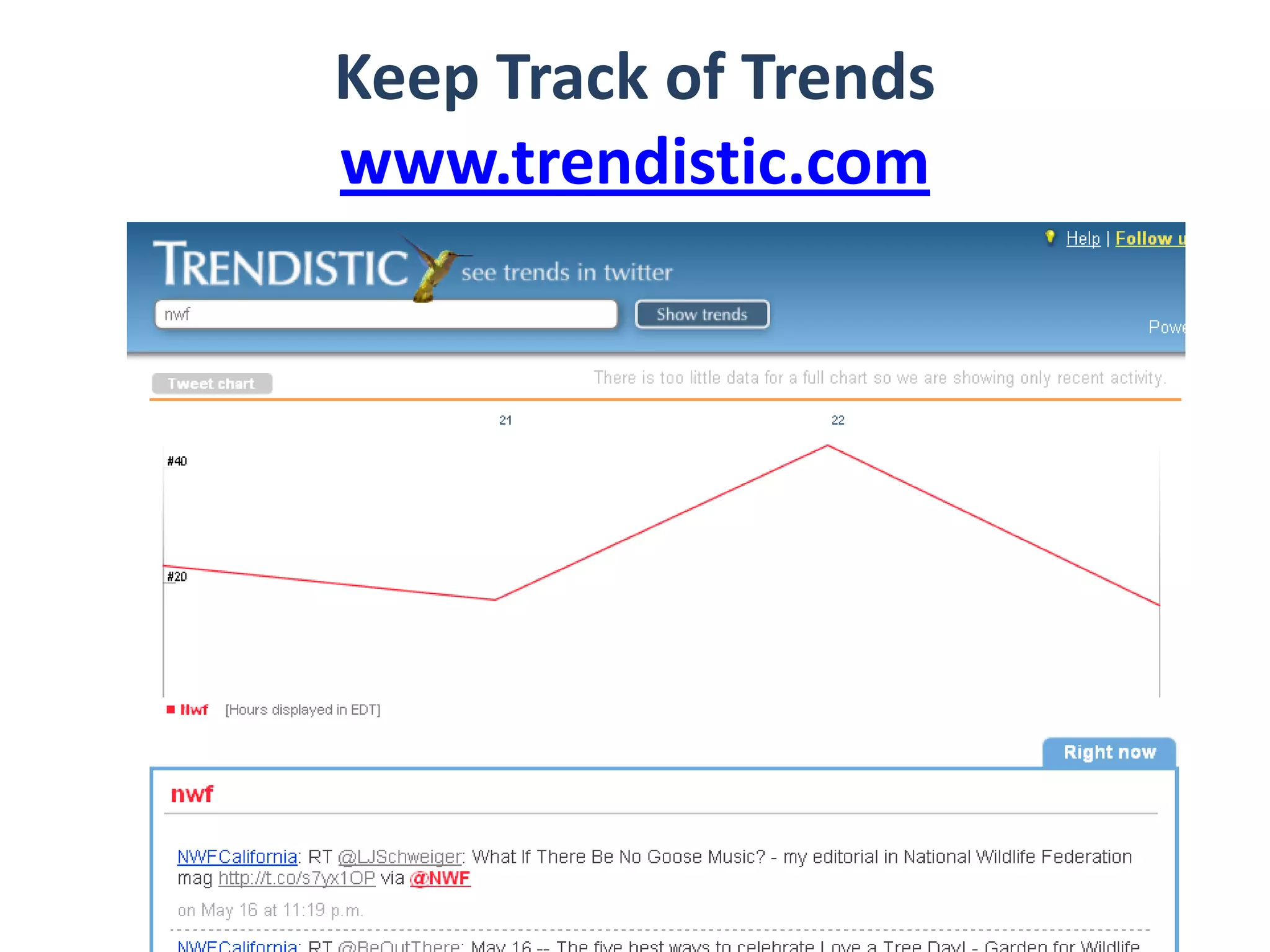
Keep Track of Trendswww.trendistic.com
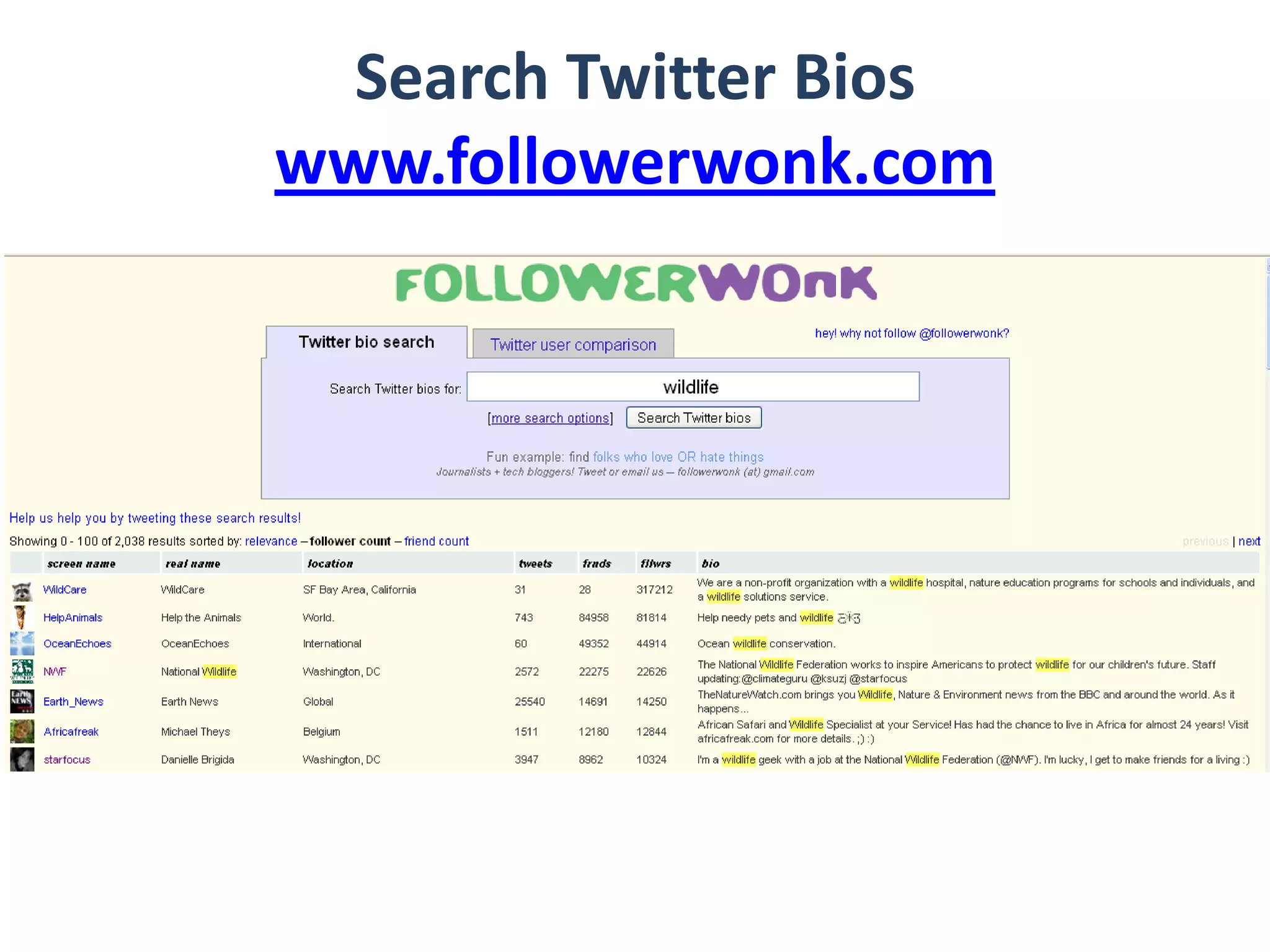
Search Twitter Bioswww.followerwonk.com
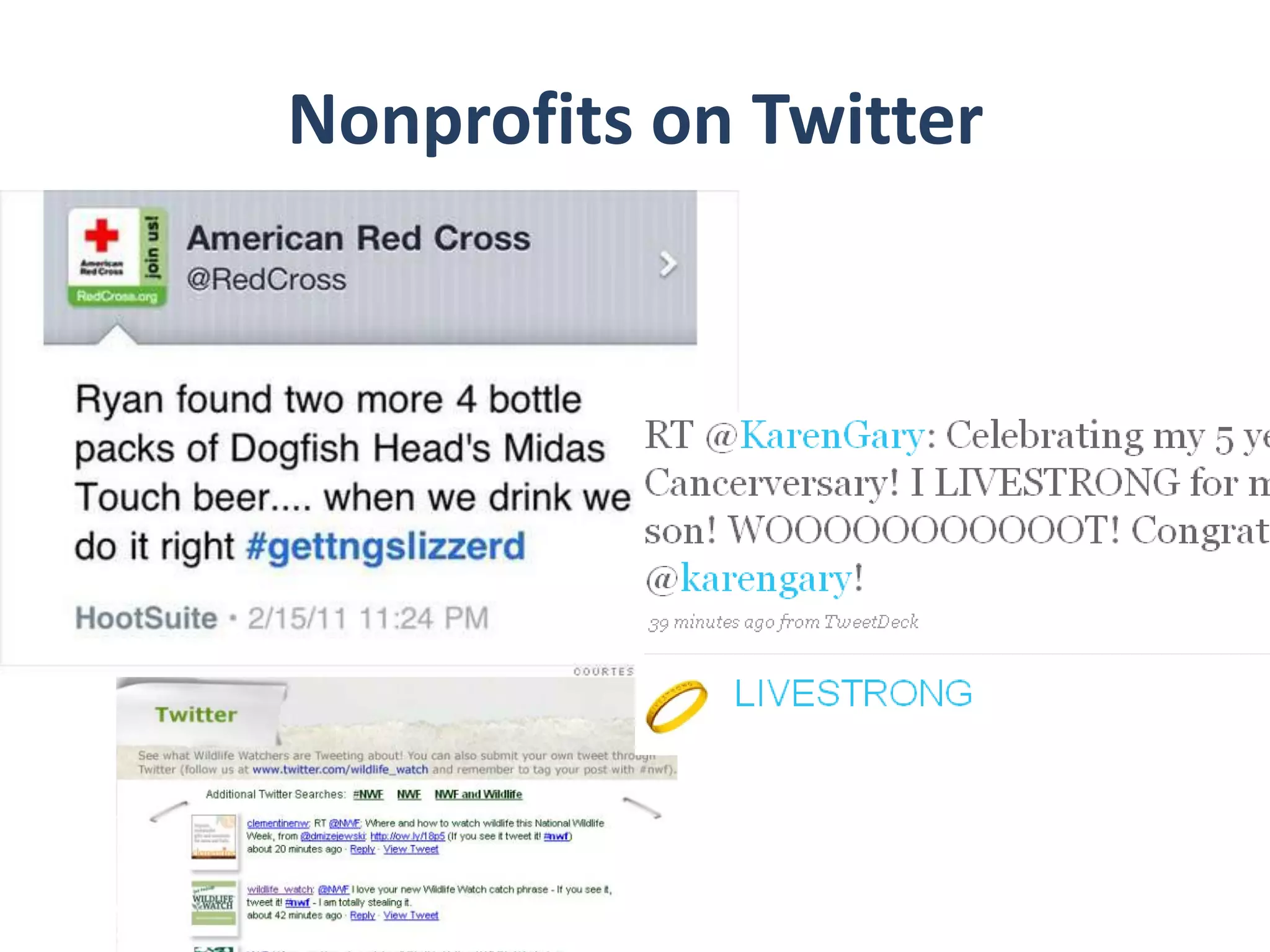
Nonprofits on Twitter
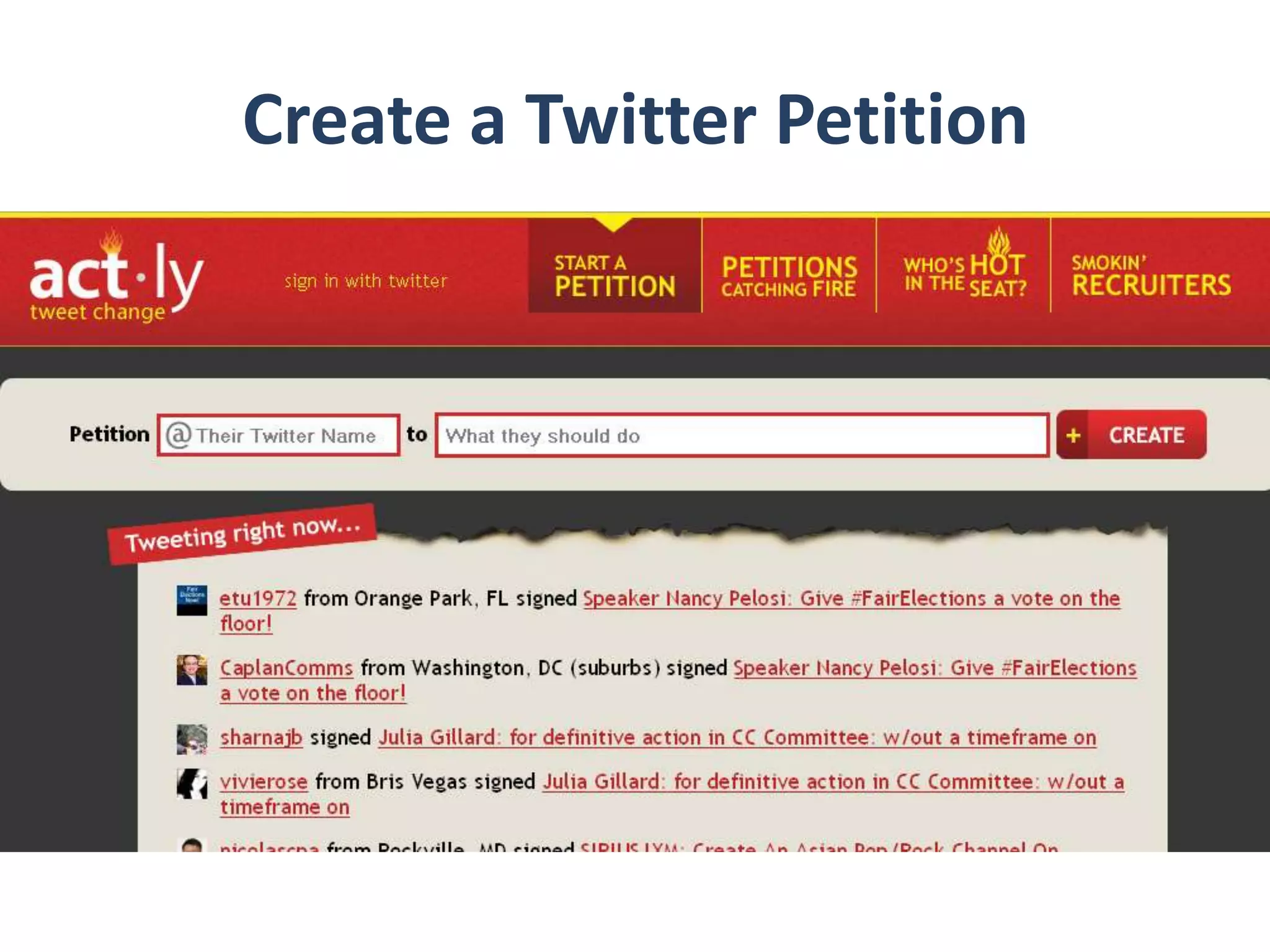
Create a Twitter Petition
Measuring Twitter Impact
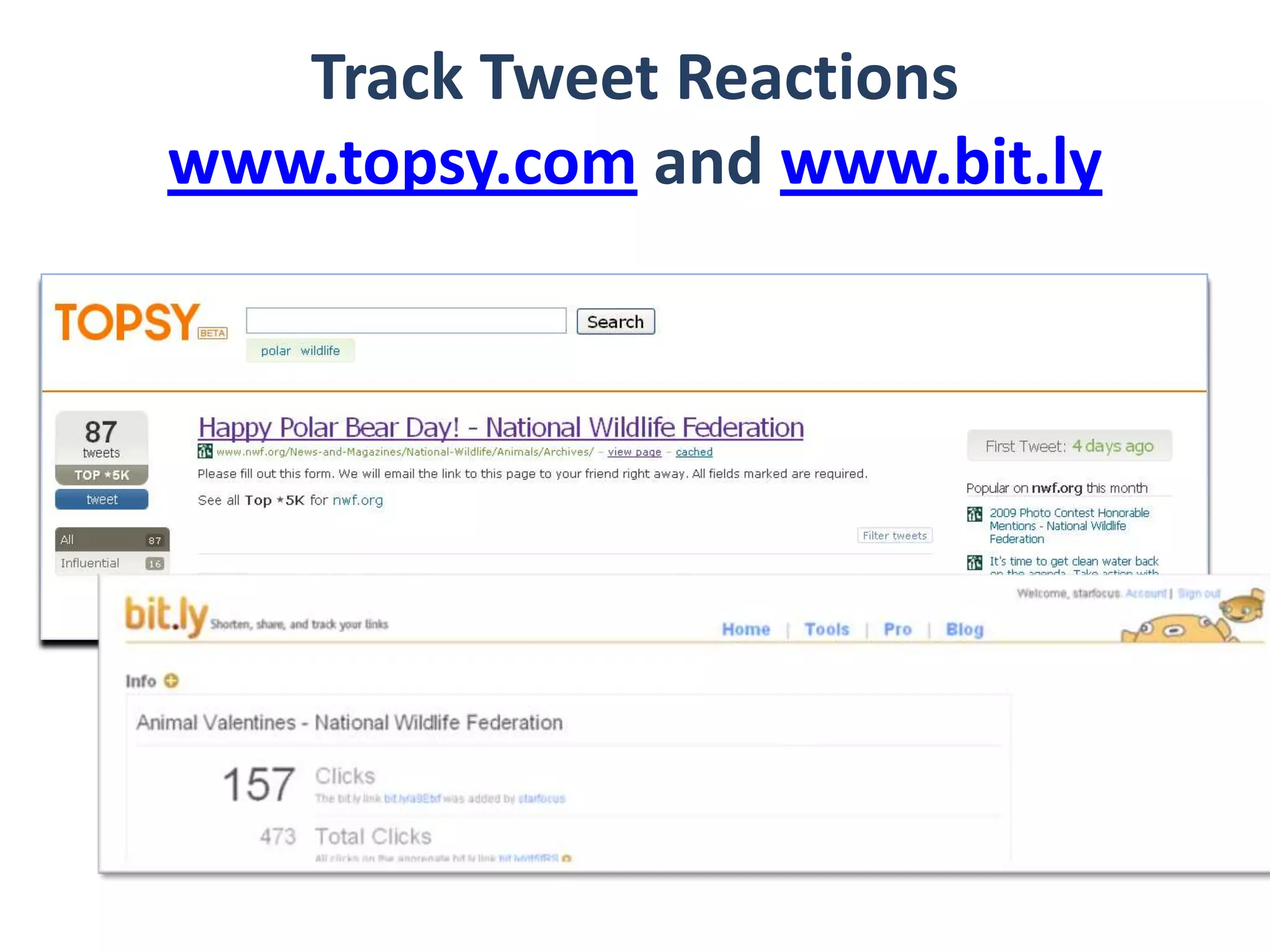
Track Tweet Reactionswww.topsy.com and www.bit.ly
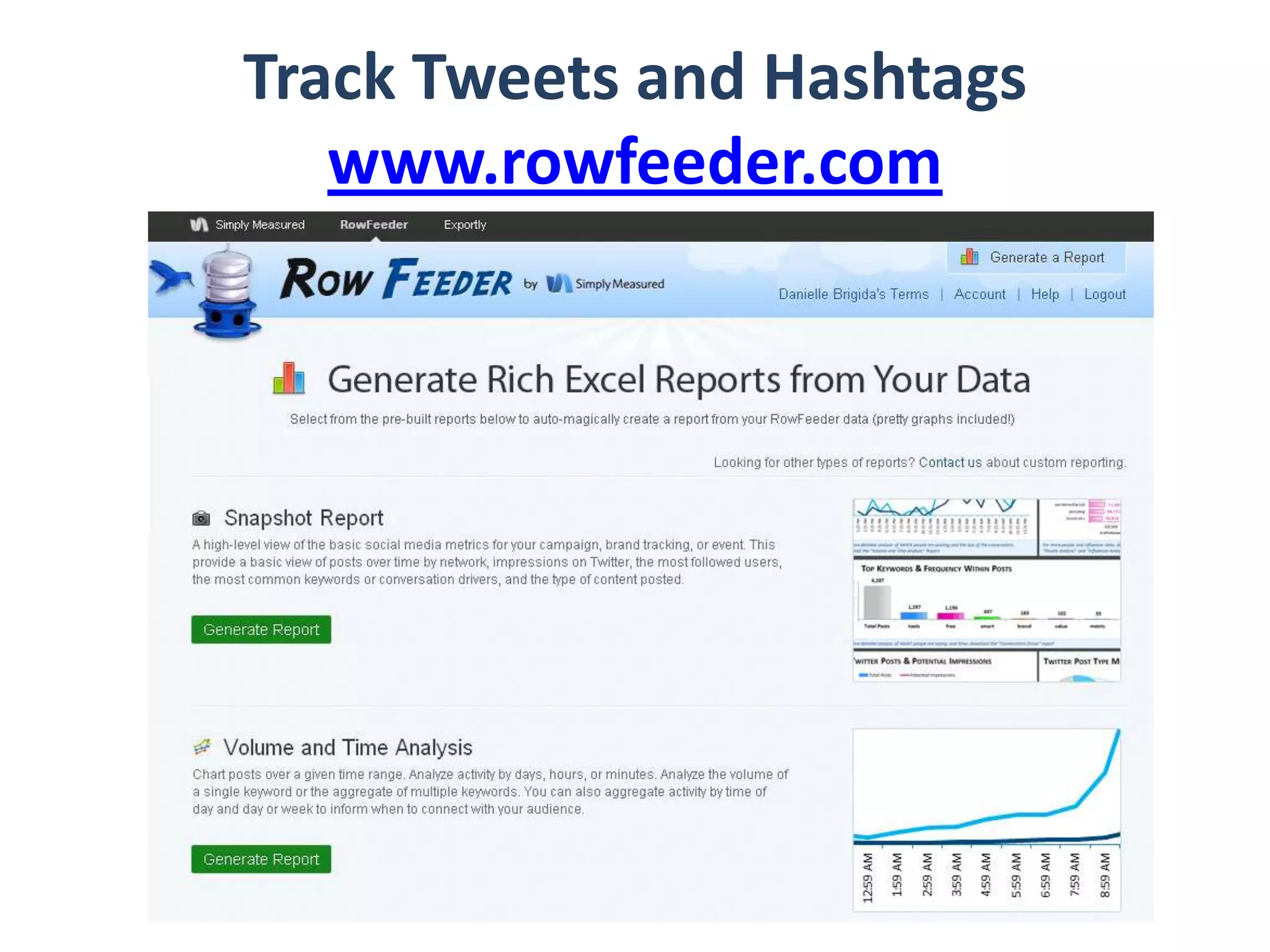
Track Tweets and Hashtagswww.rowfeeder.com
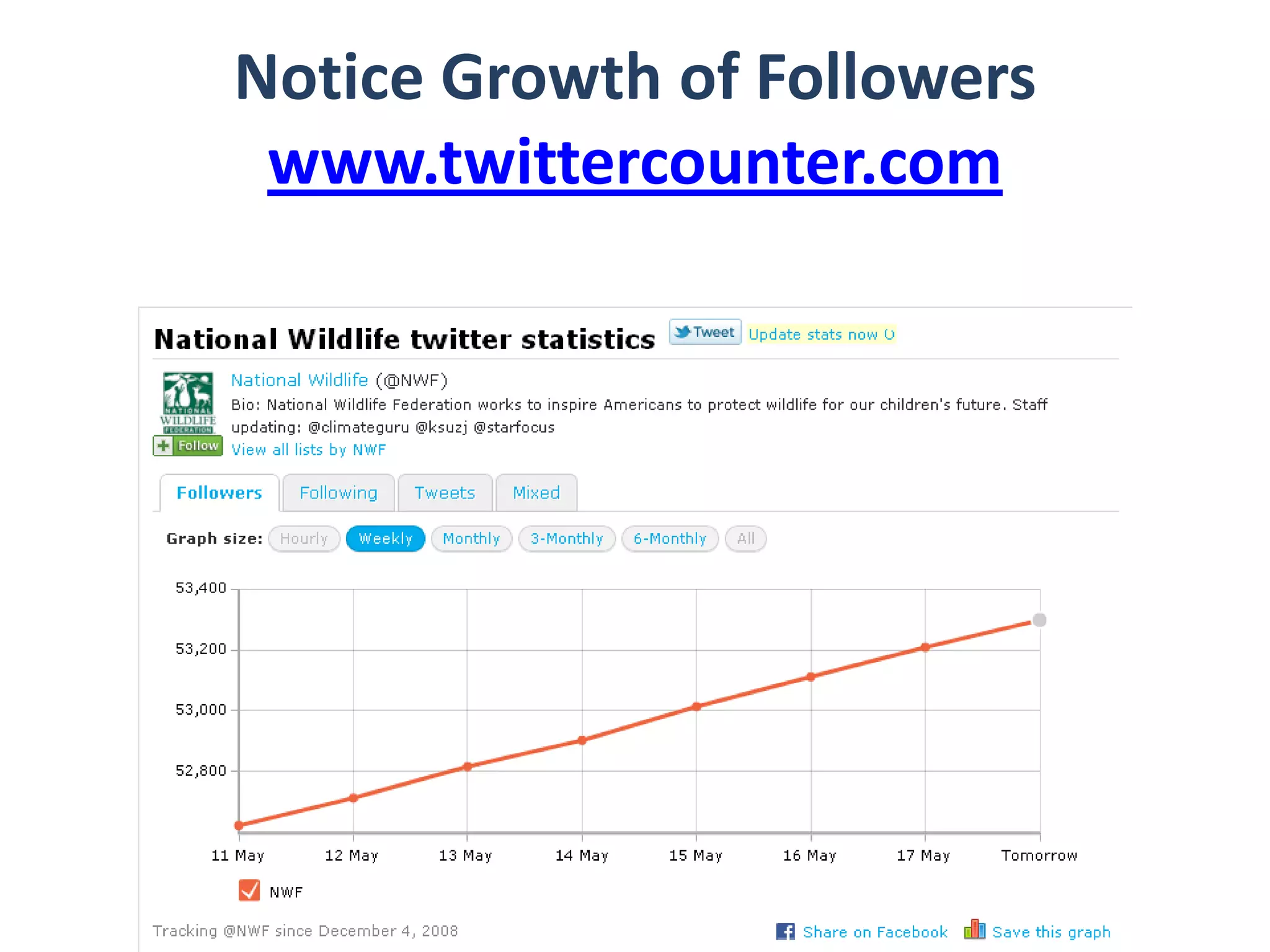
Notice Growth of Followerswww.twittercounter.com
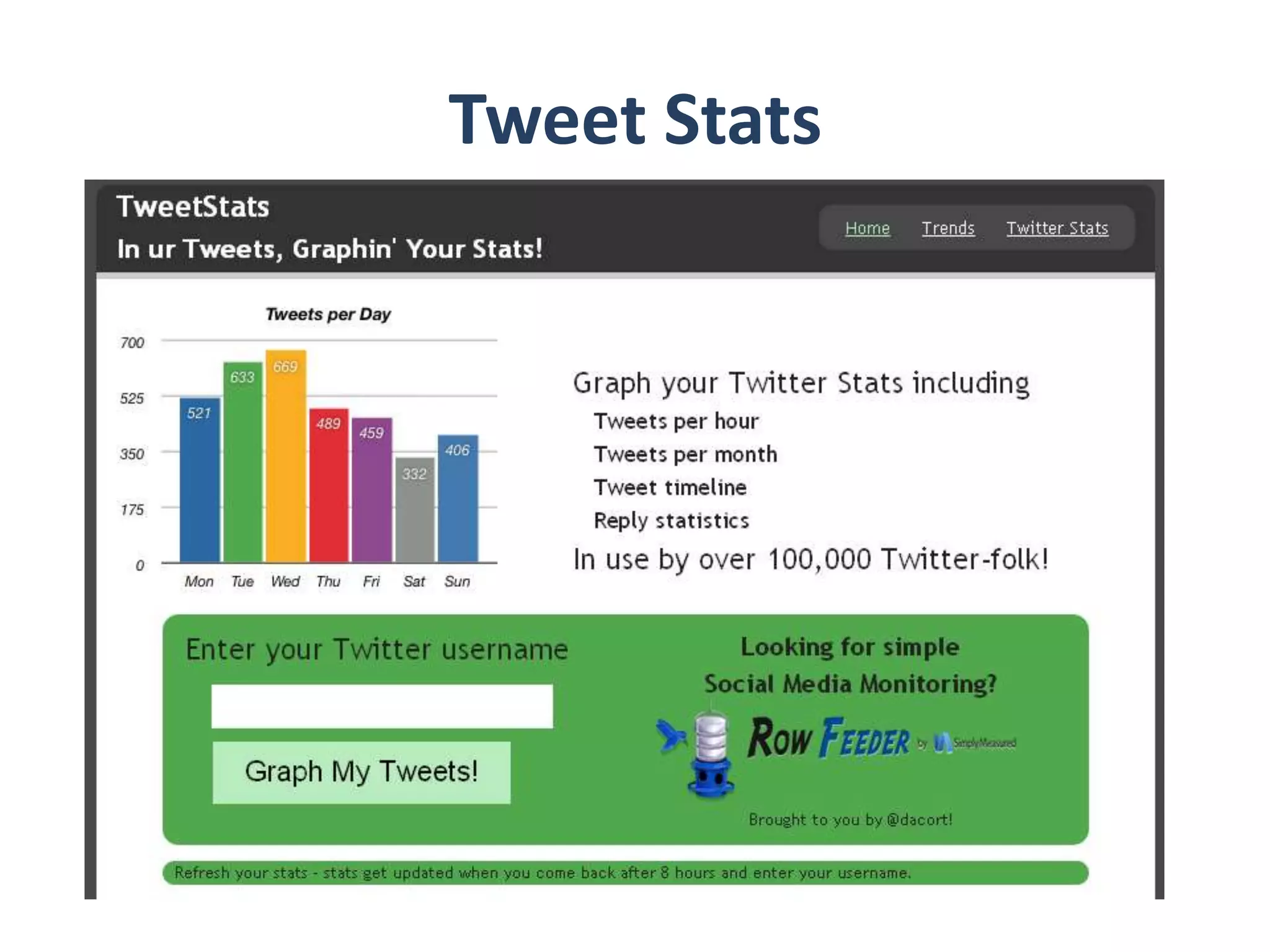
Tweet Stats
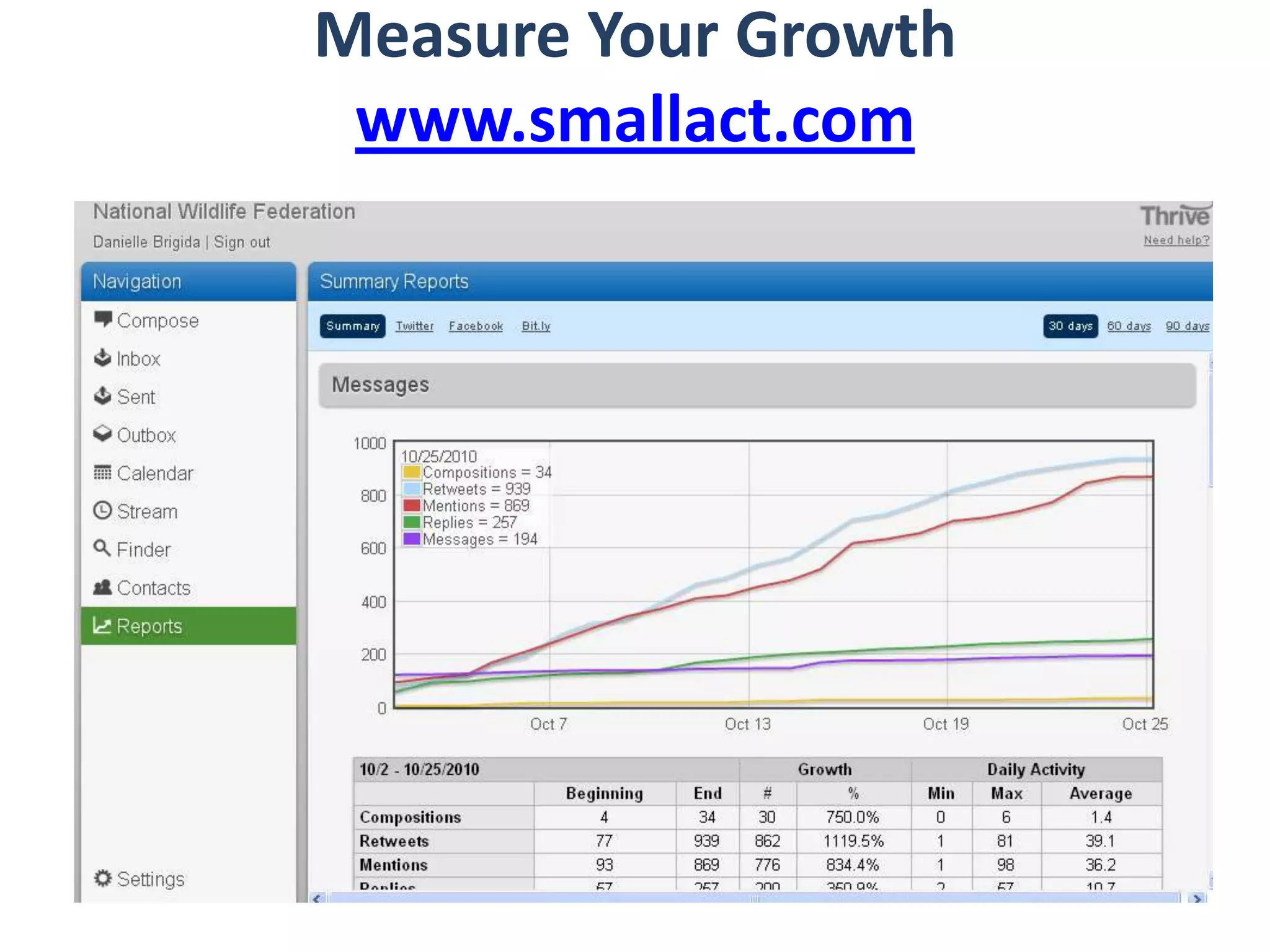
Measure Your Growthwww.smallact.com
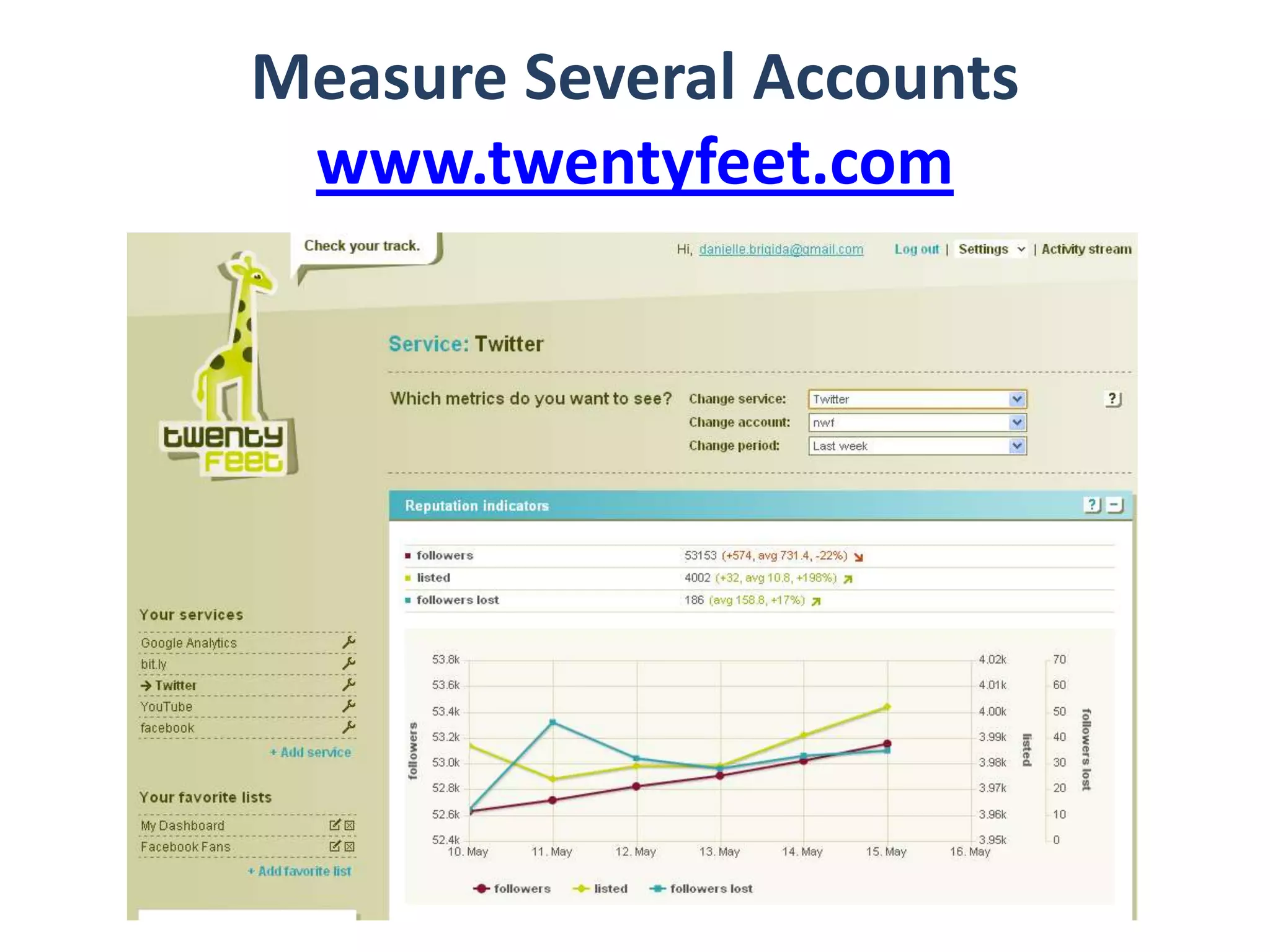
Measure Several Accountswww.twentyfeet.com
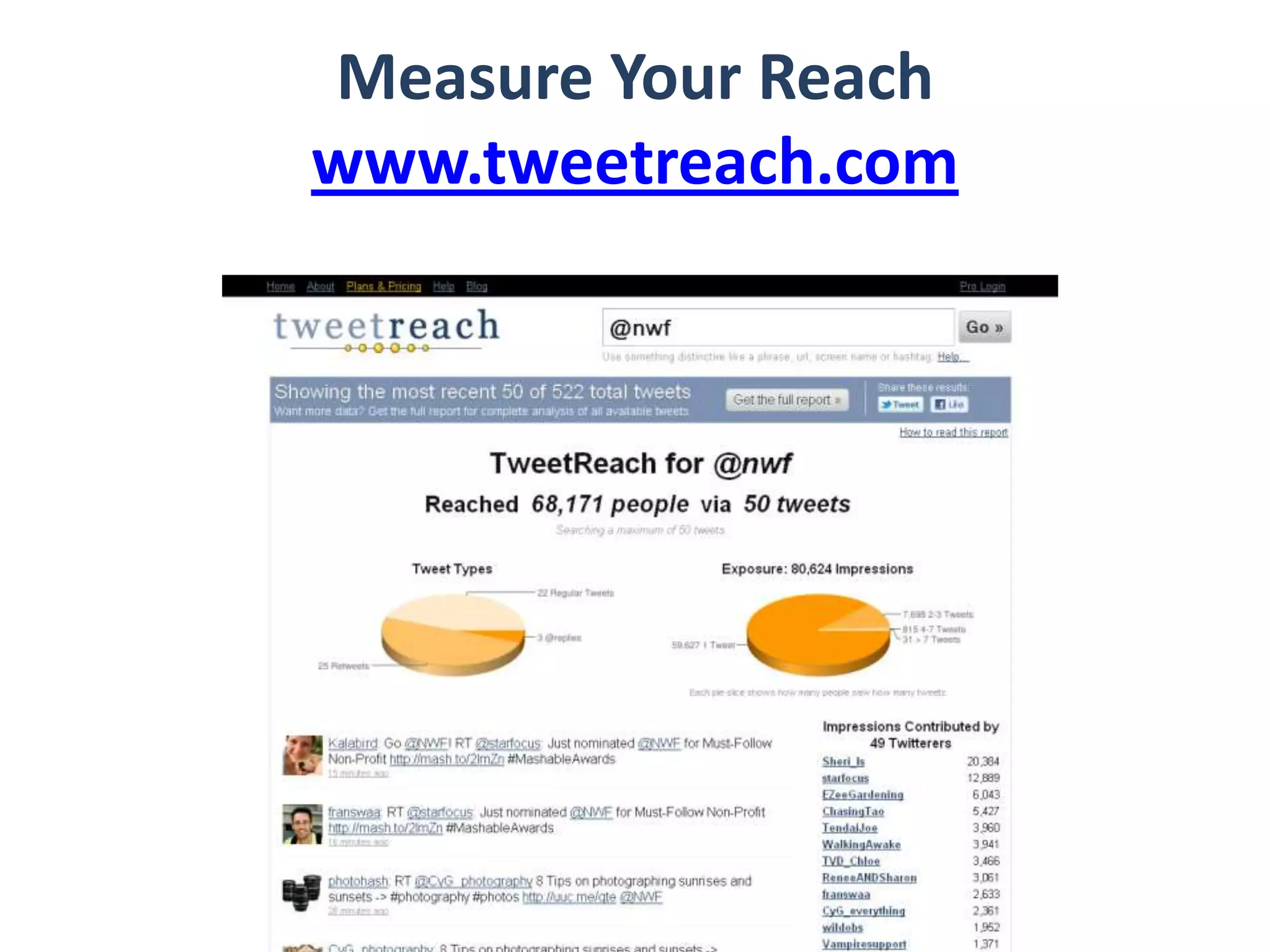
Measure Your Reachwww.tweetreach.com
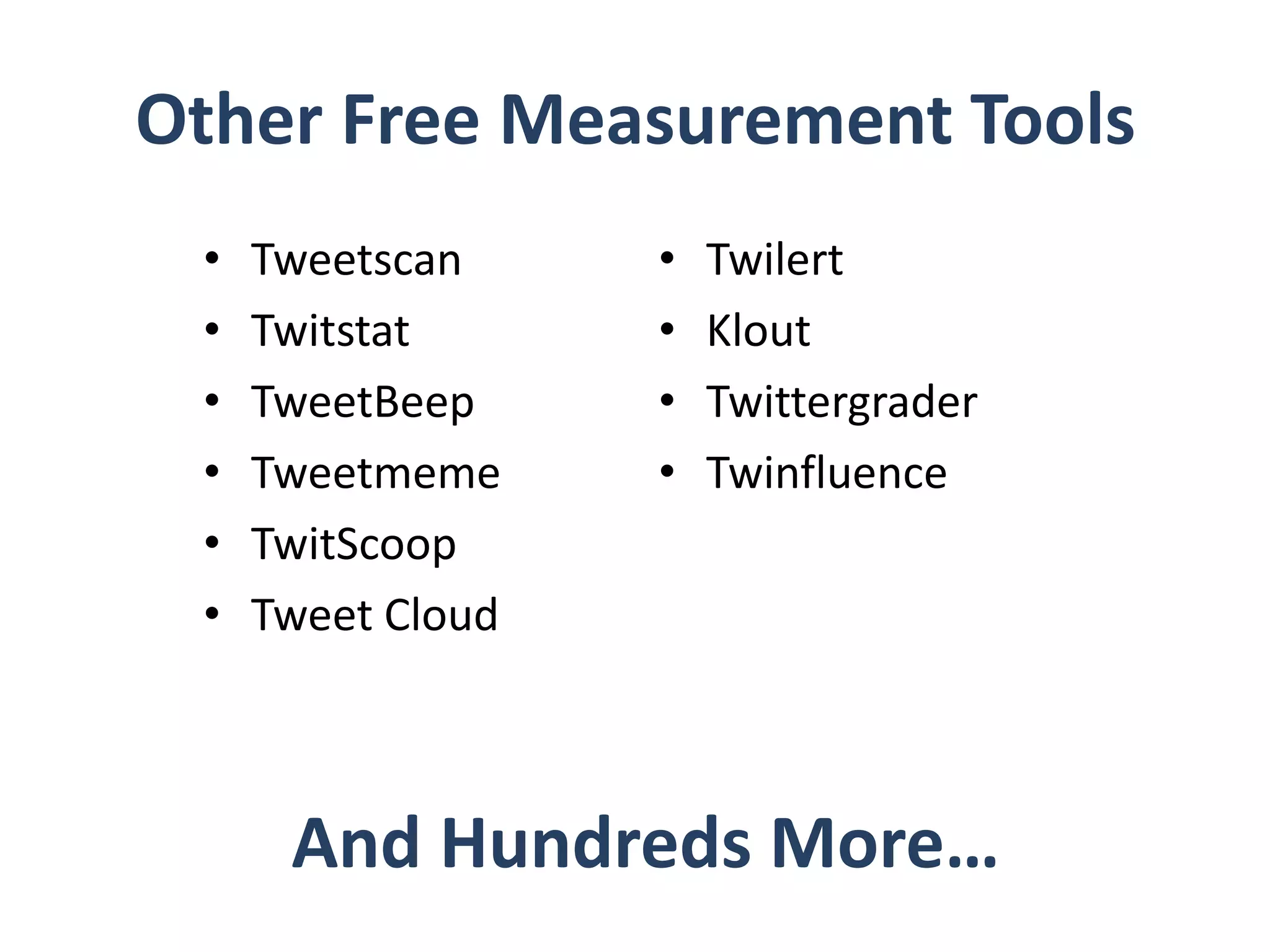
Other Free Measurement ToolsTweetscanTwitstatTweetBeepTweetmemeTwitScoopTweet CloudTwilertKloutTwittergraderTwinfluenceAnd Hundreds More…
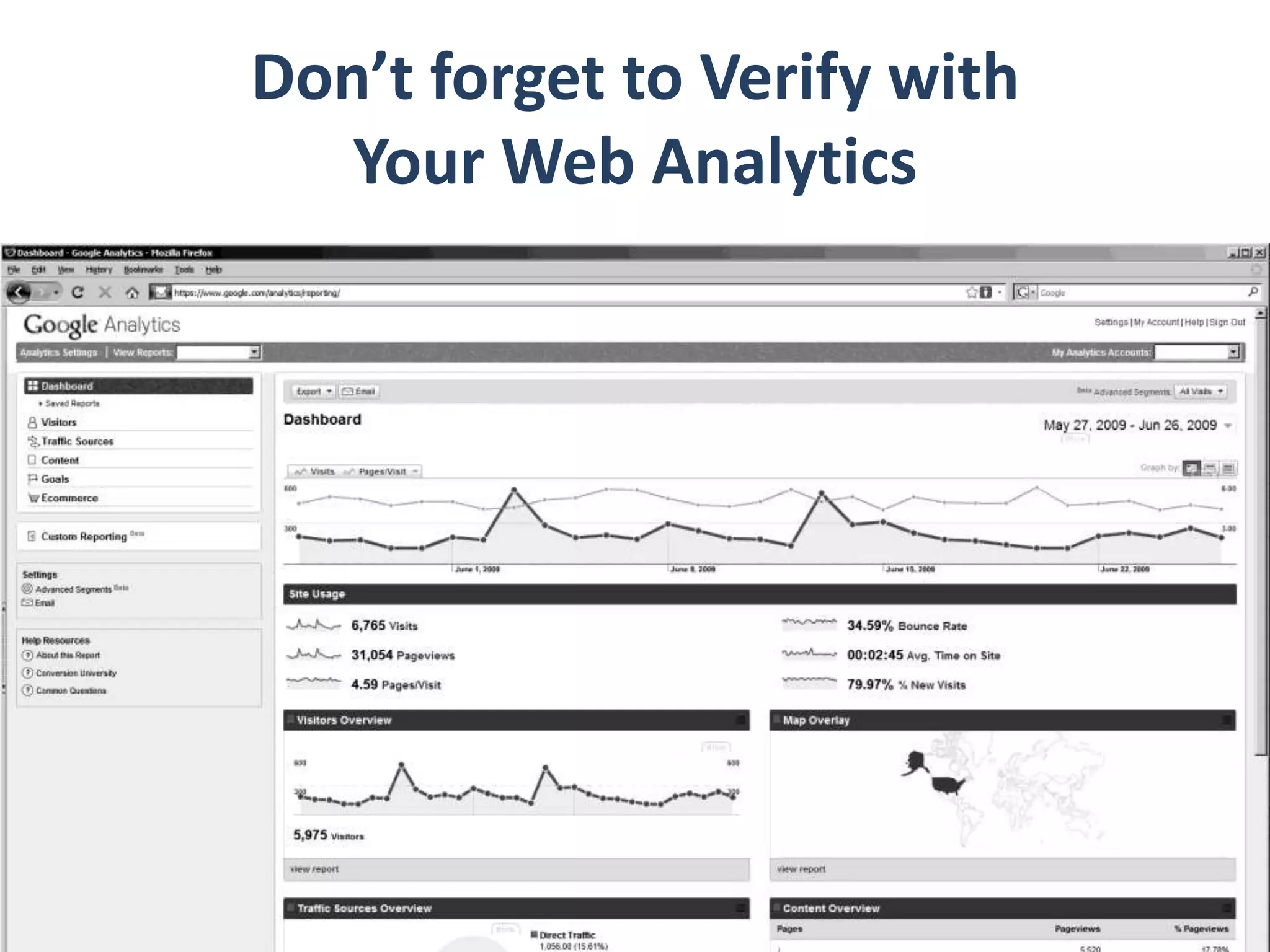
Don’t forget to Verify with Your Web Analytics
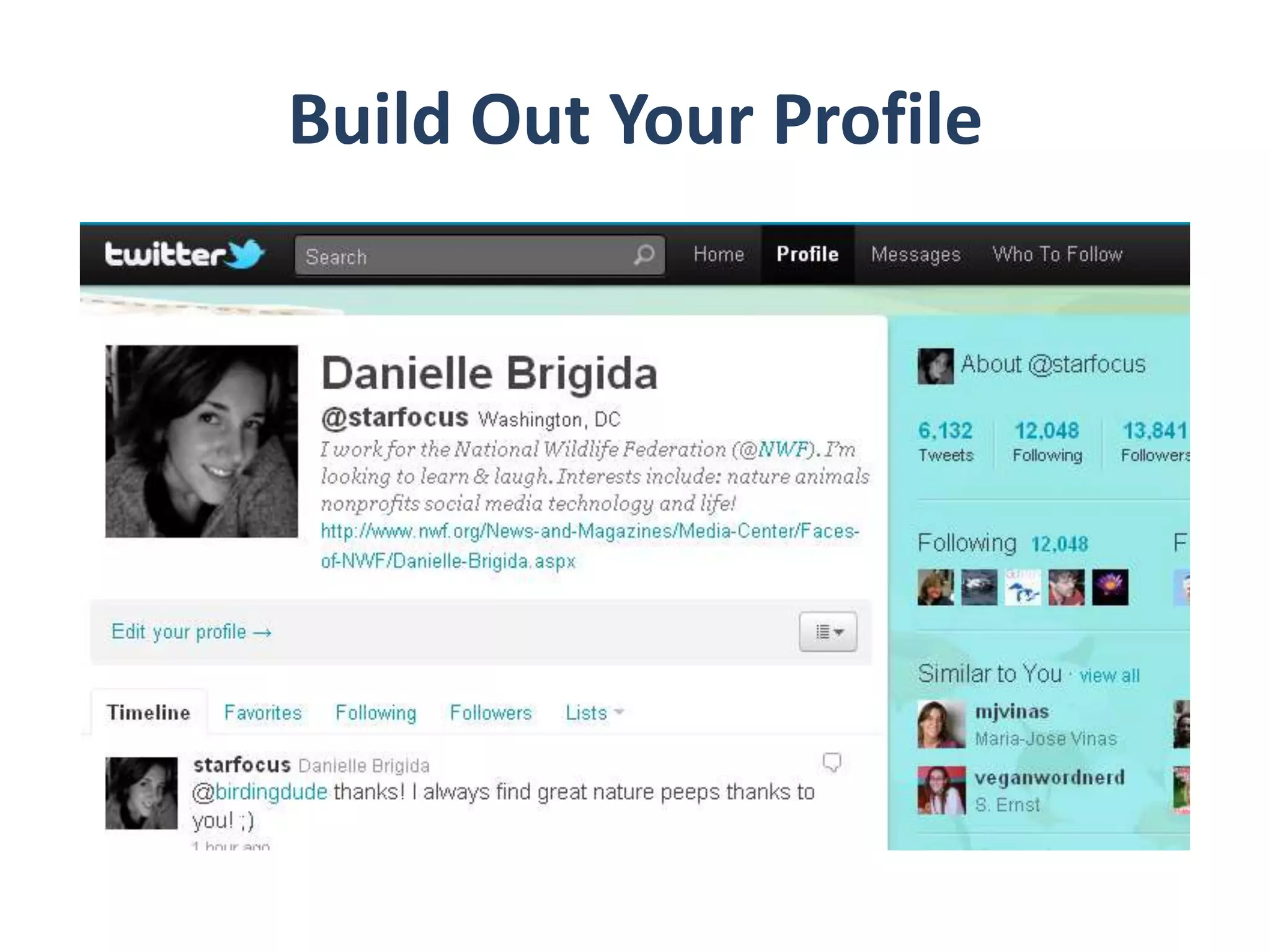
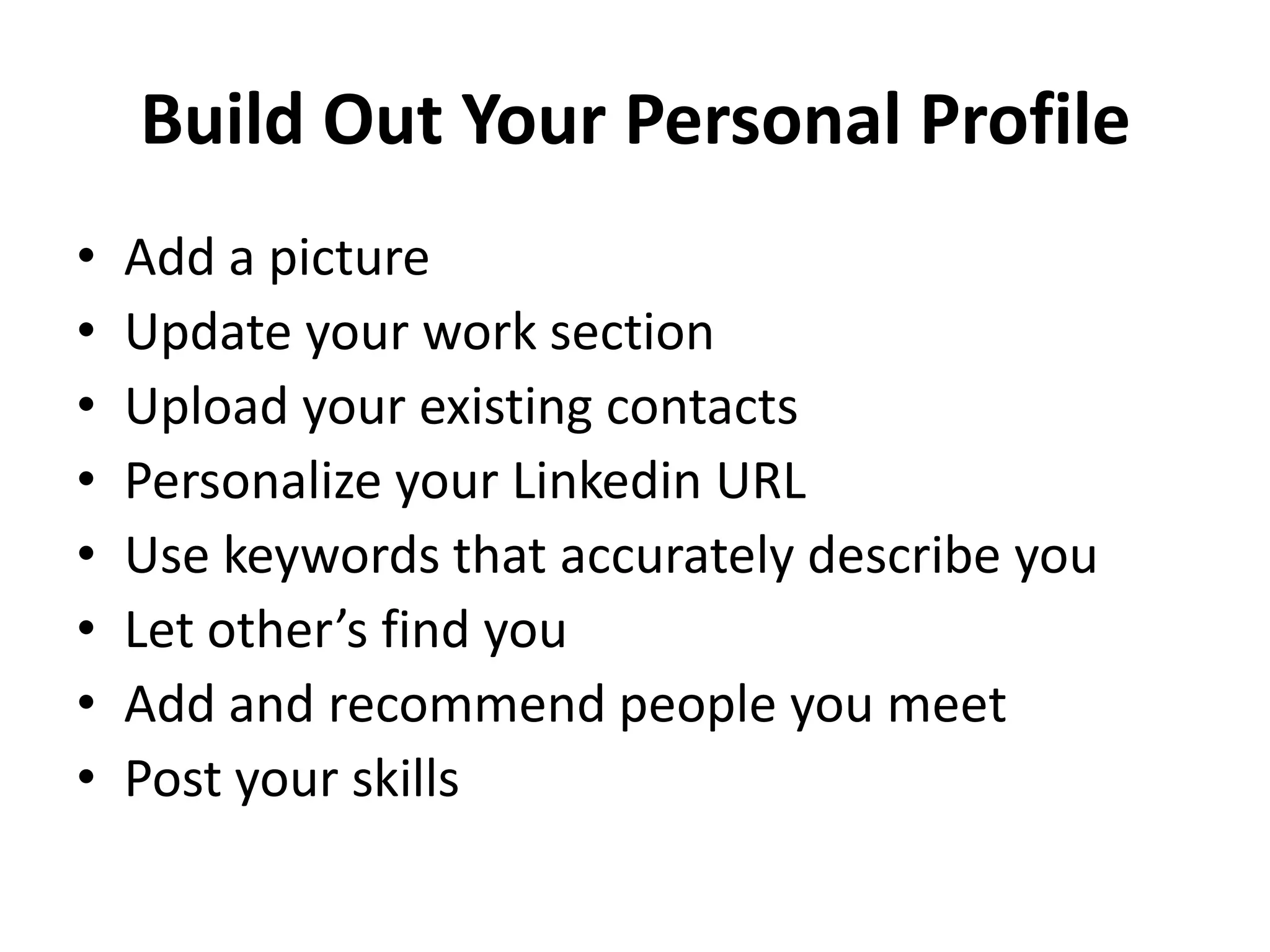
Build Out Your Profile
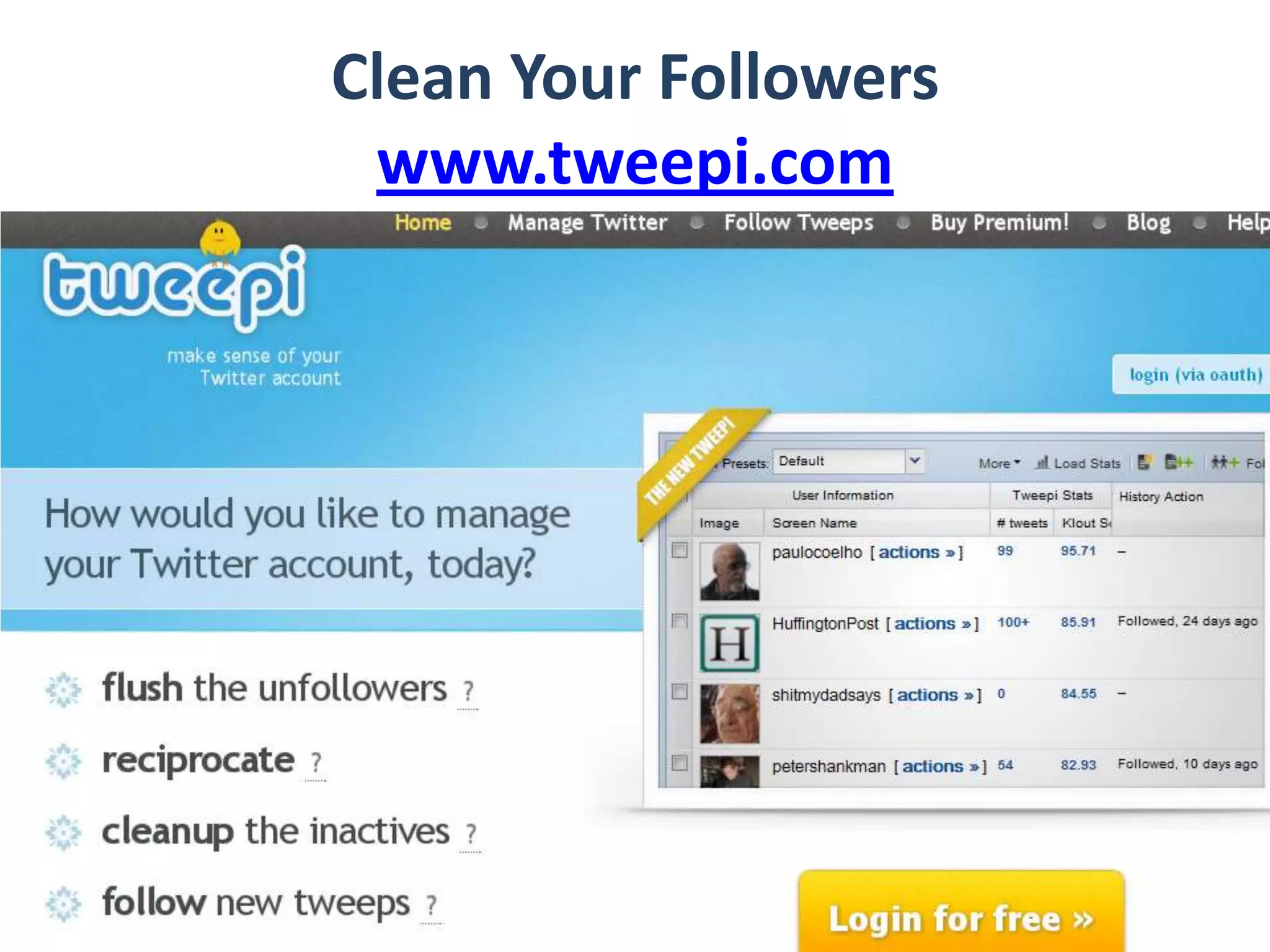
Clean Your Followerswww.tweepi.com
Questions
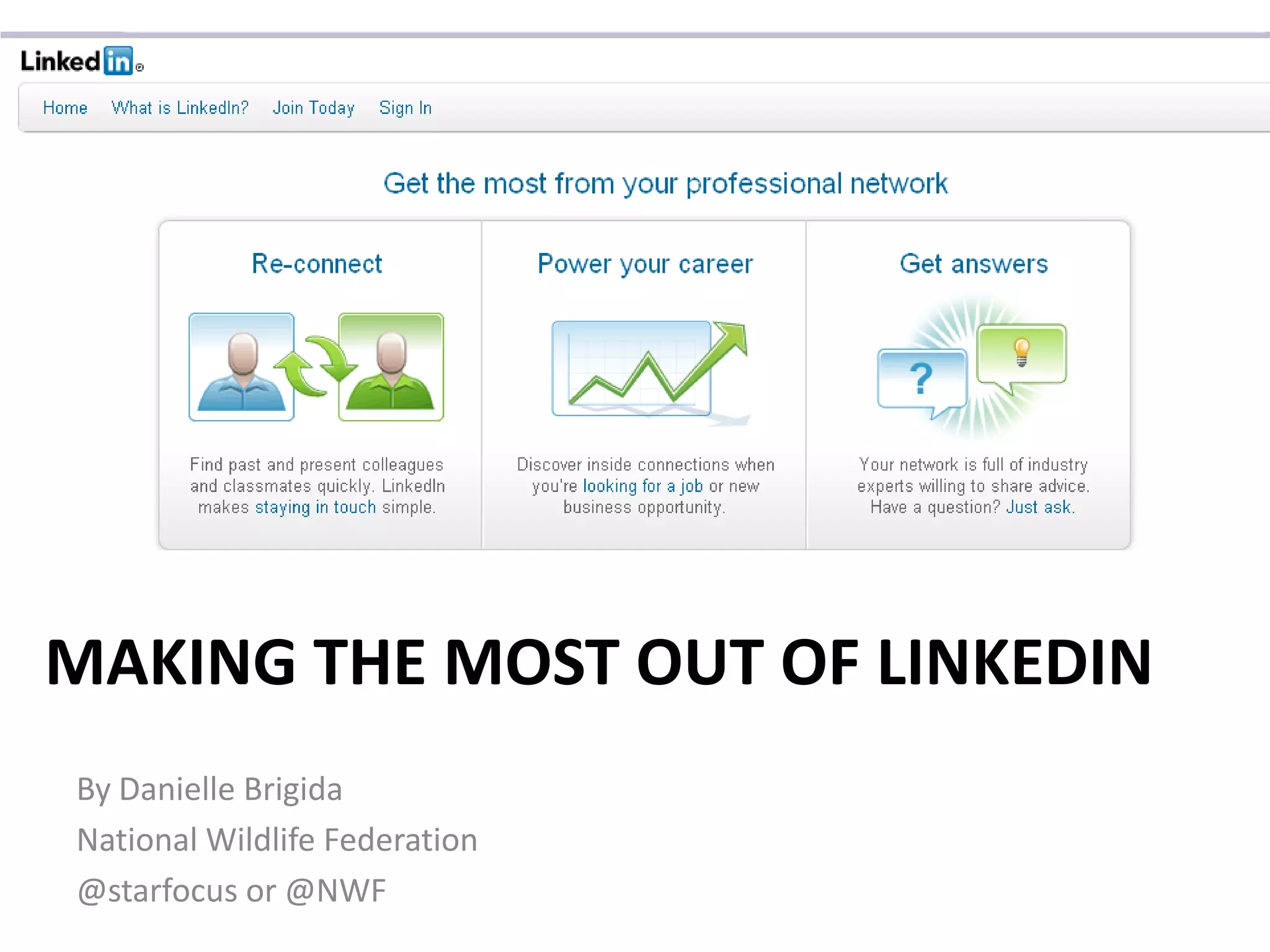
Making the Most out of LinkedinBy Danielle BrigidaNational Wildlife Federation@starfocus or @NWF
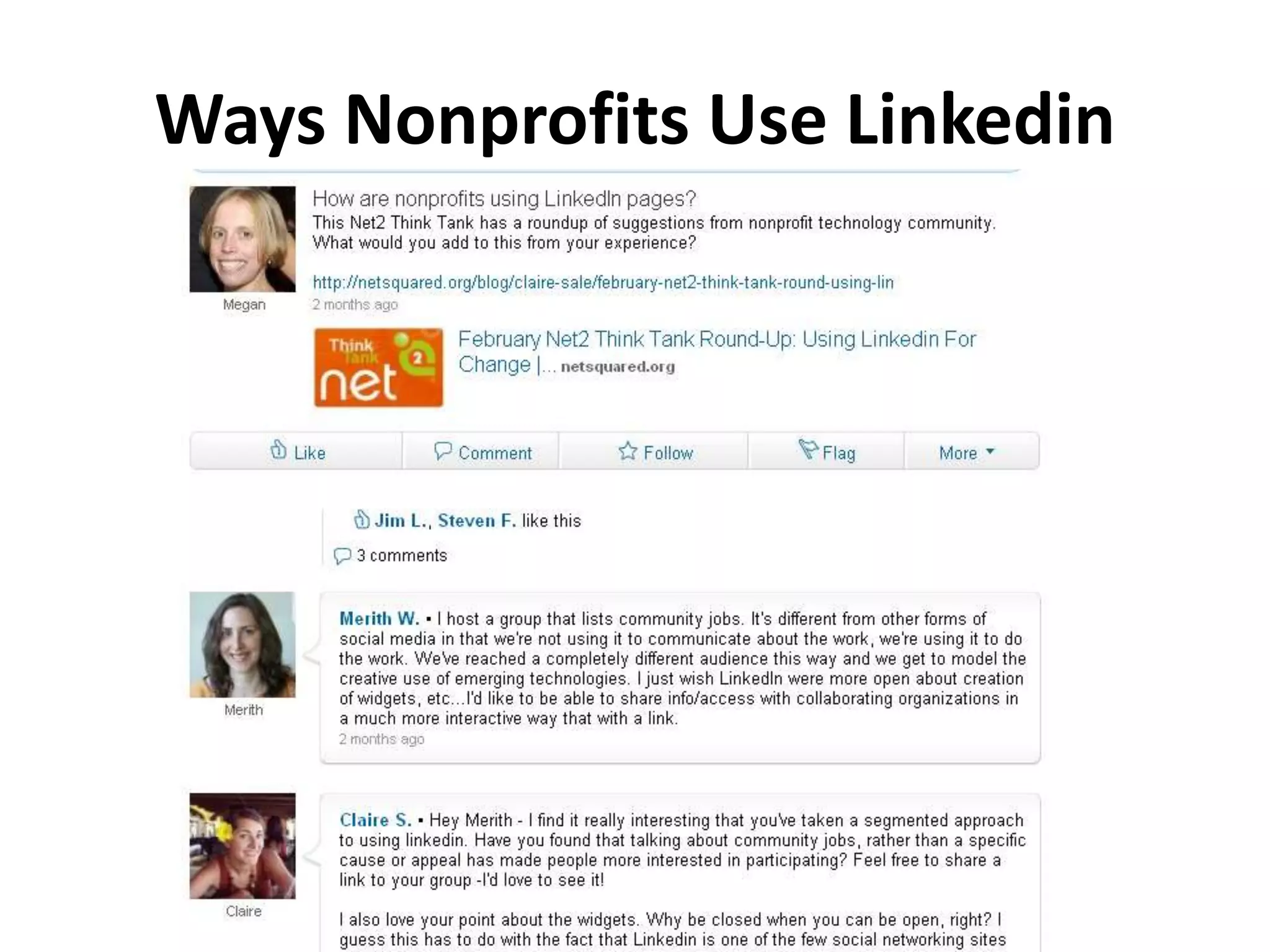
Ways Nonprofits Use Linkedin
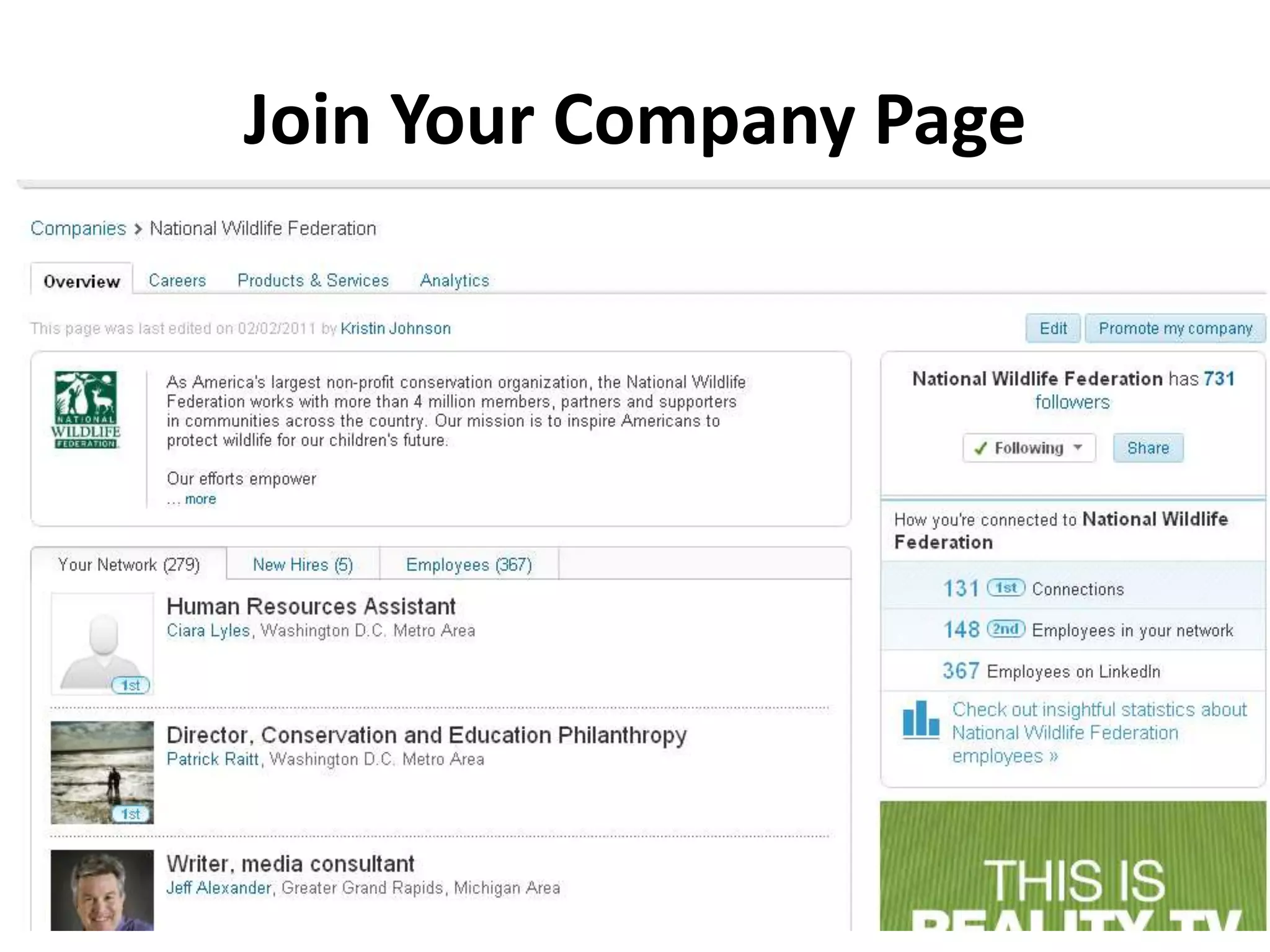
Join Your Company Page
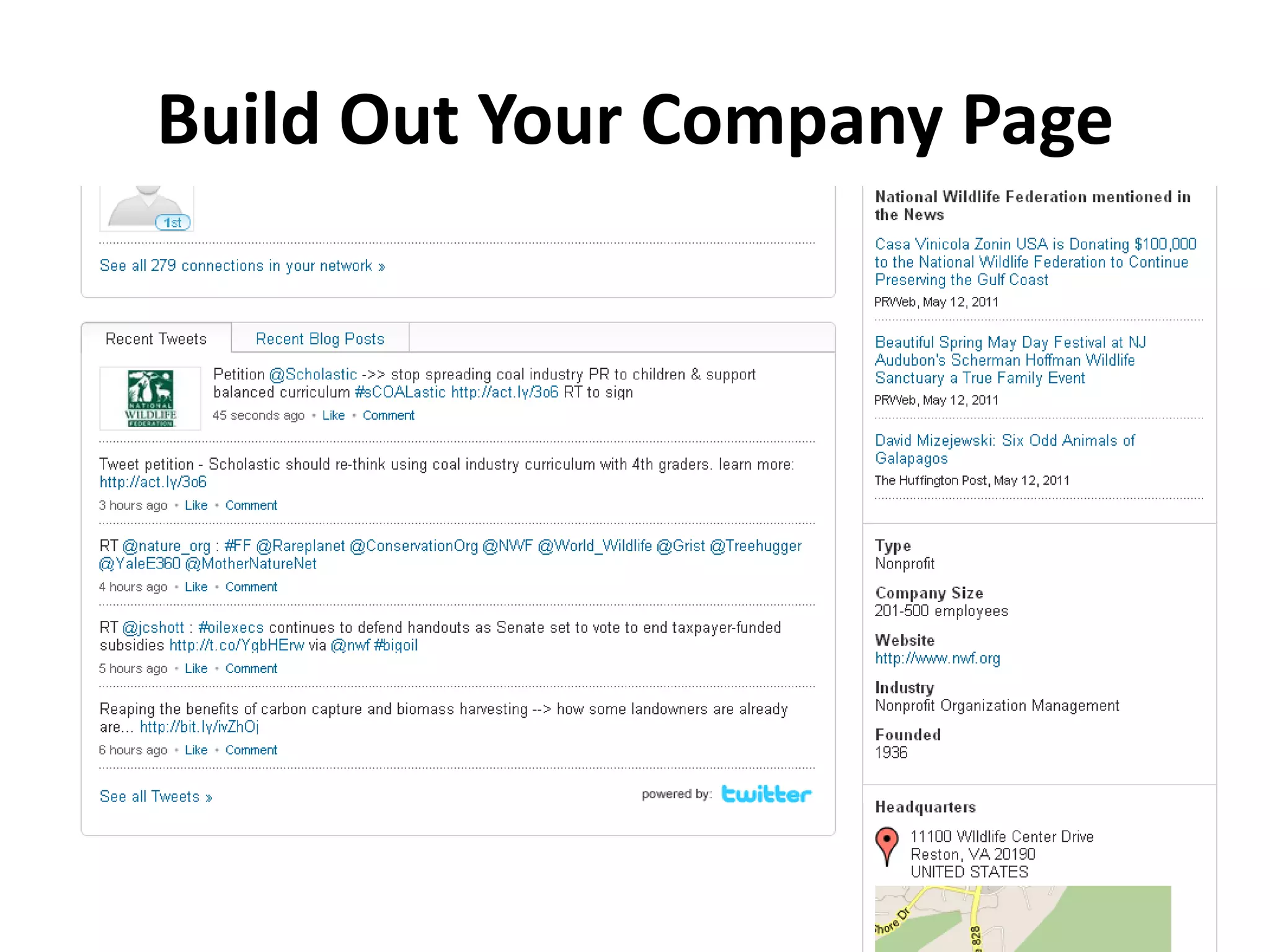
Build Out Your Company Page
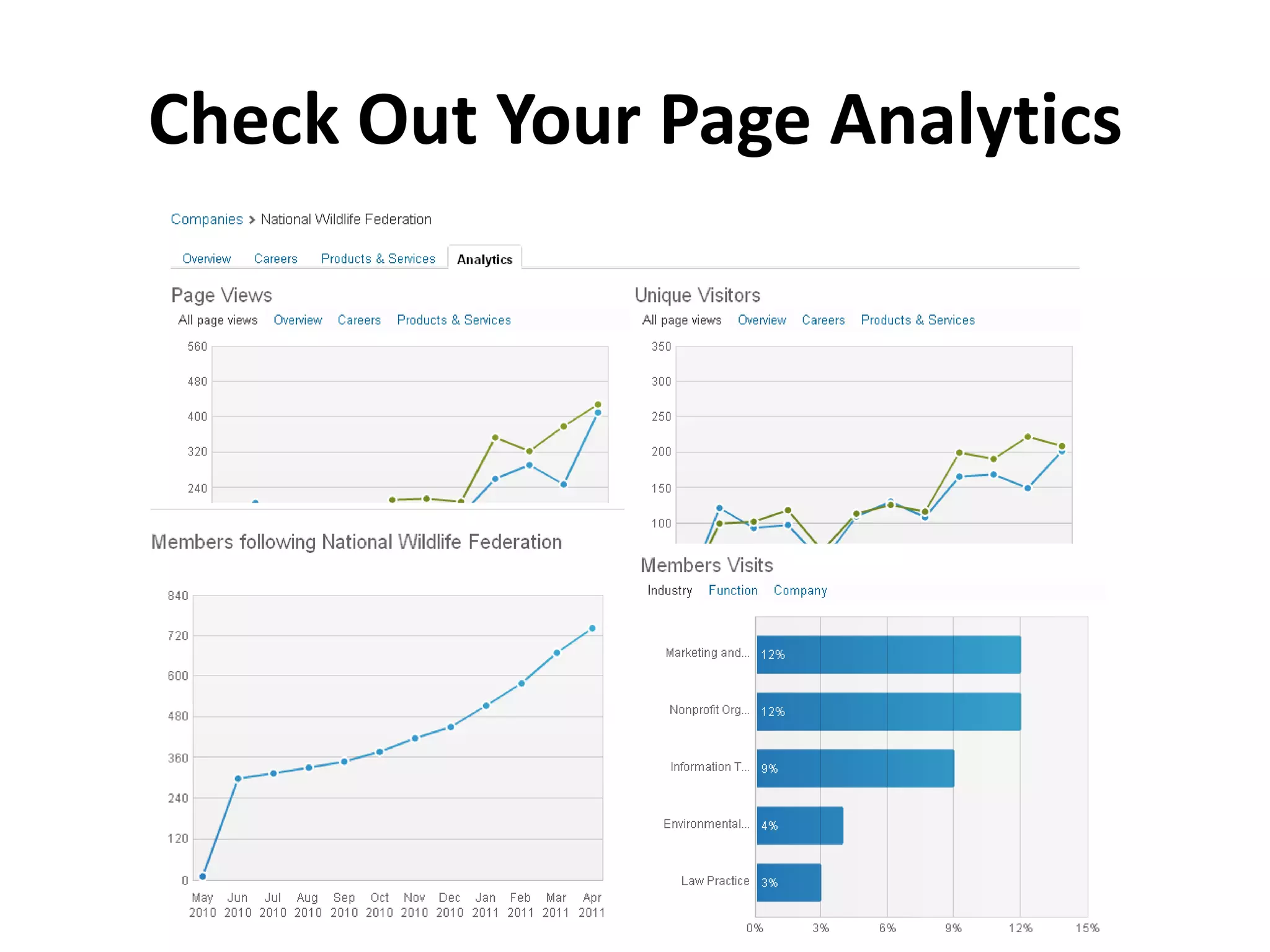
Check Out Your Page Analytics
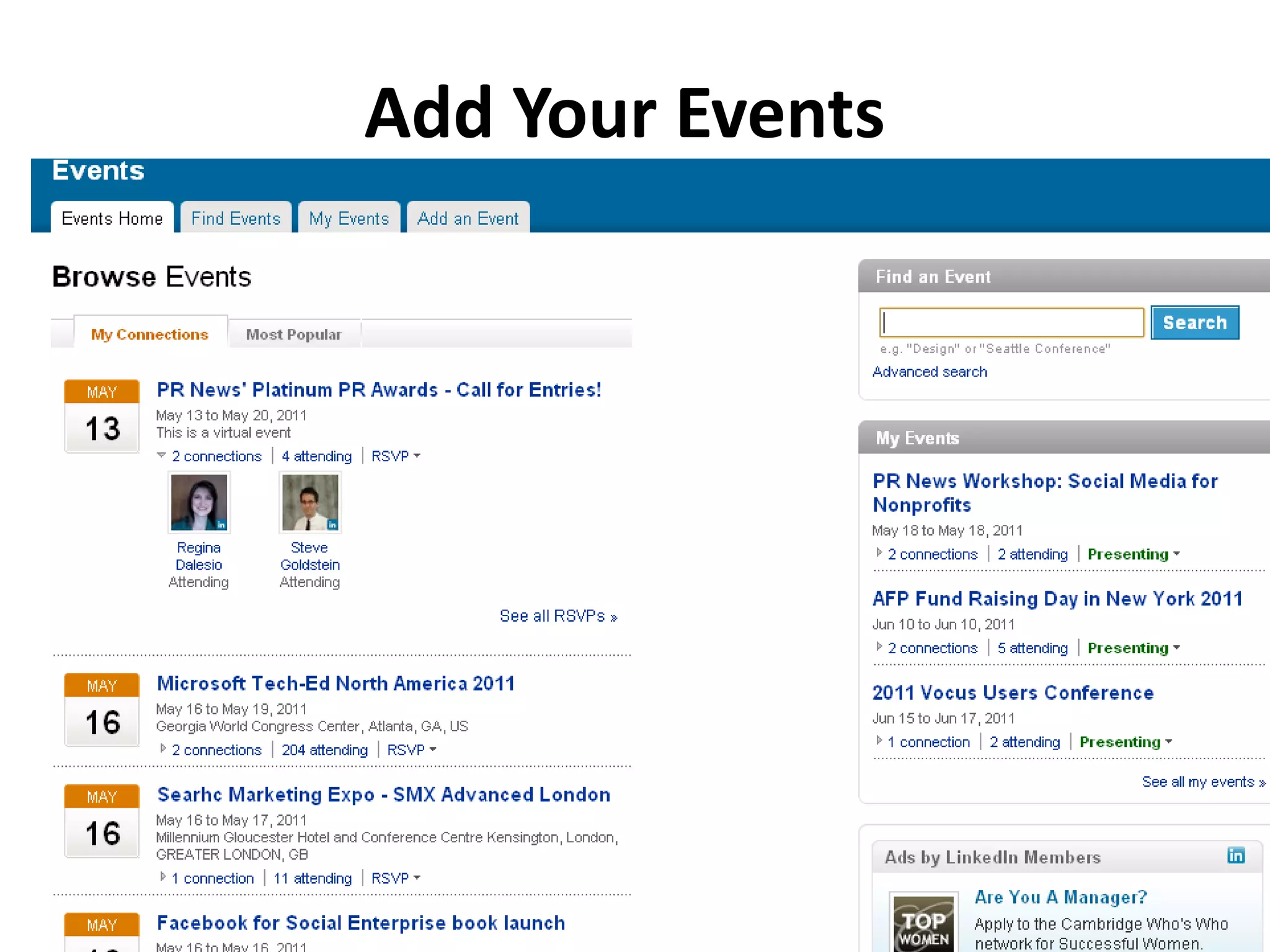
Add Your Events
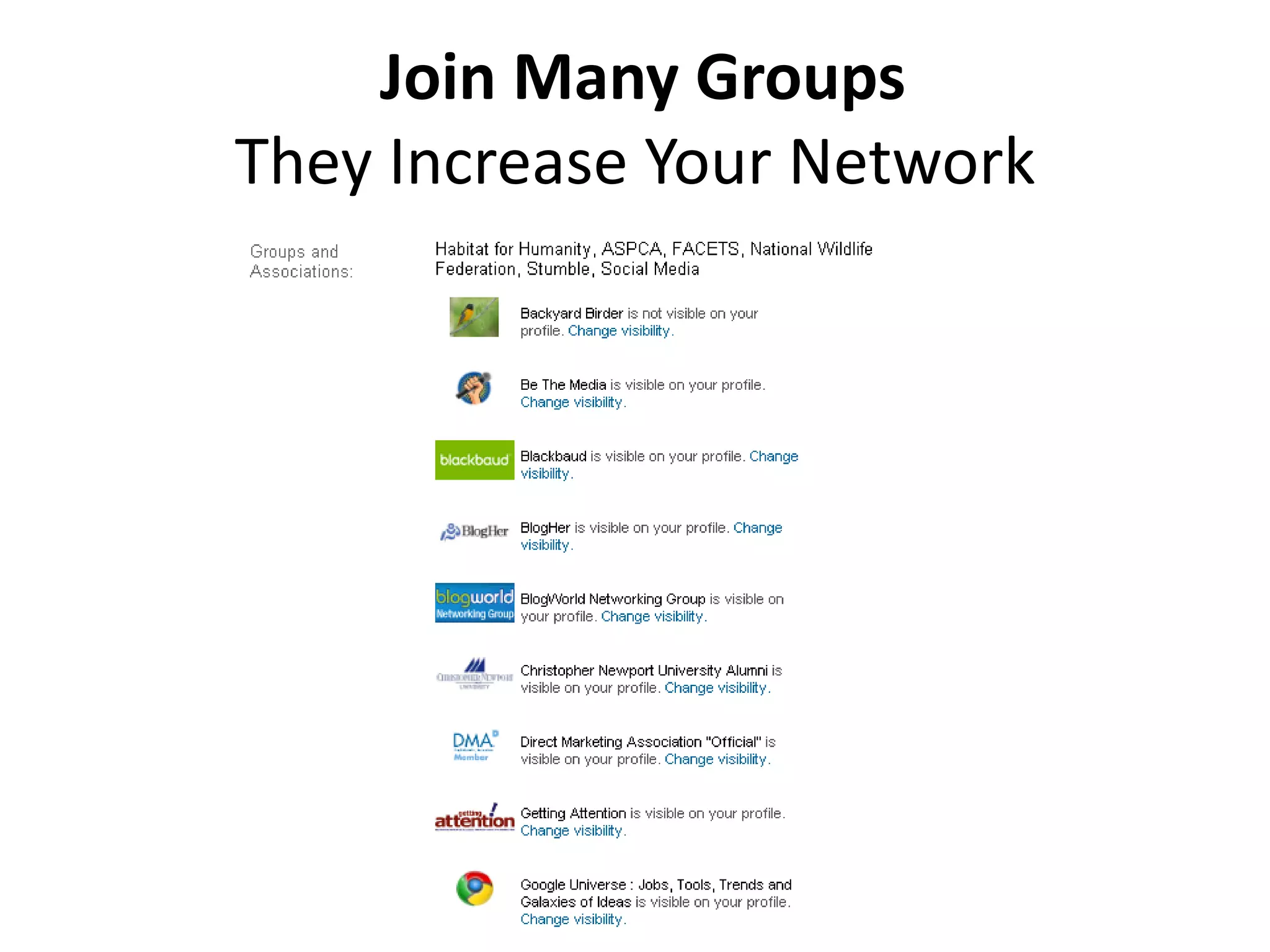
Join Many GroupsThey Increase Your Network
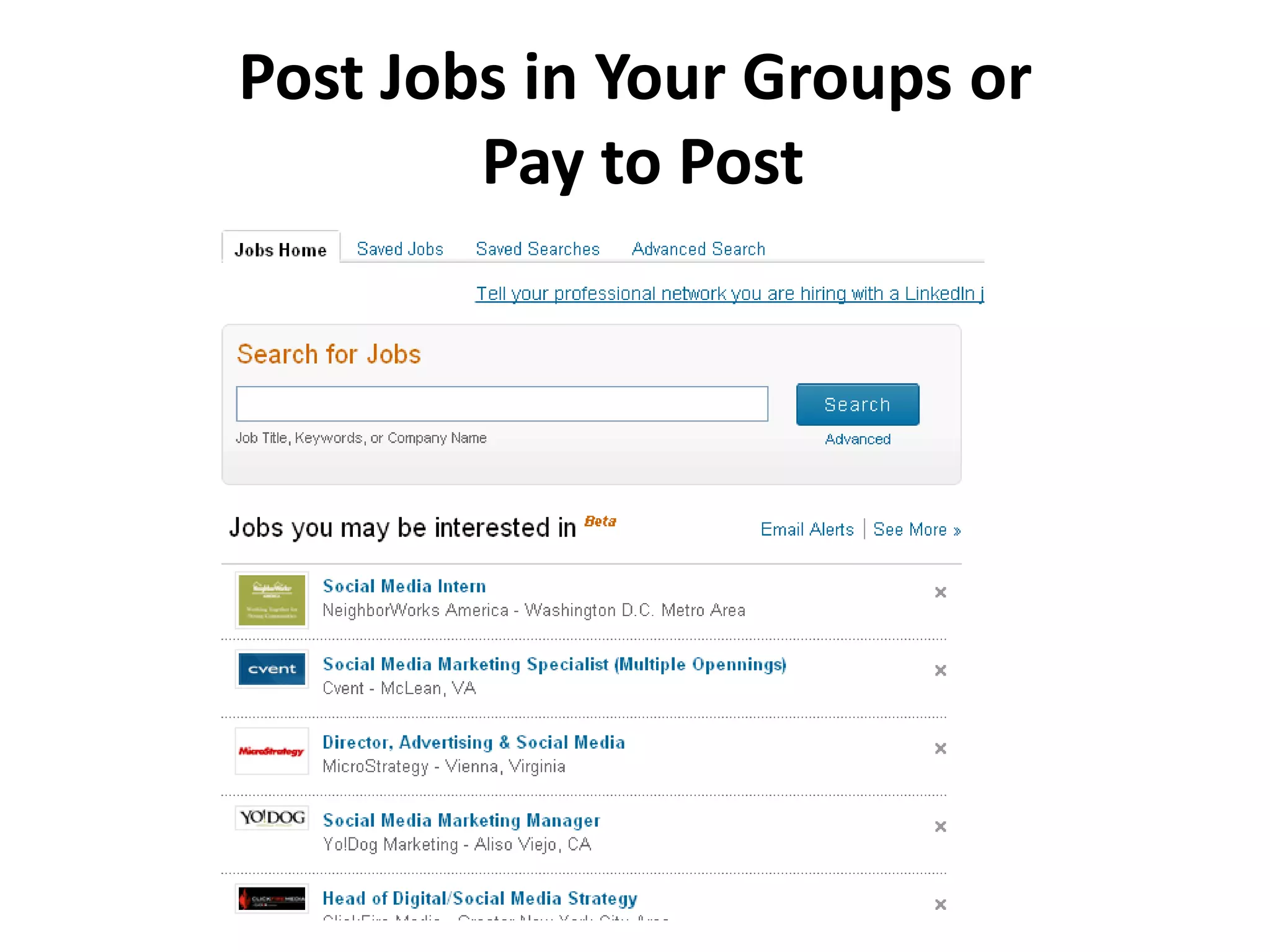
Post Jobs in Your Groups or Pay to Post
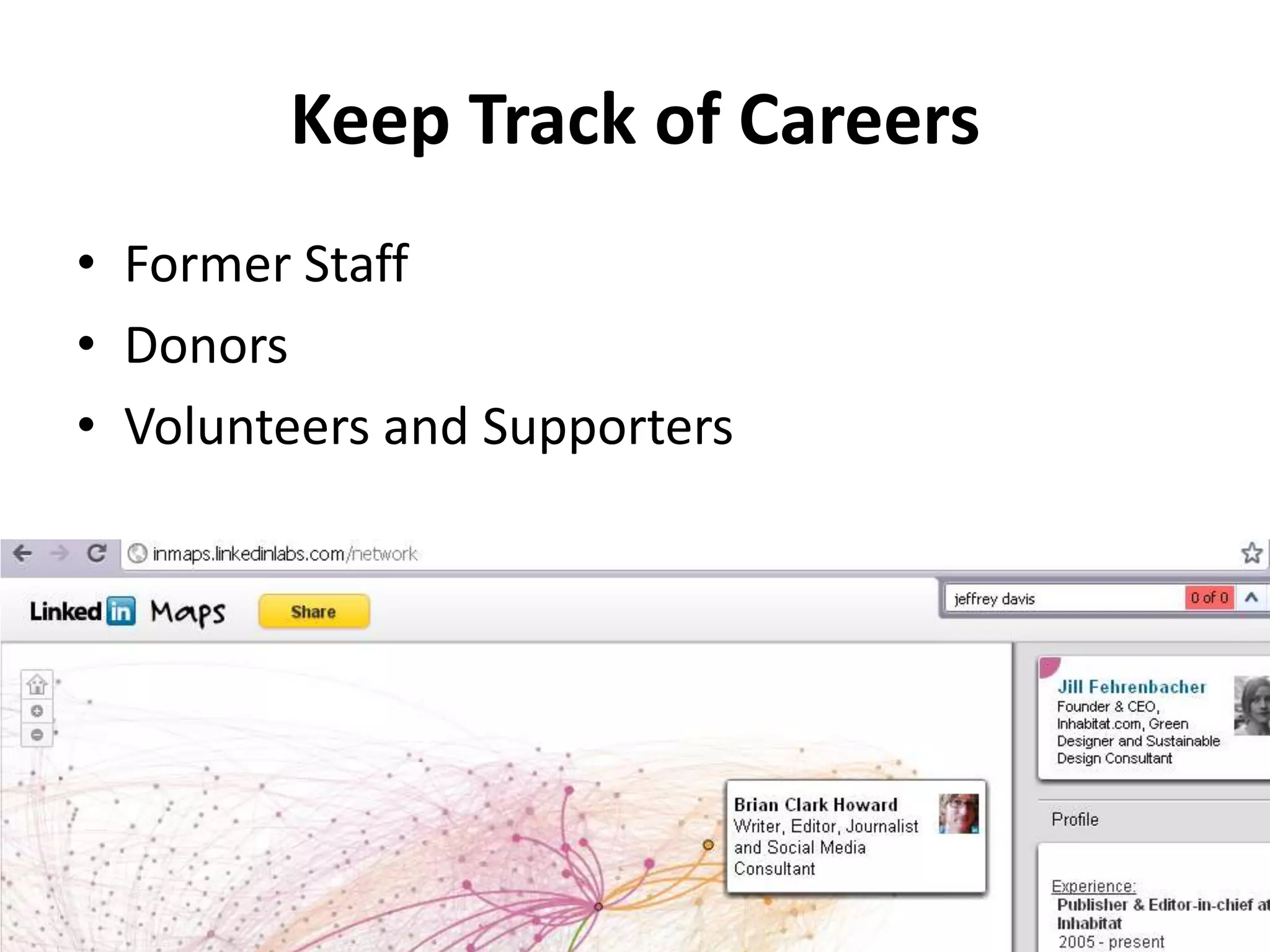
Keep Track of CareersFormer StaffDonorsVolunteersand Supporters
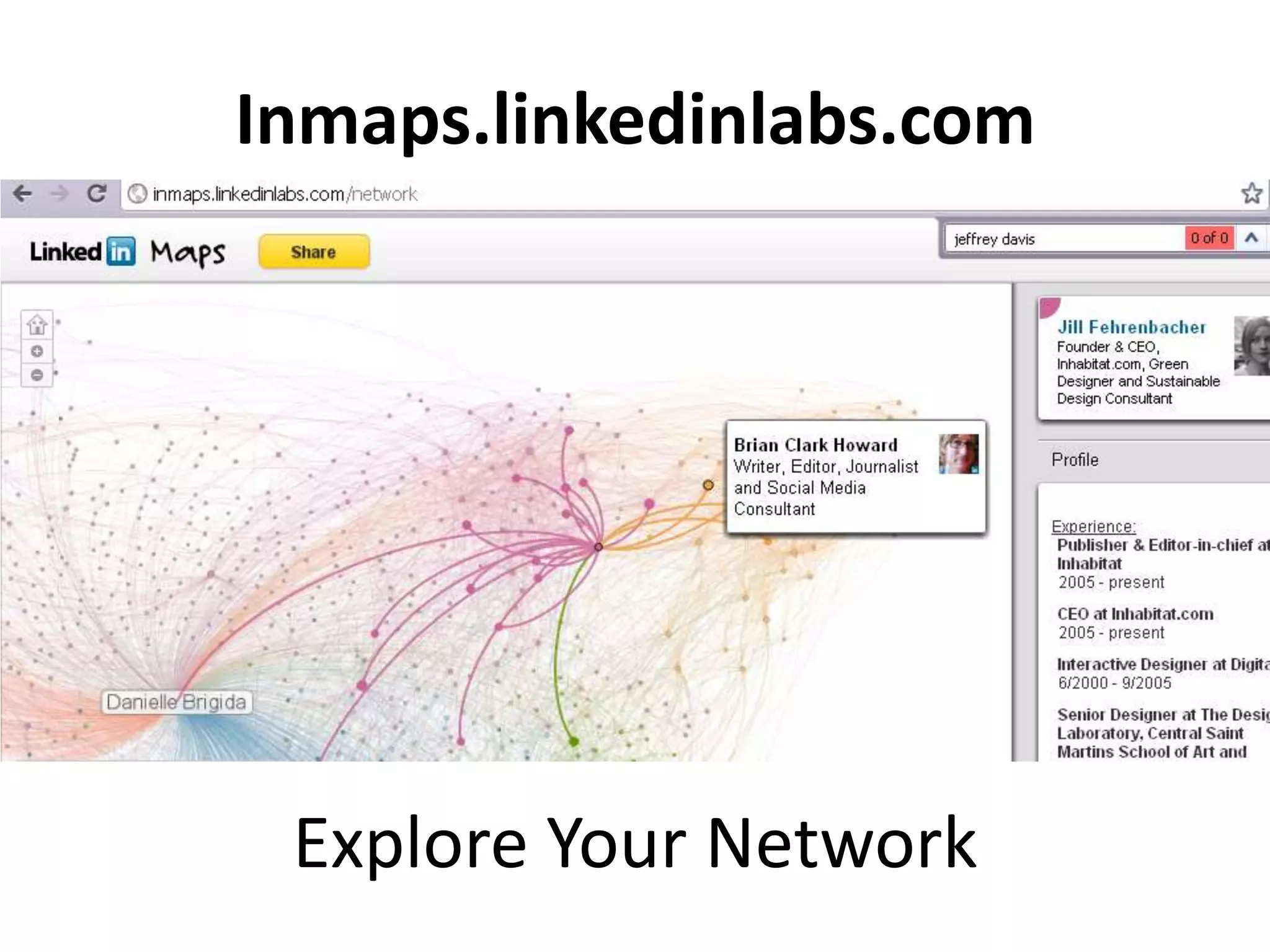
Inmaps.linkedinlabs.comExplore Your Network

Overview of Facebook, Linkedin and Twitter