Open Source Security
How to get lots of security for a low, low price
Rachel Engel
• Open Source Projects: Projects with frequent human
resource constraints
• How to get good security with few resources through
solid planning
• Use SSL
• SQL Injection
• XSS
• Secure Password Storage
• CSRF
Agenda
• Open source projects are done by volunteers
• Is often really hard to get enough people, and to get
those people to work on specific tasks (bugs, less
technically in-depth features, build cleanup, qc,
documentation, etc)
• “Hey! Could you spend saturday going back and looking
through 100k lines of code looking for injection bugs?”
• If you plan well, though, your project can be protected
against many attack classes from the start.
Human Resource Constraints
• Security bugs are often expensive to fix because people
fix them well after the application is already developed.
• It’s many many times cheaper and easier to do it from
the start.
• Four specific classes of web security bug can be cheaply
defended against by planning well from the start.
PlanningWell SavesTime
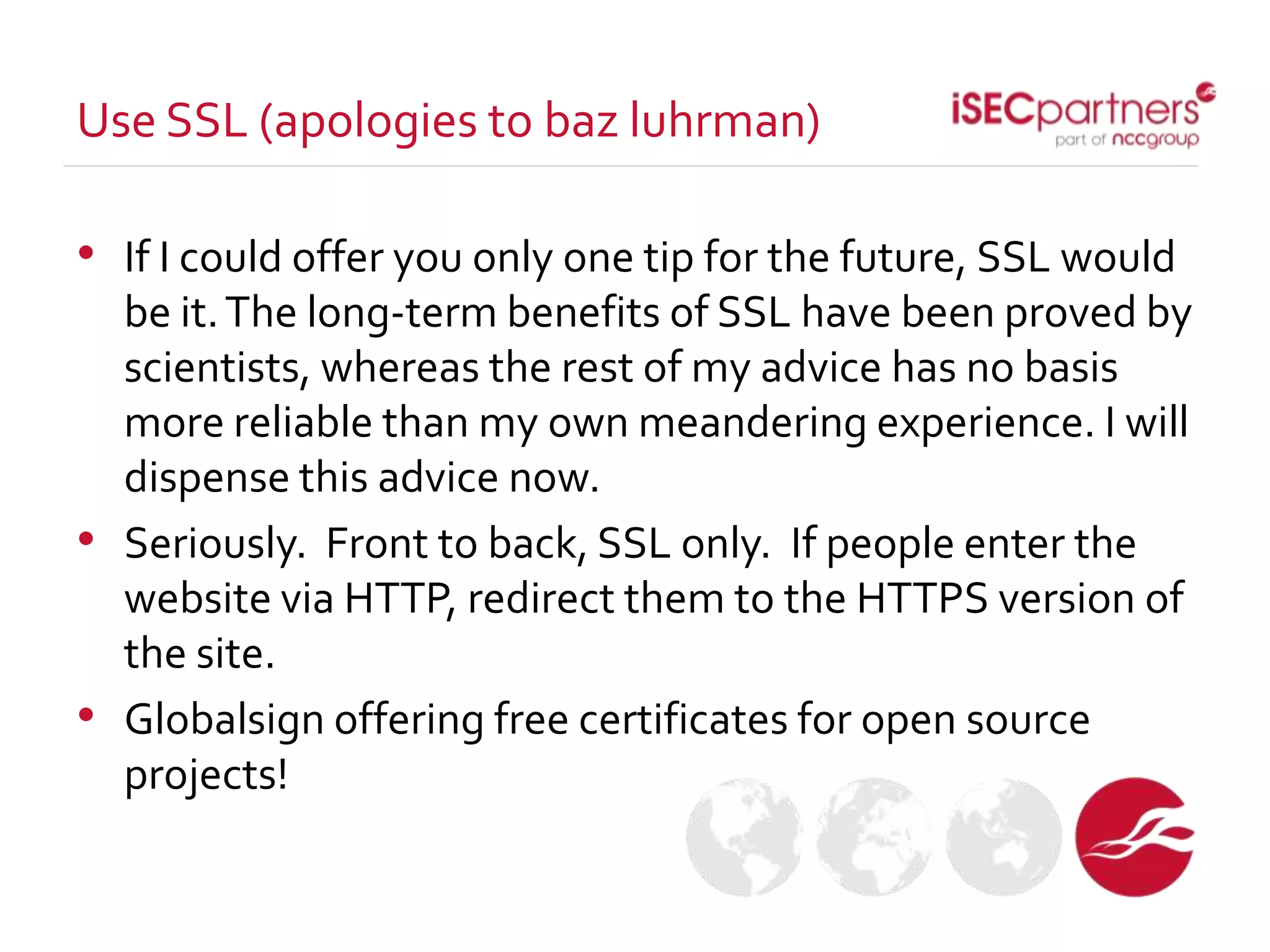
• If I could offer you only one tip for the future, SSL would
be it.The long-term benefits of SSL have been proved by
scientists, whereas the rest of my advice has no basis
more reliable than my own meandering experience. I will
dispense this advice now.
• Seriously. Front to back, SSL only. If people enter the
website via HTTP, redirect them to the HTTPS version of
the site.
• Globalsign offering free certificates for open source
projects!
Use SSL (apologies to baz luhrman)
SQL Injection
• Big flashy vulnerability
• Primary vulnerability used by lulzsec hackers
• On a technical level, SQL Injection is a
completely solvable problem if you plan well.
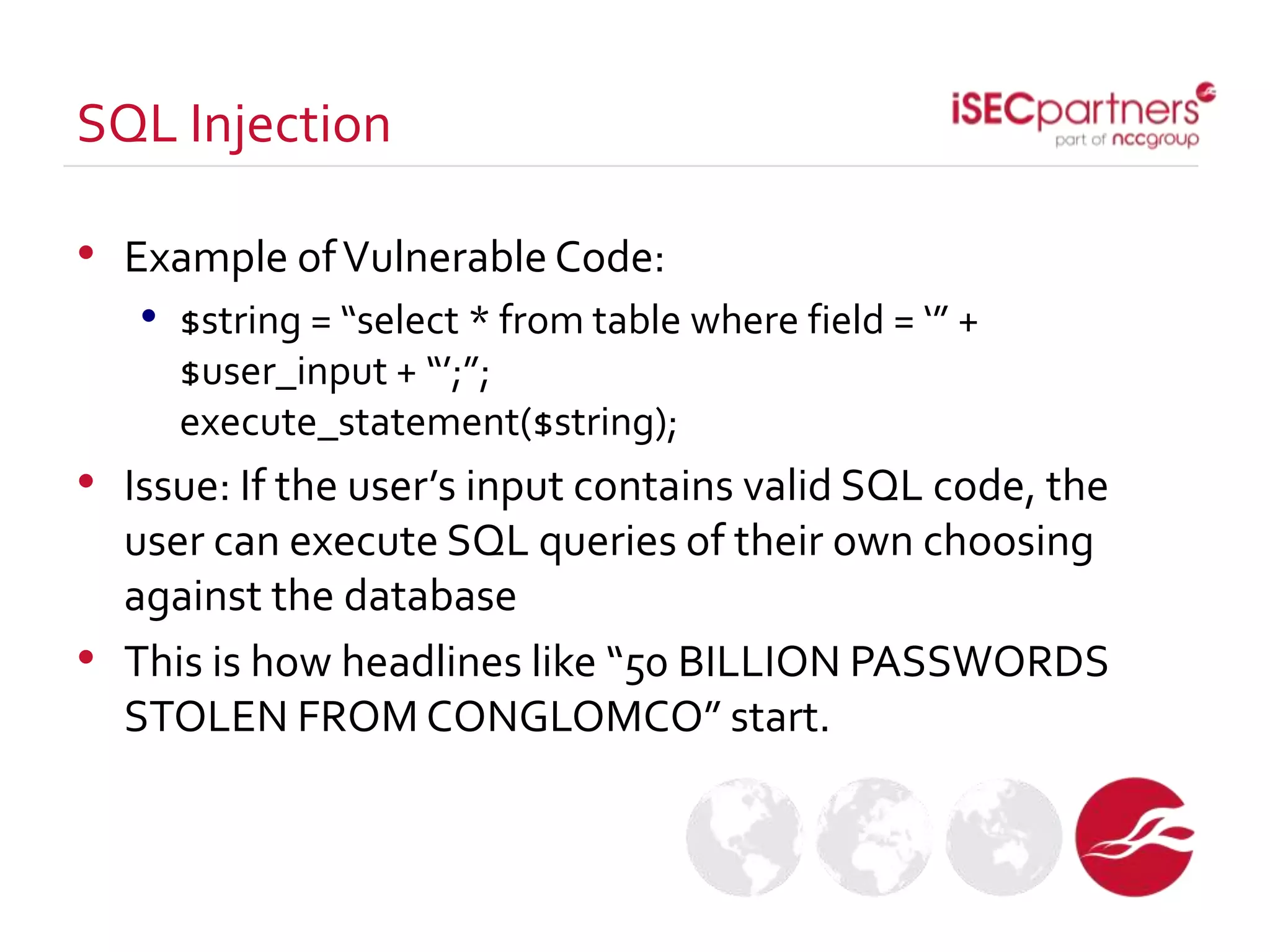
• Example ofVulnerable Code:
• $string = “select * from table where field = ‘” +
$user_input + “’;”;
execute_statement($string);
• Issue: If the user’s input contains valid SQL code, the
user can execute SQL queries of their own choosing
against the database
• This is how headlines like “50 BILLION PASSWORDS
STOLEN FROM CONGLOMCO” start.
SQL Injection
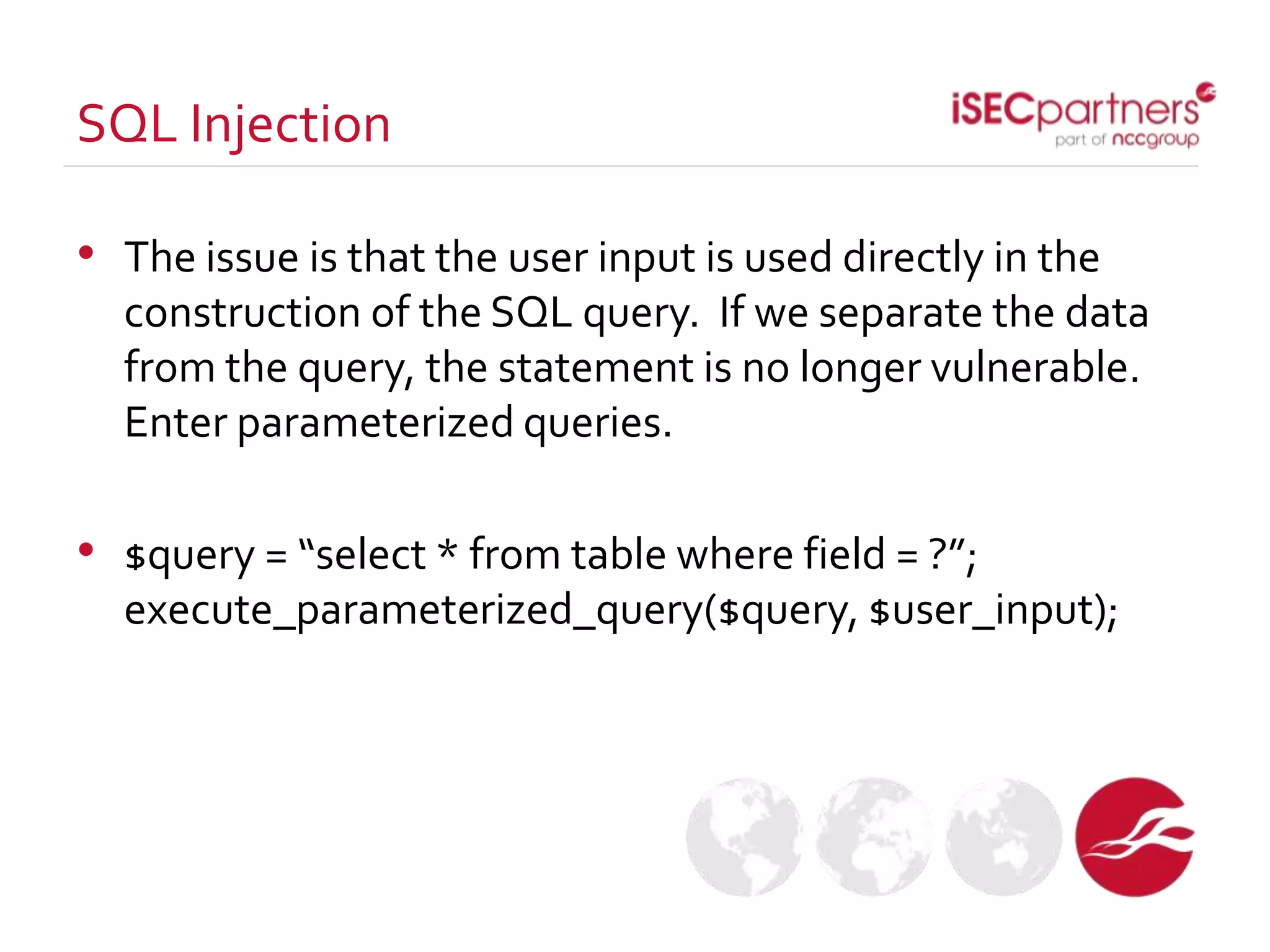
• The issue is that the user input is used directly in the
construction of the SQL query. If we separate the data
from the query, the statement is no longer vulnerable.
Enter parameterized queries.
• $query = “select * from table where field = ?”;
execute_parameterized_query($query, $user_input);
SQL Injection
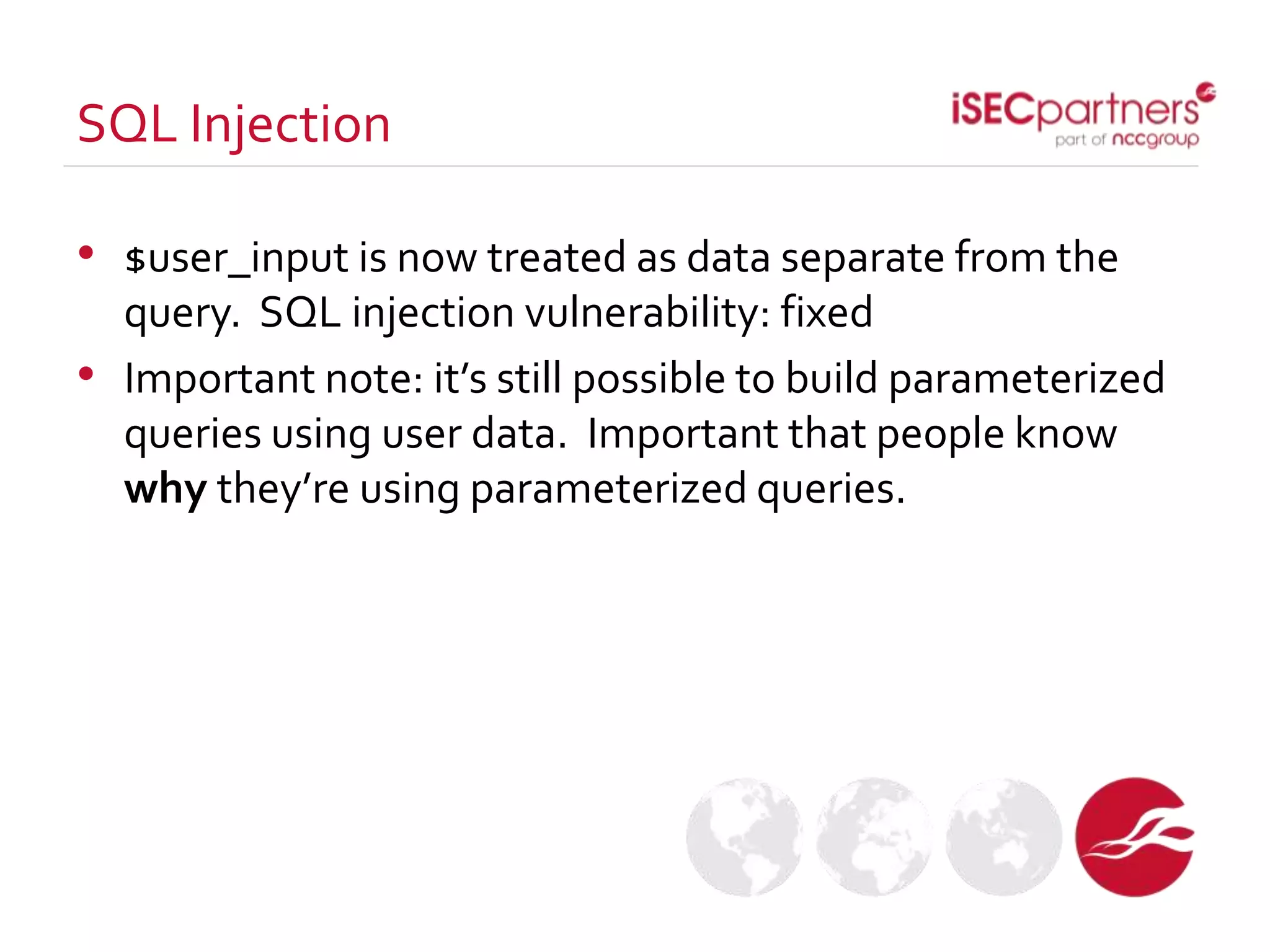
• $user_input is now treated as data separate from the
query. SQL injection vulnerability: fixed
• Important note: it’s still possible to build parameterized
queries using user data. Important that people know
why they’re using parameterized queries.
SQL Injection
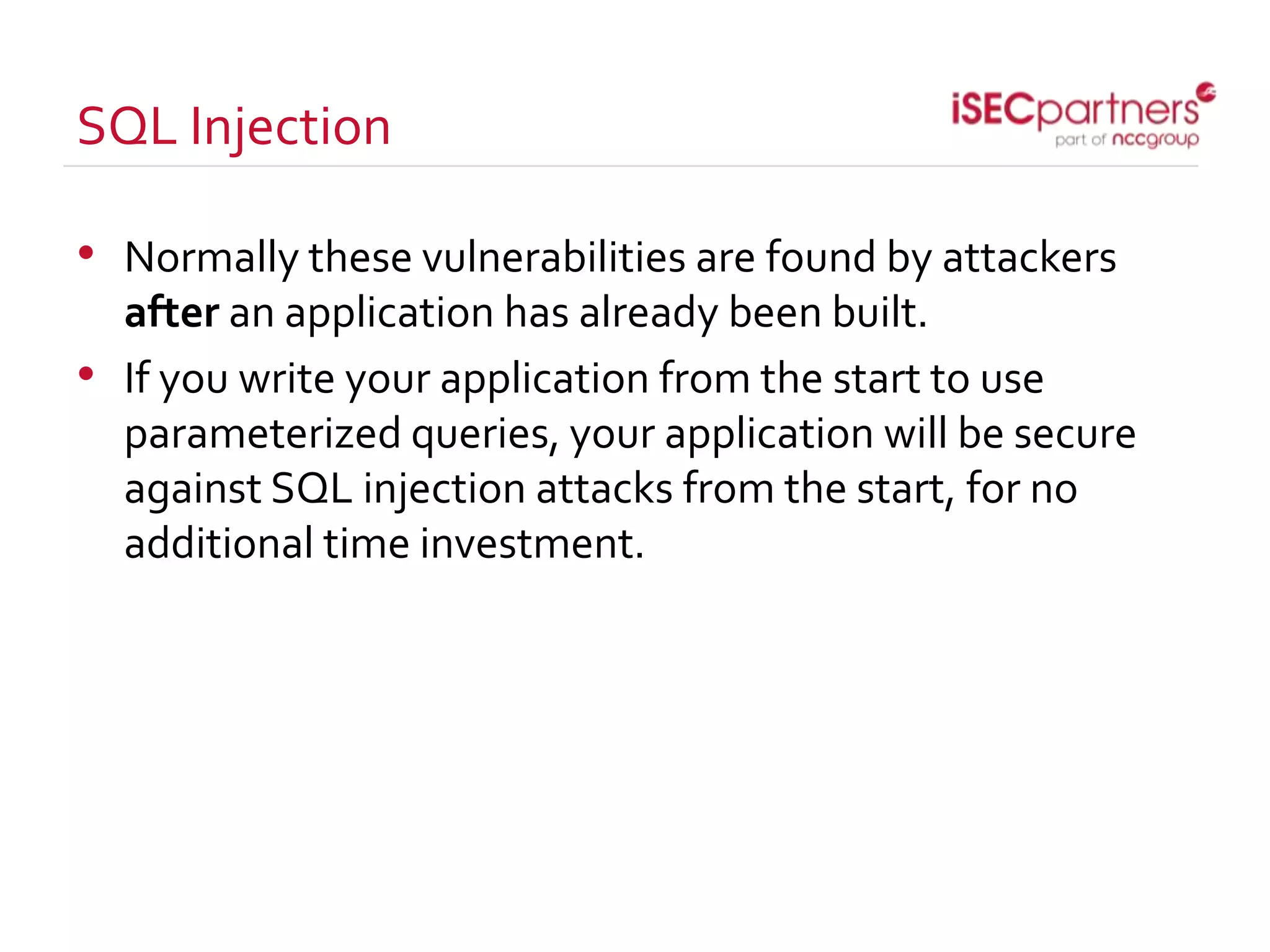
SQL Injection
• Normally these vulnerabilities are found by attackers
after an application has already been built.
• If you write your application from the start to use
parameterized queries, your application will be secure
against SQL injection attacks from the start, for no
additional time investment.
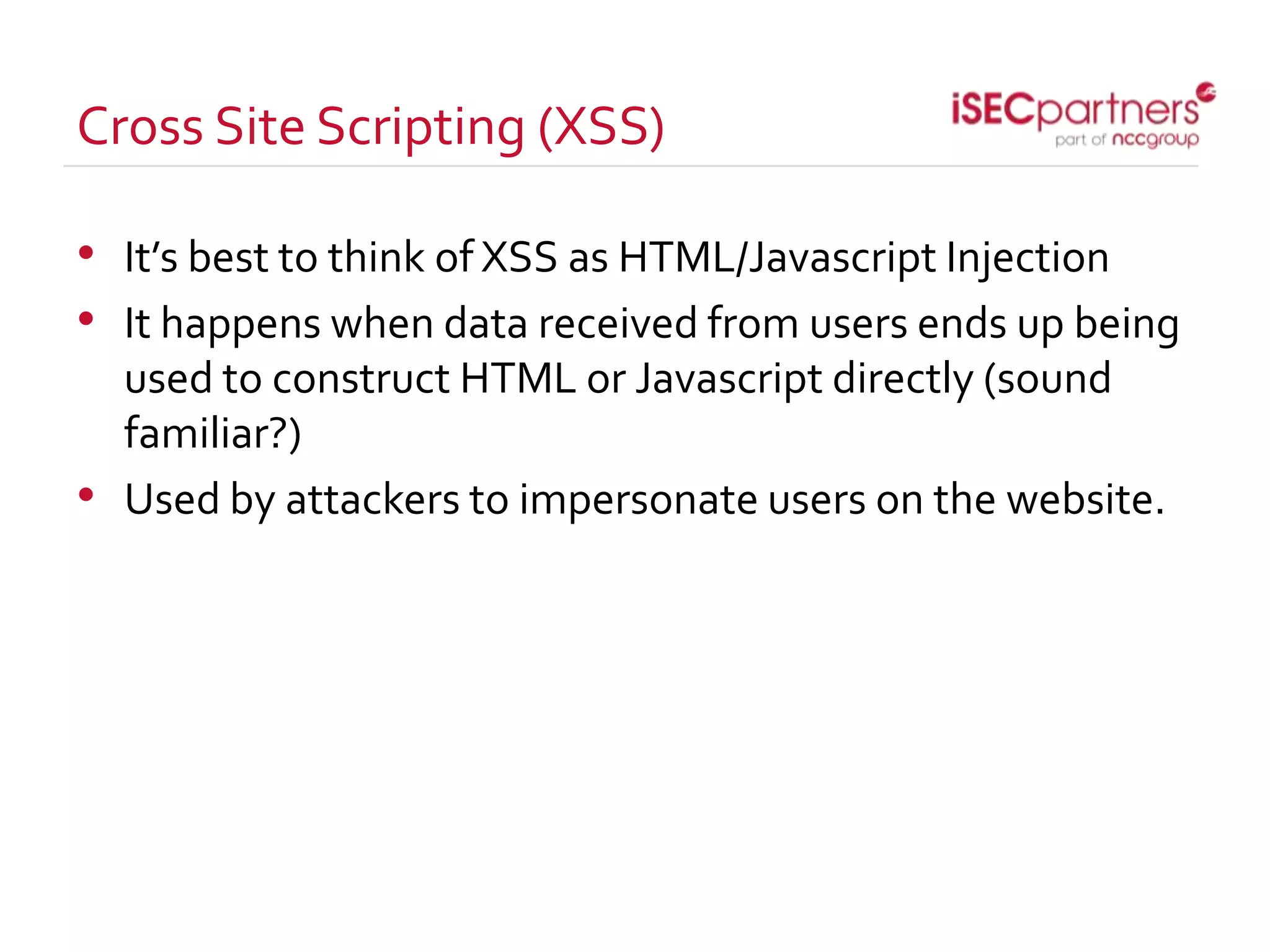
Cross Site Scripting (XSS)
• It’s best to think of XSS as HTML/Javascript Injection
• It happens when data received from users ends up being
used to construct HTML or Javascript directly (sound
familiar?)
• Used by attackers to impersonate users on the website.
Cross Site Scripting (XSS)
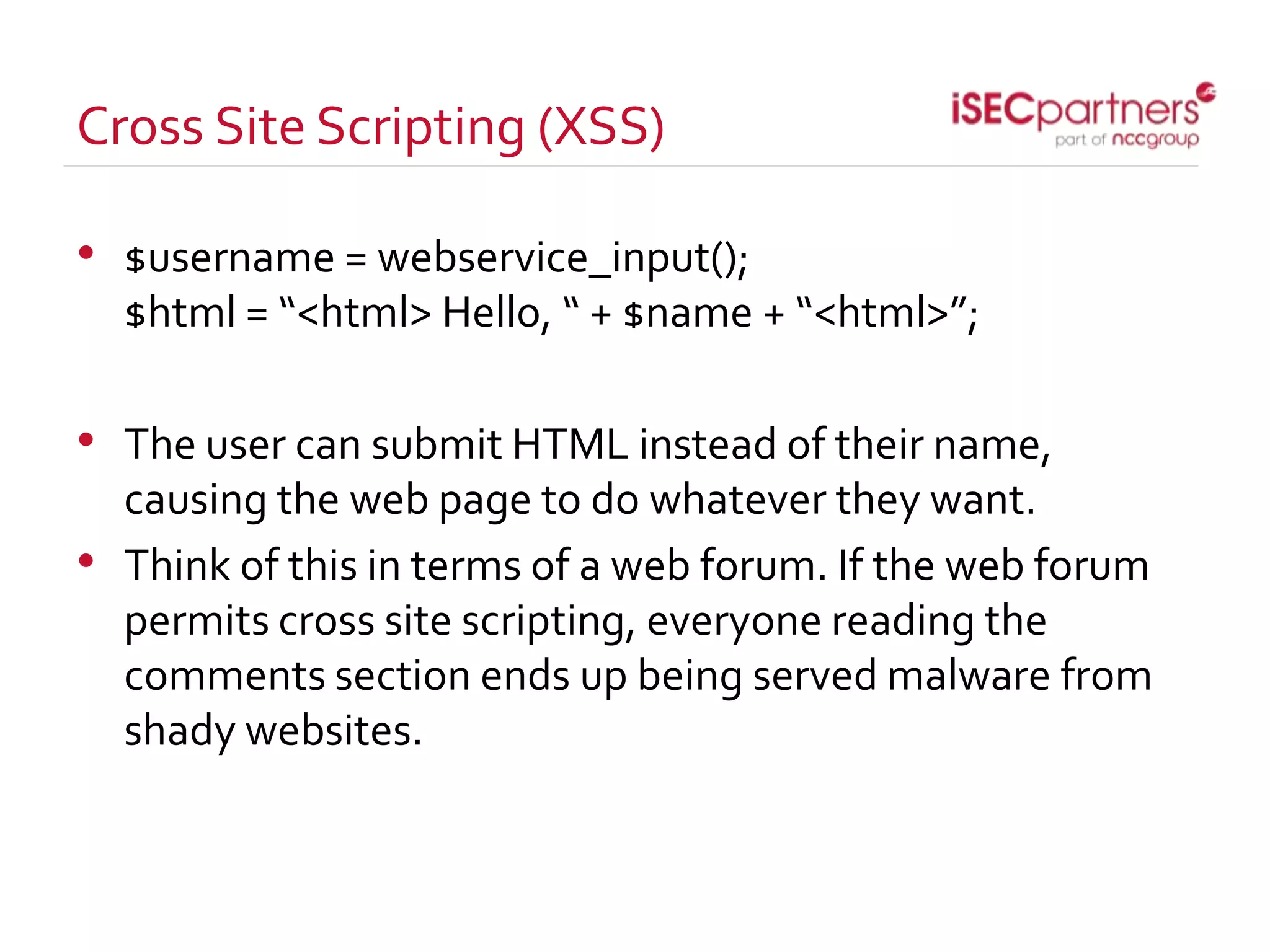
• $username = webservice_input();
$html = “<html> Hello, “ + $name + “<html>”;
• The user can submit HTML instead of their name,
causing the web page to do whatever they want.
• Think of this in terms of a web forum. If the web forum
permits cross site scripting, everyone reading the
comments section ends up being served malware from
shady websites.
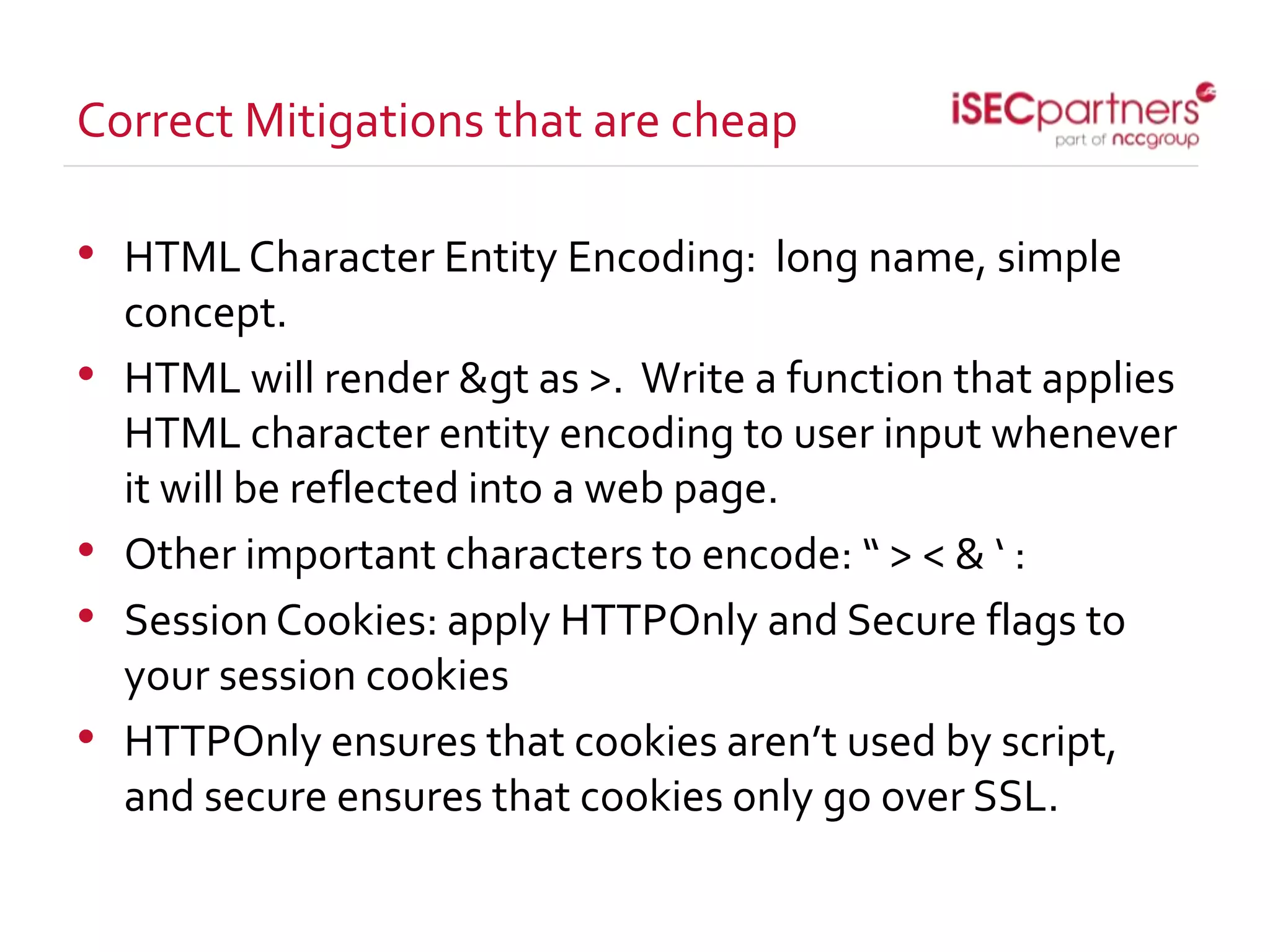
Correct Mitigations that are cheap
• HTMLCharacter Entity Encoding: long name, simple
concept.
• HTML will render &gt as >. Write a function that applies
HTML character entity encoding to user input whenever
it will be reflected into a web page.
• Other important characters to encode: “ > < & ‘ :
• SessionCookies: apply HTTPOnly and Secure flags to
your session cookies
• HTTPOnly ensures that cookies aren’t used by script,
and secure ensures that cookies only go over SSL.
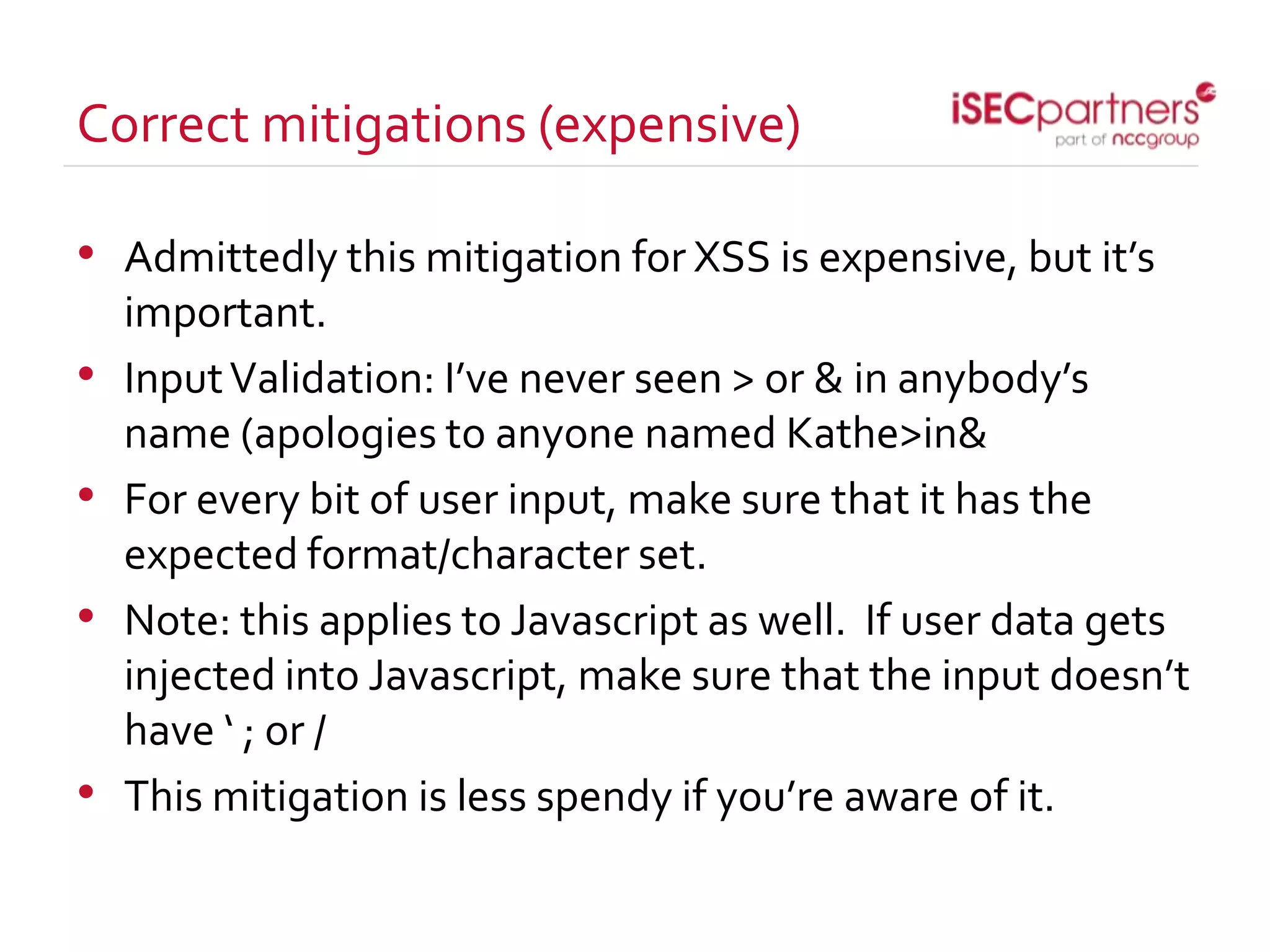
Correct mitigations (expensive)
• Admittedly this mitigation for XSS is expensive, but it’s
important.
• InputValidation: I’ve never seen > or & in anybody’s
name (apologies to anyone named Kathe>in&
• For every bit of user input, make sure that it has the
expected format/character set.
• Note: this applies to Javascript as well. If user data gets
injected into Javascript, make sure that the input doesn’t
have ‘ ; or /
• This mitigation is less spendy if you’re aware of it.
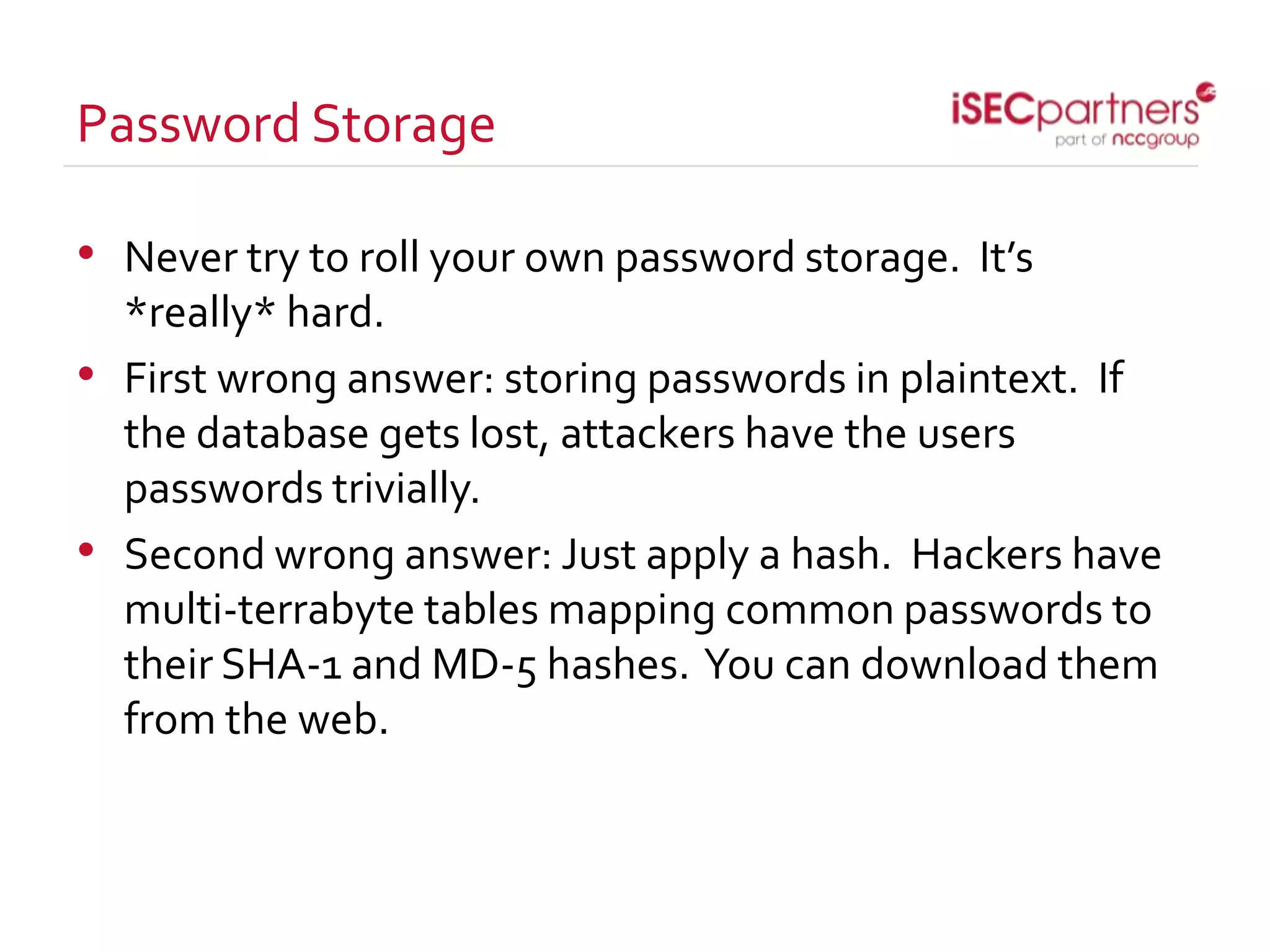
Password Storage
• Never try to roll your own password storage. It’s
*really* hard.
• First wrong answer: storing passwords in plaintext. If
the database gets lost, attackers have the users
passwords trivially.
• Second wrong answer: Just apply a hash. Hackers have
multi-terrabyte tables mapping common passwords to
their SHA-1 and MD-5 hashes. You can download them
from the web.
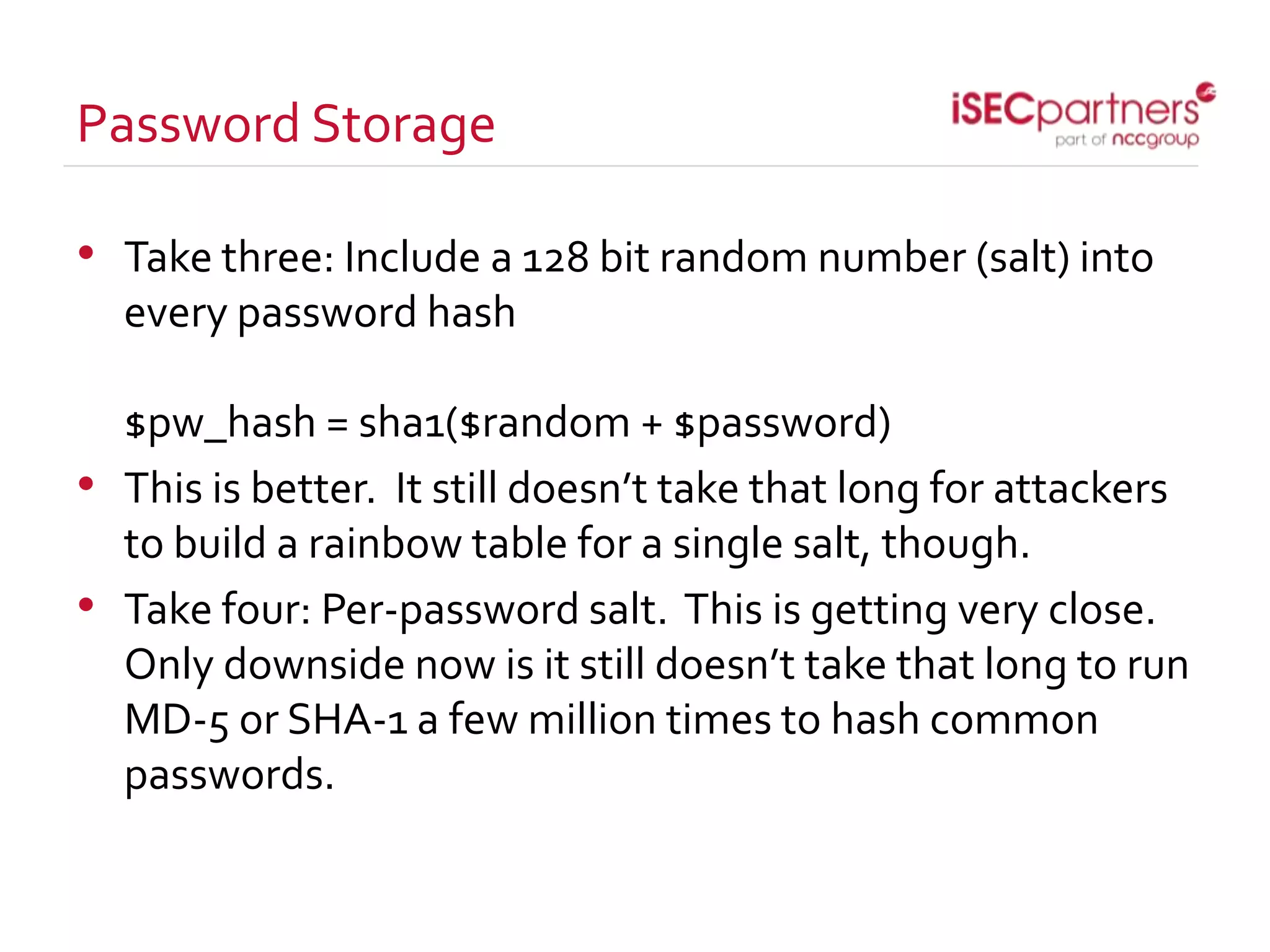
Password Storage
• Take three: Include a 128 bit random number (salt) into
every password hash
$pw_hash = sha1($random + $password)
• This is better. It still doesn’t take that long for attackers
to build a rainbow table for a single salt, though.
• Take four: Per-password salt. This is getting very close.
Only downside now is it still doesn’t take that long to run
MD-5 or SHA-1 a few million times to hash common
passwords.
Password Storage
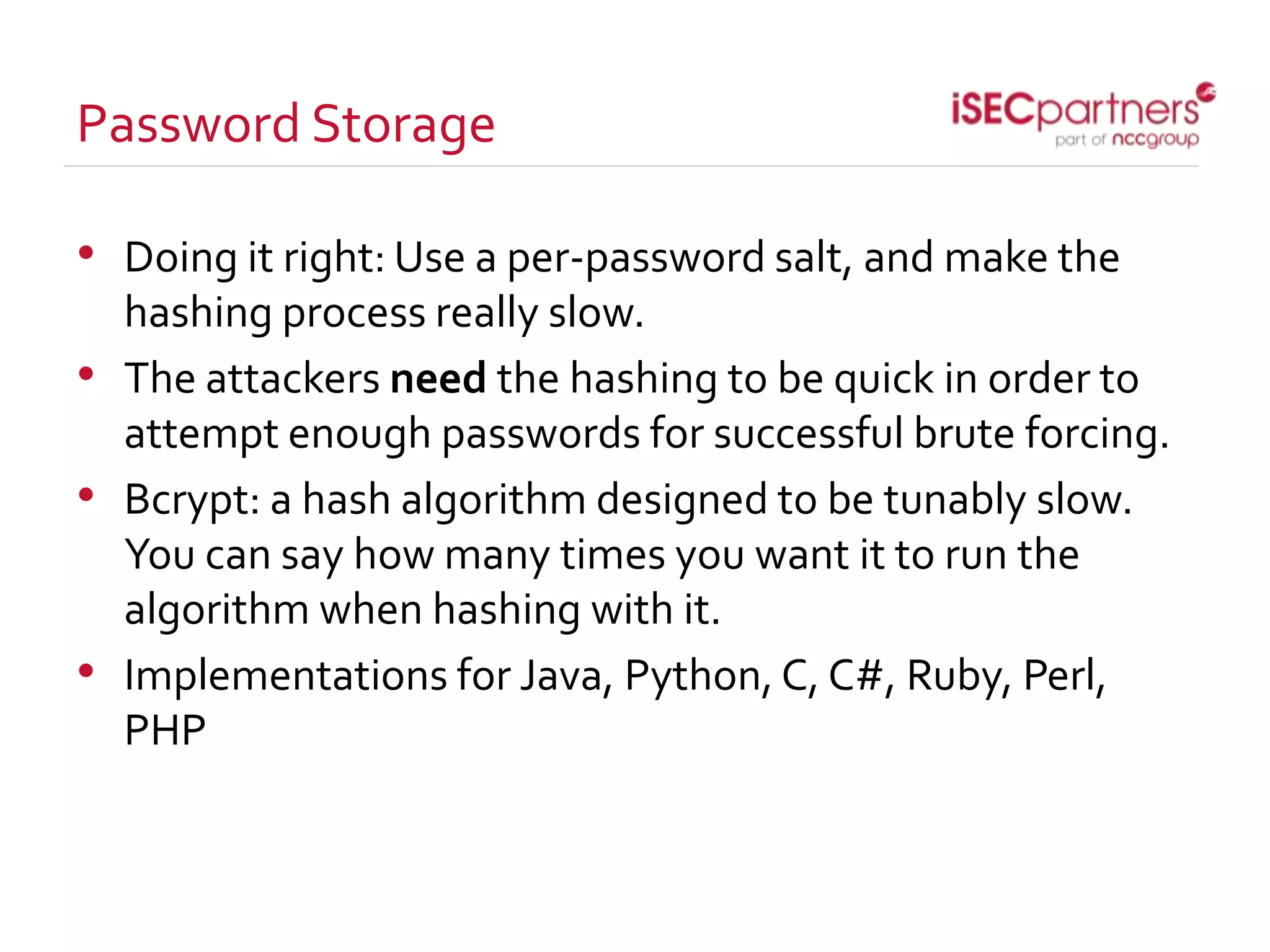
• Doing it right: Use a per-password salt, and make the
hashing process really slow.
• The attackers need the hashing to be quick in order to
attempt enough passwords for successful brute forcing.
• Bcrypt: a hash algorithm designed to be tunably slow.
You can say how many times you want it to run the
algorithm when hashing with it.
• Implementations for Java, Python, C, C#, Ruby, Perl,
PHP
Password Storage
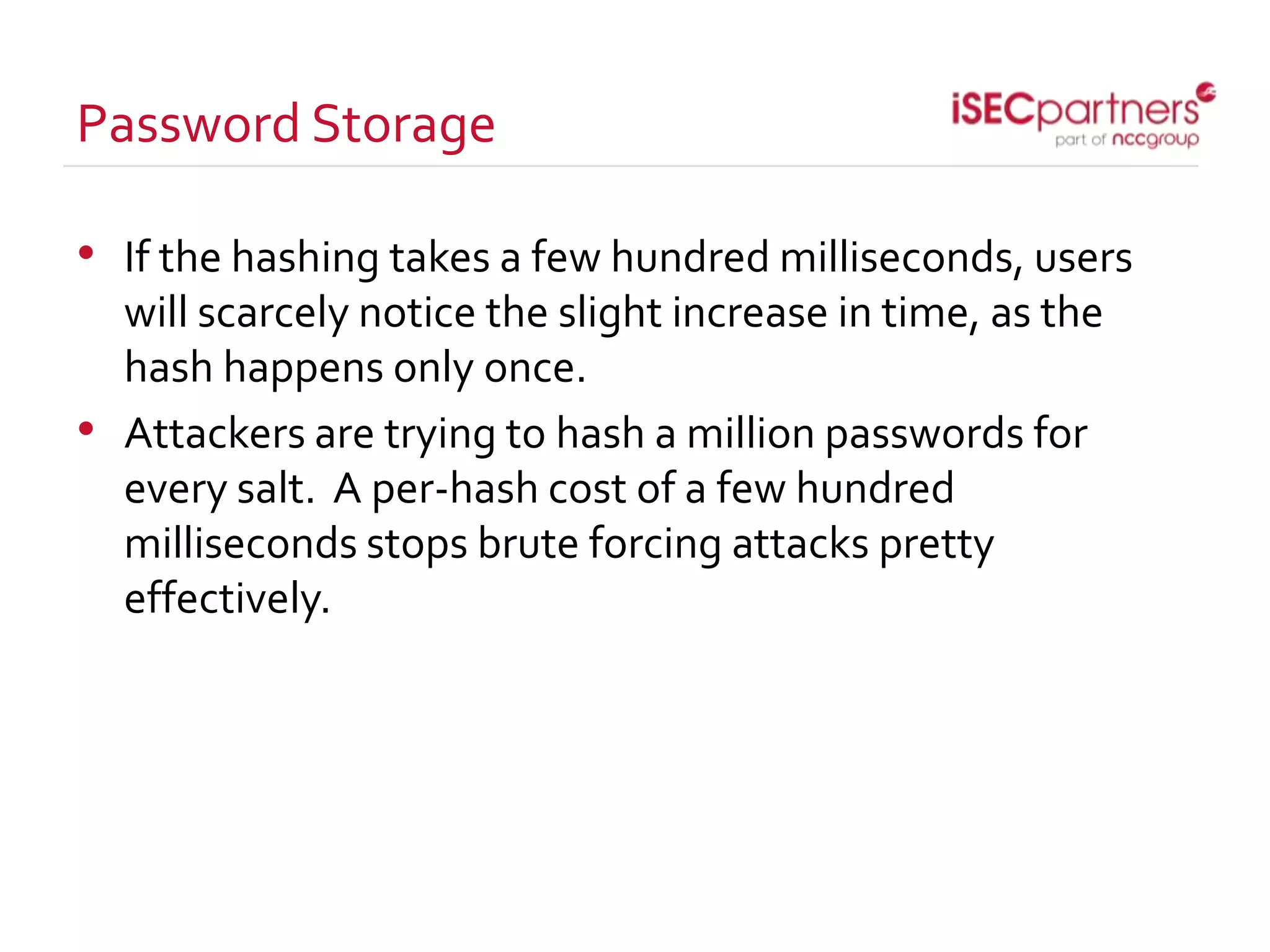
• If the hashing takes a few hundred milliseconds, users
will scarcely notice the slight increase in time, as the
hash happens only once.
• Attackers are trying to hash a million passwords for
every salt. A per-hash cost of a few hundred
milliseconds stops brute forcing attacks pretty
effectively.
Cross Site Request Forgery
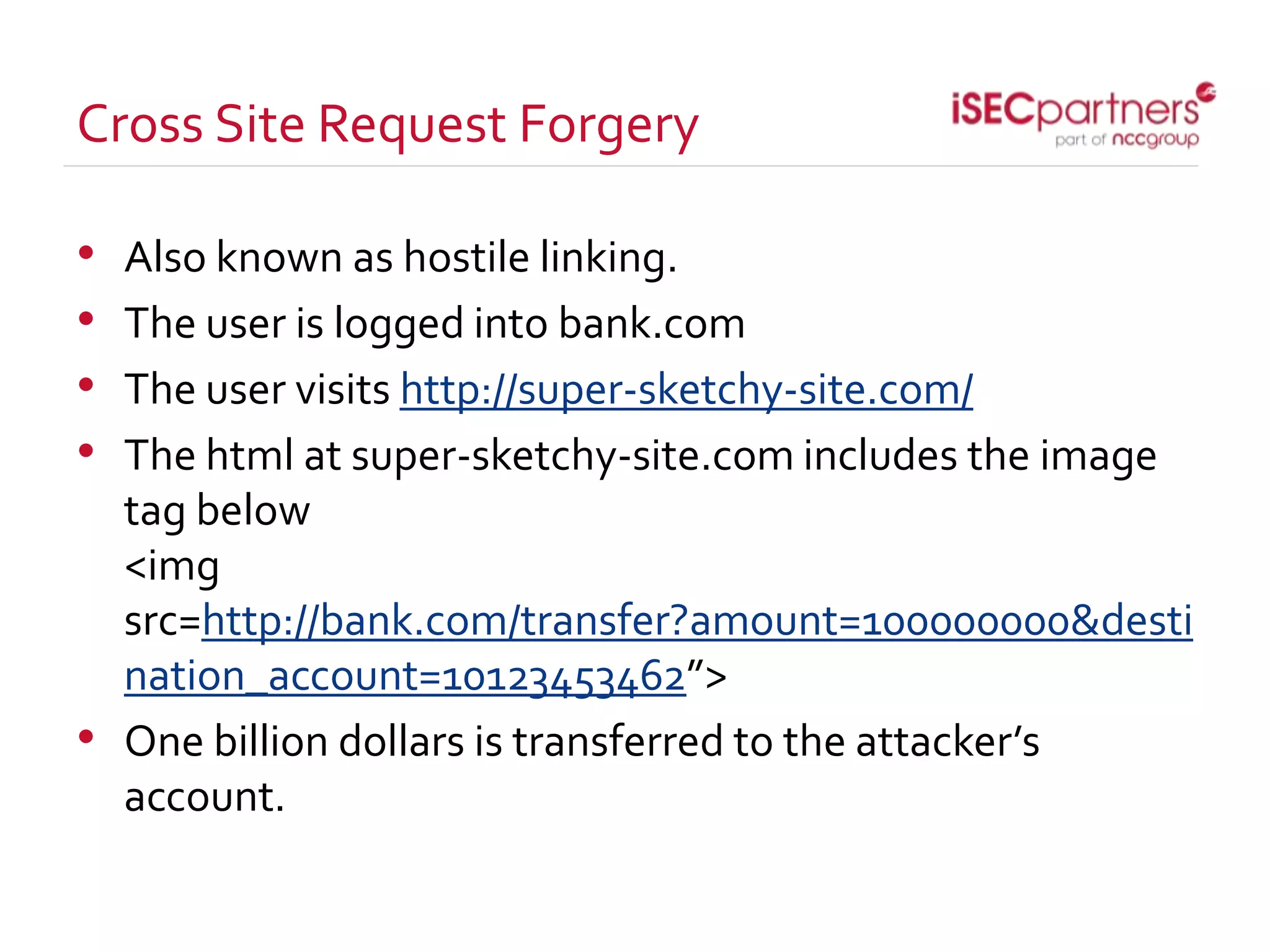
• Also known as hostile linking.
• The user is logged into bank.com
• The user visits http://super-sketchy-site.com/
• The html at super-sketchy-site.com includes the image
tag below
<img
src=http://bank.com/transfer?amount=100000000&desti
nation_account=10123453462”>
• One billion dollars is transferred to the attacker’s
account.
Cross Site Request Forgery
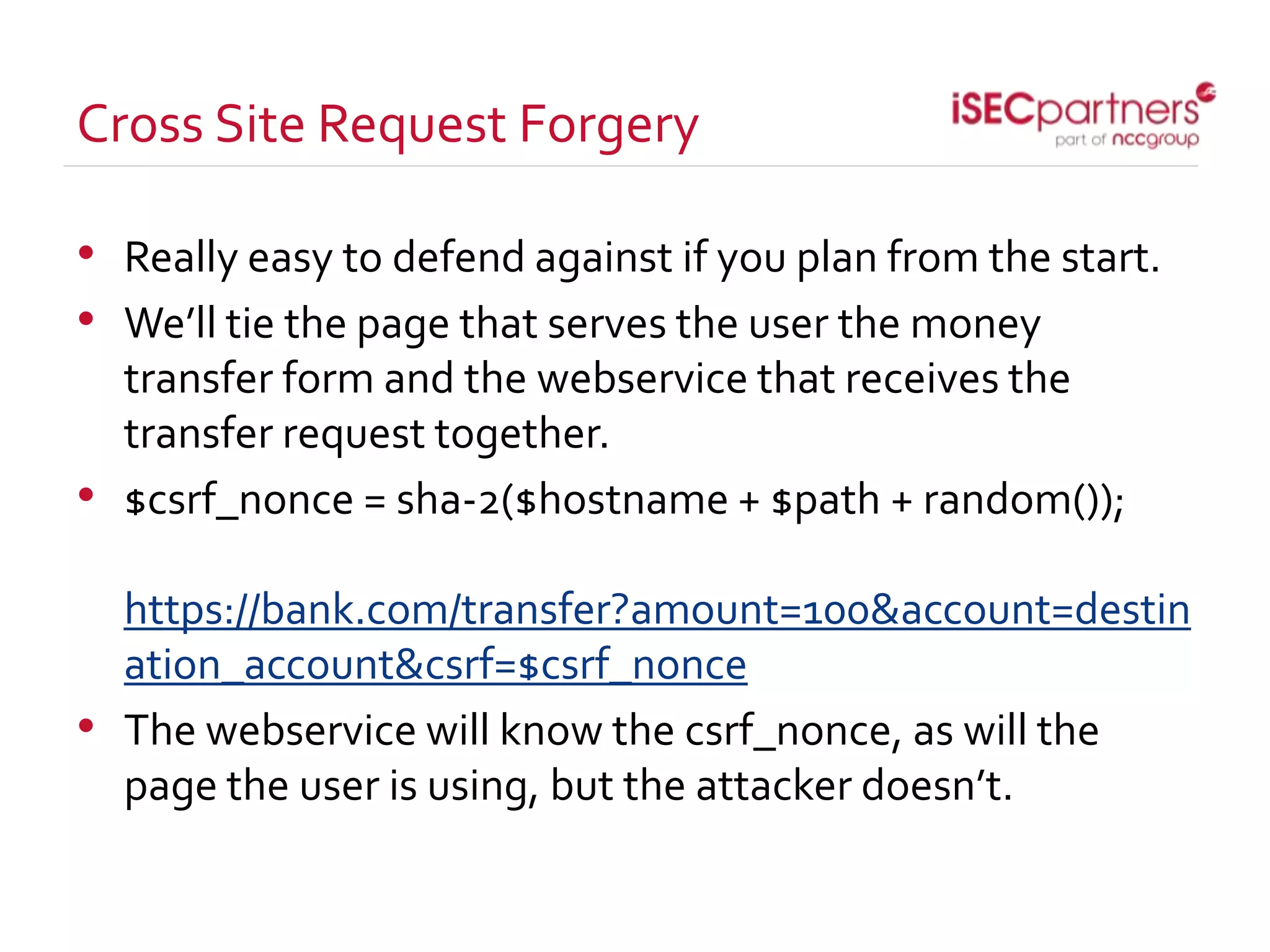
• Really easy to defend against if you plan from the start.
• We’ll tie the page that serves the user the money
transfer form and the webservice that receives the
transfer request together.
• $csrf_nonce = sha-2($hostname + $path + random());
https://bank.com/transfer?amount=100&account=destin
ation_account&csrf=$csrf_nonce
• The webservice will know the csrf_nonce, as will the
page the user is using, but the attacker doesn’t.
Cross Site Request Forgery
• Why planning really helps here:
• The method above can really be written in an hour or so.
If you do that at the start, and include it in every form
request (GET and PUT) on your website, you’ll be safely
protected against CSRF.
• If you wait until the website is already built, it ends up
being very expensive. You have to usually rewrite major
portions of the web application to completely defend
against it.
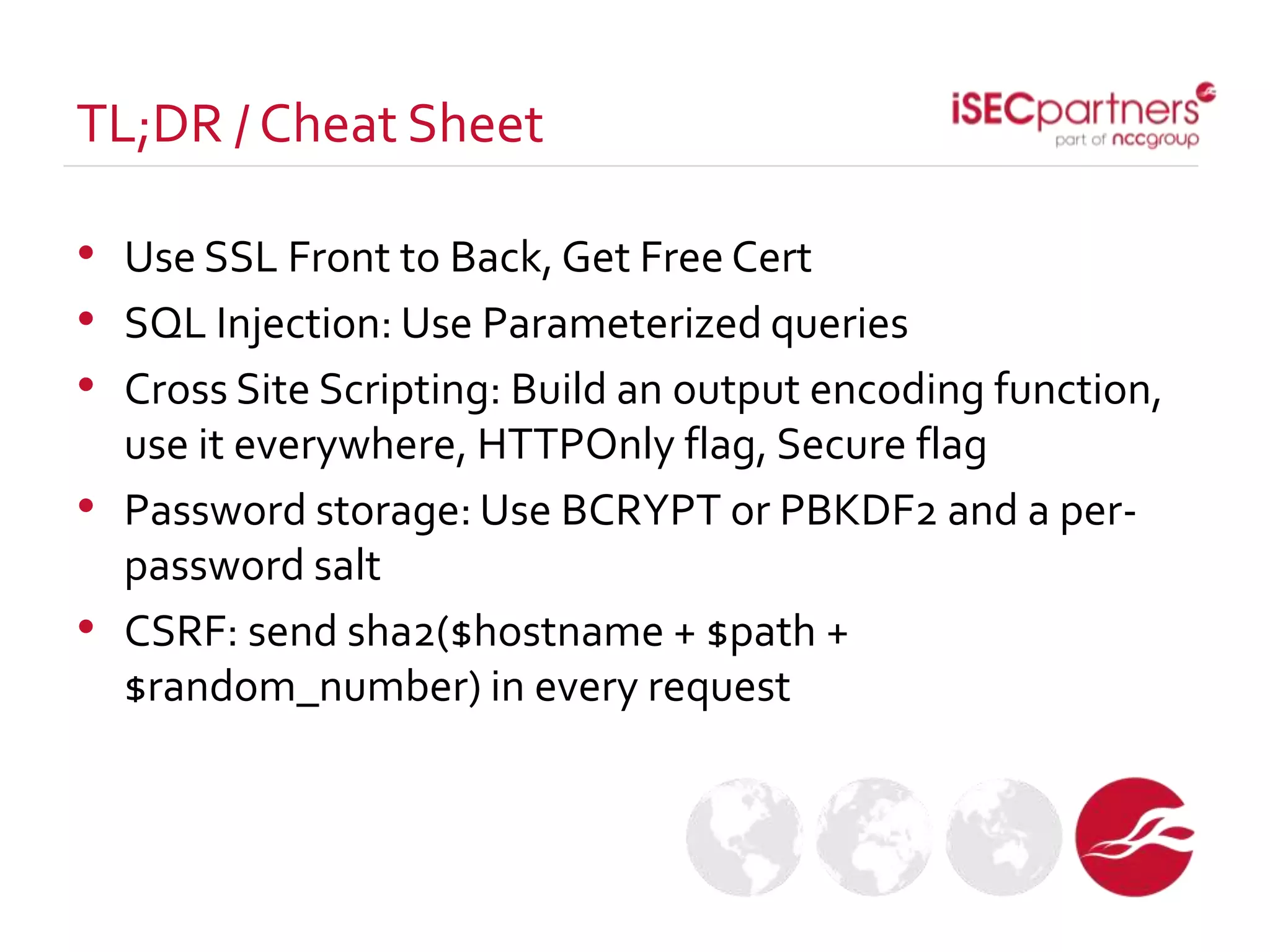
• Use SSL Front to Back, Get Free Cert
• SQL Injection: Use Parameterized queries
• Cross Site Scripting: Build an output encoding function,
use it everywhere, HTTPOnly flag, Secure flag
• Password storage: Use BCRYPT or PBKDF2 and a per-
password salt
• CSRF: send sha2($hostname + $path +
$random_number) in every request
TL;DR / Cheat Sheet
• Thanks to write/speak/code, and everyone here at the
conference.
• Rachel Engel
• Principal Security Engineer at iSEC Partners
• 14 years in the computer industry (eek)
• rachel at isecpartners.com
• Contact tritter at isecpartners.com if you’re in the nyc
area and interested in security talks.
ThankYou
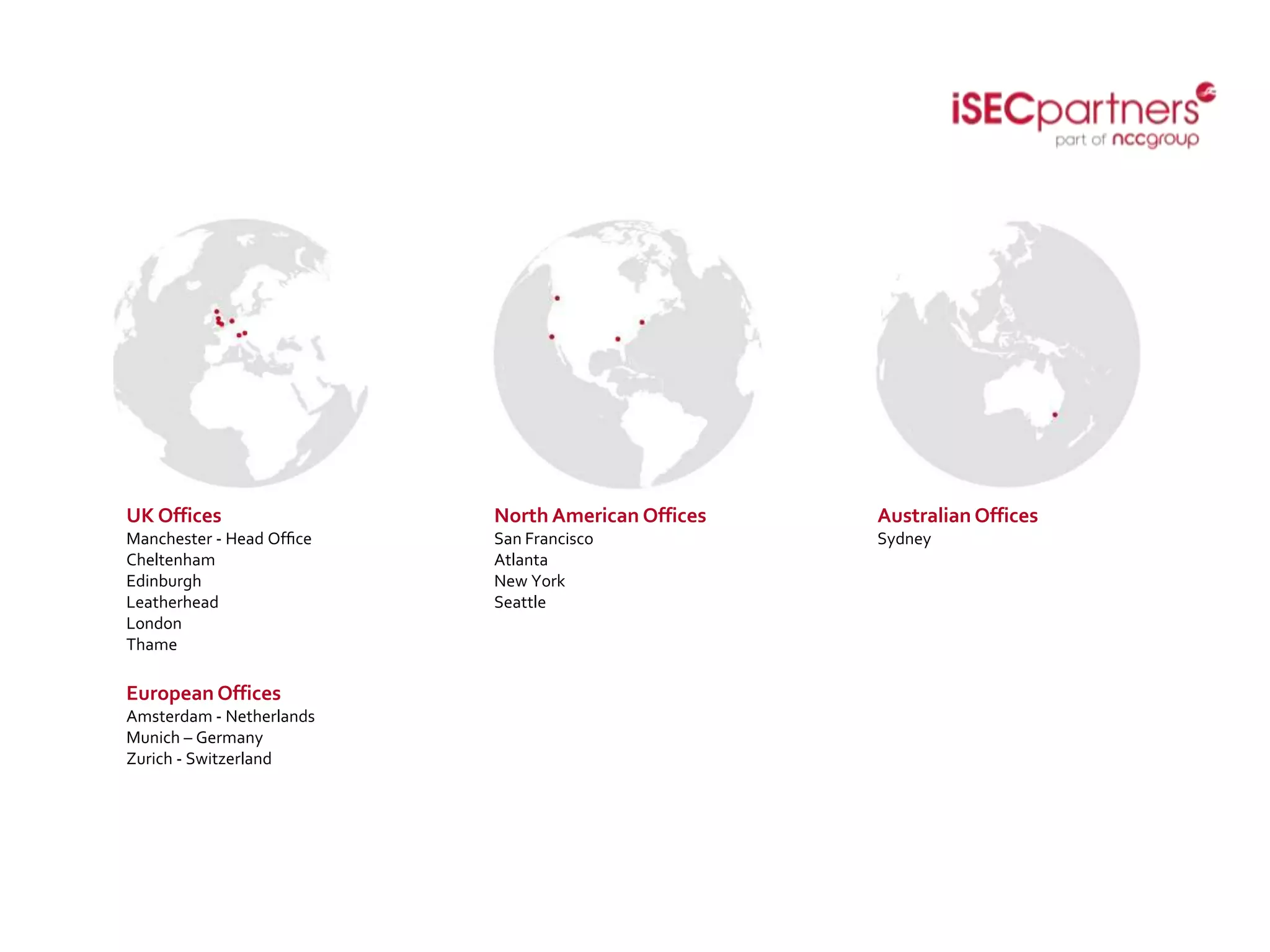
UK Offices
Manchester - Head Office
Cheltenham
Edinburgh
Leatherhead
London
Thame
North American Offices
San Francisco
Atlanta
New York
Seattle
Australian Offices
Sydney
European Offices
Amsterdam - Netherlands
Munich – Germany
Zurich - Switzerland

Open source security

  • 1.
    Open Source Security Howto get lots of security for a low, low price Rachel Engel
  • 2.
    • Open SourceProjects: Projects with frequent human resource constraints • How to get good security with few resources through solid planning • Use SSL • SQL Injection • XSS • Secure Password Storage • CSRF Agenda
  • 3.
    • Open sourceprojects are done by volunteers • Is often really hard to get enough people, and to get those people to work on specific tasks (bugs, less technically in-depth features, build cleanup, qc, documentation, etc) • “Hey! Could you spend saturday going back and looking through 100k lines of code looking for injection bugs?” • If you plan well, though, your project can be protected against many attack classes from the start. Human Resource Constraints
  • 4.
    • Security bugsare often expensive to fix because people fix them well after the application is already developed. • It’s many many times cheaper and easier to do it from the start. • Four specific classes of web security bug can be cheaply defended against by planning well from the start. PlanningWell SavesTime
  • 5.
    • If Icould offer you only one tip for the future, SSL would be it.The long-term benefits of SSL have been proved by scientists, whereas the rest of my advice has no basis more reliable than my own meandering experience. I will dispense this advice now. • Seriously. Front to back, SSL only. If people enter the website via HTTP, redirect them to the HTTPS version of the site. • Globalsign offering free certificates for open source projects! Use SSL (apologies to baz luhrman)
  • 6.
    SQL Injection • Bigflashy vulnerability • Primary vulnerability used by lulzsec hackers • On a technical level, SQL Injection is a completely solvable problem if you plan well.
  • 7.
    • Example ofVulnerableCode: • $string = “select * from table where field = ‘” + $user_input + “’;”; execute_statement($string); • Issue: If the user’s input contains valid SQL code, the user can execute SQL queries of their own choosing against the database • This is how headlines like “50 BILLION PASSWORDS STOLEN FROM CONGLOMCO” start. SQL Injection
  • 8.
    • The issueis that the user input is used directly in the construction of the SQL query. If we separate the data from the query, the statement is no longer vulnerable. Enter parameterized queries. • $query = “select * from table where field = ?”; execute_parameterized_query($query, $user_input); SQL Injection
  • 9.
    • $user_input isnow treated as data separate from the query. SQL injection vulnerability: fixed • Important note: it’s still possible to build parameterized queries using user data. Important that people know why they’re using parameterized queries. SQL Injection
  • 10.
    SQL Injection • Normallythese vulnerabilities are found by attackers after an application has already been built. • If you write your application from the start to use parameterized queries, your application will be secure against SQL injection attacks from the start, for no additional time investment.
  • 11.
    Cross Site Scripting(XSS) • It’s best to think of XSS as HTML/Javascript Injection • It happens when data received from users ends up being used to construct HTML or Javascript directly (sound familiar?) • Used by attackers to impersonate users on the website.
  • 12.
    Cross Site Scripting(XSS) • $username = webservice_input(); $html = “<html> Hello, “ + $name + “<html>”; • The user can submit HTML instead of their name, causing the web page to do whatever they want. • Think of this in terms of a web forum. If the web forum permits cross site scripting, everyone reading the comments section ends up being served malware from shady websites.
  • 13.
    Correct Mitigations thatare cheap • HTMLCharacter Entity Encoding: long name, simple concept. • HTML will render &gt as >. Write a function that applies HTML character entity encoding to user input whenever it will be reflected into a web page. • Other important characters to encode: “ > < & ‘ : • SessionCookies: apply HTTPOnly and Secure flags to your session cookies • HTTPOnly ensures that cookies aren’t used by script, and secure ensures that cookies only go over SSL.
  • 14.
    Correct mitigations (expensive) •Admittedly this mitigation for XSS is expensive, but it’s important. • InputValidation: I’ve never seen > or & in anybody’s name (apologies to anyone named Kathe>in& • For every bit of user input, make sure that it has the expected format/character set. • Note: this applies to Javascript as well. If user data gets injected into Javascript, make sure that the input doesn’t have ‘ ; or / • This mitigation is less spendy if you’re aware of it.
  • 15.
    Password Storage • Nevertry to roll your own password storage. It’s *really* hard. • First wrong answer: storing passwords in plaintext. If the database gets lost, attackers have the users passwords trivially. • Second wrong answer: Just apply a hash. Hackers have multi-terrabyte tables mapping common passwords to their SHA-1 and MD-5 hashes. You can download them from the web.
  • 16.
    Password Storage • Takethree: Include a 128 bit random number (salt) into every password hash $pw_hash = sha1($random + $password) • This is better. It still doesn’t take that long for attackers to build a rainbow table for a single salt, though. • Take four: Per-password salt. This is getting very close. Only downside now is it still doesn’t take that long to run MD-5 or SHA-1 a few million times to hash common passwords.
  • 17.
    Password Storage • Doingit right: Use a per-password salt, and make the hashing process really slow. • The attackers need the hashing to be quick in order to attempt enough passwords for successful brute forcing. • Bcrypt: a hash algorithm designed to be tunably slow. You can say how many times you want it to run the algorithm when hashing with it. • Implementations for Java, Python, C, C#, Ruby, Perl, PHP
  • 18.
    Password Storage • Ifthe hashing takes a few hundred milliseconds, users will scarcely notice the slight increase in time, as the hash happens only once. • Attackers are trying to hash a million passwords for every salt. A per-hash cost of a few hundred milliseconds stops brute forcing attacks pretty effectively.
  • 19.
    Cross Site RequestForgery • Also known as hostile linking. • The user is logged into bank.com • The user visits http://super-sketchy-site.com/ • The html at super-sketchy-site.com includes the image tag below <img src=http://bank.com/transfer?amount=100000000&desti nation_account=10123453462”> • One billion dollars is transferred to the attacker’s account.
  • 20.
    Cross Site RequestForgery • Really easy to defend against if you plan from the start. • We’ll tie the page that serves the user the money transfer form and the webservice that receives the transfer request together. • $csrf_nonce = sha-2($hostname + $path + random()); https://bank.com/transfer?amount=100&account=destin ation_account&csrf=$csrf_nonce • The webservice will know the csrf_nonce, as will the page the user is using, but the attacker doesn’t.
  • 21.
    Cross Site RequestForgery • Why planning really helps here: • The method above can really be written in an hour or so. If you do that at the start, and include it in every form request (GET and PUT) on your website, you’ll be safely protected against CSRF. • If you wait until the website is already built, it ends up being very expensive. You have to usually rewrite major portions of the web application to completely defend against it.
  • 22.
    • Use SSLFront to Back, Get Free Cert • SQL Injection: Use Parameterized queries • Cross Site Scripting: Build an output encoding function, use it everywhere, HTTPOnly flag, Secure flag • Password storage: Use BCRYPT or PBKDF2 and a per- password salt • CSRF: send sha2($hostname + $path + $random_number) in every request TL;DR / Cheat Sheet
  • 23.
    • Thanks towrite/speak/code, and everyone here at the conference. • Rachel Engel • Principal Security Engineer at iSEC Partners • 14 years in the computer industry (eek) • rachel at isecpartners.com • Contact tritter at isecpartners.com if you’re in the nyc area and interested in security talks. ThankYou
  • 24.
    UK Offices Manchester -Head Office Cheltenham Edinburgh Leatherhead London Thame North American Offices San Francisco Atlanta New York Seattle Australian Offices Sydney European Offices Amsterdam - Netherlands Munich – Germany Zurich - Switzerland