Downloaded 33 times



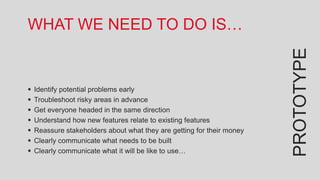
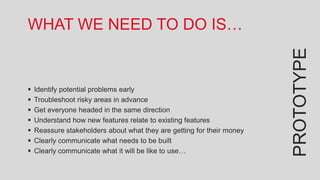
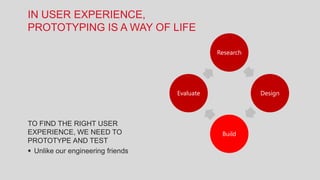
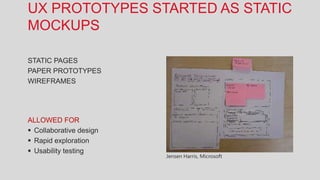
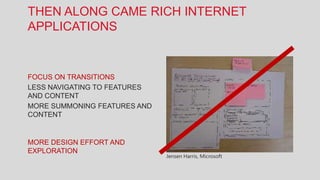
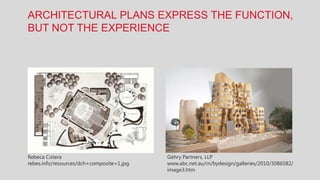
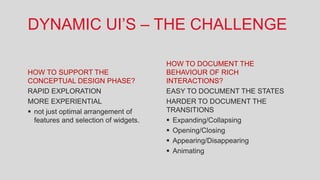
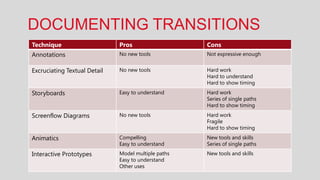
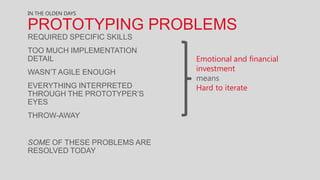
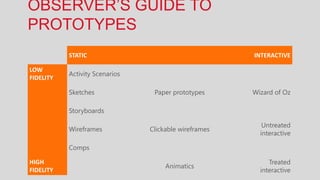


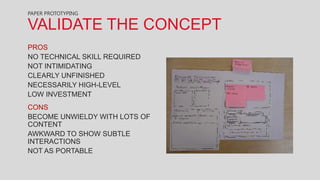
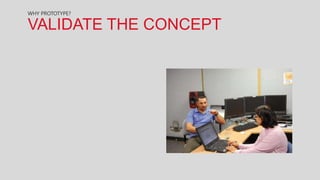









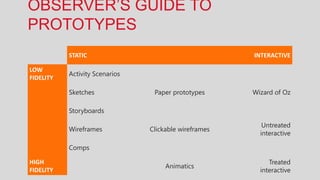

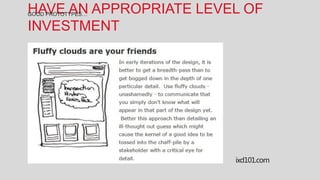
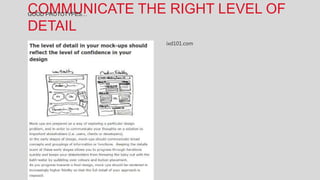

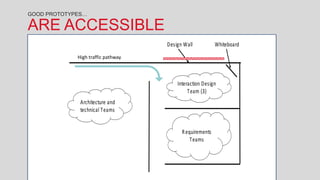
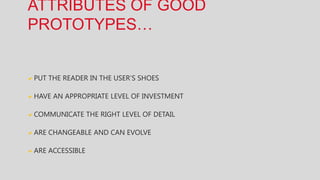
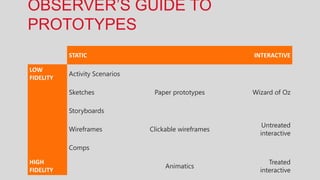

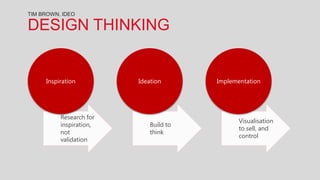


This document discusses different types of prototypes and their uses. It begins by defining prototypes as ways to identify problems, try out ideas, identify issues, and bring teams together. It then describes different types of prototypes from static to interactive, and their appropriate uses. Key advantages discussed include validating concepts, exploring options quickly, and assessing application flow before production. The document emphasizes that good prototypes put the user first, have appropriate investment, communicate the right level of detail, and are changeable, accessible and help align teams. Overall it promotes prototyping as an important part of the design process.


