Pimp My App Shane Morris User Experience Evangelist Microsoft Australia For slides for this presentation: blogs.msdn.com/shanemo
Why am I here?
Developers own the user experience
The final User Experience is determined by... What the developers can build in the time available What the developers know how to build What the developers can be bothered building What the developers understands of the User Interface specification What User Interface specification there is
So what I want to talk about is... What  developers  can do about UX
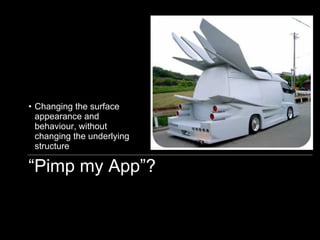
“ Pimp my App”? Changing the surface appearance and behaviour, without changing the underlying structure
User-Centred Design (Methodology) Contextual Inquiry Affinity Diagramming Usability Testing Personas Paper Prototyping Collaborative Design Heuristic Evaluation Wireframing Cognitive Walkthrough Activity Scenarios Focus Groups Card Sorting Cultural Probes Analytics
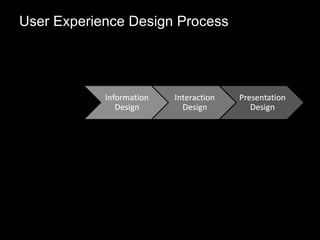
User Experience Design Process
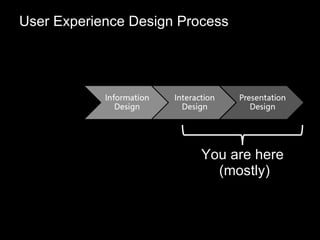
User Experience Design Process You are here  (mostly)
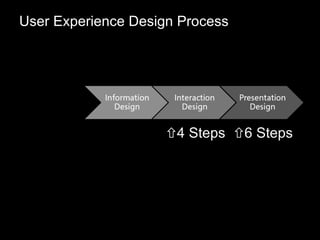
User Experience Design Process  4 Steps  6 Steps
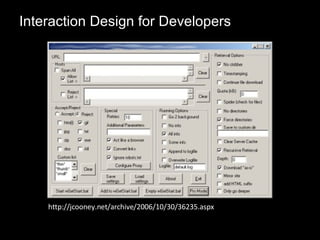
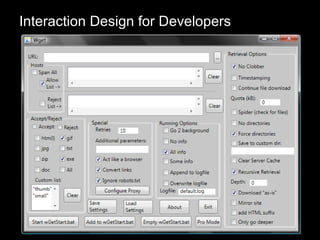
Interaction Design for Developers http://jcooney.net/archive/2006/10/30/36235.aspx
Interaction Design for Developers
The Blank Canvas
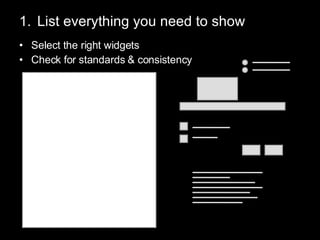
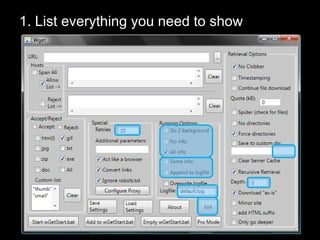
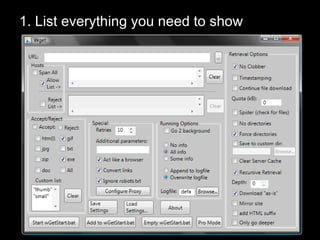
List everything you need to show Select the right widgets Check for standards & consistency
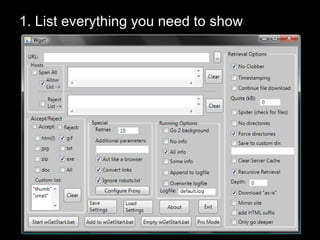
1. List everything you need to show
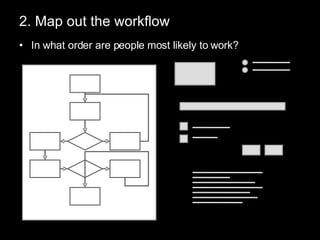
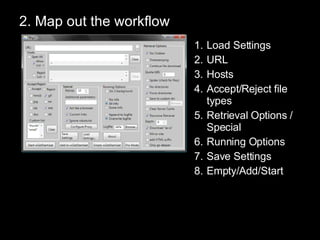
2. Map out the workflow In what order are people most likely to work?
2. Map out the workflow Load Settings URL Hosts Accept/Reject file types Retrieval Options / Special Running Options Save Settings Empty/Add/Start
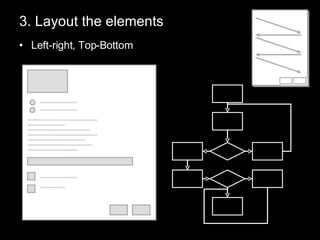
3. Layout the elements Left-right, Top-Bottom
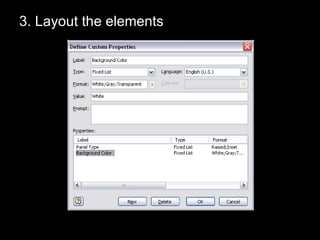
3. Layout the elements
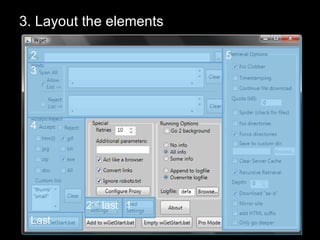
3. Layout the elements 1 2 3 4 5 Last 2 nd  last
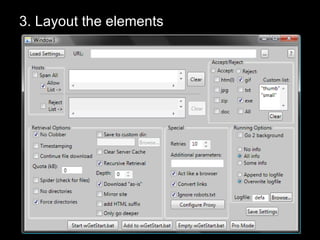
3. Layout the elements
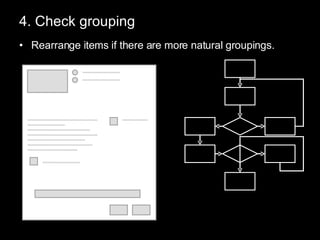
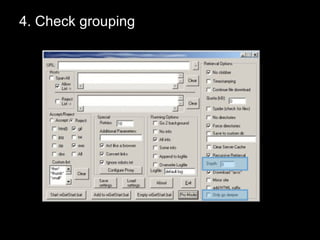
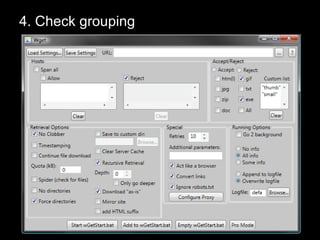
4. Check grouping Rearrange items if there are more natural groupings.
4. Check grouping
4. Check grouping
Interaction Design List everything you need to show Map out the workflow Layout the elements Check grouping
Presentation Design for Developers http://elephant-photos.com/images/elephant-painting-2.jpg
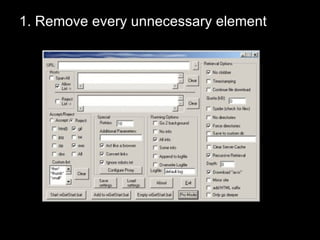
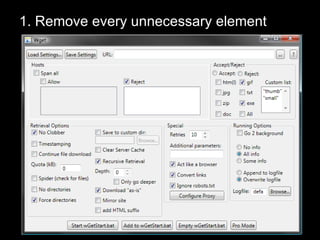
1. Remove every unnecessary element
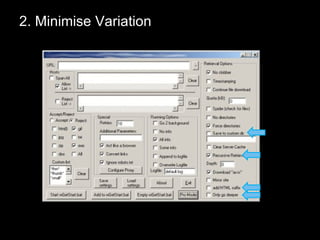
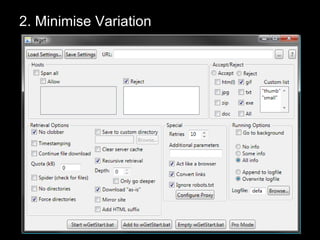
2. Minimise Variation
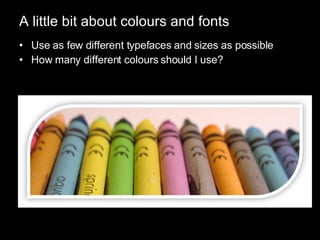
A little bit about colours and fonts Use as few different typefaces and sizes as possible How many different colours should I use?
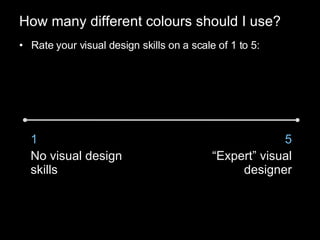
How many different colours should I use? Rate your visual design skills on a scale of 1 to 5: 1 No visual design skills 5 “ Expert” visual designer
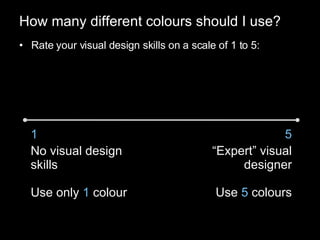
How many different colours should I use? Rate your visual design skills on a scale of 1 to 5: 1 No visual design skills Use only  1  colour 5 “ Expert” visual designer Use  5  colours
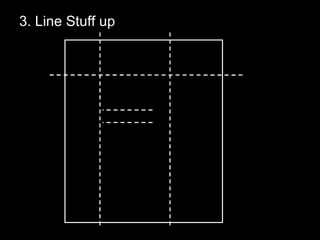
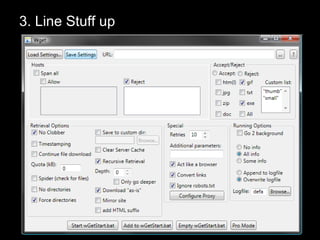
3. Line Stuff up
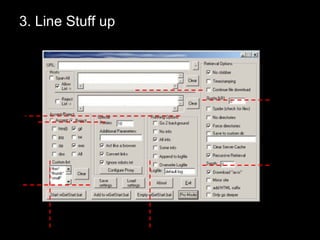
3. Line Stuff up
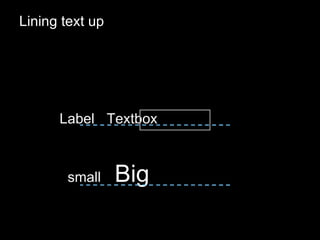
Lining text up Label Textbox small Big
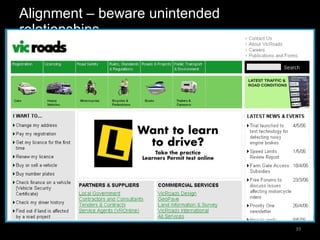
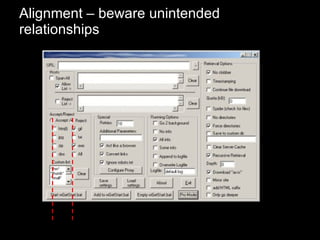
Alignment – beware unintended relationships
3. Line Stuff up
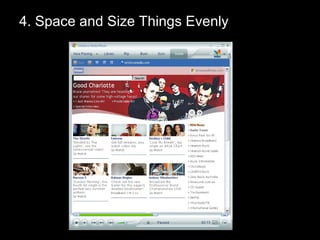
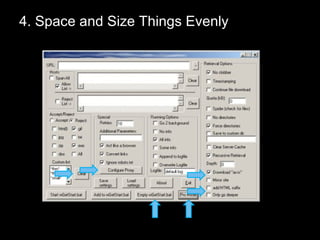
4. Space and Size Things Evenly
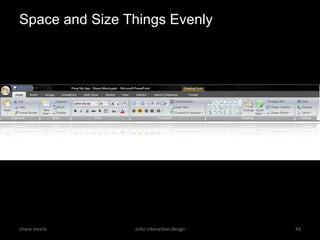
Space and Size Things Evenly shane morris echo interaction design
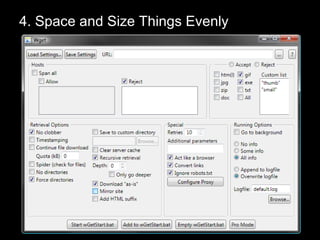
4. Space and Size Things Evenly
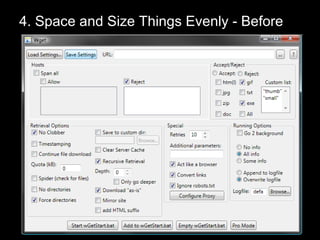
4. Space and Size Things Evenly - Before
4. Space and Size Things Evenly
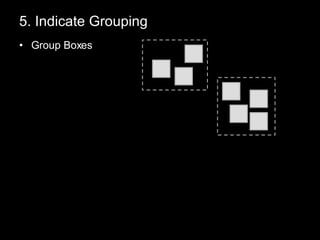
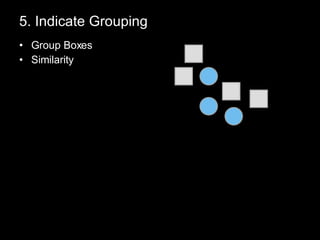
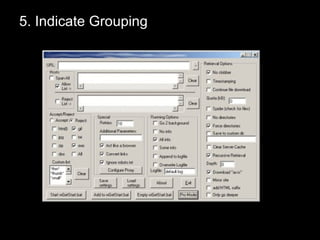
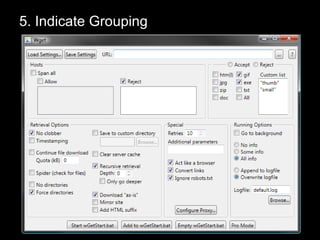
5. Indicate Grouping Group Boxes
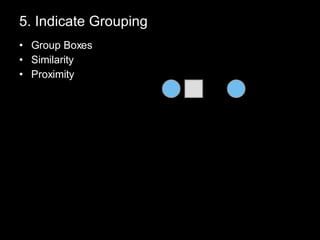
5. Indicate Grouping Group Boxes Similarity
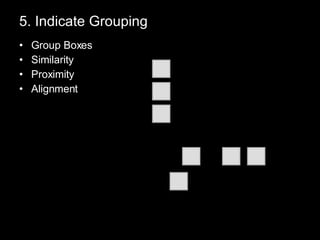
5. Indicate Grouping Group Boxes Similarity Proximity
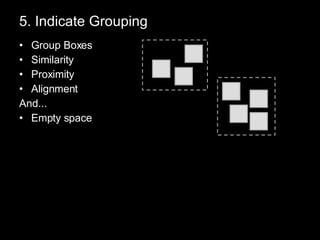
5. Indicate Grouping Group Boxes Similarity Proximity Alignment
5. Indicate Grouping Group Boxes Similarity Proximity Alignment And... Empty space
5. Indicate Grouping
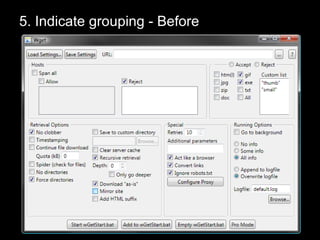
5. Indicate grouping - Before
5. Indicate Grouping
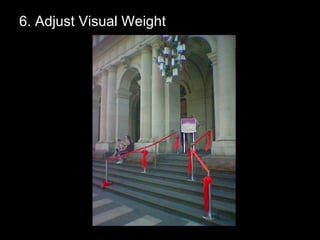
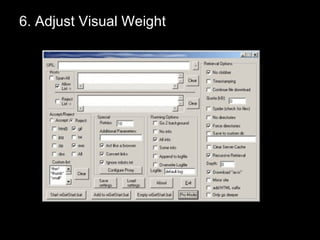
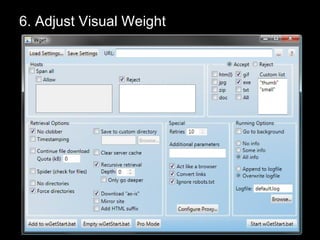
6. Adjust Visual Weight
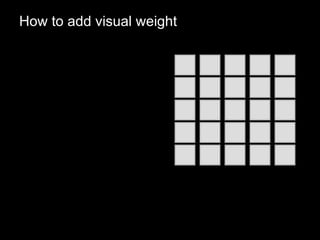
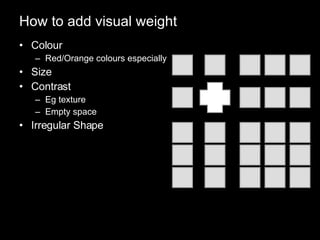
How to add visual weight
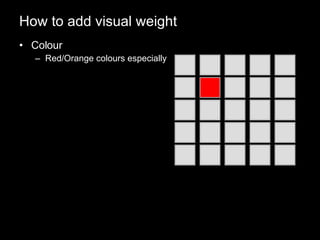
How to add visual weight Colour Red/Orange colours especially
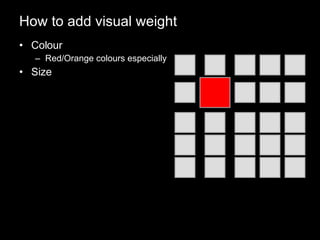
How to add visual weight Colour Red/Orange colours especially Size
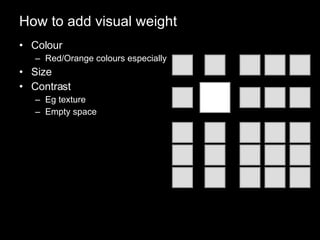
How to add visual weight Colour Red/Orange colours especially Size Contrast Eg texture Empty space
How to add visual weight Colour Red/Orange colours especially Size Contrast Eg texture Empty space Irregular Shape
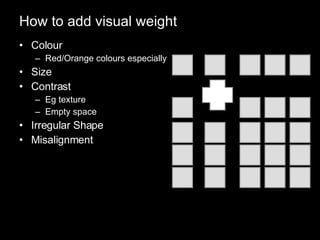
How to add visual weight Colour Red/Orange colours especially Size Contrast Eg texture Empty space Irregular Shape Misalignment
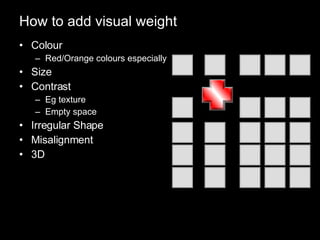
How to add visual weight Colour Red/Orange colours especially Size Contrast Eg texture Empty space Irregular Shape Misalignment 3D
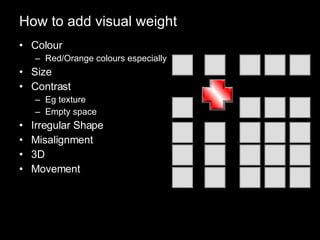
How to add visual weight Colour Red/Orange colours especially Size Contrast Eg texture Empty space Irregular Shape Misalignment 3D Movement
6. Adjust Visual Weight
Recap Interaction Design List everything you need to show Map out the workflow Layout the elements Check grouping
Recap Presentation Design Remove every unnecessary element Minimise variation Line stuff  up Space and size things evenly Indicate grouping Adjust visual weight
Thank You Shane Morris [email_address] blogs.msdn.com/shanemo

Pimp My App Shane Morris

Editor's Notes

  • #2 My job is to talk to designers and developers Role of Developers Not role of designers Timing?