Download as ODP, PPTX
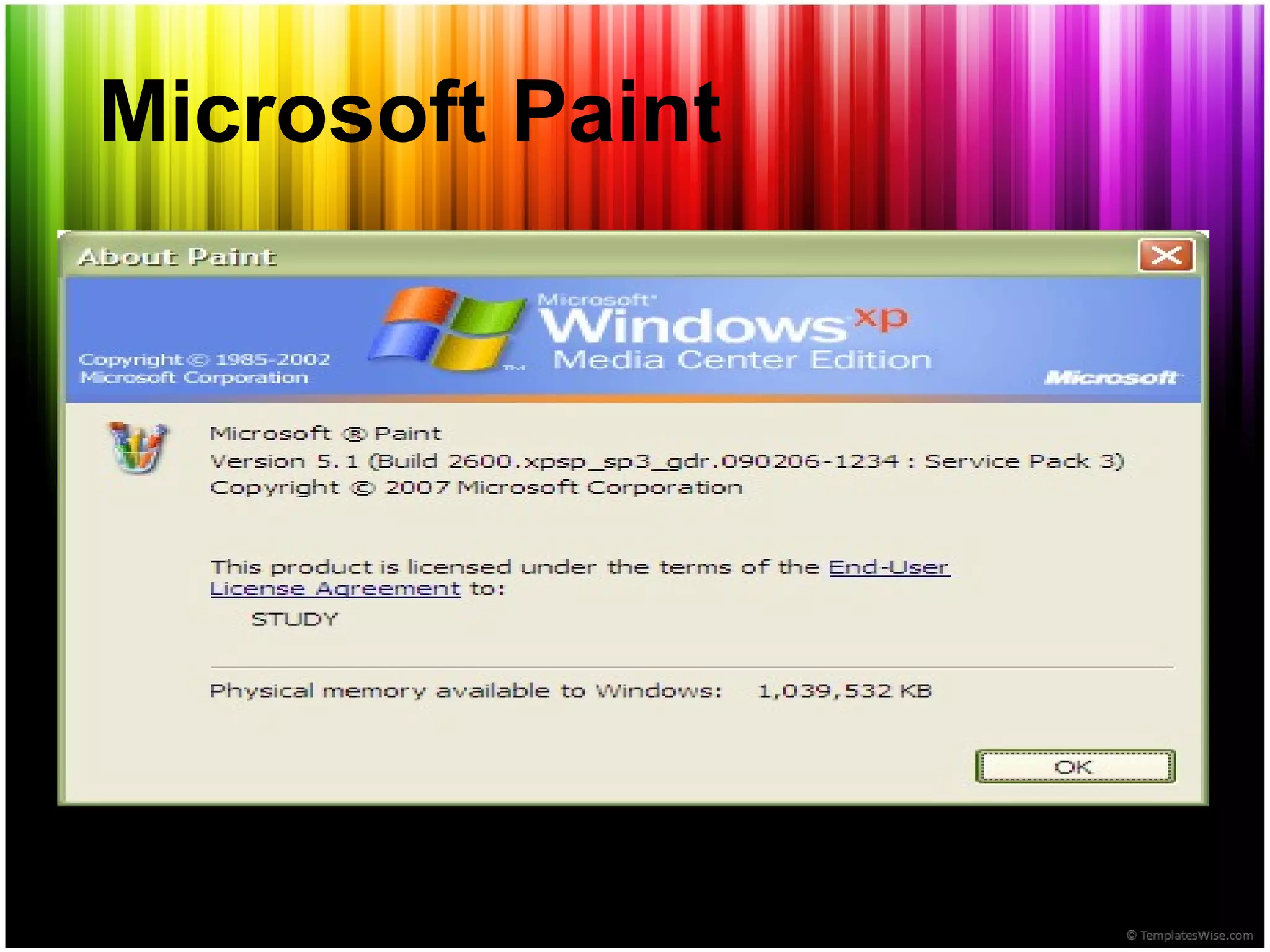
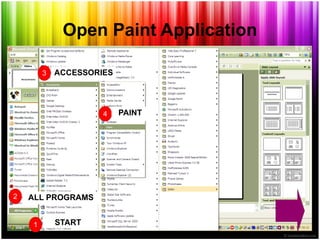
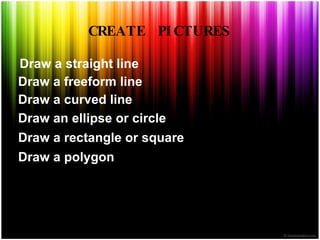

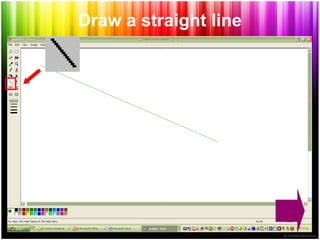
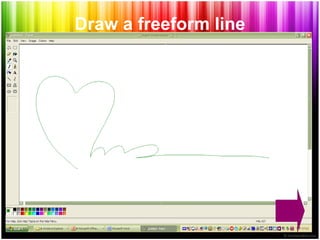
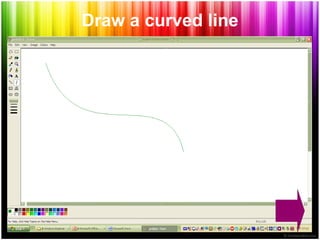
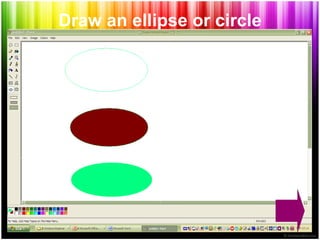
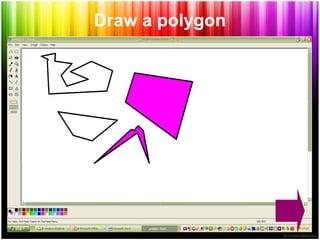
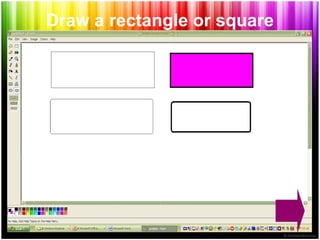
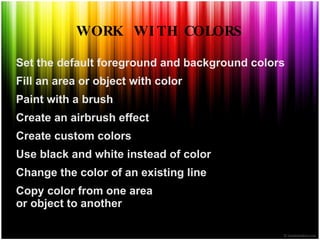
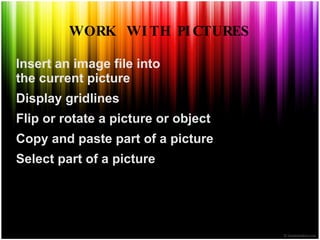
Microsoft Paint is a drawing program that allows users to create simple or elaborate drawings in black and white or color. Drawings can be saved as bitmap files and printed or used as desktop backgrounds. Paint can also be used to view and edit scanned photos. Users can insert image files and work with pictures by pasting, copying, rotating, and selecting parts of images. A variety of tools allow drawing lines, shapes, filling colors, and setting foreground and background colors.


