Downloaded 905 times

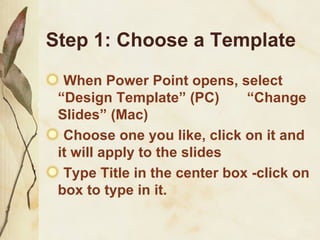
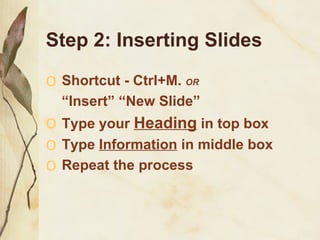
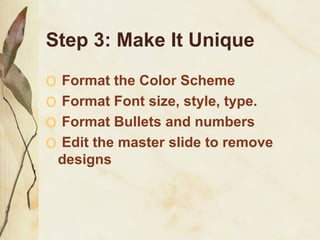
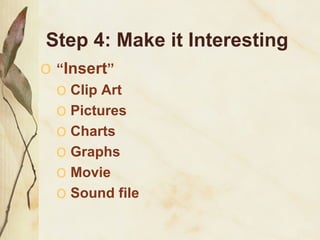
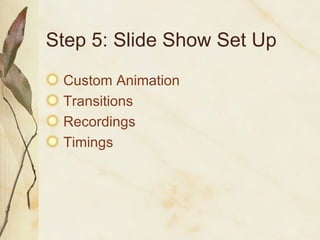
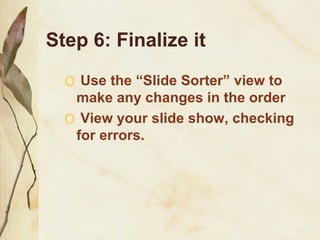
This document provides steps for making a basic PowerPoint presentation: 1) Choose a template and title slide, then insert additional slides using shortcuts or the insert menu. 2) Customize each slide by adding headings, text, and formatting fonts, colors, and bullets. 3) Make the presentation more engaging by inserting clip art, charts, movies, or sound files. 4) Set up the slide show with custom animations, transitions, recordings, and timings.


![Getting Started with Apache Spark: Big Data Made Simple [Free Meetup]](https://cdn.slidesharecdn.com/ss_thumbnails/apachesparkgettingstarted-260203175547-8361bcc3-thumbnail.jpg?width=640&height=640&fit=bounds)


