Connecting with our Students	Using Digital Tools to Engage Learners
Connect With Me!Dean Phillipshttp://twitter.com/caddiscasterText: CaddiscasterTo:  50500I have traditional business cards at the front, too!
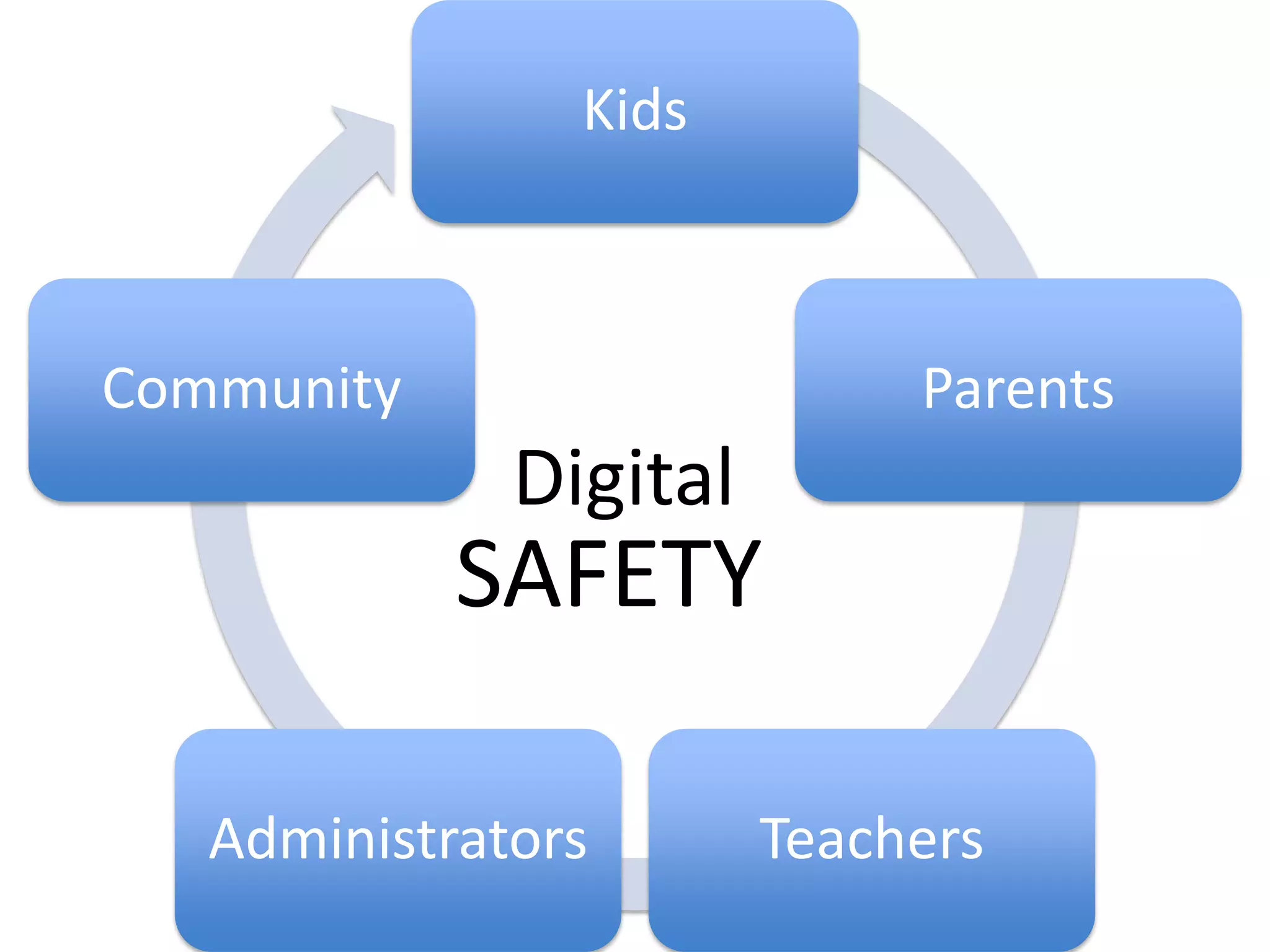
DigitalSAFETY
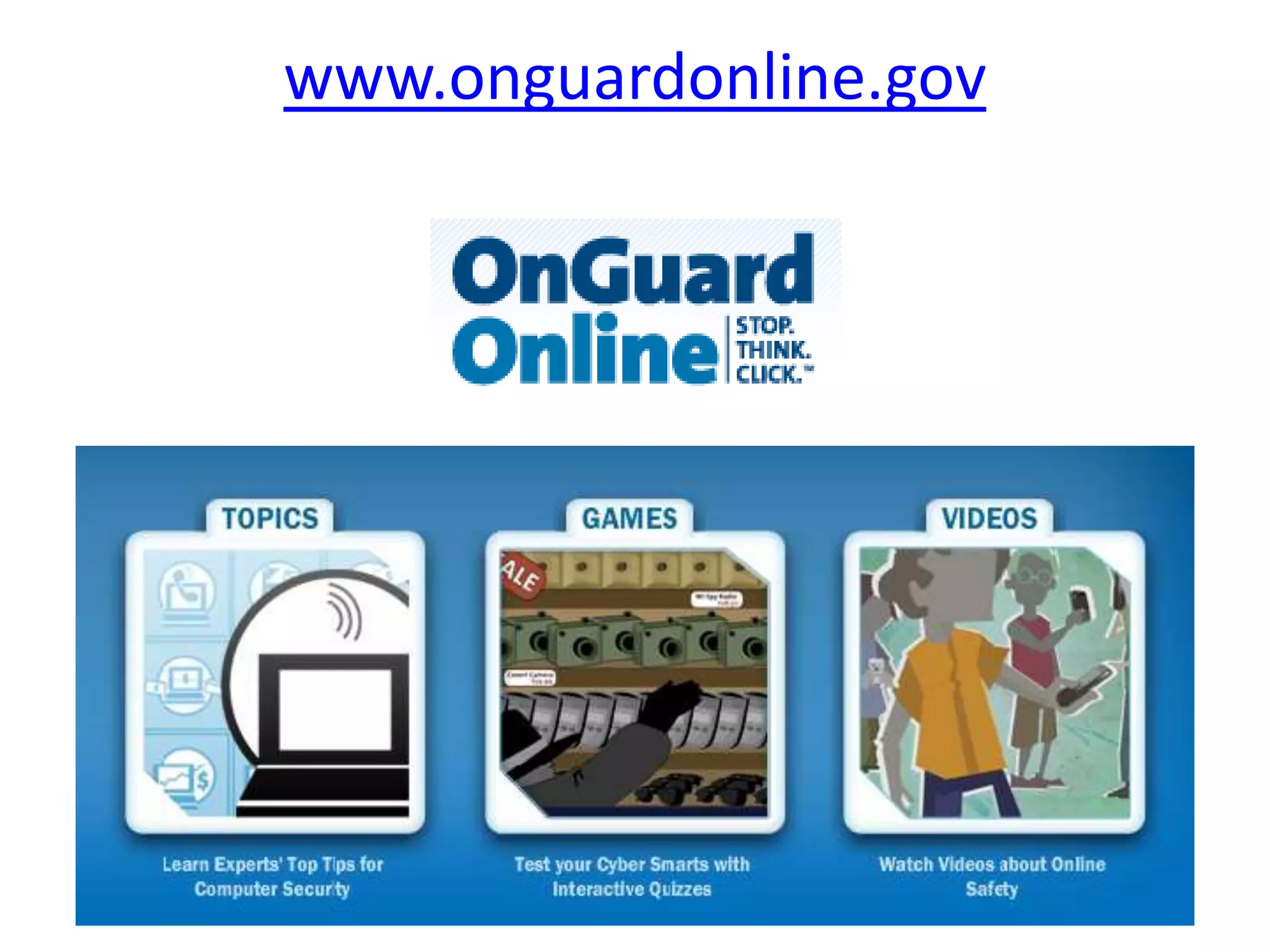
www.onguardonline.gov
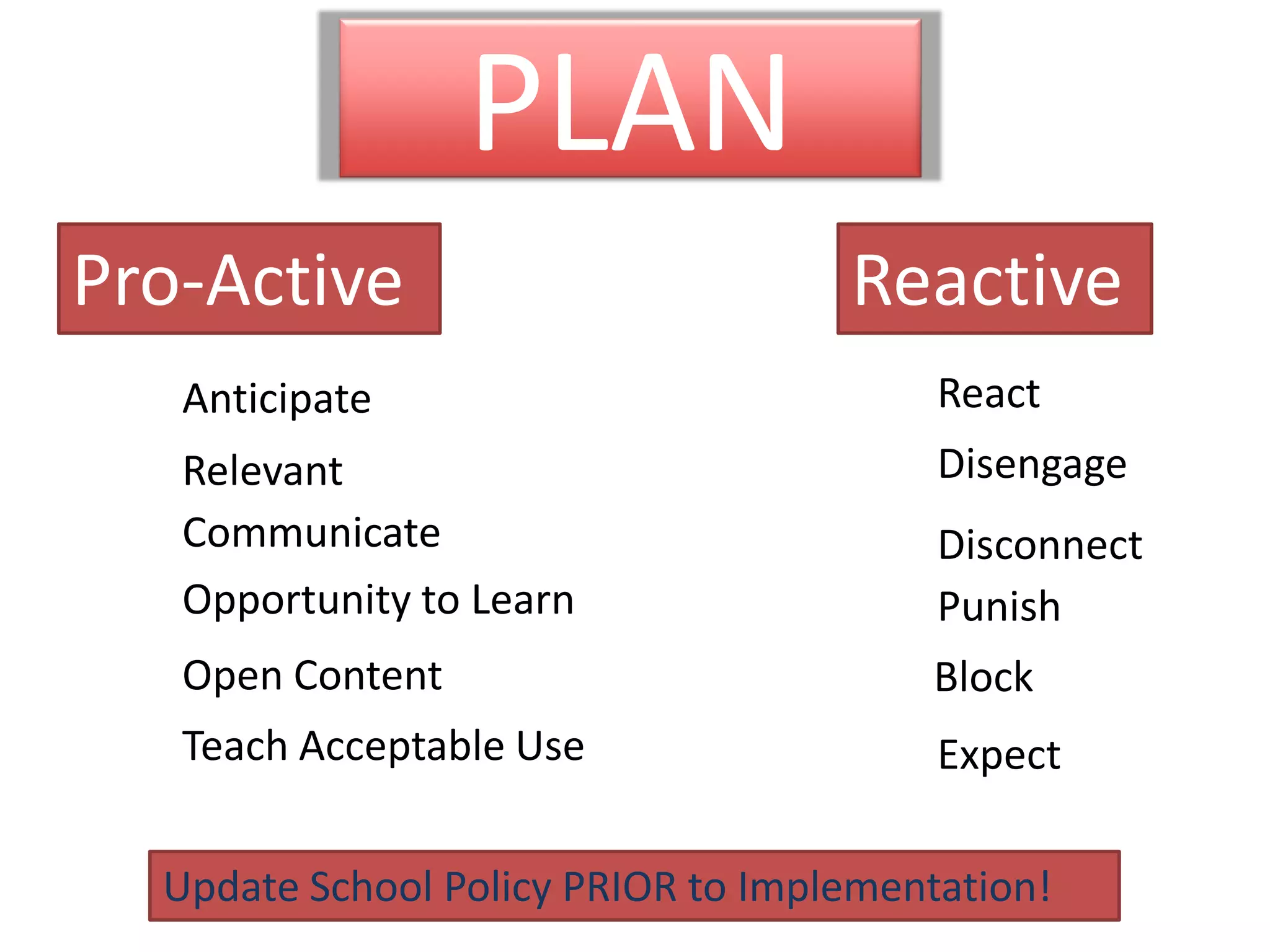
PLANPro-ActiveReactiveReactAnticipateDisengageRelevantCommunicateDisconnectOpportunity to LearnPunishOpen ContentBlockTeach Acceptable UseExpectUpdate School Policy PRIOR to Implementation!
Today’s Hashtag: #mas11twitter.com
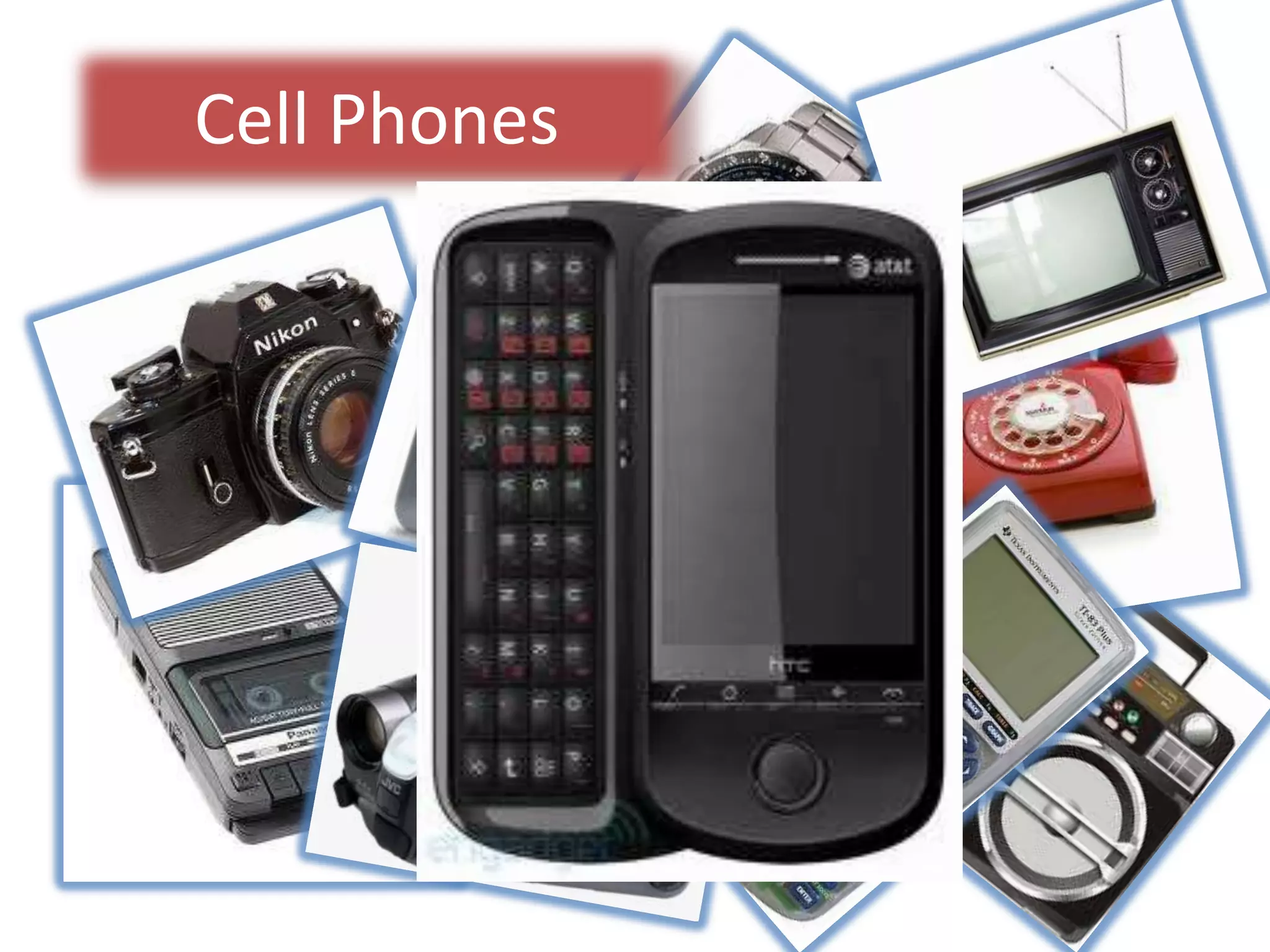
Cell Phones
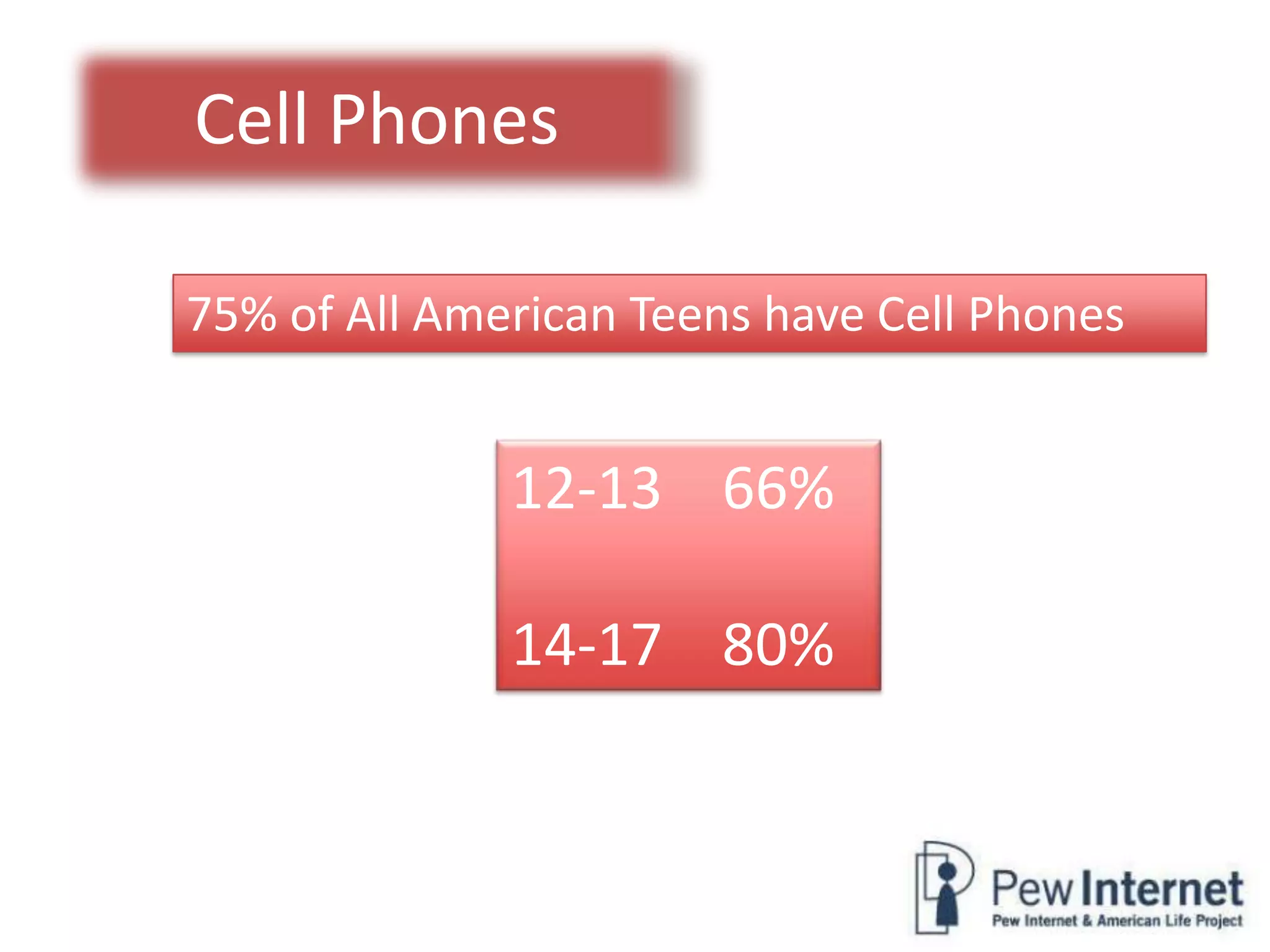
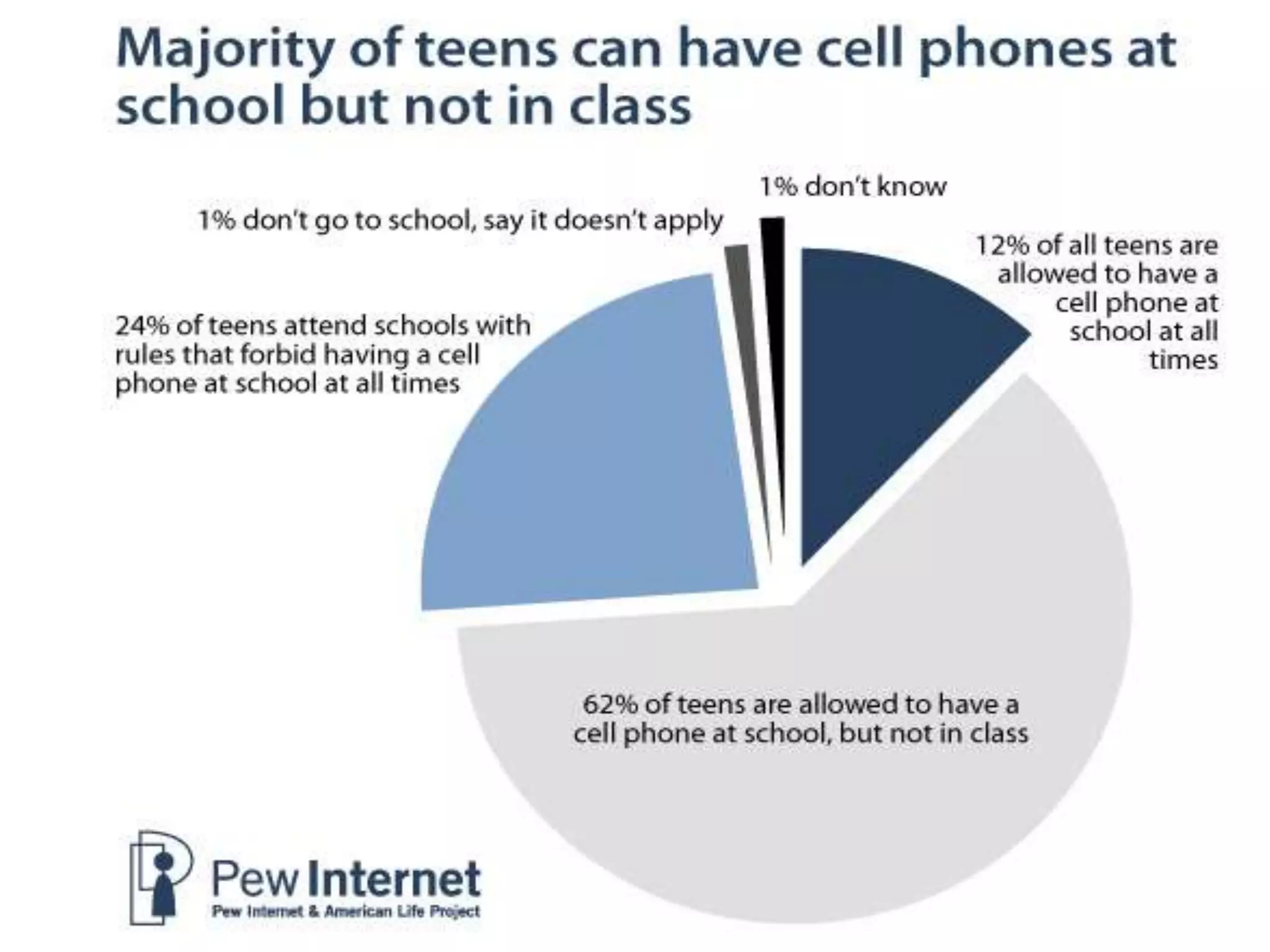
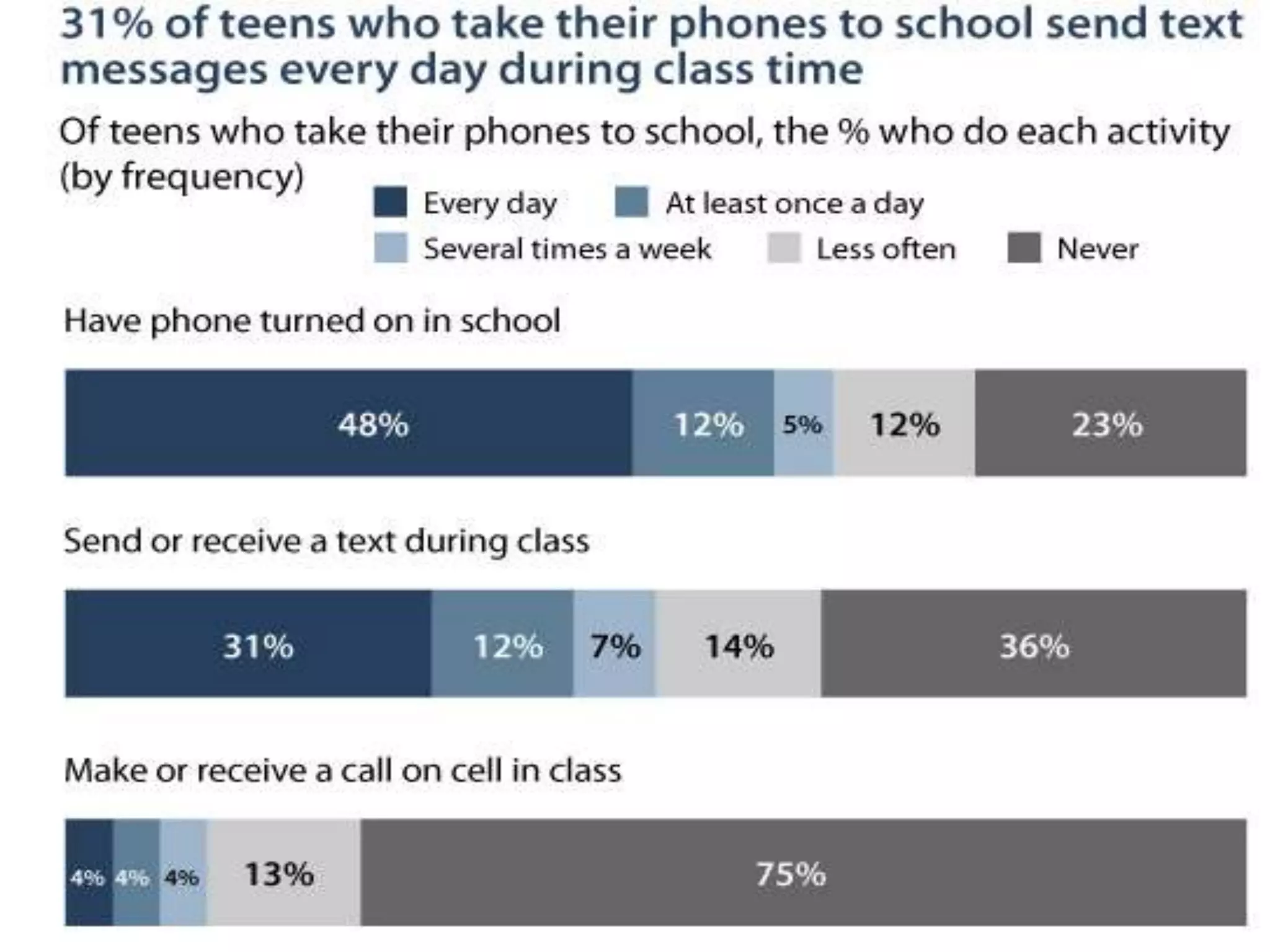
Cell Phones75% of All American Teens have Cell Phones12-13    66%14-17    80%
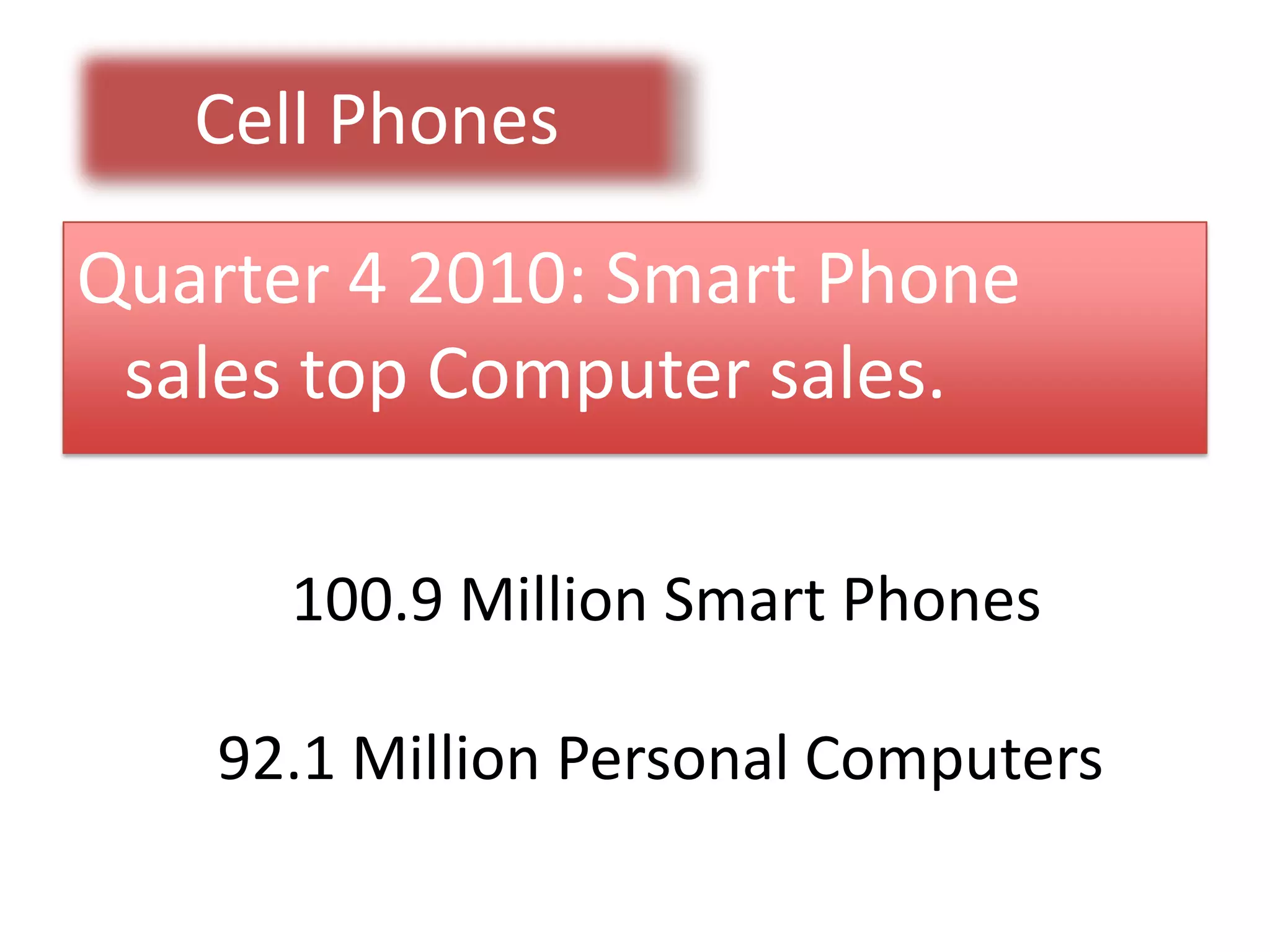
Cell PhonesQuarter 4 2010: Smart Phone sales top Computer sales.100.9 Million Smart Phones92.1 Million Personal Computers
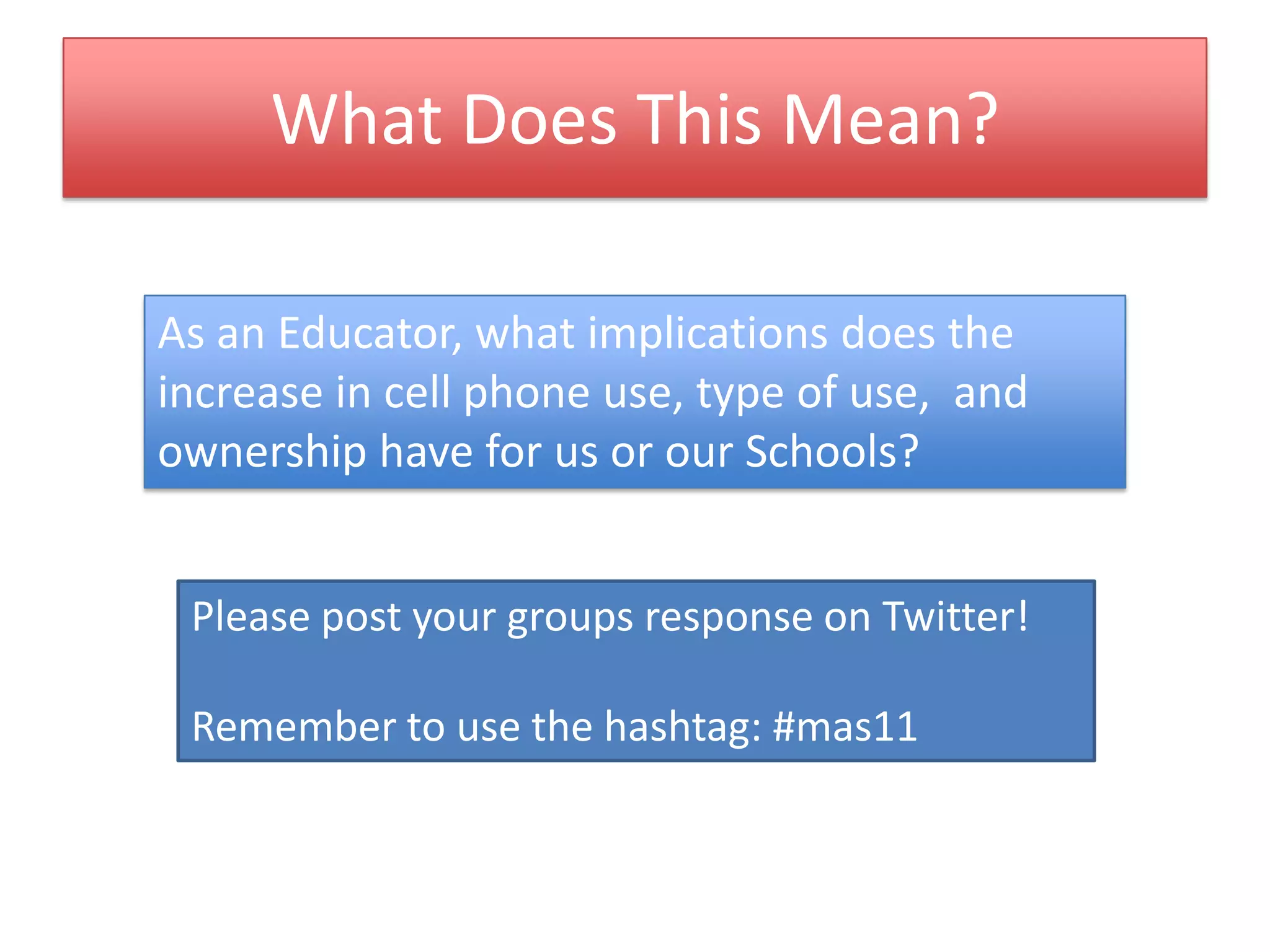
What Does This Mean?As an Educator, what implications does the increase in cell phone use, type of use,  and ownership have for us or our Schools?Please post your groups response on Twitter!Remember to use the hashtag: #mas11
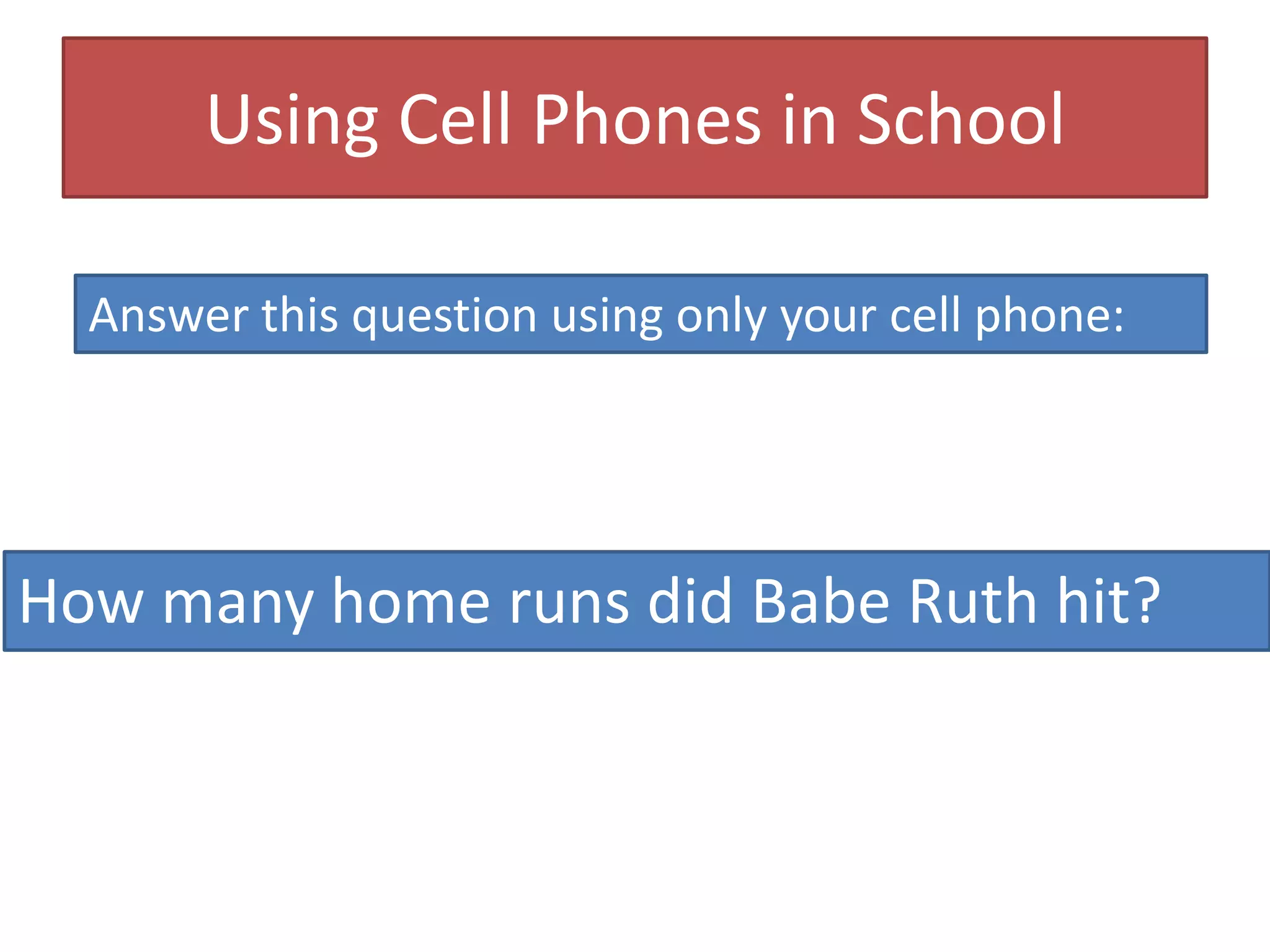
Using Cell Phones in SchoolAnswer this question using only your cell phone:How many home runs did Babe Ruth hit?
714
Finding Answers on Your PhoneGoogle SearchText any query to 466453 “GOOGLE”CHA CHAText any query to 242242 “CHACHA”
Try These QuestionsWhat is the weather in Boston?How many pints are in one US liter?
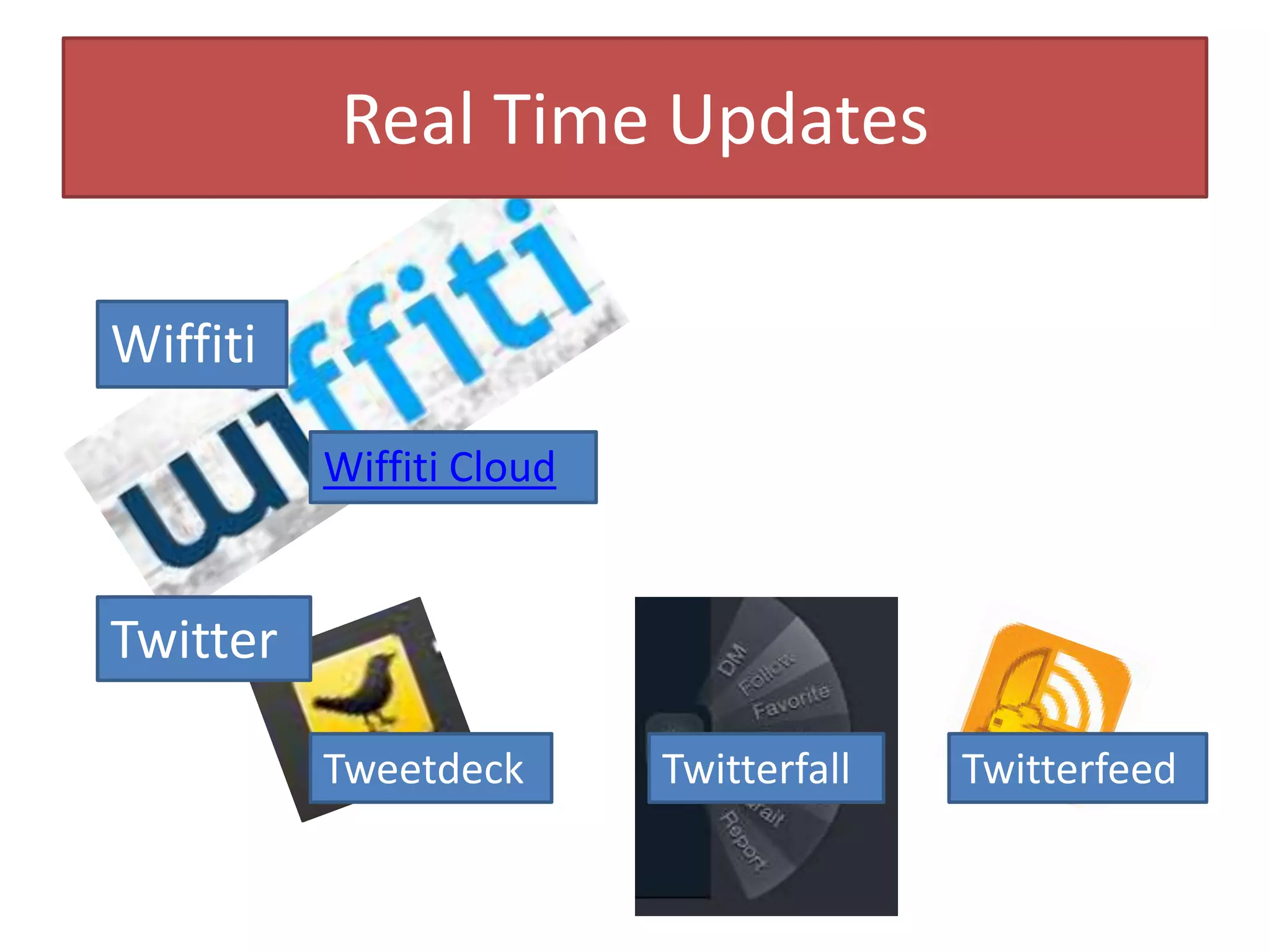
Real Time UpdatesWiffitiWiffiti CloudTwitterTweetdeckTwitterfallTwitterfeed
Ways to Use PollsAttendance Record for this WorkshopCheck for understandingStudents Asking Questions
Google Tools To Support TextingGoogle VoiceAllows SMS from your computer!GMailAllows SMS from inside Gmail, with calling! (Must have a Google Voice account,)
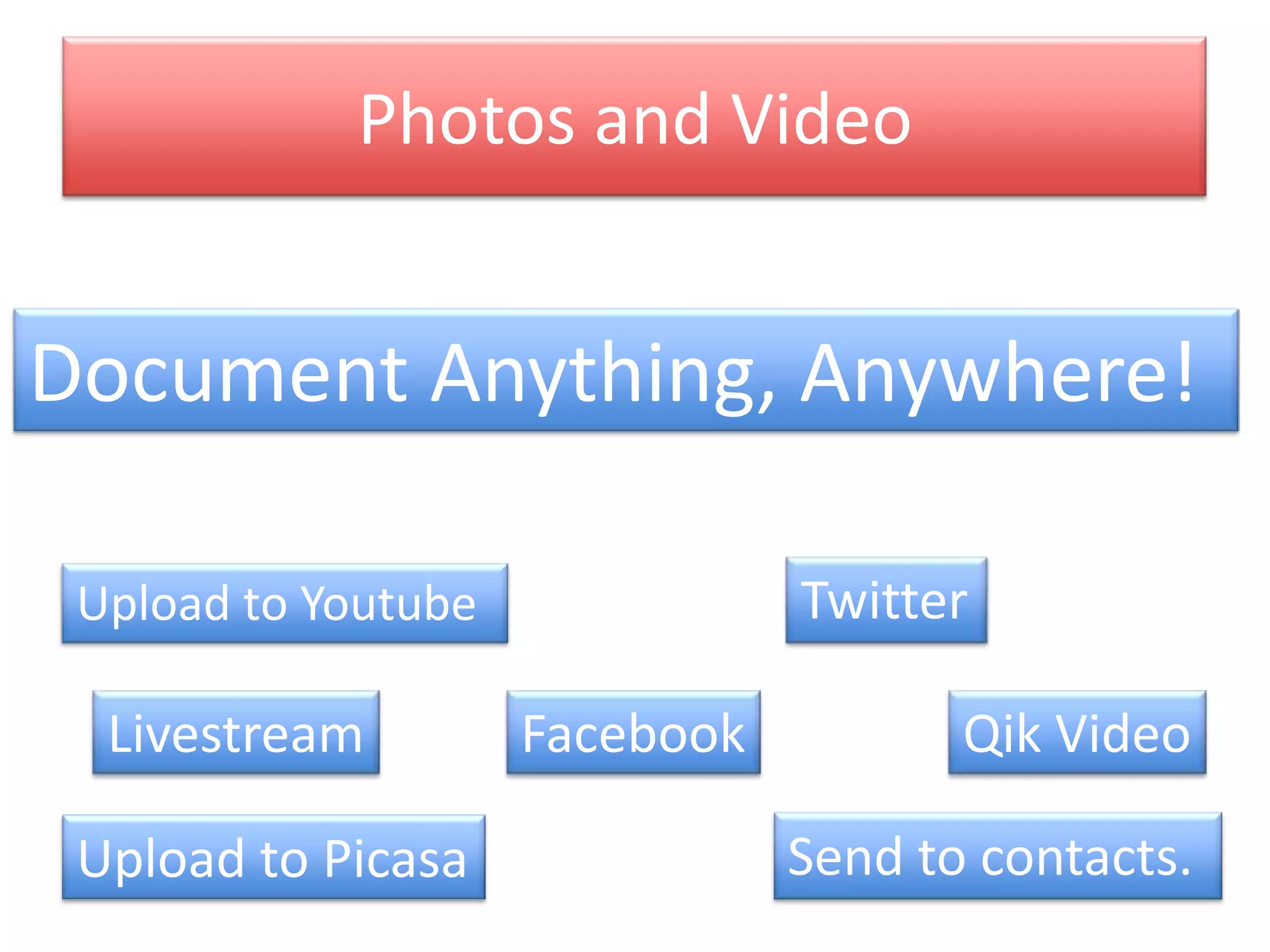
Photos and VideoDocument Anything, Anywhere!TwitterUpload to YoutubeFacebookQik VideoLivestreamSend to contacts.Upload to Picasa
Google DocsAn Overview for Educators
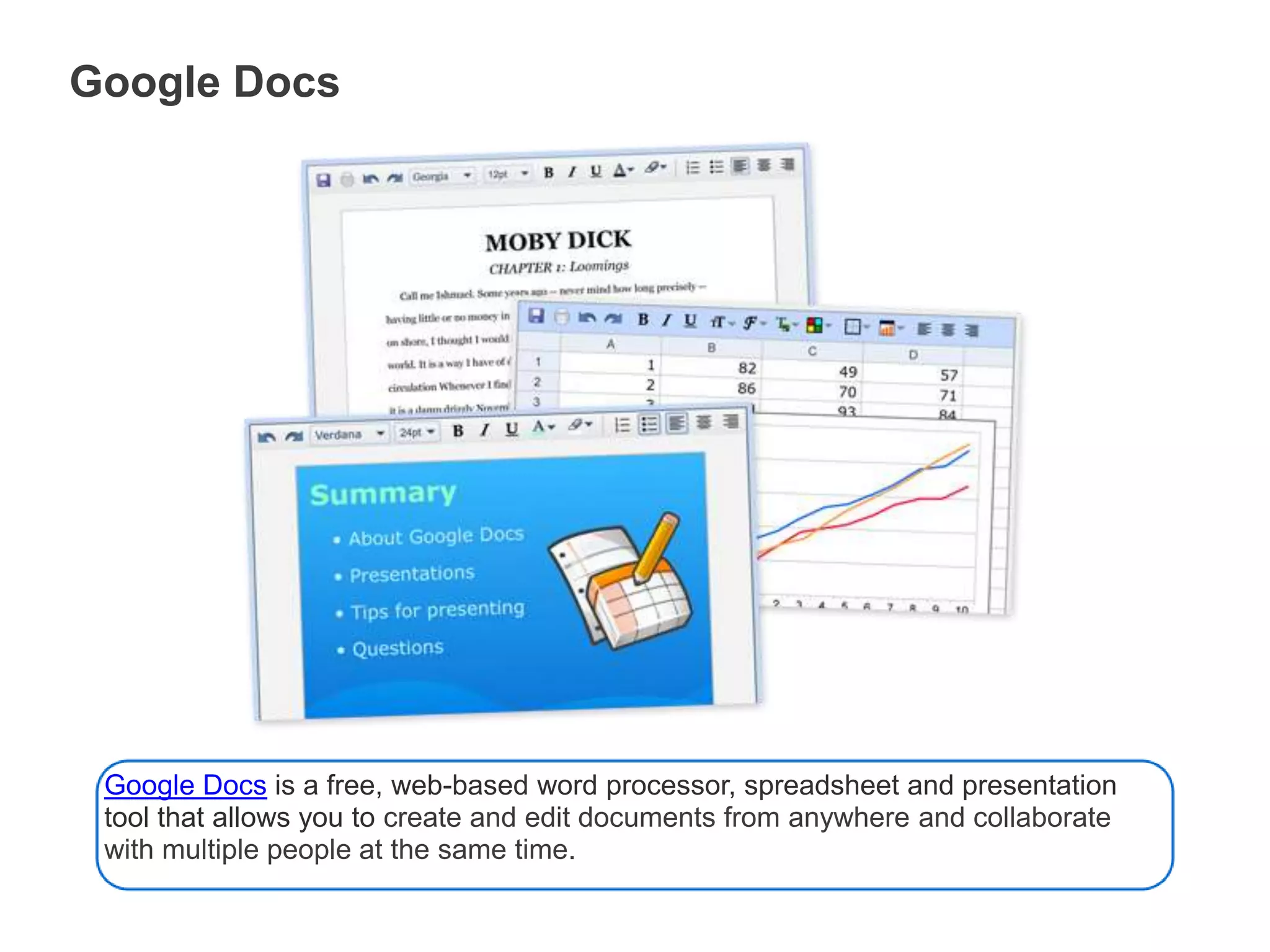
Google DocsGoogle Docs is a free, web-based word processor, spreadsheet and presentation tool that allows you to create and edit documents from anywhere and collaborate with multiple people at the same time.
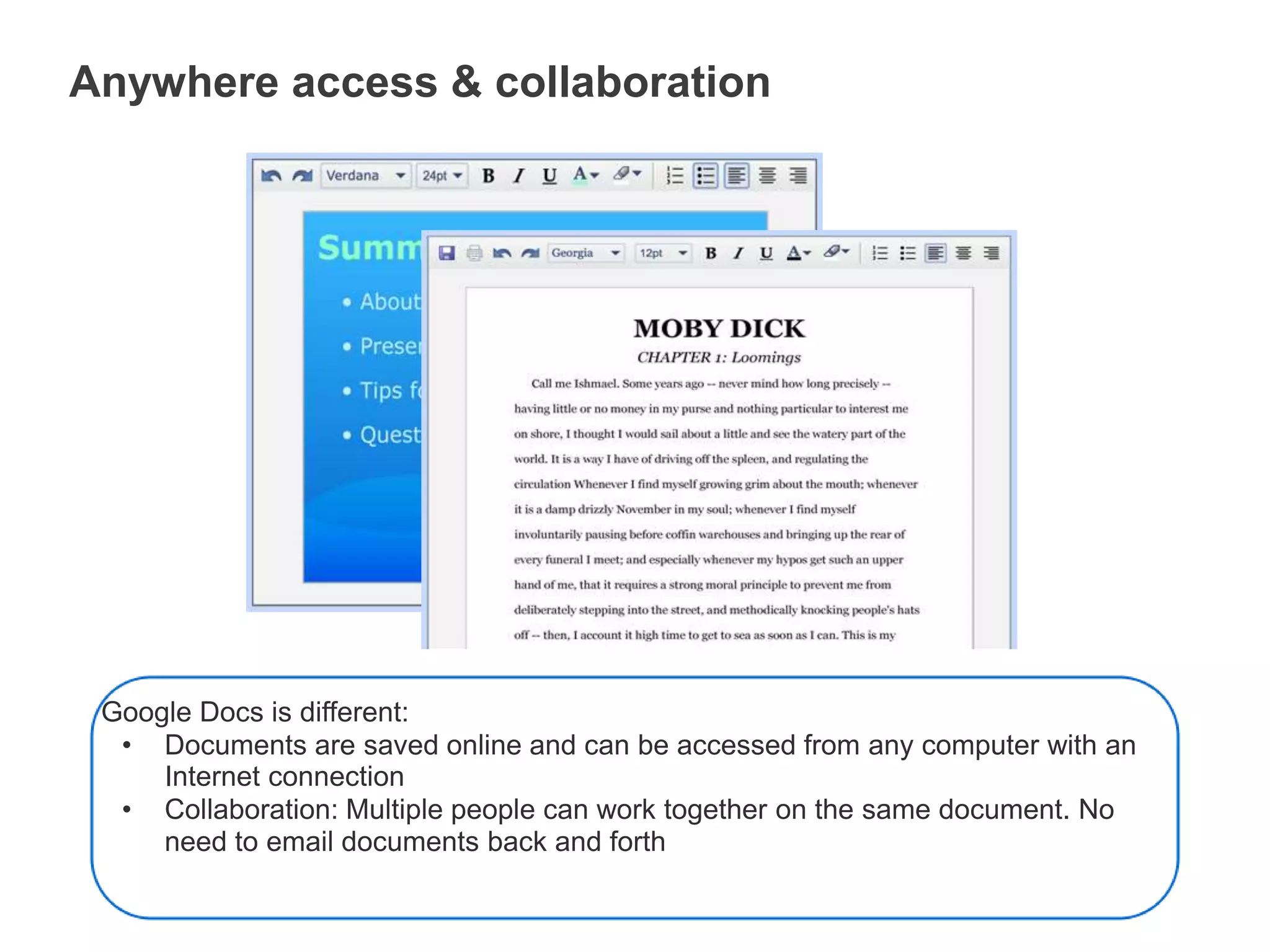
Anywhere access & collaborationGoogle Docs is different:Documents are saved online and can be accessed from any computer with an Internet connection
Collaboration: Multiple people can work together on the same document. No need to email documents back and forthHow Google Docs helps educators and students
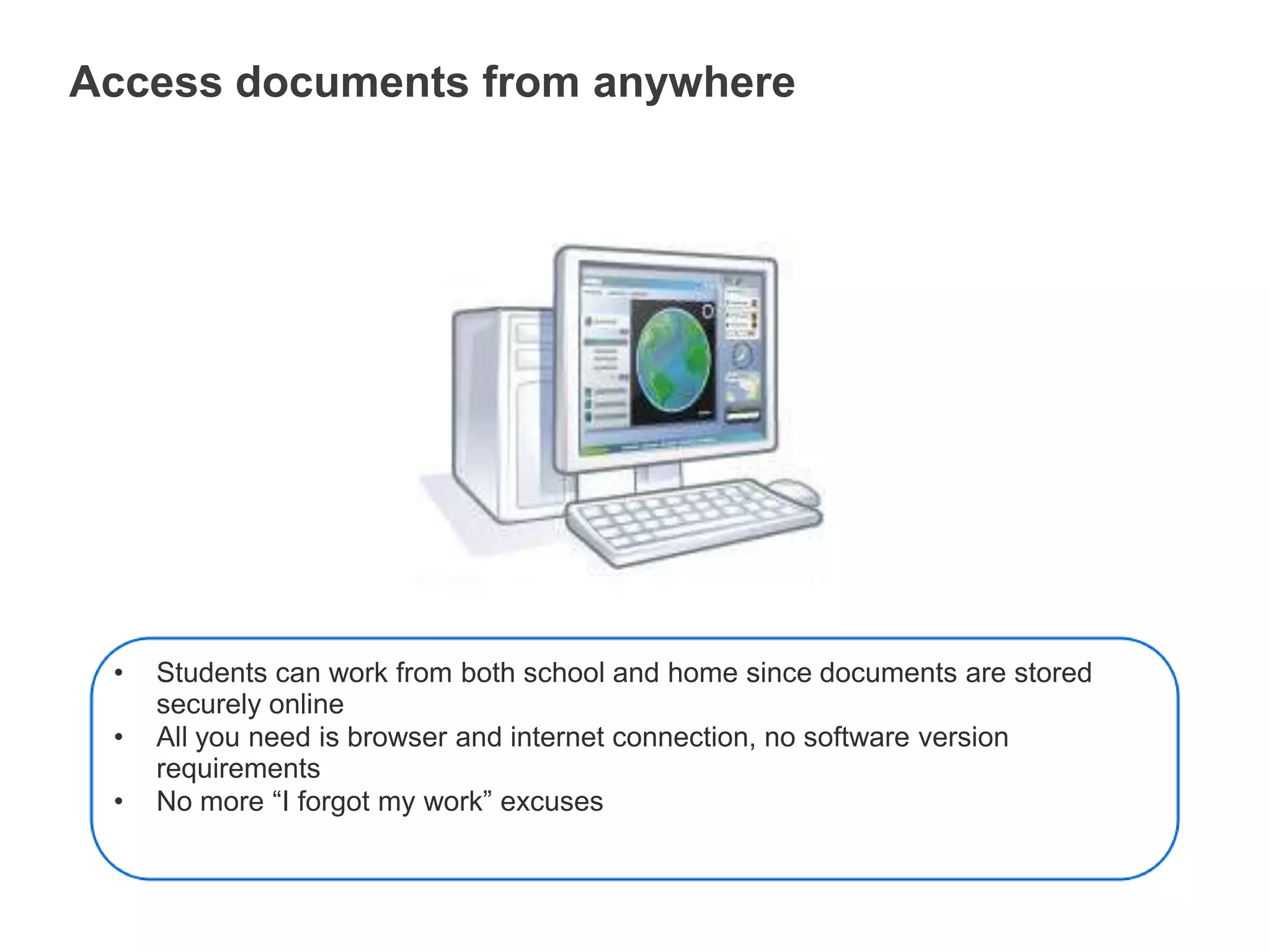
Access documents from anywhereStudents can work from both school and home since documents are stored securely online
All you need is browser and internet connection, no software version requirements
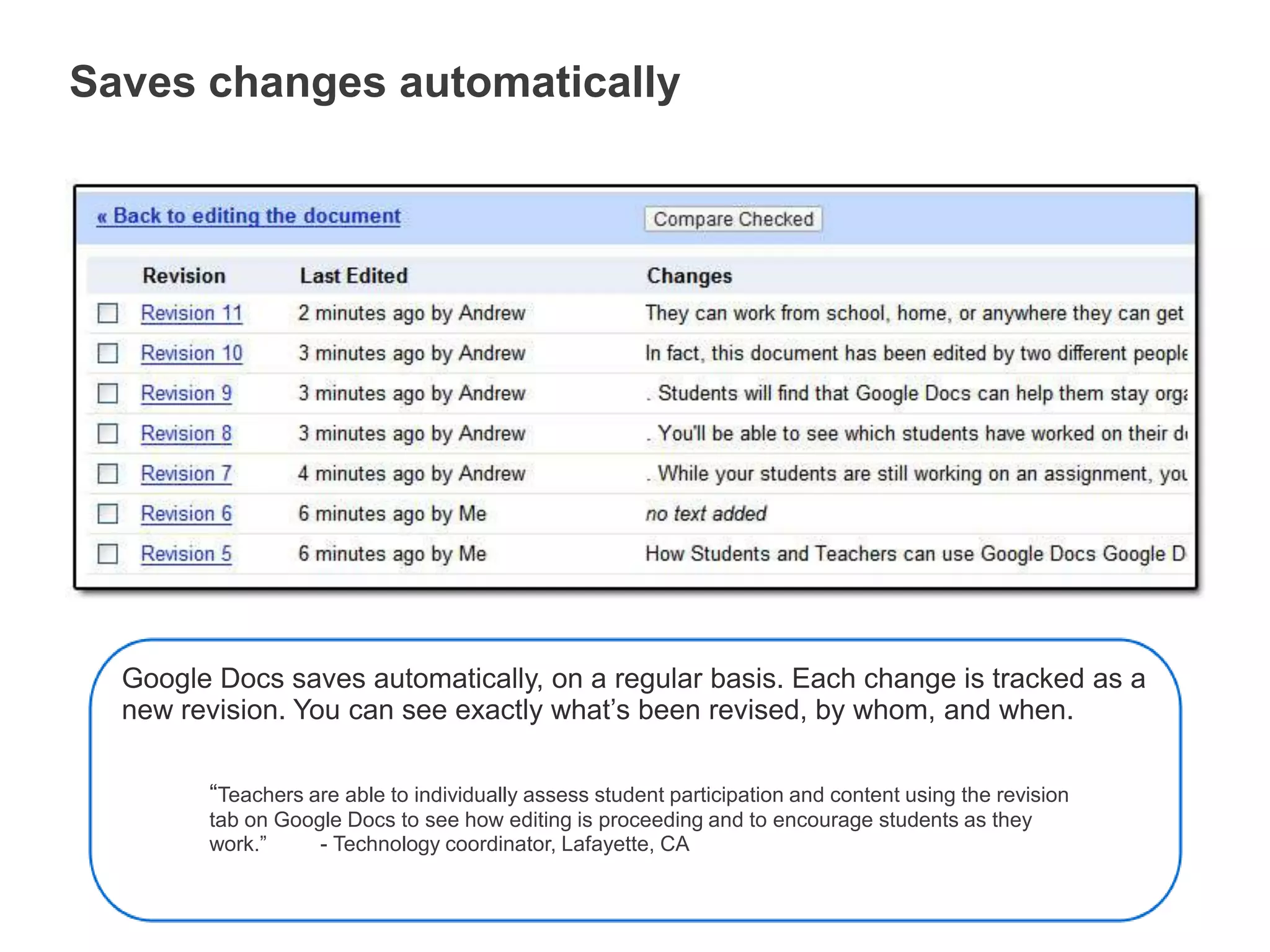
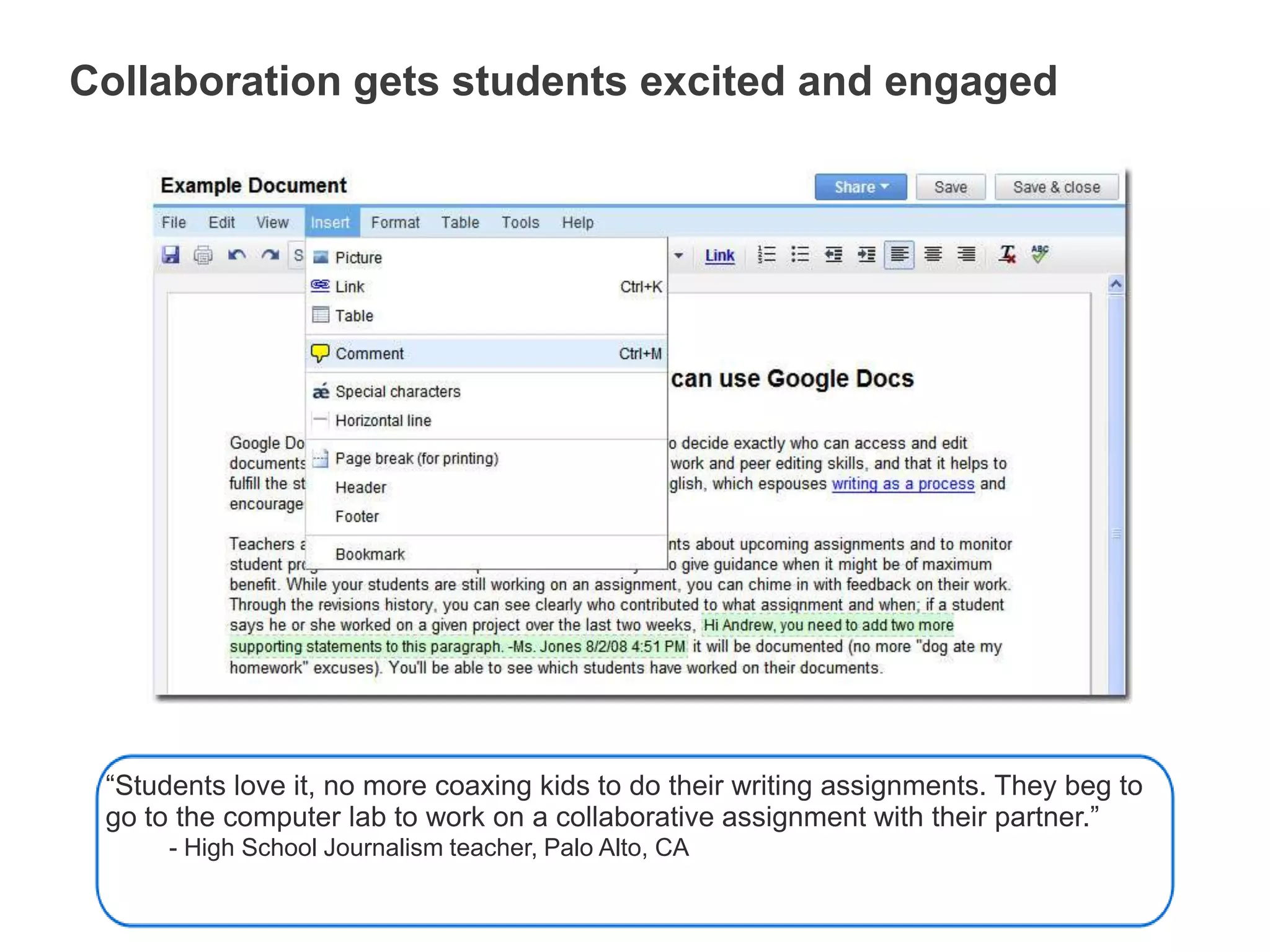
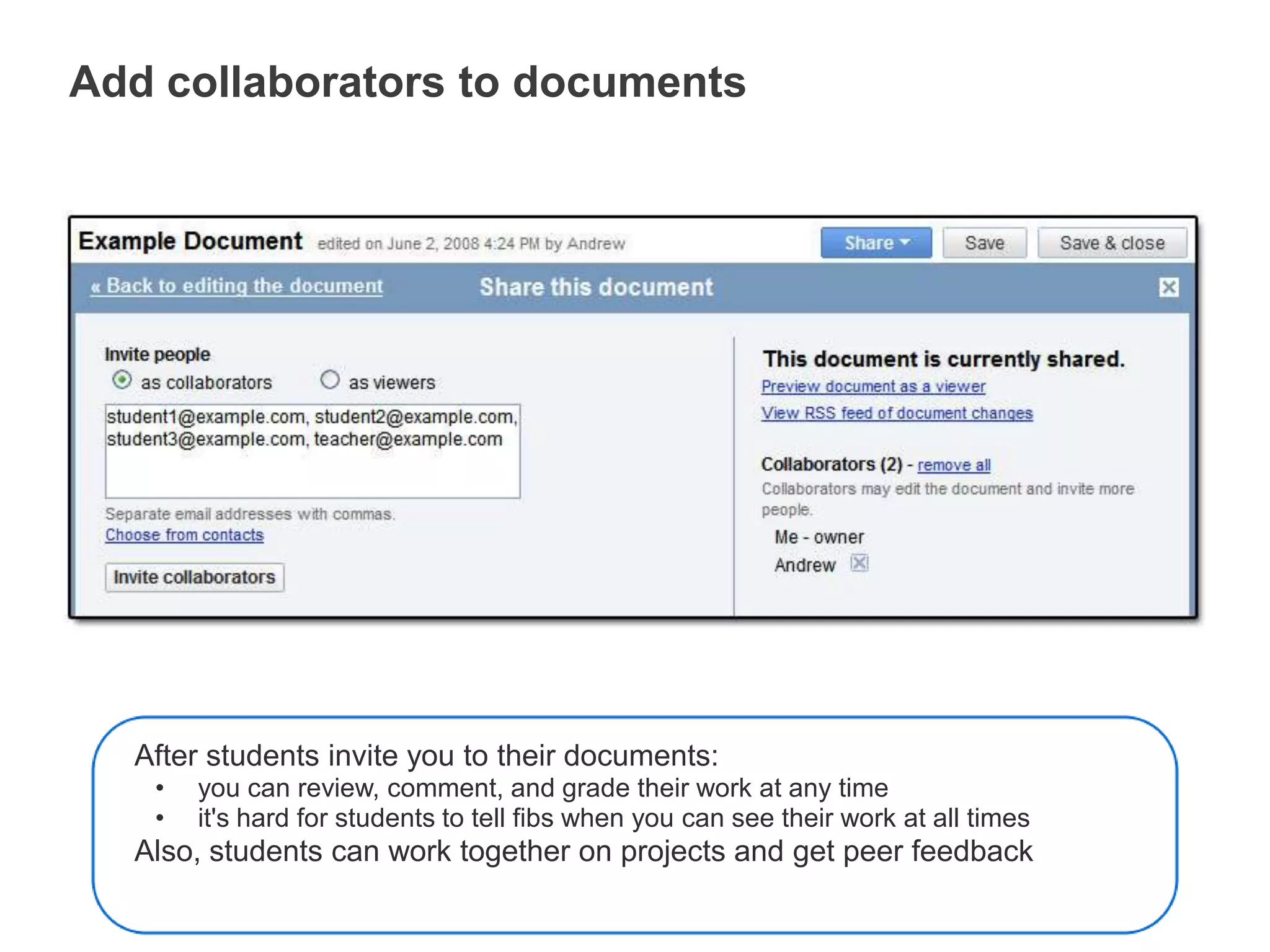
No more “I forgot my work” excusesSaves changes automaticallyGoogle Docs saves automatically, on a regular basis. Each change is tracked as a new revision. You can see exactly what’s been revised, by whom, and when.“Teachers are able to individually assess student participation and content using the revision tab on Google Docs to see how editing is proceeding and to encourage students as they work.”         - Technology coordinator, Lafayette, CACollaboration gets students excited and engaged“Students love it, no more coaxing kids to do their writing assignments. They beg to go to the computer lab to work on a collaborative assignment with their partner.”- High School Journalism teacher, Palo Alto, CAAdd collaborators to documentsAfter students invite you to their documents:you can review, comment, and grade their work at any time
it's hard for students to tell fibs when you can see their work at all timesAlso, students can work together on projects and get peer feedback
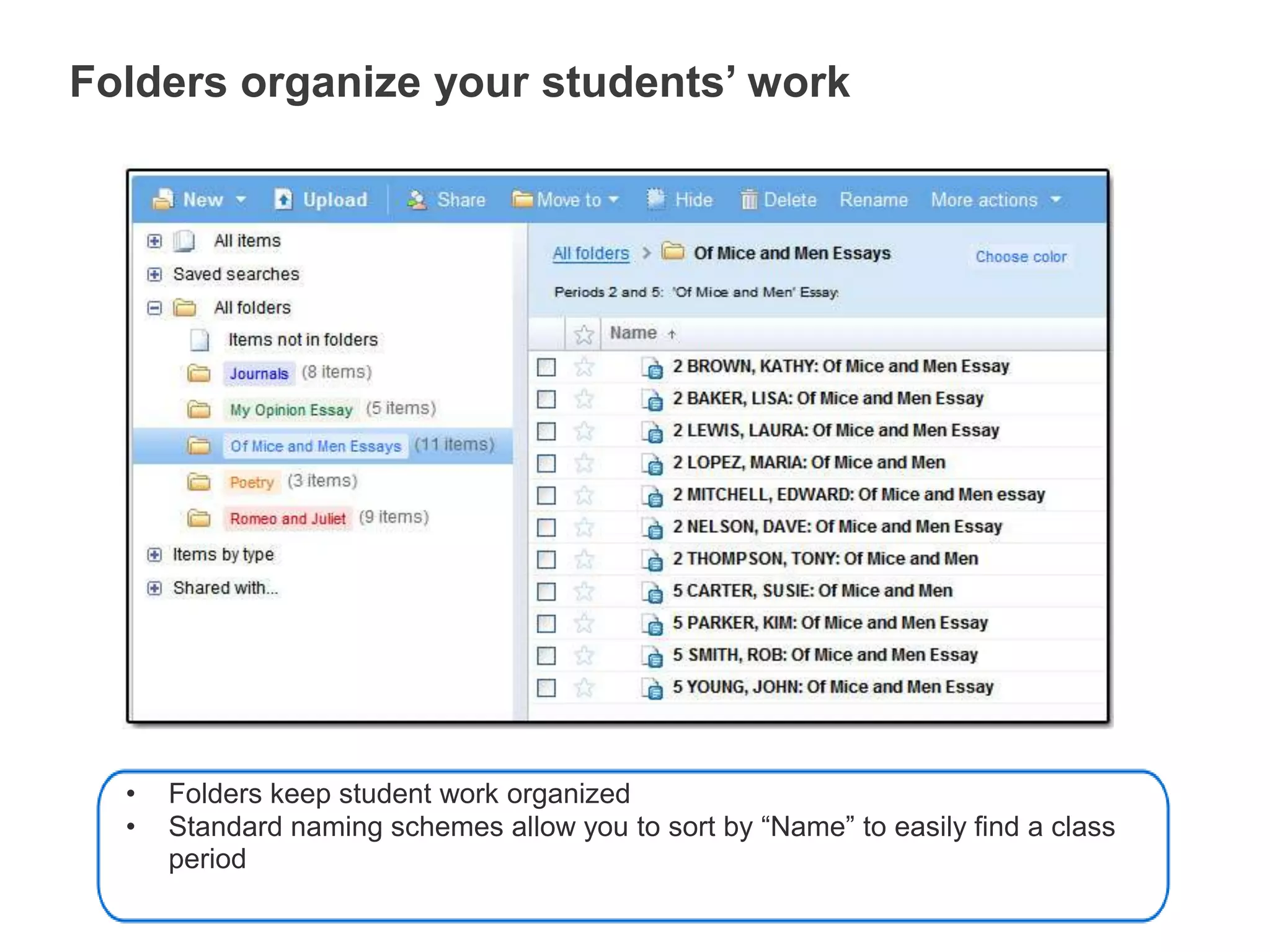
Folders organize your students’ workFolders keep student work organized
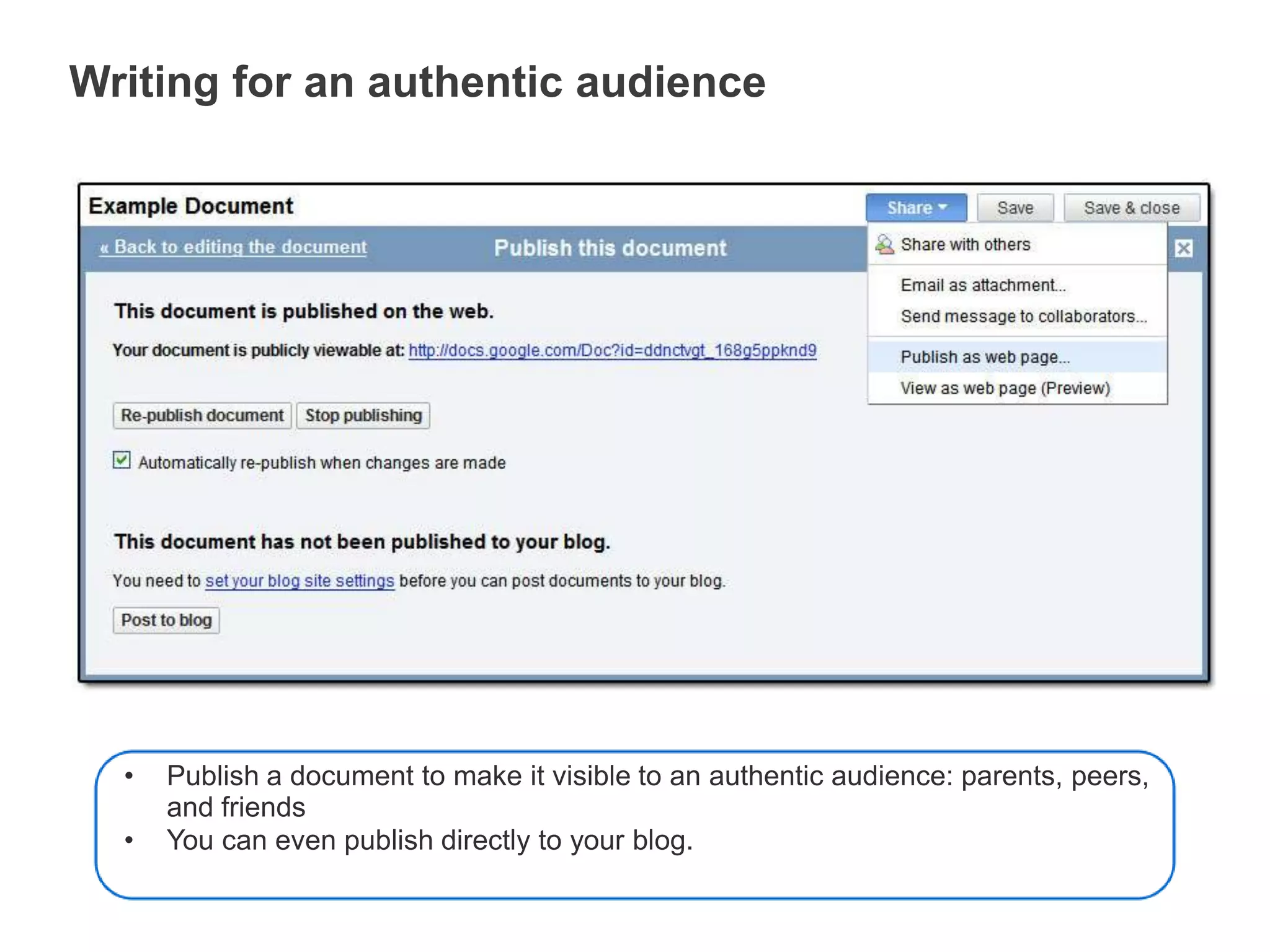
Standard naming schemes allow you to sort by “Name” to easily find a class periodWriting for an authentic audiencePublish a document to make it visible to an authentic audience: parents, peers, and friends
You can even publish directly to your blog.Not just documents…Spreadsheets and presentations,too.
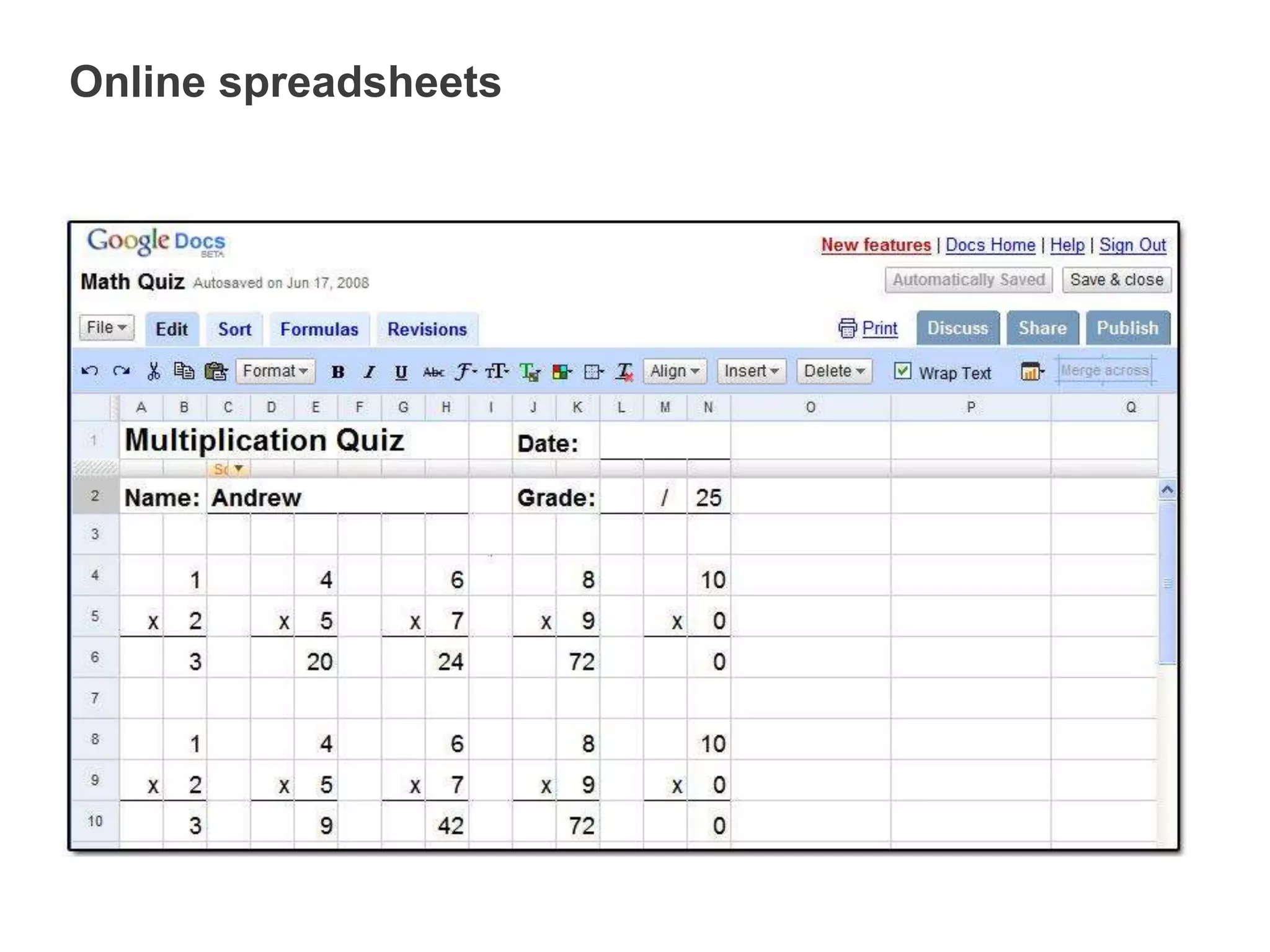
Online spreadsheets
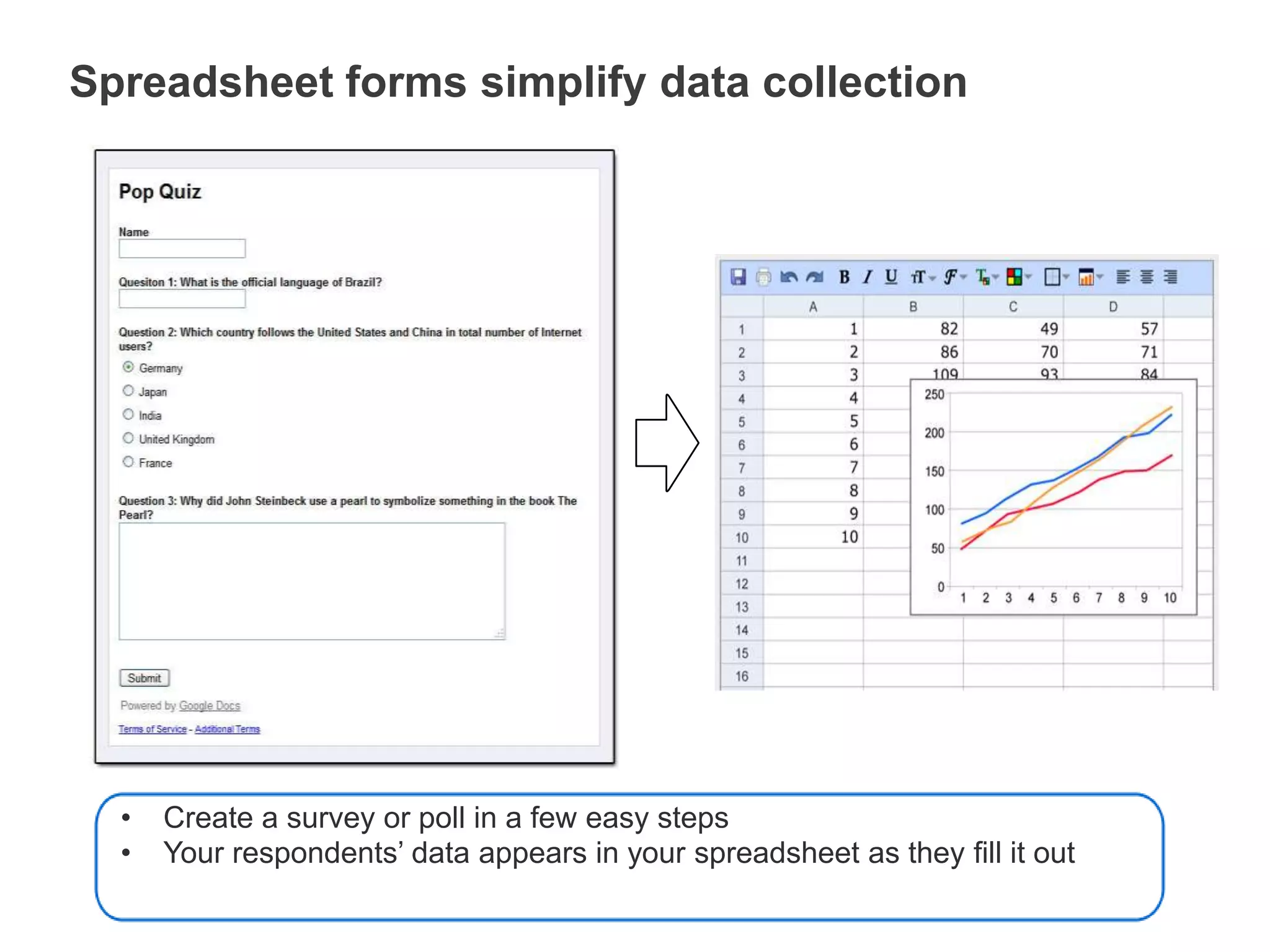
Spreadsheet forms simplify data collectionCreate a survey or poll in a few easy steps
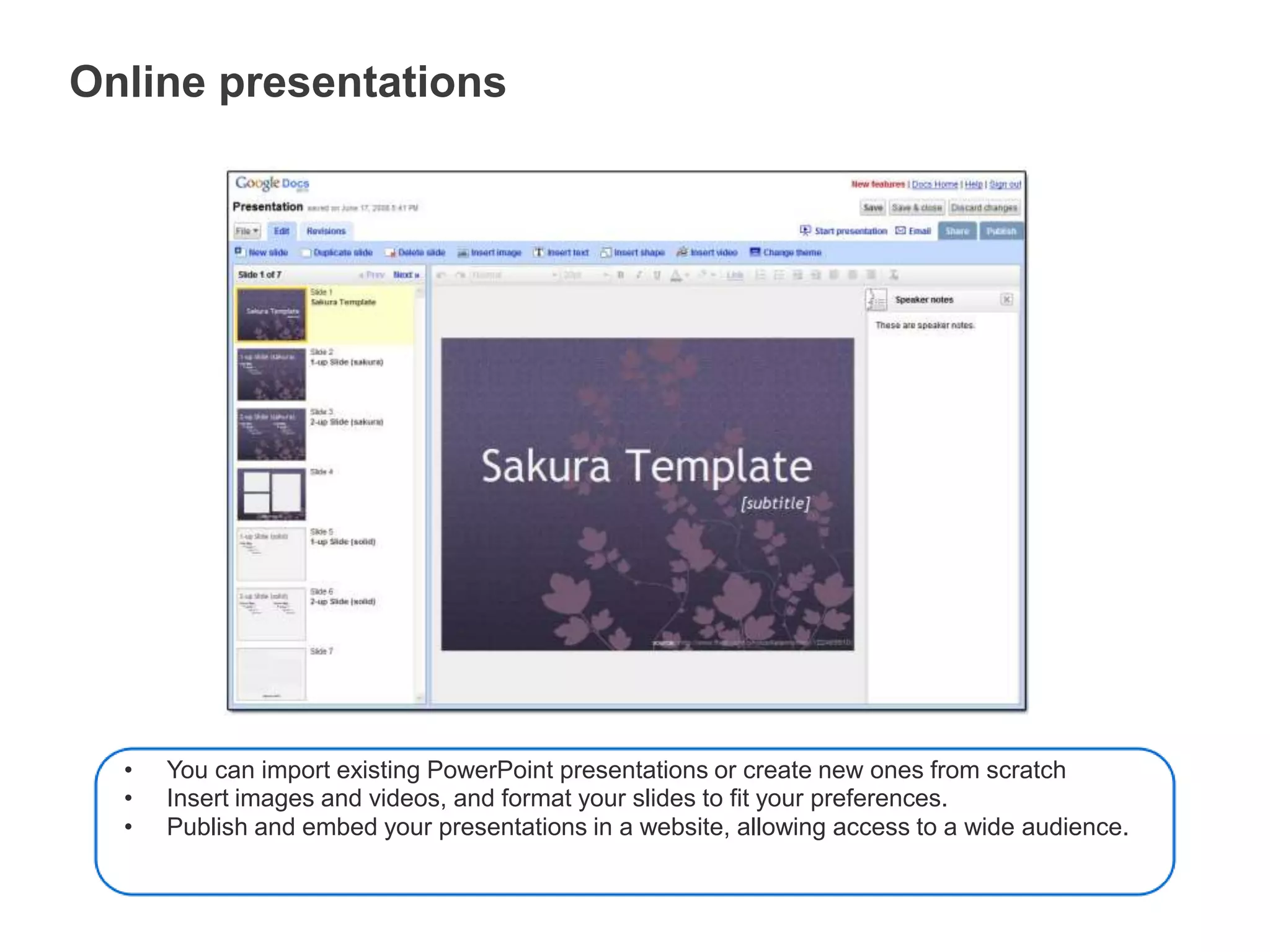
Your respondents’ data appears in your spreadsheet as they fill it outOnline presentationsYou can import existing PowerPoint presentations or create new ones from scratch
Insert images and videos, and format your slides to fit your preferences.
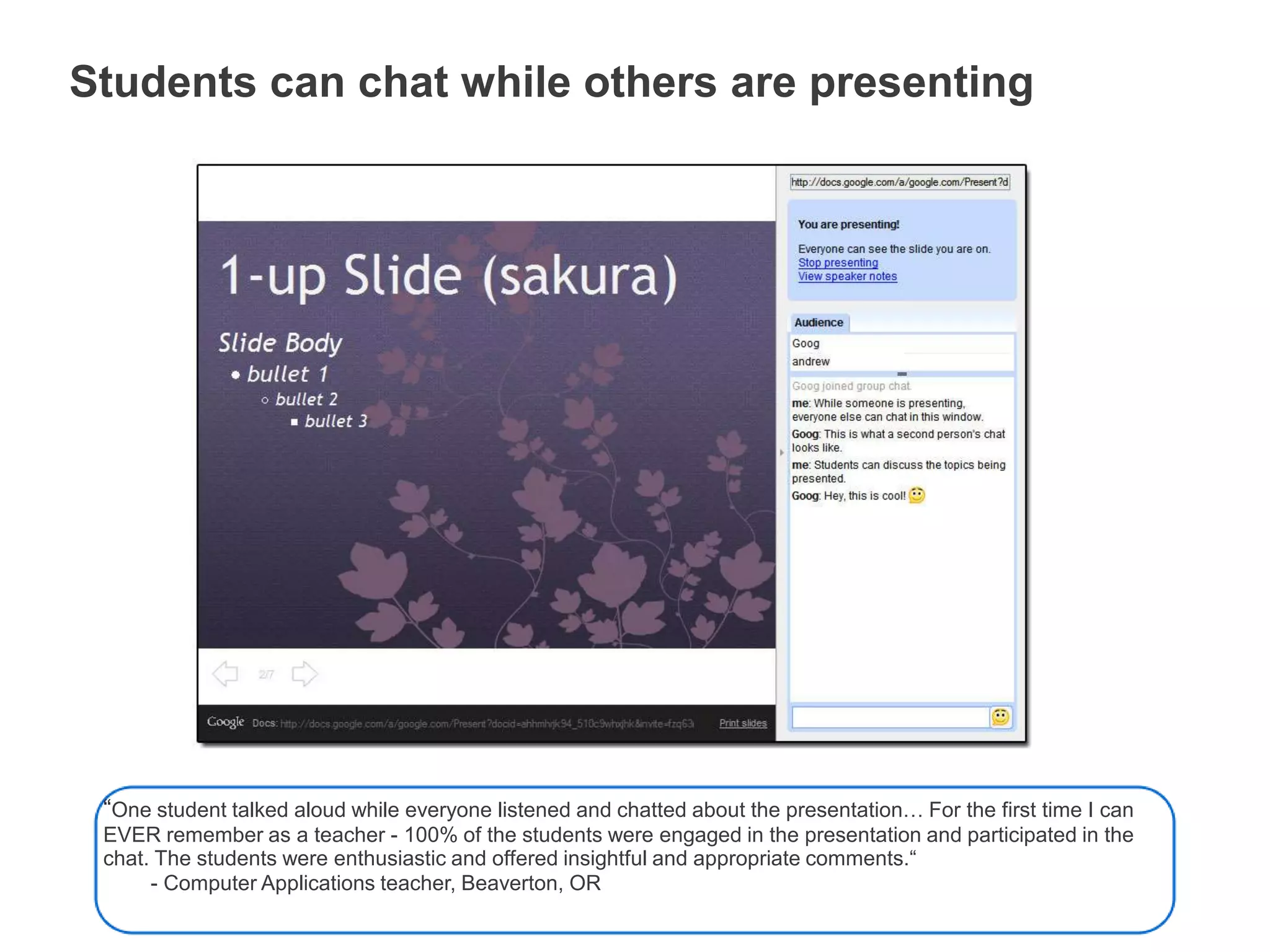
Publish and embed your presentations in a website, allowing access to a wide audience.Students can chat while others are presenting“One student talked aloud while everyone listened and chatted about the presentation… For the first time I can EVER remember as a teacher - 100% of the students were engaged in the presentation and participated in the chat. The students were enthusiastic and offered insightful and appropriate comments.“        - Computer Applications teacher, Beaverton, OR
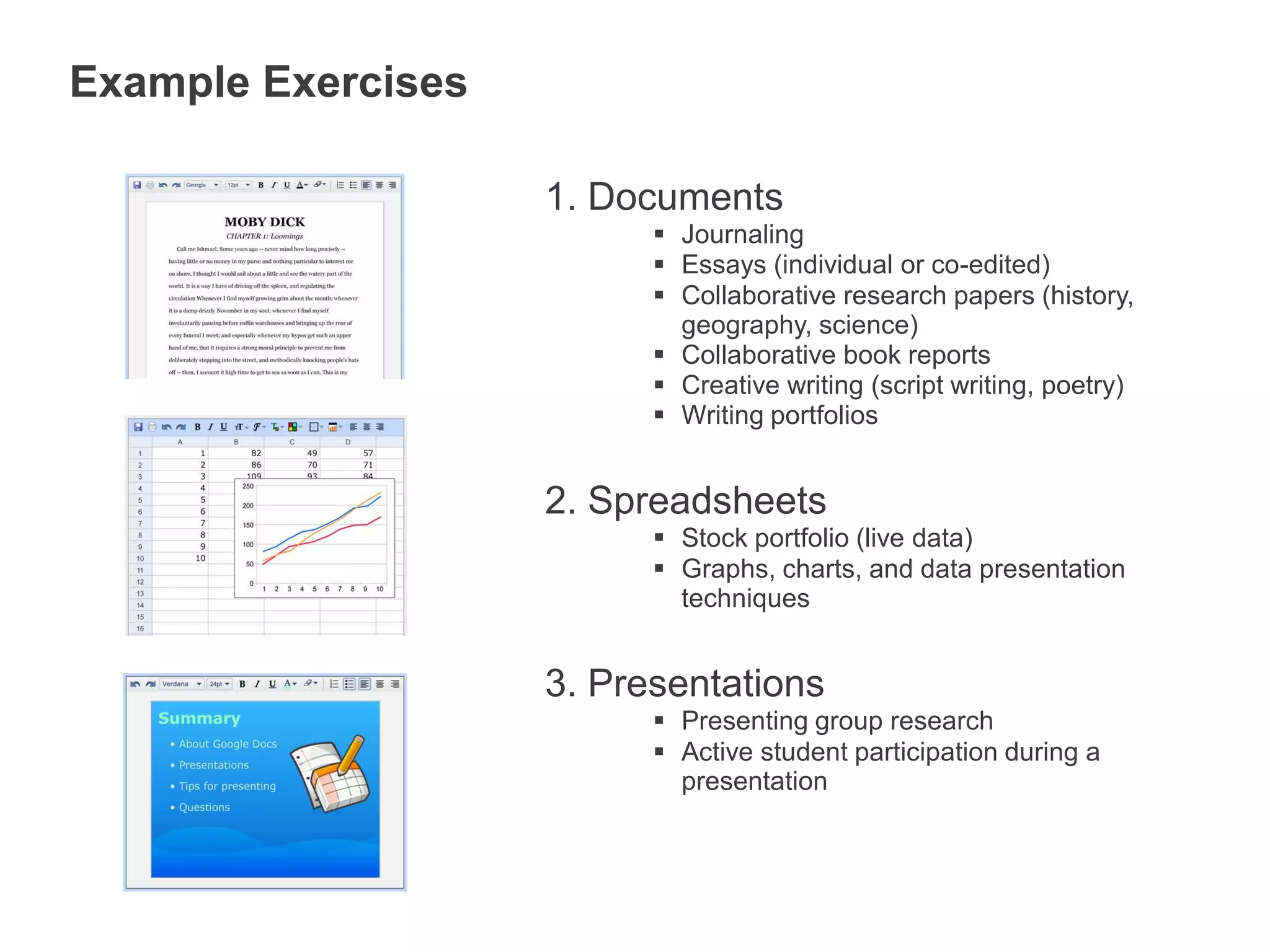
Example ExercisesDocumentsJournaling
Essays (individual or co-edited)
Collaborative research papers (history, geography, science)
Collaborative book reports

MAS Presentation: Using Digital Tools to Engage Learners

  • 1.
    Connecting with ourStudents Using Digital Tools to Engage Learners
  • 2.
    Connect With Me!DeanPhillipshttp://twitter.com/caddiscasterText: CaddiscasterTo: 50500I have traditional business cards at the front, too!
  • 3.
  • 4.
  • 5.
    PLANPro-ActiveReactiveReactAnticipateDisengageRelevantCommunicateDisconnectOpportunity to LearnPunishOpenContentBlockTeach Acceptable UseExpectUpdate School Policy PRIOR to Implementation!
  • 7.
  • 8.
  • 9.
    Cell Phones75% ofAll American Teens have Cell Phones12-13 66%14-17 80%
  • 10.
    Cell PhonesQuarter 42010: Smart Phone sales top Computer sales.100.9 Million Smart Phones92.1 Million Personal Computers
  • 16.
    What Does ThisMean?As an Educator, what implications does the increase in cell phone use, type of use, and ownership have for us or our Schools?Please post your groups response on Twitter!Remember to use the hashtag: #mas11
  • 17.
    Using Cell Phonesin SchoolAnswer this question using only your cell phone:How many home runs did Babe Ruth hit?
  • 18.
  • 19.
    Finding Answers onYour PhoneGoogle SearchText any query to 466453 “GOOGLE”CHA CHAText any query to 242242 “CHACHA”
  • 20.
    Try These QuestionsWhatis the weather in Boston?How many pints are in one US liter?
  • 21.
    Real Time UpdatesWiffitiWiffitiCloudTwitterTweetdeckTwitterfallTwitterfeed
  • 22.
    Ways to UsePollsAttendance Record for this WorkshopCheck for understandingStudents Asking Questions
  • 23.
    Google Tools ToSupport TextingGoogle VoiceAllows SMS from your computer!GMailAllows SMS from inside Gmail, with calling! (Must have a Google Voice account,)
  • 24.
    Photos and VideoDocumentAnything, Anywhere!TwitterUpload to YoutubeFacebookQik VideoLivestreamSend to contacts.Upload to Picasa
  • 25.
  • 26.
    Google DocsGoogle Docsis a free, web-based word processor, spreadsheet and presentation tool that allows you to create and edit documents from anywhere and collaborate with multiple people at the same time.
  • 27.
    Anywhere access &collaborationGoogle Docs is different:Documents are saved online and can be accessed from any computer with an Internet connection
  • 28.
    Collaboration: Multiple peoplecan work together on the same document. No need to email documents back and forthHow Google Docs helps educators and students
  • 29.
    Access documents fromanywhereStudents can work from both school and home since documents are stored securely online
  • 30.
    All you needis browser and internet connection, no software version requirements
  • 31.
    No more “Iforgot my work” excusesSaves changes automaticallyGoogle Docs saves automatically, on a regular basis. Each change is tracked as a new revision. You can see exactly what’s been revised, by whom, and when.“Teachers are able to individually assess student participation and content using the revision tab on Google Docs to see how editing is proceeding and to encourage students as they work.”         - Technology coordinator, Lafayette, CACollaboration gets students excited and engaged“Students love it, no more coaxing kids to do their writing assignments. They beg to go to the computer lab to work on a collaborative assignment with their partner.”- High School Journalism teacher, Palo Alto, CAAdd collaborators to documentsAfter students invite you to their documents:you can review, comment, and grade their work at any time
  • 32.
    it's hard forstudents to tell fibs when you can see their work at all timesAlso, students can work together on projects and get peer feedback
  • 33.
    Folders organize yourstudents’ workFolders keep student work organized
  • 34.
    Standard naming schemesallow you to sort by “Name” to easily find a class periodWriting for an authentic audiencePublish a document to make it visible to an authentic audience: parents, peers, and friends
  • 35.
    You can evenpublish directly to your blog.Not just documents…Spreadsheets and presentations,too.
  • 36.
  • 37.
    Spreadsheet forms simplifydata collectionCreate a survey or poll in a few easy steps
  • 38.
    Your respondents’ dataappears in your spreadsheet as they fill it outOnline presentationsYou can import existing PowerPoint presentations or create new ones from scratch
  • 39.
    Insert images andvideos, and format your slides to fit your preferences.
  • 40.
    Publish and embedyour presentations in a website, allowing access to a wide audience.Students can chat while others are presenting“One student talked aloud while everyone listened and chatted about the presentation… For the first time I can EVER remember as a teacher - 100% of the students were engaged in the presentation and participated in the chat. The students were enthusiastic and offered insightful and appropriate comments.“        - Computer Applications teacher, Beaverton, OR
  • 41.
  • 42.
  • 43.
    Collaborative research papers(history, geography, science)
  • 44.
  • 45.
    Creative writing (scriptwriting, poetry)
  • 46.
  • 47.
    Graphs, charts, anddata presentation techniquesPresentationsPresenting group research
  • 48.
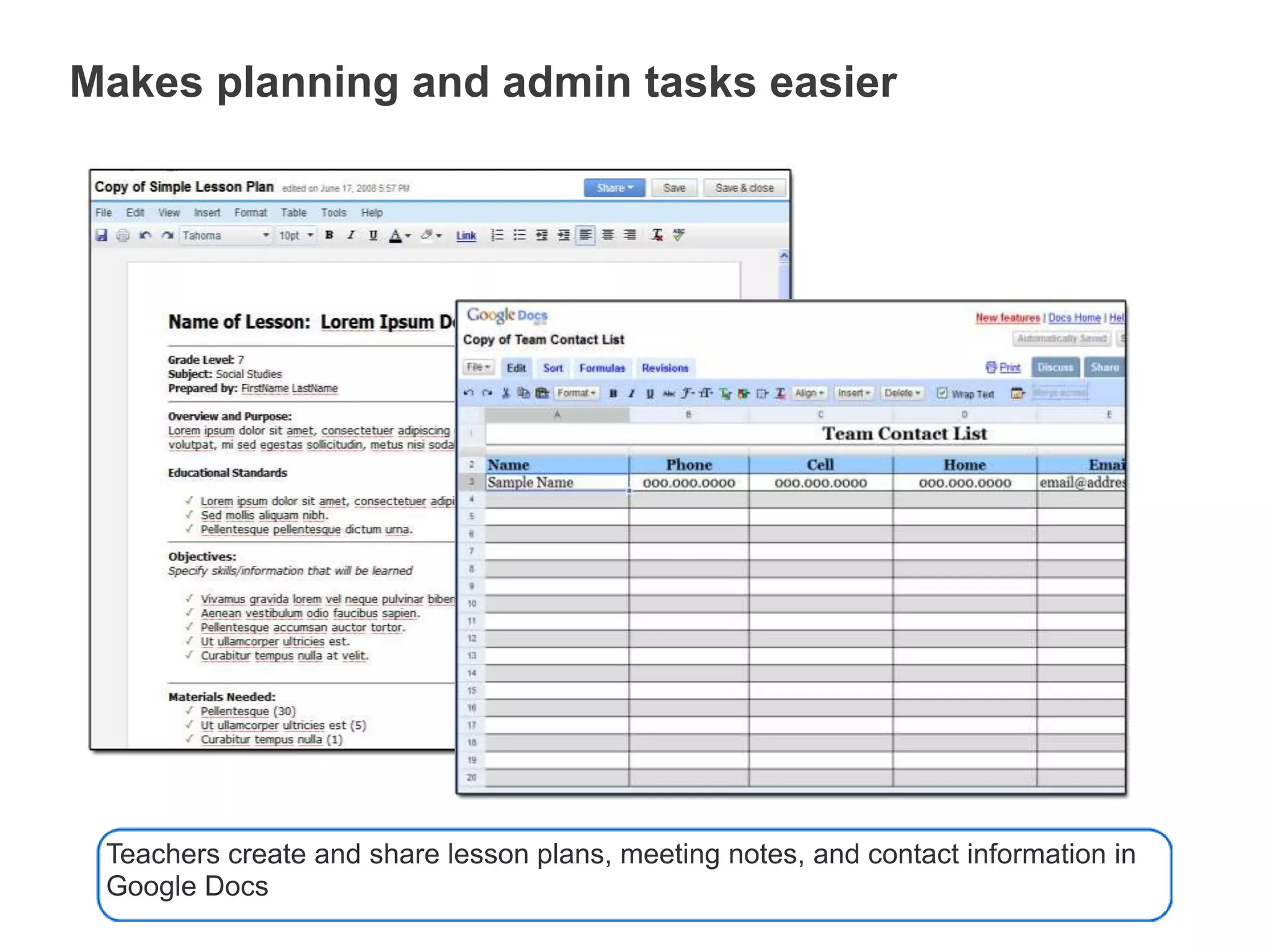
    Active student participationduring a presentationMakes planning and admin tasks easierTeachers create and share lesson plans, meeting notes, and contact information in Google Docs
  • 49.
    Visit the GoogleDocs pageon the Google for Educators siteto get other Google Docs resources.http://www.google.com/educators
  • 50.
  • 51.
    Challenge!Document in someway what you are about to see!Cell PhoneCameraVideoAudioSocial ToolsTwitterGoogle ToolsDocumentsDrawing

Editor's Notes

  • #3 Play learn to change video..
  • #5 Federal GovernmentUpdated FrequentlyPrinted Support MaterialFree
  • #7 Openpolleverywhere.com
  • #8 Take a 5 minute break to allow those who do not have a twitter account sign up for one.
  • #11 Phones are becoming the tool of choice.
  • #14 How important to teens is being connected?
  • #17 Set timer for 3 minutes…Share and reflect…Take a picture and send it to the wiffiti….to 87884 @wif52766
  • #19 Ask them to share how they found the answer…
  • #22 Check time…take a break if needed…Check twitter back channel
  • #23 Play flipped classroom video…