Google Docs in the Classroom
                                                                      Created by CUE and WestEd for Google


                                                     Get the tool: http://docs.google.com


What is it?
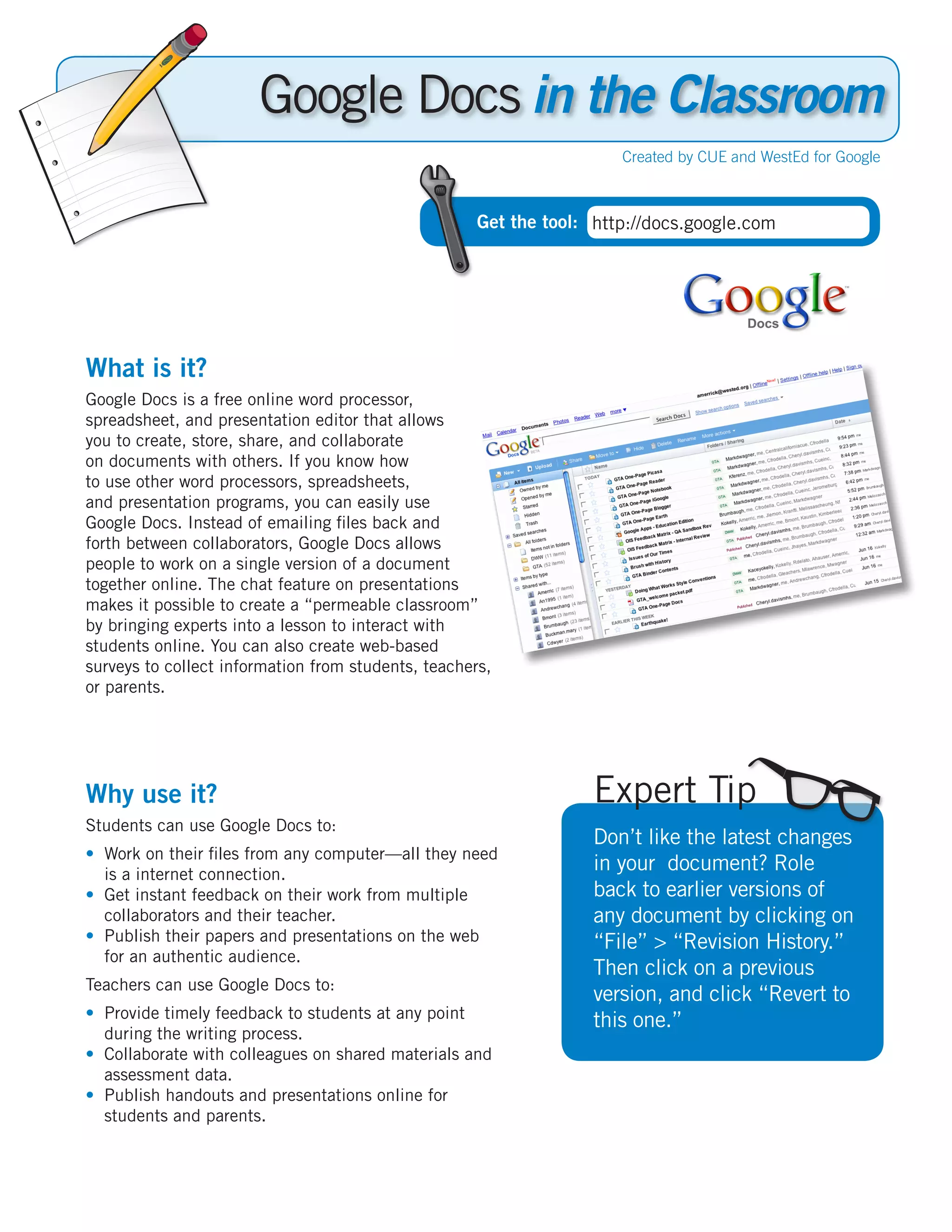
Google Docs is a free online word processor,
spreadsheet, and presentation editor that allows
you to create, store, share, and collaborate
on documents with others. If you know how
to use other word processors, spreadsheets,
and presentation programs, you can easily use
Google Docs. Instead of emailing files back and
forth between collaborators, Google Docs allows
people to work on a single version of a document
together online. The chat feature on presentations
makes it possible to create a “permeable classroom”
by bringing experts into a lesson to interact with
students online. You can also create web-based
surveys to collect information from students, teachers,
or parents.


Why use it?                                                        Expert Tip
Students can use Google Docs to:
                                                                   Don’t like the latest changes
•	 Work on their files from any computer—all they need
   is a internet connection.
                                                                   in your document? Role
•	 Get instant feedback on their work from multiple                back to earlier versions of
   collaborators and their teacher.                                any document by clicking on
•	 Publish their papers and presentations on the web               “File” > “Revision History.”
   for an authentic audience.
                                                                   Then click on a previous
Teachers can use Google Docs to:
                                                                   version, and click “Revert to
•	 Provide timely feedback to students at any point                this one.”
   during the writing process.
•	 Collaborate with colleagues on shared materials and
   assessment data.
•	 Publish handouts and presentations online for
   students and parents.
Instructional Ideas
  Elementary. Students can complete a book report on school computers. Teachers can then upload completed
  reports into Google Docs to share with colleagues or publish for parents.
  Middle School. Partner with a class at another school, enter data from the same science experiment in a
  spreadsheet, and compare the results online.
  High School. In Economics, students can monitor and calculate their investment portfolio in spreadsheets
  when playing the “Stock Market Game.” Students can track specific stocks at different times of the day and
  share the data.


  Google Docs in Action
  Project: Writing Portfolios
  Grade/Subject: 9-12th, Journalism
  School: Palo Alto High School, CA

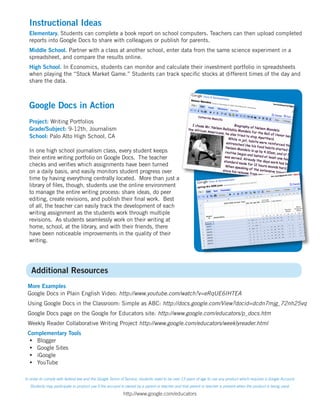
  In one high school journalism class, every student keeps
  their entire writing portfolio on Google Docs. The teacher
  checks and verifies which assignments have been turned
  on a daily basis, and easily monitors student progress over
  time by having everything centrally located. More than just a
  library of files, though, students use the online environment
  to manage the entire writing process: share ideas, do peer
  editing, create revisions, and publish their final work. Best
  of all, the teacher can easily track the development of each
  writing assignment as the students work through multiple
  revisions. As students seamlessly work on their writing at
  home, school, at the library, and with their friends, there
  have been noticeable improvements in the quality of their
  writing.


   Additional Resources
 More Examples
 Google Docs in Plain English Video: http://www.youtube.com/watch?v=eRqUE6IHTEA
 Using Google Docs in the Classroom: Simple as ABC: http://docs.google.com/View?docid=dcdn7mjg_72nh25vq
 Google Docs page on the Google for Educators site: http://www.google.com/educators/p_docs.htm
 Weekly Reader Collaborative Writing Project http://www.google.com/educators/weeklyreader.html
 Complementary Tools
  •	 Blogger
  •	 Google Sites
  •	 iGoogle
  •	 YouTube

In order to comply with federal law and the Google Terms of Service, students need to be over 13 years of age to use any product which requires a Google Account.
   Students may participate in product use if the account is owned by a parent or teacher and that parent or teacher is present when the product is being used.

                                                          http://www.google.com/educators

Crib Docs

  • 1.
    Google Docs inthe Classroom Created by CUE and WestEd for Google Get the tool: http://docs.google.com What is it? Google Docs is a free online word processor, spreadsheet, and presentation editor that allows you to create, store, share, and collaborate on documents with others. If you know how to use other word processors, spreadsheets, and presentation programs, you can easily use Google Docs. Instead of emailing files back and forth between collaborators, Google Docs allows people to work on a single version of a document together online. The chat feature on presentations makes it possible to create a “permeable classroom” by bringing experts into a lesson to interact with students online. You can also create web-based surveys to collect information from students, teachers, or parents. Why use it? Expert Tip Students can use Google Docs to: Don’t like the latest changes • Work on their files from any computer—all they need is a internet connection. in your document? Role • Get instant feedback on their work from multiple back to earlier versions of collaborators and their teacher. any document by clicking on • Publish their papers and presentations on the web “File” > “Revision History.” for an authentic audience. Then click on a previous Teachers can use Google Docs to: version, and click “Revert to • Provide timely feedback to students at any point this one.” during the writing process. • Collaborate with colleagues on shared materials and assessment data. • Publish handouts and presentations online for students and parents.
  • 2.
    Instructional Ideas Elementary. Students can complete a book report on school computers. Teachers can then upload completed reports into Google Docs to share with colleagues or publish for parents. Middle School. Partner with a class at another school, enter data from the same science experiment in a spreadsheet, and compare the results online. High School. In Economics, students can monitor and calculate their investment portfolio in spreadsheets when playing the “Stock Market Game.” Students can track specific stocks at different times of the day and share the data. Google Docs in Action Project: Writing Portfolios Grade/Subject: 9-12th, Journalism School: Palo Alto High School, CA In one high school journalism class, every student keeps their entire writing portfolio on Google Docs. The teacher checks and verifies which assignments have been turned on a daily basis, and easily monitors student progress over time by having everything centrally located. More than just a library of files, though, students use the online environment to manage the entire writing process: share ideas, do peer editing, create revisions, and publish their final work. Best of all, the teacher can easily track the development of each writing assignment as the students work through multiple revisions. As students seamlessly work on their writing at home, school, at the library, and with their friends, there have been noticeable improvements in the quality of their writing. Additional Resources More Examples Google Docs in Plain English Video: http://www.youtube.com/watch?v=eRqUE6IHTEA Using Google Docs in the Classroom: Simple as ABC: http://docs.google.com/View?docid=dcdn7mjg_72nh25vq Google Docs page on the Google for Educators site: http://www.google.com/educators/p_docs.htm Weekly Reader Collaborative Writing Project http://www.google.com/educators/weeklyreader.html Complementary Tools • Blogger • Google Sites • iGoogle • YouTube In order to comply with federal law and the Google Terms of Service, students need to be over 13 years of age to use any product which requires a Google Account. Students may participate in product use if the account is owned by a parent or teacher and that parent or teacher is present when the product is being used. http://www.google.com/educators