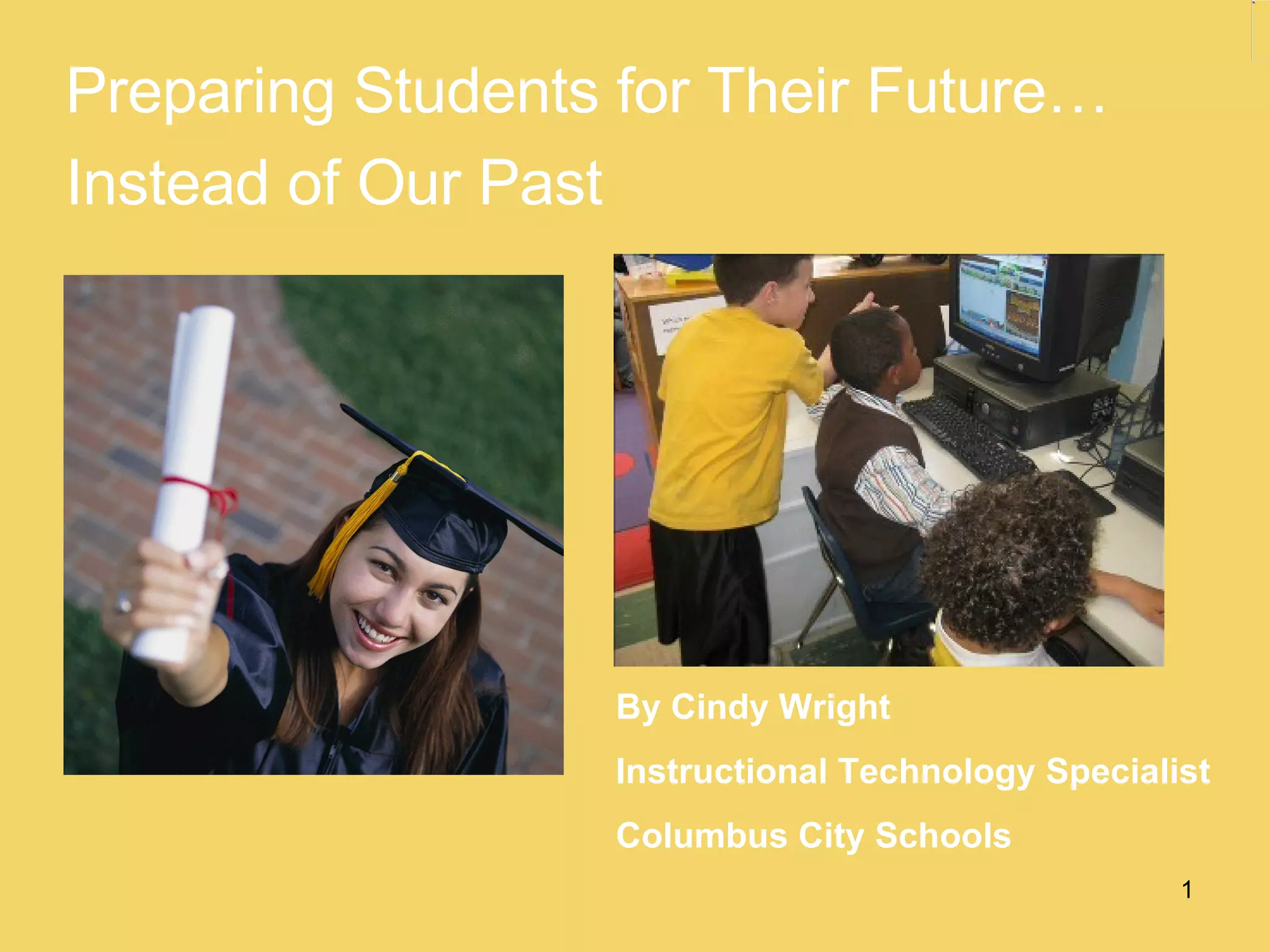


Preparing Students for Their Future… Instead of Our Past By Cindy Wright Instructional Technology Specialist Columbus City Schools
Engaging today’s students means tapping into what is important to them.
We have a responsibility to prepare them for their future, not our past.
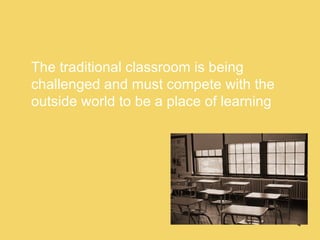
The traditional classroom is being challenged and must compete with the outside world to be a place of learning
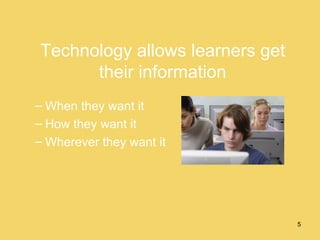
Technology allows learners get their information When they want it How they want it Wherever they want it
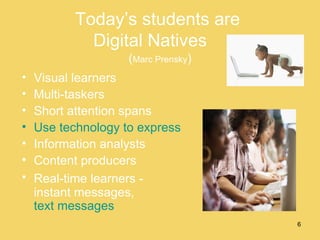
Today’s students are  Digital Natives  ( Marc Prensky ) Visual learners Multi-taskers Short attention spans Use technology to express themselves Information analysts Content producers Real-time learners -  instant messages,  text messages
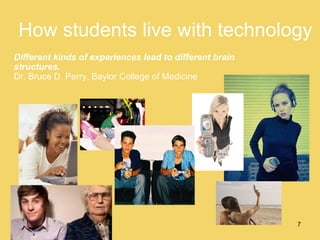
How students live with technology Different kinds of experiences lead to different brain structures.   Dr. Bruce D. Perry, Baylor College of Medicine
Educators must get over the idea that technology will replace them. Any teacher that can be replaced by a computer absolutely deserves to be, because they just do not get it. Ian Jukes
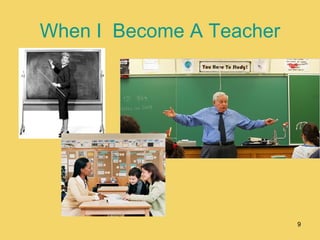
When I  Become A Teacher
Technology is changing Impossible to keep up with it Skills learned today will be irrelevant in the near future Focus less on the technology skill Focus more on the 21 st  century skill
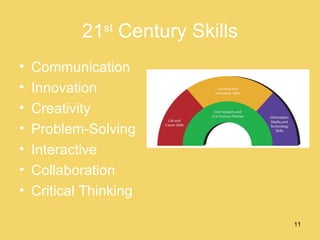
21 st  Century Skills Communication Innovation  Creativity Problem-Solving Interactive Collaboration Critical Thinking
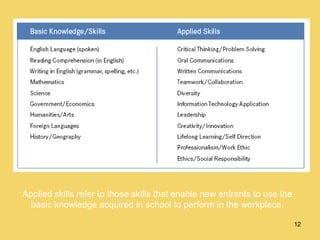
Applied skills refer to those skills that enable new entrants to use the basic knowledge acquired in school to perform in the workplace.
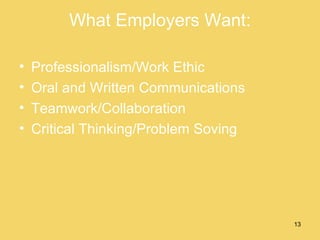
What Employers Want: Professionalism/Work Ethic Oral and Written Communications Teamwork/Collaboration  Critical Thinking/Problem Soving
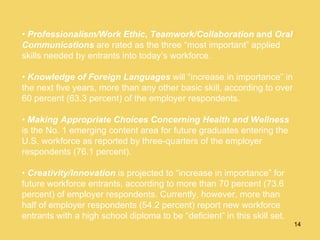
•  Professionalism/Work Ethic ,  Teamwork/Collaboration  and  Oral Communications   are rated as the three “most important” applied skills needed by entrants into today’s workforce. •  Knowledge of Foreign Languages   will “increase in importance” in the next five years, more than any other basic skill, according to over 60 percent (63.3 percent) of the employer respondents. •  Making Appropriate Choices Concerning Health and Wellness   is the No. 1 emerging content area for future graduates entering the U.S. workforce as reported by three-quarters of the employer respondents (76.1 percent). •  Creativity/Innovation   is projected to “increase in importance” for future workforce entrants, according to more than 70 percent (73.6 percent) of employer respondents. Currently, however, more than half of employer respondents (54.2 percent) report new workforce entrants with a high school diploma to be “deficient” in this skill set.
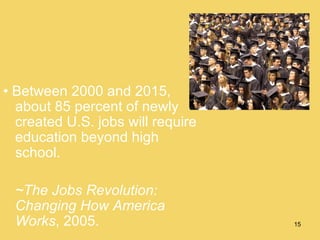
•  Between 2000 and 2015, about 85 percent of newly created U.S. jobs will require education beyond high school. ~The Jobs Revolution: Changing How America Works , 2005.
The Essential Questions for the 21st Century Learner are: How do you know information is true?  How do you communicate effectively?  What does it mean to be a global citizen?  How do I learn best?  How can we be safe?
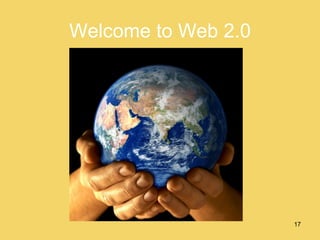
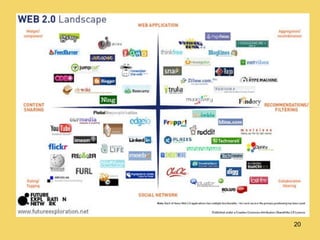
Welcome to Web 2.0
Web 2.0 Open source content and applications Sites that get their value from their users Blogs Wikis Social Bookmarking Sites RSS Feeds Podcasting
Open Source  Content and Applications Anyone can be a publisher All open source material is free Relies on a community that encourages reusing materials Tools for commentary/free expression-text, audio, video Supports social networking
 
Impacting the Classroom With Web 2.0 Tools
Create your own  Personal Learning Network How can web 2.0 tools help you become a better teacher? How can you work smarter not harder? How can you feel connected to teachers with similar issues, feelings, worries, struggles? Get a Network!
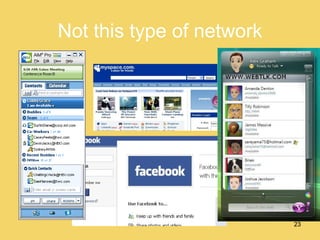
Not this type of network
But a professional network  of educators
Impacting the Classroom With Learning Management Systems
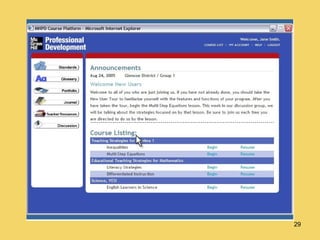
Learning Management Systems Web-based 2 LMS platforms Commercial Open Source Many good free sites are available Any time, any place, any pace learning Tools for teacher productivity
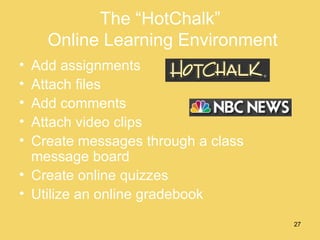
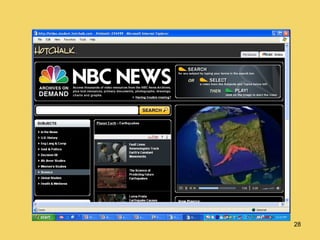
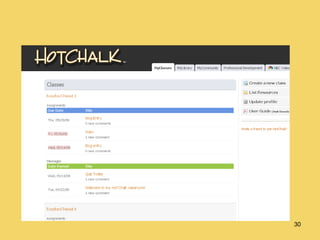
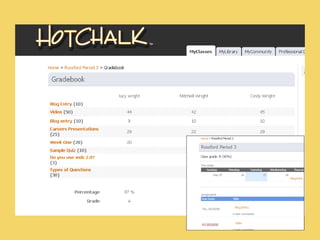
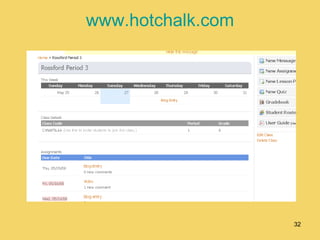
The “HotChalk”  Online Learning Environment Add assignments Attach files Add comments Attach video clips Create messages through a class message board Create online quizzes Utilize an online gradebook


www.hotchalk.com
Impacting the Classroom With Wikis
Wiki A free online writing space that is created and edited by multiple authors Encourages collaboration Student interaction Easy-to-use interface for creating Web pages No software - all you need is Web-based Public or private, and you can invite participants
What can you do with a Wiki? Build a classroom/school newspaper online Publish student projects and research Manage documents Use as a presentation tool Debate course topics, assigned readings Design a student-created “Solutions Manual” Support service learning projects (build a website about a challenge in your city)
Wikis www.pbwiki.com www.wikispaces.com www.wetpaint.com www.wikipedia.com
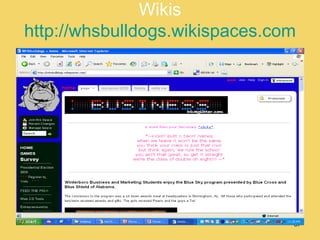
Wikis http://whsbulldogs.wikispaces.com
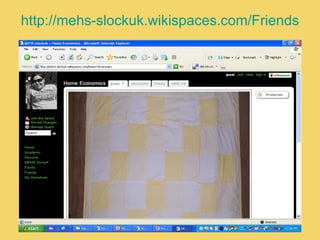
http://mehs-slockuk.wikispaces.com/Friends
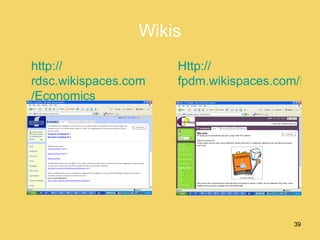
Wikis http:// rdsc.wikispaces.com /Economics Http:// fpdm.wikispaces.com/FP+cookbook
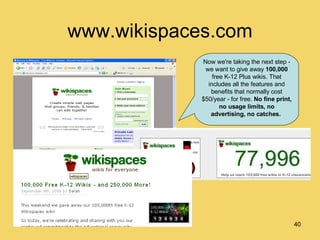
www.wikispaces.com Now we're taking the next step - we want to give away  100,000  free K-12 Plus wikis. That includes all the features and benefits that normally cost $50/year - for free.  No fine print, no usage limits, no advertising, no catches.
Impacting the classroom With Blogs
Blogs Edublogs.org Classblogmeister.com Blogger.com An online journal for reflections, comments, and links to other Internet resources and users provided by the writer. Allows readers to write comments in response to postings, connect with others in the “blogosphere”
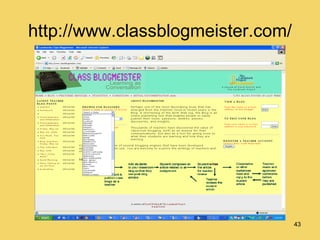
http://www.classblogmeister.com/
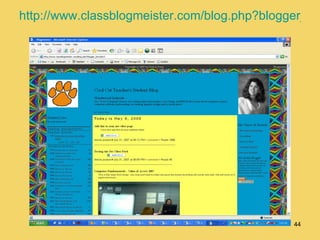
http://www.classblogmeister.com/blog.php?blogger_id=26813
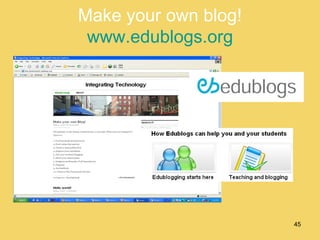
Make your own blog! www.edublogs.org
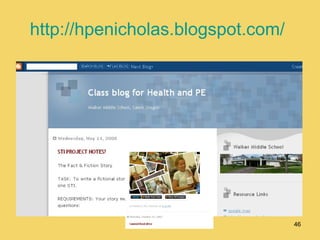
http://hpenicholas.blogspot.com/
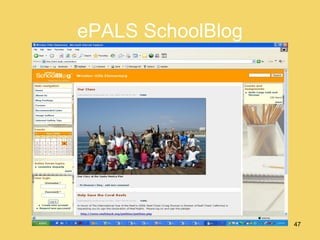
ePALS SchoolBlog
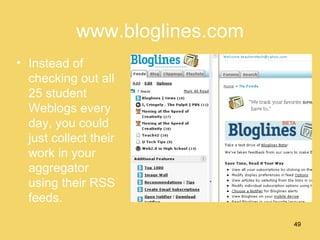
RSS Really simple syndication, a way of aggregating web content in one place. Users subscribe to sites with RSS feeds and the aggregators collects new content and sends it to your desktop. So the content of 30 sites is visible in one place. Aggregators Bloglines.com Netvibes.com
www.bloglines.com Instead of checking out all 25 student Weblogs every day, you could just collect their work in your aggregator using their RSS feeds.
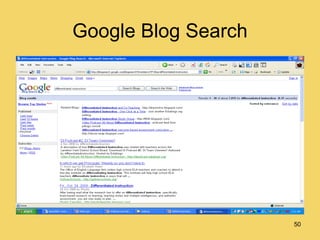
Google Blog Search
Impacting the Classroom With Digital Storytelling
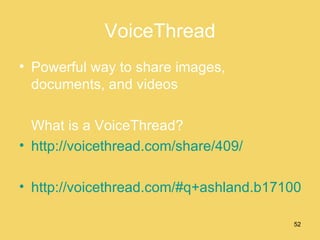
VoiceThread Powerful way to share images, documents, and videos What is a VoiceThread? http://voicethread.com/share/409/ http://voicethread.com/#q+ashland.b171000.i911950
Impacting the Classroom   With Social Bookmarking
Social Bookmarking Web based service where shared lists of user created Internet bookmarks are displayed. Allows user to locate, classify, rank, and share Internet resources by tagging sites. Diigo.com Del.icio.us Furl.net
Social Bookmarking Saves links to web pages Web based so your bookmarks are available anywhere-not just on one computer in the favorites Share web page links with others Create “networks” of people with like interests and bookmarks Organize your web pages with tags
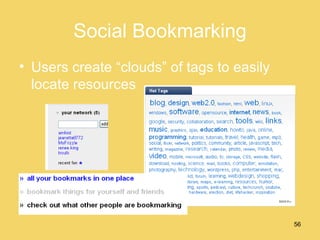
Social Bookmarking Users create “clouds” of tags to easily locate resources
Impacting the Classroom   With Slideshare
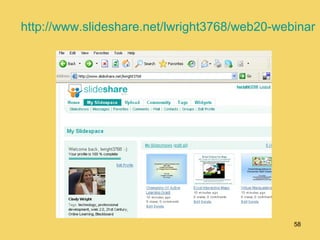
http://www.slideshare.net/lwright3768/web20-webinar
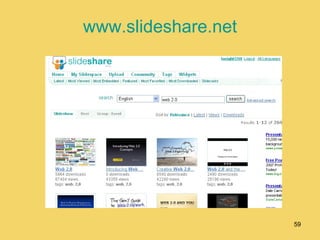
www.slideshare.net
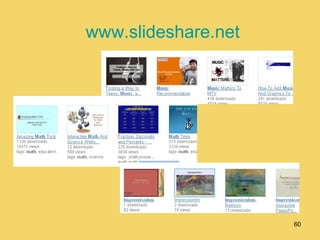
www.slideshare.net
What will you do today? Build digital literacy Use the right tool for the job Use the tools to communicate more effectively Create learning networks for teachers and students Provide learning whatever, whenever, wherever Provide authentic learning experiences-engaging and contextual Provide opportunities beyond the classroom
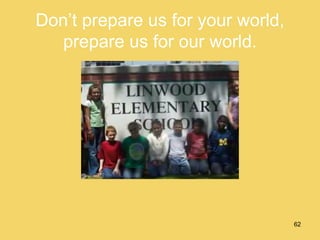
Don’t prepare us for your world, prepare us for our world.
Questions
Thank You! My contact information: Cindy Wright Columbus City Schools 737 E. Hudson St.  Columbus, OH 43211 614-365-5102 [email_address]

Njeapresentation

  • 1.
    Preparing Students forTheir Future… Instead of Our Past By Cindy Wright Instructional Technology Specialist Columbus City Schools
  • 2.
    Engaging today’s studentsmeans tapping into what is important to them.
  • 3.
    We have aresponsibility to prepare them for their future, not our past.
  • 4.
    The traditional classroomis being challenged and must compete with the outside world to be a place of learning
  • 5.
    Technology allows learnersget their information When they want it How they want it Wherever they want it
  • 6.
    Today’s students are Digital Natives ( Marc Prensky ) Visual learners Multi-taskers Short attention spans Use technology to express themselves Information analysts Content producers Real-time learners - instant messages, text messages
  • 7.
    How students livewith technology Different kinds of experiences lead to different brain structures. Dr. Bruce D. Perry, Baylor College of Medicine
  • 8.
    Educators must getover the idea that technology will replace them. Any teacher that can be replaced by a computer absolutely deserves to be, because they just do not get it. Ian Jukes
  • 9.
    When I Become A Teacher
  • 10.
    Technology is changingImpossible to keep up with it Skills learned today will be irrelevant in the near future Focus less on the technology skill Focus more on the 21 st century skill
  • 11.
    21 st Century Skills Communication Innovation Creativity Problem-Solving Interactive Collaboration Critical Thinking
  • 12.
    Applied skills referto those skills that enable new entrants to use the basic knowledge acquired in school to perform in the workplace.
  • 13.
    What Employers Want:Professionalism/Work Ethic Oral and Written Communications Teamwork/Collaboration Critical Thinking/Problem Soving
  • 14.
    • Professionalism/WorkEthic , Teamwork/Collaboration and Oral Communications are rated as the three “most important” applied skills needed by entrants into today’s workforce. • Knowledge of Foreign Languages will “increase in importance” in the next five years, more than any other basic skill, according to over 60 percent (63.3 percent) of the employer respondents. • Making Appropriate Choices Concerning Health and Wellness is the No. 1 emerging content area for future graduates entering the U.S. workforce as reported by three-quarters of the employer respondents (76.1 percent). • Creativity/Innovation is projected to “increase in importance” for future workforce entrants, according to more than 70 percent (73.6 percent) of employer respondents. Currently, however, more than half of employer respondents (54.2 percent) report new workforce entrants with a high school diploma to be “deficient” in this skill set.
  • 15.
    • Between2000 and 2015, about 85 percent of newly created U.S. jobs will require education beyond high school. ~The Jobs Revolution: Changing How America Works , 2005.
  • 16.
    The Essential Questionsfor the 21st Century Learner are: How do you know information is true? How do you communicate effectively? What does it mean to be a global citizen? How do I learn best? How can we be safe?
  • 17.
  • 18.
    Web 2.0 Opensource content and applications Sites that get their value from their users Blogs Wikis Social Bookmarking Sites RSS Feeds Podcasting
  • 19.
    Open Source Content and Applications Anyone can be a publisher All open source material is free Relies on a community that encourages reusing materials Tools for commentary/free expression-text, audio, video Supports social networking
  • 20.
  • 21.
    Impacting the ClassroomWith Web 2.0 Tools
  • 22.
    Create your own Personal Learning Network How can web 2.0 tools help you become a better teacher? How can you work smarter not harder? How can you feel connected to teachers with similar issues, feelings, worries, struggles? Get a Network!
  • 23.
    Not this typeof network
  • 24.
    But a professionalnetwork of educators
  • 25.
    Impacting the ClassroomWith Learning Management Systems
  • 26.
    Learning Management SystemsWeb-based 2 LMS platforms Commercial Open Source Many good free sites are available Any time, any place, any pace learning Tools for teacher productivity
  • 27.
    The “HotChalk” Online Learning Environment Add assignments Attach files Add comments Attach video clips Create messages through a class message board Create online quizzes Utilize an online gradebook
  • 28.
  • 29.
  • 30.
  • 31.
  • 32.
  • 33.
  • 34.
    Wiki A freeonline writing space that is created and edited by multiple authors Encourages collaboration Student interaction Easy-to-use interface for creating Web pages No software - all you need is Web-based Public or private, and you can invite participants
  • 35.
    What can youdo with a Wiki? Build a classroom/school newspaper online Publish student projects and research Manage documents Use as a presentation tool Debate course topics, assigned readings Design a student-created “Solutions Manual” Support service learning projects (build a website about a challenge in your city)
  • 36.
    Wikis www.pbwiki.com www.wikispaces.comwww.wetpaint.com www.wikipedia.com
  • 37.
  • 38.
  • 39.
    Wikis http:// rdsc.wikispaces.com/Economics Http:// fpdm.wikispaces.com/FP+cookbook
  • 40.
    www.wikispaces.com Now we'retaking the next step - we want to give away 100,000 free K-12 Plus wikis. That includes all the features and benefits that normally cost $50/year - for free. No fine print, no usage limits, no advertising, no catches.
  • 41.
  • 42.
    Blogs Edublogs.org Classblogmeister.comBlogger.com An online journal for reflections, comments, and links to other Internet resources and users provided by the writer. Allows readers to write comments in response to postings, connect with others in the “blogosphere”
  • 43.
  • 44.
  • 45.
    Make your ownblog! www.edublogs.org
  • 46.
  • 47.
  • 48.
    RSS Really simplesyndication, a way of aggregating web content in one place. Users subscribe to sites with RSS feeds and the aggregators collects new content and sends it to your desktop. So the content of 30 sites is visible in one place. Aggregators Bloglines.com Netvibes.com
  • 49.
    www.bloglines.com Instead ofchecking out all 25 student Weblogs every day, you could just collect their work in your aggregator using their RSS feeds.
  • 50.
  • 51.
    Impacting the ClassroomWith Digital Storytelling
  • 52.
    VoiceThread Powerful wayto share images, documents, and videos What is a VoiceThread? http://voicethread.com/share/409/ http://voicethread.com/#q+ashland.b171000.i911950
  • 53.
    Impacting the Classroom With Social Bookmarking
  • 54.
    Social Bookmarking Webbased service where shared lists of user created Internet bookmarks are displayed. Allows user to locate, classify, rank, and share Internet resources by tagging sites. Diigo.com Del.icio.us Furl.net
  • 55.
    Social Bookmarking Saveslinks to web pages Web based so your bookmarks are available anywhere-not just on one computer in the favorites Share web page links with others Create “networks” of people with like interests and bookmarks Organize your web pages with tags
  • 56.
    Social Bookmarking Userscreate “clouds” of tags to easily locate resources
  • 57.
    Impacting the Classroom With Slideshare
  • 58.
  • 59.
  • 60.
  • 61.
    What will youdo today? Build digital literacy Use the right tool for the job Use the tools to communicate more effectively Create learning networks for teachers and students Provide learning whatever, whenever, wherever Provide authentic learning experiences-engaging and contextual Provide opportunities beyond the classroom
  • 62.
    Don’t prepare usfor your world, prepare us for our world.
  • 63.
  • 64.
    Thank You! Mycontact information: Cindy Wright Columbus City Schools 737 E. Hudson St. Columbus, OH 43211 614-365-5102 [email_address]

Editor's Notes

  • #2 Welcome everyone. My name is Cindy Wright, and I am an Instructional Technology Specialist with Columbus City Schools, in Columbus, Ohio. I’d like to share with you today some information regarding the newest Web 2.0 technologies and how they can have a positive impact in the classroom. My hope is that this presentation will encourage you to try at least one of the technologies I introduce. The presentation will be saved, and you will have access to it and my speaker notes after the WebEx. So if I go too fast and you miss something on a screen, just keep in mind you can always view it again later at your own leisurely pace.