Lesson Plan – Lesson One

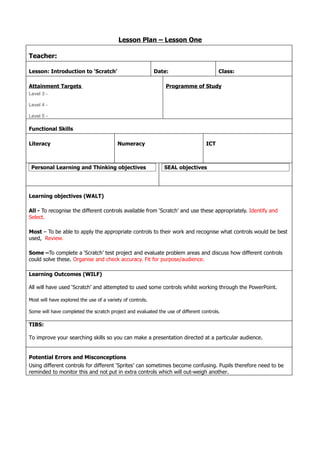
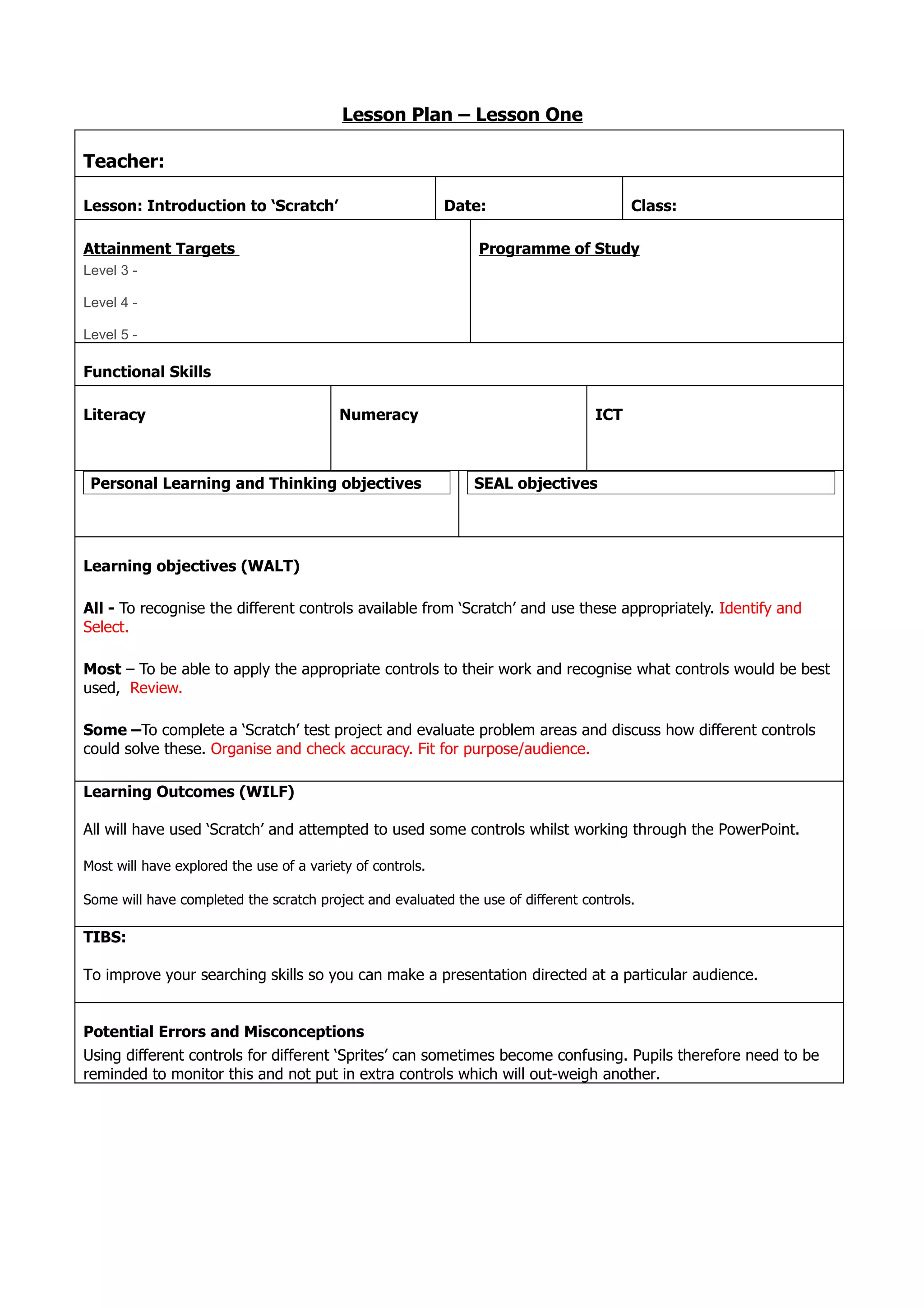
Teacher:

Lesson: Introduction to ‘Scratch’                           Date:                       Class:

Attainment Targets                                              Programme of Study
Level 3 -

Level 4 -

Level 5 -

Functional Skills

Literacy                                  Numeracy                                ICT


 Personal Learning and Thinking objectives                     SEAL objectives


Learning objectives (WALT)

All - To recognise the different controls available from ‘Scratch’ and use these appropriately. Identify and
Select.

Most – To be able to apply the appropriate controls to their work and recognise what controls would be best
used, Review.

Some –To complete a ‘Scratch’ test project and evaluate problem areas and discuss how different controls
could solve these. Organise and check accuracy. Fit for purpose/audience.

Learning Outcomes (WILF)

All will have used ‘Scratch’ and attempted to used some controls whilst working through the PowerPoint.

Most will have explored the use of a variety of controls.

Some will have completed the scratch project and evaluated the use of different controls.

TIBS:

To improve your searching skills so you can make a presentation directed at a particular audience.


Potential Errors and Misconceptions
Using different controls for different ‘Sprites’ can sometimes become confusing. Pupils therefore need to be
reminded to monitor this and not put in extra controls which will out-weigh another.
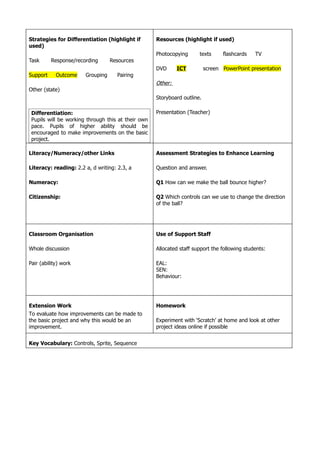
Strategies for Differentiation (highlight if        Resources (highlight if used)
used)
                                                    Photocopying      texts      flashcards   TV
Task      Response/recording      Resources
                                                    DVD      ICT          screen PowerPoint presentation
Support     Outcome    Grouping      Pairing
                                                    Other:
Other (state)
                                                    Storyboard outline.

 Differentiation:                                   Presentation (Teacher)
 Pupils will be working through this at their own
 pace. Pupils of higher ability should be
 encouraged to make improvements on the basic
 project.

Literacy/Numeracy/other Links                       Assessment Strategies to Enhance Learning

Literacy: reading: 2.2 a, d writing: 2.3, a         Question and answer.

Numeracy:                                           Q1 How can we make the ball bounce higher?

Citizenship:                                        Q2 Which controls can we use to change the direction
                                                    of the ball?


Classroom Organisation                              Use of Support Staff

Whole discussion                                    Allocated staff support the following students:

Pair (ability) work                                 EAL:
                                                    SEN:
                                                    Behaviour:


Extension Work                                      Homework
To evaluate how improvements can be made to
the basic project and why this would be an          Experiment with ‘Scratch’ at home and look at other
improvement.                                        project ideas online if possible


Key Vocabulary: Controls, Sprite, Sequence
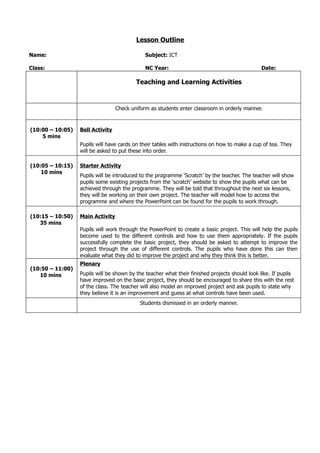
Lesson Outline

Name:                                         Subject: ICT

Class:                                        NC Year:                                          Date:

                                          Teaching and Learning Activities


                                  Check uniform as students enter classroom in orderly manner.


(10:00 – 10:05)   Bell Activity
    5 mins
                  Pupils will have cards on their tables with instructions on how to make a cup of tea. They
                  will be asked to put these into order.

(10:05 – 10:15)   Starter Activity
    10 mins
                  Pupils will be introduced to the programme ‘Scratch’ by the teacher. The teacher will show
                  pupils some existing projects from the ‘scratch’ website to show the pupils what can be
                  achieved through the programme. They will be told that throughout the next six lessons,
                  they will be working on their own project. The teacher will model how to access the
                  programme and where the PowerPoint can be found for the pupils to work through.

(10:15 – 10:50)   Main Activity
   35 mins
                  Pupils will work through the PowerPoint to create a basic project. This will help the pupils
                  become used to the different controls and how to use them appropriately. If the pupils
                  successfully complete the basic project, they should be asked to attempt to improve the
                  project through the use of different controls. The pupils who have done this can then
                  evaluate what they did to improve the project and why they think this is better.
                  Plenary
(10:50 – 11:00)
   10 mins        Pupils will be shown by the teacher what their finished projects should look like. If pupils
                  have improved on the basic project, they should be encouraged to share this with the rest
                  of the class. The teacher will also model an improved project and ask pupils to state why
                  they believe it is an improvement and guess at what controls have been used.
                                            Students dismissed in an orderly manner.

Lesson one plan

  • 1.
    Lesson Plan –Lesson One Teacher: Lesson: Introduction to ‘Scratch’ Date: Class: Attainment Targets Programme of Study Level 3 - Level 4 - Level 5 - Functional Skills Literacy Numeracy ICT Personal Learning and Thinking objectives SEAL objectives Learning objectives (WALT) All - To recognise the different controls available from ‘Scratch’ and use these appropriately. Identify and Select. Most – To be able to apply the appropriate controls to their work and recognise what controls would be best used, Review. Some –To complete a ‘Scratch’ test project and evaluate problem areas and discuss how different controls could solve these. Organise and check accuracy. Fit for purpose/audience. Learning Outcomes (WILF) All will have used ‘Scratch’ and attempted to used some controls whilst working through the PowerPoint. Most will have explored the use of a variety of controls. Some will have completed the scratch project and evaluated the use of different controls. TIBS: To improve your searching skills so you can make a presentation directed at a particular audience. Potential Errors and Misconceptions Using different controls for different ‘Sprites’ can sometimes become confusing. Pupils therefore need to be reminded to monitor this and not put in extra controls which will out-weigh another.
  • 2.
    Strategies for Differentiation(highlight if Resources (highlight if used) used) Photocopying texts flashcards TV Task Response/recording Resources DVD ICT screen PowerPoint presentation Support Outcome Grouping Pairing Other: Other (state) Storyboard outline. Differentiation: Presentation (Teacher) Pupils will be working through this at their own pace. Pupils of higher ability should be encouraged to make improvements on the basic project. Literacy/Numeracy/other Links Assessment Strategies to Enhance Learning Literacy: reading: 2.2 a, d writing: 2.3, a Question and answer. Numeracy: Q1 How can we make the ball bounce higher? Citizenship: Q2 Which controls can we use to change the direction of the ball? Classroom Organisation Use of Support Staff Whole discussion Allocated staff support the following students: Pair (ability) work EAL: SEN: Behaviour: Extension Work Homework To evaluate how improvements can be made to the basic project and why this would be an Experiment with ‘Scratch’ at home and look at other improvement. project ideas online if possible Key Vocabulary: Controls, Sprite, Sequence
  • 4.
    Lesson Outline Name: Subject: ICT Class: NC Year: Date: Teaching and Learning Activities Check uniform as students enter classroom in orderly manner. (10:00 – 10:05) Bell Activity 5 mins Pupils will have cards on their tables with instructions on how to make a cup of tea. They will be asked to put these into order. (10:05 – 10:15) Starter Activity 10 mins Pupils will be introduced to the programme ‘Scratch’ by the teacher. The teacher will show pupils some existing projects from the ‘scratch’ website to show the pupils what can be achieved through the programme. They will be told that throughout the next six lessons, they will be working on their own project. The teacher will model how to access the programme and where the PowerPoint can be found for the pupils to work through. (10:15 – 10:50) Main Activity 35 mins Pupils will work through the PowerPoint to create a basic project. This will help the pupils become used to the different controls and how to use them appropriately. If the pupils successfully complete the basic project, they should be asked to attempt to improve the project through the use of different controls. The pupils who have done this can then evaluate what they did to improve the project and why they think this is better. Plenary (10:50 – 11:00) 10 mins Pupils will be shown by the teacher what their finished projects should look like. If pupils have improved on the basic project, they should be encouraged to share this with the rest of the class. The teacher will also model an improved project and ask pupils to state why they believe it is an improvement and guess at what controls have been used. Students dismissed in an orderly manner.