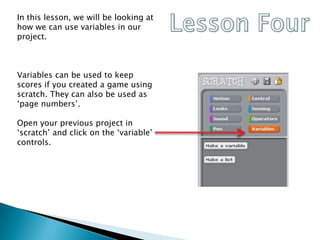
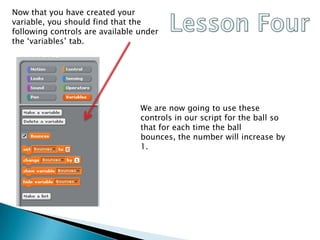
This document discusses using variables in a Scratch project to count the number of times a ball bounces. It explains how to create a variable called "Bounces" for the ball sprite and add code to the ball's script to increment the variable by 1 each time the ball reaches the bottom of the screen, simulating a bounce. This allows the variable to track the number of bounces over the course of the project. An extension activity suggests adding another variable to track something about the character sprite as well.