Principles of Information
Systems(PIS1)
Lecturer: Rubben Nambinga
Email: rubbennambinga@gmail.com
Getting started with your first computer
Lesson Objectives
At the end of this lesson you will be able to:
• Know how to turn on the computer
• Know the use of keyboard and mouse
• Understand the computer window, files and icons
Turning on a computer
The very first step is to turn on the
computer. To do this, locate and
press the power button. It's in a
different place on every computer,
but it will have the universal power
button symbol as shown in the
picture.
Turning on a computer
Once turned on, your computer
takes time before it's ready to use.
You may see a few different displays
flash on the screen. This process is
called booting up, and it can take
anywhere from 15 seconds to several
minutes.
Turning on a computer
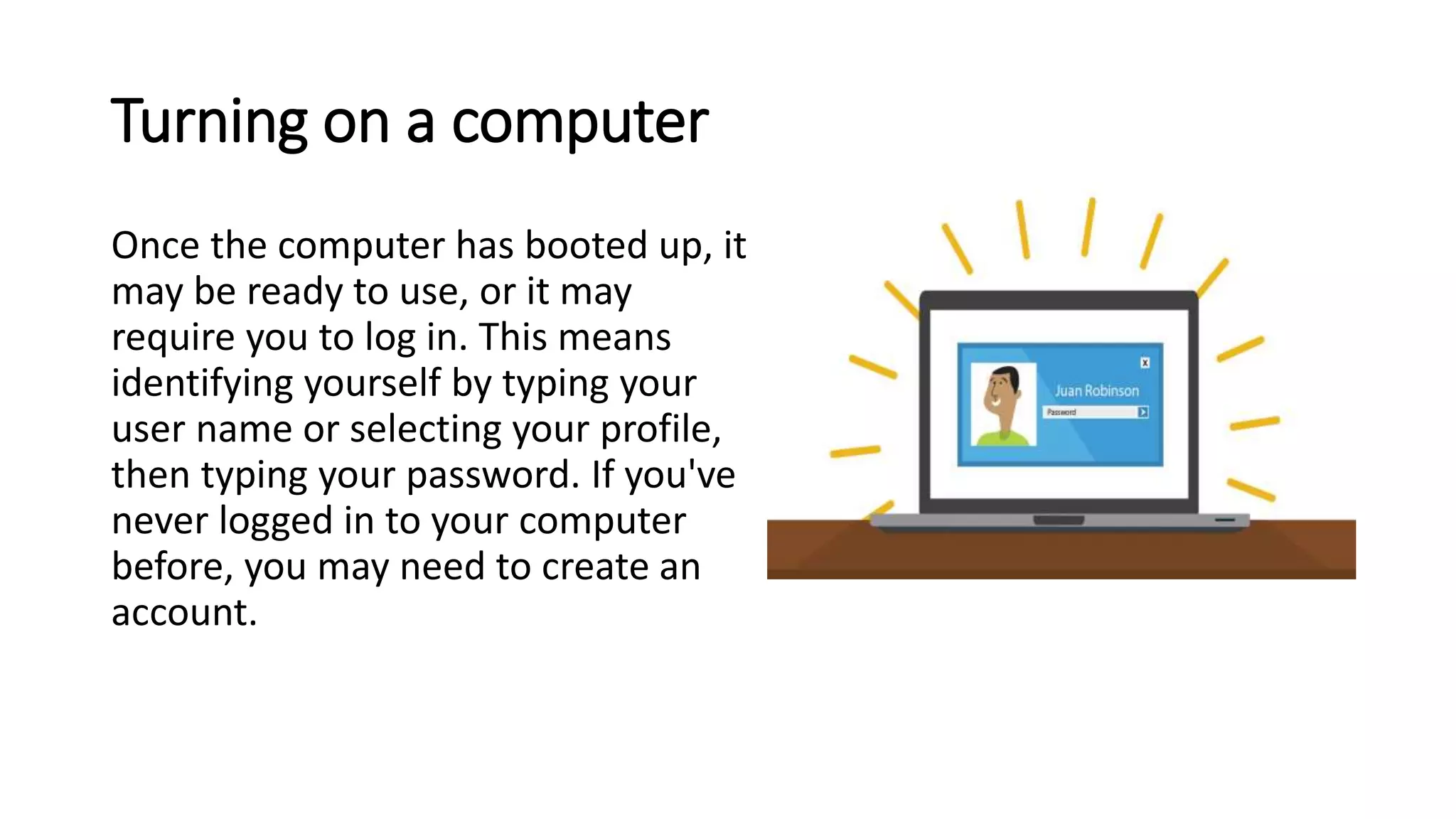
Once the computer has booted up, it
may be ready to use, or it may
require you to log in. This means
identifying yourself by typing your
user name or selecting your profile,
then typing your password. If you've
never logged in to your computer
before, you may need to create an
account.
The keyboard and mouse
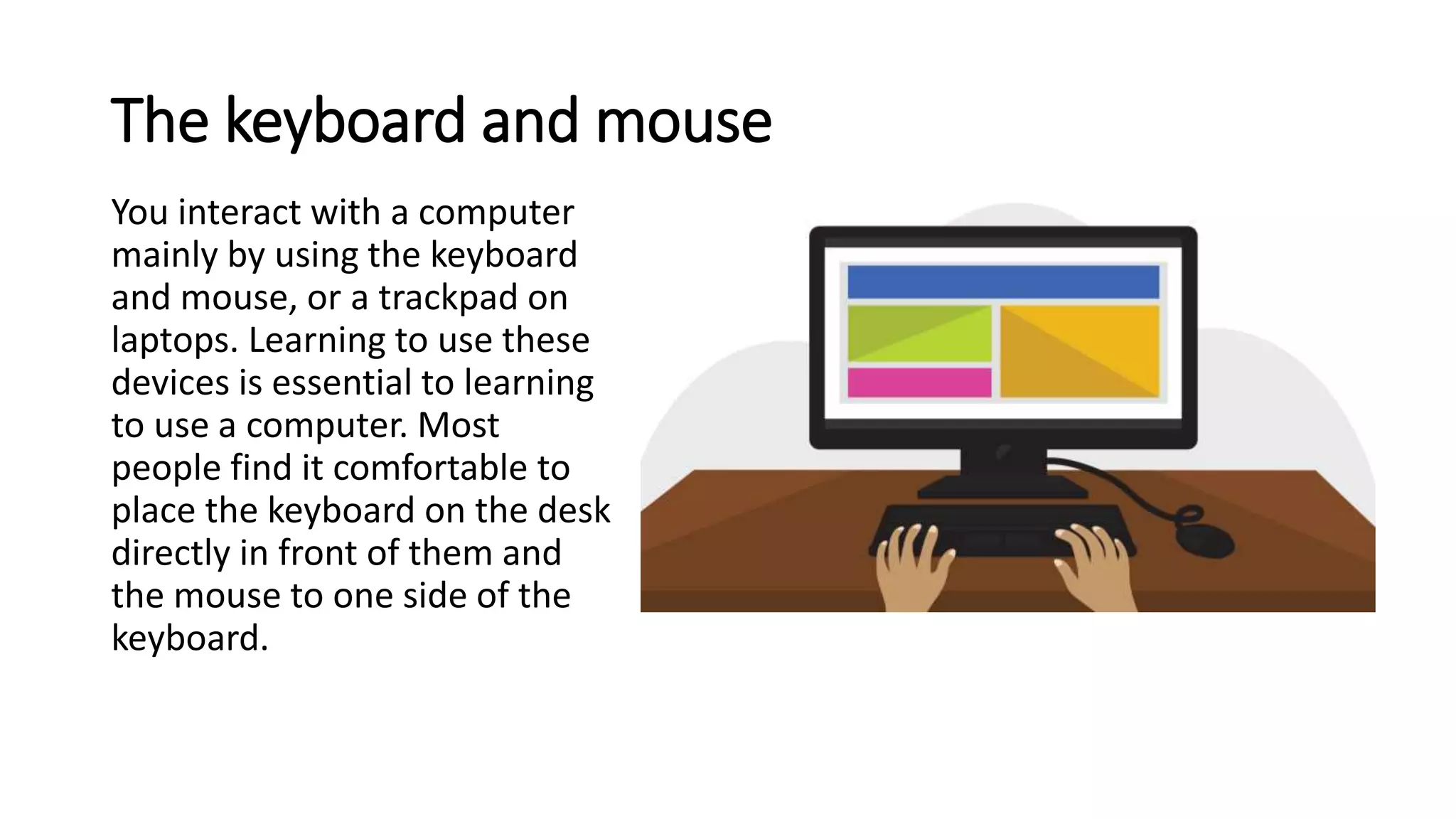
You interact with a computer
mainly by using the keyboard
and mouse, or a trackpad on
laptops. Learning to use these
devices is essential to learning
to use a computer. Most
people find it comfortable to
place the keyboard on the desk
directly in front of them and
the mouse to one side of the
keyboard.
The keyboard and mouse
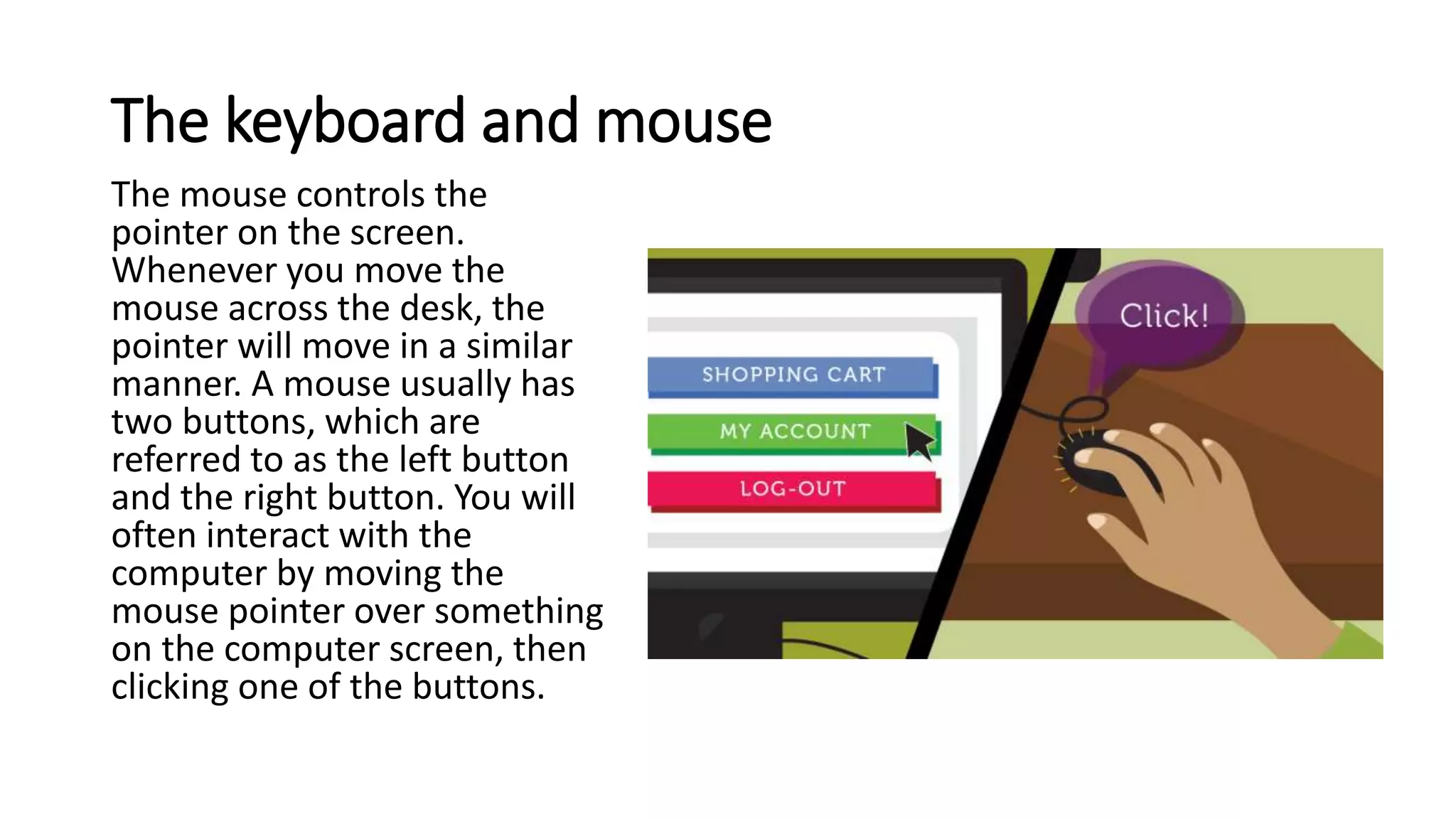
The mouse controls the
pointer on the screen.
Whenever you move the
mouse across the desk, the
pointer will move in a similar
manner. A mouse usually has
two buttons, which are
referred to as the left button
and the right button. You will
often interact with the
computer by moving the
mouse pointer over something
on the computer screen, then
clicking one of the buttons.
The keyboard and mouse
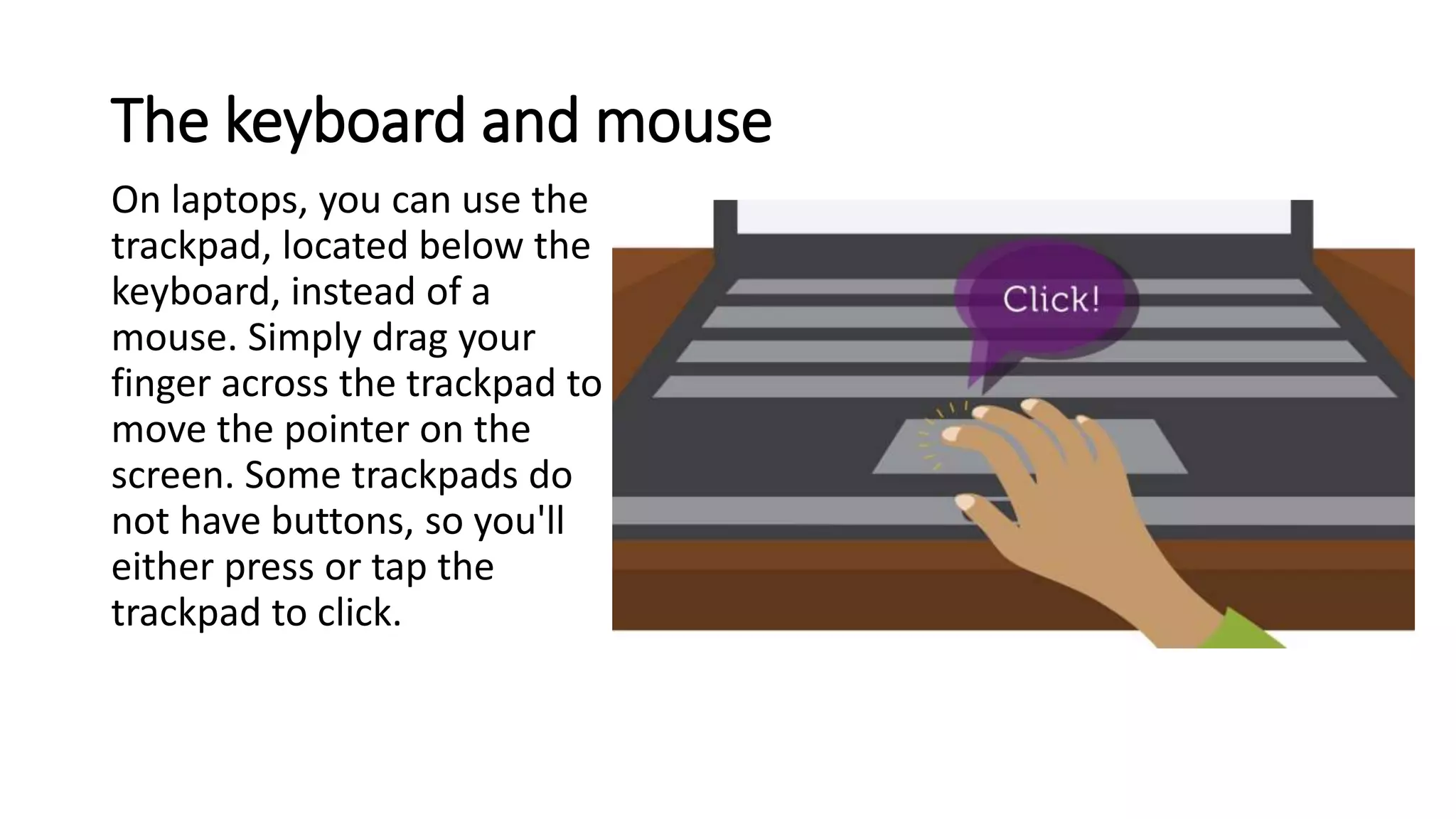
On laptops, you can use the
trackpad, located below the
keyboard, instead of a
mouse. Simply drag your
finger across the trackpad to
move the pointer on the
screen. Some trackpads do
not have buttons, so you'll
either press or tap the
trackpad to click.
Using a computer
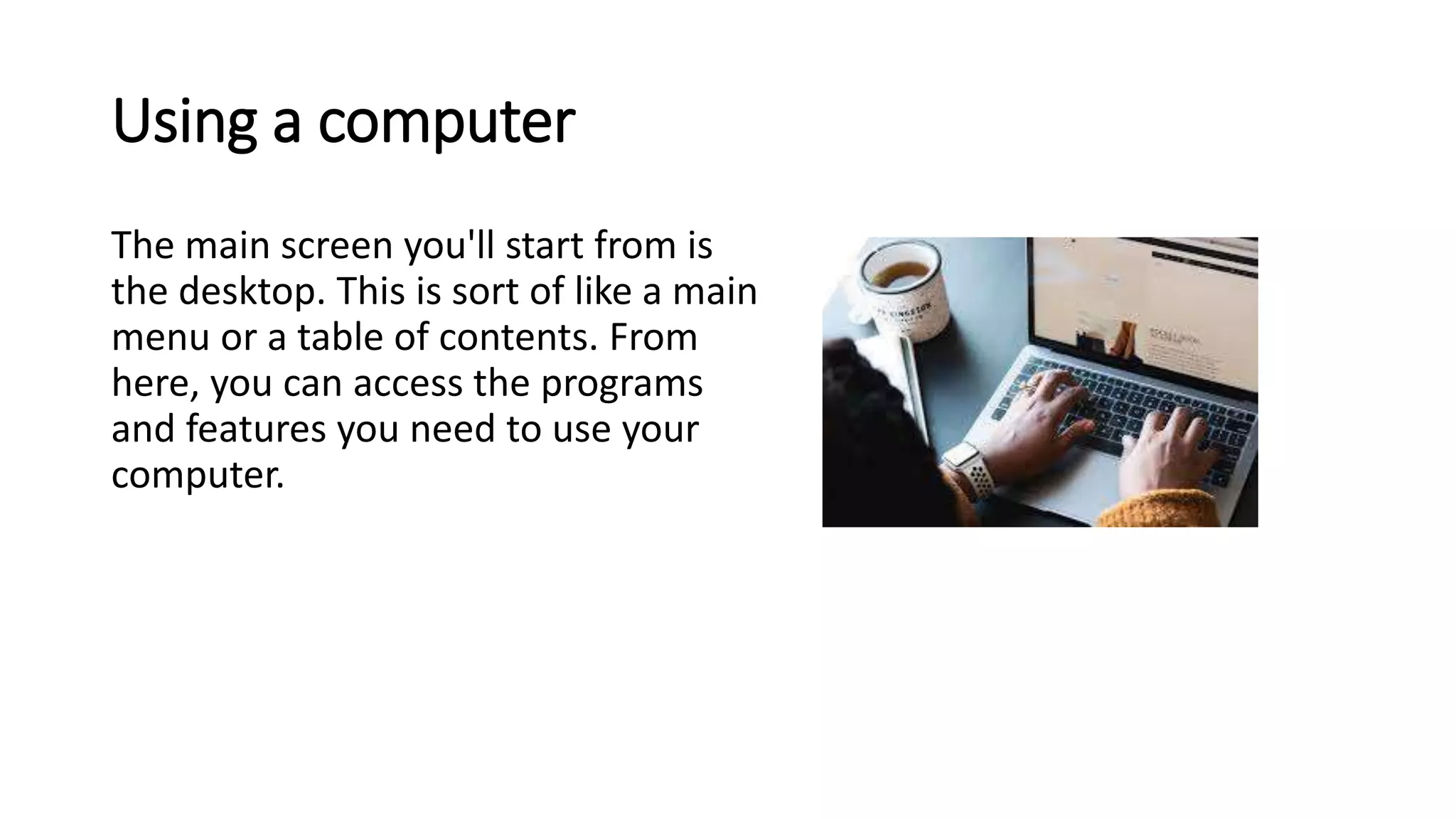
The main screen you'll start from is
the desktop. This is sort of like a main
menu or a table of contents. From
here, you can access the programs
and features you need to use your
computer.
Using a computer
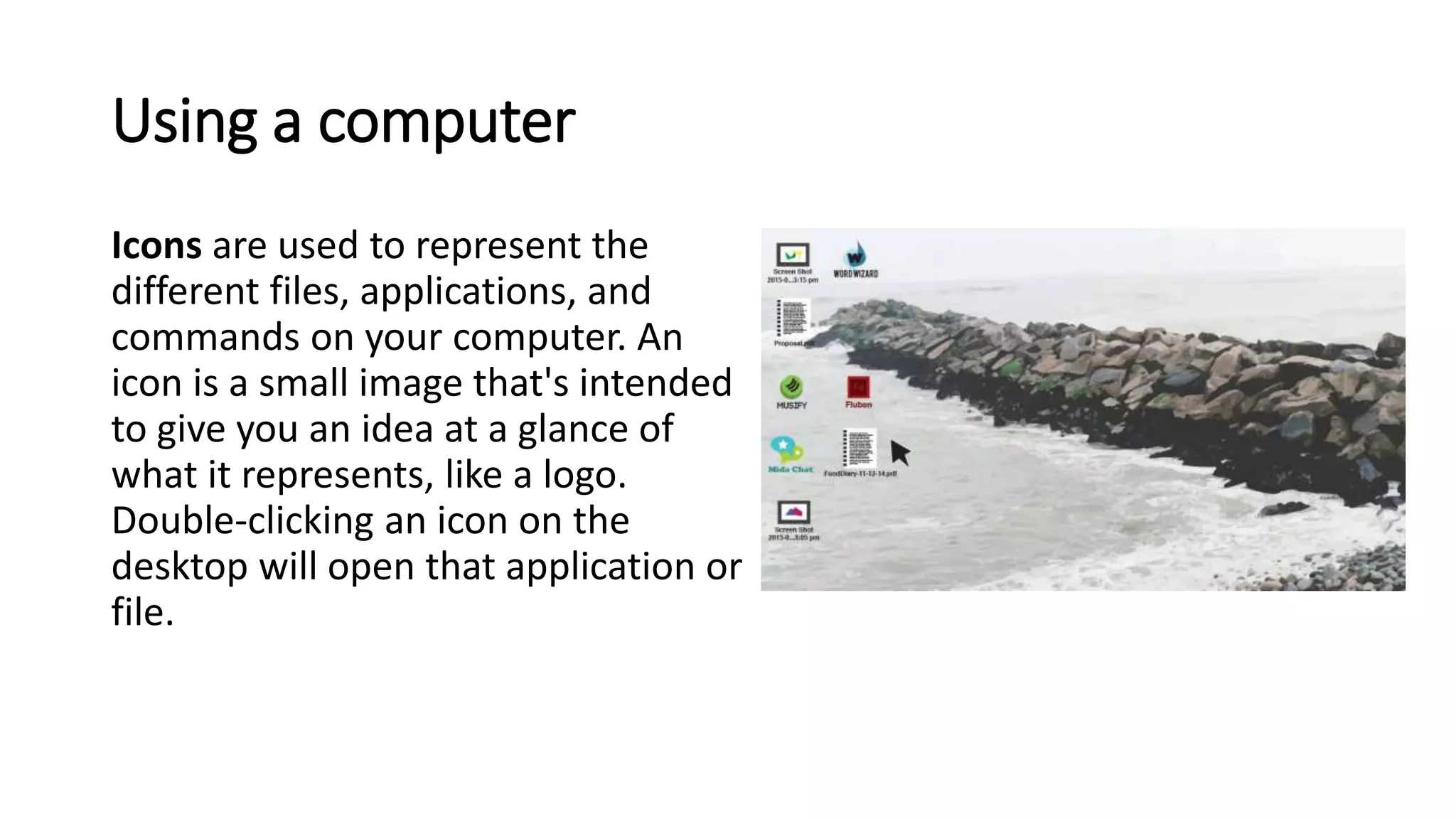
Icons are used to represent the
different files, applications, and
commands on your computer. An
icon is a small image that's intended
to give you an idea at a glance of
what it represents, like a logo.
Double-clicking an icon on the
desktop will open that application or
file.
Using a computer
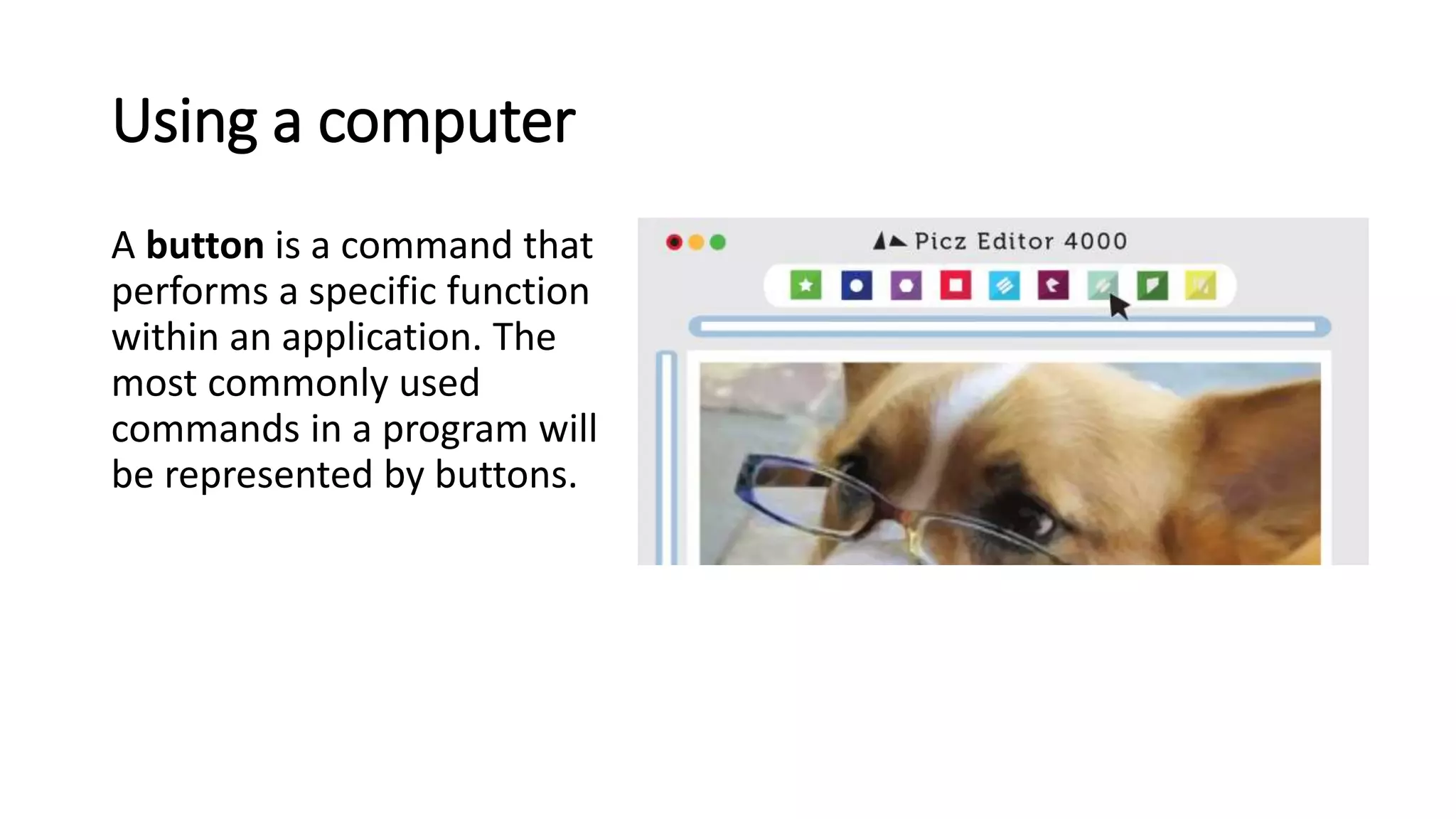
A button is a command that
performs a specific function
within an application. The
most commonly used
commands in a program will
be represented by buttons.
Using a computer
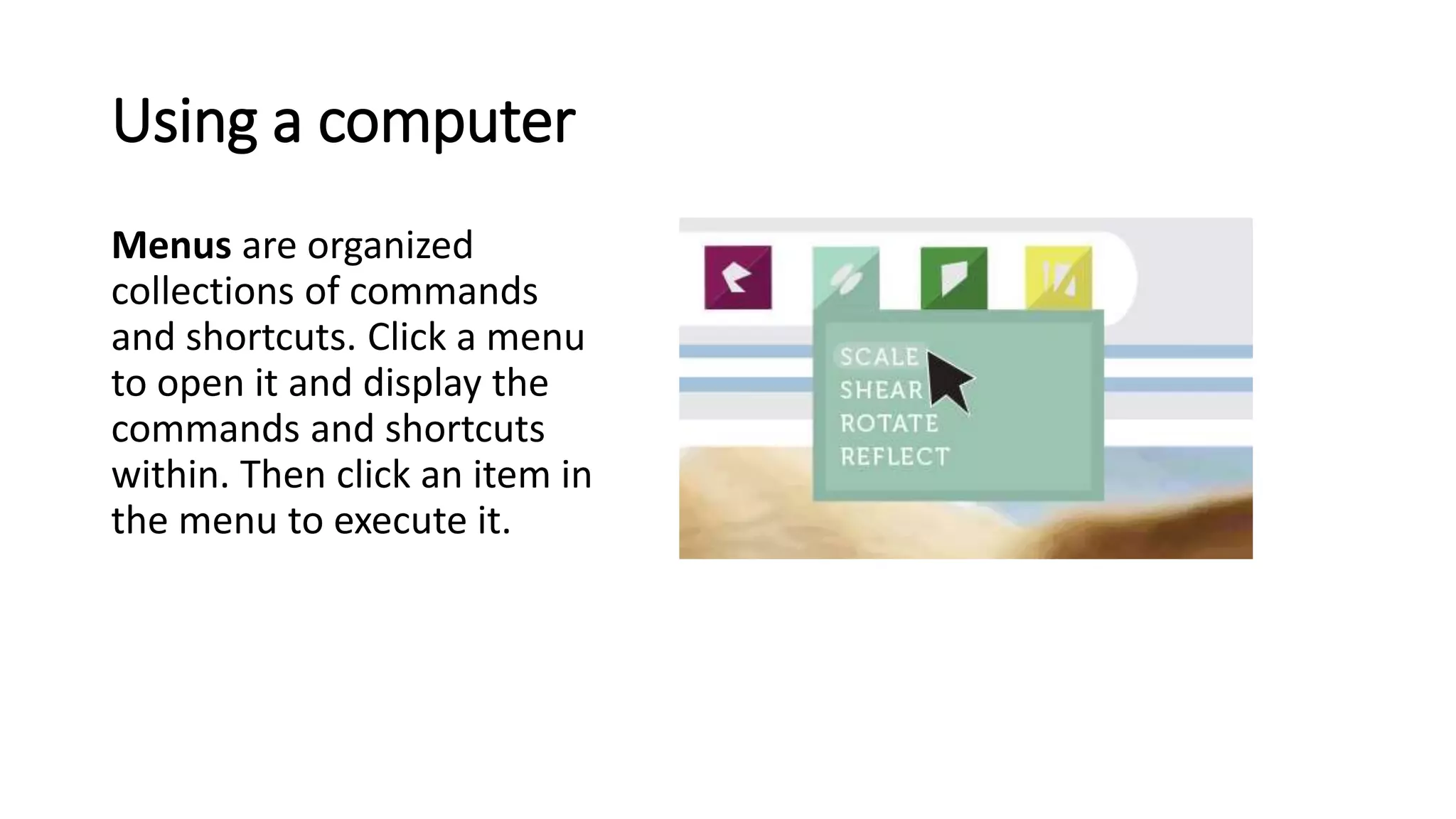
Menus are organized
collections of commands
and shortcuts. Click a menu
to open it and display the
commands and shortcuts
within. Then click an item in
the menu to execute it.
Using a computer
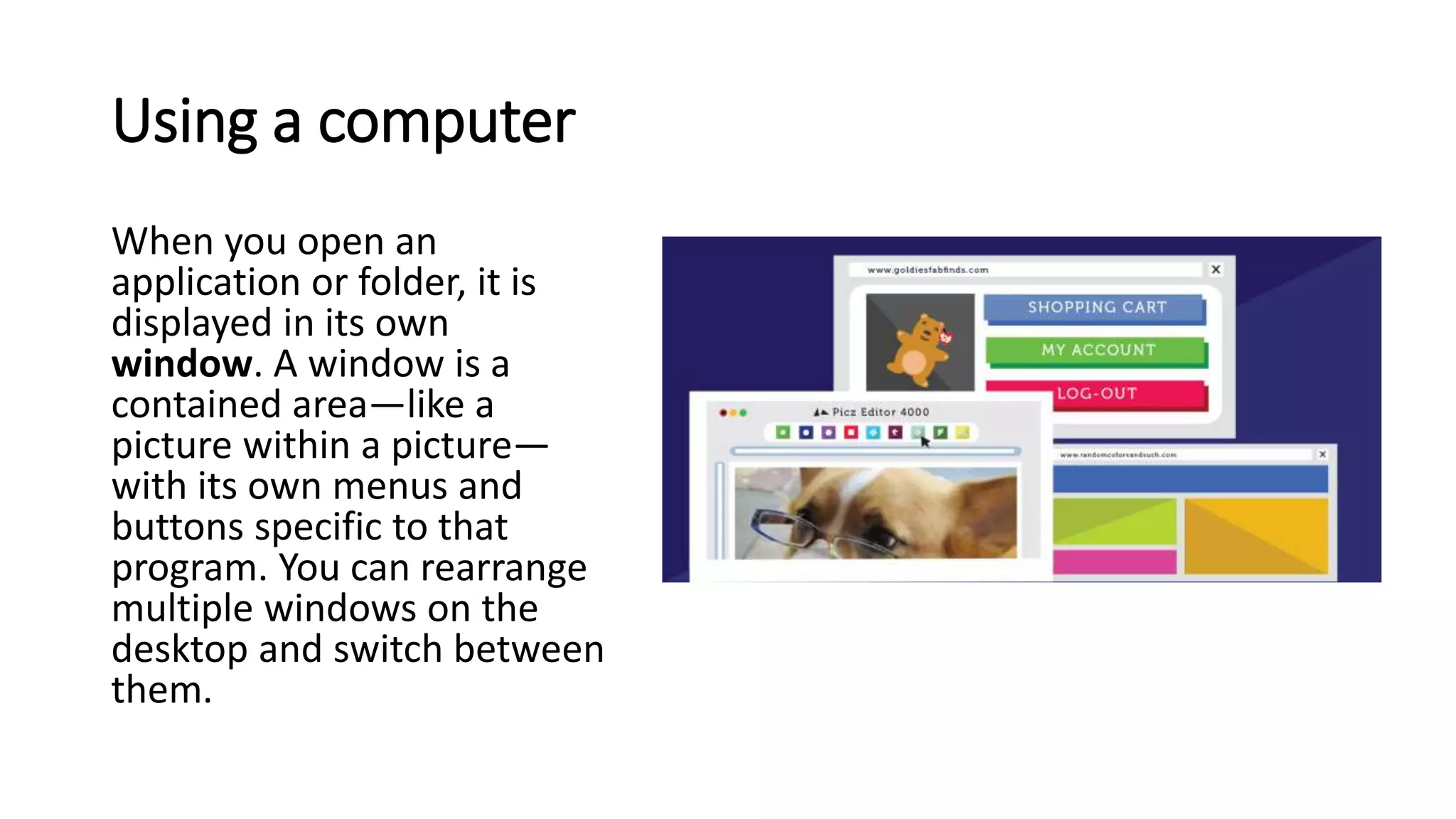
When you open an
application or folder, it is
displayed in its own
window. A window is a
contained area—like a
picture within a picture—
with its own menus and
buttons specific to that
program. You can rearrange
multiple windows on the
desktop and switch between
them.
END

Lesson 1- Get Started With Your First Computer 1.pptx

  • 1.
    Principles of Information Systems(PIS1) Lecturer:Rubben Nambinga Email: rubbennambinga@gmail.com
  • 2.
    Getting started withyour first computer Lesson Objectives At the end of this lesson you will be able to: • Know how to turn on the computer • Know the use of keyboard and mouse • Understand the computer window, files and icons
  • 3.
    Turning on acomputer The very first step is to turn on the computer. To do this, locate and press the power button. It's in a different place on every computer, but it will have the universal power button symbol as shown in the picture.
  • 4.
    Turning on acomputer Once turned on, your computer takes time before it's ready to use. You may see a few different displays flash on the screen. This process is called booting up, and it can take anywhere from 15 seconds to several minutes.
  • 5.
    Turning on acomputer Once the computer has booted up, it may be ready to use, or it may require you to log in. This means identifying yourself by typing your user name or selecting your profile, then typing your password. If you've never logged in to your computer before, you may need to create an account.
  • 6.
    The keyboard andmouse You interact with a computer mainly by using the keyboard and mouse, or a trackpad on laptops. Learning to use these devices is essential to learning to use a computer. Most people find it comfortable to place the keyboard on the desk directly in front of them and the mouse to one side of the keyboard.
  • 7.
    The keyboard andmouse The mouse controls the pointer on the screen. Whenever you move the mouse across the desk, the pointer will move in a similar manner. A mouse usually has two buttons, which are referred to as the left button and the right button. You will often interact with the computer by moving the mouse pointer over something on the computer screen, then clicking one of the buttons.
  • 8.
    The keyboard andmouse On laptops, you can use the trackpad, located below the keyboard, instead of a mouse. Simply drag your finger across the trackpad to move the pointer on the screen. Some trackpads do not have buttons, so you'll either press or tap the trackpad to click.
  • 9.
    Using a computer Themain screen you'll start from is the desktop. This is sort of like a main menu or a table of contents. From here, you can access the programs and features you need to use your computer.
  • 10.
    Using a computer Iconsare used to represent the different files, applications, and commands on your computer. An icon is a small image that's intended to give you an idea at a glance of what it represents, like a logo. Double-clicking an icon on the desktop will open that application or file.
  • 11.
    Using a computer Abutton is a command that performs a specific function within an application. The most commonly used commands in a program will be represented by buttons.
  • 12.
    Using a computer Menusare organized collections of commands and shortcuts. Click a menu to open it and display the commands and shortcuts within. Then click an item in the menu to execute it.
  • 13.
    Using a computer Whenyou open an application or folder, it is displayed in its own window. A window is a contained area—like a picture within a picture— with its own menus and buttons specific to that program. You can rearrange multiple windows on the desktop and switch between them.
  • 14.