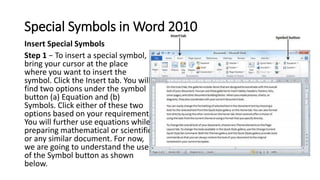
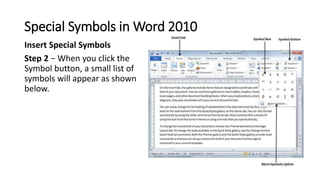
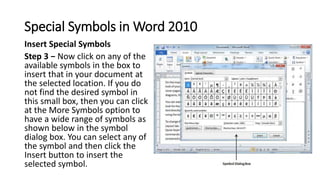
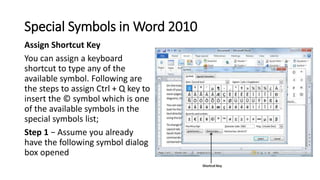
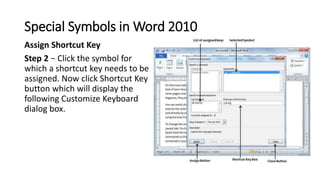
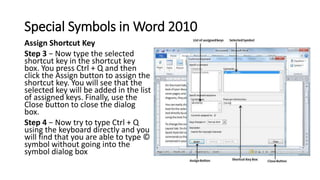
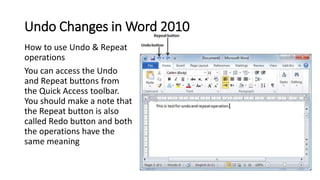
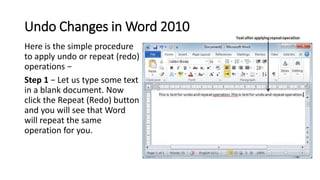
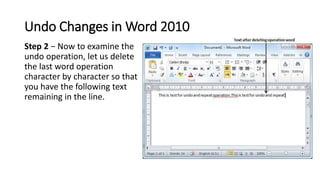
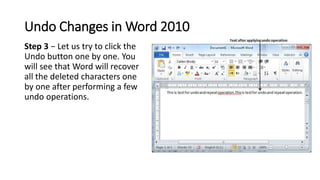
This document discusses how to insert special symbols and undo changes in Microsoft Word 2010. It provides steps to insert symbols using the Insert tab and assigning keyboard shortcuts. It also explains how to use the Undo and Redo buttons on the Quick Access toolbar to undo or repeat previous editing actions such as deleting text or characters. Keyboard shortcuts for Undo (Ctrl + Z) and Redo (Ctrl + Y) are also provided. The document aims to teach readers how to insert special symbols and use the undo and redo functions in Word 2010.




![Getting Started with Apache Spark: Big Data Made Simple [Free Meetup]](https://cdn.slidesharecdn.com/ss_thumbnails/apachesparkgettingstarted-260203175547-8361bcc3-thumbnail.jpg?width=640&height=640&fit=bounds)
