Downloaded 13 times
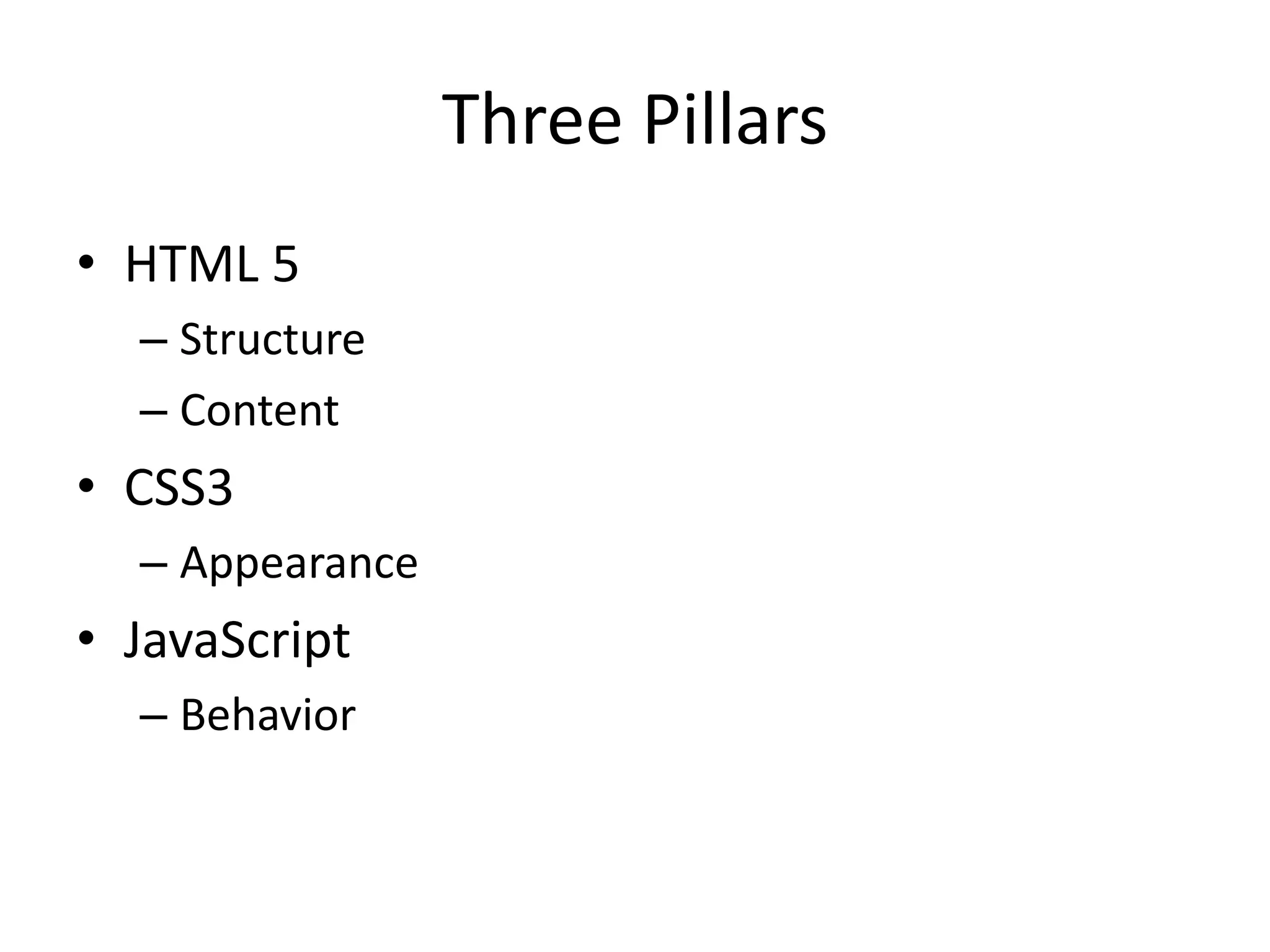
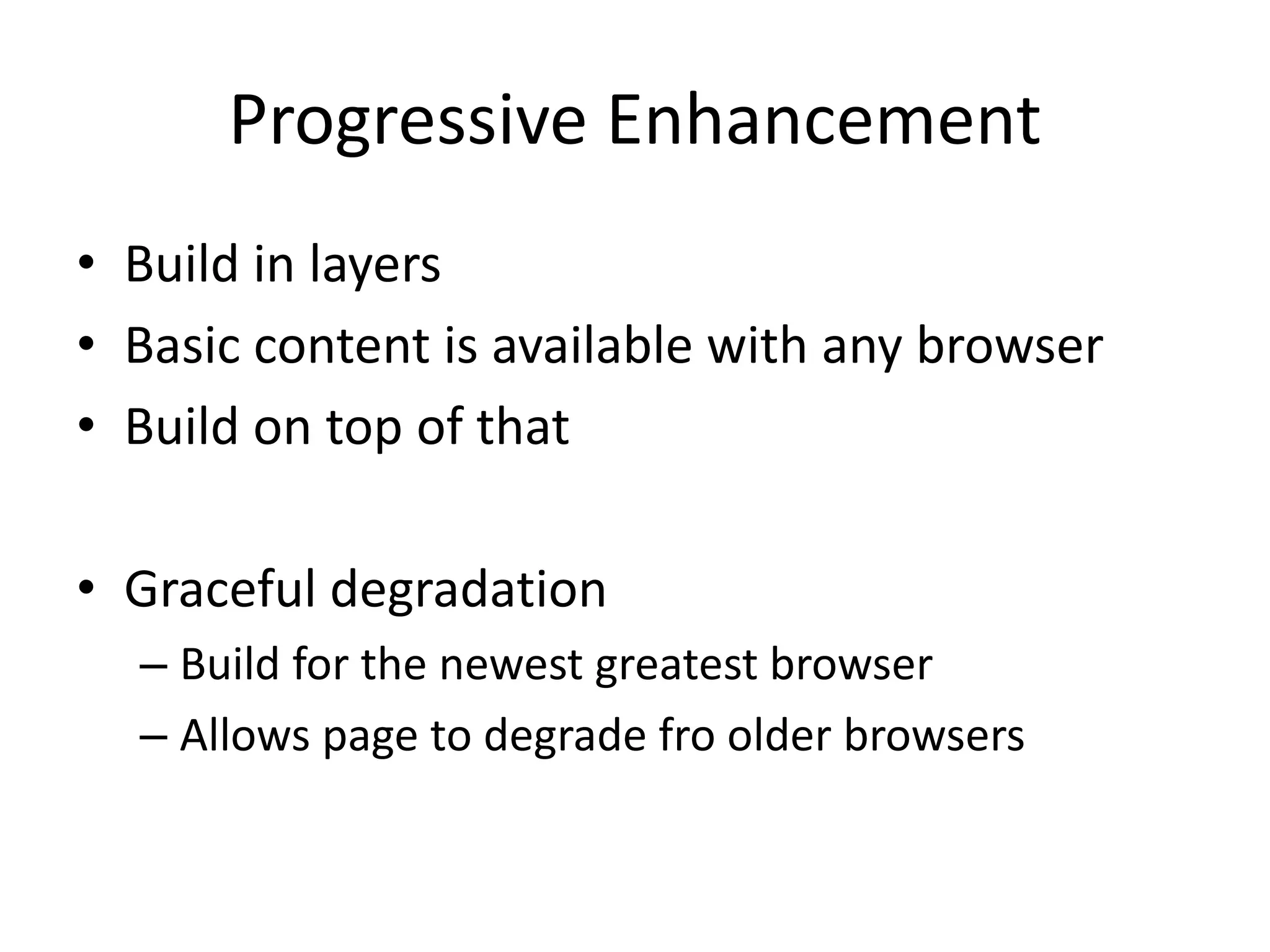
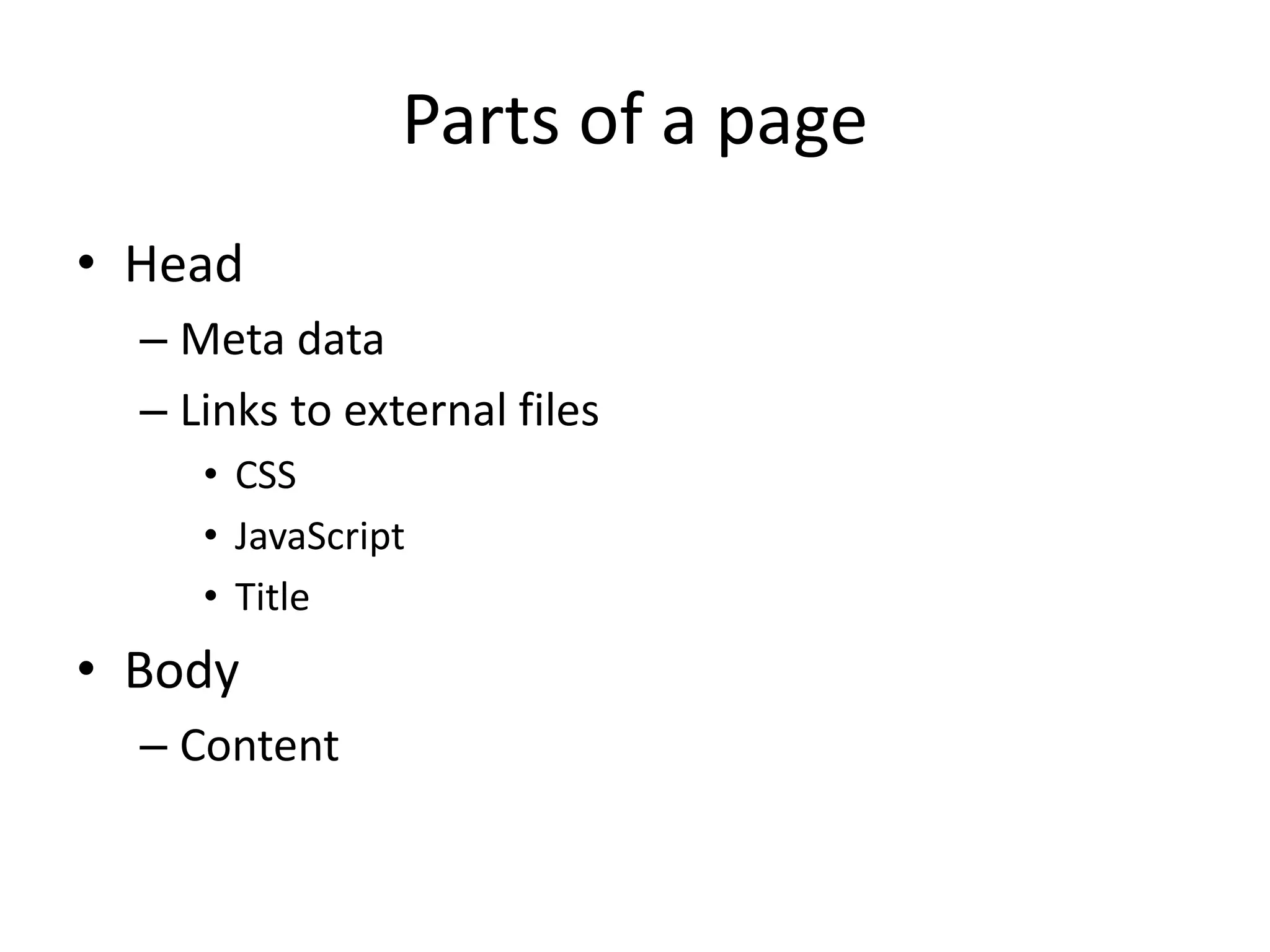
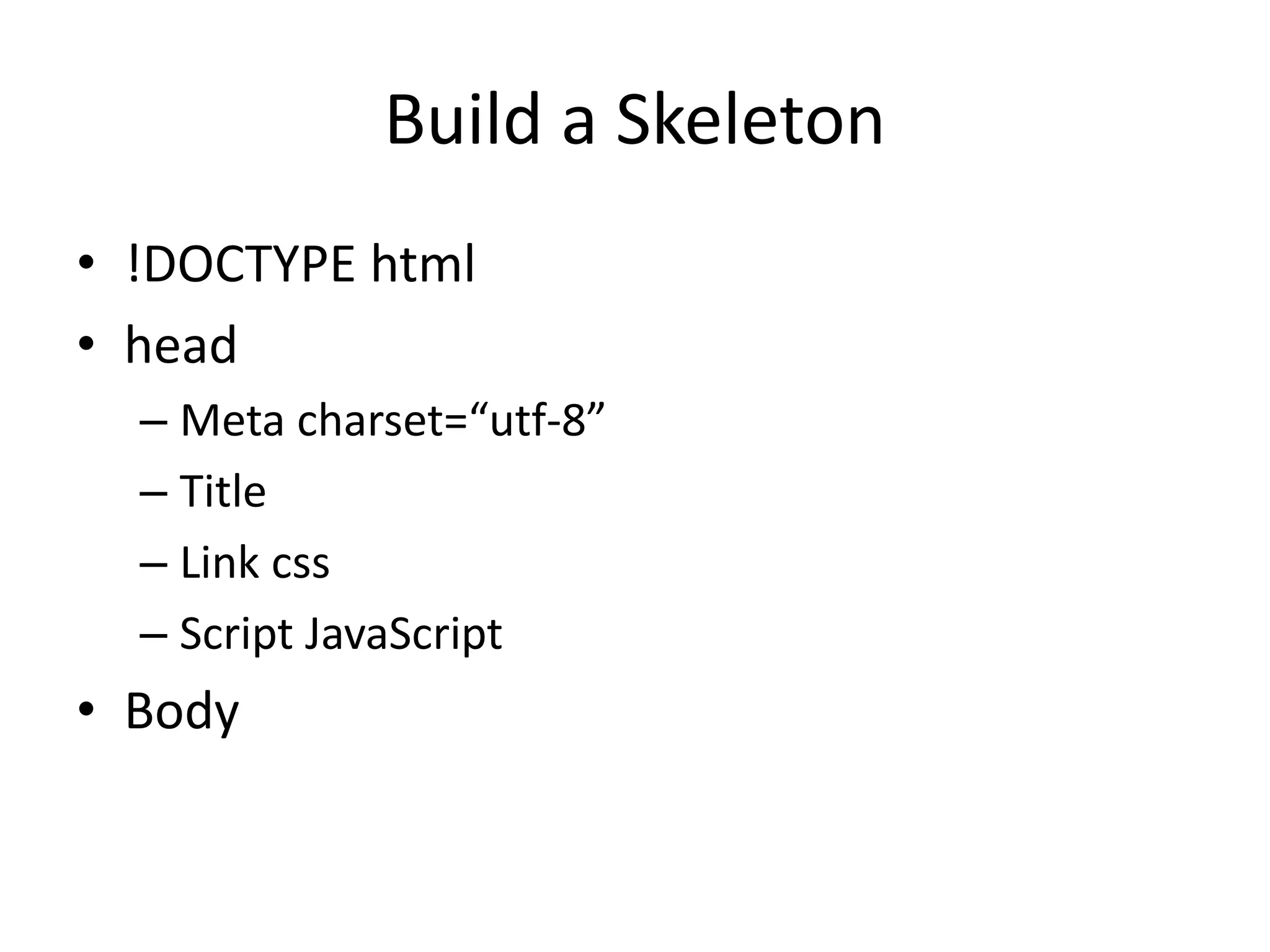
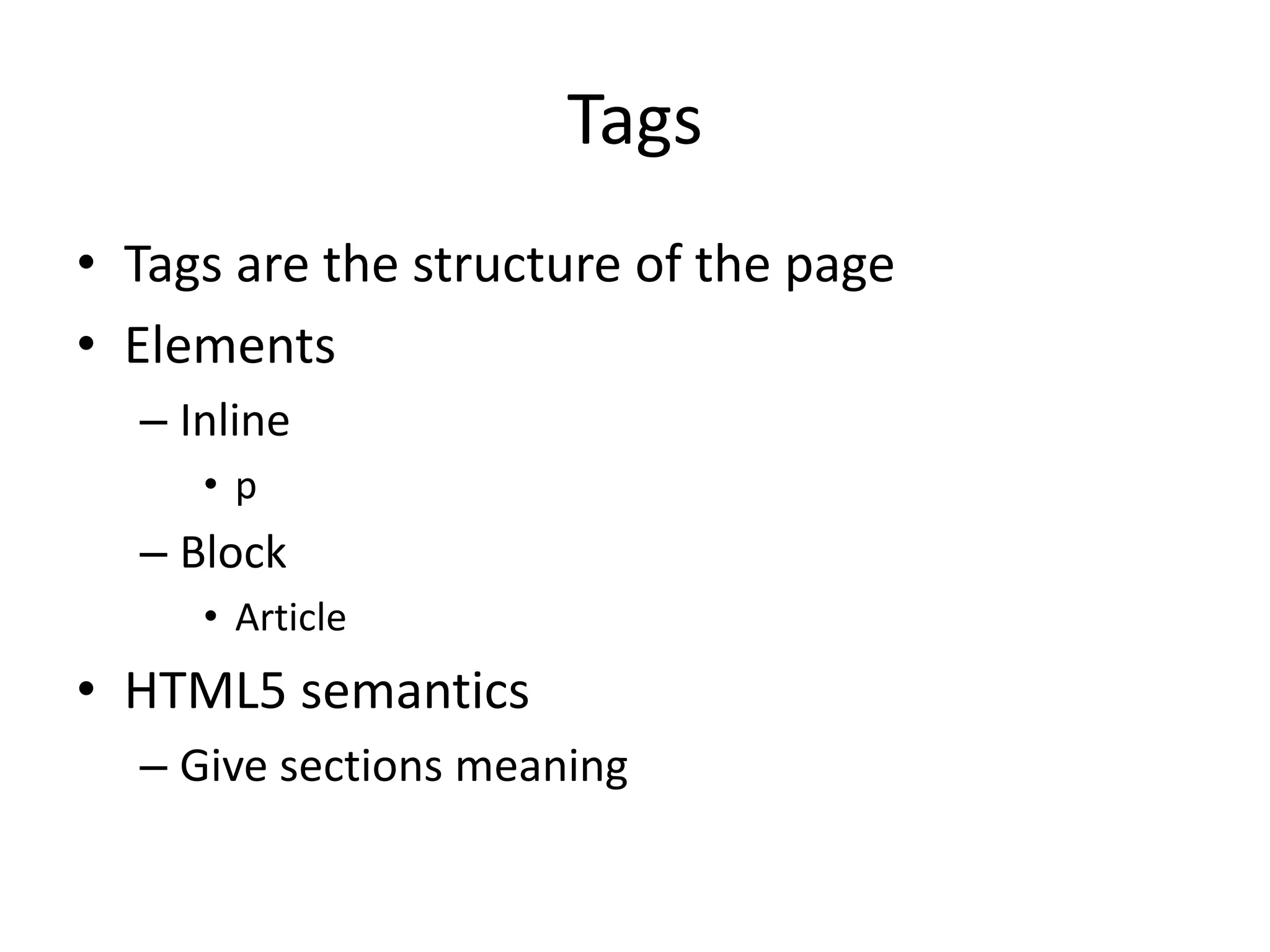
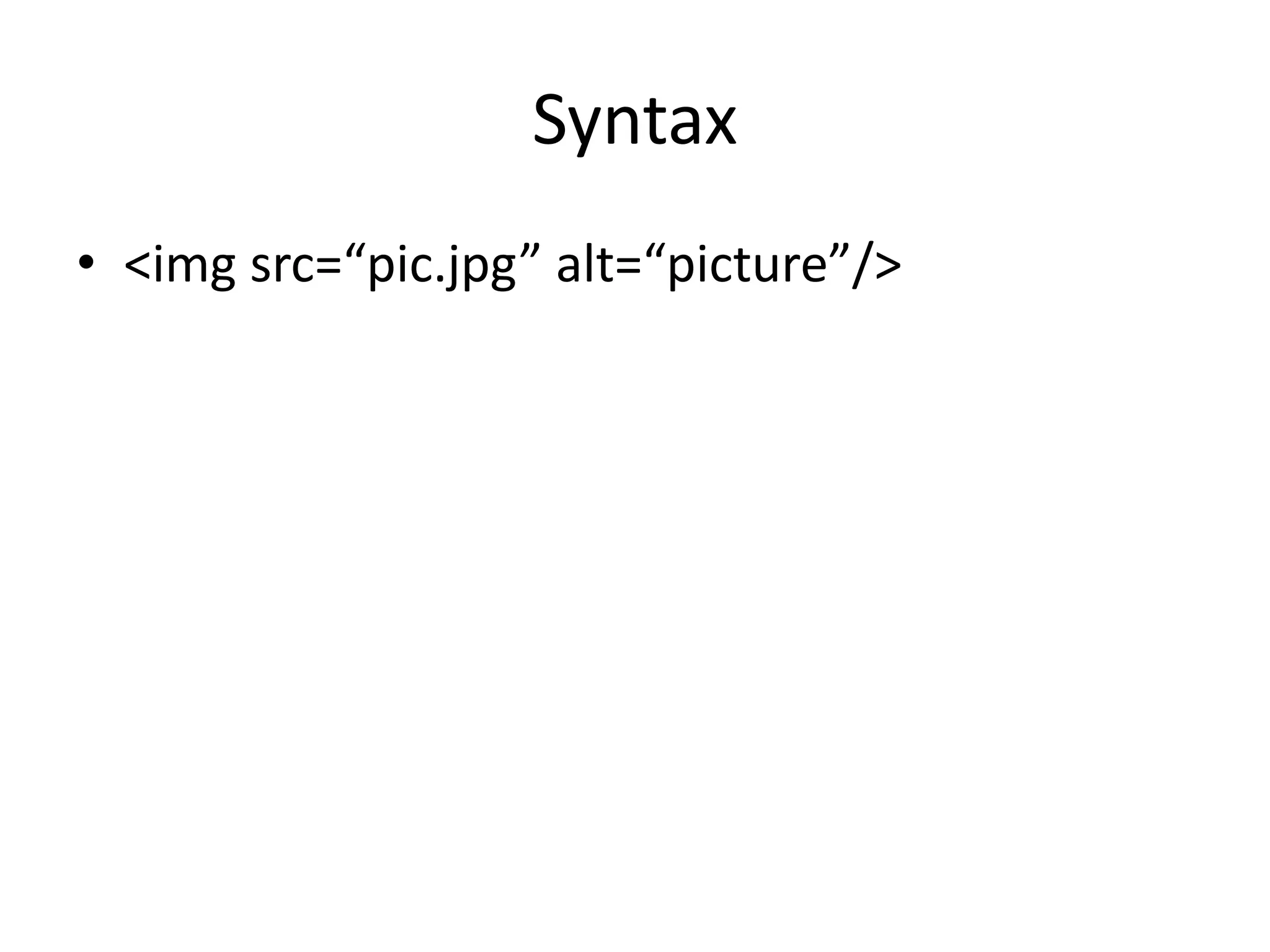
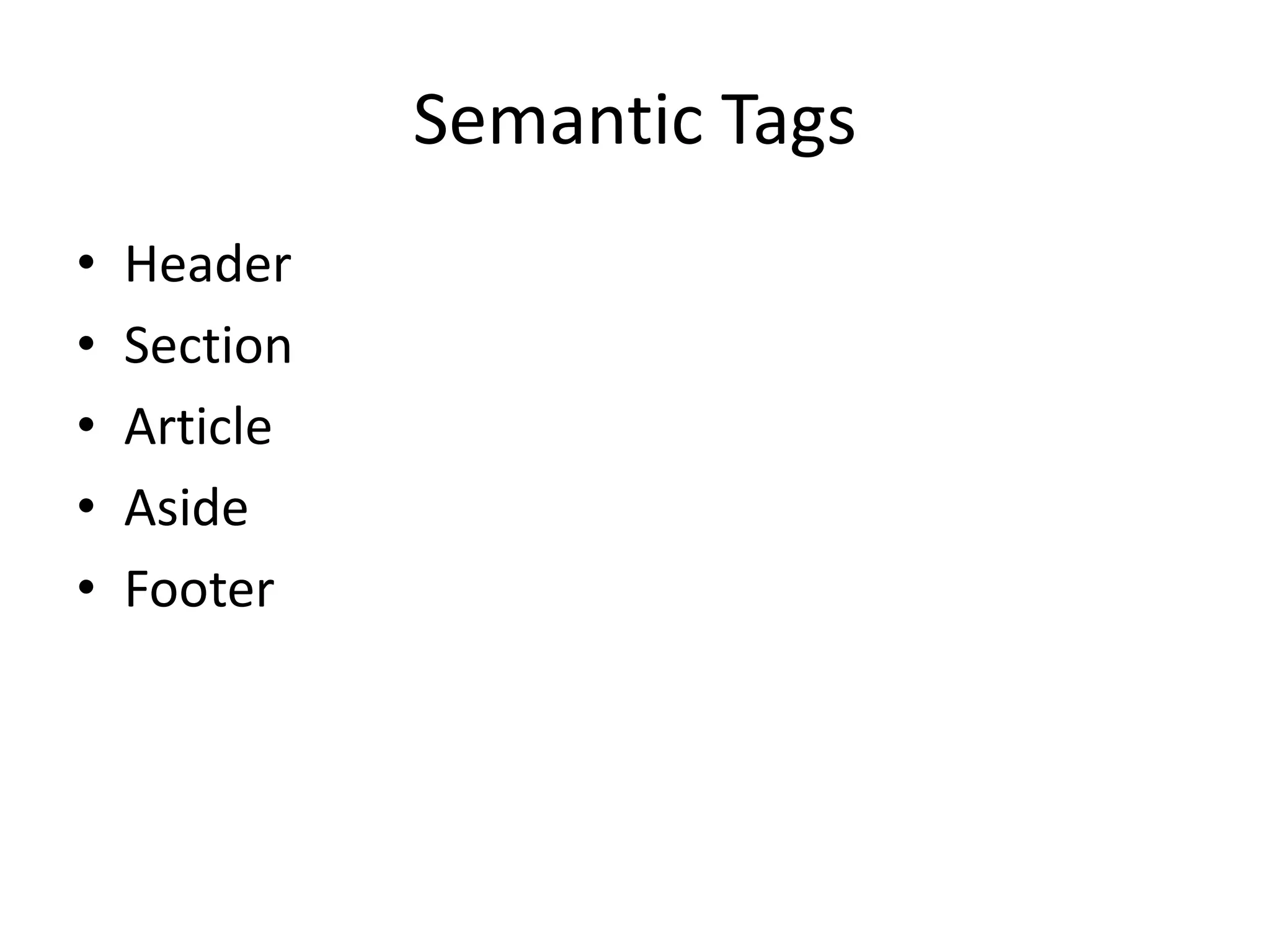
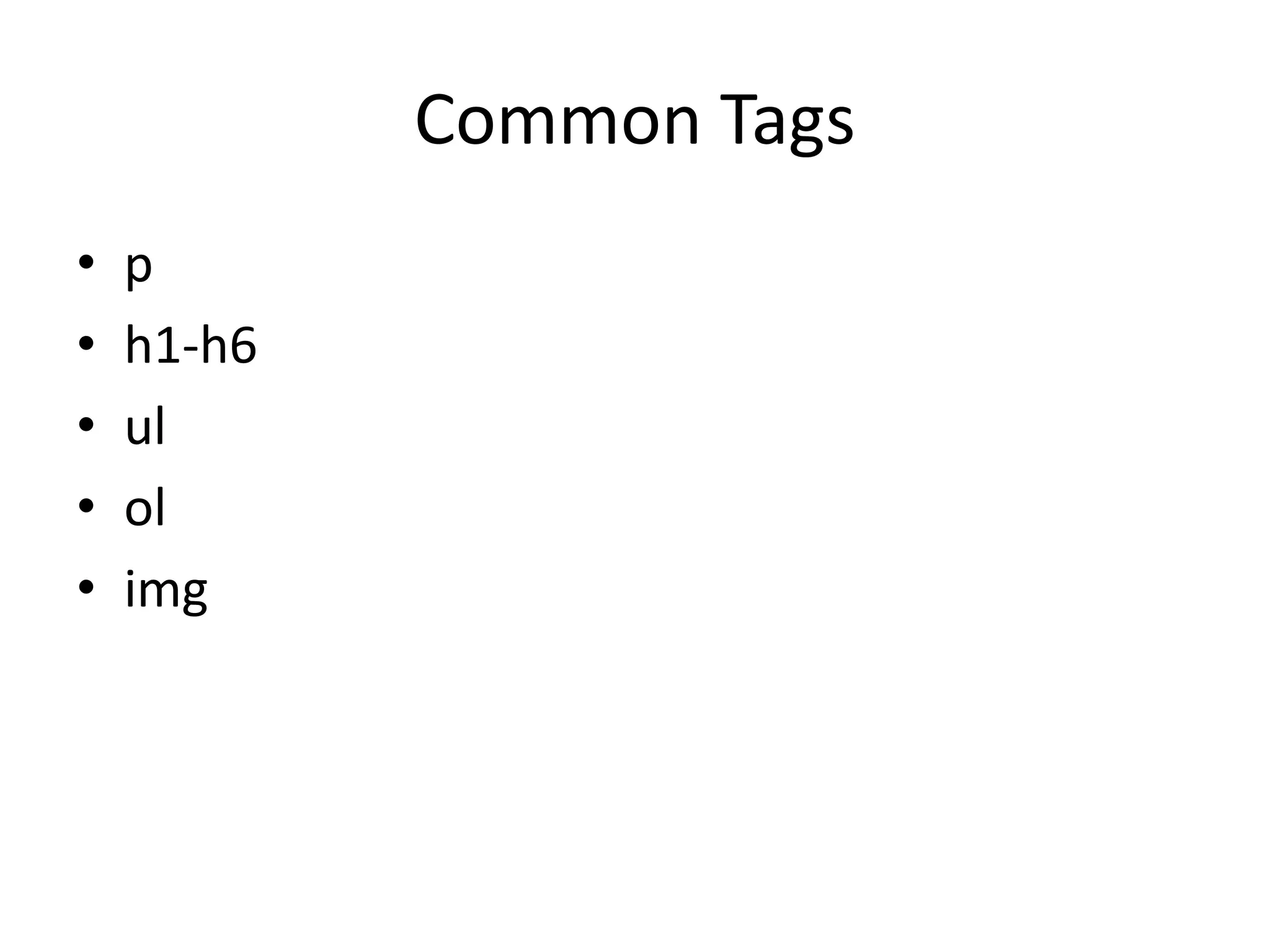
HTML provides the structure and content of web pages through elements like paragraphs, headings, lists, and images. CSS controls the appearance through properties that define colors, fonts, and layout. JavaScript adds interactive behaviors. The document recommends building web pages with progressive enhancement - starting with basic HTML content and layering on CSS and JavaScript. It also covers the key parts of an HTML page like the head, body, and common tags used to provide structure and semantics.


