Learning PowerPoint Teaching Techniques
Introduction  MS Office Applications – Which one? Word Excel PowerPoint Publisher
PowerPoint for Trainers Live Presentations In-person Online, e.g. MS LiveMeeting  www.microsoft.com/uc/livemeeting/   Review (no presenter) Handouts
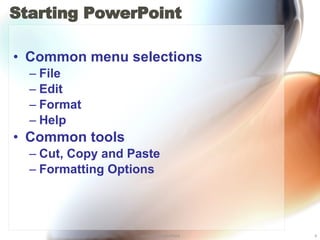
Starting PowerPoint  Common menu selections File Edit Format Help Common tools Cut, Copy and Paste Formatting Options
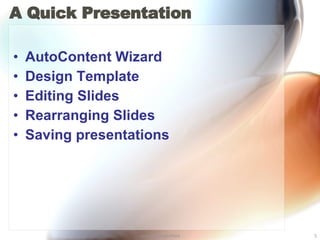
A Quick Presentation AutoContent Wizard Design Template Editing Slides Rearranging Slides Saving presentations
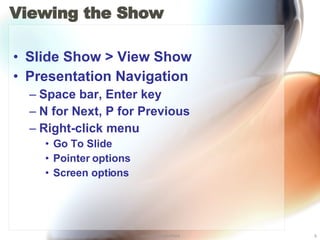
Viewing the Show Slide Show > View Show Presentation Navigation Space bar, Enter key N for Next, P for Previous Right-click menu Go To Slide Pointer options Screen options
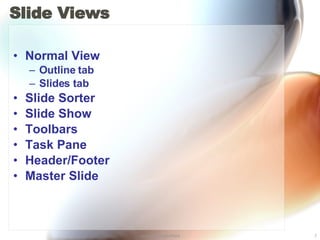
Slide Views Normal View Outline tab Slides tab Slide Sorter Slide Show Toolbars Task Pane Header/Footer Master Slide
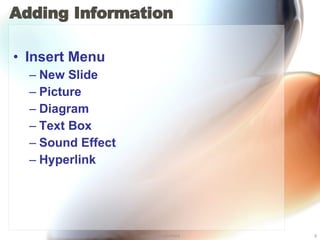
Adding Information Insert Menu New Slide Picture Diagram Text Box Sound Effect Hyperlink
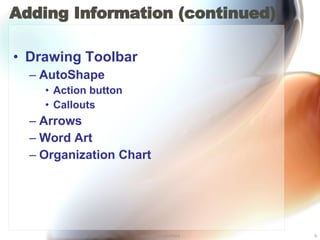
Adding Information (continued) Drawing Toolbar AutoShape Action button Callouts Arrows Word Art Organization Chart
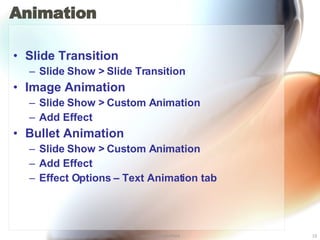
Animation Slide Transition Slide Show > Slide Transition Image Animation Slide Show > Custom Animation Add Effect Bullet Animation Slide Show > Custom Animation Add Effect Effect Options – Text Animation tab
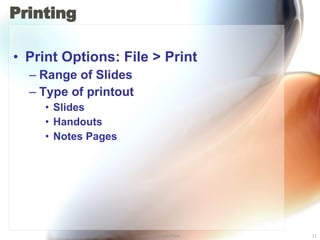
Printing Print Options: File > Print Range of Slides Type of printout Slides Handouts Notes Pages
PowerPoint Delivery Options Convert presentation to web pages File > Save As Web Page Distribute on a CD File > Package for CD Browse at a kiosk Slide Show > Set Up Show Convert to Adobe PDF file with Adobe Acrobat www.adobe.com/products/acrobat   Use Microsoft Producer to synchronize audio and video www.microsoft.com/office/powerpoint/producer/
PowerPoint on the Web How NOT to use PowerPoint by comedian Don McMillan  http://www.youtube.com/watch?v=HLpjrHzgSRM   Did You Know 2.0  http://www.youtube.com/watch?v=pMcfrLYDm2U   Share presentations on the web  http://www.slideshare.net/
References PowerPoint 2003 for Dummies . Doug Lowe. Wiley Publishing, Inc. 2003. Microsoft Office PowerPoint 2003 Step by Step . Online Training Solutions, Inc. Microsoft Press. 2003. Microsoft Office training site: http://office.microsoft.com/en-us/training/default.aspx   Microsoft Office 2007 Compatibility Pack http://office.microsoft.com/en-us/products/HA101686761033.aspx

Learning Power Point

  • 1.
  • 2.
    Introduction MSOffice Applications – Which one? Word Excel PowerPoint Publisher
  • 3.
    PowerPoint for TrainersLive Presentations In-person Online, e.g. MS LiveMeeting www.microsoft.com/uc/livemeeting/ Review (no presenter) Handouts
  • 4.
    Starting PowerPoint Common menu selections File Edit Format Help Common tools Cut, Copy and Paste Formatting Options
  • 5.
    A Quick PresentationAutoContent Wizard Design Template Editing Slides Rearranging Slides Saving presentations
  • 6.
    Viewing the ShowSlide Show > View Show Presentation Navigation Space bar, Enter key N for Next, P for Previous Right-click menu Go To Slide Pointer options Screen options
  • 7.
    Slide Views NormalView Outline tab Slides tab Slide Sorter Slide Show Toolbars Task Pane Header/Footer Master Slide
  • 8.
    Adding Information InsertMenu New Slide Picture Diagram Text Box Sound Effect Hyperlink
  • 9.
    Adding Information (continued)Drawing Toolbar AutoShape Action button Callouts Arrows Word Art Organization Chart
  • 10.
    Animation Slide TransitionSlide Show > Slide Transition Image Animation Slide Show > Custom Animation Add Effect Bullet Animation Slide Show > Custom Animation Add Effect Effect Options – Text Animation tab
  • 11.
    Printing Print Options:File > Print Range of Slides Type of printout Slides Handouts Notes Pages
  • 12.
    PowerPoint Delivery OptionsConvert presentation to web pages File > Save As Web Page Distribute on a CD File > Package for CD Browse at a kiosk Slide Show > Set Up Show Convert to Adobe PDF file with Adobe Acrobat www.adobe.com/products/acrobat Use Microsoft Producer to synchronize audio and video www.microsoft.com/office/powerpoint/producer/
  • 13.
    PowerPoint on theWeb How NOT to use PowerPoint by comedian Don McMillan http://www.youtube.com/watch?v=HLpjrHzgSRM Did You Know 2.0 http://www.youtube.com/watch?v=pMcfrLYDm2U Share presentations on the web http://www.slideshare.net/
  • 14.
    References PowerPoint 2003for Dummies . Doug Lowe. Wiley Publishing, Inc. 2003. Microsoft Office PowerPoint 2003 Step by Step . Online Training Solutions, Inc. Microsoft Press. 2003. Microsoft Office training site: http://office.microsoft.com/en-us/training/default.aspx Microsoft Office 2007 Compatibility Pack http://office.microsoft.com/en-us/products/HA101686761033.aspx