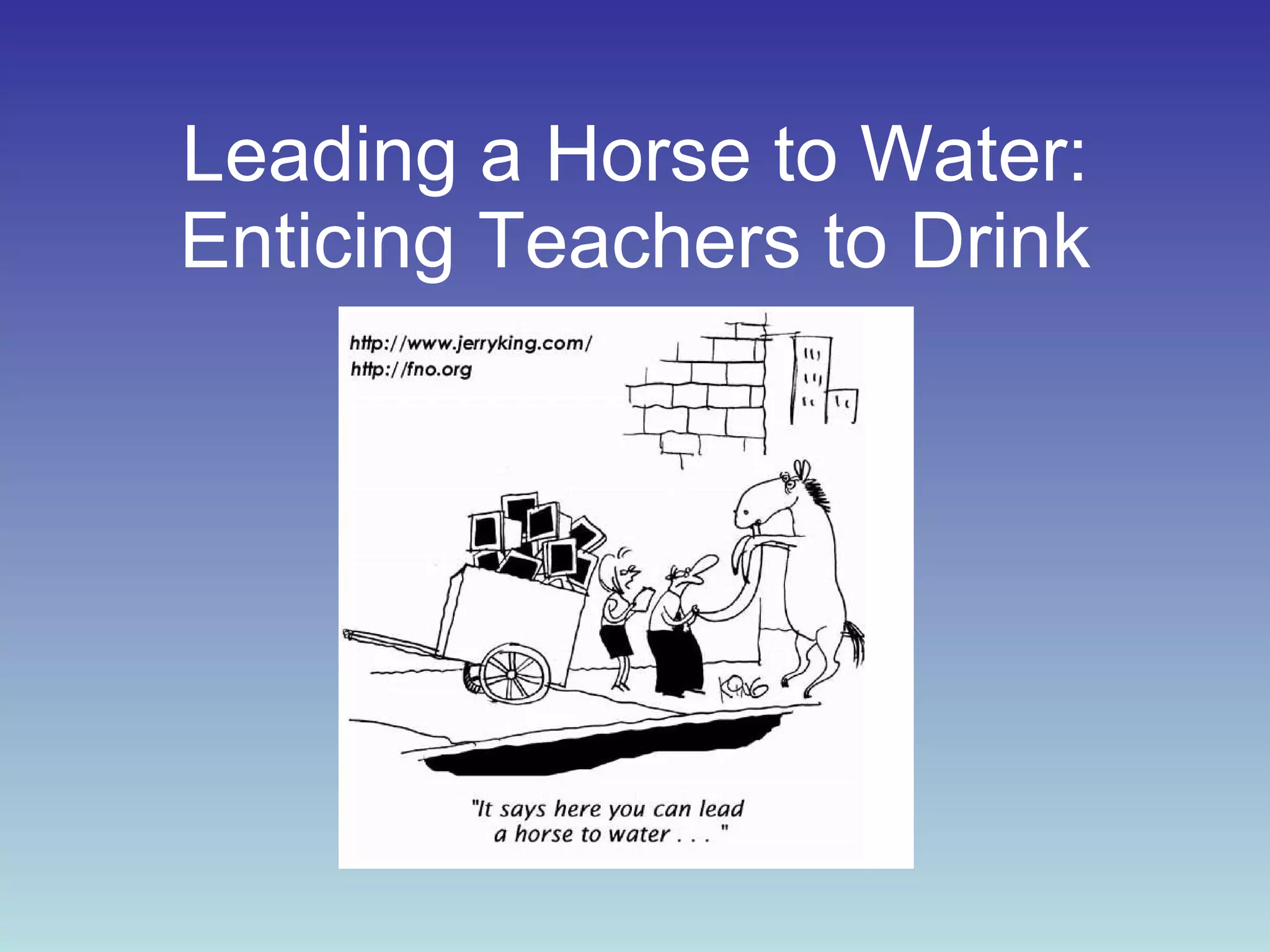
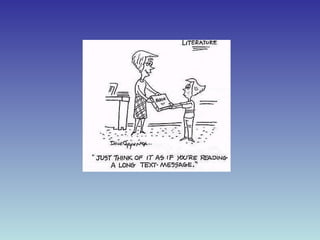
Leading a Horse to Water: Enticing Teachers to Drink
What’s in it for you? By the end of this presentation, you will understand why and how to lead teachers in integrating technology.
Please Enjoy VIDEO: http://www.teachertube.com/viewVideo.php?video_id=448&title=Pay_Attention
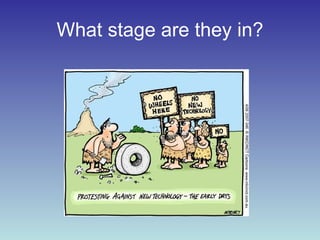
What stage are they in?
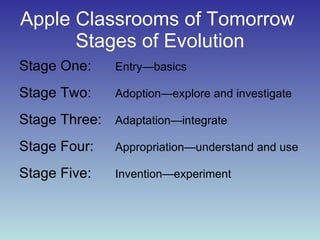
Apple Classrooms of Tomorrow  Stages of Evolution Stage One:  Entry—basics Stage Two:  Adoption—explore and investigate Stage Three:  Adaptation—integrate  Stage Four:  Appropriation—understand and use Stage Five:  Invention—experiment
What stage are you in? Stage One Basic Stage Two Adoption Stage Three Adaptation Stage Four Appropriation Stage Five Invention What stage are your fellow teachers in?
Top Ten Ways to Integrate Technology with Teachers
10. Access Technology-based and support resources Technology Workstation List of Teacher Technology Partners
9. Planning Work with administration  Survey your teachers  Survey the community  Make budget decisions  Calculate the cost  Create a wish-list Create a technology plan
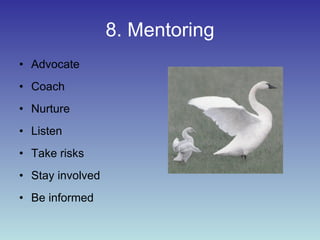
8. Mentoring Advocate Coach Nurture Listen Take risks Stay involved Be informed
 
7. Training On-site programming  Development sessions  Traditional workshops  In-class collaborations Sessions with smaller groups Variety to teach knowledge and skills.
6. Support Meet school and district objectives Align and organize staff development Emotional and technical Work with core group of representative teachers Coordinate time to learn new technology  To integrate technology into curriculum
 
5. Collaboration Work with teachers to:  CREATE,  IMPLEMENT,  ASSESS,  and  REFLECT
4. Encourage Push the district vision Provide incentives Show how it saves time
3. Allow Practice Time and Exploration To learn the technology Identify interests and needs Complete training  Supplement teachers’ strengths Promote diversified strategies
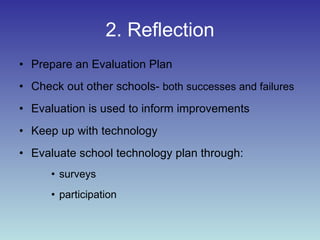
2. Reflection Prepare an Evaluation Plan Check out other schools-  both successes and failures Evaluation is used to inform improvements Keep up with technology Evaluate school technology plan through: surveys participation
 
1. Technology Blogs www.blogster.com www.blogger.com Teachers can use blogs to share thoughts with other teachers.  Or, they can involve students in blogs in order to encourage them to write, reflect, share ideas, etc.
Other Great BLOGS? Please write them here.
1. Technology-cont. Podcast http://epnweb.org/ http://www.podcastforteachers.org/ Each podcast you create must have a structure. Introduction – What the podcast is about Body – The main information/lesson Conclusion – Ending summary of the lesson
1. Technology-cont. Vodcast http://feeds.feedburner.com/ScienceTheater http://feeds.feedburner.com/ecogeeks http://vodpod.com/ http://abc.net.au/catalyst/vodcast_wmv.xml Vodcasting adds video to the downloadable sound files.  As with a podcast, each vodcast must have a structure.
Other great Podcast and Vodcast Sites? Please write them here.
1. Technology-con.’t Interactive Whiteboard BrainPop http://www.brainpop.com/educators/interactive_whiteboard_resources/ Mimio http://www.mimio.com/ EBeam http://www.e-beam.com/ Promethean http://www.prometheanworld.com/ Smartboards http://smarttech.com/
1. Technology-con.’t Second Life http://secondlife.com/ http://secondlifegrid.net/slfe/education-use-virtual-world Educational community with hundreds of K-12 and higher education members.  Allows you to meet other educators, learn how to teach classes, and interact with students in the virtual world
 
1. Technology-con.’t Photo Story http://millie.furman.edu/mll/tutorials/p otostory3/index.htm Microsoft PhotoStory is a free application that allows users to create a show and tell presentation from their digital photos.
Other great Photo Sites? Please write them here.
1. Technology-con.’t Wiki http://www.wiki-teacher.com/index.php http://www.wikispaces.com/site/for/teachers Collection of web pages that allows for free editing.  The first developer of wiki software called it “the simplest online database.”
Wiki Tour Resources and Summary
THE END Thank you for your time.

Leading Teachers to Integrate Technology

  • 1.
    Leading a Horseto Water: Enticing Teachers to Drink
  • 2.
    What’s in itfor you? By the end of this presentation, you will understand why and how to lead teachers in integrating technology.
  • 3.
    Please Enjoy VIDEO:http://www.teachertube.com/viewVideo.php?video_id=448&title=Pay_Attention
  • 4.
  • 5.
    Apple Classrooms ofTomorrow Stages of Evolution Stage One: Entry—basics Stage Two: Adoption—explore and investigate Stage Three: Adaptation—integrate Stage Four: Appropriation—understand and use Stage Five: Invention—experiment
  • 6.
    What stage areyou in? Stage One Basic Stage Two Adoption Stage Three Adaptation Stage Four Appropriation Stage Five Invention What stage are your fellow teachers in?
  • 7.
    Top Ten Waysto Integrate Technology with Teachers
  • 8.
    10. Access Technology-basedand support resources Technology Workstation List of Teacher Technology Partners
  • 9.
    9. Planning Workwith administration Survey your teachers Survey the community Make budget decisions Calculate the cost Create a wish-list Create a technology plan
  • 10.
    8. Mentoring AdvocateCoach Nurture Listen Take risks Stay involved Be informed
  • 11.
  • 12.
    7. Training On-siteprogramming Development sessions Traditional workshops In-class collaborations Sessions with smaller groups Variety to teach knowledge and skills.
  • 13.
    6. Support Meetschool and district objectives Align and organize staff development Emotional and technical Work with core group of representative teachers Coordinate time to learn new technology To integrate technology into curriculum
  • 14.
  • 15.
    5. Collaboration Workwith teachers to: CREATE, IMPLEMENT, ASSESS, and REFLECT
  • 16.
    4. Encourage Pushthe district vision Provide incentives Show how it saves time
  • 17.
    3. Allow PracticeTime and Exploration To learn the technology Identify interests and needs Complete training Supplement teachers’ strengths Promote diversified strategies
  • 18.
    2. Reflection Preparean Evaluation Plan Check out other schools- both successes and failures Evaluation is used to inform improvements Keep up with technology Evaluate school technology plan through: surveys participation
  • 19.
  • 20.
    1. Technology Blogswww.blogster.com www.blogger.com Teachers can use blogs to share thoughts with other teachers. Or, they can involve students in blogs in order to encourage them to write, reflect, share ideas, etc.
  • 21.
    Other Great BLOGS?Please write them here.
  • 22.
    1. Technology-cont. Podcasthttp://epnweb.org/ http://www.podcastforteachers.org/ Each podcast you create must have a structure. Introduction – What the podcast is about Body – The main information/lesson Conclusion – Ending summary of the lesson
  • 23.
    1. Technology-cont. Vodcasthttp://feeds.feedburner.com/ScienceTheater http://feeds.feedburner.com/ecogeeks http://vodpod.com/ http://abc.net.au/catalyst/vodcast_wmv.xml Vodcasting adds video to the downloadable sound files. As with a podcast, each vodcast must have a structure.
  • 24.
    Other great Podcastand Vodcast Sites? Please write them here.
  • 25.
    1. Technology-con.’t InteractiveWhiteboard BrainPop http://www.brainpop.com/educators/interactive_whiteboard_resources/ Mimio http://www.mimio.com/ EBeam http://www.e-beam.com/ Promethean http://www.prometheanworld.com/ Smartboards http://smarttech.com/
  • 26.
    1. Technology-con.’t SecondLife http://secondlife.com/ http://secondlifegrid.net/slfe/education-use-virtual-world Educational community with hundreds of K-12 and higher education members. Allows you to meet other educators, learn how to teach classes, and interact with students in the virtual world
  • 27.
  • 28.
    1. Technology-con.’t PhotoStory http://millie.furman.edu/mll/tutorials/p otostory3/index.htm Microsoft PhotoStory is a free application that allows users to create a show and tell presentation from their digital photos.
  • 29.
    Other great PhotoSites? Please write them here.
  • 30.
    1. Technology-con.’t Wikihttp://www.wiki-teacher.com/index.php http://www.wikispaces.com/site/for/teachers Collection of web pages that allows for free editing. The first developer of wiki software called it “the simplest online database.”
  • 31.
  • 32.
    THE END Thankyou for your time.