Screencasting for Students
and Teachers 101
John Vieira G204
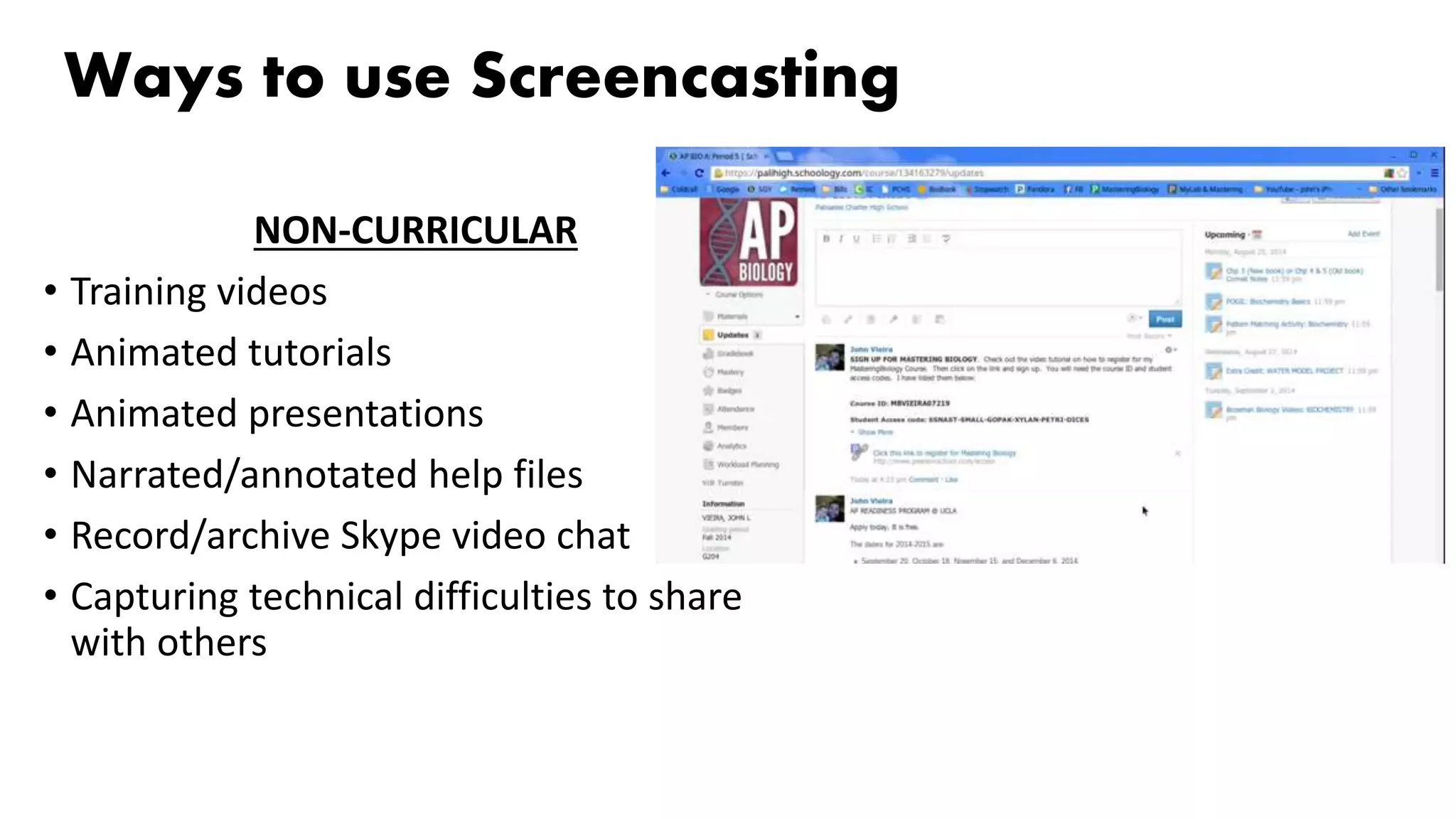
Ways to use Screencasting
NON-CURRICULAR
• Training videos
• Animated tutorials
• Animated presentations
• Narrated/annotated help files
• Record/archive Skype video chat
• Capturing technical difficulties to share
with others
Ways to use Screencasting
CURRICULAR
• Record Skype video chat
• Give students feedback on their work
• Student poetry/reading performance
• Explanation of procedures/concepts in science, math, etc
• Sharing work of any kind
• Homework tips, procedures, reminders
• Evaluating/Explaining website content or features for peers, students, or parents
• Books/resource talks/walkthroughs that are available online
• Pre-Lab assignments – Students outline tomorrows lab procedure
• Short content videos
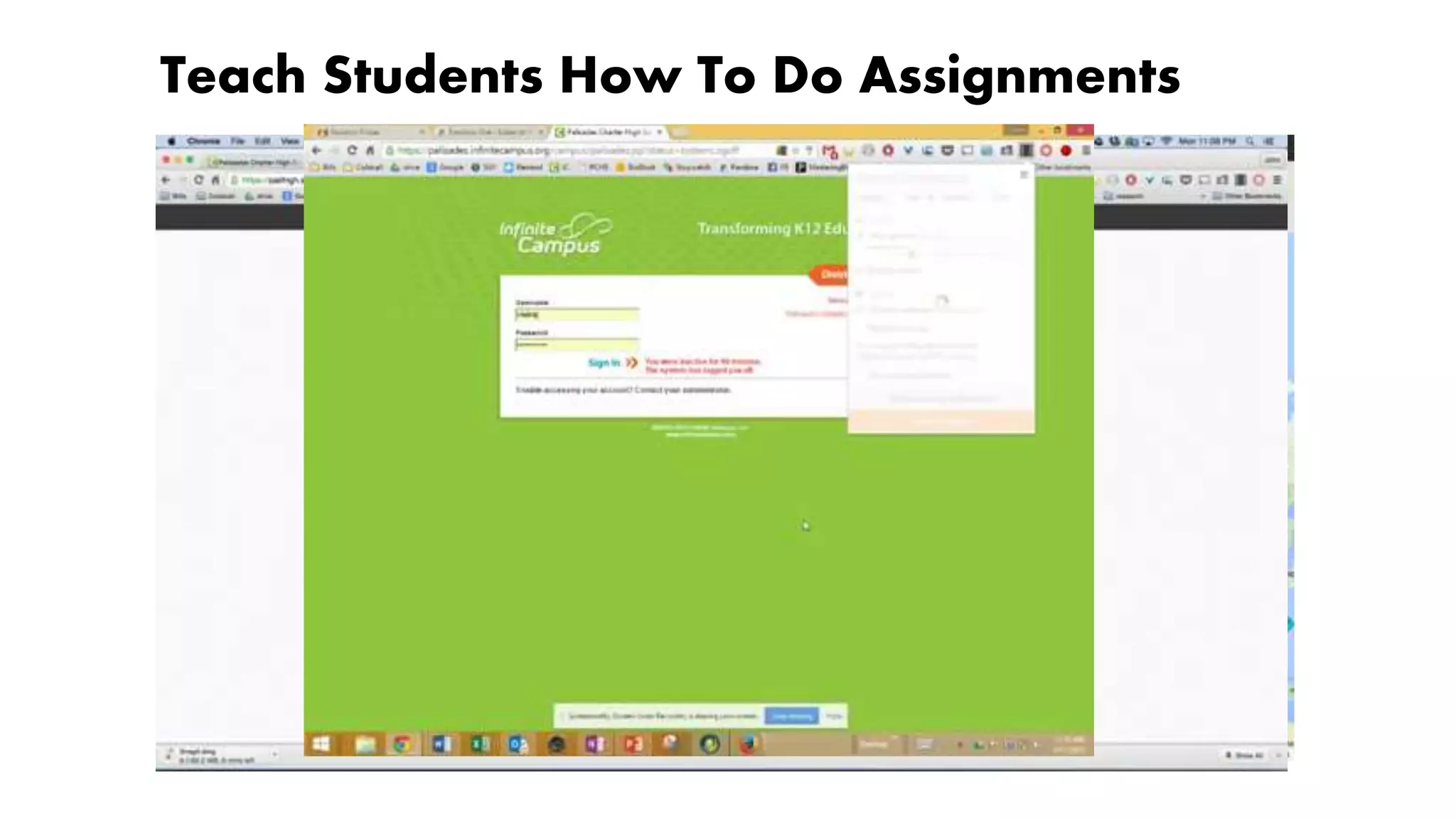
Teach Students How To Do Assignments
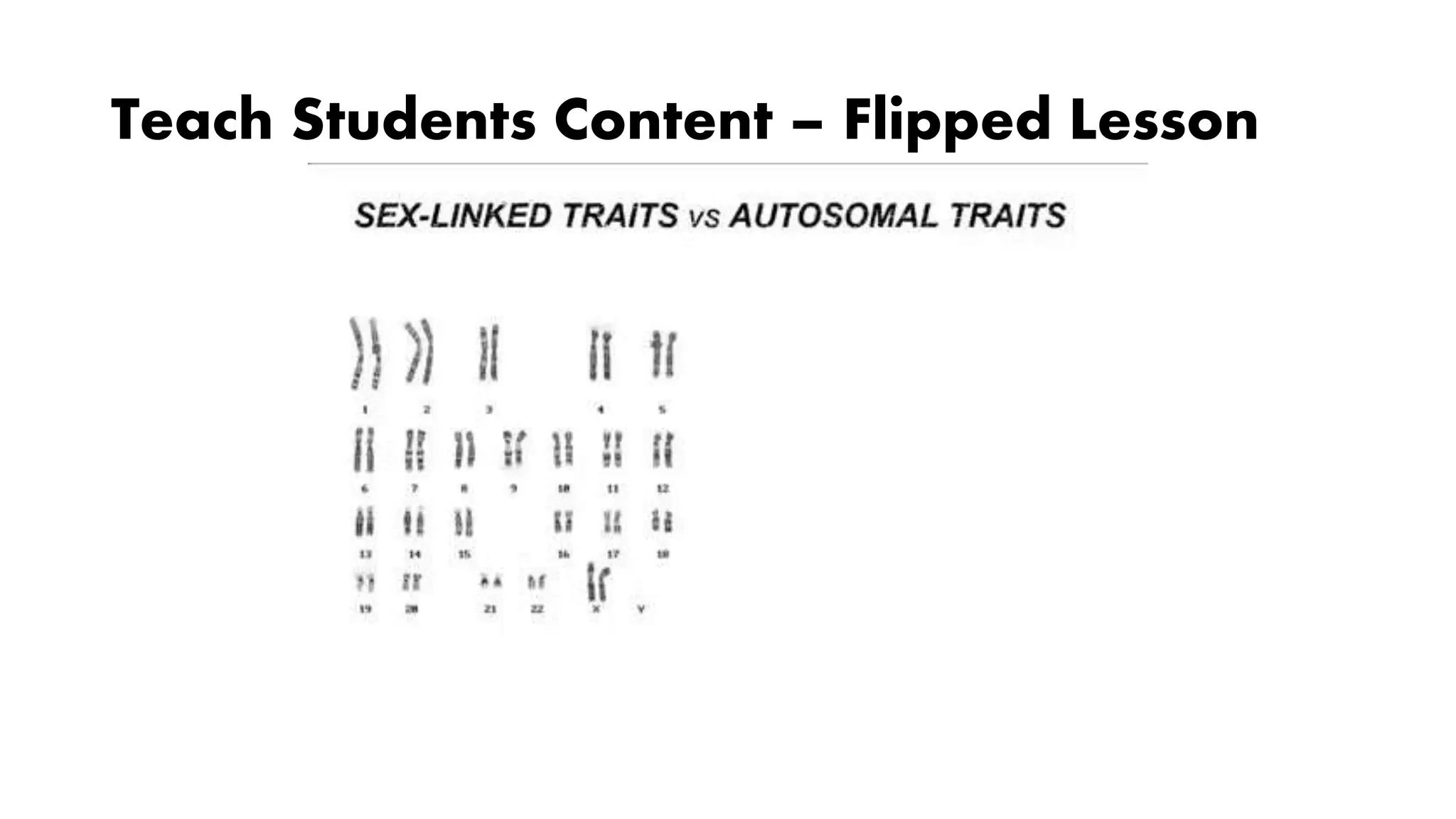
Teach Students Content – Flipped Lesson
Students Using Screencasting
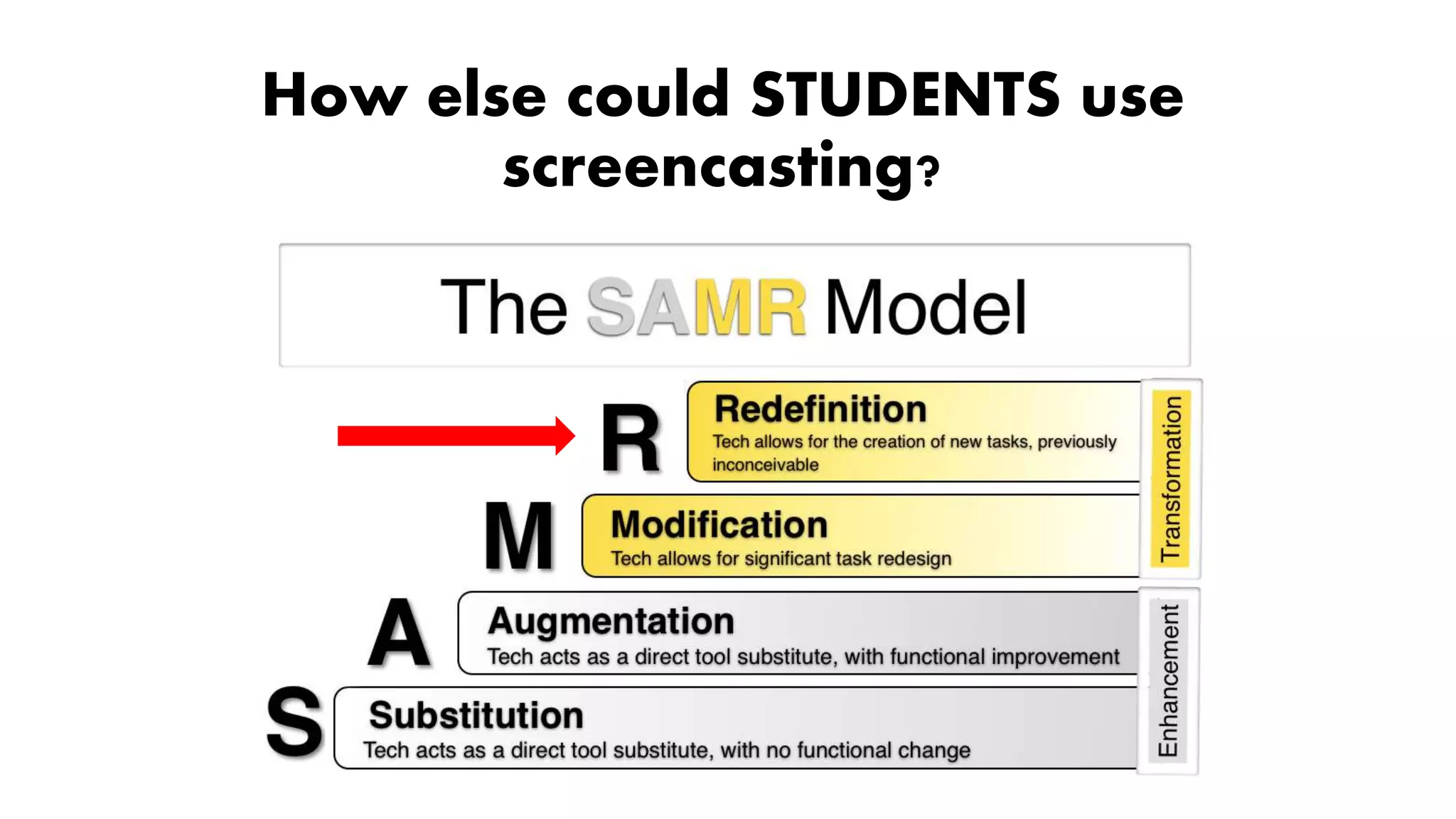
How else could STUDENTS use
screencasting?
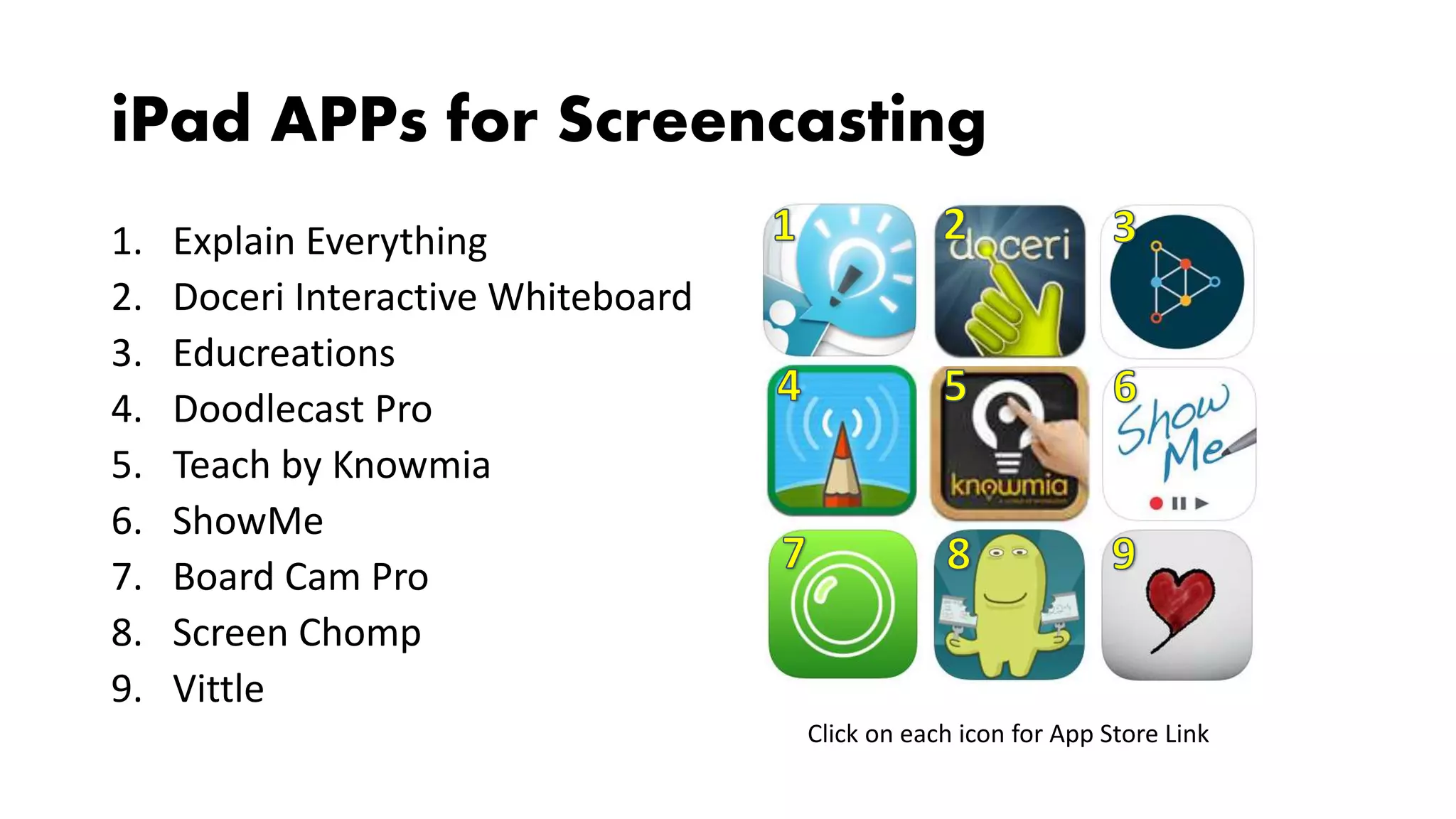
iPad APPs for Screencasting
1. Explain Everything
2. Doceri Interactive Whiteboard
3. Educreations
4. Doodlecast Pro
5. Teach by Knowmia
6. ShowMe
7. Board Cam Pro
8. Screen Chomp
9. Vittle
Click on each icon for App Store Link
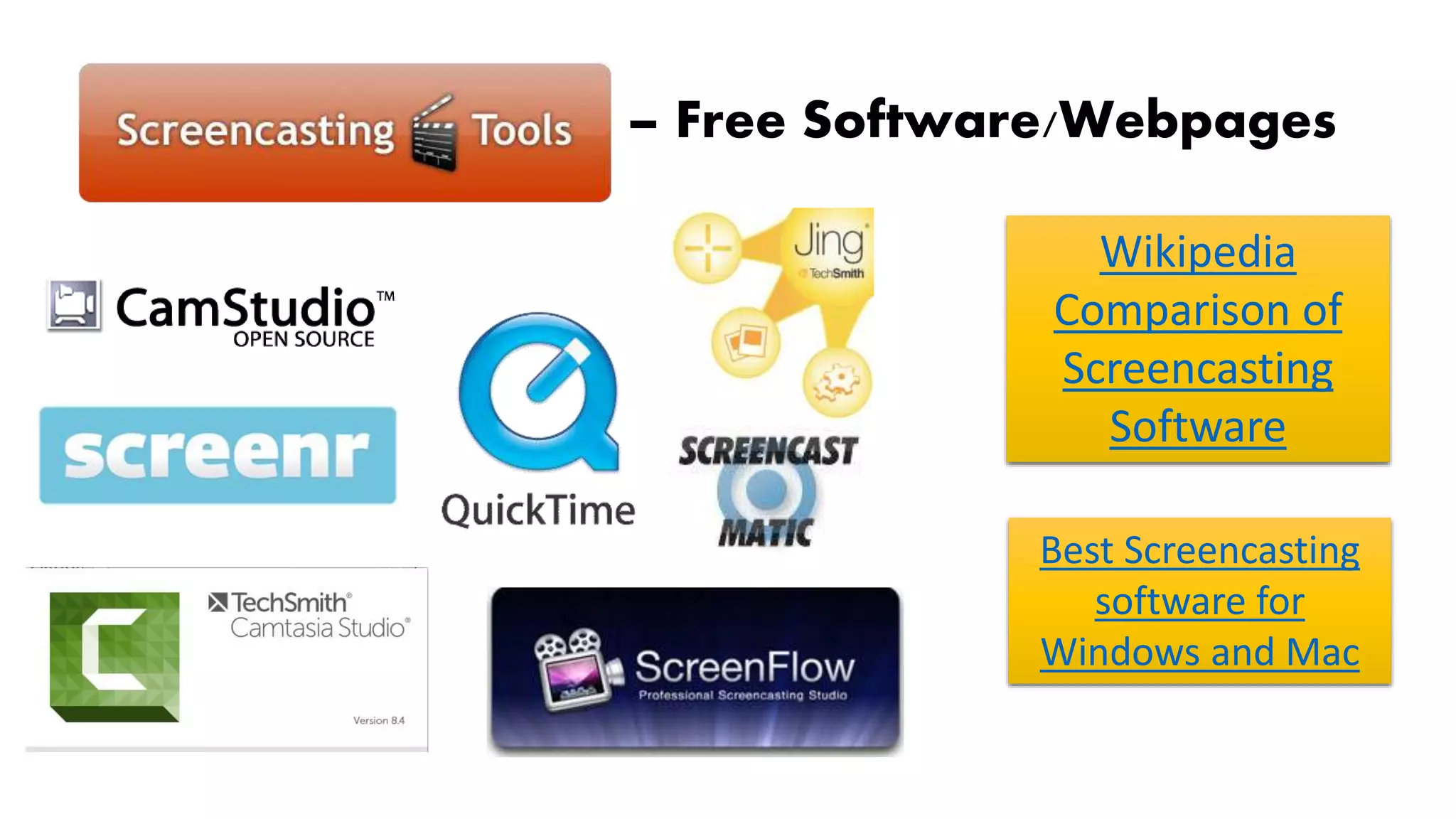
Screencasting Tools – Free Software/Webpages
Wikipedia
Comparison of
Screencasting
Software
Best Screencasting
software for
Windows and Mac
3 FREE and Easy Tools
• Screencastify: Chrome extension
• Screencast-o-matic: Web based
• Snagit by Techsmith
• Screencast.com
• Camtasia
• Jing
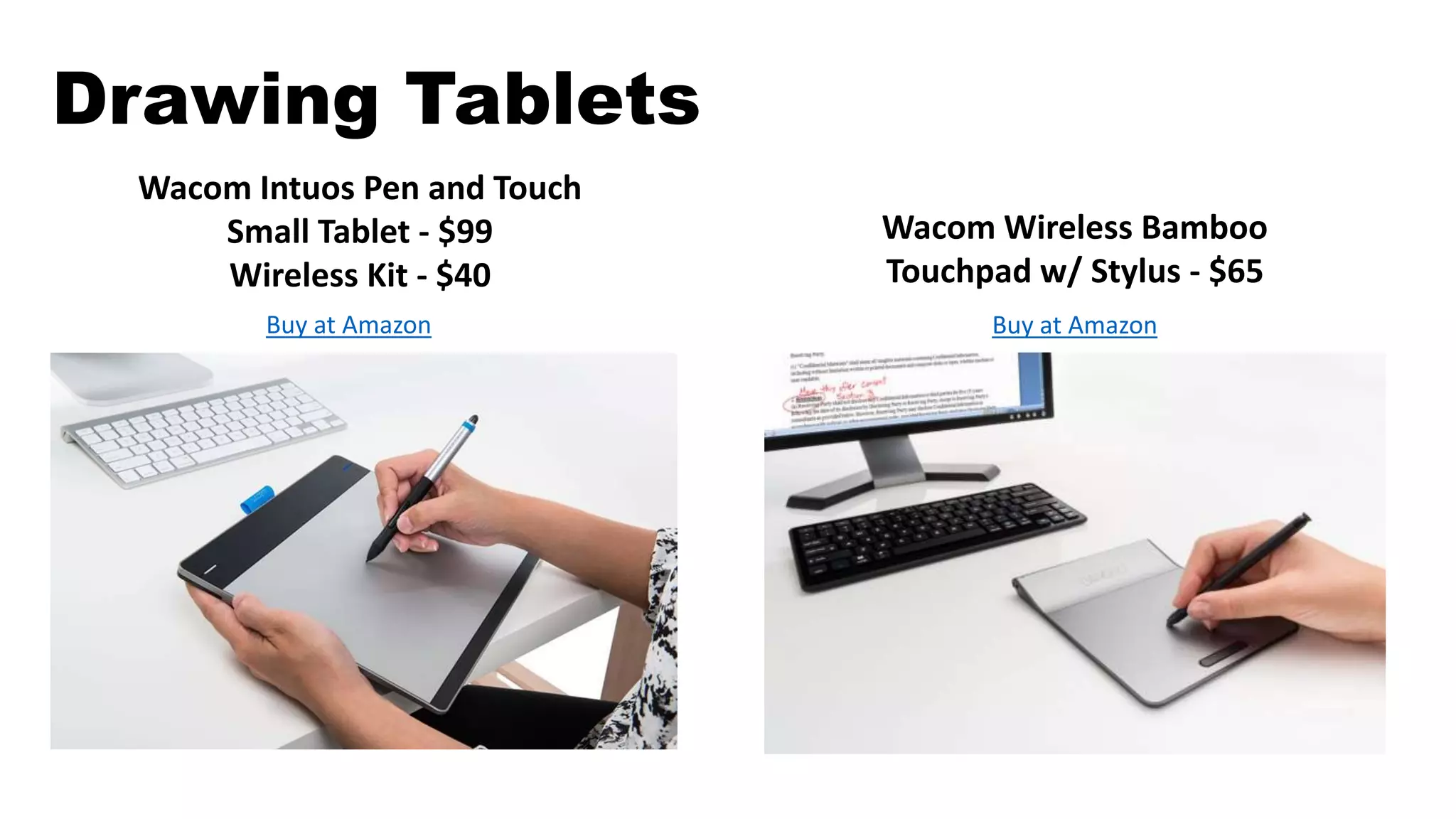
Drawing Tablets
Wacom Intuos Pen and Touch
Small Tablet - $99
Wireless Kit - $40
Buy at Amazon
Wacom Wireless Bamboo
Touchpad w/ Stylus - $65
Buy at Amazon
Link to Webpage

Screencasting for Students 101

  • 1.
    Screencasting for Students andTeachers 101 John Vieira G204
  • 2.
    Ways to useScreencasting NON-CURRICULAR • Training videos • Animated tutorials • Animated presentations • Narrated/annotated help files • Record/archive Skype video chat • Capturing technical difficulties to share with others
  • 3.
    Ways to useScreencasting CURRICULAR • Record Skype video chat • Give students feedback on their work • Student poetry/reading performance • Explanation of procedures/concepts in science, math, etc • Sharing work of any kind • Homework tips, procedures, reminders • Evaluating/Explaining website content or features for peers, students, or parents • Books/resource talks/walkthroughs that are available online • Pre-Lab assignments – Students outline tomorrows lab procedure • Short content videos
  • 4.
    Teach Students HowTo Do Assignments
  • 5.
    Teach Students Content– Flipped Lesson
  • 6.
  • 7.
    How else couldSTUDENTS use screencasting?
  • 8.
    iPad APPs forScreencasting 1. Explain Everything 2. Doceri Interactive Whiteboard 3. Educreations 4. Doodlecast Pro 5. Teach by Knowmia 6. ShowMe 7. Board Cam Pro 8. Screen Chomp 9. Vittle Click on each icon for App Store Link
  • 9.
    Screencasting Tools –Free Software/Webpages Wikipedia Comparison of Screencasting Software Best Screencasting software for Windows and Mac
  • 10.
    3 FREE andEasy Tools • Screencastify: Chrome extension • Screencast-o-matic: Web based • Snagit by Techsmith • Screencast.com • Camtasia • Jing
  • 11.
    Drawing Tablets Wacom IntuosPen and Touch Small Tablet - $99 Wireless Kit - $40 Buy at Amazon Wacom Wireless Bamboo Touchpad w/ Stylus - $65 Buy at Amazon
  • 12.