
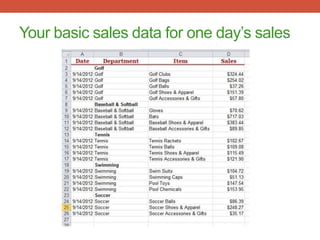
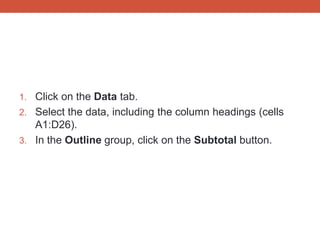

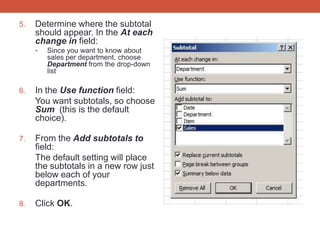
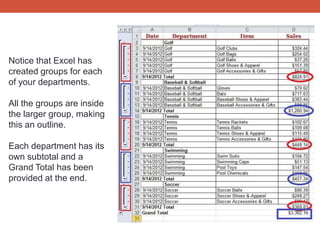

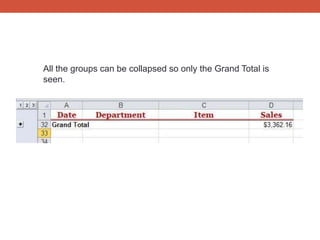

The document provides a step-by-step guide to creating subtotals in Excel 2010 for analyzing sales data in a sporting goods store organized by departments. It explains how to use Excel's subtotal feature to identify sales per department, allowing users to view subtotals and a grand total while hiding detailed data. The instructions include selecting data, accessing the subtotal feature, and configuring options to display results effectively.


![5G Explained! A High Level Overview [Introduction]](https://cdn.slidesharecdn.com/ss_thumbnails/5gexplainedahighleveloverview-260119165306-cc137a3e-thumbnail.jpg?width=640&height=640&fit=bounds)


