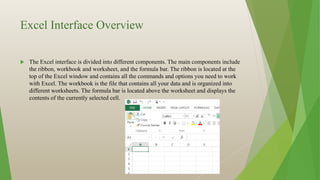
This document provides an overview of Microsoft Excel. It introduces the Excel interface including the ribbon, worksheets, and formula bar. It describes how to navigate between workbooks and worksheets. It also covers entering and formatting data, using formulas and functions, creating charts and graphs, and printing and sharing worksheets. The document provides tips for working more efficiently using features like keyboard shortcuts, AutoFill, and macros.