Downloaded 25 times

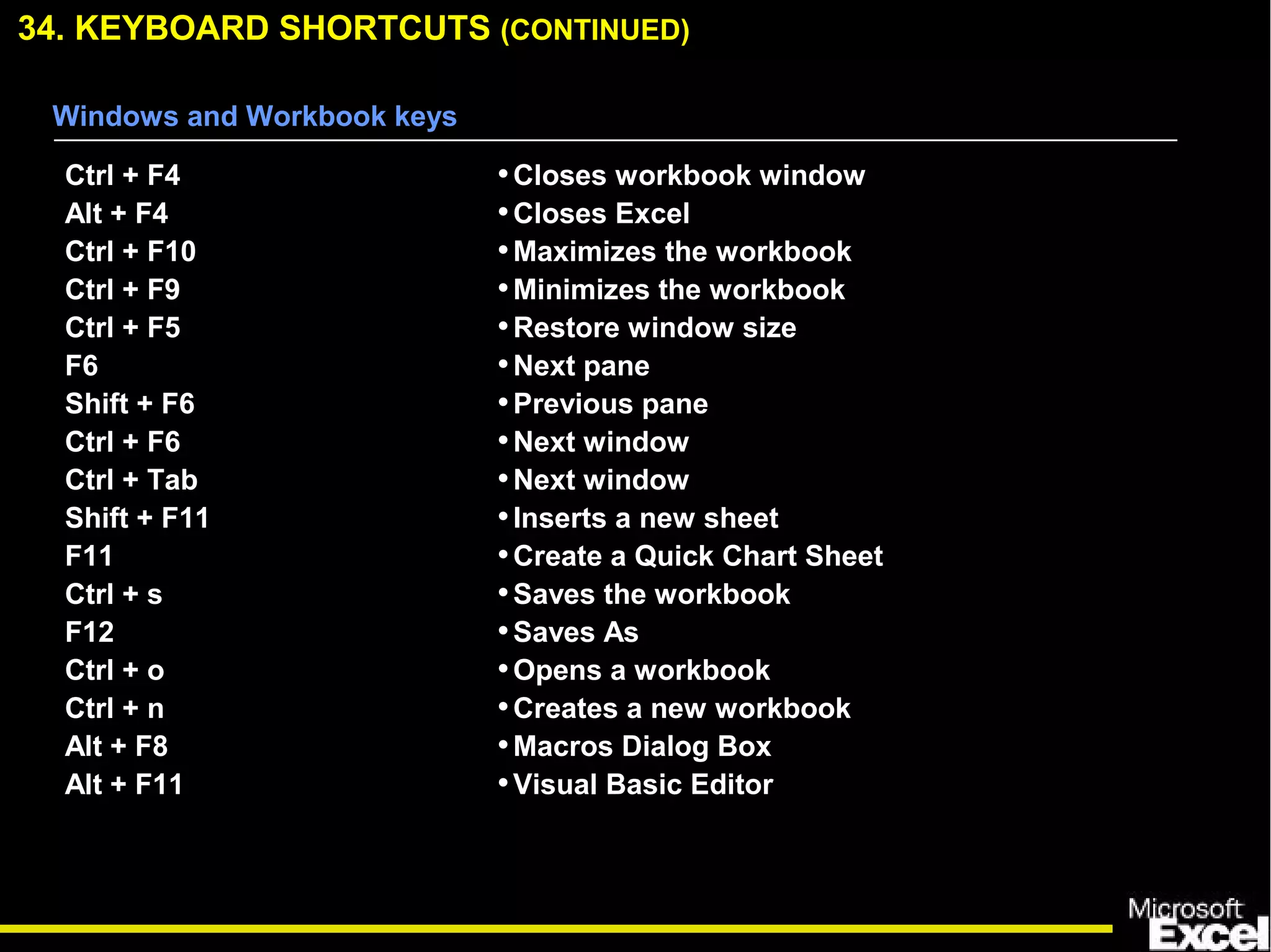
![34. KEYBOARD SHORTCUTS (CONTINUED)
ALT + TAB
CTRL + TAB
CTRL + Page Up/Page Down
CTRL + Home/End
CTRL + arrow key
•Switch between applications
•Switch between open Excel files
•Go to previous/next worksheet
•Go to the first/last cell of the worksheet
•Go to the next empty cell
Windows and Workbook keys
Auditing and Calculation keys
Ctrl + ‘ ( ~ )
Ctrl + [
Ctrl + Shift + {
Ctrl + ]
Ctrl + Shift + }
F9
Shift + F9
F2
•Toggle formula display
•Selects cells directly referred to by formulas
(Precedent Cells)
•Selects directly and indirectly referred to cells
•Selects only cells with formulas that refer
directly to the active cell (Dependent Cells)
•Selects all cells within formulas that directly or
indirectly refer to the active cells
•Calculate all worksheets
•Calculate worksheet
•Toggle cell edit mode](https://image.slidesharecdn.com/exceltips-160726144213/75/Excel-tips-51-2048.jpg)
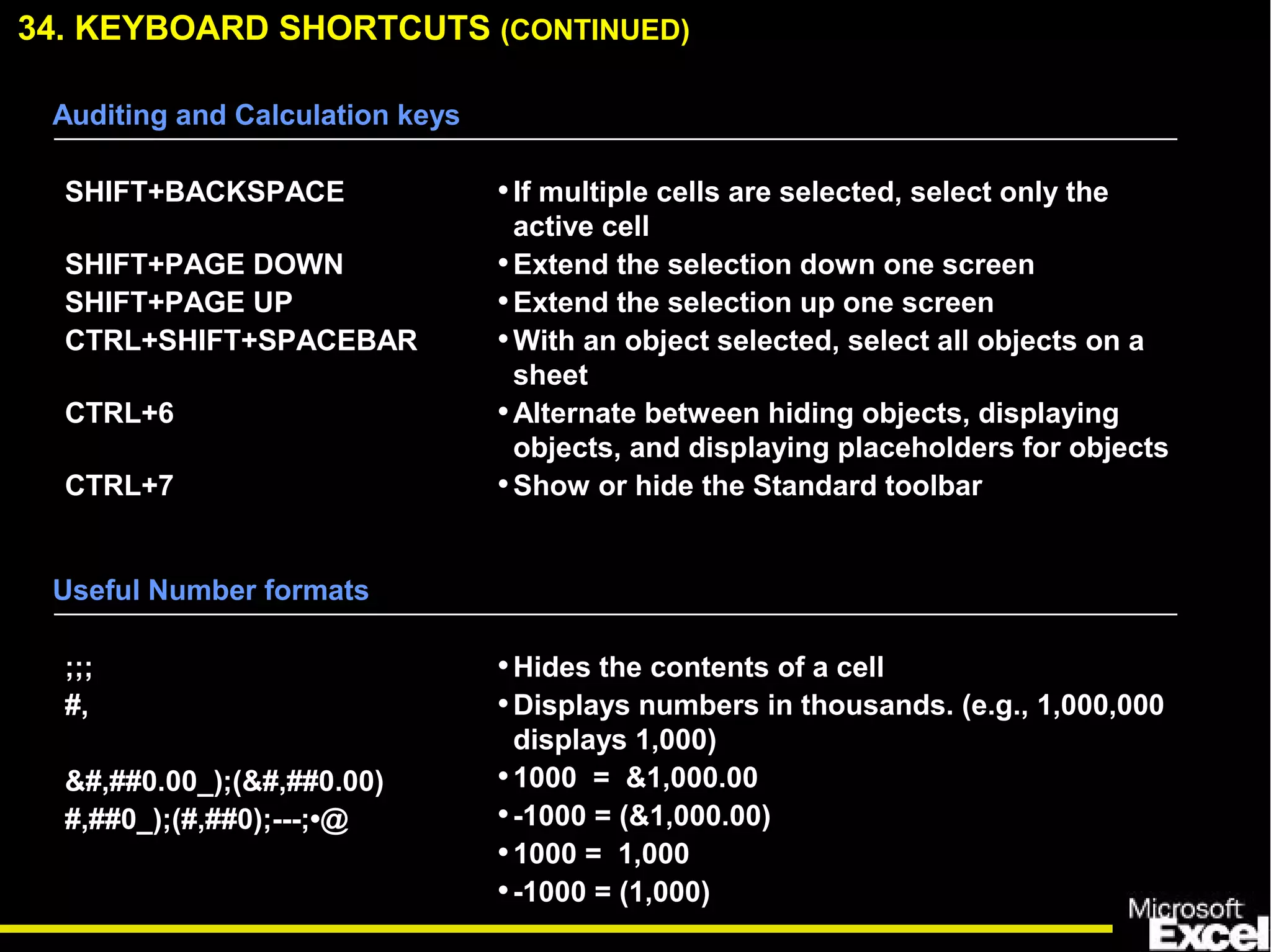
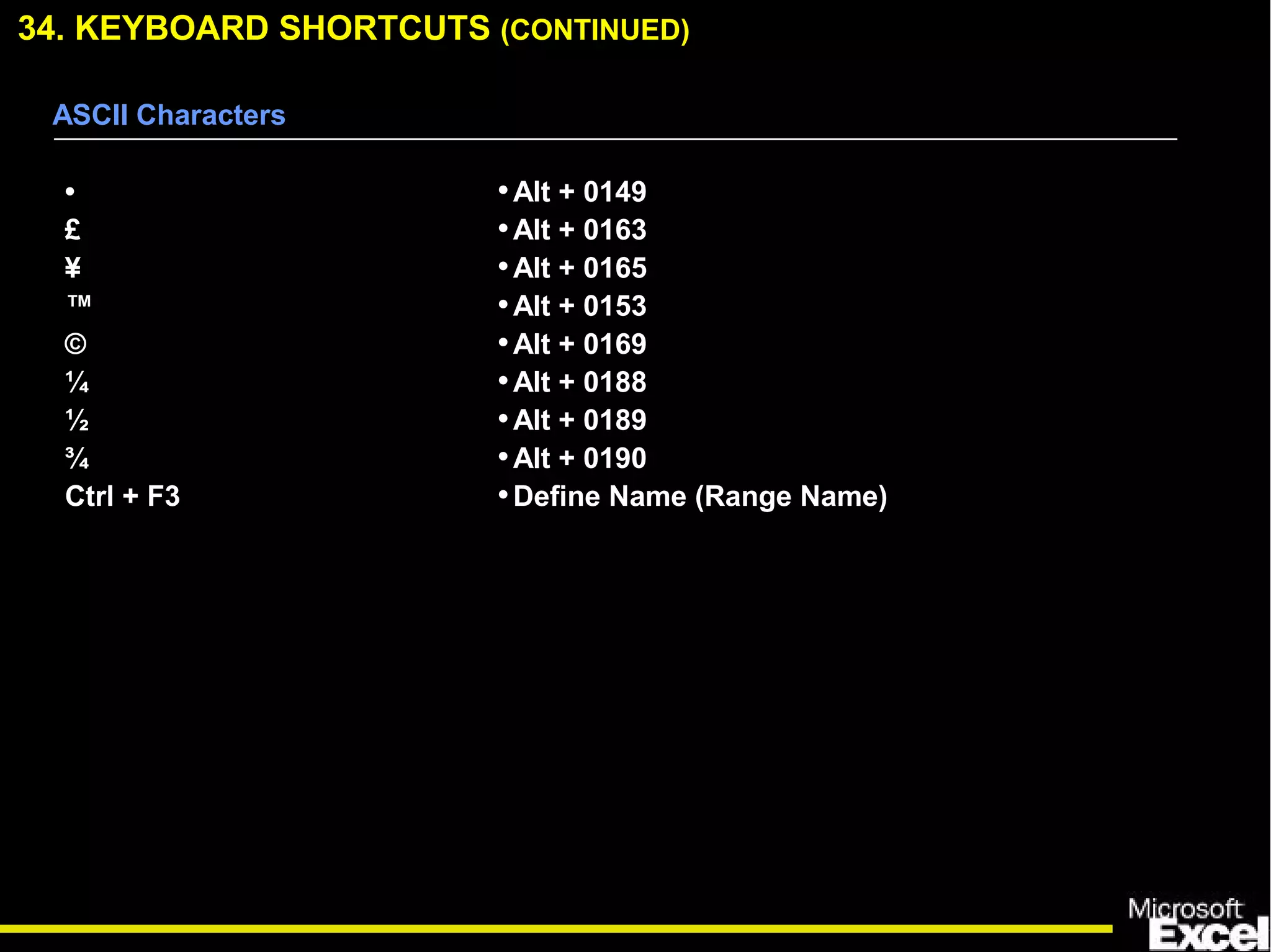
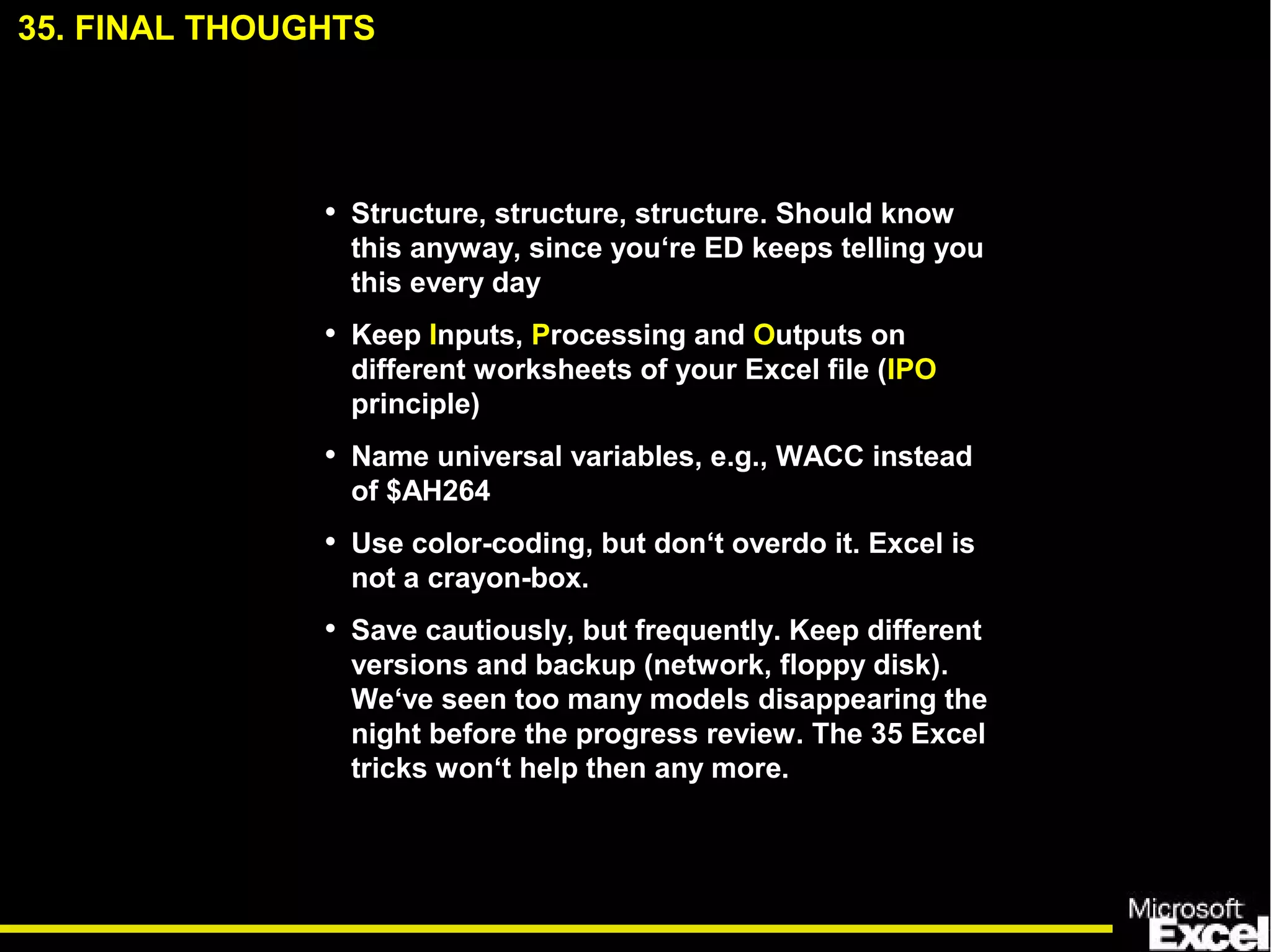

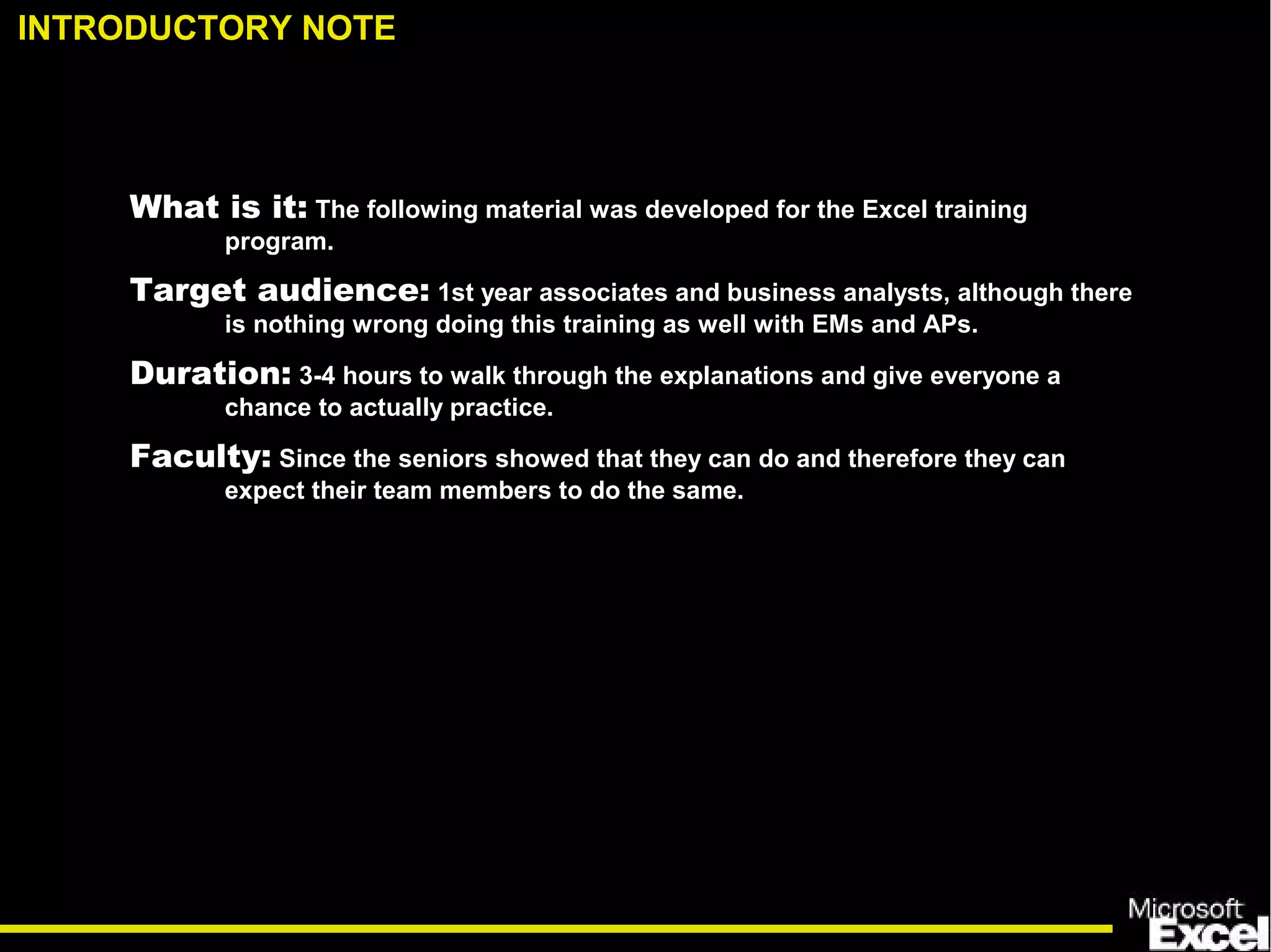
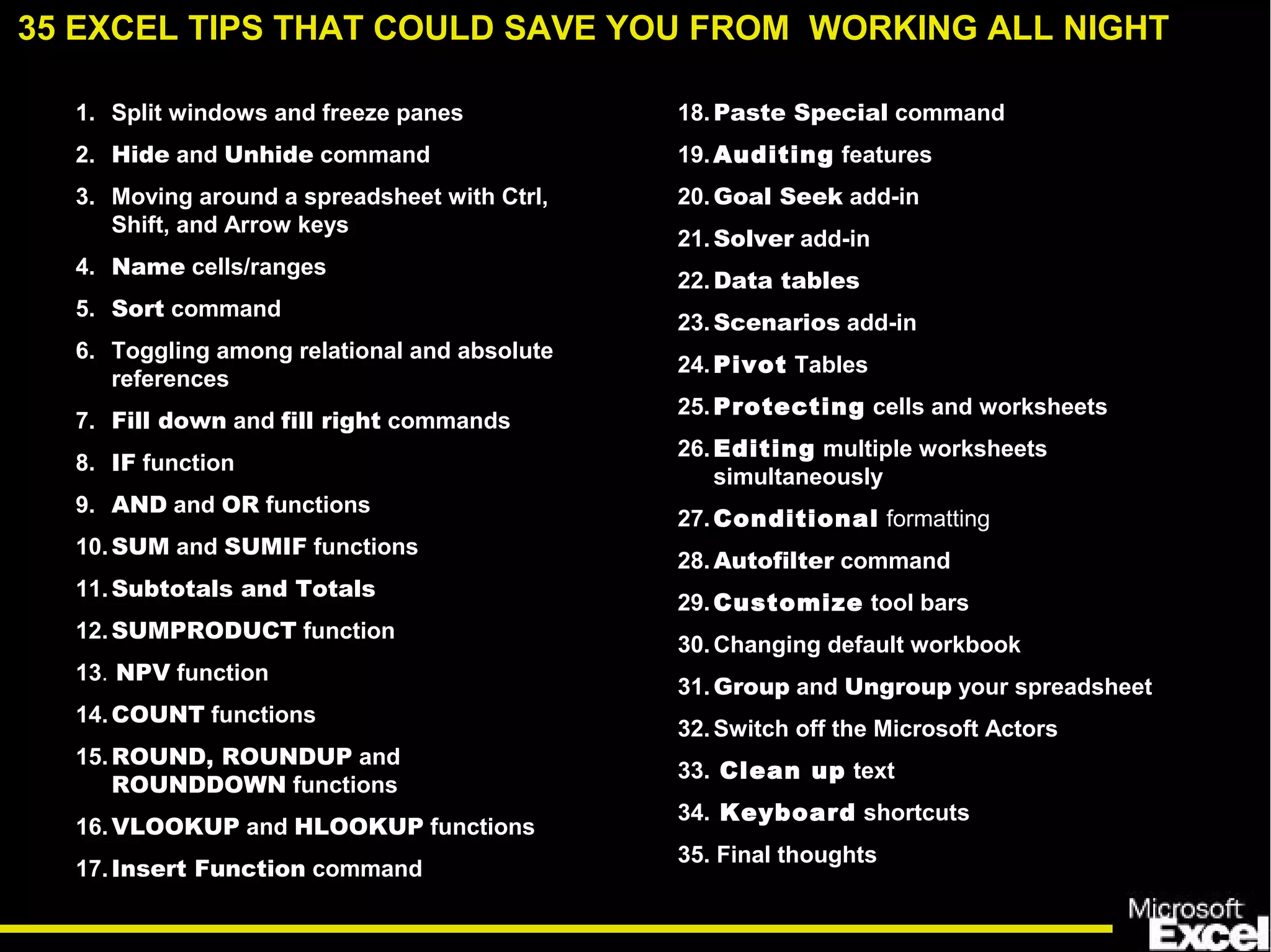
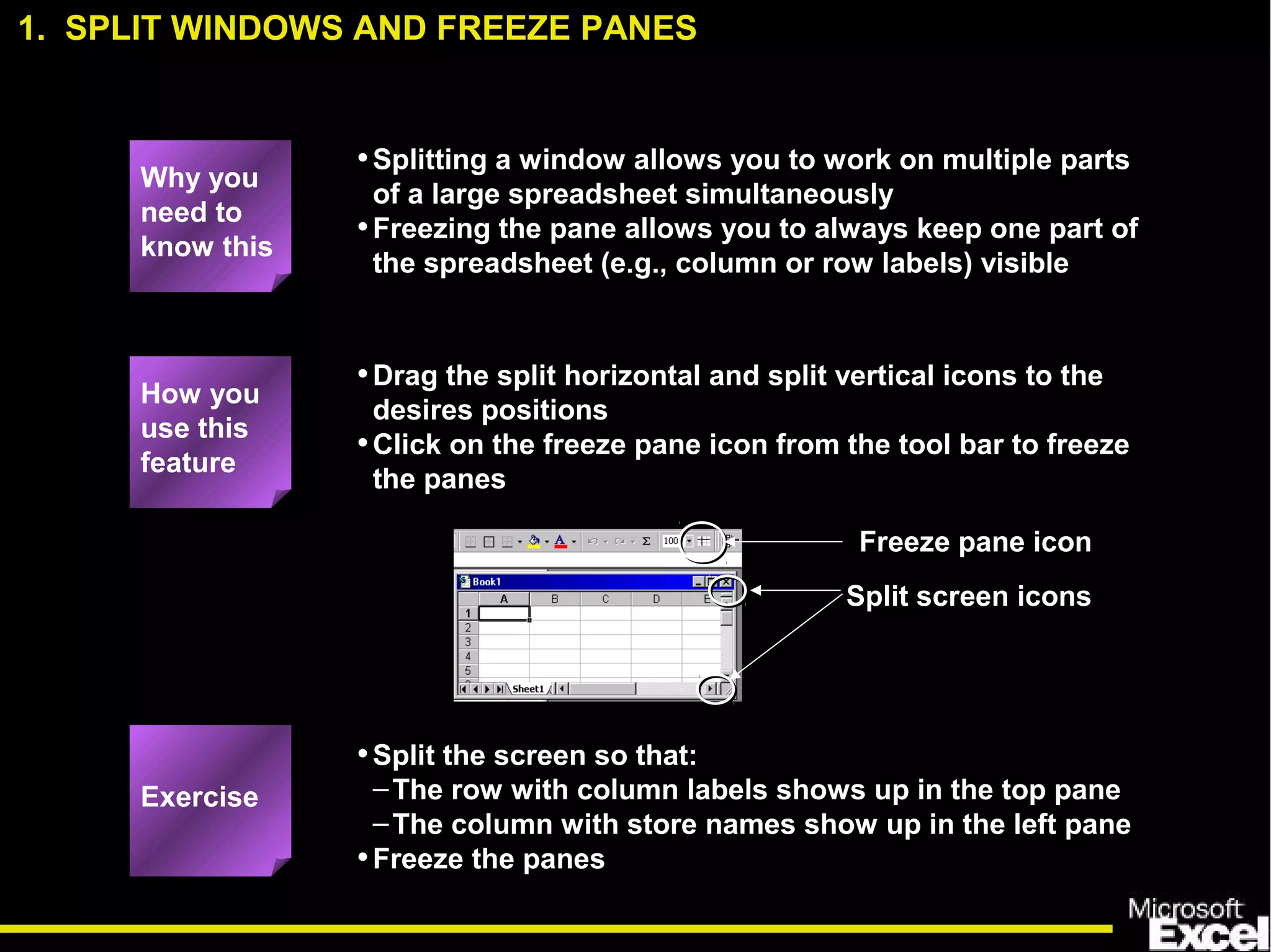
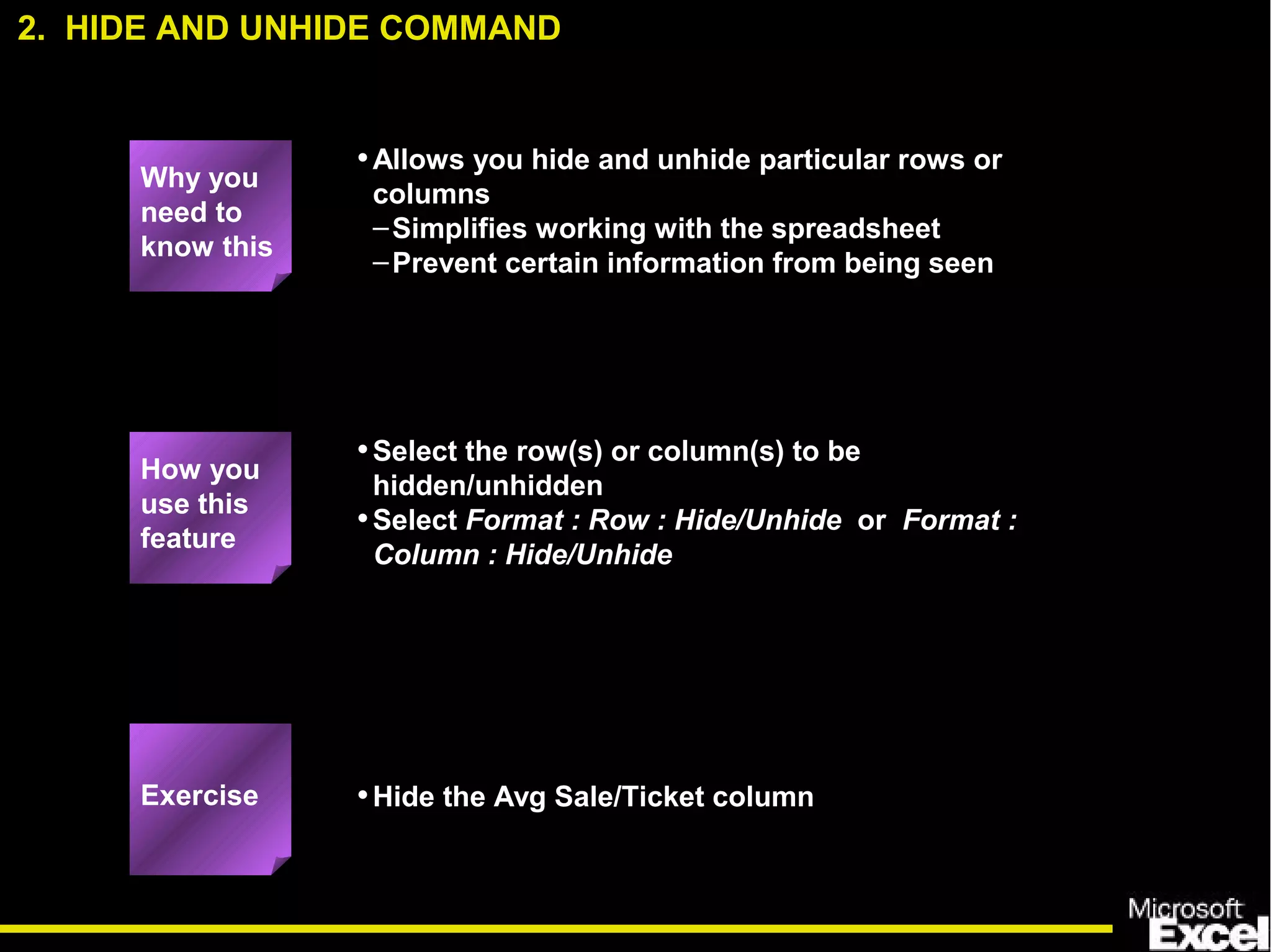
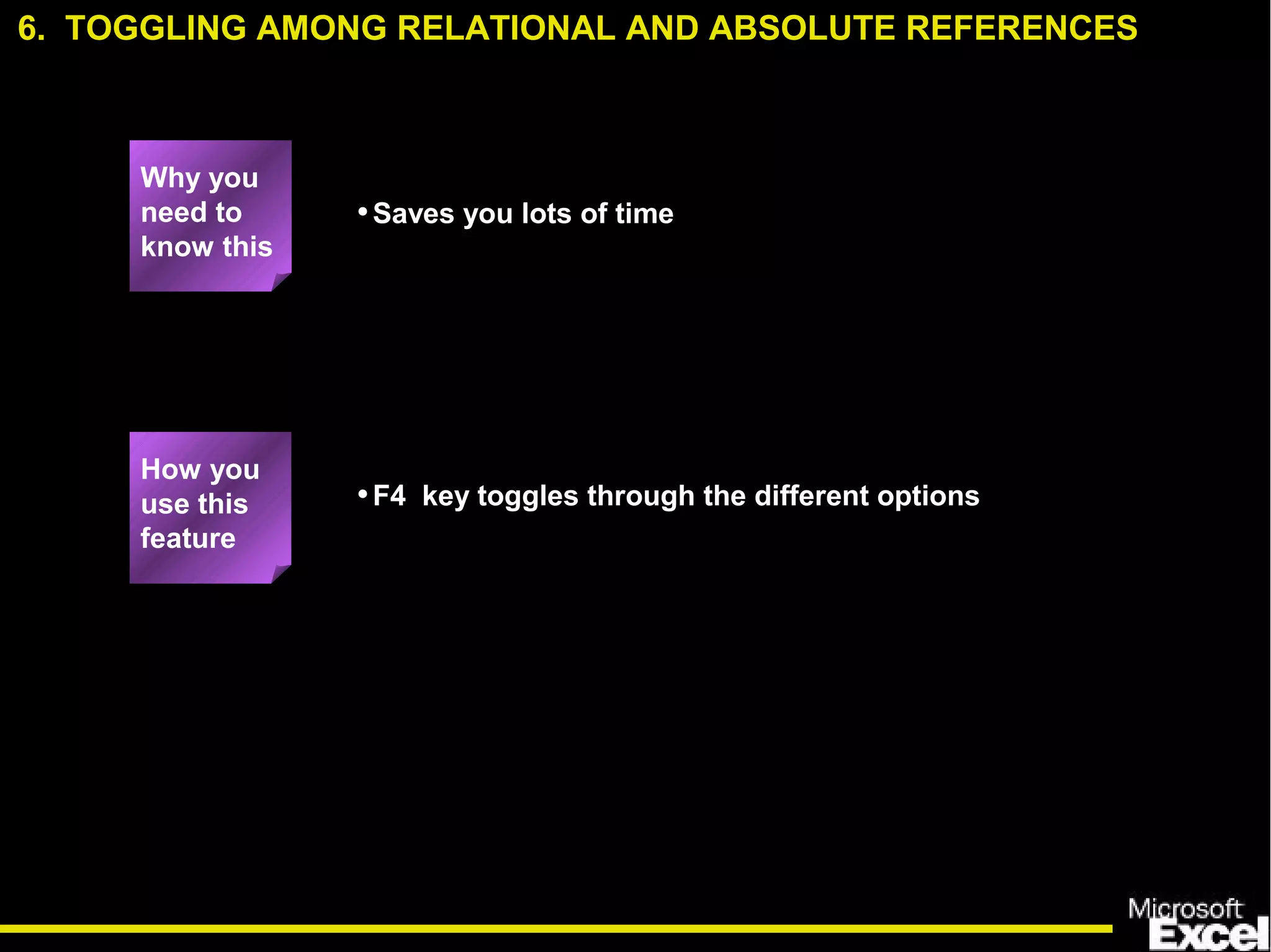
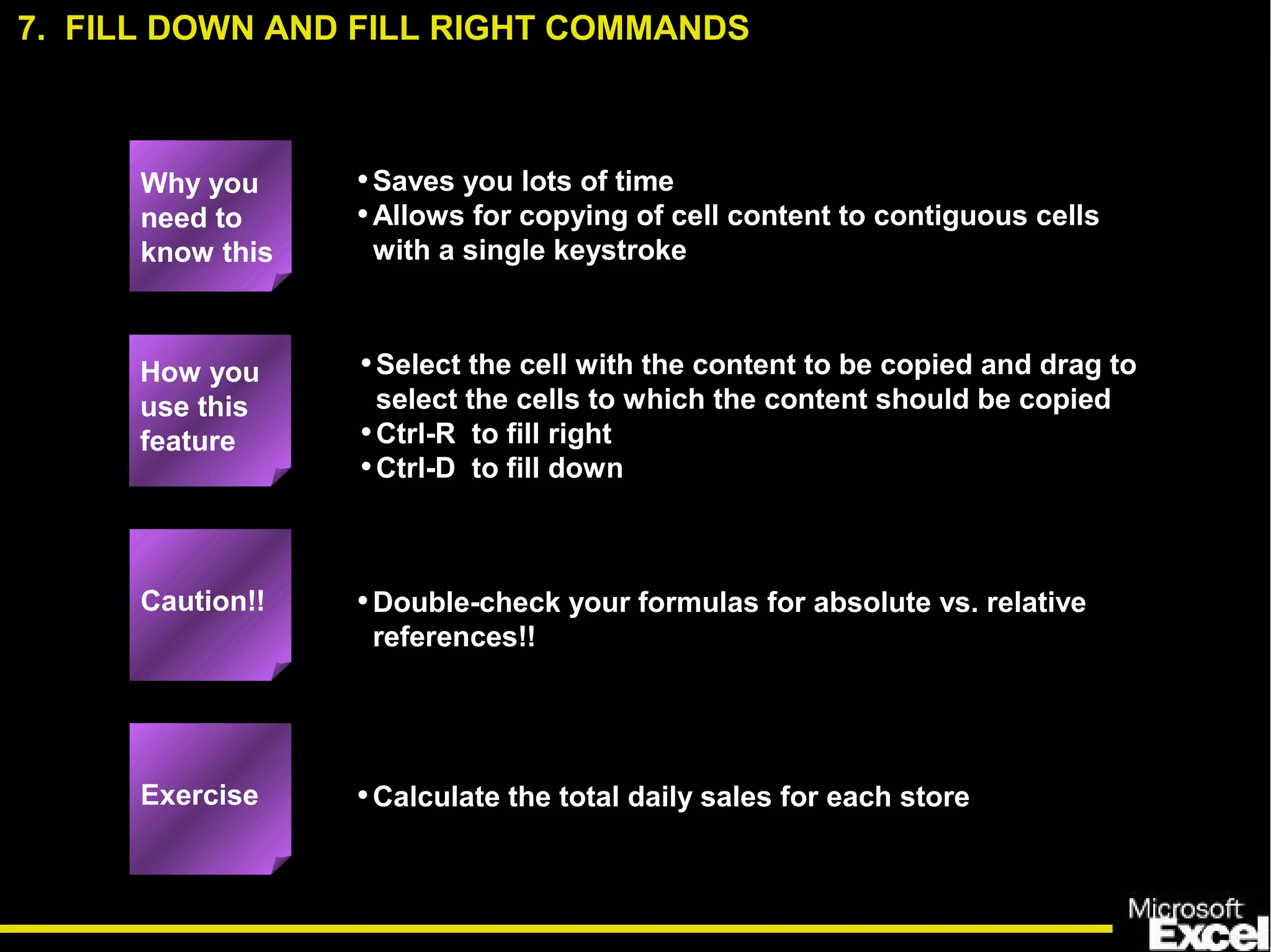
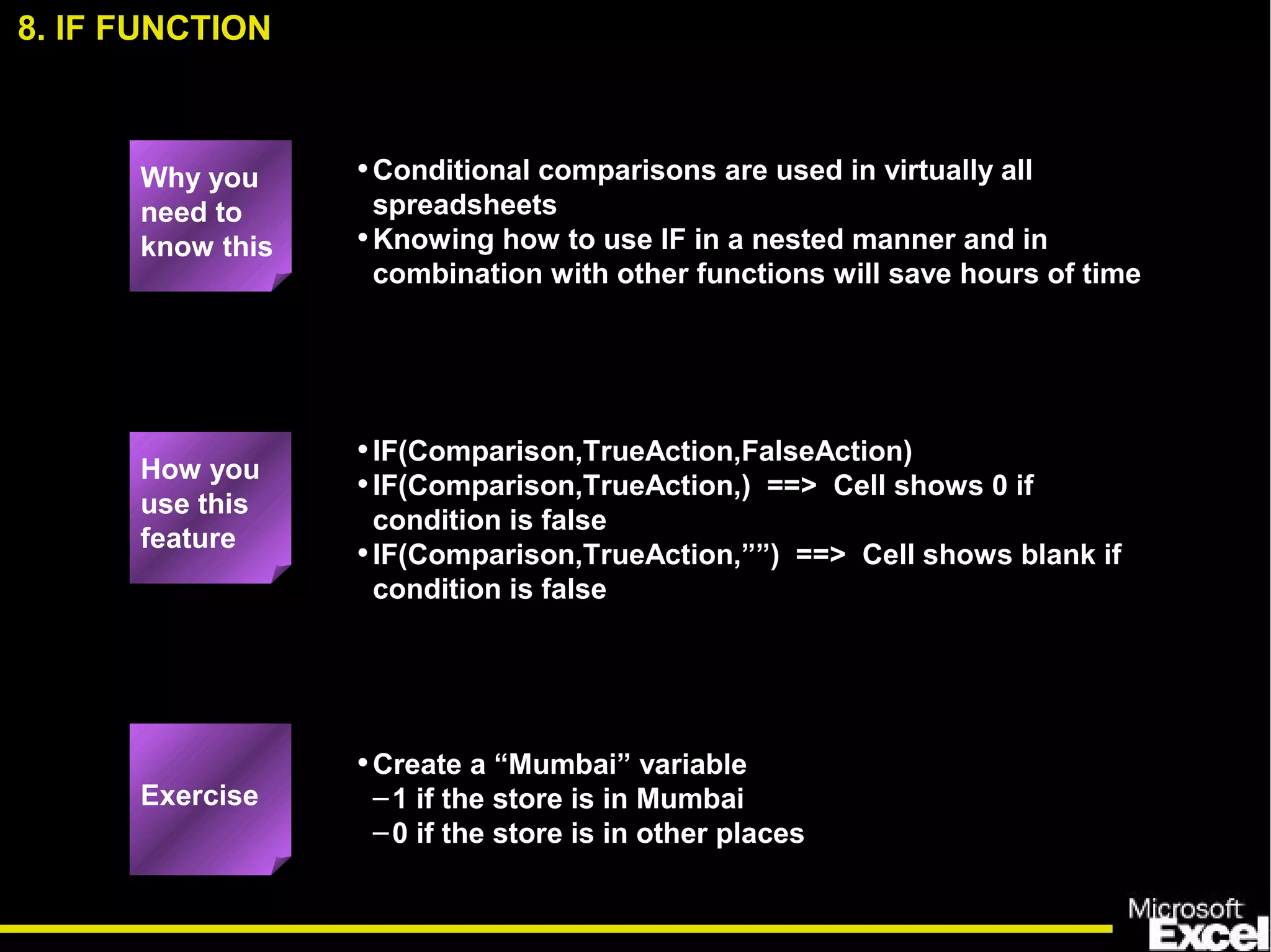
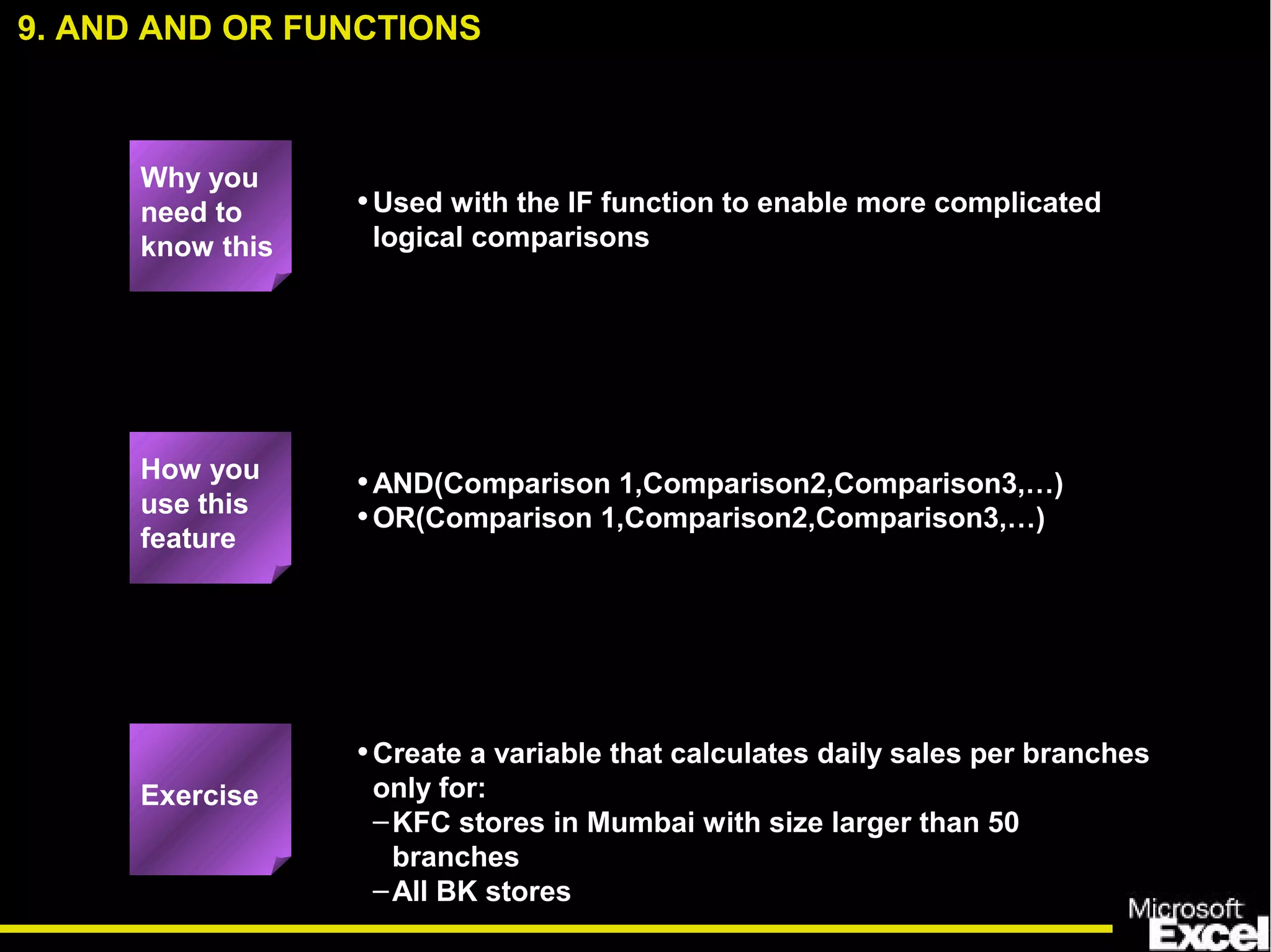
This document provides tips and instructions for 35 Excel features that could save time for users working with spreadsheets. It includes explanations and examples of functions and tools like split windows, hide and unhide, sorting, lookups, conditionals, auditing, goal seek, and solver. The target audience is associates and analysts, though more experienced users could also benefit. Training would take 3-4 hours to cover the material through explanations and hands-on practice of the features.


