Computer Vision

Luigi De Russis

Introduction to
OpenCV
2

OpenC… what?
OpenCV in brief

Introduction to OpenCV

07/11/2013
What is OpenCV?
3



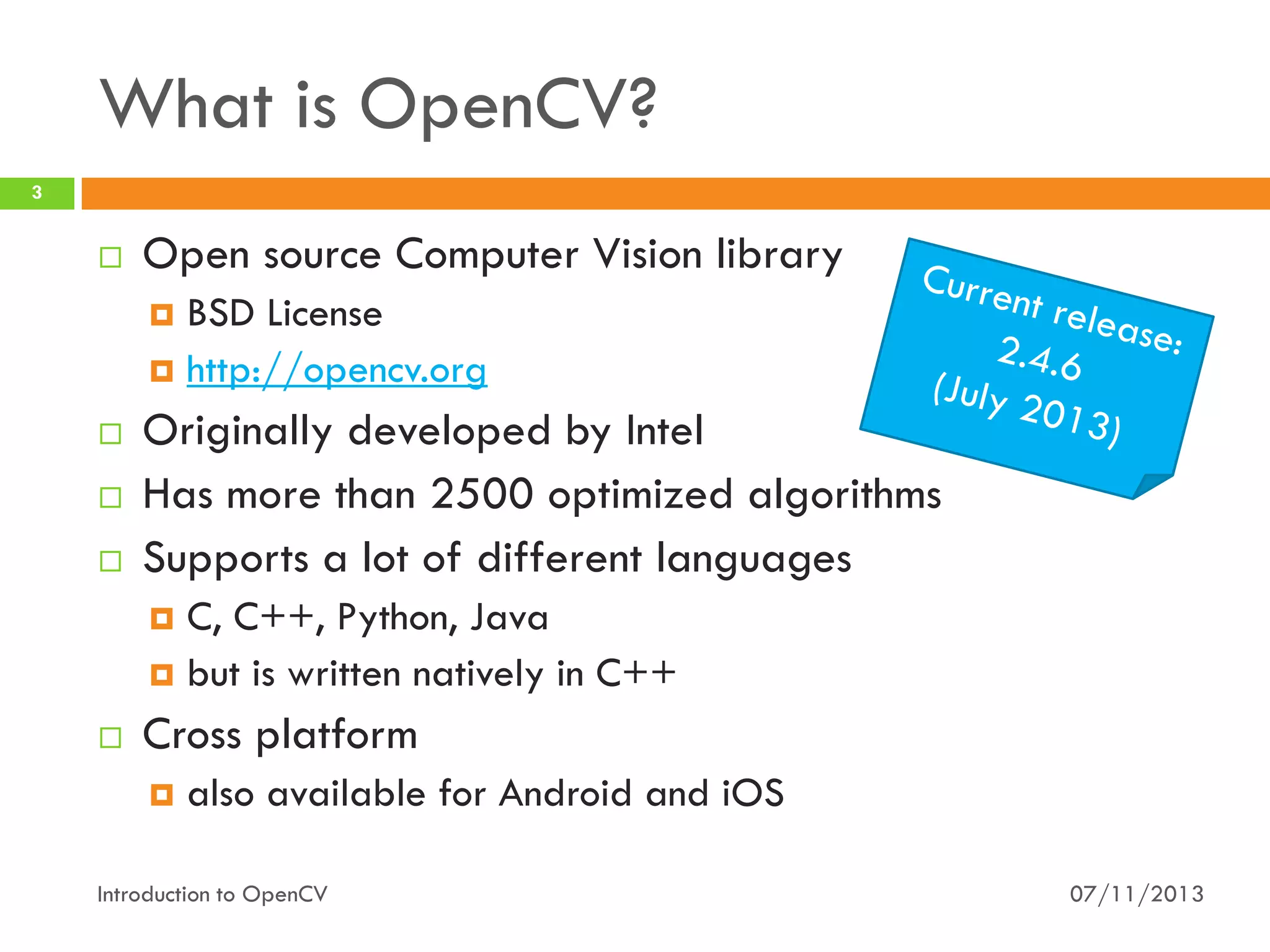
Open source Computer Vision library
BSD License
 http://opencv.org






Originally developed by Intel
Has more than 2500 optimized algorithms
Supports a lot of different languages
C, C++, Python, Java
 but is written natively in C++




Cross platform


also available for Android and iOS

Introduction to OpenCV

07/11/2013
What it is used for?
4













Human-Computer Interaction (HCI)
Object Identification
Object Recognition
Face Recognition
Gesture Recognition
Motion Tracking
Image Processing
Mobile Robotics
… and so on

Introduction to OpenCV

07/11/2013
5

Motivations - OpenCV
Always ask “why?”

Introduction to OpenCV

07/11/2013
Why OpenCV?
6

vs.

Introduction to OpenCV

07/11/2013
OpenCV: pros
7



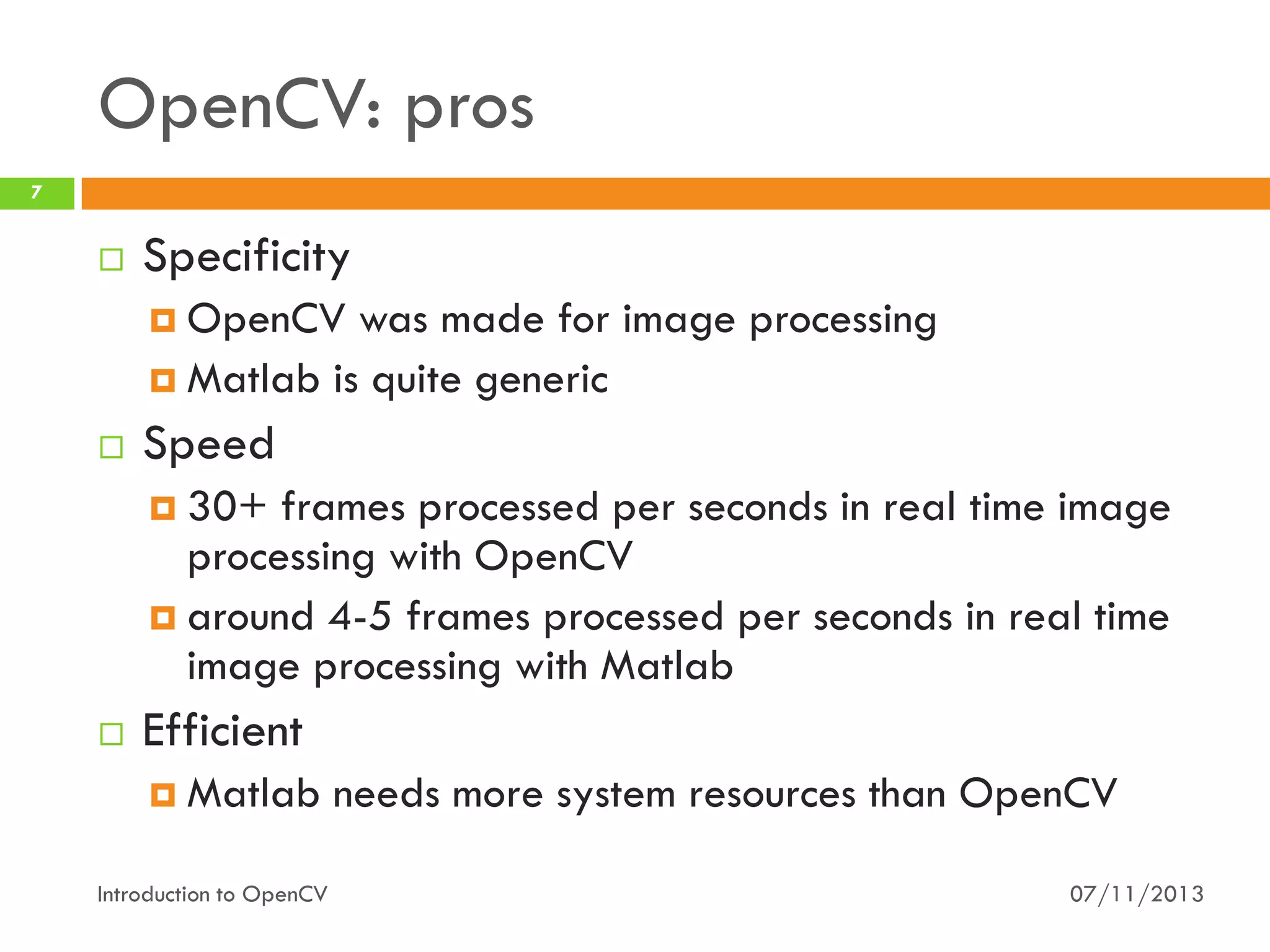
Specificity
 OpenCV

was made for image processing
 Matlab is quite generic


Speed
 30+

frames processed per seconds in real time image
processing with OpenCV
 around 4-5 frames processed per seconds in real time
image processing with Matlab


Efficient
 Matlab

Introduction to OpenCV

needs more system resources than OpenCV
07/11/2013
OpenCV: cons
8



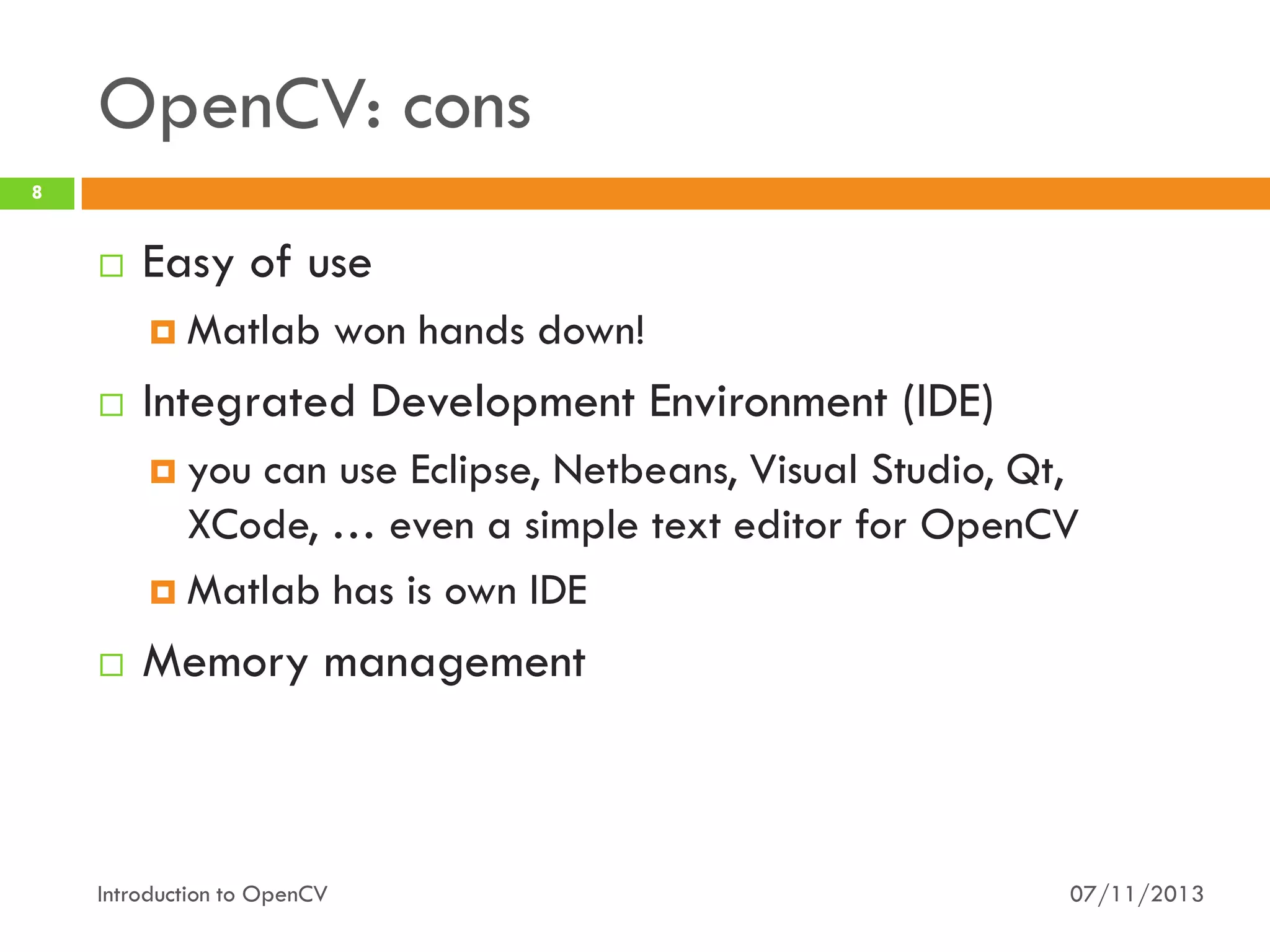
Easy of use
 Matlab



won hands down!

Integrated Development Environment (IDE)
 you

can use Eclipse, Netbeans, Visual Studio, Qt,
XCode, … even a simple text editor for OpenCV
 Matlab has is own IDE


Memory management

Introduction to OpenCV

07/11/2013
OpenCV: pros (final)
9





Price (!)
OpenCV Wrappers
 SimpleCV,



Emgu CV, ruby-opencv…

More similar to industry-level frameworks

Introduction to OpenCV

07/11/2013
10

Motivation - Java
When Java meets OpenCV

Introduction to OpenCV

07/11/2013
Some facts…
11



The OpenCV APIs have few capabilities for user
interfaces
 i.e.

you can open a window with an image inside. Do
you want a button? You cannot have it!
 to have a “decent” user interface you need to install
“something else” (e.g., Qt for C++)…
 … and then compile OpenCV for adding Qt support


C++ learning curve is quite… steep
 source:

experiences from teaching this course in the last

years
Introduction to OpenCV

07/11/2013
Some (other) facts…
12



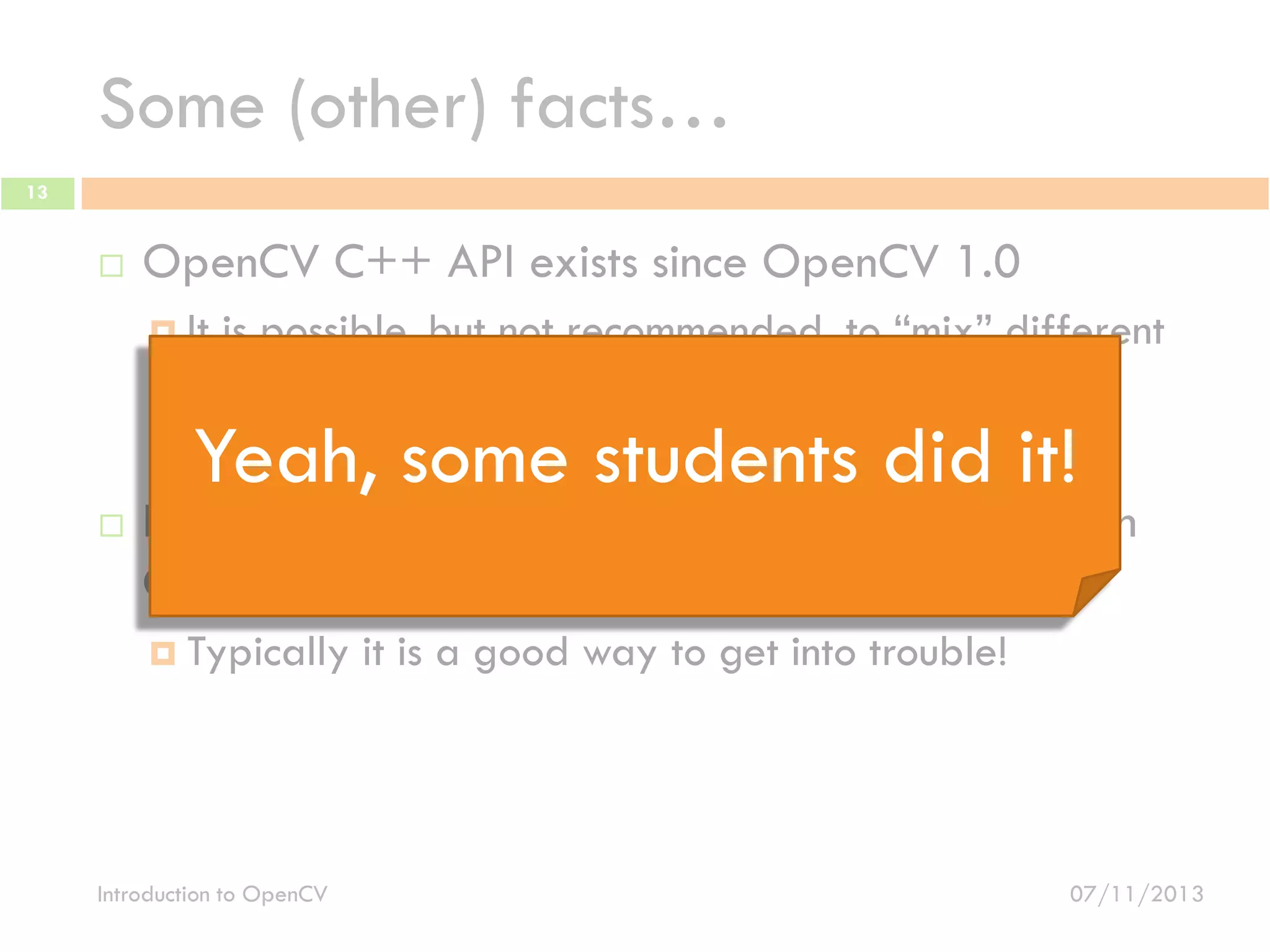
OpenCV C++ APIs exists since OpenCV 1.0
 It

is possible, but not recommended, to “mix” different
OpenCV version
 Typically, it is a good way to get into trouble!


It is possible to use OpenCV C APIs together with
C++ APIs
 Typically

Introduction to OpenCV

it is a good way to get into trouble!

07/11/2013
Some (other) facts…
13



OpenCV C++ API exists since OpenCV 1.0
 It

is possible, but not recommended, to “mix” different
OpenCV version
 Typically, it is a good way to get into trouble!

Yeah, some students did it!



It is possible to use OpenCV C APIs together with
C++ APIs
 Typically

Introduction to OpenCV

it is a good way to get into trouble!

07/11/2013
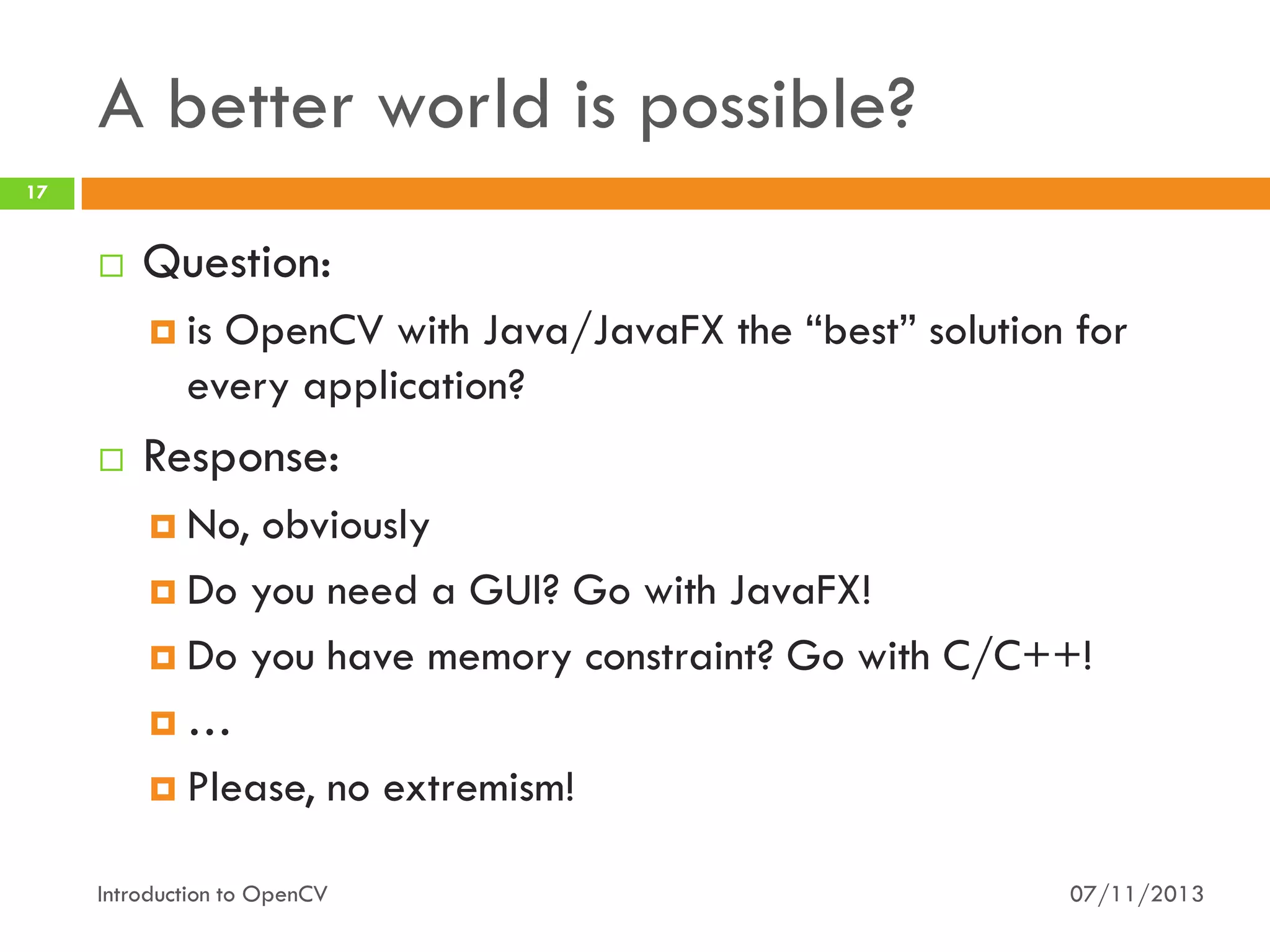
A better world is possible?
14



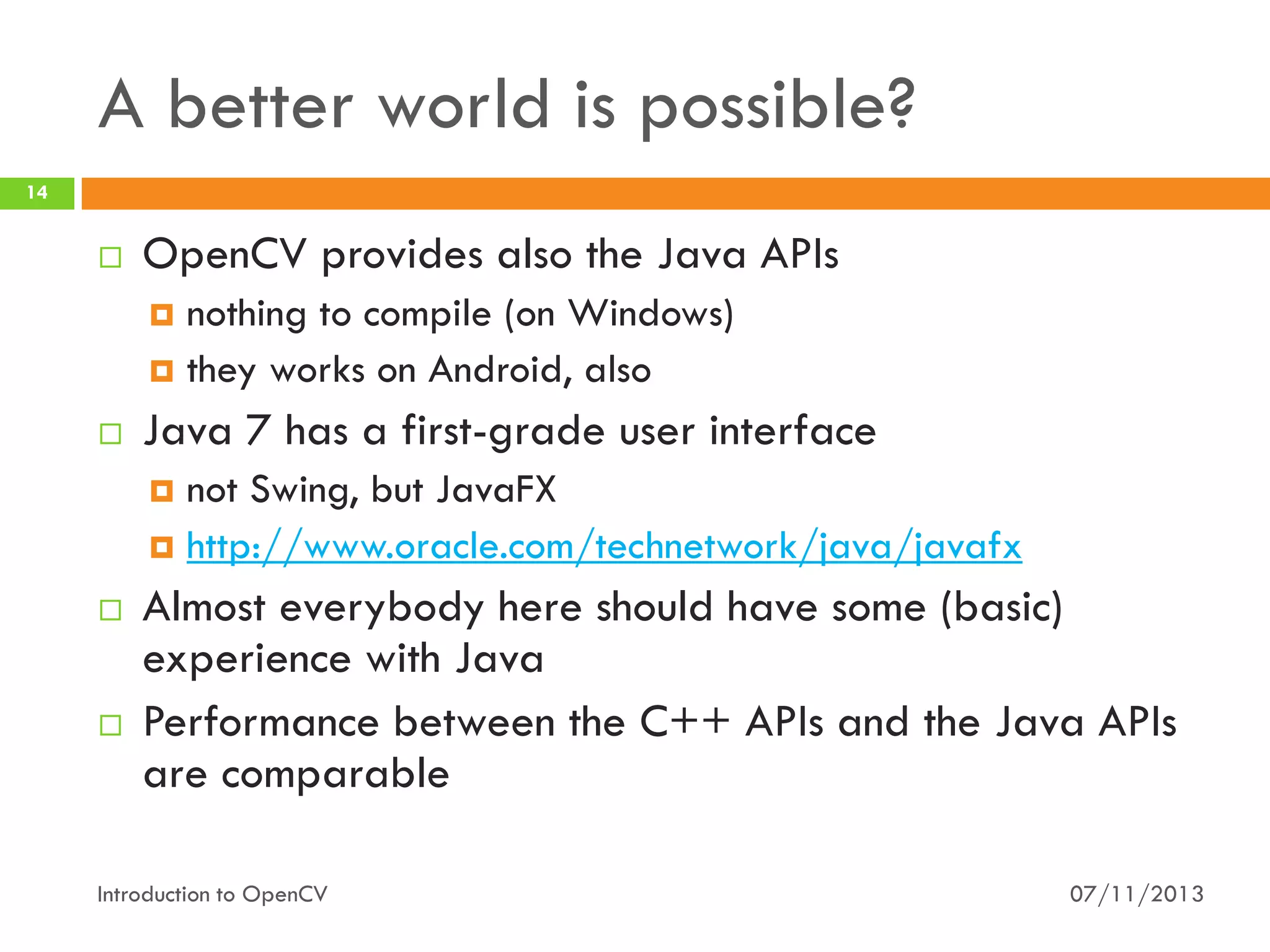
OpenCV provides also the Java APIs
nothing to compile (on Windows)
 they works on Android, also




Java 7 has a first-grade user interface
not Swing, but JavaFX
 http://www.oracle.com/technetwork/java/javafx






Almost everybody here should have some (basic)
experience with Java
Performance between the C++ APIs and the Java APIs
are comparable

Introduction to OpenCV

07/11/2013
A better world is possible?
15



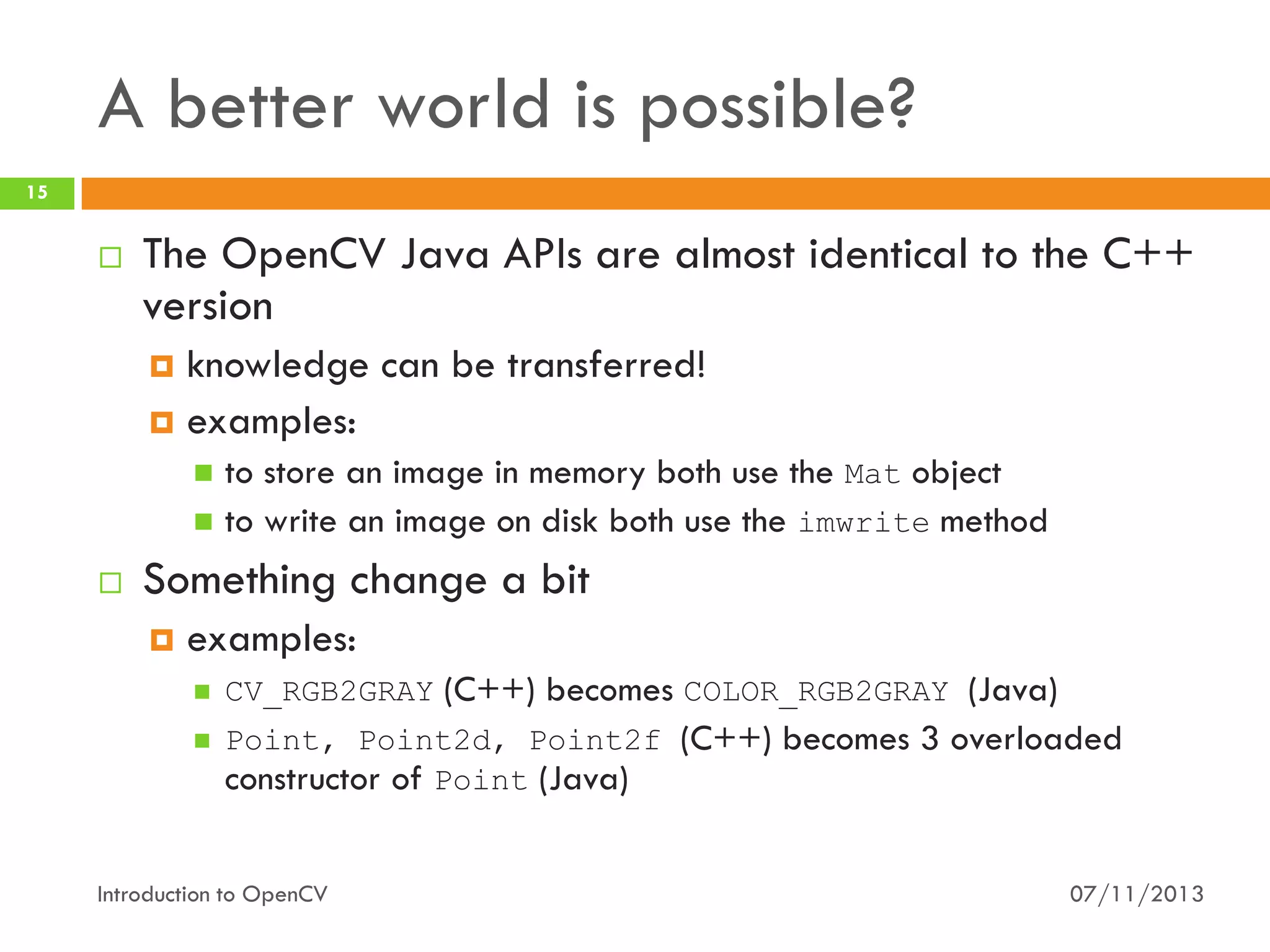
The OpenCV Java APIs are almost identical to the C++
version
knowledge can be transferred!
 examples:


to store an image in memory both use the Mat object
 to write an image on disk both use the imwrite method




Something change a bit


examples:


CV_RGB2GRAY (C++) becomes COLOR_RGB2GRAY (Java)



Point, Point2d, Point2f (C++) becomes 3 overloaded
constructor of Point (Java)

Introduction to OpenCV

07/11/2013
A better world is possible?
16



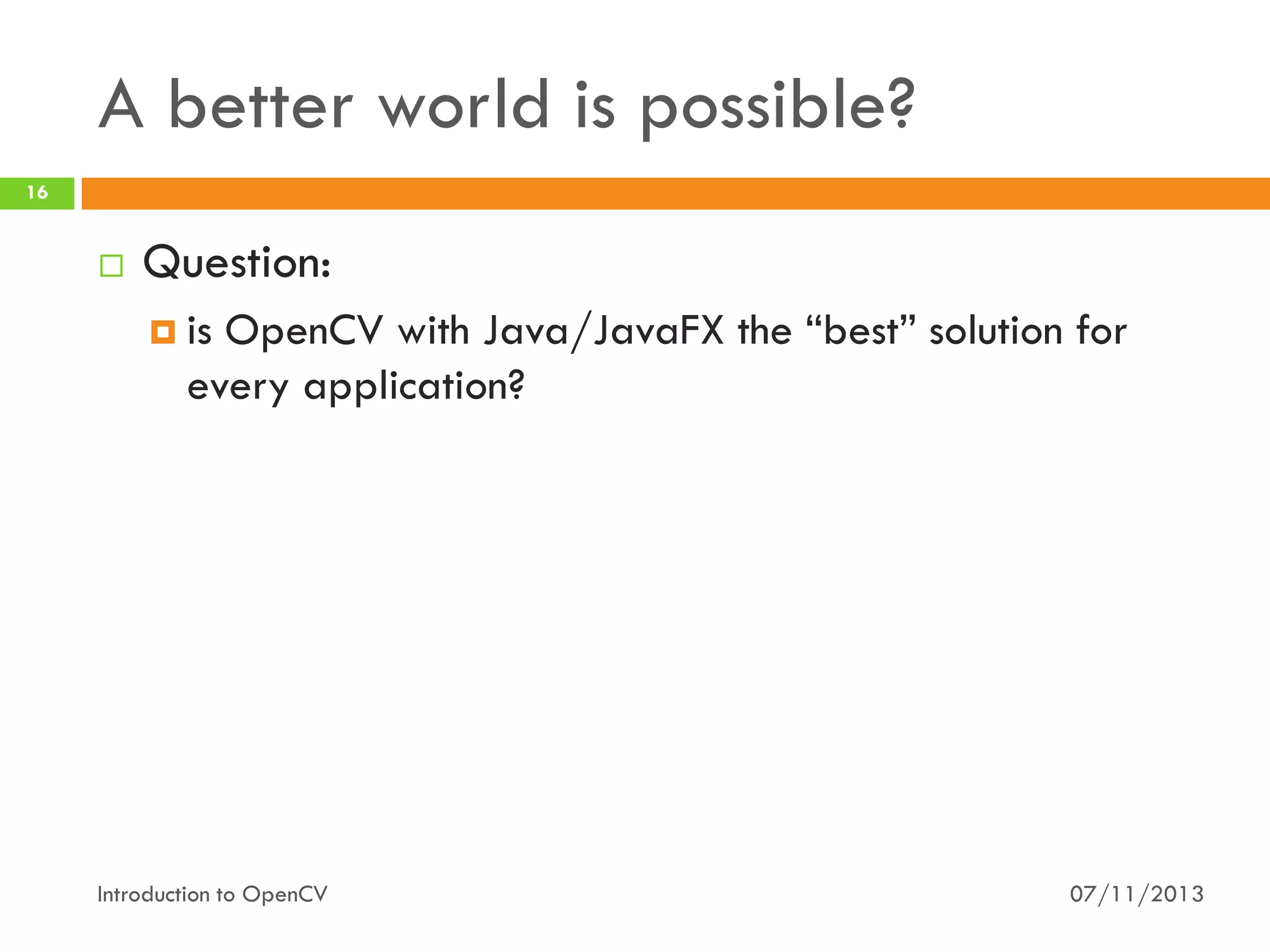
Question:
 is

OpenCV with Java/JavaFX the “best” solution for
every application?

Introduction to OpenCV

07/11/2013
A better world is possible?
17



Question:
 is

OpenCV with Java/JavaFX the “best” solution for
every application?



Response:
 No,

obviously
 Do you need a GUI? Go with JavaFX!
 Do you have memory constraint? Go with C/C++!
…
 Please, no extremism!
Introduction to OpenCV

07/11/2013
18

OpenCV meets Java
Getting started with OpenCV and Java

Introduction to OpenCV

07/11/2013
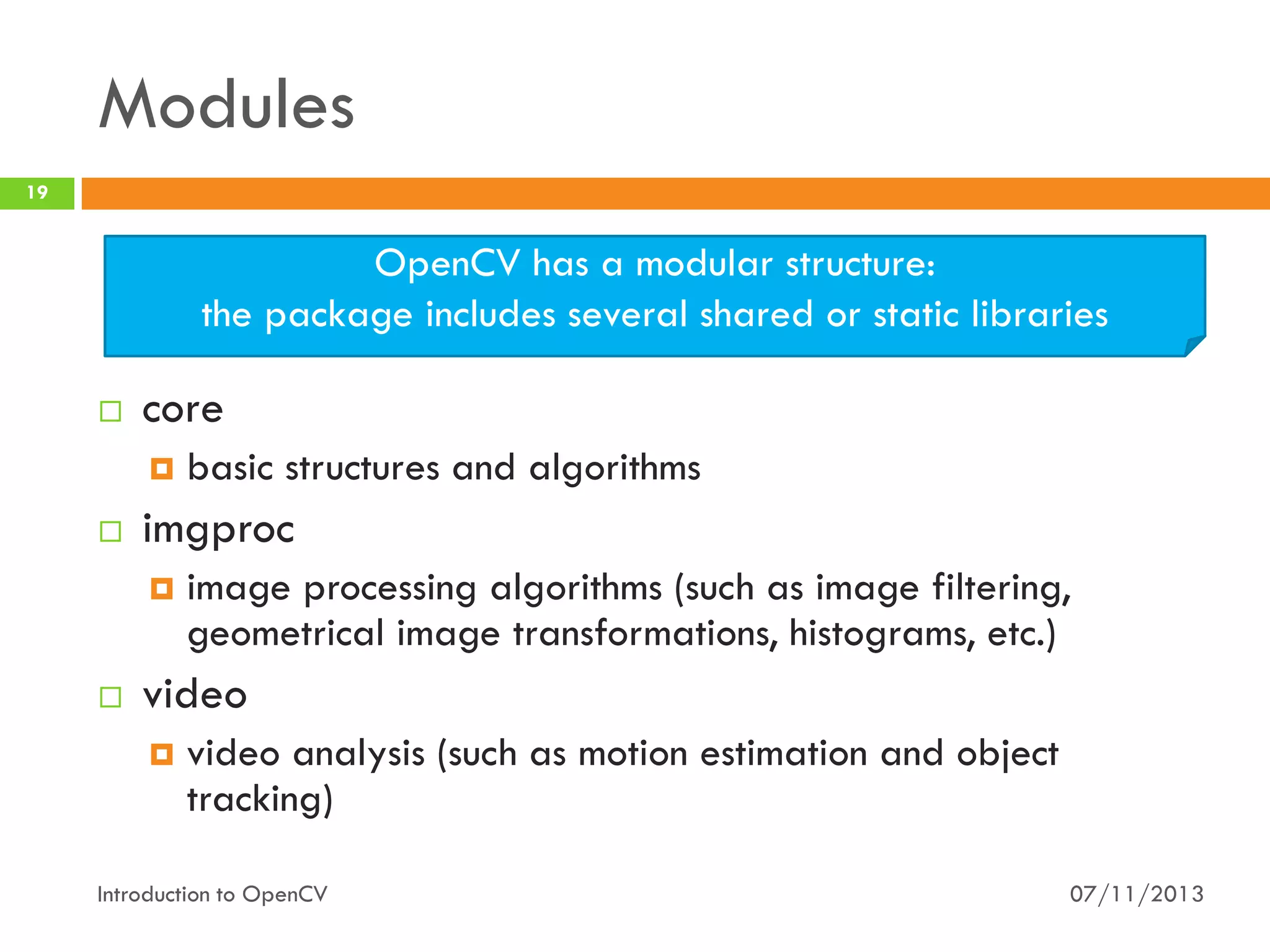
Modules
19

OpenCV has a modular structure:
the package includes several shared or static libraries


core




imgproc




basic structures and algorithms
image processing algorithms (such as image filtering,
geometrical image transformations, histograms, etc.)

video


video analysis (such as motion estimation and object
tracking)

Introduction to OpenCV

07/11/2013
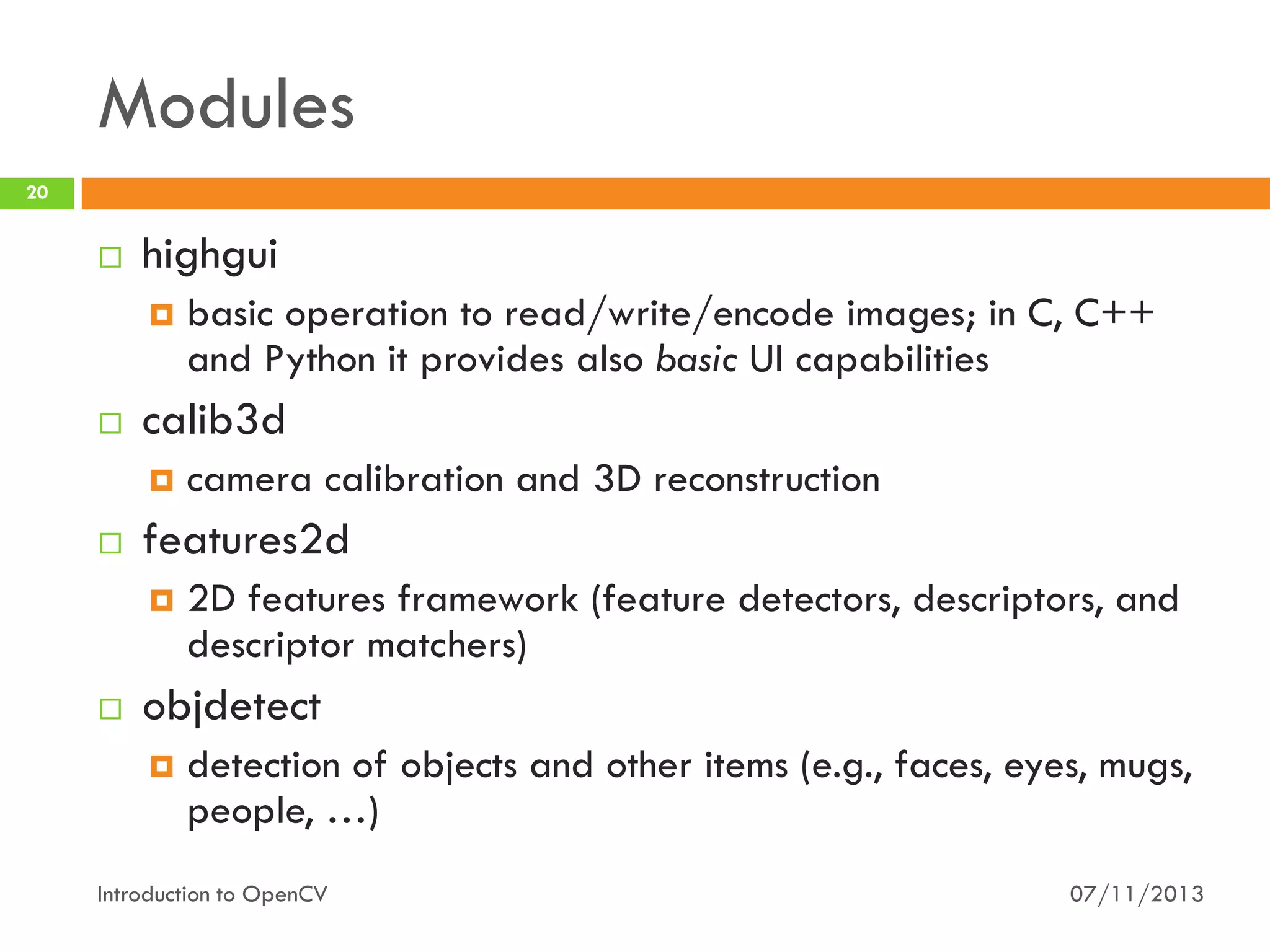
Modules
20



highgui




calib3d




camera calibration and 3D reconstruction

features2d




basic operation to read/write/encode images; in C, C++
and Python it provides also basic UI capabilities

2D features framework (feature detectors, descriptors, and
descriptor matchers)

objdetect


detection of objects and other items (e.g., faces, eyes, mugs,
people, …)

Introduction to OpenCV

07/11/2013
Modules
21



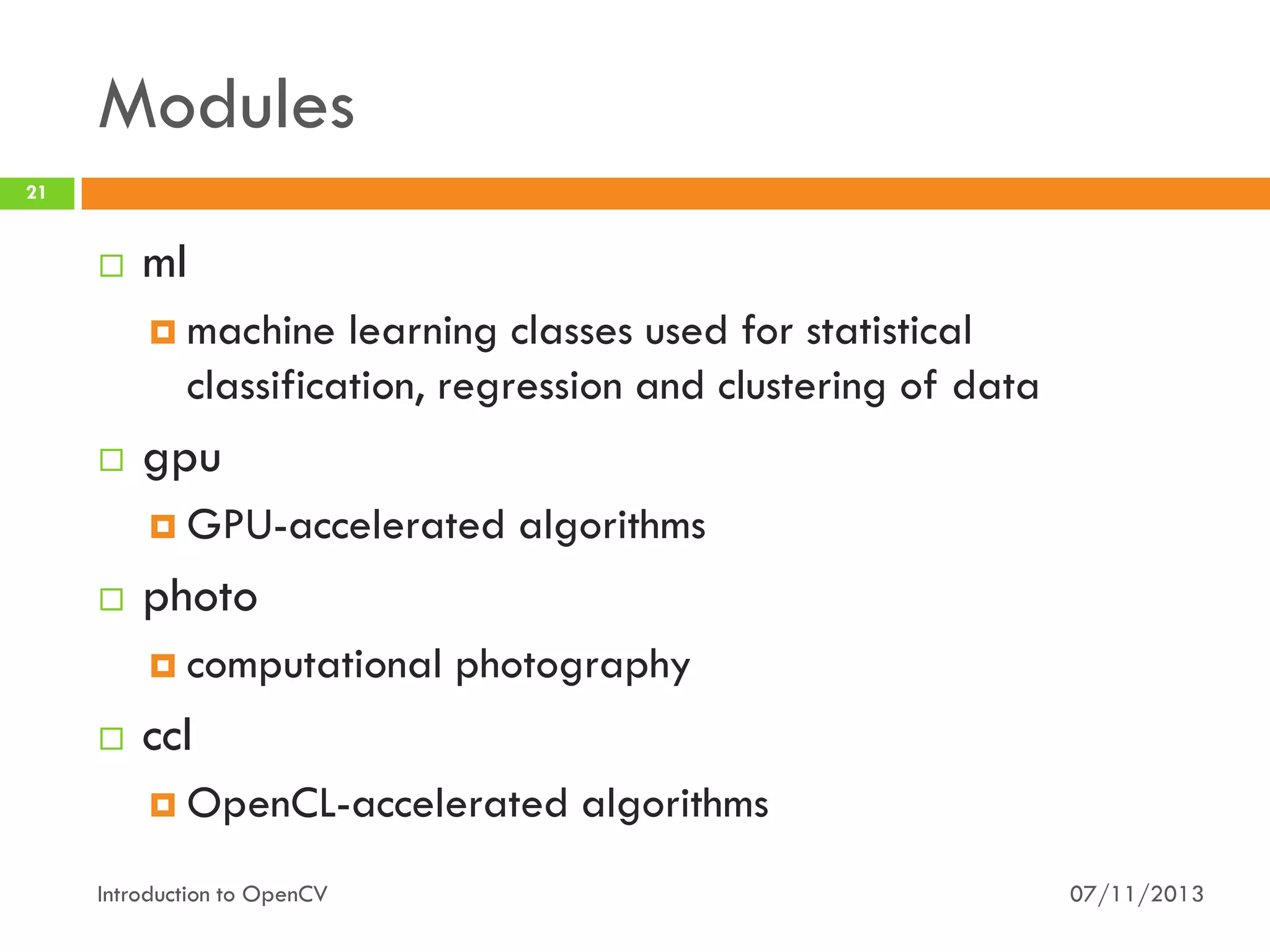
ml
 machine

learning classes used for statistical
classification, regression and clustering of data



gpu
 GPU-accelerated



photo
 computational



algorithms

photography

ccl
 OpenCL-accelerated

Introduction to OpenCV

algorithms
07/11/2013
Data Structures
22







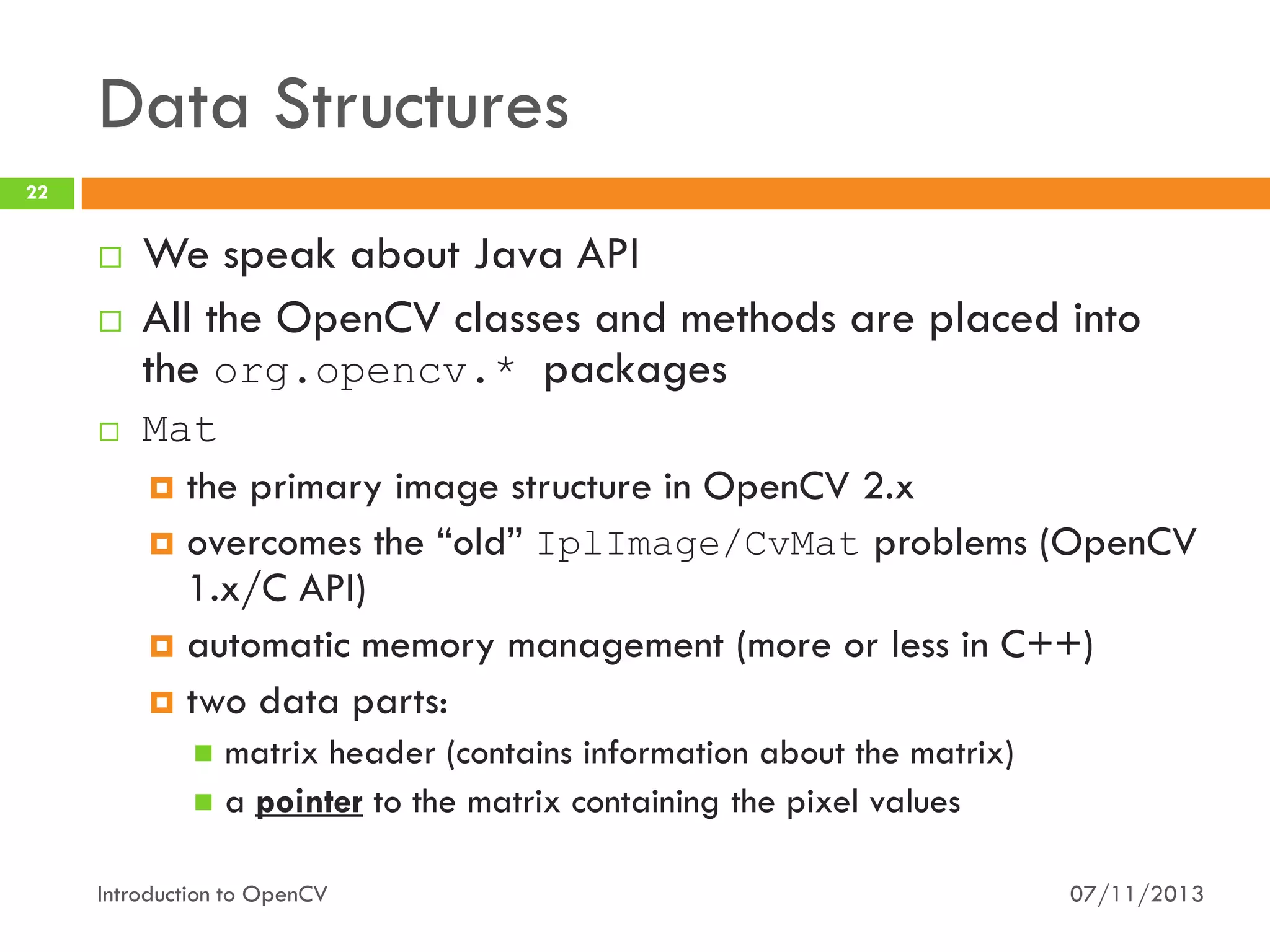
We speak about Java API
All the OpenCV classes and methods are placed into
the org.opencv.* packages
Mat
 the primary image structure in OpenCV 2.x
 overcomes the “old” IplImage/CvMat problems (OpenCV
1.x/C API)
 automatic memory management (more or less in C++)
 two data parts:
matrix header (contains information about the matrix)
 a pointer to the matrix containing the pixel values


Introduction to OpenCV

07/11/2013
Data Structures
23



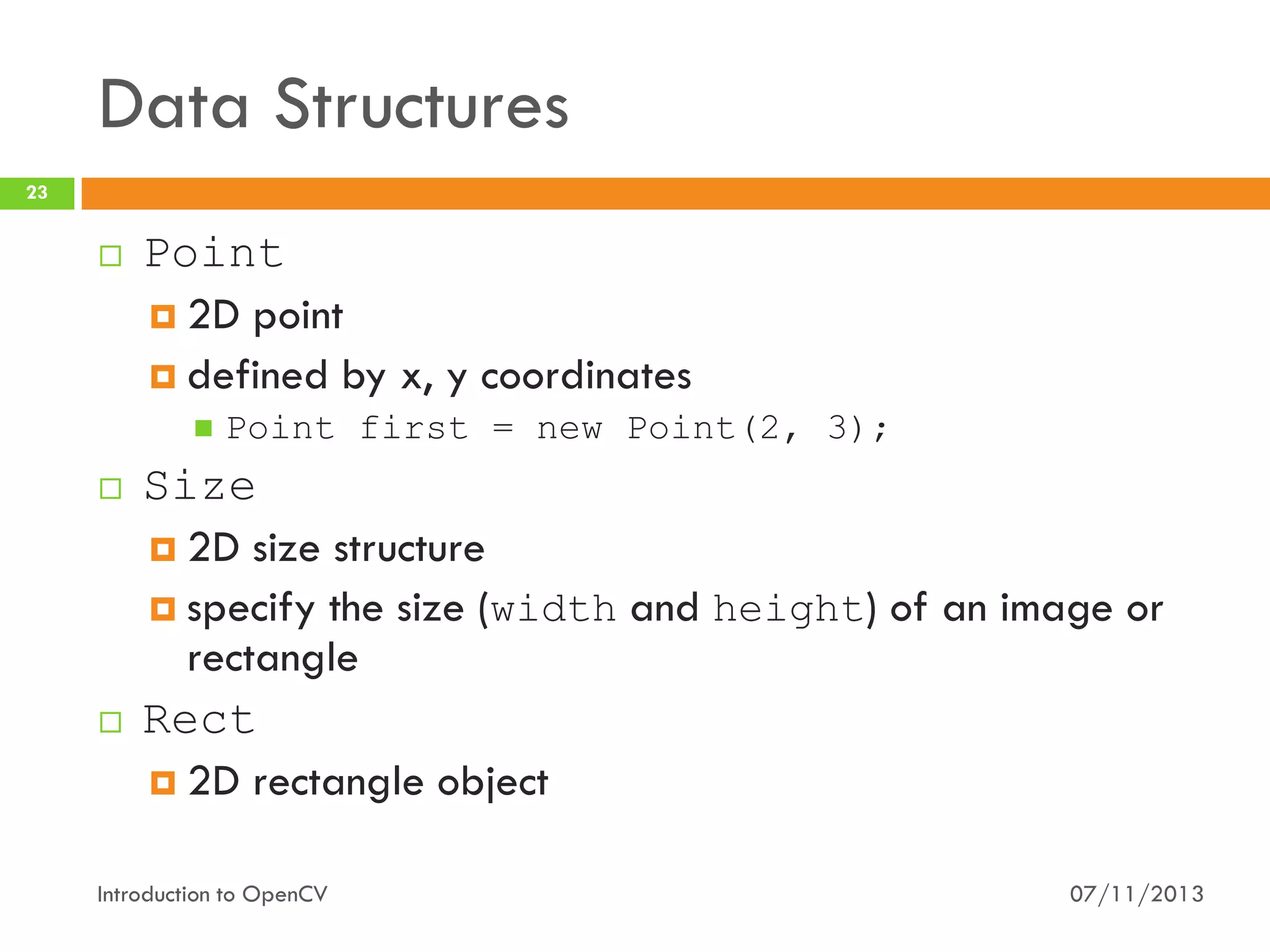
Point
 2D point
 defined by x, y coordinates






Point first = new Point(2, 3);

Size
 2D size structure
 specify the size (width and height) of an image or
rectangle
Rect
 2D rectangle object

Introduction to OpenCV

07/11/2013
Basic Image I/O
24



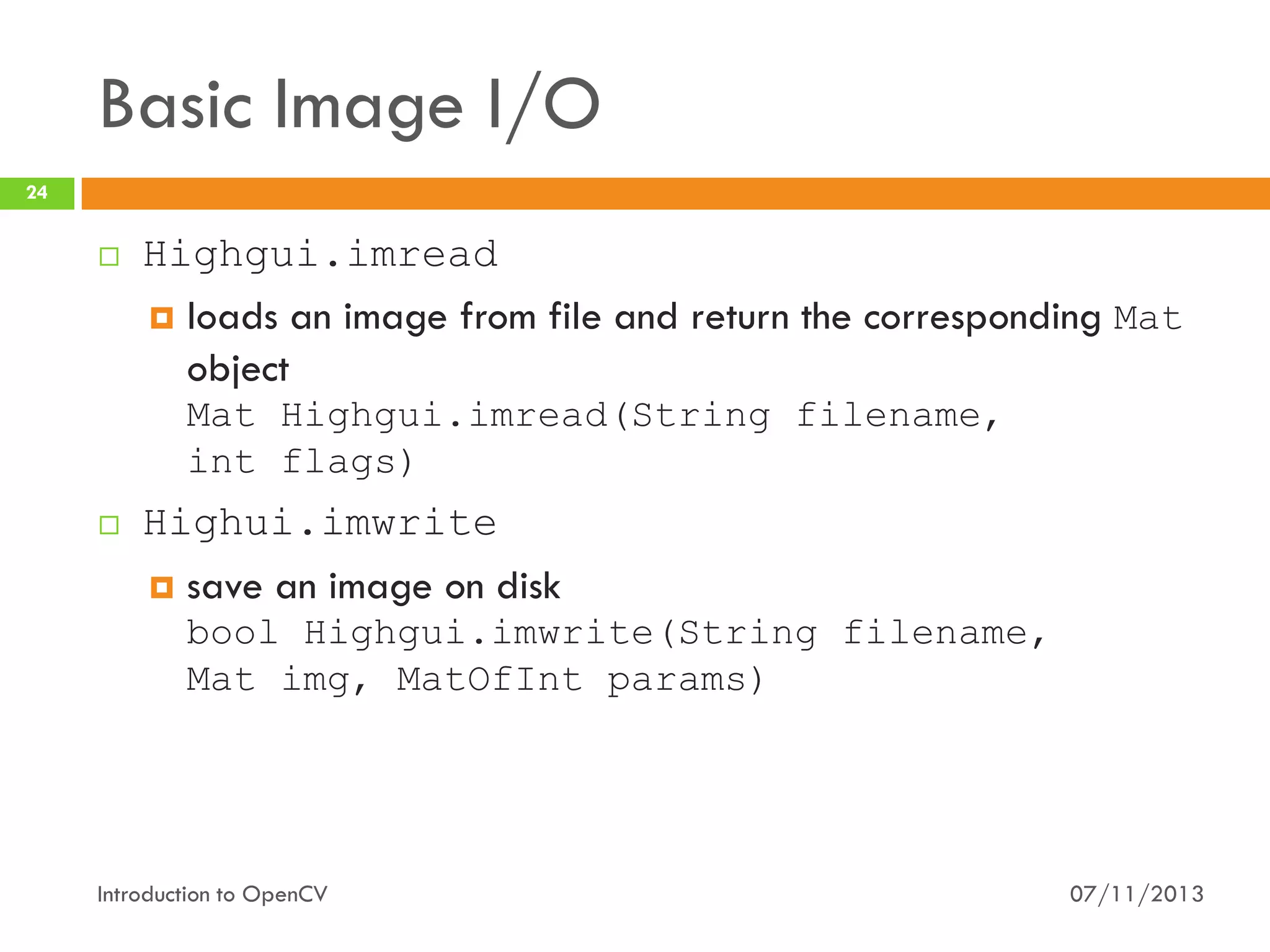
Highgui.imread
 loads an image from file and return the corresponding Mat
object
Mat Highgui.imread(String filename,
int flags)



Highui.imwrite


save an image on disk
bool Highgui.imwrite(String filename,
Mat img, MatOfInt params)

Introduction to OpenCV

07/11/2013
Basic Drawing Operations
25









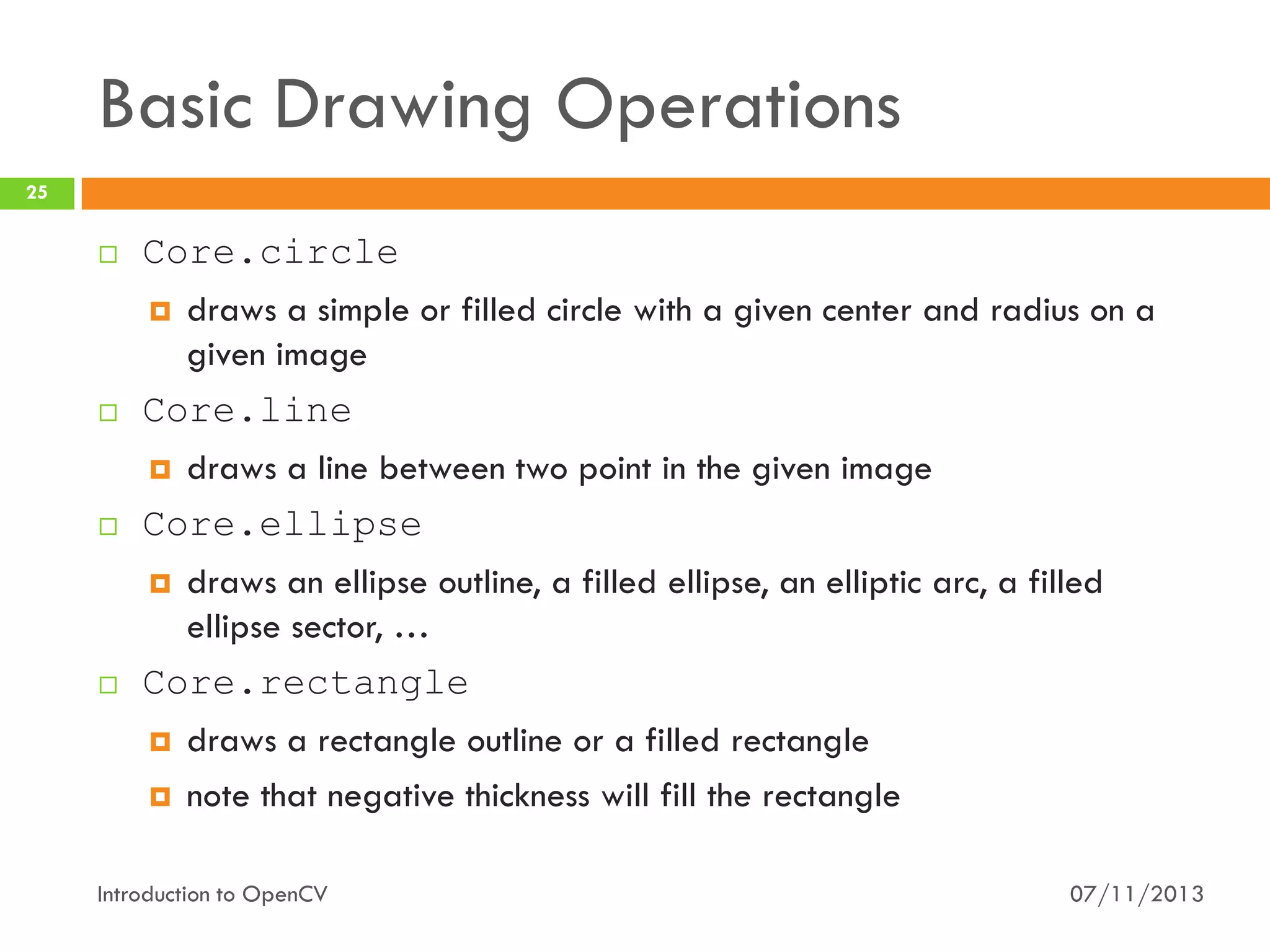
Core.circle
 draws a simple or filled circle with a given center and radius on a
given image
Core.line
 draws a line between two point in the given image
Core.ellipse
 draws an ellipse outline, a filled ellipse, an elliptic arc, a filled
ellipse sector, …
Core.rectangle
 draws a rectangle outline or a filled rectangle
 note that negative thickness will fill the rectangle

Introduction to OpenCV

07/11/2013
Color Spaces
26



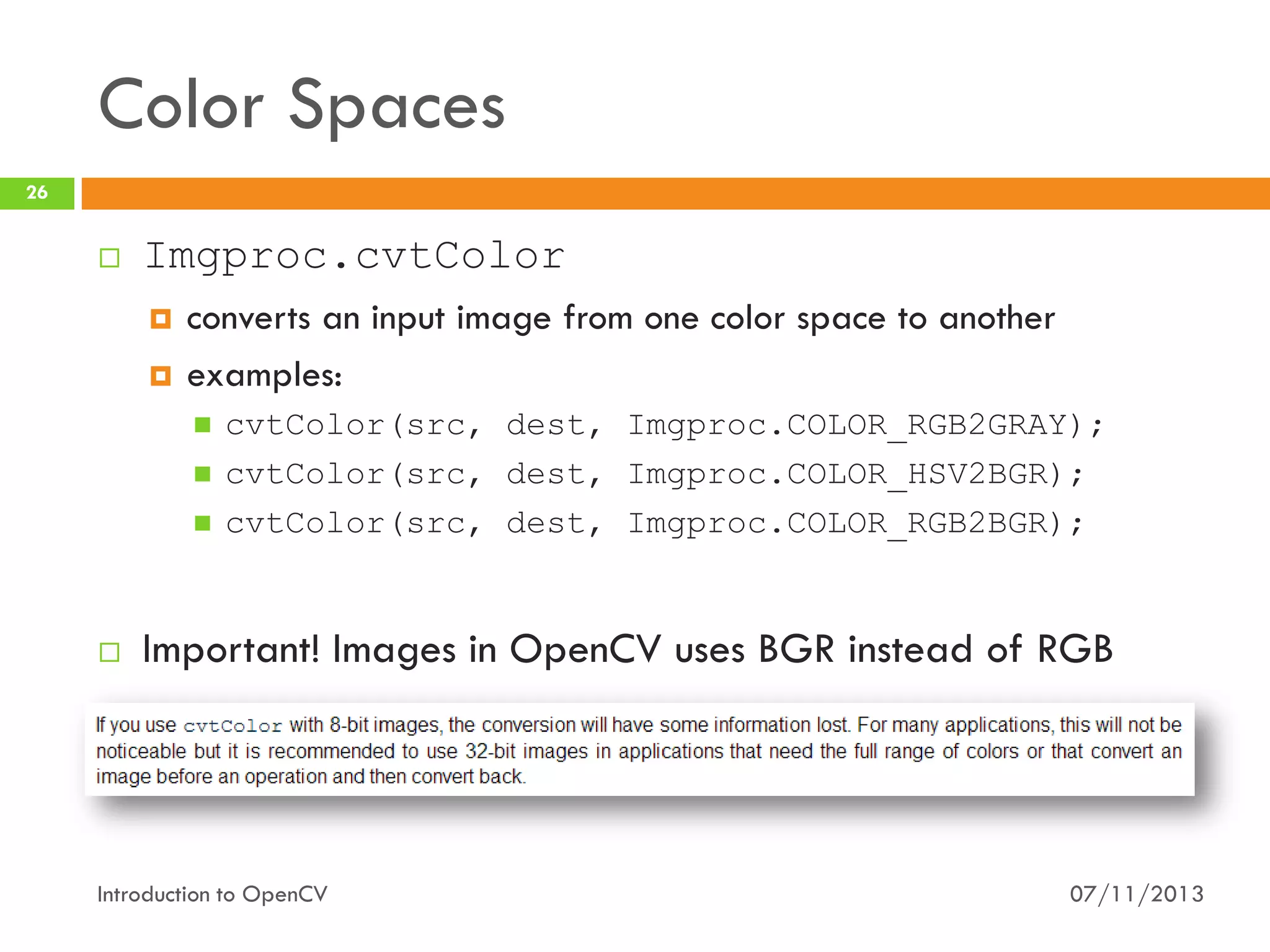
Imgproc.cvtColor



converts an input image from one color space to another
examples:







cvtColor(src, dest, Imgproc.COLOR_RGB2GRAY);
cvtColor(src, dest, Imgproc.COLOR_HSV2BGR);
cvtColor(src, dest, Imgproc.COLOR_RGB2BGR);

Important! Images in OpenCV uses BGR instead of RGB

Introduction to OpenCV

07/11/2013
27

Let’s get practical!
Getting started (without going crazy)

Introduction to OpenCV

07/11/2013
How can we use OpenCV?
28



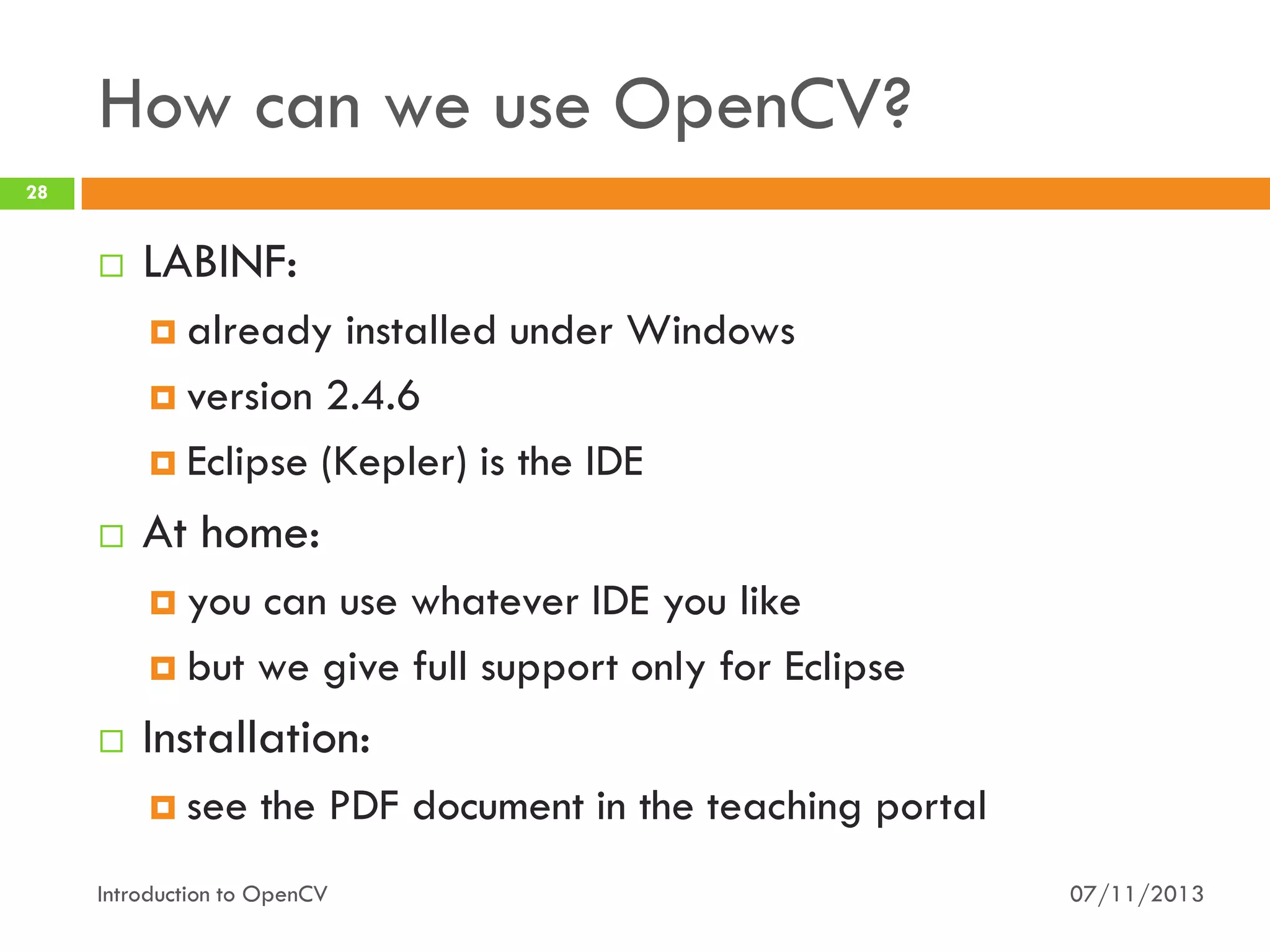
LABINF:
 already

installed under Windows
 version 2.4.6
 Eclipse (Kepler) is the IDE


At home:
 you

can use whatever IDE you like
 but we give full support only for Eclipse


Installation:
 see

the PDF document in the teaching portal

Introduction to OpenCV

07/11/2013
What if I got problems?
29



Small problems


drop me a line




luigi.derussis@polito.it

Normal problems

Problems with JavaFX and a gray scale image

Awesome student to me
Hi,
[…] I’m using “cvtColor(image, gray, COLOR_BGR2GRAY);” but it give this exception: […]
Can you help me?

come to office hours
 every Wednesday, 9:00 - 11:00
 LAB6, second floor of DAUIN
 please send an e-mail beforehand




Regards,
…

Enormous problems
pray?
 no, seriously, we can schedule an extra “lesson”


Introduction to OpenCV

07/11/2013
What if I got problems?
30

OpenCV installation



Small problems


drop me a line




luigi.derussis@polito.it

Normal problems

Not-So-Awesome student to me
Hi,
[…] I followed the guide for installing OpenCV on my Mac but I have an error after step 3. Can
we meet on next Wednesday to solve the problem?
Thanks!
Regards,
…

come to office hours
 every Wednesday, 9:00 - 11:00
 LAB6, second floor of DAUIN
 please send an e-mail beforehand




Enormous problems
pray?
 no, seriously, we can schedule an extra “lesson”


Introduction to OpenCV

07/11/2013
What if I got problems?
31



Small problems


drop me a line




luigi.derussis@polito.it

Normal problems
come to office hours
 every Wednesday, 9:00 - 11:00
 LAB6, second floor of DAUIN
 please send an e-mail beforehand


Help with OpenCV

Good student to me

Hi,
[…] I see the solution of Exercise 2.1 but I don’t understand the following expressions:
main();
System.out.println();
@Override.
Can you explain to me what they are?



Enormous problems

Regards,
…

pray?
 no, seriously, we can schedule an extra “lesson”


Introduction to OpenCV

07/11/2013
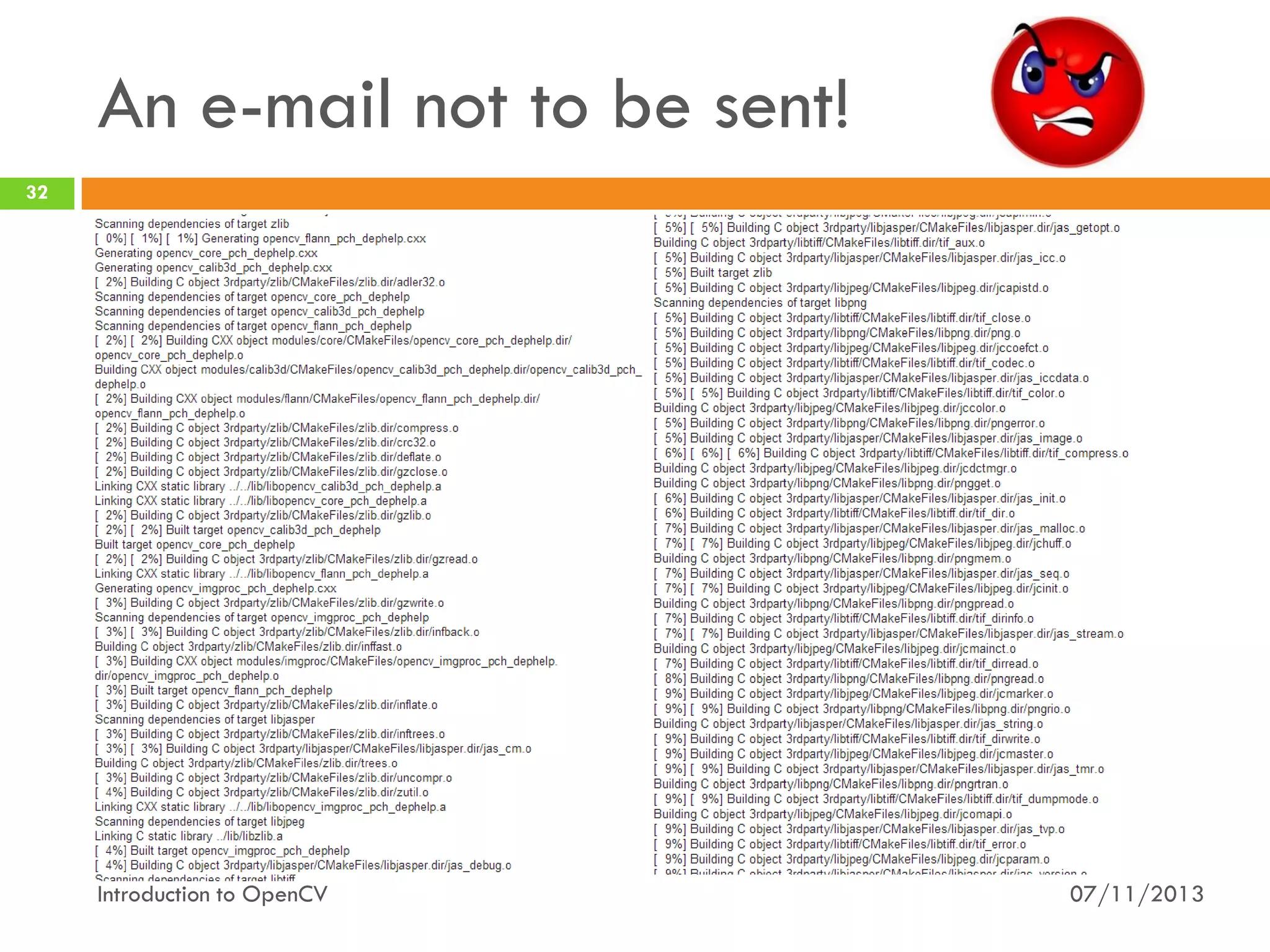
An e-mail not to be sent!
32

Introduction to OpenCV

07/11/2013
Useful Resources…
33



OpenCV Wiki




OpenCV Official Documentation




http://answers.opencv.org/questions/

OpenCV Javadocs




http://docs.opencv.org/

User Q&A forum




http://code.opencv.org/projects/opencv/wiki

http://docs.opencv.org/java/

JavaFX Documentation


http://www.oracle.com/technetwork/java/javafx/document
ation

Introduction to OpenCV

07/11/2013
34

Demo Hour
Put everything together

Introduction to OpenCV

07/11/2013
License
35





This work is licensed under the Creative Commons “AttributionNonCommercial-ShareAlike Unported (CC BY-NC-SA 3,0)” License.
You are free:





Under the following conditions:







to Share - to copy, distribute and transmit the work
to Remix - to adapt the work

Attribution - You must attribute the work in the manner specified by the
author or licensor (but not in any way that suggests that they endorse
you or your use of the work).
Noncommercial - You may not use this work for commercial purposes.
Share Alike - If you alter, transform, or build upon this work, you may
distribute the resulting work only under the same or similar license to this
one.

To view a copy of this license, visit
http://creativecommons.org/licenses/by-nc-sa/3.0/

Introduction to OpenCV

07/11/2013

Introduction to OpenCV (with Java)

  • 1.
    Computer Vision Luigi DeRussis Introduction to OpenCV
  • 2.
    2 OpenC… what? OpenCV inbrief Introduction to OpenCV 07/11/2013
  • 3.
    What is OpenCV? 3  Opensource Computer Vision library BSD License  http://opencv.org     Originally developed by Intel Has more than 2500 optimized algorithms Supports a lot of different languages C, C++, Python, Java  but is written natively in C++   Cross platform  also available for Android and iOS Introduction to OpenCV 07/11/2013
  • 4.
    What it isused for? 4          Human-Computer Interaction (HCI) Object Identification Object Recognition Face Recognition Gesture Recognition Motion Tracking Image Processing Mobile Robotics … and so on Introduction to OpenCV 07/11/2013
  • 5.
    5 Motivations - OpenCV Alwaysask “why?” Introduction to OpenCV 07/11/2013
  • 6.
  • 7.
    OpenCV: pros 7  Specificity  OpenCV wasmade for image processing  Matlab is quite generic  Speed  30+ frames processed per seconds in real time image processing with OpenCV  around 4-5 frames processed per seconds in real time image processing with Matlab  Efficient  Matlab Introduction to OpenCV needs more system resources than OpenCV 07/11/2013
  • 8.
    OpenCV: cons 8  Easy ofuse  Matlab  won hands down! Integrated Development Environment (IDE)  you can use Eclipse, Netbeans, Visual Studio, Qt, XCode, … even a simple text editor for OpenCV  Matlab has is own IDE  Memory management Introduction to OpenCV 07/11/2013
  • 9.
    OpenCV: pros (final) 9   Price(!) OpenCV Wrappers  SimpleCV,  Emgu CV, ruby-opencv… More similar to industry-level frameworks Introduction to OpenCV 07/11/2013
  • 10.
    10 Motivation - Java WhenJava meets OpenCV Introduction to OpenCV 07/11/2013
  • 11.
    Some facts… 11  The OpenCVAPIs have few capabilities for user interfaces  i.e. you can open a window with an image inside. Do you want a button? You cannot have it!  to have a “decent” user interface you need to install “something else” (e.g., Qt for C++)…  … and then compile OpenCV for adding Qt support  C++ learning curve is quite… steep  source: experiences from teaching this course in the last years Introduction to OpenCV 07/11/2013
  • 12.
    Some (other) facts… 12  OpenCVC++ APIs exists since OpenCV 1.0  It is possible, but not recommended, to “mix” different OpenCV version  Typically, it is a good way to get into trouble!  It is possible to use OpenCV C APIs together with C++ APIs  Typically Introduction to OpenCV it is a good way to get into trouble! 07/11/2013
  • 13.
    Some (other) facts… 13  OpenCVC++ API exists since OpenCV 1.0  It is possible, but not recommended, to “mix” different OpenCV version  Typically, it is a good way to get into trouble! Yeah, some students did it!  It is possible to use OpenCV C APIs together with C++ APIs  Typically Introduction to OpenCV it is a good way to get into trouble! 07/11/2013
  • 14.
    A better worldis possible? 14  OpenCV provides also the Java APIs nothing to compile (on Windows)  they works on Android, also   Java 7 has a first-grade user interface not Swing, but JavaFX  http://www.oracle.com/technetwork/java/javafx    Almost everybody here should have some (basic) experience with Java Performance between the C++ APIs and the Java APIs are comparable Introduction to OpenCV 07/11/2013
  • 15.
    A better worldis possible? 15  The OpenCV Java APIs are almost identical to the C++ version knowledge can be transferred!  examples:  to store an image in memory both use the Mat object  to write an image on disk both use the imwrite method   Something change a bit  examples:  CV_RGB2GRAY (C++) becomes COLOR_RGB2GRAY (Java)  Point, Point2d, Point2f (C++) becomes 3 overloaded constructor of Point (Java) Introduction to OpenCV 07/11/2013
  • 16.
    A better worldis possible? 16  Question:  is OpenCV with Java/JavaFX the “best” solution for every application? Introduction to OpenCV 07/11/2013
  • 17.
    A better worldis possible? 17  Question:  is OpenCV with Java/JavaFX the “best” solution for every application?  Response:  No, obviously  Do you need a GUI? Go with JavaFX!  Do you have memory constraint? Go with C/C++! …  Please, no extremism! Introduction to OpenCV 07/11/2013
  • 18.
    18 OpenCV meets Java Gettingstarted with OpenCV and Java Introduction to OpenCV 07/11/2013
  • 19.
    Modules 19 OpenCV has amodular structure: the package includes several shared or static libraries  core   imgproc   basic structures and algorithms image processing algorithms (such as image filtering, geometrical image transformations, histograms, etc.) video  video analysis (such as motion estimation and object tracking) Introduction to OpenCV 07/11/2013
  • 20.
    Modules 20  highgui   calib3d   camera calibration and3D reconstruction features2d   basic operation to read/write/encode images; in C, C++ and Python it provides also basic UI capabilities 2D features framework (feature detectors, descriptors, and descriptor matchers) objdetect  detection of objects and other items (e.g., faces, eyes, mugs, people, …) Introduction to OpenCV 07/11/2013
  • 21.
    Modules 21  ml  machine learning classesused for statistical classification, regression and clustering of data  gpu  GPU-accelerated  photo  computational  algorithms photography ccl  OpenCL-accelerated Introduction to OpenCV algorithms 07/11/2013
  • 22.
    Data Structures 22    We speakabout Java API All the OpenCV classes and methods are placed into the org.opencv.* packages Mat  the primary image structure in OpenCV 2.x  overcomes the “old” IplImage/CvMat problems (OpenCV 1.x/C API)  automatic memory management (more or less in C++)  two data parts: matrix header (contains information about the matrix)  a pointer to the matrix containing the pixel values  Introduction to OpenCV 07/11/2013
  • 23.
    Data Structures 23  Point  2Dpoint  defined by x, y coordinates    Point first = new Point(2, 3); Size  2D size structure  specify the size (width and height) of an image or rectangle Rect  2D rectangle object Introduction to OpenCV 07/11/2013
  • 24.
    Basic Image I/O 24  Highgui.imread loads an image from file and return the corresponding Mat object Mat Highgui.imread(String filename, int flags)  Highui.imwrite  save an image on disk bool Highgui.imwrite(String filename, Mat img, MatOfInt params) Introduction to OpenCV 07/11/2013
  • 25.
    Basic Drawing Operations 25     Core.circle draws a simple or filled circle with a given center and radius on a given image Core.line  draws a line between two point in the given image Core.ellipse  draws an ellipse outline, a filled ellipse, an elliptic arc, a filled ellipse sector, … Core.rectangle  draws a rectangle outline or a filled rectangle  note that negative thickness will fill the rectangle Introduction to OpenCV 07/11/2013
  • 26.
    Color Spaces 26  Imgproc.cvtColor   converts aninput image from one color space to another examples:     cvtColor(src, dest, Imgproc.COLOR_RGB2GRAY); cvtColor(src, dest, Imgproc.COLOR_HSV2BGR); cvtColor(src, dest, Imgproc.COLOR_RGB2BGR); Important! Images in OpenCV uses BGR instead of RGB Introduction to OpenCV 07/11/2013
  • 27.
    27 Let’s get practical! Gettingstarted (without going crazy) Introduction to OpenCV 07/11/2013
  • 28.
    How can weuse OpenCV? 28  LABINF:  already installed under Windows  version 2.4.6  Eclipse (Kepler) is the IDE  At home:  you can use whatever IDE you like  but we give full support only for Eclipse  Installation:  see the PDF document in the teaching portal Introduction to OpenCV 07/11/2013
  • 29.
    What if Igot problems? 29  Small problems  drop me a line   luigi.derussis@polito.it Normal problems Problems with JavaFX and a gray scale image Awesome student to me Hi, […] I’m using “cvtColor(image, gray, COLOR_BGR2GRAY);” but it give this exception: […] Can you help me? come to office hours  every Wednesday, 9:00 - 11:00  LAB6, second floor of DAUIN  please send an e-mail beforehand   Regards, … Enormous problems pray?  no, seriously, we can schedule an extra “lesson”  Introduction to OpenCV 07/11/2013
  • 30.
    What if Igot problems? 30 OpenCV installation  Small problems  drop me a line   luigi.derussis@polito.it Normal problems Not-So-Awesome student to me Hi, […] I followed the guide for installing OpenCV on my Mac but I have an error after step 3. Can we meet on next Wednesday to solve the problem? Thanks! Regards, … come to office hours  every Wednesday, 9:00 - 11:00  LAB6, second floor of DAUIN  please send an e-mail beforehand   Enormous problems pray?  no, seriously, we can schedule an extra “lesson”  Introduction to OpenCV 07/11/2013
  • 31.
    What if Igot problems? 31  Small problems  drop me a line   luigi.derussis@polito.it Normal problems come to office hours  every Wednesday, 9:00 - 11:00  LAB6, second floor of DAUIN  please send an e-mail beforehand  Help with OpenCV Good student to me Hi, […] I see the solution of Exercise 2.1 but I don’t understand the following expressions: main(); System.out.println(); @Override. Can you explain to me what they are?  Enormous problems Regards, … pray?  no, seriously, we can schedule an extra “lesson”  Introduction to OpenCV 07/11/2013
  • 32.
    An e-mail notto be sent! 32 Introduction to OpenCV 07/11/2013
  • 33.
    Useful Resources… 33  OpenCV Wiki   OpenCVOfficial Documentation   http://answers.opencv.org/questions/ OpenCV Javadocs   http://docs.opencv.org/ User Q&A forum   http://code.opencv.org/projects/opencv/wiki http://docs.opencv.org/java/ JavaFX Documentation  http://www.oracle.com/technetwork/java/javafx/document ation Introduction to OpenCV 07/11/2013
  • 34.
    34 Demo Hour Put everythingtogether Introduction to OpenCV 07/11/2013
  • 35.
    License 35   This work islicensed under the Creative Commons “AttributionNonCommercial-ShareAlike Unported (CC BY-NC-SA 3,0)” License. You are free:    Under the following conditions:     to Share - to copy, distribute and transmit the work to Remix - to adapt the work Attribution - You must attribute the work in the manner specified by the author or licensor (but not in any way that suggests that they endorse you or your use of the work). Noncommercial - You may not use this work for commercial purposes. Share Alike - If you alter, transform, or build upon this work, you may distribute the resulting work only under the same or similar license to this one. To view a copy of this license, visit http://creativecommons.org/licenses/by-nc-sa/3.0/ Introduction to OpenCV 07/11/2013