There are two defined interest calculation types in the SAP
system.

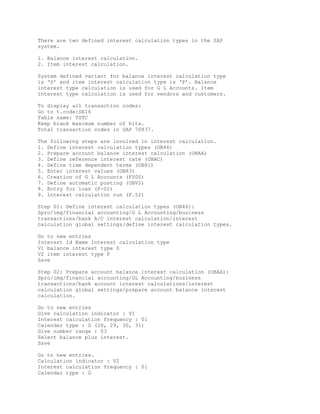
1. Balance interest calculation.
2. Item interest calculation.

System defined variant for balance interest calculation type
is ‘S’ and item interest calculation type is ‘P’. Balance
interest type calculation is used for G L Accounts. Item
interest type calculation is used for vendors and customers.

To display all transaction codes:
Go to t.code:SE16
Table name: TSTC
Keep blank maximum number of hits.
Total transaction codes in SAP 70837.

The following steps are involved in interest calculation.
1. Define interest calculation types (OB46)
2. Prepare account balance interest calculation (OBAA)
3. Define reference interest rate (OBAC)
4. Define time dependent terms (OB81)
5. Enter interest values (OB83)
6. Creation of G L Accounts (FS00)
7. Define automatic posting (OBV2)
8. Entry for loan (F-02)
9. Interest calculation run (F.52)

Step 01: Define interest calculation types (OB46):
Spro/img/financial accounting/G L Accounting/business
transactions/bank A/C interest calculation/interest
calculation global settings/define interest calculation types.

Go to new entries
Interest Id Name Interest calculation type
V1 balance interest type S
V2 item interest type P
Save

Step 02: Prepare account balance interest calculation (OBAA):
Spro/img/financial accounting/GL Accounting/business
transactions/bank account interest calculations/interest
calculation global settings/prepare account balance interest
calculation.

Go to new entries
Give calculation indicator : V1
Interest calculation frequency : 01
Calendar type : G (28, 29, 30, 31)
Give number range : 03
Select balance plus interest.
Save

Go to new entries.
Calculation indicator : V2
Interest calculation frequency : 01
Calendar type : G
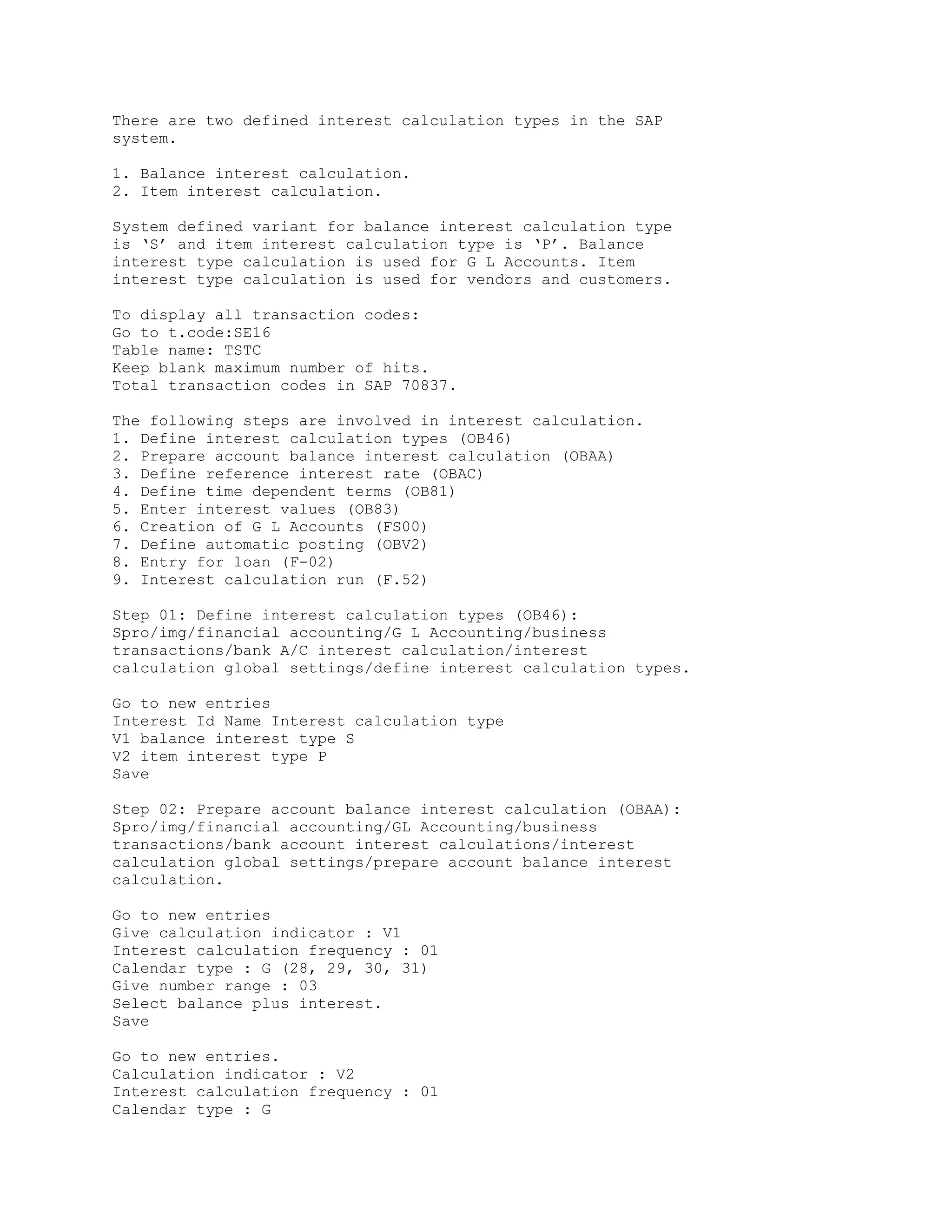
Number range : 03
Select balance +interest
Save

Step 03: Define reference interest rate (OBAC):
Spro/img/financial accounting/G L Accounting/business
transactions/bank account interest calculation/interest
calculation/define reference interest rates.
Go to new entries
Reference interest rate : V1
Long text : 12%balanace interest
Short text : 12% balance interest
Date from : 1.4.2006
Currency : Inr
Save

Go to new entries F8
Reference interest rate : V2
Long text : 15% item interest
Short text : 15%item interest
Date from : 1.4.2006
Currency : Inr
Save

Step 04: Define time dependent terms (OB81):
Spro/img/financial accounting/ G L Accounting/business
transactions/bank account interest calculation/interest
calculation/define time dependent terms.

Go to new entries
Interest calculation indicator : V1
Currency key : Inr
Effective from : 1.4.2006
Sequential no : 01
Term : debit interest balance interest calculation
Reference interest rate : V1
Save

Go to new entries or f8
Interest calculation indicator : V1
Currency : Inr
Effective from : 1.4.2006
Sequential no : 02
Term : credit interest balance interest calculation
Reference interest rate : V1
Save

Go to new entry or f8
Interest cal. Indicator : V2
Currency : Inr
Effective from : 1.4.2006
Sequential no : 01
Term : debit interest arrears interest calculation
Reference rate : V2
Save

Go to new entry or f8
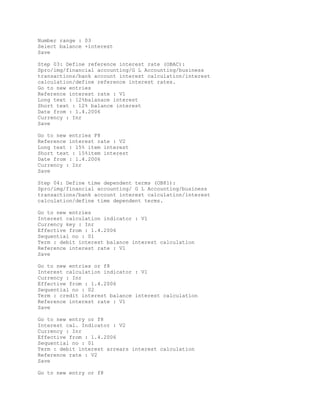
Interest cal. Indicator : V2
Currency : Inr
Effective from : 1.4.2005
Sequential from : 02
Term : credit interest arrears interest calculation
Reference rate : V2
Save

Step 05: Enter Reference Interest Rate Values (OB83):
Spro/img/financial accounting/G L Accounting/business
transactions/bank A/C interest calculation/interest
calculation/enter interest values.

Go to new entries
Reference int. rate values effective from interest rate
V1 1.4.2006 12
V2 1.4.2006 15
Save

Go to T.Code:OBD4 to create secured loans account group.
Go to new entries
Chart of accounts a/c group name from account to account
1116 SELO secured loans 100300 100399
1116 INTR interest 400100 400199
Save


Step 06: Creation of G L Accounts (FS00):
G L A/C no : 100305
Company code : 1116
Select create button
Account group : secured loans
Select balance sheet account
Short text :IB O D Account
Long text :Indian bank overdraft account

Select control data tab
Select only balances in local currencies
Select open item
Select line item display
Sort key : 002

Select create/bank/interest tab
Field status group : G005
Select relevant to cash flow
Interest calculation indicator : V1
Save

Give G L A/C no : 400105
Company code : 1116
Select create button
Account group : interest
Select profit and loss account
Short text : interest on O D Account
Long text : interest on O D Account

Select control data tab.
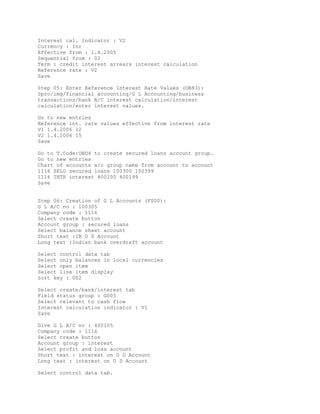
Select only balances in local currencies
Select line item display
Sort key : 002

Select create/bank/interest tab
Field status group : G001
Save


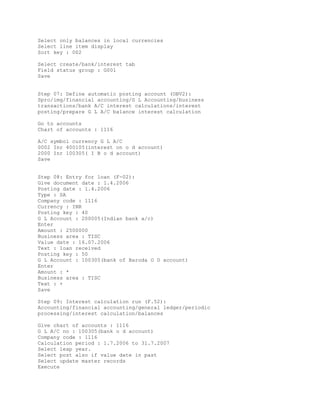
Step 07: Define automatic posting account (OBV2):
Spro/img/financial accounting/G L Accounting/business
transactions/bank A/C interest calculations/interest
posting/prepare G L A/C balance interest calculation

Go to accounts
Chart of accounts : 1116

A/C symbol currency G L A/C
0002 Inr 400105(interest on o d account)
2000 Inr 100305( I B o d account)
Save


Step 08: Entry for loan (F-02):
Give document date : 1.4.2006
Posting date : 1.4.2006
Type : SA
Company code : 1116
Currency : INR
Posting key : 40
G L Account : 200005(Indian bank a/c)
Enter
Amount : 2500000
Business area : TISC
Value date : 16.07.2006
Text : loan received
Posting key : 50
G L Account : 100305(bank of Baroda O D account)
Enter
Amount : *
Business area : TISC
Text : +
Save

Step 09: Interest calculation run (F.52):
Accounting/financial accounting/general ledger/periodic
processing/interest calculation/balances

Give chart of accounts : 1116
G L A/C no : 100305(bank o d account)
Company code : 1116
Calculation period : 1.7.2006 to 31.7.2007
Select leap year.
Select post also if value date in past
Select update master records
Execute
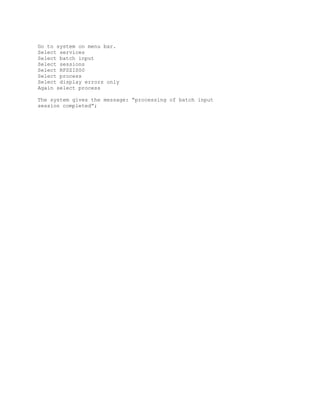
Go to system on menu bar.
Select services
Select batch input
Select sessions
Select RFSZIS00
Select process
Select display errors only
Again select process

The system gives the message: “processing of batch input
session completed”;

Interest Calculation

  • 1.
    There are twodefined interest calculation types in the SAP system. 1. Balance interest calculation. 2. Item interest calculation. System defined variant for balance interest calculation type is ‘S’ and item interest calculation type is ‘P’. Balance interest type calculation is used for G L Accounts. Item interest type calculation is used for vendors and customers. To display all transaction codes: Go to t.code:SE16 Table name: TSTC Keep blank maximum number of hits. Total transaction codes in SAP 70837. The following steps are involved in interest calculation. 1. Define interest calculation types (OB46) 2. Prepare account balance interest calculation (OBAA) 3. Define reference interest rate (OBAC) 4. Define time dependent terms (OB81) 5. Enter interest values (OB83) 6. Creation of G L Accounts (FS00) 7. Define automatic posting (OBV2) 8. Entry for loan (F-02) 9. Interest calculation run (F.52) Step 01: Define interest calculation types (OB46): Spro/img/financial accounting/G L Accounting/business transactions/bank A/C interest calculation/interest calculation global settings/define interest calculation types. Go to new entries Interest Id Name Interest calculation type V1 balance interest type S V2 item interest type P Save Step 02: Prepare account balance interest calculation (OBAA): Spro/img/financial accounting/GL Accounting/business transactions/bank account interest calculations/interest calculation global settings/prepare account balance interest calculation. Go to new entries Give calculation indicator : V1 Interest calculation frequency : 01 Calendar type : G (28, 29, 30, 31) Give number range : 03 Select balance plus interest. Save Go to new entries. Calculation indicator : V2 Interest calculation frequency : 01 Calendar type : G
  • 2.
    Number range :03 Select balance +interest Save Step 03: Define reference interest rate (OBAC): Spro/img/financial accounting/G L Accounting/business transactions/bank account interest calculation/interest calculation/define reference interest rates. Go to new entries Reference interest rate : V1 Long text : 12%balanace interest Short text : 12% balance interest Date from : 1.4.2006 Currency : Inr Save Go to new entries F8 Reference interest rate : V2 Long text : 15% item interest Short text : 15%item interest Date from : 1.4.2006 Currency : Inr Save Step 04: Define time dependent terms (OB81): Spro/img/financial accounting/ G L Accounting/business transactions/bank account interest calculation/interest calculation/define time dependent terms. Go to new entries Interest calculation indicator : V1 Currency key : Inr Effective from : 1.4.2006 Sequential no : 01 Term : debit interest balance interest calculation Reference interest rate : V1 Save Go to new entries or f8 Interest calculation indicator : V1 Currency : Inr Effective from : 1.4.2006 Sequential no : 02 Term : credit interest balance interest calculation Reference interest rate : V1 Save Go to new entry or f8 Interest cal. Indicator : V2 Currency : Inr Effective from : 1.4.2006 Sequential no : 01 Term : debit interest arrears interest calculation Reference rate : V2 Save Go to new entry or f8
  • 3.
    Interest cal. Indicator: V2 Currency : Inr Effective from : 1.4.2005 Sequential from : 02 Term : credit interest arrears interest calculation Reference rate : V2 Save Step 05: Enter Reference Interest Rate Values (OB83): Spro/img/financial accounting/G L Accounting/business transactions/bank A/C interest calculation/interest calculation/enter interest values. Go to new entries Reference int. rate values effective from interest rate V1 1.4.2006 12 V2 1.4.2006 15 Save Go to T.Code:OBD4 to create secured loans account group. Go to new entries Chart of accounts a/c group name from account to account 1116 SELO secured loans 100300 100399 1116 INTR interest 400100 400199 Save Step 06: Creation of G L Accounts (FS00): G L A/C no : 100305 Company code : 1116 Select create button Account group : secured loans Select balance sheet account Short text :IB O D Account Long text :Indian bank overdraft account Select control data tab Select only balances in local currencies Select open item Select line item display Sort key : 002 Select create/bank/interest tab Field status group : G005 Select relevant to cash flow Interest calculation indicator : V1 Save Give G L A/C no : 400105 Company code : 1116 Select create button Account group : interest Select profit and loss account Short text : interest on O D Account Long text : interest on O D Account Select control data tab.
  • 4.
    Select only balancesin local currencies Select line item display Sort key : 002 Select create/bank/interest tab Field status group : G001 Save Step 07: Define automatic posting account (OBV2): Spro/img/financial accounting/G L Accounting/business transactions/bank A/C interest calculations/interest posting/prepare G L A/C balance interest calculation Go to accounts Chart of accounts : 1116 A/C symbol currency G L A/C 0002 Inr 400105(interest on o d account) 2000 Inr 100305( I B o d account) Save Step 08: Entry for loan (F-02): Give document date : 1.4.2006 Posting date : 1.4.2006 Type : SA Company code : 1116 Currency : INR Posting key : 40 G L Account : 200005(Indian bank a/c) Enter Amount : 2500000 Business area : TISC Value date : 16.07.2006 Text : loan received Posting key : 50 G L Account : 100305(bank of Baroda O D account) Enter Amount : * Business area : TISC Text : + Save Step 09: Interest calculation run (F.52): Accounting/financial accounting/general ledger/periodic processing/interest calculation/balances Give chart of accounts : 1116 G L A/C no : 100305(bank o d account) Company code : 1116 Calculation period : 1.7.2006 to 31.7.2007 Select leap year. Select post also if value date in past Select update master records Execute
  • 5.
    Go to systemon menu bar. Select services Select batch input Select sessions Select RFSZIS00 Select process Select display errors only Again select process The system gives the message: “processing of batch input session completed”;