SAP FI/CO -
Why SAP uses
Internal
Orders?
Internal Order Accounting
1. Why an Internal Order is required?
2. Creation of Internal Order
3. Operational Expenditure Postings
4. Settlement of Internal Orders to
Cost Centers
5. Internal Order Reporting
Internal Order Vs. Cost Center
An Internal Order is used to
accumulate cost for a specific project
or task for a specific time period. An
internal order is therefore used for a
short period with a specific deadline.
Whereas
A Cost Center is for fixed reporting for
a long time span as part of your
company structure (cost center usually
= department or work center).
Internal Order Concepts
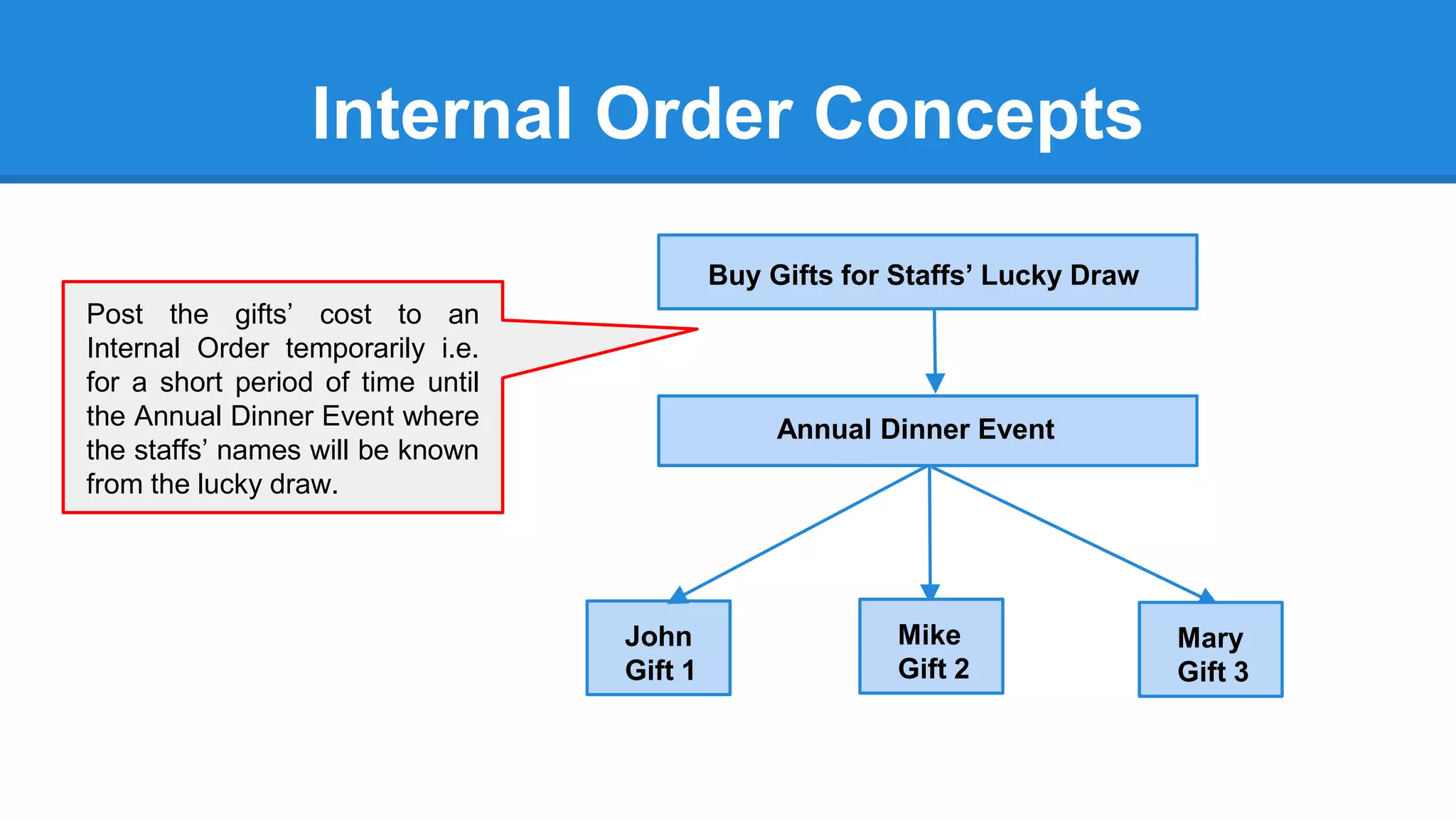
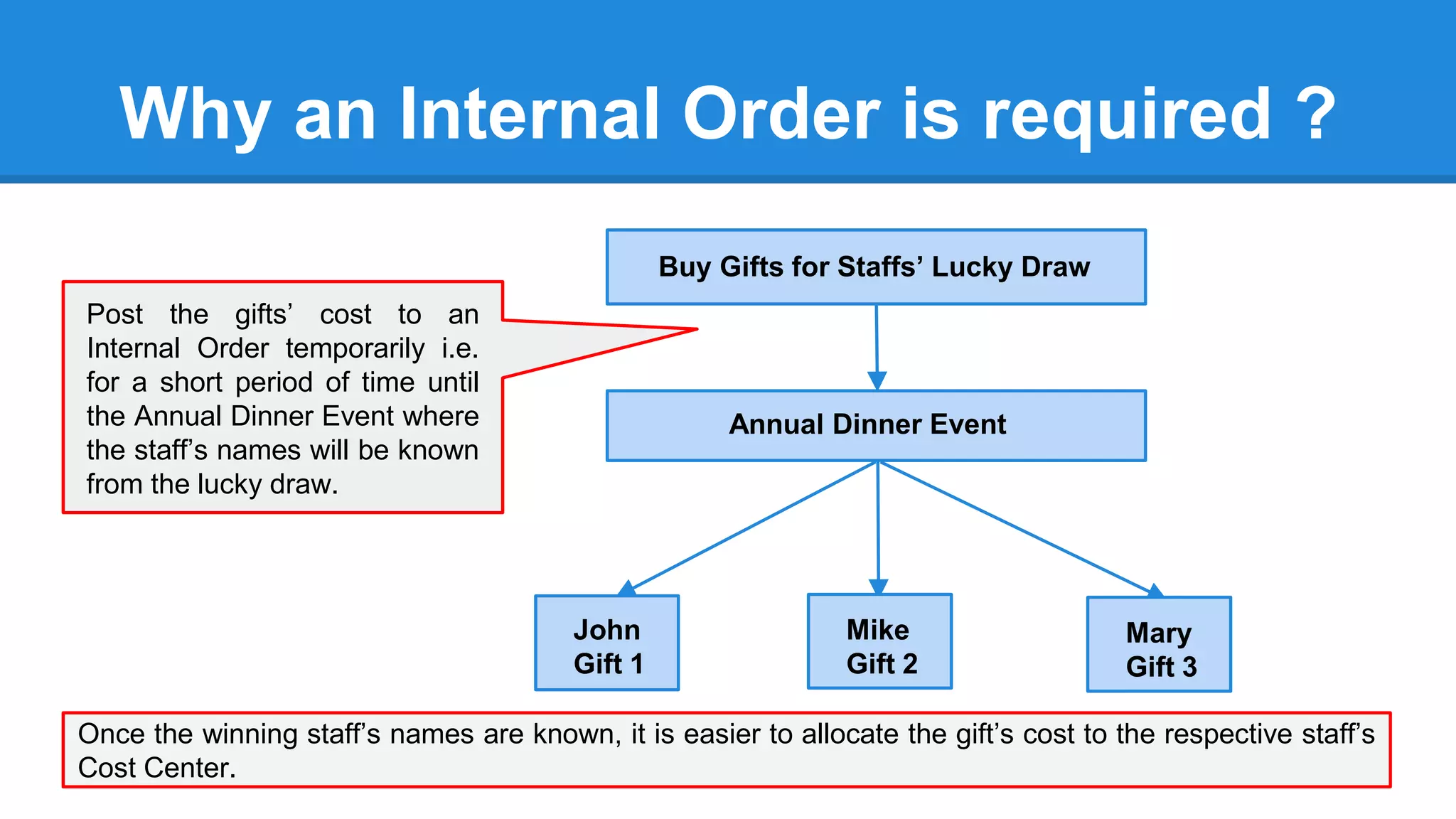
Buy Gifts for Staffs’ Lucky Draw
Annual Dinner Event
John
Gift 1
Mary
Gift 3
Mike
Gift 2
Post the gifts’ cost to an
Internal Order temporarily i.e.
for a short period of time until
the Annual Dinner Event where
the staffs’ names will be known
from the lucky draw.
Why an Internal Order is required ?
Buy Gifts for Staffs’ Lucky Draw
Annual Dinner Event
John
Gift 1
Mary
Gift 3
Mike
Gift 2
Once the winning staff’s names are known, it is easier to allocate the gift’s cost to the respective staff’s
Cost Center.
Post the gifts’ cost to an
Internal Order temporarily i.e.
for a short period of time until
the Annual Dinner Event where
the staff’s names will be known
from the lucky draw.
Create an Internal Order
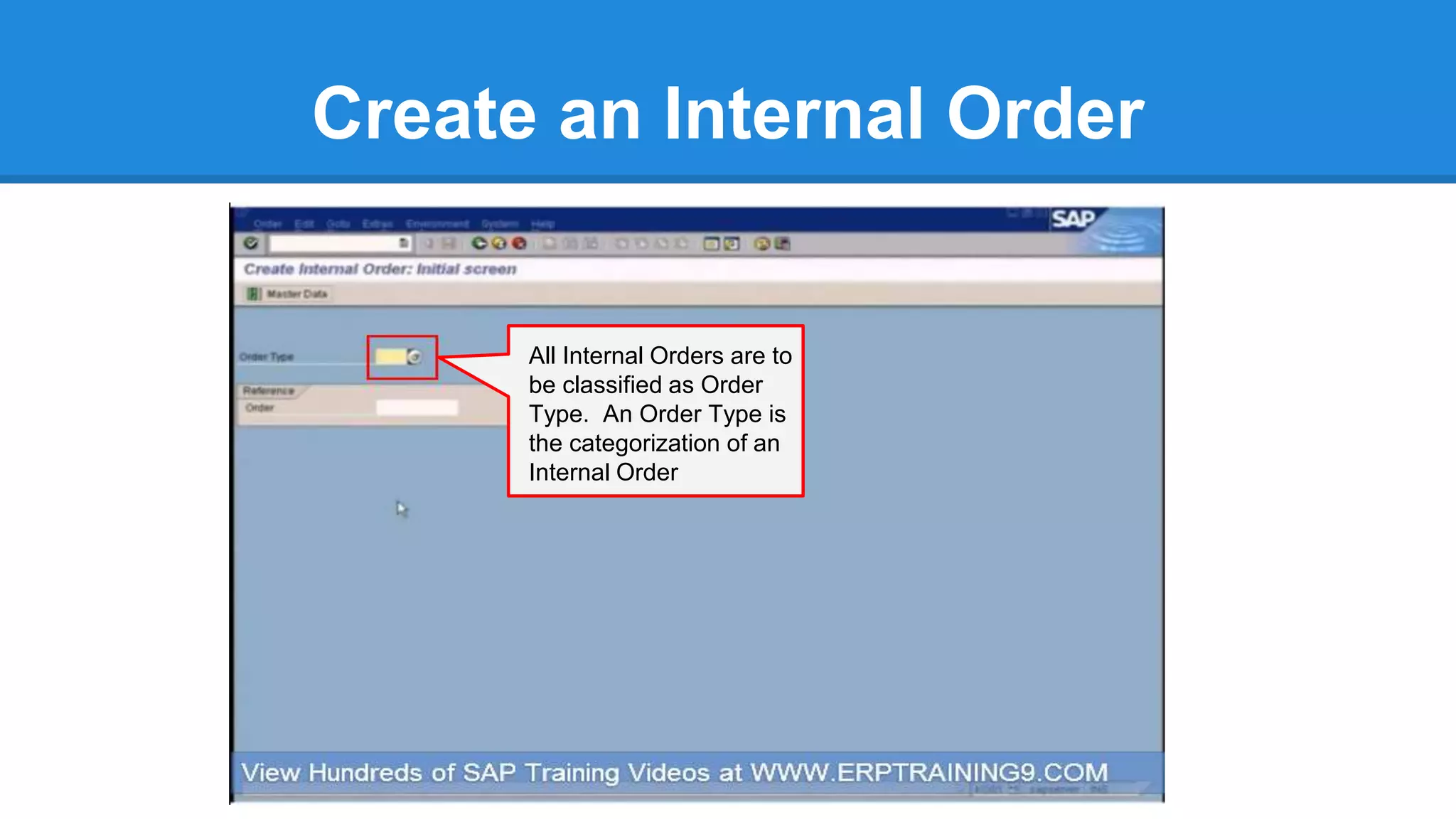
All Internal Orders are to
be classified as Order
Type. An Order Type is
the categorization of an
Internal Order
Create an Internal Order
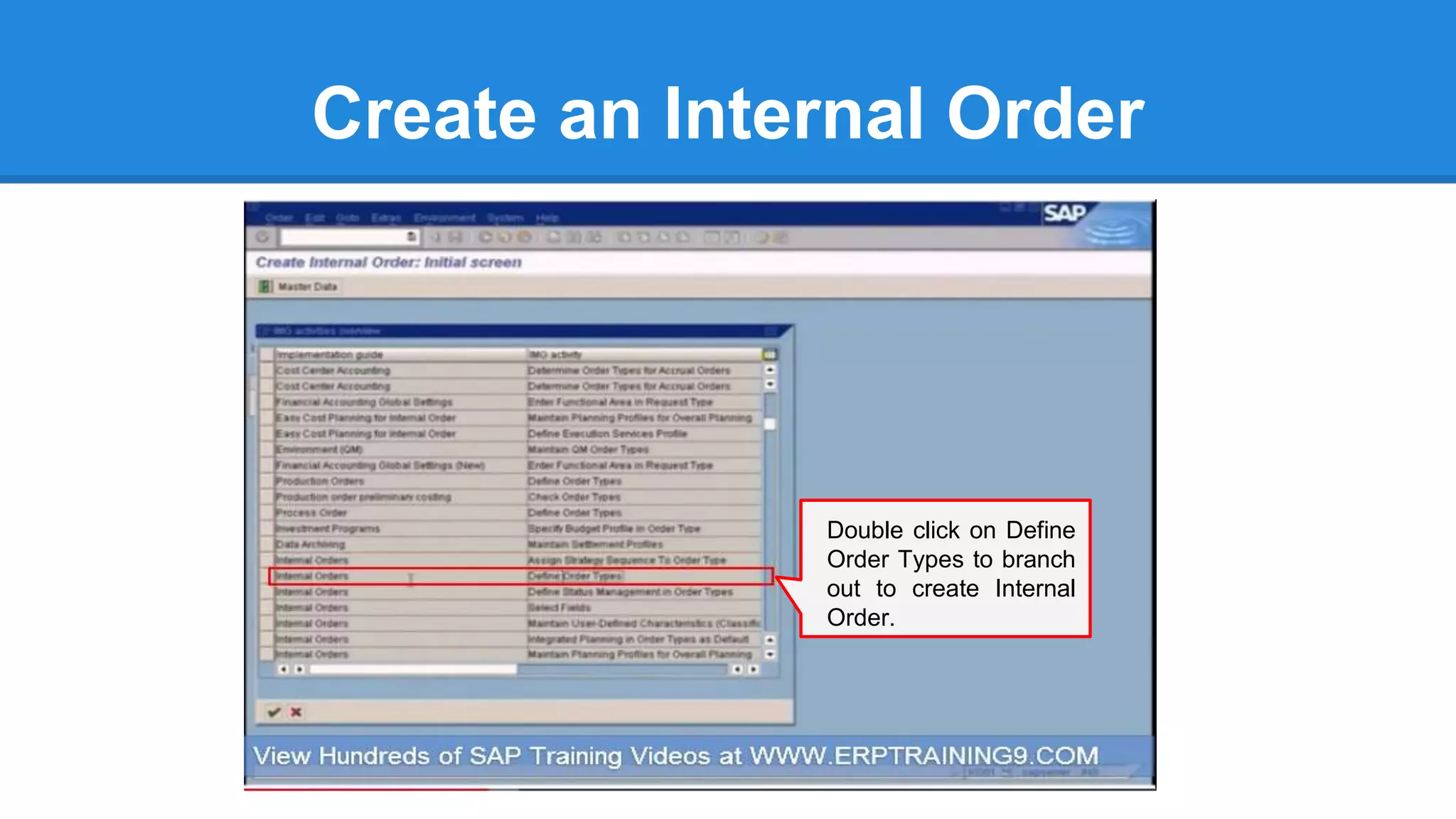
Double click on Define
Order Types to branch
out to create Internal
Order.
Create an Internal Order
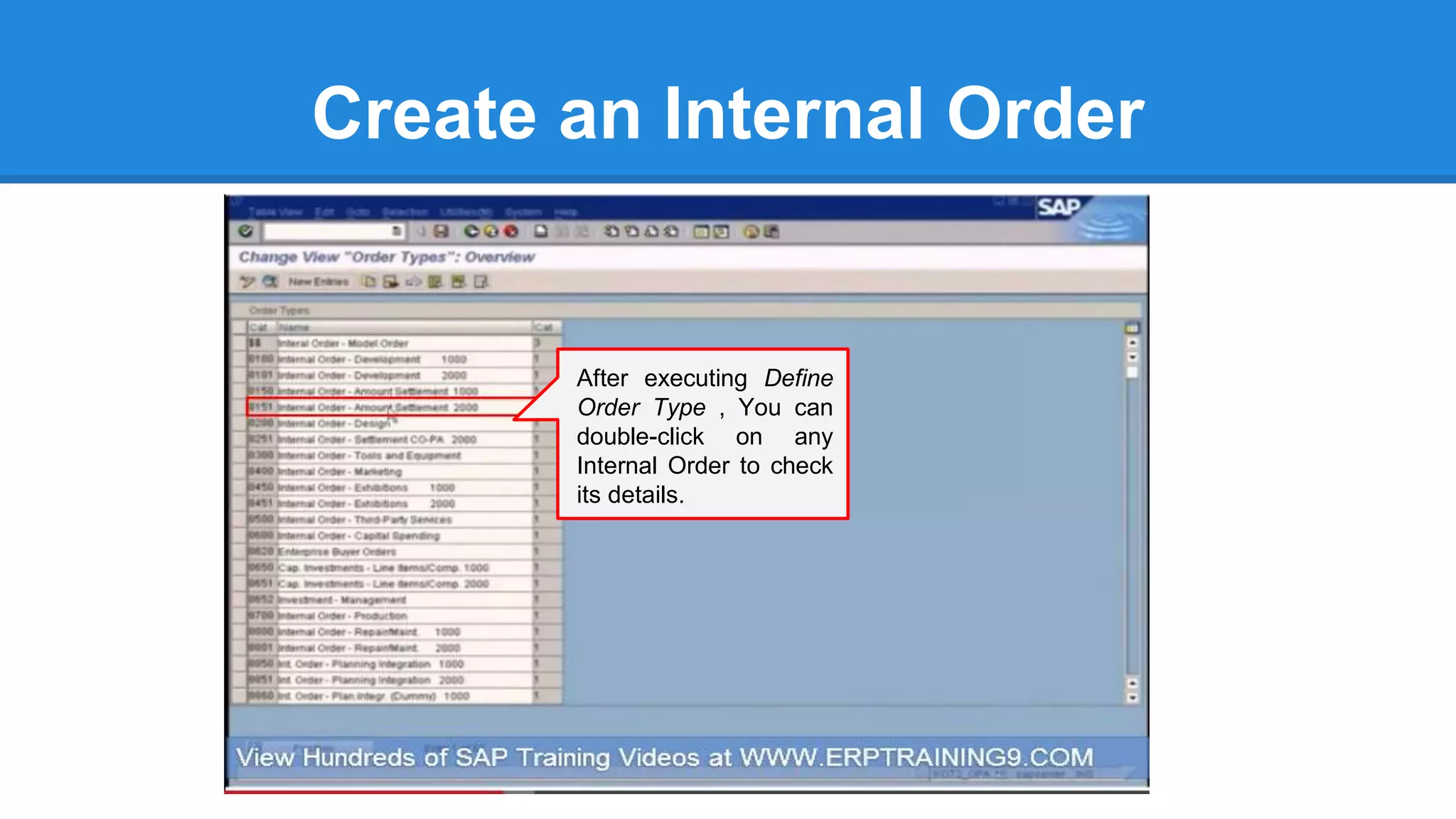
After executing Define
Order Type , You can
double-click on any
Internal Order to check
its details.
Create an Internal Order
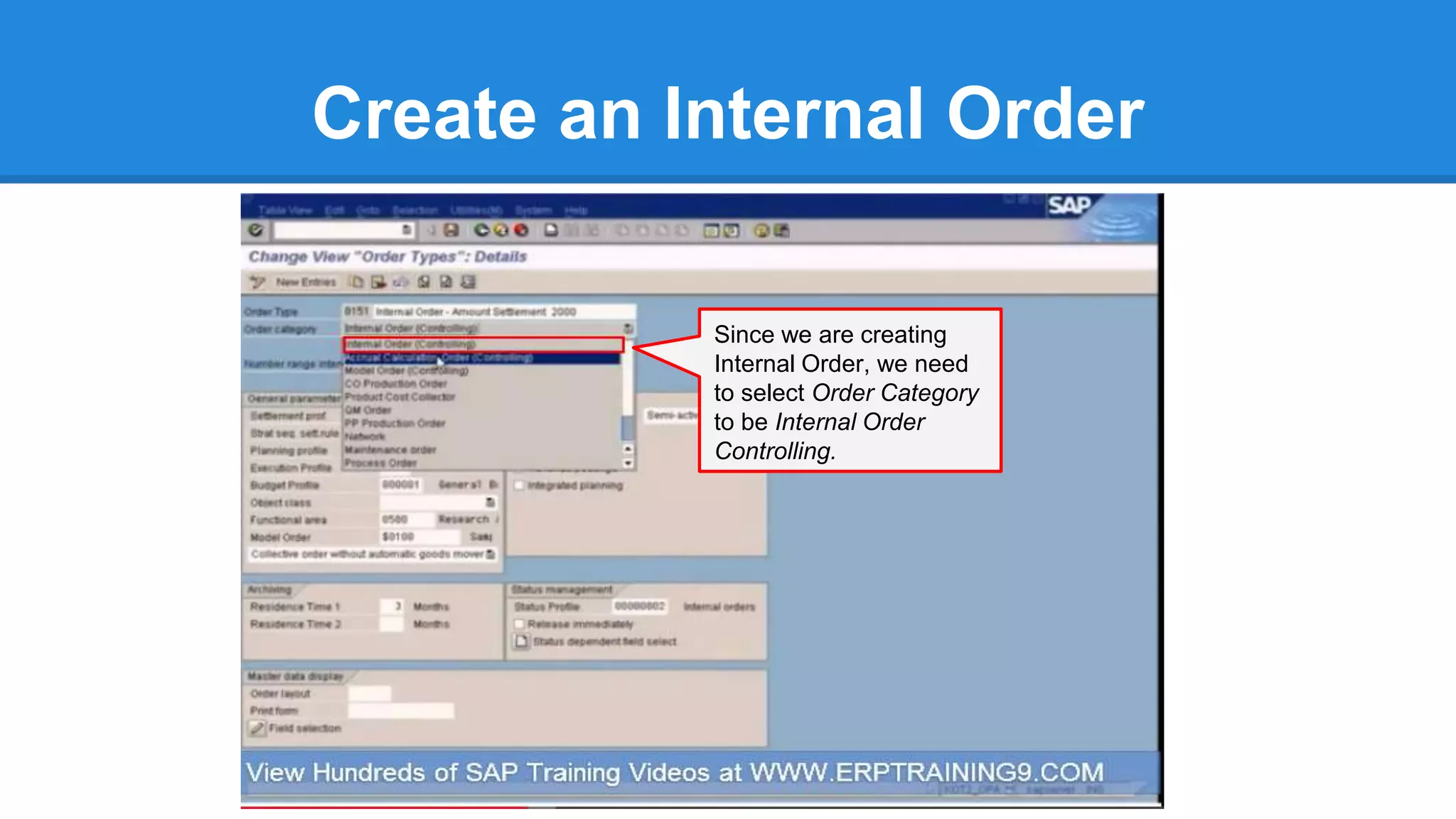
Since we are creating
Internal Order, we need
to select Order Category
to be Internal Order
Controlling.
Create an Internal Order
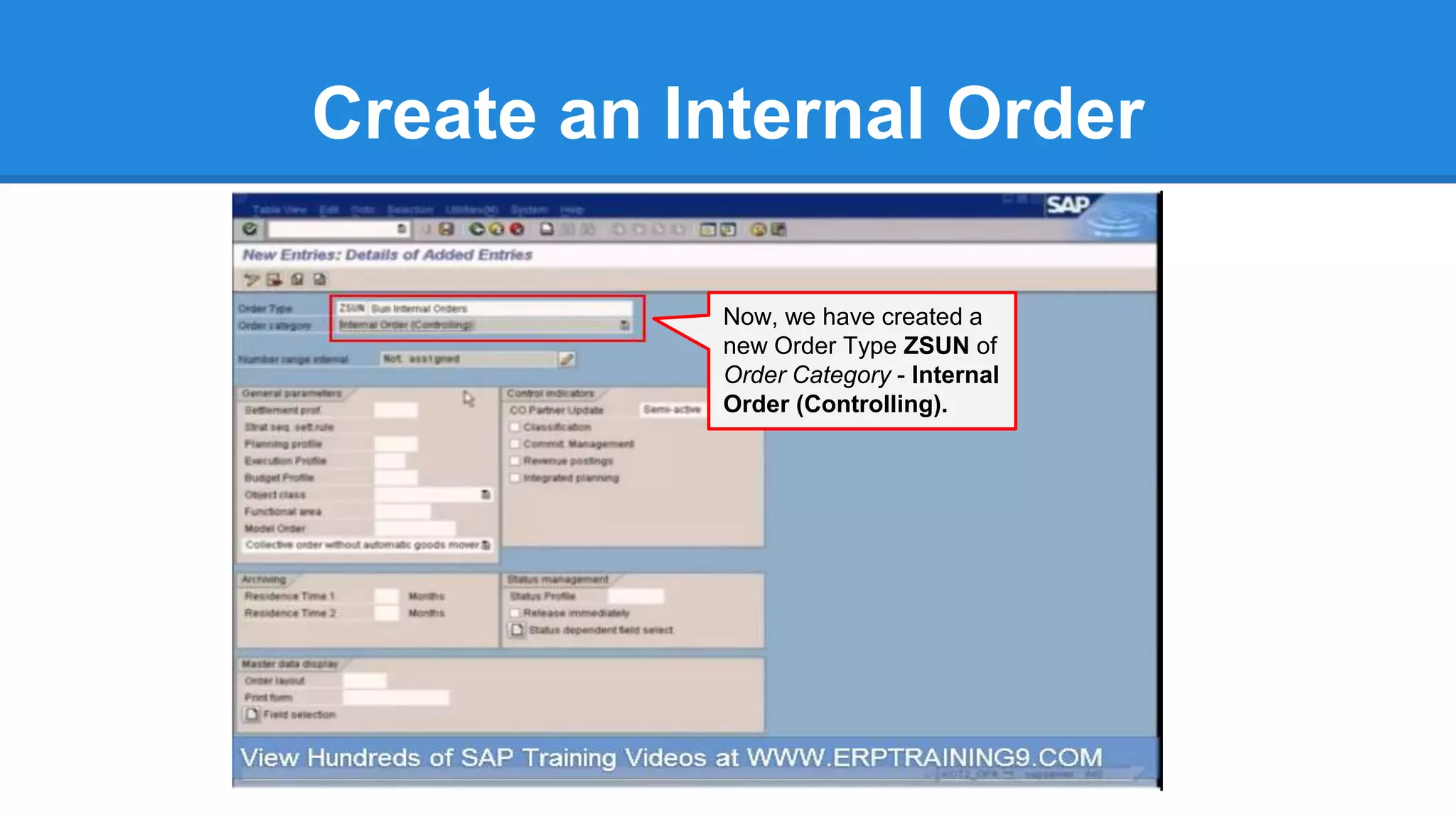
Now, we have created a
new Order Type ZSUN of
Order Category - Internal
Order (Controlling).
Assign Number Range
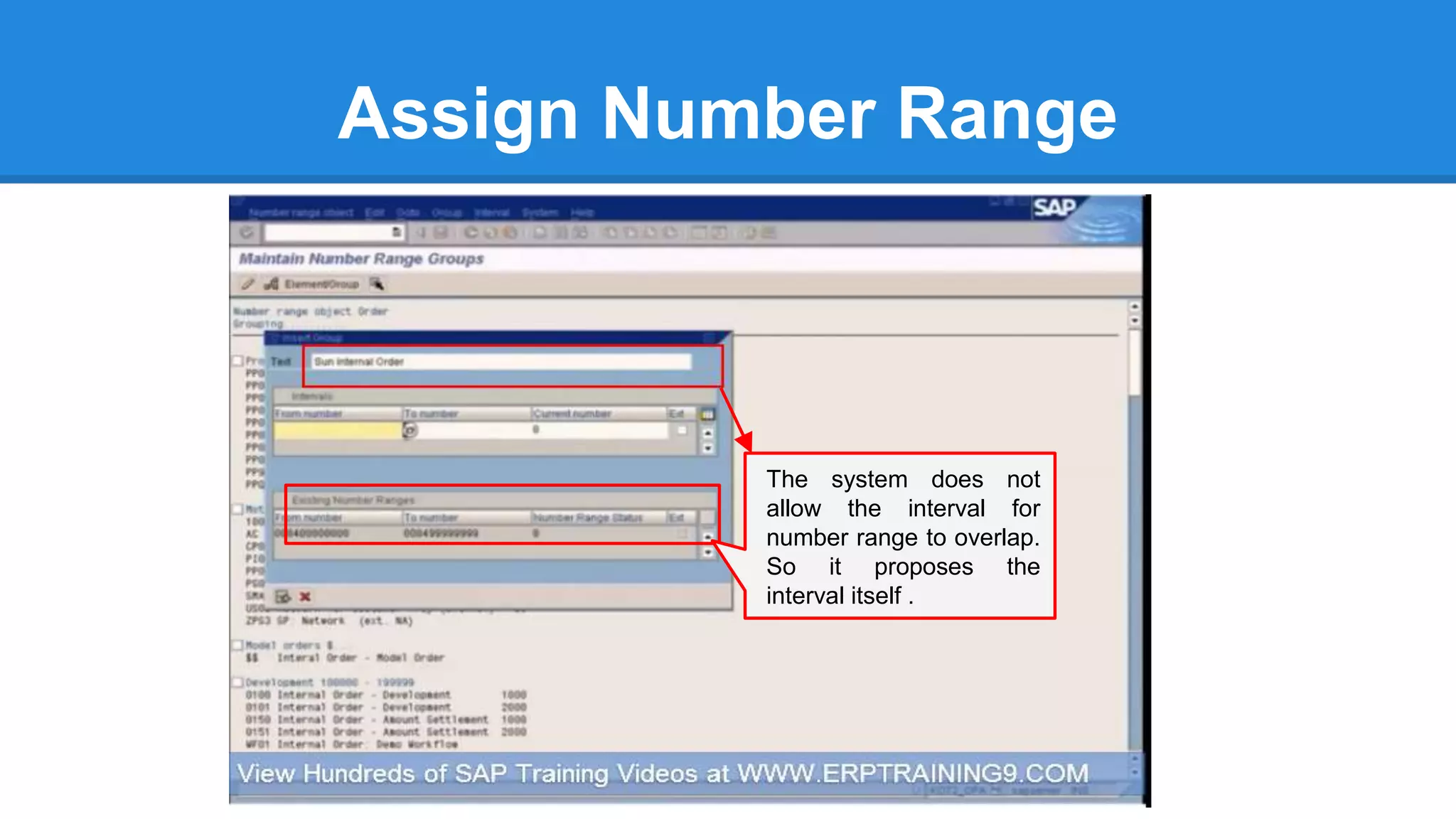
The system does not
allow the interval for
number range to overlap.
So it proposes the
interval itself .
Assign Number Range
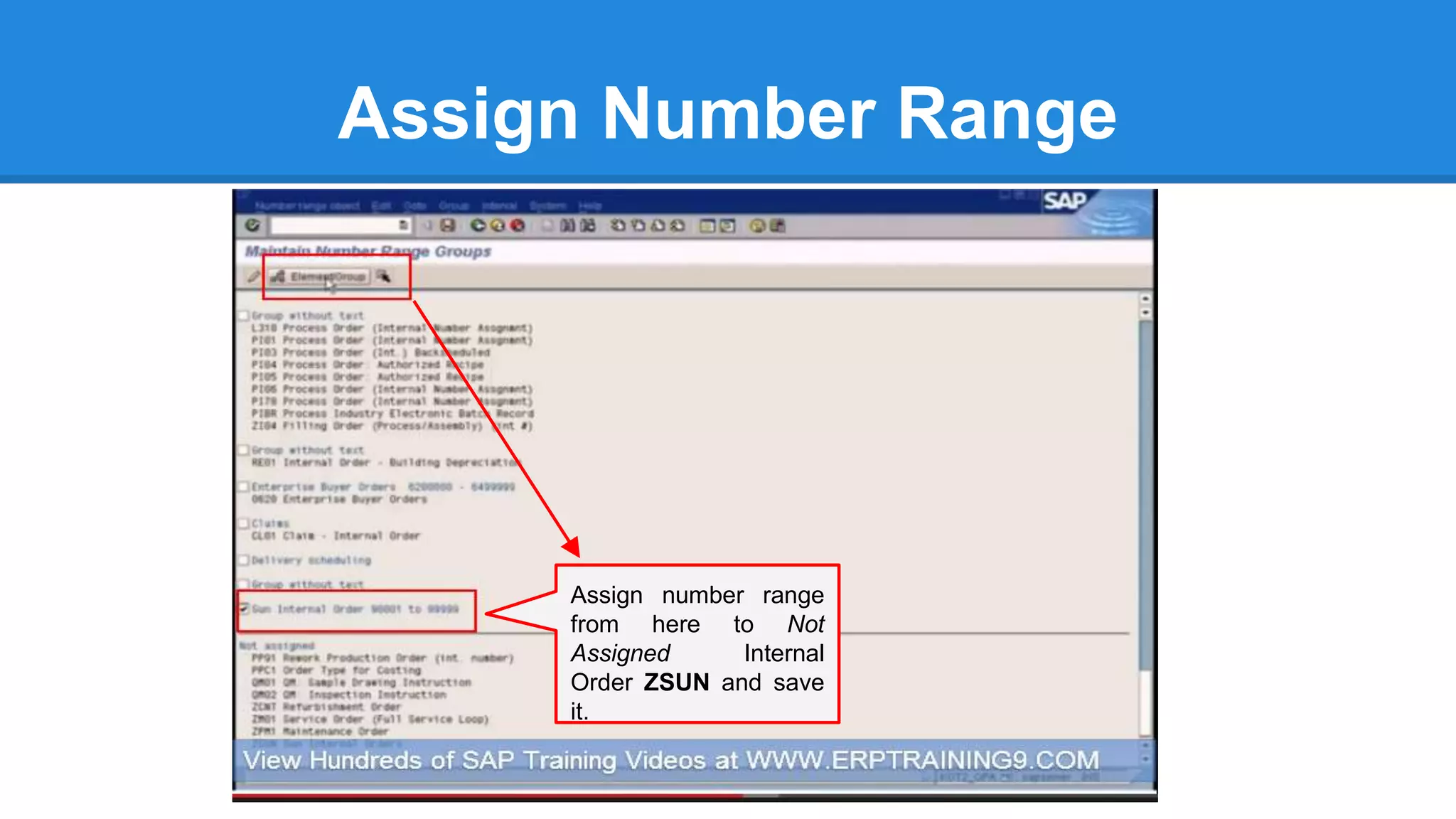
Assign number range
from here to Not
Assigned Internal
Order ZSUN and save
it.
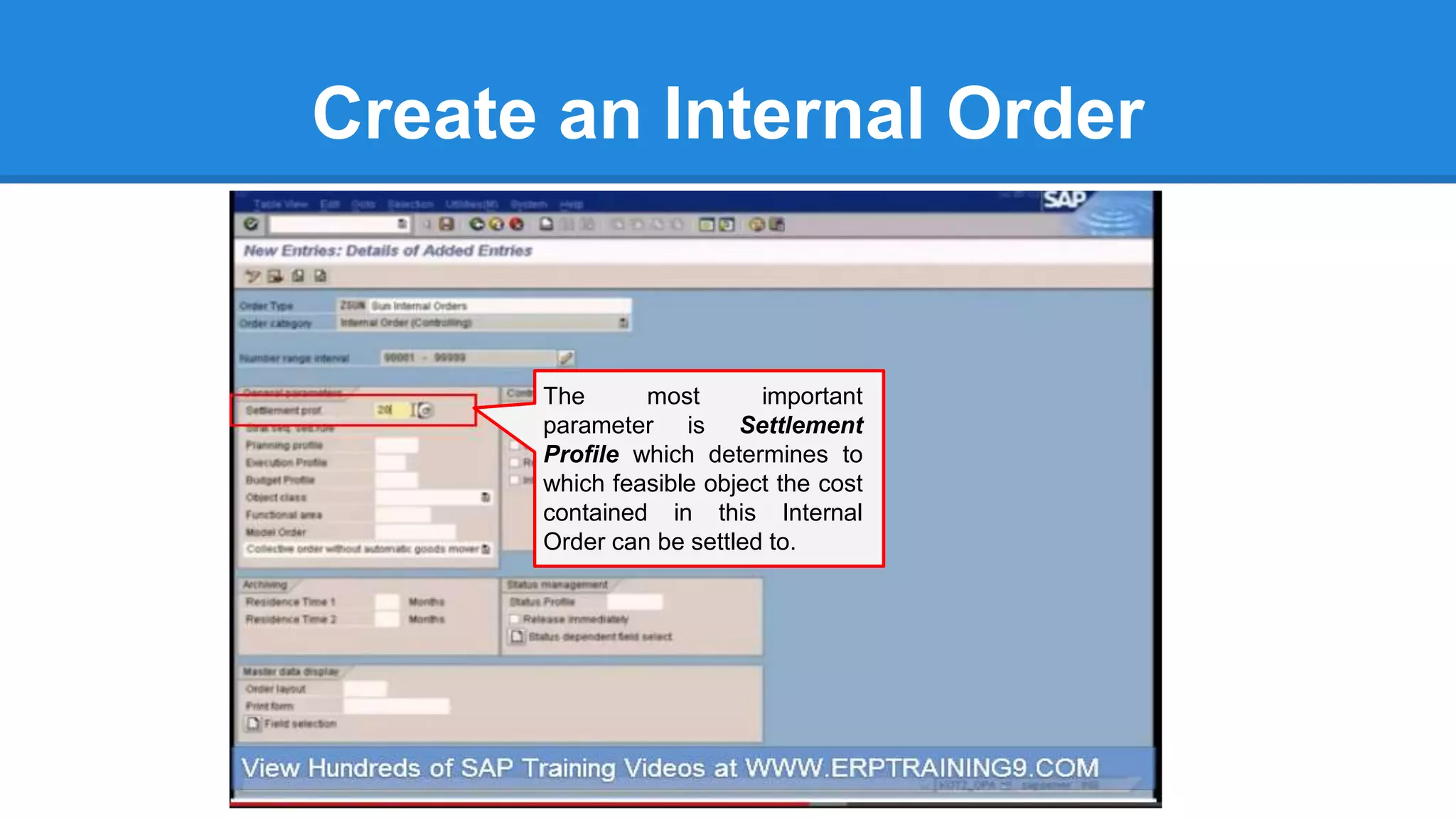
Create an Internal Order
The most important
parameter is Settlement
Profile which determines to
which feasible object the cost
contained in this Internal
Order can be settled to.
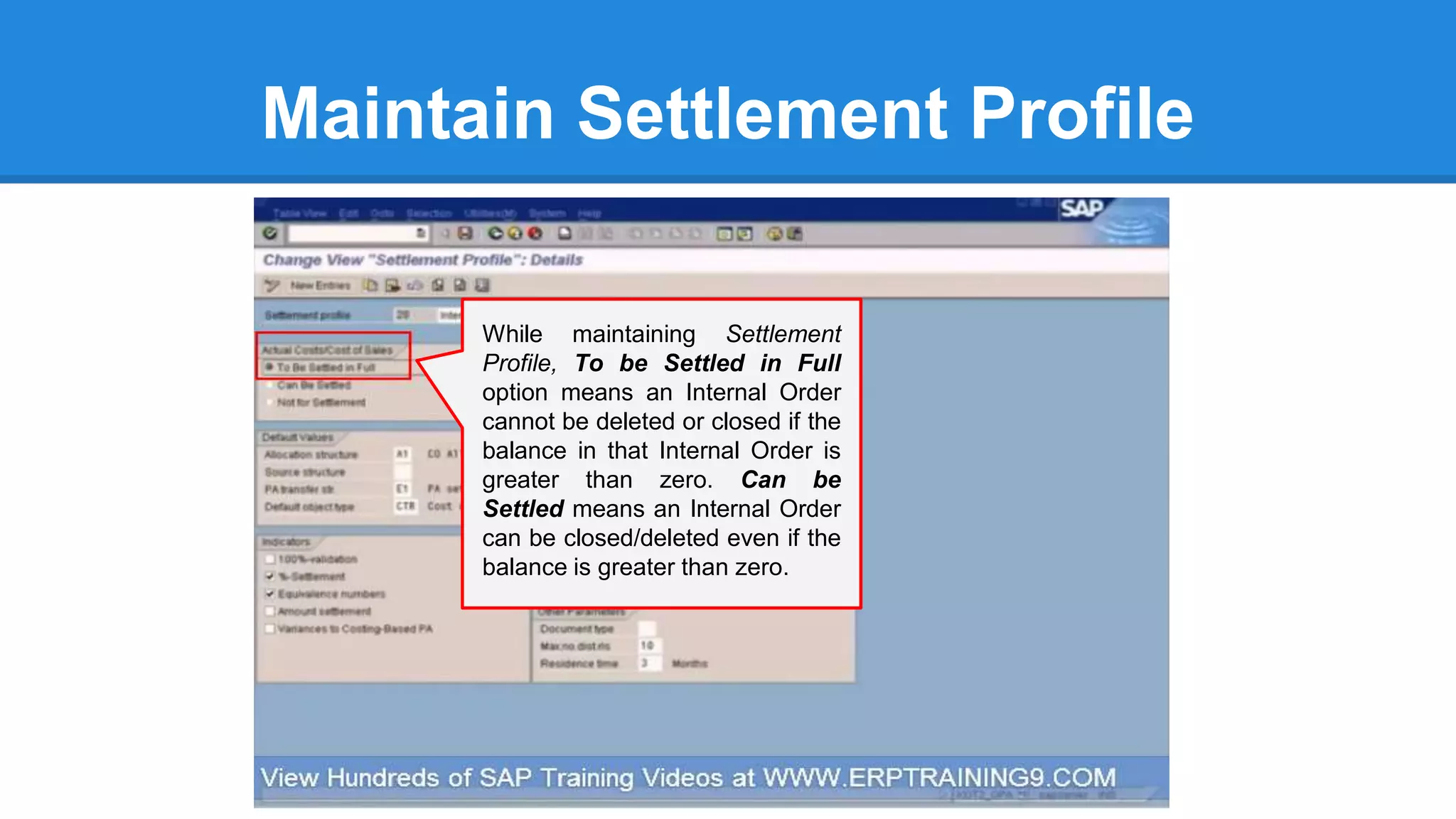
Maintain Settlement Profile
While maintaining Settlement
Profile, To be Settled in Full
option means an Internal Order
cannot be deleted or closed if the
balance in that Internal Order is
greater than zero. Can be
Settled means an Internal Order
can be closed/deleted even if the
balance is greater than zero.
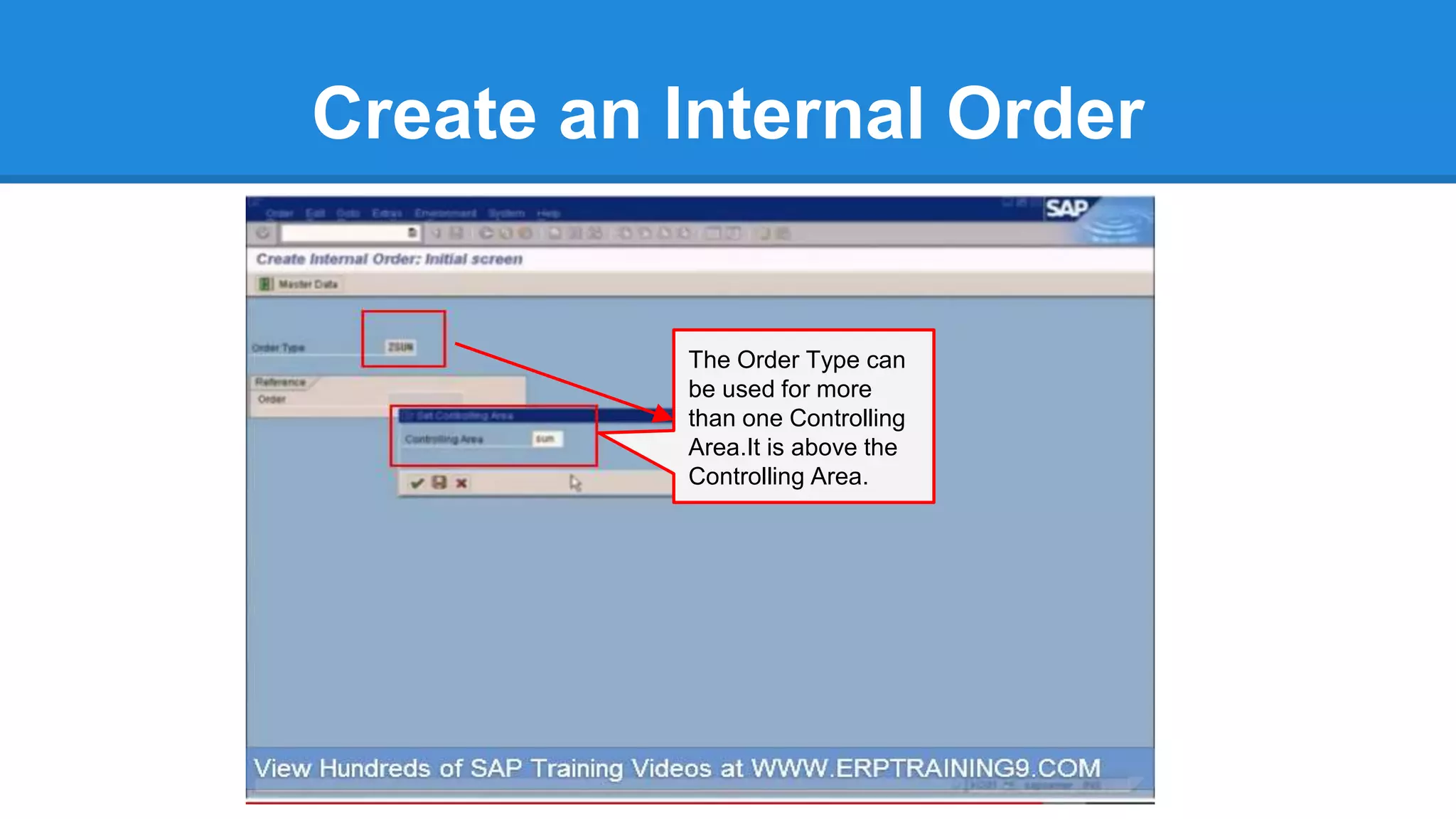
Create an Internal Order
The Order Type can
be used for more
than one Controlling
Area.It is above the
Controlling Area.
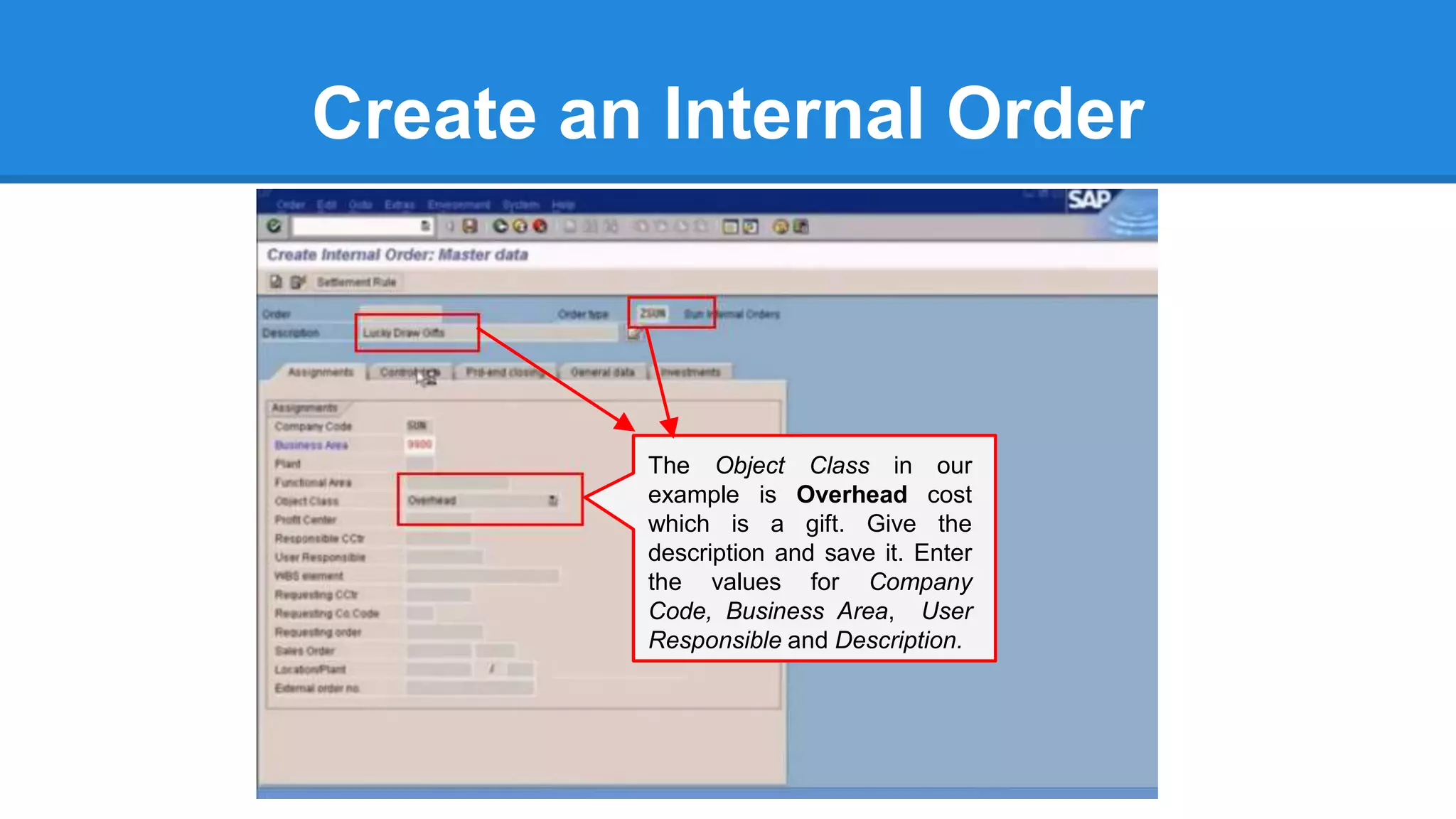
Create an Internal Order
The Object Class in our
example is Overhead cost
which is a gift. Give the
description and save it. Enter
the values for Company
Code, Business Area, User
Responsible and Description.
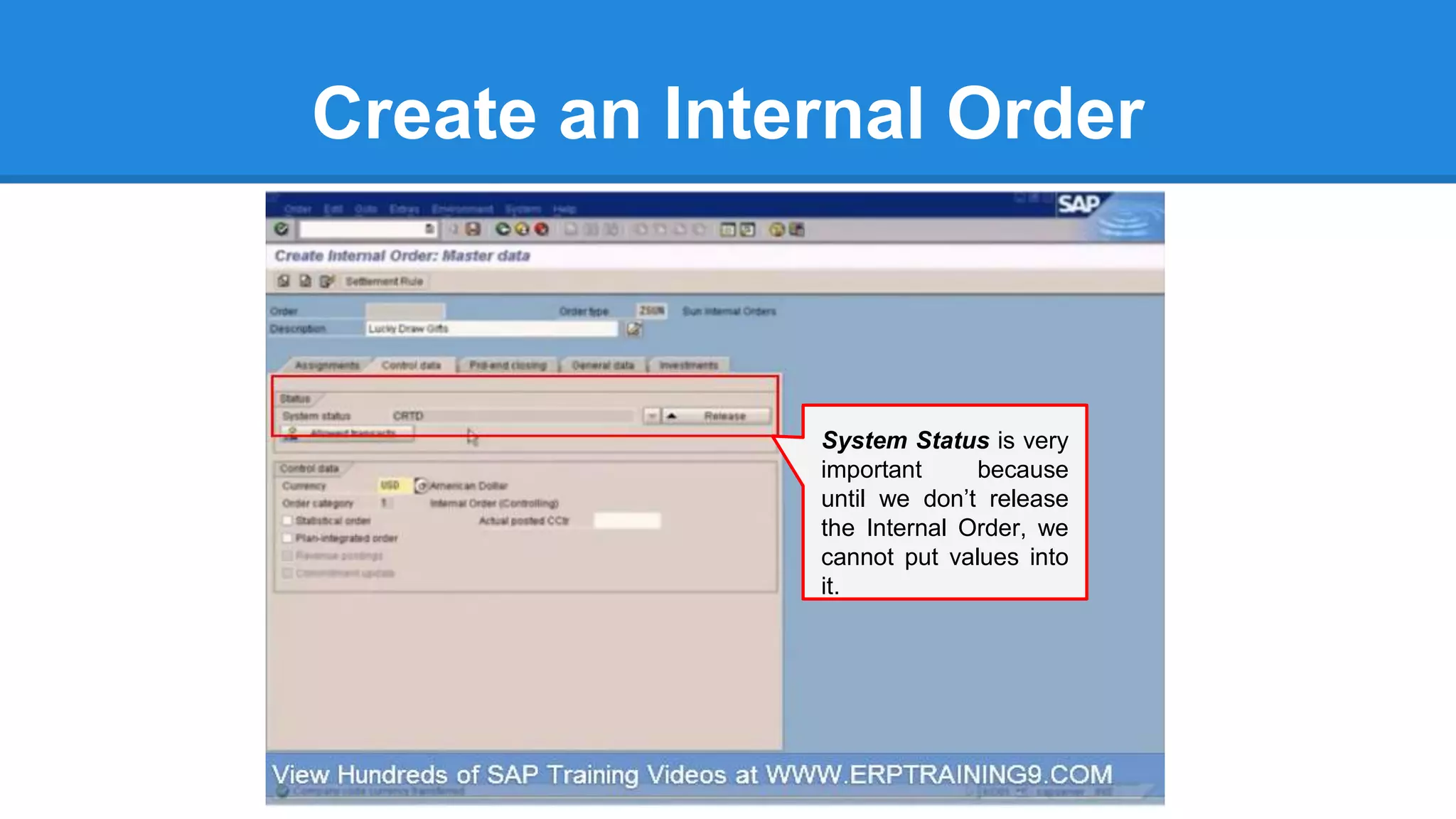
Create an Internal Order
System Status is very
important because
until we don’t release
the Internal Order, we
cannot put values into
it.
Visit us @ ERPTRAINING9.COM

SAP FICO - Why SAP uses Internal Orders?

  • 1.
    SAP FI/CO - WhySAP uses Internal Orders?
  • 2.
    Internal Order Accounting 1.Why an Internal Order is required? 2. Creation of Internal Order 3. Operational Expenditure Postings 4. Settlement of Internal Orders to Cost Centers 5. Internal Order Reporting
  • 3.
    Internal Order Vs.Cost Center An Internal Order is used to accumulate cost for a specific project or task for a specific time period. An internal order is therefore used for a short period with a specific deadline. Whereas A Cost Center is for fixed reporting for a long time span as part of your company structure (cost center usually = department or work center).
  • 4.
    Internal Order Concepts BuyGifts for Staffs’ Lucky Draw Annual Dinner Event John Gift 1 Mary Gift 3 Mike Gift 2 Post the gifts’ cost to an Internal Order temporarily i.e. for a short period of time until the Annual Dinner Event where the staffs’ names will be known from the lucky draw.
  • 5.
    Why an InternalOrder is required ? Buy Gifts for Staffs’ Lucky Draw Annual Dinner Event John Gift 1 Mary Gift 3 Mike Gift 2 Once the winning staff’s names are known, it is easier to allocate the gift’s cost to the respective staff’s Cost Center. Post the gifts’ cost to an Internal Order temporarily i.e. for a short period of time until the Annual Dinner Event where the staff’s names will be known from the lucky draw.
  • 6.
    Create an InternalOrder All Internal Orders are to be classified as Order Type. An Order Type is the categorization of an Internal Order
  • 7.
    Create an InternalOrder Double click on Define Order Types to branch out to create Internal Order.
  • 8.
    Create an InternalOrder After executing Define Order Type , You can double-click on any Internal Order to check its details.
  • 9.
    Create an InternalOrder Since we are creating Internal Order, we need to select Order Category to be Internal Order Controlling.
  • 10.
    Create an InternalOrder Now, we have created a new Order Type ZSUN of Order Category - Internal Order (Controlling).
  • 11.
    Assign Number Range Thesystem does not allow the interval for number range to overlap. So it proposes the interval itself .
  • 12.
    Assign Number Range Assignnumber range from here to Not Assigned Internal Order ZSUN and save it.
  • 13.
    Create an InternalOrder The most important parameter is Settlement Profile which determines to which feasible object the cost contained in this Internal Order can be settled to.
  • 14.
    Maintain Settlement Profile Whilemaintaining Settlement Profile, To be Settled in Full option means an Internal Order cannot be deleted or closed if the balance in that Internal Order is greater than zero. Can be Settled means an Internal Order can be closed/deleted even if the balance is greater than zero.
  • 15.
    Create an InternalOrder The Order Type can be used for more than one Controlling Area.It is above the Controlling Area.
  • 16.
    Create an InternalOrder The Object Class in our example is Overhead cost which is a gift. Give the description and save it. Enter the values for Company Code, Business Area, User Responsible and Description.
  • 17.
    Create an InternalOrder System Status is very important because until we don’t release the Internal Order, we cannot put values into it.
  • 18.
    Visit us @ERPTRAINING9.COM