Downloaded 28 times
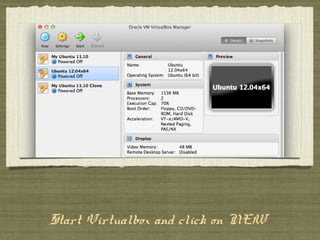
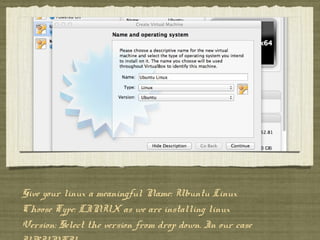
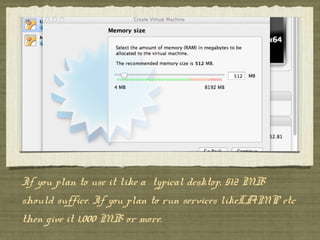
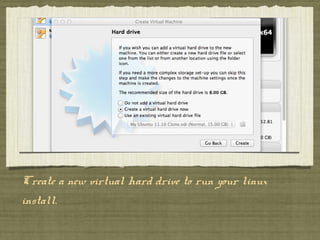
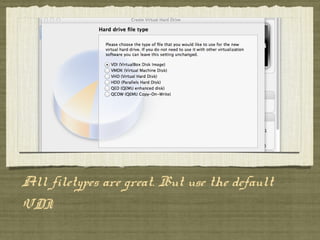
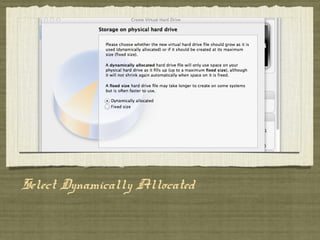
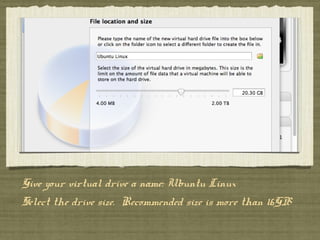
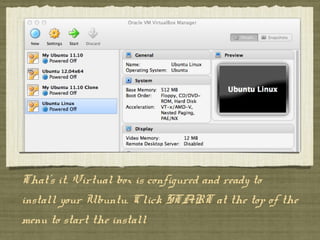
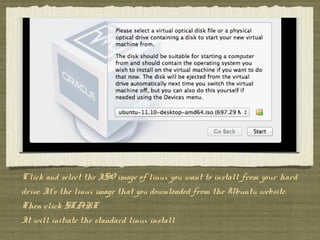

Virtual Box allows you to install Ubuntu Linux in a virtual machine. You start by creating a new virtual machine in Virtual Box, giving it a name and selecting Linux as the operating system. You then create a virtual hard drive that is dynamically allocated and at least 16GB in size to install Ubuntu. Finally, you select the Ubuntu ISO file and click start to begin the standard Ubuntu installation process within the virtual machine.


