Download as PPS, PPTX

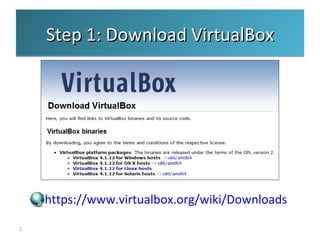
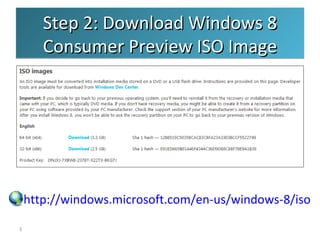
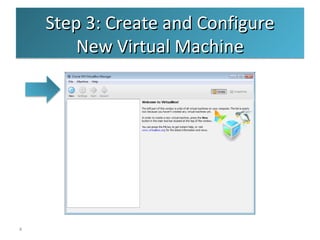
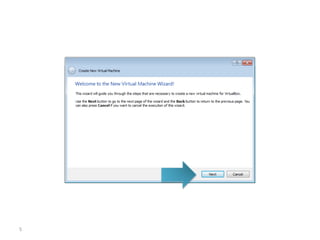
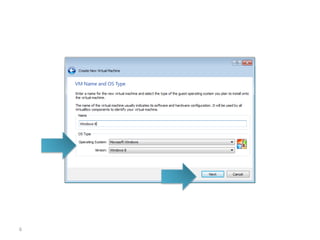
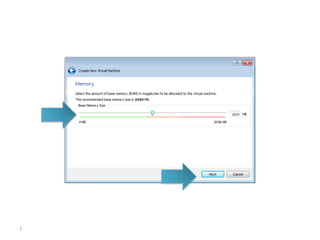
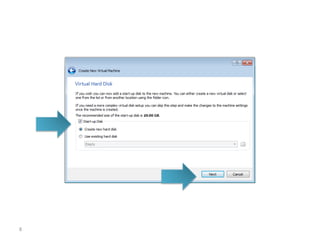
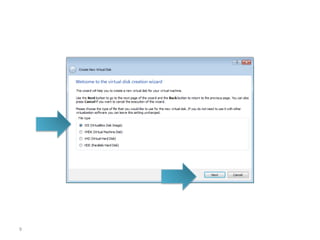
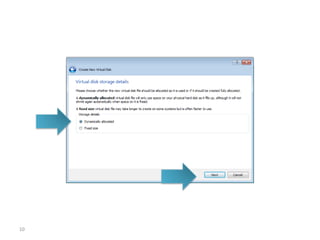
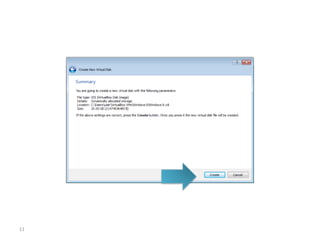
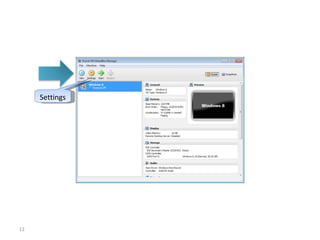
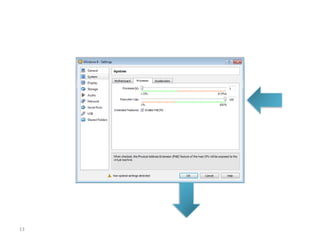
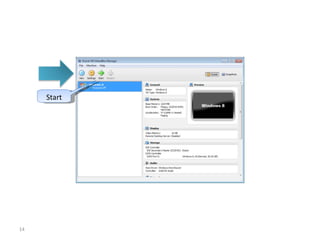
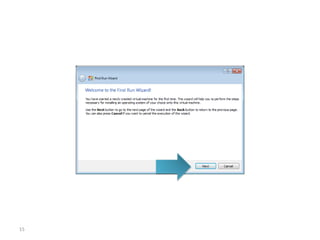
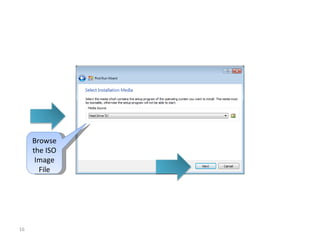
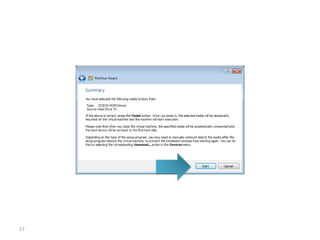
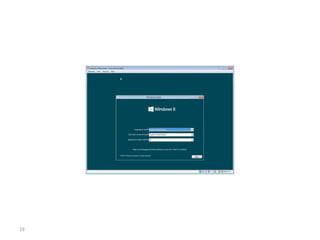
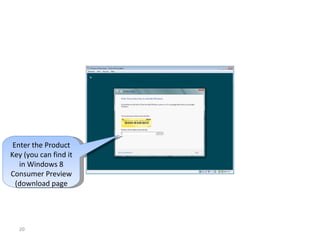
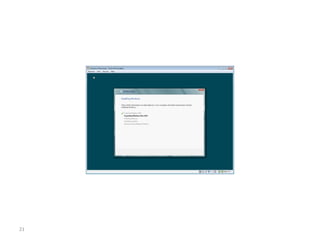
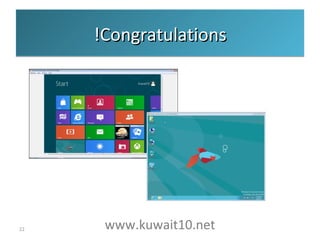

To install Windows 8 Consumer Preview in VirtualBox, download VirtualBox and the Windows 8 ISO image, create a new virtual machine in VirtualBox, configure the machine settings and storage, browse to select the ISO image file, then proceed with Windows 8 setup by entering the product key.


