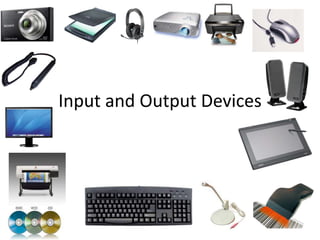
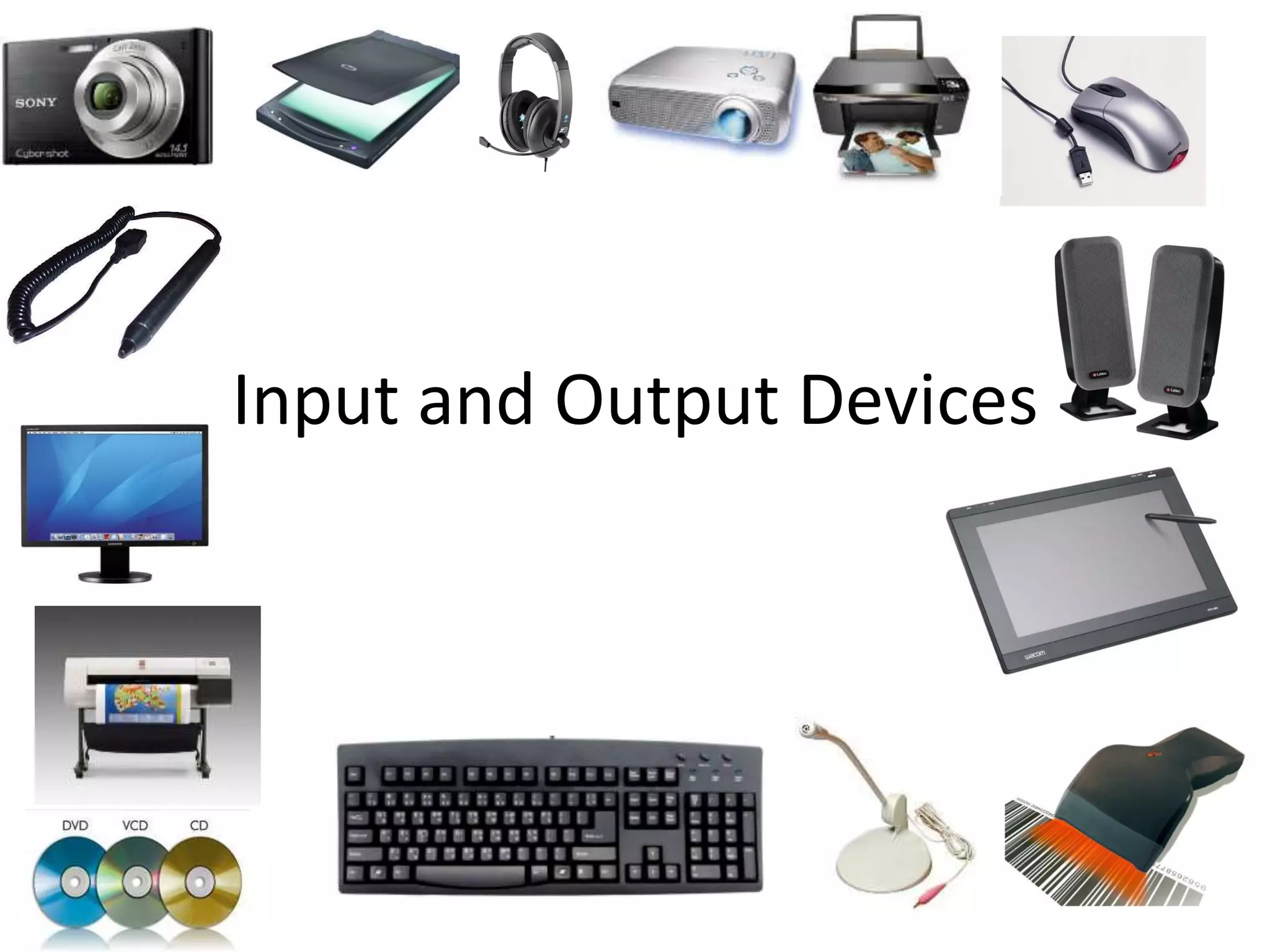
Input and Output Devices
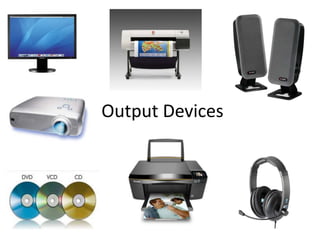
Output Devices
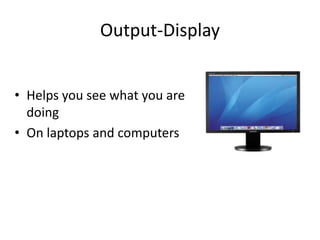
Output-Display 
• Helps you see what you are 
doing 
• On laptops and computers
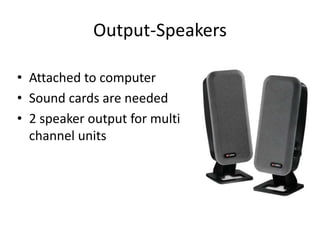
Output-Speakers 
• Attached to computer 
• Sound cards are needed 
• 2 speaker output for multi 
channel units
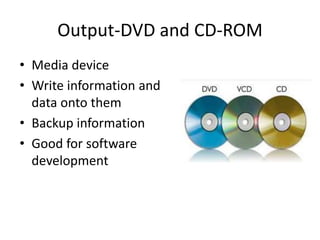
Output-DVD and CD-ROM 
• Media device 
• Write information and 
data onto them 
• Backup information 
• Good for software 
development
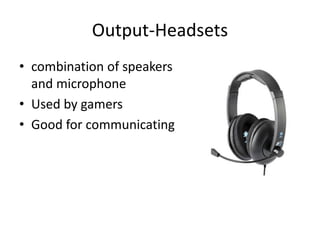
Output-Headsets 
• combination of speakers 
and microphone 
• Used by gamers 
• Good for communicating
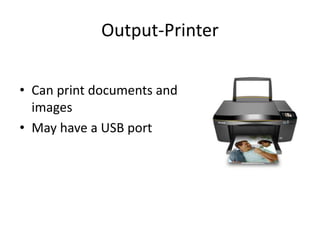
Output-Printer 
• Can print documents and 
images 
• May have a USB port
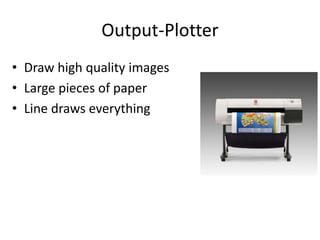
Output-Plotter 
• Draw high quality images 
• Large pieces of paper 
• Line draws everything
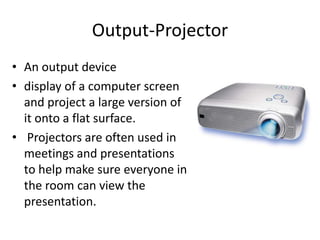
Output-Projector 
• An output device 
• display of a computer screen 
and project a large version of 
it onto a flat surface. 
• Projectors are often used in 
meetings and presentations 
to help make sure everyone in 
the room can view the 
presentation.
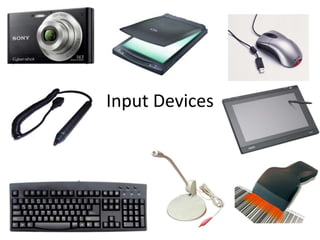
Input Devices
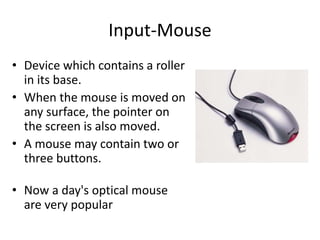
Input-Mouse 
• Device which contains a roller 
in its base. 
• When the mouse is moved on 
any surface, the pointer on 
the screen is also moved. 
• A mouse may contain two or 
three buttons. 
• Now a day's optical mouse 
are very popular
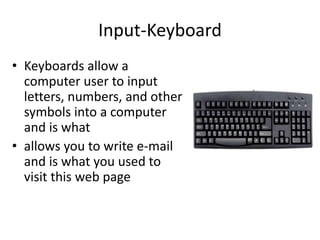
Input-Keyboard 
• Keyboards allow a 
computer user to input 
letters, numbers, and other 
symbols into a computer 
and is what 
• allows you to write e-mail 
and is what you used to 
visit this web page
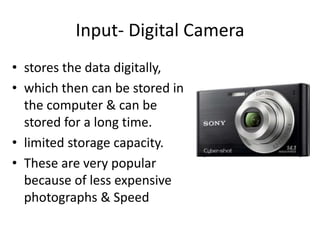
Input- Digital Camera 
• stores the data digitally, 
• which then can be stored in 
the computer & can be 
stored for a long time. 
• limited storage capacity. 
• These are very popular 
because of less expensive 
photographs & Speed
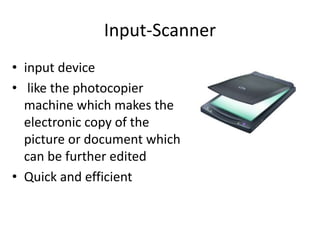
Input-Scanner 
• input device 
• like the photocopier 
machine which makes the 
electronic copy of the 
picture or document which 
can be further edited 
• Quick and efficient
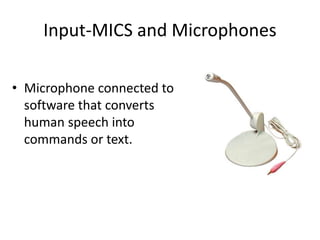
Input-MICS and Microphones 
• Microphone connected to 
software that converts 
human speech into 
commands or text.
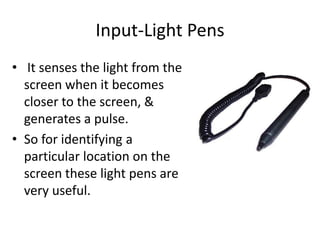
Input-Light Pens 
• It senses the light from the 
screen when it becomes 
closer to the screen, & 
generates a pulse. 
• So for identifying a 
particular location on the 
screen these light pens are 
very useful.
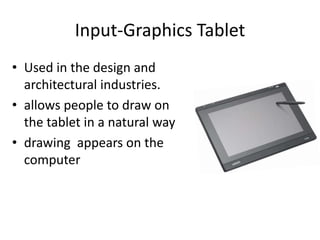
Input-Graphics Tablet 
• Used in the design and 
architectural industries. 
• allows people to draw on 
the tablet in a natural way 
• drawing appears on the 
computer
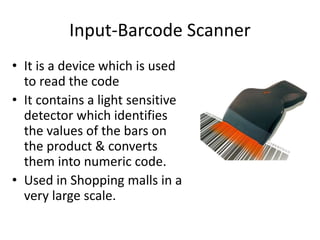
Input-Barcode Scanner 
• It is a device which is used 
to read the code 
• It contains a light sensitive 
detector which identifies 
the values of the bars on 
the product & converts 
them into numeric code. 
• Used in Shopping malls in a 
very large scale.
Input and output devices

Input and output devices

  • 1.
  • 2.
  • 3.
    Output-Display • Helpsyou see what you are doing • On laptops and computers
  • 4.
    Output-Speakers • Attachedto computer • Sound cards are needed • 2 speaker output for multi channel units
  • 5.
    Output-DVD and CD-ROM • Media device • Write information and data onto them • Backup information • Good for software development
  • 6.
    Output-Headsets • combinationof speakers and microphone • Used by gamers • Good for communicating
  • 7.
    Output-Printer • Canprint documents and images • May have a USB port
  • 8.
    Output-Plotter • Drawhigh quality images • Large pieces of paper • Line draws everything
  • 9.
    Output-Projector • Anoutput device • display of a computer screen and project a large version of it onto a flat surface. • Projectors are often used in meetings and presentations to help make sure everyone in the room can view the presentation.
  • 10.
  • 11.
    Input-Mouse • Devicewhich contains a roller in its base. • When the mouse is moved on any surface, the pointer on the screen is also moved. • A mouse may contain two or three buttons. • Now a day's optical mouse are very popular
  • 12.
    Input-Keyboard • Keyboardsallow a computer user to input letters, numbers, and other symbols into a computer and is what • allows you to write e-mail and is what you used to visit this web page
  • 13.
    Input- Digital Camera • stores the data digitally, • which then can be stored in the computer & can be stored for a long time. • limited storage capacity. • These are very popular because of less expensive photographs & Speed
  • 14.
    Input-Scanner • inputdevice • like the photocopier machine which makes the electronic copy of the picture or document which can be further edited • Quick and efficient
  • 15.
    Input-MICS and Microphones • Microphone connected to software that converts human speech into commands or text.
  • 16.
    Input-Light Pens •It senses the light from the screen when it becomes closer to the screen, & generates a pulse. • So for identifying a particular location on the screen these light pens are very useful.
  • 17.
    Input-Graphics Tablet •Used in the design and architectural industries. • allows people to draw on the tablet in a natural way • drawing appears on the computer
  • 18.
    Input-Barcode Scanner •It is a device which is used to read the code • It contains a light sensitive detector which identifies the values of the bars on the product & converts them into numeric code. • Used in Shopping malls in a very large scale.

Editor's Notes

  • #4 The display is how you see the output of the computer. The display is the external monitor on a desktop or the attached monitor on a laptop
  • #5 Speakers are attached to computers for the output of sound. Sound cards are required in the computer for speakers to function. Speakers range from simple, two-speaker output devices to surround-sound multi-channel units
  • #6 A DVD or CD-ROM is a media device on which the user can write data and information. DVDs have replaced CD-ROMs since they hold more information than legacy discs. DVDs are normally used as storage backups to save documents and applications in case of a hard drive failure. They are also used to create installation discs for software development
  • #7 Headsets are a combination of speakers and microphone. A headset is used mostly by gamers, but it is also great tool for communicating with family or friends over the Internet using VOIP software.
  • #8 A printer is one of the main output devices needed for a computer, however a printer is only really needed if you are going to Print documents out. It is used for the output of documents such as word documents or images
  • #9 Plotters are a specialist type of printer which is able to draw high quality images on very large pieces of paper, for example 3 foot wide by 10 foot long. The only difference it has compared to the printer is that it line draws the images.
  • #10 An output device that can take the display of a computer screen and project a large version of it onto a flat surface. Projectors are often used in meetings and presentations to help make sure everyone in the room can view the presentation. Projectors used with computers are small devices that are rarely much larger than a toaster and typically weigh a few pounds.
  • #12 This is a pointing device which contains a roller in its base. When the mouse is moved on any surface, the pointer on the screen is also moved. It contains a potentiometer coupled with the roller. This potentiometer senses the motion of mouse & convert it into digital value. A mouse may contain two or three buttons. Now a day's optical mouse are very popular
  • #13 Keyboards allow a computer user to input letters, numbers, and other symbols into a computer and is what allows you to write e-mail and is what you used to visit this web page
  • #14 As the name specifies, these camera stores the data digitally, which then can be stored in the computer & can be stored for a long time. But it has very limited storage capacity. These are very popular because of less expensive photographs & Speed
  • #15 The scanner is an input device like the photocopier machine which makes the electronic copy of the picture or document which can be further edited
  • #16 Microphone connected to software that converts human speech into commands or text.
  • #17 It is a pointing device which contains a photocell mounted at its tip. It senses the light from the screen when it becomes closer to the screen, & generates a pulse. So for identifying a particular location on the screen these light pens are very useful.
  • #18 Used in the design and architectural industries. This allows for people to draw on the tablet in a natural way (as they would with a pencil and paper) and for their drawing to appear on the computer
  • #19 It is a device which is used to read the code from the products which are usually in the form of Bars. It contains a light sensitive detector which identifies the values of the bars on the product & converts them into numeric code. These Bar readers are used in Shopping malls in a very large scale.