Infographics Tools
(Concept / Mind Map)
K.THIYAGU,
Assistant Professor,
Department of Education
Central University of Kerala
Kasaragod 1
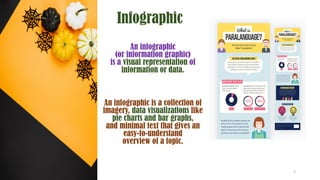
Infographic
An infographic
(or information graphic)
is a visual representation of
information or data.
An infographic is a collection of
imagery, data visualizations like
pie charts and bar graphs,
and minimal text that gives an
easy-to-understand
overview of a topic.
2
Types of Infographics
3
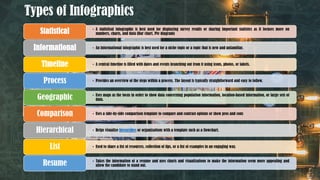
Types of Infographics
• A statistical infographic is best used for displaying survey results or sharing important statistics as it focuses more on
numbers, charts, and data (Bar chart, Pie diagram)
Statistical
• An informational infographic is best used for a niche topic or a topic that is new and unfamiliar.
Informational
• A central timeline is filled with dates and events branching out from it using icons, photos, or labels.
Timeline
• Provides an overview of the steps within a process. The layout is typically straightforward and easy to follow.
Process
• Uses maps as the focus in order to show data concerning population information, location-based information, or large sets of
data.
Geographic
• Uses a side-by-side comparison template to compare and contrast options or show pros and cons
Comparison
• Helps visualize hierarchies or organizations with a template such as a flowchart.
Hierarchical
• Used to share a list of resources, collection of tips, or a list of examples in an engaging way.
List
• Takes the information of a resume and uses charts and visualizations to make the information seem more appealing and
allow the candidate to stand out.
Resume
4
Concept Map
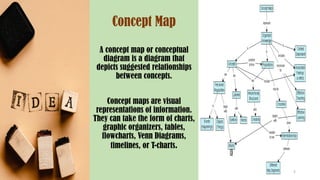
A concept map or conceptual
diagram is a diagram that
depicts suggested relationships
between concepts.
Concept maps are visual
representations of information.
They can take the form of charts,
graphic organizers, tables,
flowcharts, Venn Diagrams,
timelines, or T-charts.
5
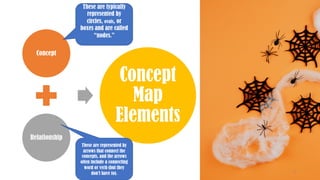
Concept
Relationship
Concept
Map
Elements
These are typically
represented by
circles, ovals, or
boxes and are called
“nodes.”
These are represented by
arrows that connect the
concepts, and the arrows
often include a connecting
word or verb (but they
don’t have to). 6
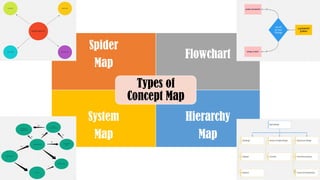
Spider
Map
Flowchart
System
Map
Hierarchy
Map
Types of
Concept Map
7
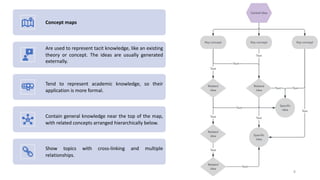
Concept maps
Are used to represent tacit knowledge, like an existing
theory or concept. The ideas are usually generated
externally.
Tend to represent academic knowledge, so their
application is more formal.
Contain general knowledge near the top of the map,
with related concepts arranged hierarchically below.
Show topics with cross-linking and multiple
relationships.
8
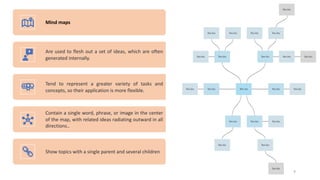
Mind maps
Are used to flesh out a set of ideas, which are often
generated internally.
Tend to represent a greater variety of tasks and
concepts, so their application is more flexible.
Contain a single word, phrase, or image in the center
of the map, with related ideas radiating outward in all
directions..
Show topics with a single parent and several children
9
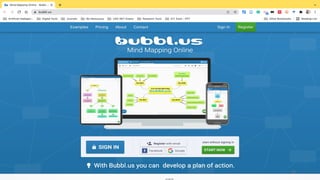
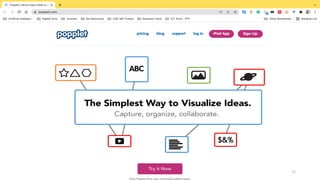
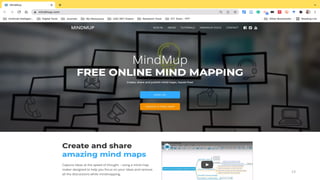
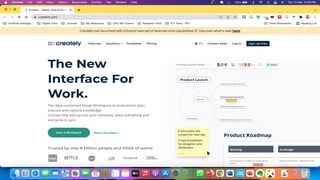
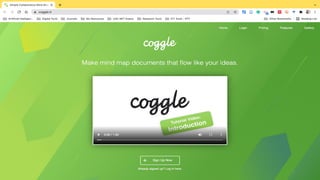
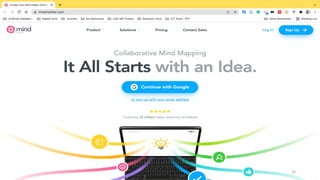
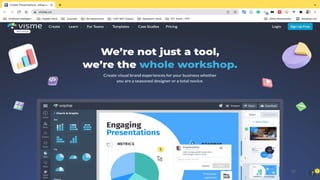
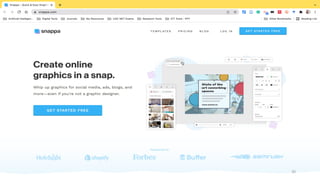
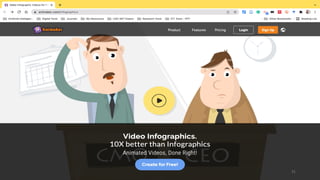
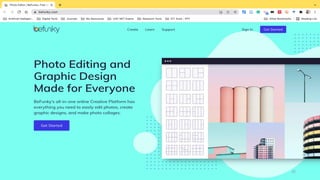
Infographics / Mind Map / Concept Map Tools
10
11
12
13
14
15
16
17
18
19
20
21
22
23
24
25
26
27
28
29
30
31
32
33
34

Infographics: Concept Map / Mind Map

  • 1.
    Infographics Tools (Concept /Mind Map) K.THIYAGU, Assistant Professor, Department of Education Central University of Kerala Kasaragod 1
  • 2.
    Infographic An infographic (or informationgraphic) is a visual representation of information or data. An infographic is a collection of imagery, data visualizations like pie charts and bar graphs, and minimal text that gives an easy-to-understand overview of a topic. 2
  • 3.
  • 4.
    Types of Infographics •A statistical infographic is best used for displaying survey results or sharing important statistics as it focuses more on numbers, charts, and data (Bar chart, Pie diagram) Statistical • An informational infographic is best used for a niche topic or a topic that is new and unfamiliar. Informational • A central timeline is filled with dates and events branching out from it using icons, photos, or labels. Timeline • Provides an overview of the steps within a process. The layout is typically straightforward and easy to follow. Process • Uses maps as the focus in order to show data concerning population information, location-based information, or large sets of data. Geographic • Uses a side-by-side comparison template to compare and contrast options or show pros and cons Comparison • Helps visualize hierarchies or organizations with a template such as a flowchart. Hierarchical • Used to share a list of resources, collection of tips, or a list of examples in an engaging way. List • Takes the information of a resume and uses charts and visualizations to make the information seem more appealing and allow the candidate to stand out. Resume 4
  • 5.
    Concept Map A conceptmap or conceptual diagram is a diagram that depicts suggested relationships between concepts. Concept maps are visual representations of information. They can take the form of charts, graphic organizers, tables, flowcharts, Venn Diagrams, timelines, or T-charts. 5
  • 6.
    Concept Relationship Concept Map Elements These are typically representedby circles, ovals, or boxes and are called “nodes.” These are represented by arrows that connect the concepts, and the arrows often include a connecting word or verb (but they don’t have to). 6
  • 7.
  • 8.
    Concept maps Are usedto represent tacit knowledge, like an existing theory or concept. The ideas are usually generated externally. Tend to represent academic knowledge, so their application is more formal. Contain general knowledge near the top of the map, with related concepts arranged hierarchically below. Show topics with cross-linking and multiple relationships. 8
  • 9.
    Mind maps Are usedto flesh out a set of ideas, which are often generated internally. Tend to represent a greater variety of tasks and concepts, so their application is more flexible. Contain a single word, phrase, or image in the center of the map, with related ideas radiating outward in all directions.. Show topics with a single parent and several children 9
  • 10.
    Infographics / MindMap / Concept Map Tools 10
  • 11.
  • 12.
  • 13.
  • 14.
  • 15.
  • 16.
  • 17.
  • 18.
  • 19.
  • 20.
  • 21.
  • 22.
  • 23.
  • 24.
  • 25.
  • 26.
  • 27.
  • 28.
  • 29.
  • 30.
  • 31.
  • 32.
  • 33.
  • 34.