

Information Technology to
support research
Dr Christine Davies
Objectives of this session
• To raise awareness of a
range of computer-
based technologies that
can help the researcher
• To understand how to
make use of some key
technologies
What we will cover
• Websites with useful information
for researchers
• Some generic online tools for
aspects of research
• Tools for Communication and
collaboration
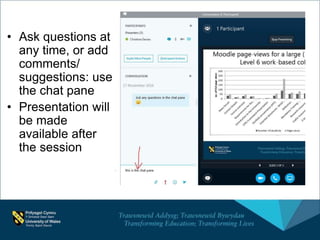
• Ask questions at
any time, or add
comments/
suggestions: use
the chat pane
• Presentation will
be made
available after
the session
Websites with useful information for
researchers
Useful information for researchers 1:
UWTSD 
• RDP: Researcher Developer programme:
http://www.uwtsd.ac.uk/rdp/
• Library: http://www.uwtsd.ac.uk/library/
• Moodle: Skills for Research Students:
http://dysgu.ydds.ac.uk/course/view.php?i
d=5529
• Research data management:
http://www.uwtsd.ac.uk/library/research-
data-management/
• TEL Resource Centre:
https://uowtsd.sharepoint.com/tel/resourc
es/SitePages/Home.aspx
• Emerald:
http://www.emeraldgrouppublishin
g.com/research/guides/methods/
• Sage:
http://methods.sagepub.com/meth
ods-map
• OER (including MOOCs)
Useful information for researchers 2
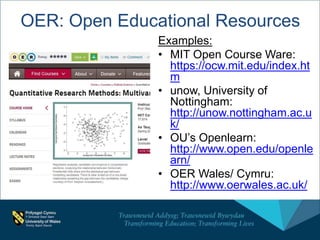
OER: Open Educational Resources
Examples:
• MIT Open Course Ware:
https://ocw.mit.edu/index.ht
m
• unow, University of
Nottingham:
http://unow.nottingham.ac.u
k/
• OU’s Openlearn:
http://www.open.edu/openle
arn/
• OER Wales/ Cymru:
http://www.oerwales.ac.uk/
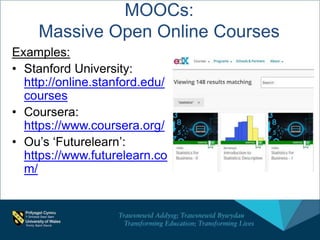
MOOCs:
Massive Open Online Courses
Examples:
• Stanford University:
http://online.stanford.edu/
courses
• Coursera:
https://www.coursera.org/
• Ou’s ‘Futurelearn’:
https://www.futurelearn.co
m/
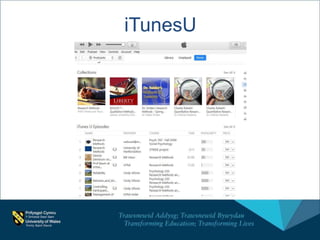
iTunesU
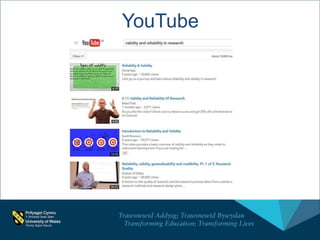
YouTube
Audio files/ podcasts
• Audio can be an
useful way of
learning/revising
whilst travelling/
waiting etc
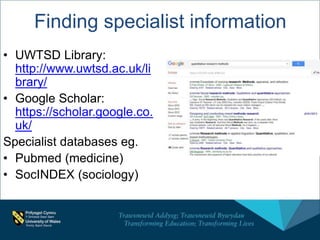
Finding specialist information
• UWTSD Library:
http://www.uwtsd.ac.uk/li
brary/
• Google Scholar:
https://scholar.google.co.
uk/
Specialist databases eg.
• Pubmed (medicine)
• SocINDEX (sociology)
Online Tools for researchers
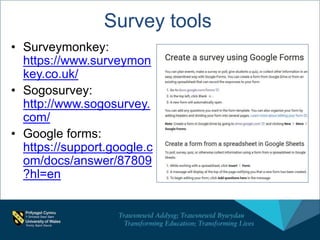
Survey tools
• Surveymonkey:
https://www.surveymon
key.co.uk/
• Sogosurvey:
http://www.sogosurvey.
com/
• Google forms:
https://support.google.c
om/docs/answer/87809
?hl=en
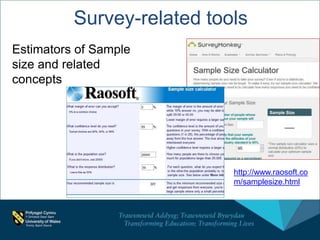
Survey-related tools
Estimators of Sample
size and related
concepts
http://www.raosoft.co
m/samplesize.html
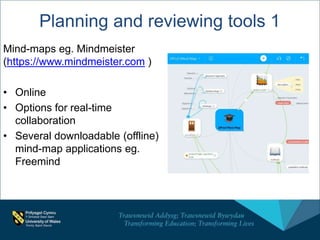
Planning and reviewing tools 1
Mind-maps eg. Mindmeister
(https://www.mindmeister.com )
• Online
• Options for real-time
collaboration
• Several downloadable (offline)
mind-map applications eg.
Freemind
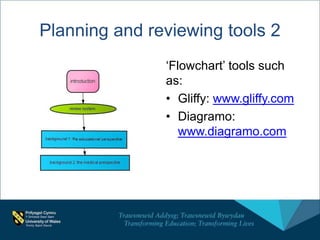
‘Flowchart’ tools such
as:
• Gliffy: www.gliffy.com
• Diagramo:
www.diagramo.com
Planning and reviewing tools 2
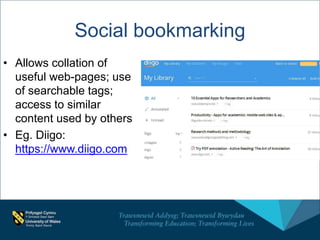
Social bookmarking
• Allows collation of
useful web-pages; use
of searchable tags;
access to similar
content used by others
• Eg. Diigo:
https://www.diigo.com
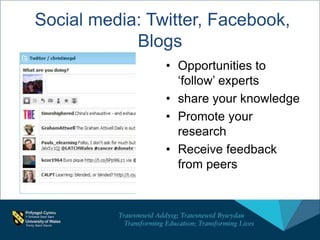
Social media: Twitter, Facebook,
Blogs
• Opportunities to
‘follow’ experts
• share your knowledge
• Promote your
research
• Receive feedback
from peers
Other websites for academic links/
dissemination/ sources
• Academica.edu
• Slideshare:
http://www.slideshare.net/
• Figshare: https://figshare.com/
(science)
• Citeulike:
http://www.citeulike.org/home
• (NB: ‘ORCID’ for academic
ID): http://orcid.org/
• Personal blogs (eg.
Wordpress; Blogger)
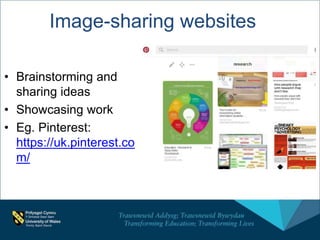
Image-sharing websites
• Brainstorming and
sharing ideas
• Showcasing work
• Eg. Pinterest:
https://uk.pinterest.co
m/
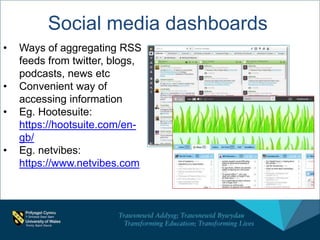
Social media dashboards
• Ways of aggregating RSS
feeds from twitter, blogs,
podcasts, news etc
• Convenient way of
accessing information
• Eg. Hootesuite:
https://hootsuite.com/en-
gb/
• Eg. netvibes:
https://www.netvibes.com
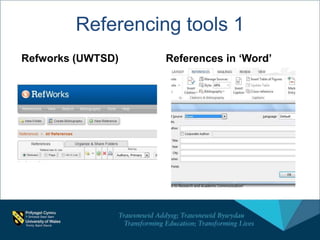
Referencing tools 1
Refworks (UWTSD) References in ‘Word’
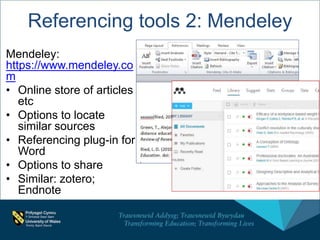
Referencing tools 2: Mendeley
Mendeley:
https://www.mendeley.co
m
• Online store of articles
etc
• Options to locate
similar sources
• Referencing plug-in for
Word
• Options to share
• Similar: zotero;
Endnote
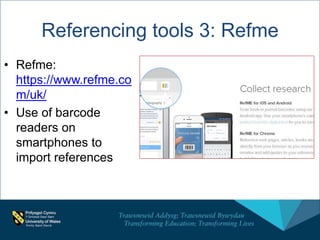
• Refme:
https://www.refme.co
m/uk/
• Use of barcode
readers on
smartphones to
import references
Referencing tools 3: Refme
Tools for Collaboration and
Communication
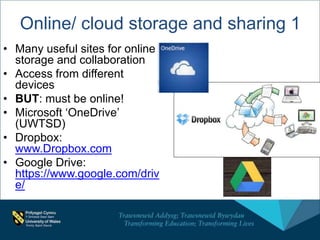
• Many useful sites for online
storage and collaboration
• Access from different
devices
• BUT: must be online!
• Microsoft ‘OneDrive’
(UWTSD)
• Dropbox:
www.Dropbox.com
• Google Drive:
https://www.google.com/driv
e/
Online/ cloud storage and sharing 1
Online/ cloud storage 2
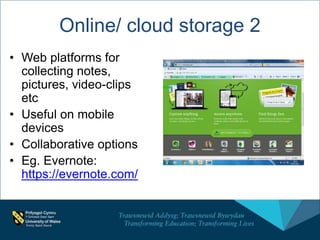
• Web platforms for
collecting notes,
pictures, video-clips
etc
• Useful on mobile
devices
• Collaborative options
• Eg. Evernote:
https://evernote.com/
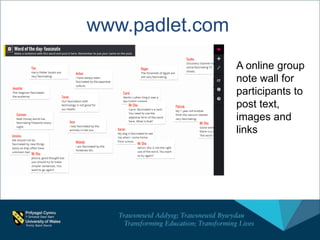
www.padlet.com
A online group
note wall for
participants to
post text,
images and
links
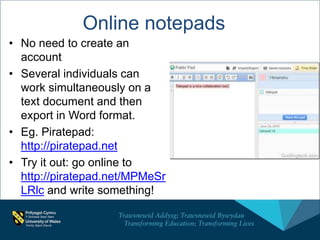
Online notepads
• No need to create an
account
• Several individuals can
work simultaneously on a
text document and then
export in Word format.
• Eg. Piratepad:
http://piratepad.net
• Try it out: go online to
http://piratepad.net/MPMeSr
LRlc and write something!
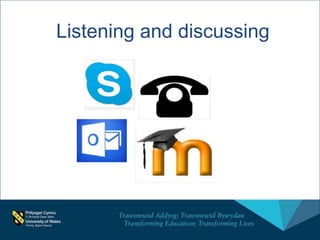
Listening and discussing
Some final thoughts
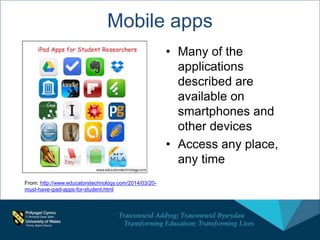
Mobile apps
• Many of the
applications
described are
available on
smartphones and
other devices
• Access any place,
any time
From: http://www.educatorstechnology.com/2014/03/20-
must-have-ipad-apps-for-student.html
Caveats 
• Note the need to be online for many
of these applications
• Sometimes applications change or
disappear eg. Delicious, Titanpad.
• Some websites aren’t as good as
they say they are!
• Worth keeping any really important
documents on a hard-drive as well
as in the Cloud
• New applications appearing
constantly!
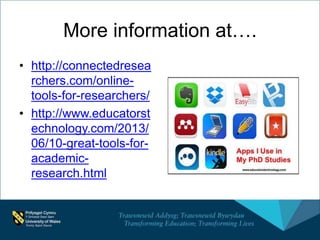
More information at….
• http://connectedresea
rchers.com/online-
tools-for-researchers/
• http://www.educatorst
echnology.com/2013/
06/10-great-tools-for-
academic-
research.html
Any questions?
Contact:
• Dr Christine Davies
• Christine.davies@uwtsd.ac.uk
• Ext. 5148 (Carmarthen)

Information Technology to support research

  • 1.
    Information Technology to supportresearch Dr Christine Davies
  • 2.
    Objectives of thissession • To raise awareness of a range of computer- based technologies that can help the researcher • To understand how to make use of some key technologies
  • 3.
    What we willcover • Websites with useful information for researchers • Some generic online tools for aspects of research • Tools for Communication and collaboration
  • 4.
    • Ask questionsat any time, or add comments/ suggestions: use the chat pane • Presentation will be made available after the session
  • 5.
    Websites with usefulinformation for researchers
  • 6.
    Useful information forresearchers 1: UWTSD  • RDP: Researcher Developer programme: http://www.uwtsd.ac.uk/rdp/ • Library: http://www.uwtsd.ac.uk/library/ • Moodle: Skills for Research Students: http://dysgu.ydds.ac.uk/course/view.php?i d=5529 • Research data management: http://www.uwtsd.ac.uk/library/research- data-management/ • TEL Resource Centre: https://uowtsd.sharepoint.com/tel/resourc es/SitePages/Home.aspx
  • 7.
  • 8.
    OER: Open EducationalResources Examples: • MIT Open Course Ware: https://ocw.mit.edu/index.ht m • unow, University of Nottingham: http://unow.nottingham.ac.u k/ • OU’s Openlearn: http://www.open.edu/openle arn/ • OER Wales/ Cymru: http://www.oerwales.ac.uk/
  • 9.
    MOOCs: Massive Open OnlineCourses Examples: • Stanford University: http://online.stanford.edu/ courses • Coursera: https://www.coursera.org/ • Ou’s ‘Futurelearn’: https://www.futurelearn.co m/
  • 10.
  • 11.
  • 12.
    Audio files/ podcasts •Audio can be an useful way of learning/revising whilst travelling/ waiting etc
  • 13.
    Finding specialist information •UWTSD Library: http://www.uwtsd.ac.uk/li brary/ • Google Scholar: https://scholar.google.co. uk/ Specialist databases eg. • Pubmed (medicine) • SocINDEX (sociology)
  • 14.
    Online Tools forresearchers
  • 15.
    Survey tools • Surveymonkey: https://www.surveymon key.co.uk/ •Sogosurvey: http://www.sogosurvey. com/ • Google forms: https://support.google.c om/docs/answer/87809 ?hl=en
  • 16.
    Survey-related tools Estimators ofSample size and related concepts http://www.raosoft.co m/samplesize.html
  • 17.
    Planning and reviewingtools 1 Mind-maps eg. Mindmeister (https://www.mindmeister.com ) • Online • Options for real-time collaboration • Several downloadable (offline) mind-map applications eg. Freemind
  • 18.
    ‘Flowchart’ tools such as: •Gliffy: www.gliffy.com • Diagramo: www.diagramo.com Planning and reviewing tools 2
  • 19.
    Social bookmarking • Allowscollation of useful web-pages; use of searchable tags; access to similar content used by others • Eg. Diigo: https://www.diigo.com
  • 20.
    Social media: Twitter,Facebook, Blogs • Opportunities to ‘follow’ experts • share your knowledge • Promote your research • Receive feedback from peers
  • 21.
    Other websites foracademic links/ dissemination/ sources • Academica.edu • Slideshare: http://www.slideshare.net/ • Figshare: https://figshare.com/ (science) • Citeulike: http://www.citeulike.org/home • (NB: ‘ORCID’ for academic ID): http://orcid.org/ • Personal blogs (eg. Wordpress; Blogger)
  • 22.
    Image-sharing websites • Brainstormingand sharing ideas • Showcasing work • Eg. Pinterest: https://uk.pinterest.co m/
  • 23.
    Social media dashboards •Ways of aggregating RSS feeds from twitter, blogs, podcasts, news etc • Convenient way of accessing information • Eg. Hootesuite: https://hootsuite.com/en- gb/ • Eg. netvibes: https://www.netvibes.com
  • 24.
    Referencing tools 1 Refworks(UWTSD) References in ‘Word’
  • 25.
    Referencing tools 2:Mendeley Mendeley: https://www.mendeley.co m • Online store of articles etc • Options to locate similar sources • Referencing plug-in for Word • Options to share • Similar: zotero; Endnote
  • 26.
    • Refme: https://www.refme.co m/uk/ • Useof barcode readers on smartphones to import references Referencing tools 3: Refme
  • 27.
    Tools for Collaborationand Communication
  • 28.
    • Many usefulsites for online storage and collaboration • Access from different devices • BUT: must be online! • Microsoft ‘OneDrive’ (UWTSD) • Dropbox: www.Dropbox.com • Google Drive: https://www.google.com/driv e/ Online/ cloud storage and sharing 1
  • 29.
    Online/ cloud storage2 • Web platforms for collecting notes, pictures, video-clips etc • Useful on mobile devices • Collaborative options • Eg. Evernote: https://evernote.com/
  • 30.
    www.padlet.com A online group notewall for participants to post text, images and links
  • 31.
    Online notepads • Noneed to create an account • Several individuals can work simultaneously on a text document and then export in Word format. • Eg. Piratepad: http://piratepad.net • Try it out: go online to http://piratepad.net/MPMeSr LRlc and write something!
  • 32.
  • 33.
  • 34.
    Mobile apps • Manyof the applications described are available on smartphones and other devices • Access any place, any time From: http://www.educatorstechnology.com/2014/03/20- must-have-ipad-apps-for-student.html
  • 35.
    Caveats  • Notethe need to be online for many of these applications • Sometimes applications change or disappear eg. Delicious, Titanpad. • Some websites aren’t as good as they say they are! • Worth keeping any really important documents on a hard-drive as well as in the Cloud • New applications appearing constantly!
  • 36.
    More information at…. •http://connectedresea rchers.com/online- tools-for-researchers/ • http://www.educatorst echnology.com/2013/ 06/10-great-tools-for- academic- research.html
  • 37.
    Any questions? Contact: • DrChristine Davies • Christine.davies@uwtsd.ac.uk • Ext. 5148 (Carmarthen)

Editor's Notes

  • #8 Demo link to : http://www.emeraldgrouppublishing.com/research/guides/methods/
  • #11 Need to log in
  • #17 Excel & Spss important, but some of these online calculators give quick & easy answers
  • #18 Mindmeisier demo
  • #19 Diagramo demo (no login req)
  • #20 Explain ; explain why social: sharing and searching tags Possibly diigo demo
  • #21 Languages etc
  • #25 Sources (books, articles etc) can be imported from databases or added manually
  • #26 Demo NB ability to modify style to link with recommended (demo)
  • #29 Storage of variety of resources available on a range of devices (with web access). Sharing possible. Collaborative editing
  • #32 Demo; participation
  • #33 Not just voice/ listening; provide ways for learners to express themselves in a variety of ways ‘skype for buisness’ Moodle forums
  • #35 Comment on ones not mentioned