Intermediate Documents
(IDOCs)
• What is an IDoc
• An IDoc is simply a data container that is used to
exchange information between any two processes
that can understand the syntax and semantics of the
data.
• IDoc is not a process.
Intermediate Document
• IDOCs are stored in the database. In the SAP
system, IDOCs are stored in database tables.
• IDOCs are independent of the sending and receiving
systems.
• IDOCs are independent of the direction of data
exchange.
Process
• The two available process for IDOCs are
• Outbound Process
• Inbound Process
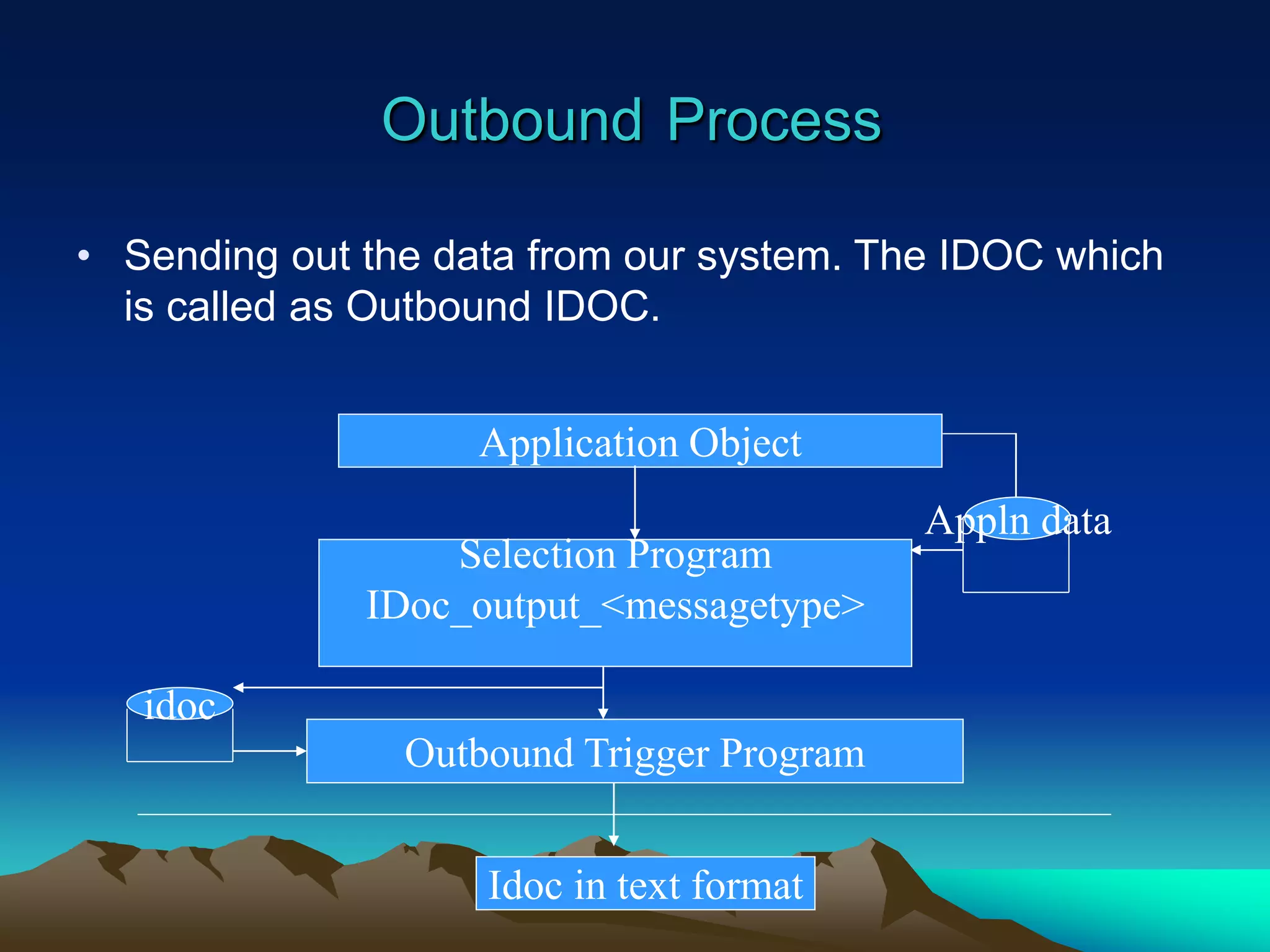
Outbound Process
• Sending out the data from our system. The IDOC which
is called as Outbound IDOC.
Application Object
Appln data
Selection Program
IDoc_output_<messagetype>
Outbound Trigger Program
Idoc in text format
idoc
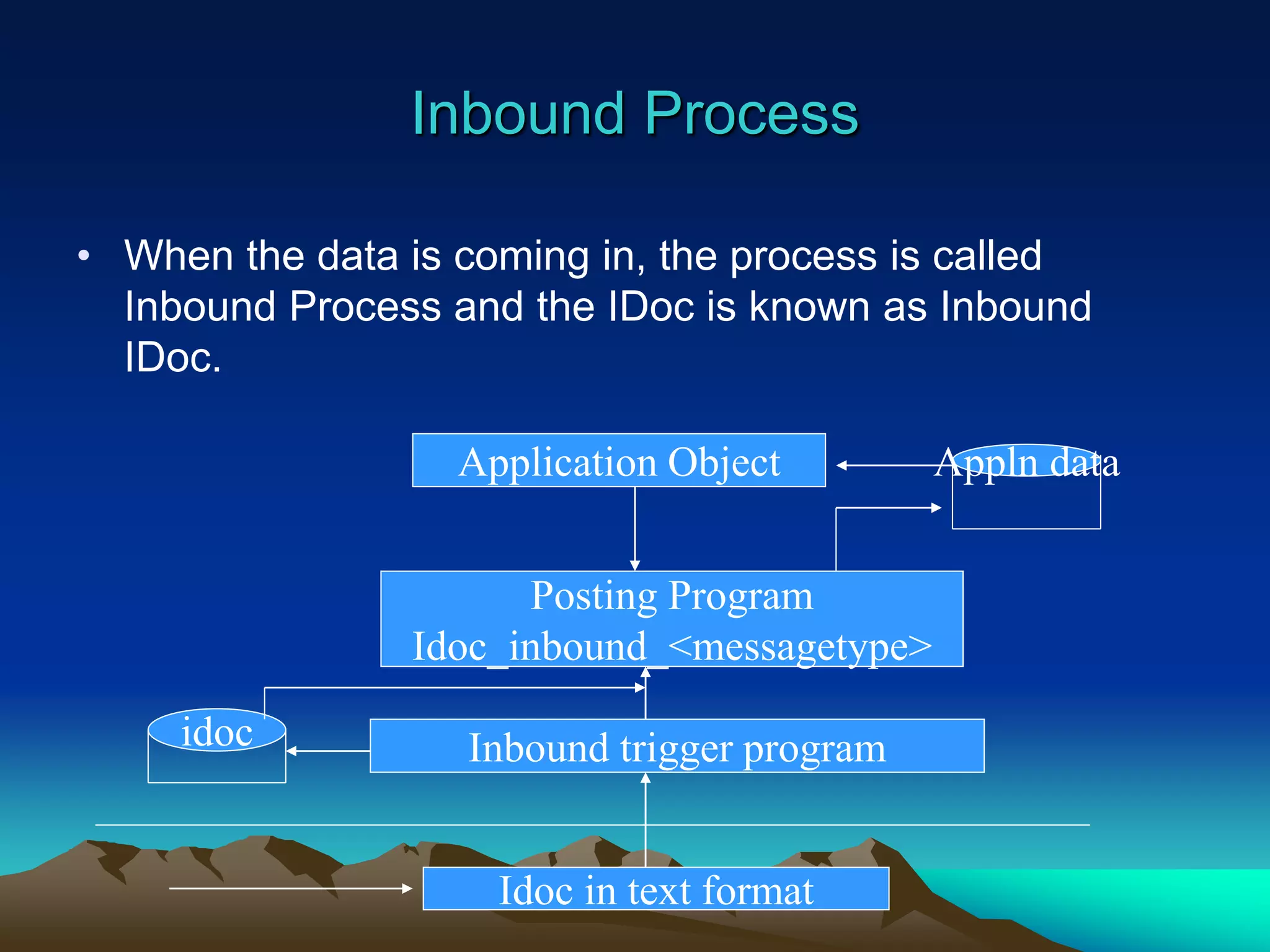
Inbound Process
• When the data is coming in, the process is called
Inbound Process and the IDoc is known as Inbound
IDoc.
Application Object Appln data
Posting Program
Idoc_inbound_<messagetype>
Inbound trigger program
idoc
Idoc in text format
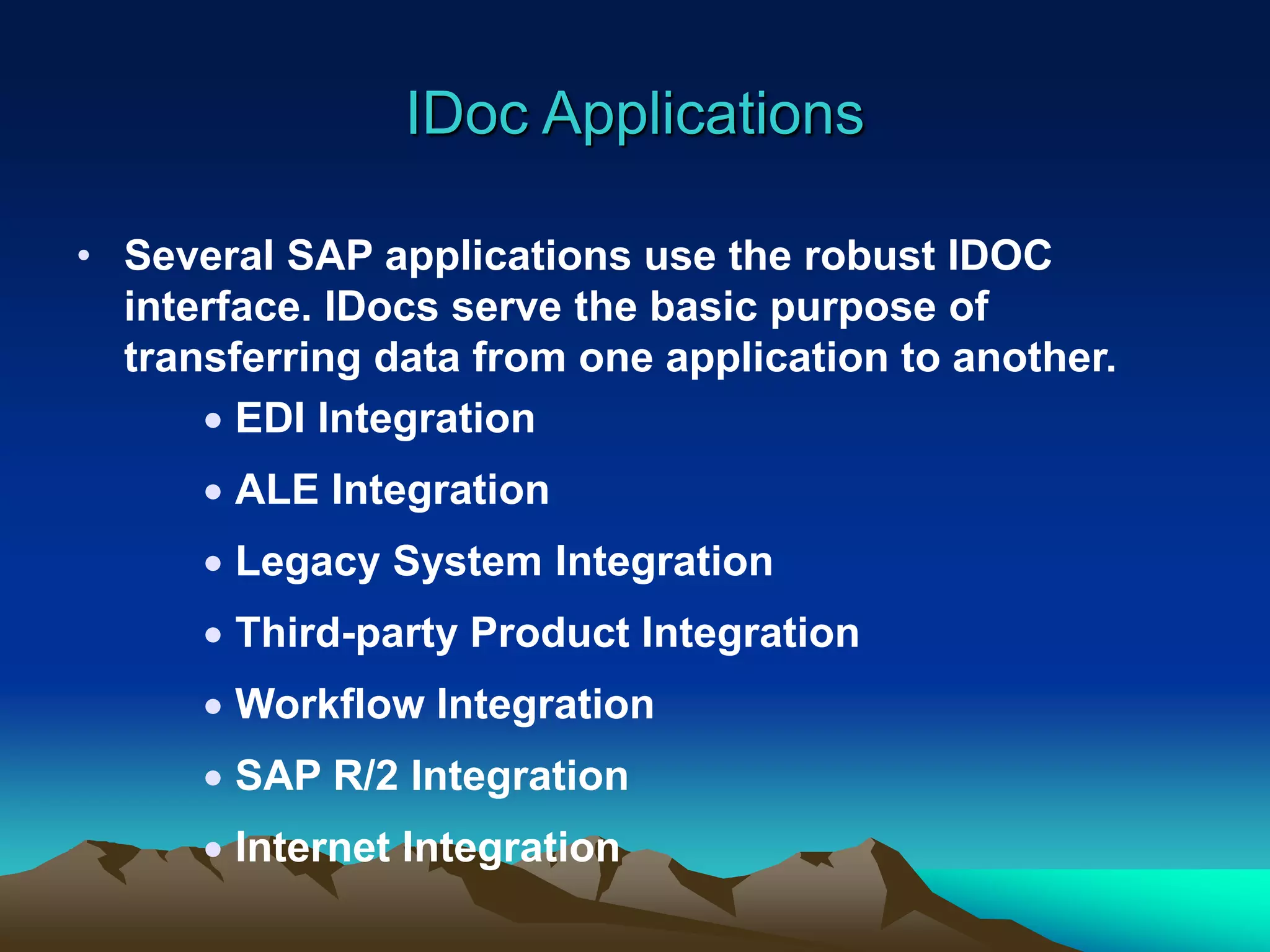
IDoc Applications
• Several SAP applications use the robust IDOC
interface. IDocs serve the basic purpose of
transferring data from one application to another.
 EDI Integration
 ALE Integration
 Legacy System Integration
 Third-party Product Integration
 Workflow Integration
 SAP R/2 Integration
 Internet Integration
Idoc Applications
 OCR Application Integration
• OCR (Optical Character Recognition) is a
technology that scans and interprets
printed matter using pattern recognition.
We can integrate an OCR application
with SAP via IDOCs. Documents in a
standard format can be scanned to
generate IDOCs, which then can be
transferred to the SAP System for
processing.
Idoc Applications
• ICR Application Integration
– A barcode system is an example of ICR (Intelligent
Character Recognition) technology. Data encoded
using barcodes can be captured and stored as an
IDOC which then can be passed to SAP for further
processing.
Idoc Components
• There are basically two types of IDOCs.
• Basic IDOCs
• Extended IDOCs
Idoc Components
• Basic Idoc
• Basic IDOC type defines the structure and format of the
business document that is to be exchanged between two
systems.
• Extension Idoc
• Extending the functionality by adding more segments to
existing Basic IDOCs.
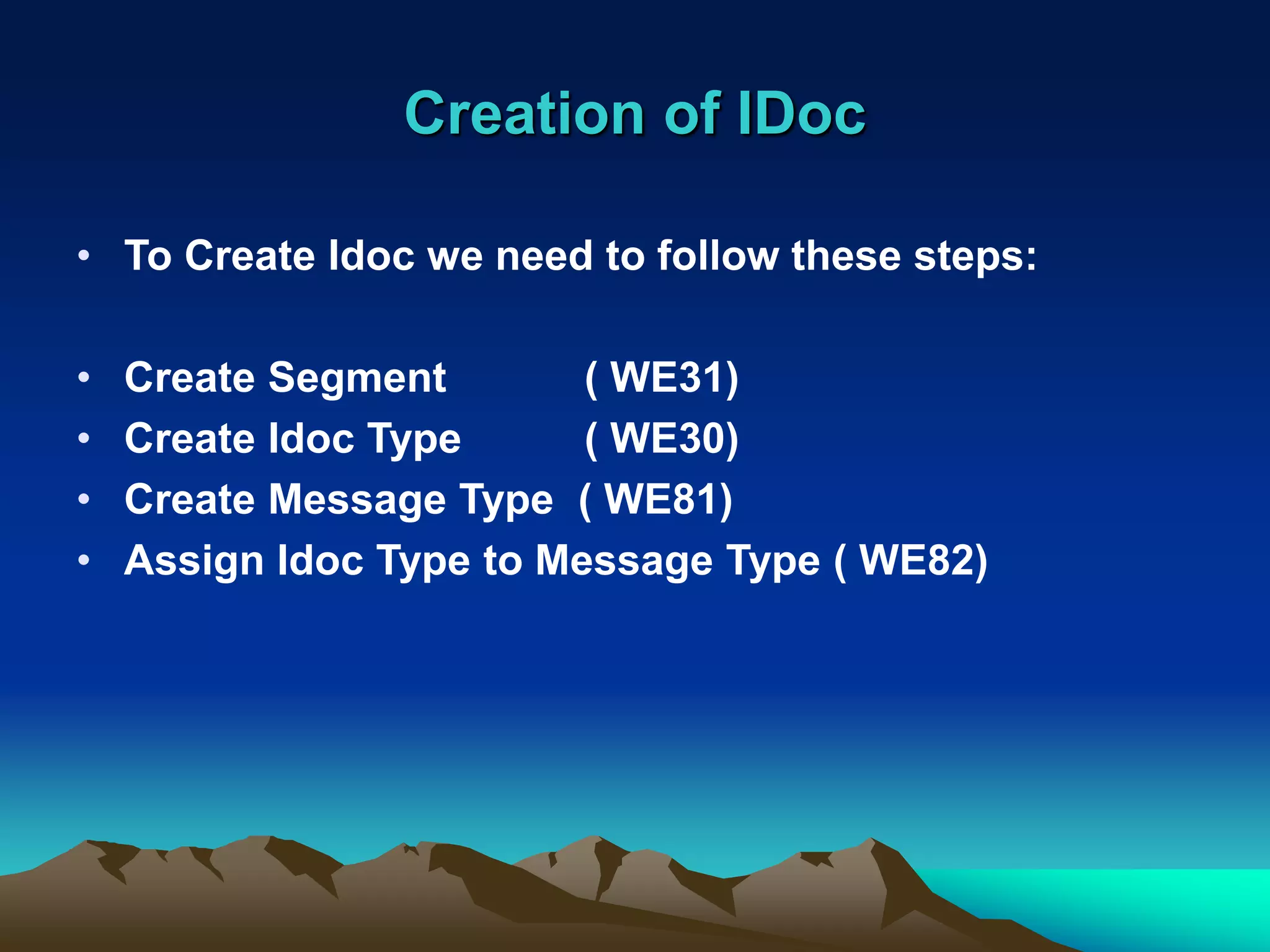
Creation of IDoc
• To Create Idoc we need to follow these steps:
• Create Segment ( WE31)
• Create Idoc Type ( WE30)
• Create Message Type ( WE81)
• Assign Idoc Type to Message Type ( WE82)
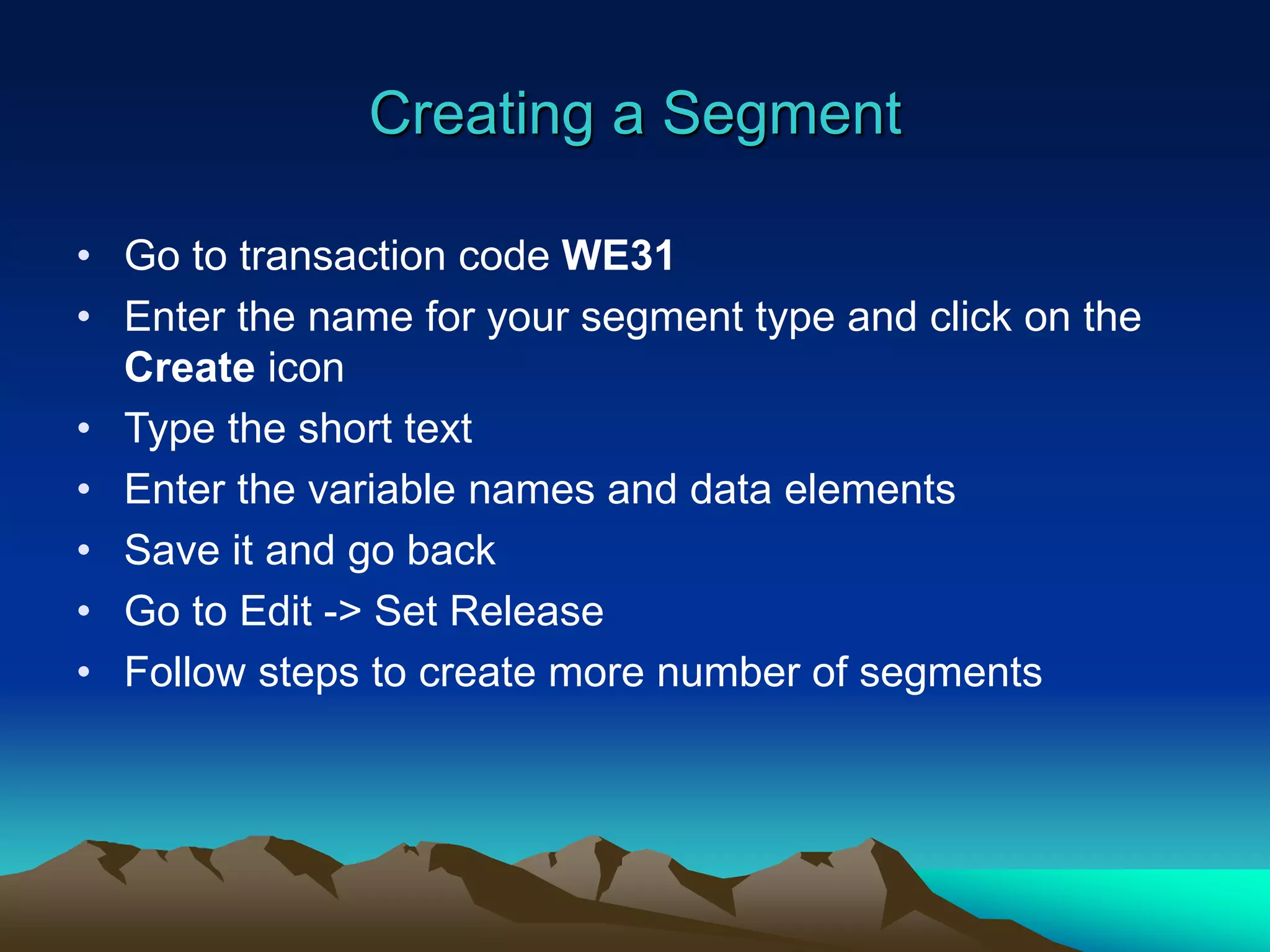
Creating a Segment
• Go to transaction code WE31
• Enter the name for your segment type and click on the
Create icon
• Type the short text
• Enter the variable names and data elements
• Save it and go back
• Go to Edit -> Set Release
• Follow steps to create more number of segments
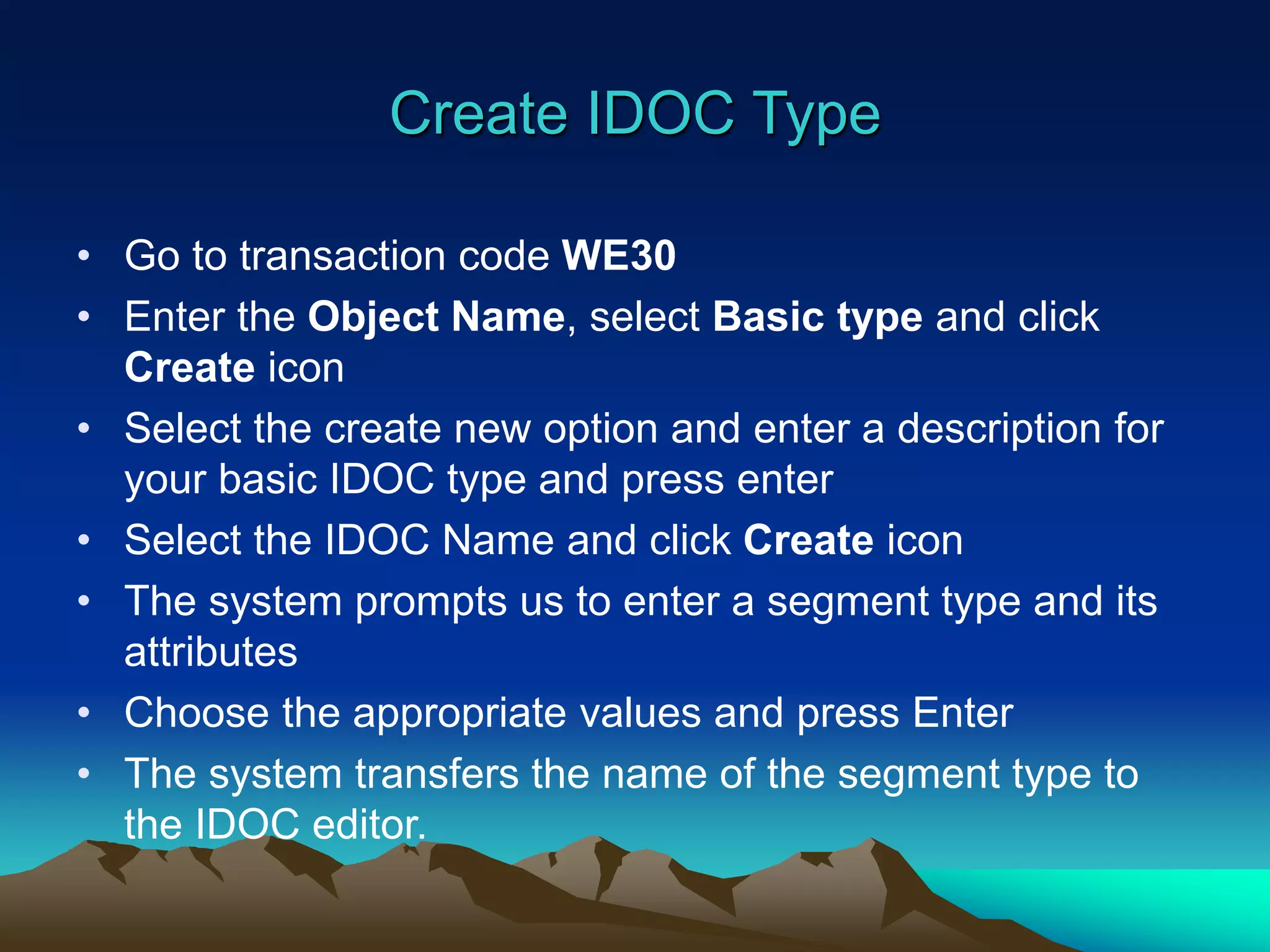
Create IDOC Type
• Go to transaction code WE30
• Enter the Object Name, select Basic type and click
Create icon
• Select the create new option and enter a description for
your basic IDOC type and press enter
• Select the IDOC Name and click Create icon
• The system prompts us to enter a segment type and its
attributes
• Choose the appropriate values and press Enter
• The system transfers the name of the segment type to
the IDOC editor.
Create IDOC Type
• Follow these steps to add more number of segments to
Parent or as Parent-child relation
• Save it and go back
• Go to Edit -> Set release
Create Message Type
• Go to transaction code WE81
• Change the details from Display mode to Change
mode
• After selection, the system will give this message “The
table is cross-client (see Help for further info)”. Press
Enter
• Click New Entries to create new Message Type
• Fill details
• Save it and go back
Assign Message Type to IDoc Type
• Go to transaction code WE82
• Change the details from Display mode to Change
mode
• After selection, the system will give this message “The
table is cross-client (see Help for further info)”. Press
Enter.
• Click New Entries to create new Message Type.
• Fill details
• Save it and go back
Runtime Components
• There are three types of records
• Control Record
• Data Record
• Status Record
• Control Record - contains the key information like
destination, IDoc type, message type, port and sender
information.
• Control records are of EDIDC type of structure
Runtime Components
• Data Records - This contains two parts
• Administrative Section and Data Section
• Administrative Section consists of Idoc number,
Segment Name, Segment number, Version, Segment
Hierarchy etc.
• Data Section contains the data of respective segment
• Data records are of EDIDD type of structure
Runtime Components
• Status Record - whenever a process is taken
place, system will generate status records.
• We can identify the process with the number of
status record.
• 01 - 49 for Outbound Process
• 50 - 75 for Inbound Process
• when IDoc is processed the messages are:
• 01 - IDoc is created
• 30 - IDoc is ready for dispatch
• 03 - IDoc is processed
Runtime Components
• We need to write a Selection Program to create a
Physical structure of IDoc
• Import Parameters
• Define a parameter of type NAST
• Define a parameter of type EDIDC (for control record)
• Export Parameters
• Define a parameter of type WFAS1-ASGTP
• Define a parameter of type EDIDC (for control record)
• Tables
• Define a parameter of type EDIDD (for Data record)
Thanks

idoc.ppt

  • 1.
    Intermediate Documents (IDOCs) • Whatis an IDoc • An IDoc is simply a data container that is used to exchange information between any two processes that can understand the syntax and semantics of the data. • IDoc is not a process.
  • 2.
    Intermediate Document • IDOCsare stored in the database. In the SAP system, IDOCs are stored in database tables. • IDOCs are independent of the sending and receiving systems. • IDOCs are independent of the direction of data exchange.
  • 3.
    Process • The twoavailable process for IDOCs are • Outbound Process • Inbound Process
  • 4.
    Outbound Process • Sendingout the data from our system. The IDOC which is called as Outbound IDOC. Application Object Appln data Selection Program IDoc_output_<messagetype> Outbound Trigger Program Idoc in text format idoc
  • 5.
    Inbound Process • Whenthe data is coming in, the process is called Inbound Process and the IDoc is known as Inbound IDoc. Application Object Appln data Posting Program Idoc_inbound_<messagetype> Inbound trigger program idoc Idoc in text format
  • 6.
    IDoc Applications • SeveralSAP applications use the robust IDOC interface. IDocs serve the basic purpose of transferring data from one application to another.  EDI Integration  ALE Integration  Legacy System Integration  Third-party Product Integration  Workflow Integration  SAP R/2 Integration  Internet Integration
  • 7.
    Idoc Applications  OCRApplication Integration • OCR (Optical Character Recognition) is a technology that scans and interprets printed matter using pattern recognition. We can integrate an OCR application with SAP via IDOCs. Documents in a standard format can be scanned to generate IDOCs, which then can be transferred to the SAP System for processing.
  • 8.
    Idoc Applications • ICRApplication Integration – A barcode system is an example of ICR (Intelligent Character Recognition) technology. Data encoded using barcodes can be captured and stored as an IDOC which then can be passed to SAP for further processing.
  • 9.
    Idoc Components • Thereare basically two types of IDOCs. • Basic IDOCs • Extended IDOCs
  • 10.
    Idoc Components • BasicIdoc • Basic IDOC type defines the structure and format of the business document that is to be exchanged between two systems. • Extension Idoc • Extending the functionality by adding more segments to existing Basic IDOCs.
  • 11.
    Creation of IDoc •To Create Idoc we need to follow these steps: • Create Segment ( WE31) • Create Idoc Type ( WE30) • Create Message Type ( WE81) • Assign Idoc Type to Message Type ( WE82)
  • 12.
    Creating a Segment •Go to transaction code WE31 • Enter the name for your segment type and click on the Create icon • Type the short text • Enter the variable names and data elements • Save it and go back • Go to Edit -> Set Release • Follow steps to create more number of segments
  • 13.
    Create IDOC Type •Go to transaction code WE30 • Enter the Object Name, select Basic type and click Create icon • Select the create new option and enter a description for your basic IDOC type and press enter • Select the IDOC Name and click Create icon • The system prompts us to enter a segment type and its attributes • Choose the appropriate values and press Enter • The system transfers the name of the segment type to the IDOC editor.
  • 14.
    Create IDOC Type •Follow these steps to add more number of segments to Parent or as Parent-child relation • Save it and go back • Go to Edit -> Set release
  • 15.
    Create Message Type •Go to transaction code WE81 • Change the details from Display mode to Change mode • After selection, the system will give this message “The table is cross-client (see Help for further info)”. Press Enter • Click New Entries to create new Message Type • Fill details • Save it and go back
  • 16.
    Assign Message Typeto IDoc Type • Go to transaction code WE82 • Change the details from Display mode to Change mode • After selection, the system will give this message “The table is cross-client (see Help for further info)”. Press Enter. • Click New Entries to create new Message Type. • Fill details • Save it and go back
  • 17.
    Runtime Components • Thereare three types of records • Control Record • Data Record • Status Record • Control Record - contains the key information like destination, IDoc type, message type, port and sender information. • Control records are of EDIDC type of structure
  • 18.
    Runtime Components • DataRecords - This contains two parts • Administrative Section and Data Section • Administrative Section consists of Idoc number, Segment Name, Segment number, Version, Segment Hierarchy etc. • Data Section contains the data of respective segment • Data records are of EDIDD type of structure
  • 19.
    Runtime Components • StatusRecord - whenever a process is taken place, system will generate status records. • We can identify the process with the number of status record. • 01 - 49 for Outbound Process • 50 - 75 for Inbound Process • when IDoc is processed the messages are: • 01 - IDoc is created • 30 - IDoc is ready for dispatch • 03 - IDoc is processed
  • 20.
    Runtime Components • Weneed to write a Selection Program to create a Physical structure of IDoc • Import Parameters • Define a parameter of type NAST • Define a parameter of type EDIDC (for control record) • Export Parameters • Define a parameter of type WFAS1-ASGTP • Define a parameter of type EDIDC (for control record) • Tables • Define a parameter of type EDIDD (for Data record)
  • 21.