A guide to IDOCs
Introduction to EDI and ALE:
EDI (Electronic Document interchange) - EDI is the electronic exchange of business documents
between the computer systems of business partners, using a standard format over a
communication network. EDI is also called as paperless exchange.
Advantages:
Reduced Data entry errors
Reduced processing time
Availability of data in electronic form
Reduced paperwork
Reduced Cost
Reduced inventories and better planning
Standard means of communications
Better business process
EDI has two process
1. Outbound process
2. Inbound process
Outbound Process:
1.Application document is created.
2. IDOC is generated
3.Idoc is transferred from SAP to Operating system layer
4.Idoc is converted into EDI standards
5.Edi document is transmitted to the business partner
6.The Edi Subsystem report status to SAP
Inbound Process:
1.EDI transmission received
2.EDI document is converted into an IDOC
3.IDOC is transferred to the SAP layer
4.The application document is created
5.The application document can be viewed.
IDOC:
IDOC is a container that can be used to exchange data between any two processes.
Each IDOC is assigned a unique number for tracking and future reference.
IDOC consists of several segments, and segments contain several fields.
IDOC contains the following three types of records...
1. One Control Record.
2. One or many Data Record
3. One or many Status record.
In IDOCs the following terms are to be known.
PORT:
Port is used in the outbound process to determine the name of the EDI subsystem program, the
directory path where the IDOC file will be created at the operating system level, the IDOC file
names and the RFC destinations.
RFC Destination:
Used to define the characteristics of communication links to a remote system on which a
functions needs to be executed.
Partner Profile:
Partner profile specified the various components used in an outbound process (Partner number,
IDOC type, message type, Port, Process code), the mode in which it communicates with the
subsystem (batch or immediate) and the person to be notified in case of errors.
Message Control
Used in pricing, account determination, material determination, and output determination. The
message control component enables you to encapsulate business rules without having to write
ABAP programs.
TO Process IDOCS the following TCODES will be used.
On both sides:
Logical System Names SALE
Setup RFC destinations SM59
Port Destinations WE21
In Source system:
Segment Creation WE31
Basic IDOC Type Creation WE30
Message Type Creation WE81
Assign Message Type to Basic IDOC Type WE82
Distribution Model BD64
Writing Report Program SE38
Partner Profile WE20
Message control NACE
Check IDOCs WE02, WE05
In Destination System:
Creating FM SE37
Assign FM to Logical Message WE57
Define I/P method for Inbound FM BD51
Create Process Code WE42
Generate Partner Profile BD64

I doc in SAP

  • 1.
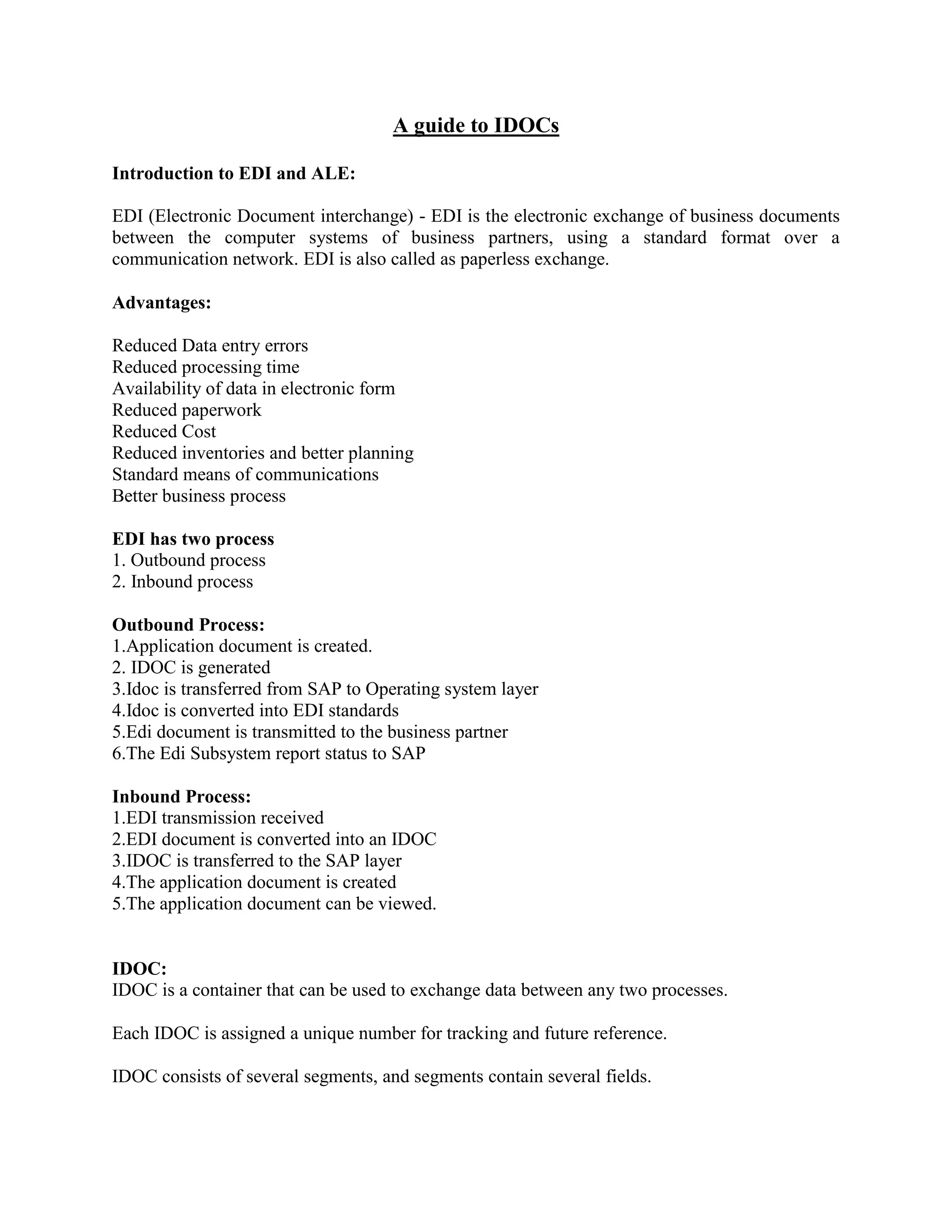
    A guide toIDOCs Introduction to EDI and ALE: EDI (Electronic Document interchange) - EDI is the electronic exchange of business documents between the computer systems of business partners, using a standard format over a communication network. EDI is also called as paperless exchange. Advantages: Reduced Data entry errors Reduced processing time Availability of data in electronic form Reduced paperwork Reduced Cost Reduced inventories and better planning Standard means of communications Better business process EDI has two process 1. Outbound process 2. Inbound process Outbound Process: 1.Application document is created. 2. IDOC is generated 3.Idoc is transferred from SAP to Operating system layer 4.Idoc is converted into EDI standards 5.Edi document is transmitted to the business partner 6.The Edi Subsystem report status to SAP Inbound Process: 1.EDI transmission received 2.EDI document is converted into an IDOC 3.IDOC is transferred to the SAP layer 4.The application document is created 5.The application document can be viewed. IDOC: IDOC is a container that can be used to exchange data between any two processes. Each IDOC is assigned a unique number for tracking and future reference. IDOC consists of several segments, and segments contain several fields.
  • 2.
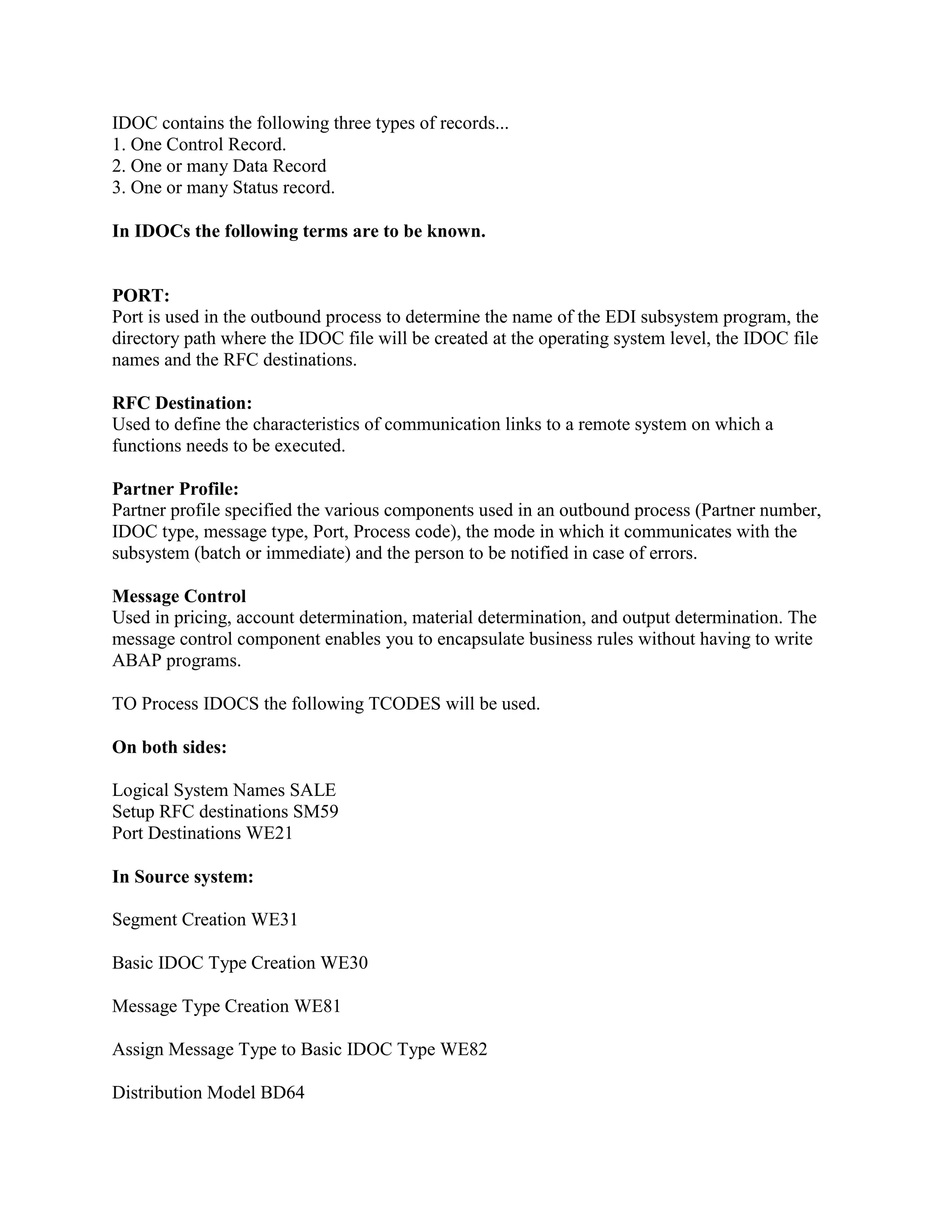
    IDOC contains thefollowing three types of records... 1. One Control Record. 2. One or many Data Record 3. One or many Status record. In IDOCs the following terms are to be known. PORT: Port is used in the outbound process to determine the name of the EDI subsystem program, the directory path where the IDOC file will be created at the operating system level, the IDOC file names and the RFC destinations. RFC Destination: Used to define the characteristics of communication links to a remote system on which a functions needs to be executed. Partner Profile: Partner profile specified the various components used in an outbound process (Partner number, IDOC type, message type, Port, Process code), the mode in which it communicates with the subsystem (batch or immediate) and the person to be notified in case of errors. Message Control Used in pricing, account determination, material determination, and output determination. The message control component enables you to encapsulate business rules without having to write ABAP programs. TO Process IDOCS the following TCODES will be used. On both sides: Logical System Names SALE Setup RFC destinations SM59 Port Destinations WE21 In Source system: Segment Creation WE31 Basic IDOC Type Creation WE30 Message Type Creation WE81 Assign Message Type to Basic IDOC Type WE82 Distribution Model BD64
  • 3.
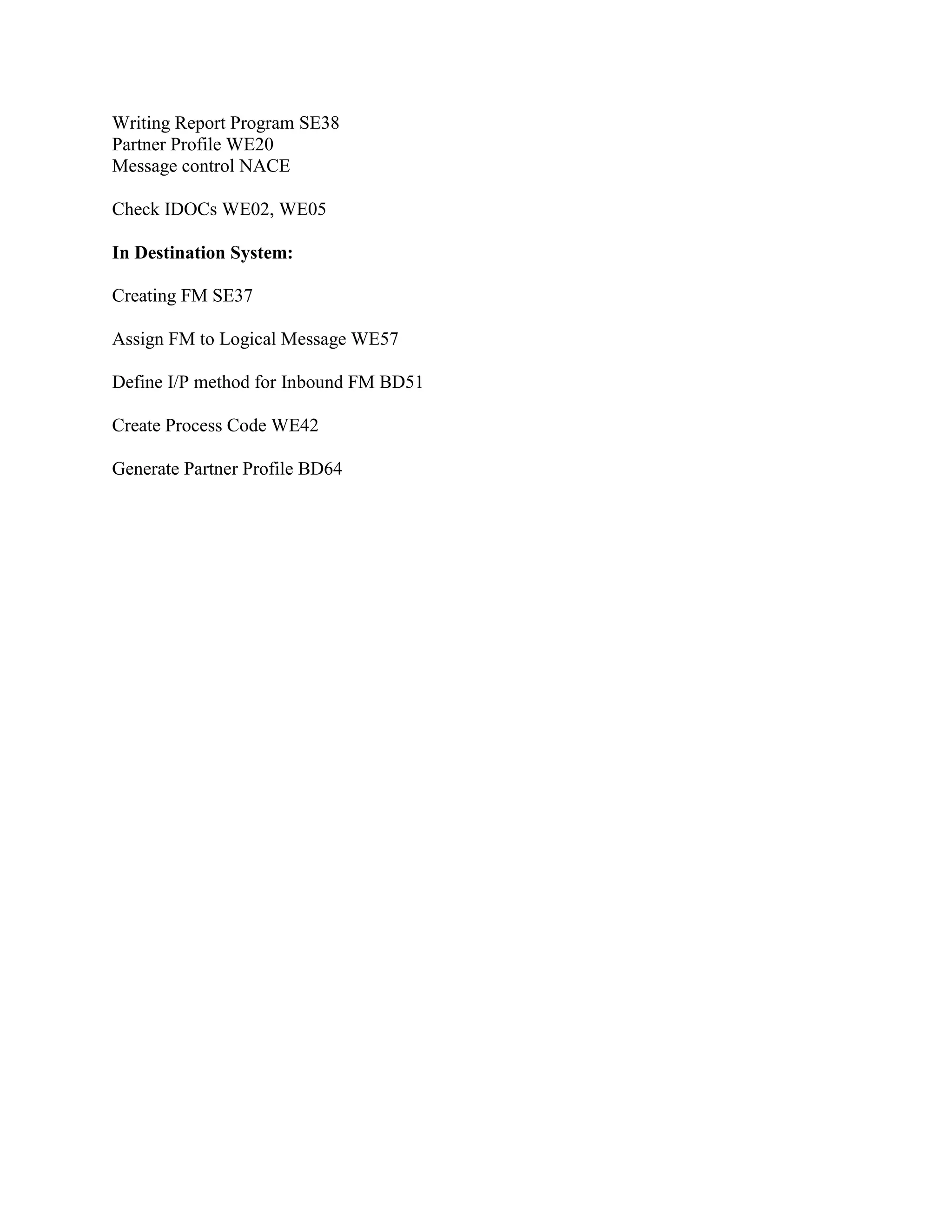
    Writing Report ProgramSE38 Partner Profile WE20 Message control NACE Check IDOCs WE02, WE05 In Destination System: Creating FM SE37 Assign FM to Logical Message WE57 Define I/P method for Inbound FM BD51 Create Process Code WE42 Generate Partner Profile BD64