Downloaded 18 times
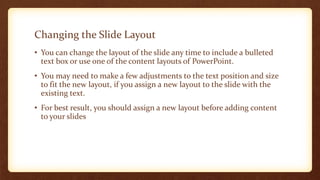
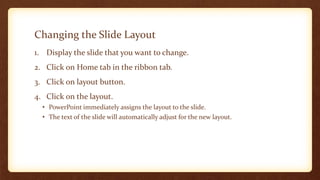
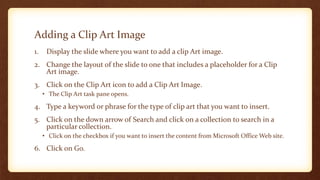
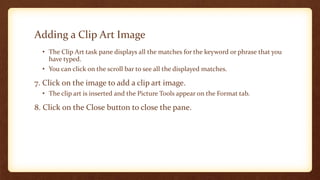
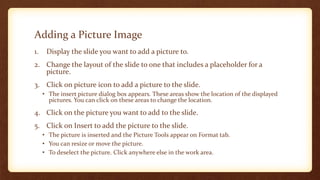
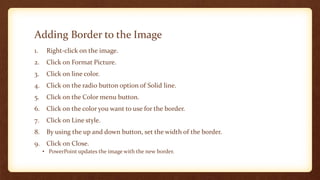
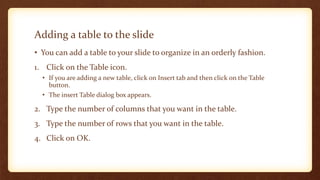
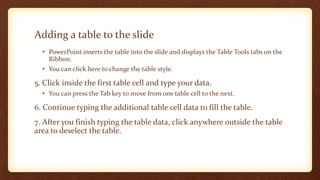
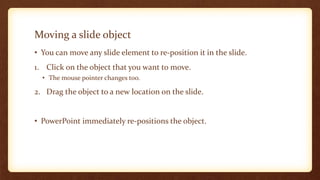
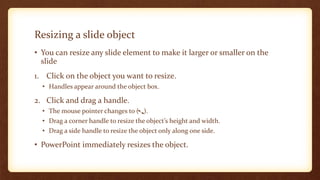
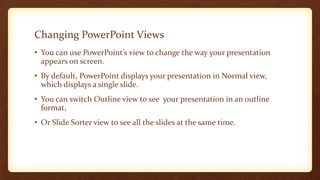
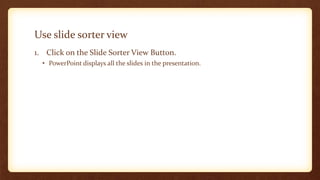
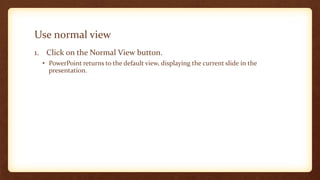
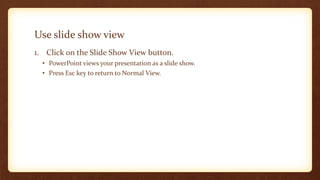
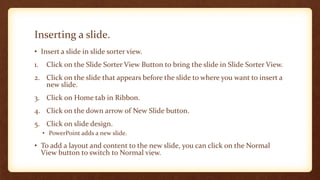
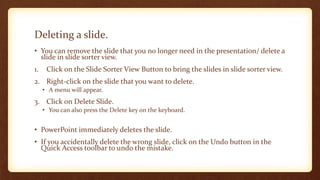


This document provides instructions for formatting presentation slides in PowerPoint. It discusses how to change slide layouts, add images, tables, borders and move or resize objects. It also covers PowerPoint views for editing slides, and how to insert, delete and rearrange slides. The key points are: - You can change slide layouts to add elements like text boxes or images and adjust content as needed for the new layout. - Images and tables can be added to slides and formatted with borders. Objects can be moved or resized on slides. - PowerPoint has different views for editing slides, including Normal, Slide Sorter and Slide Show views. - New slides can be inserted, slides and


![Making presentations[1]](https://cdn.slidesharecdn.com/ss_thumbnails/makingpresentations1-160718161043-thumbnail.jpg?width=640&height=640&fit=bounds)


