




APPLICATION OF COMPUTER
& INTERNET IN MEDICINE
HOW TO FIND INFORMATION
ON THE INTERNET
Dr. Dalia El-Shafei
Assist. Prof., CEOM Department, Zagazig University
http://www.slideshare.net/daliaelshafei
BASIC WAYS TO ACCESS INFORMATION ON THE INTERNET
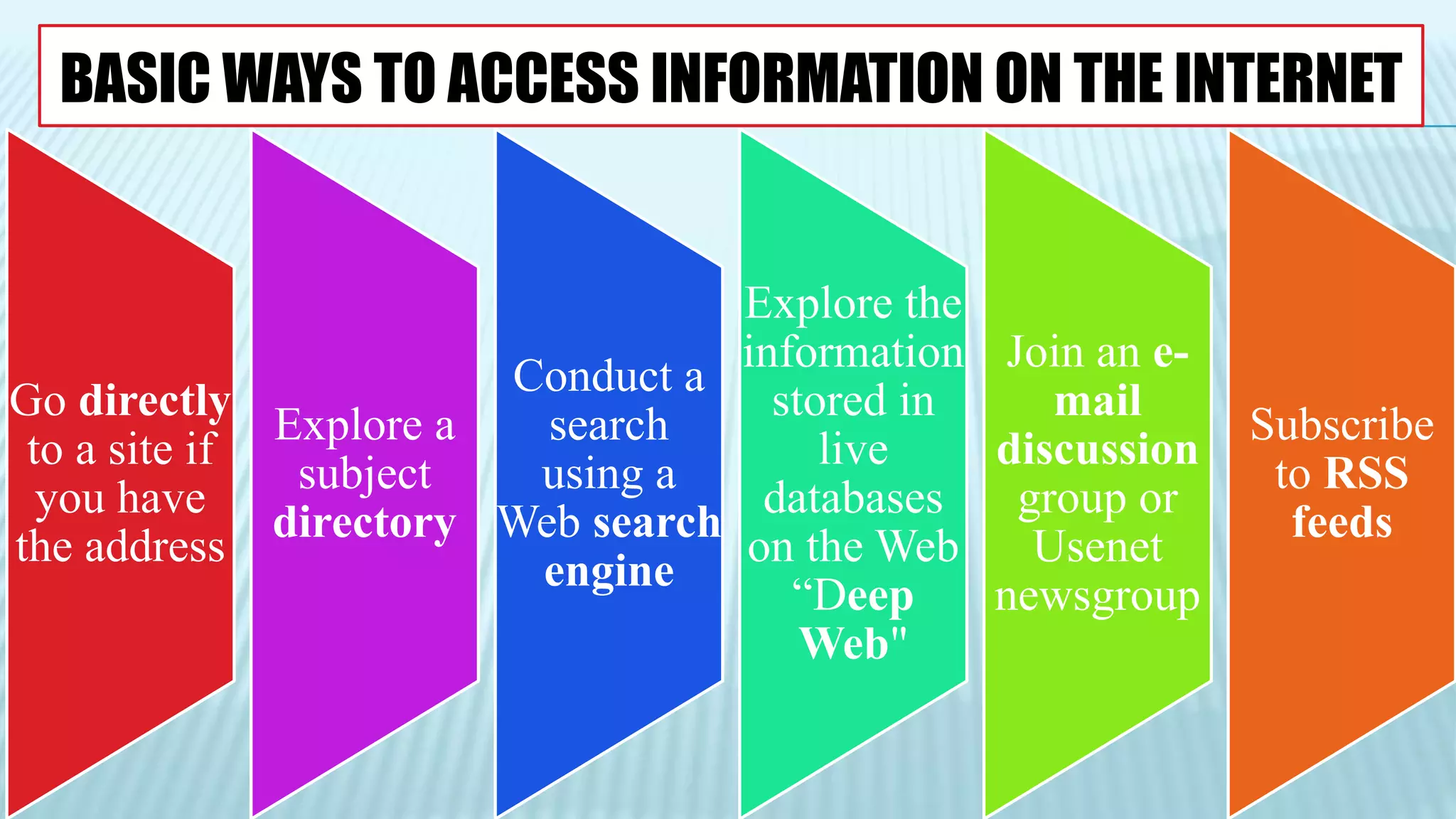
Go directly
to a site if
you have
the address
Explore a
subject
directory
Conduct a
search
using a
Web search
engine
Explore the
information
stored in
live
databases
on the Web
“Deep
Web"
Join an e-
mail
discussion
group or
Usenet
newsgroup
Subscribe
to RSS
feeds
GO DIRECTLY TO A SITE IF YOU
HAVE THE ADDRESS
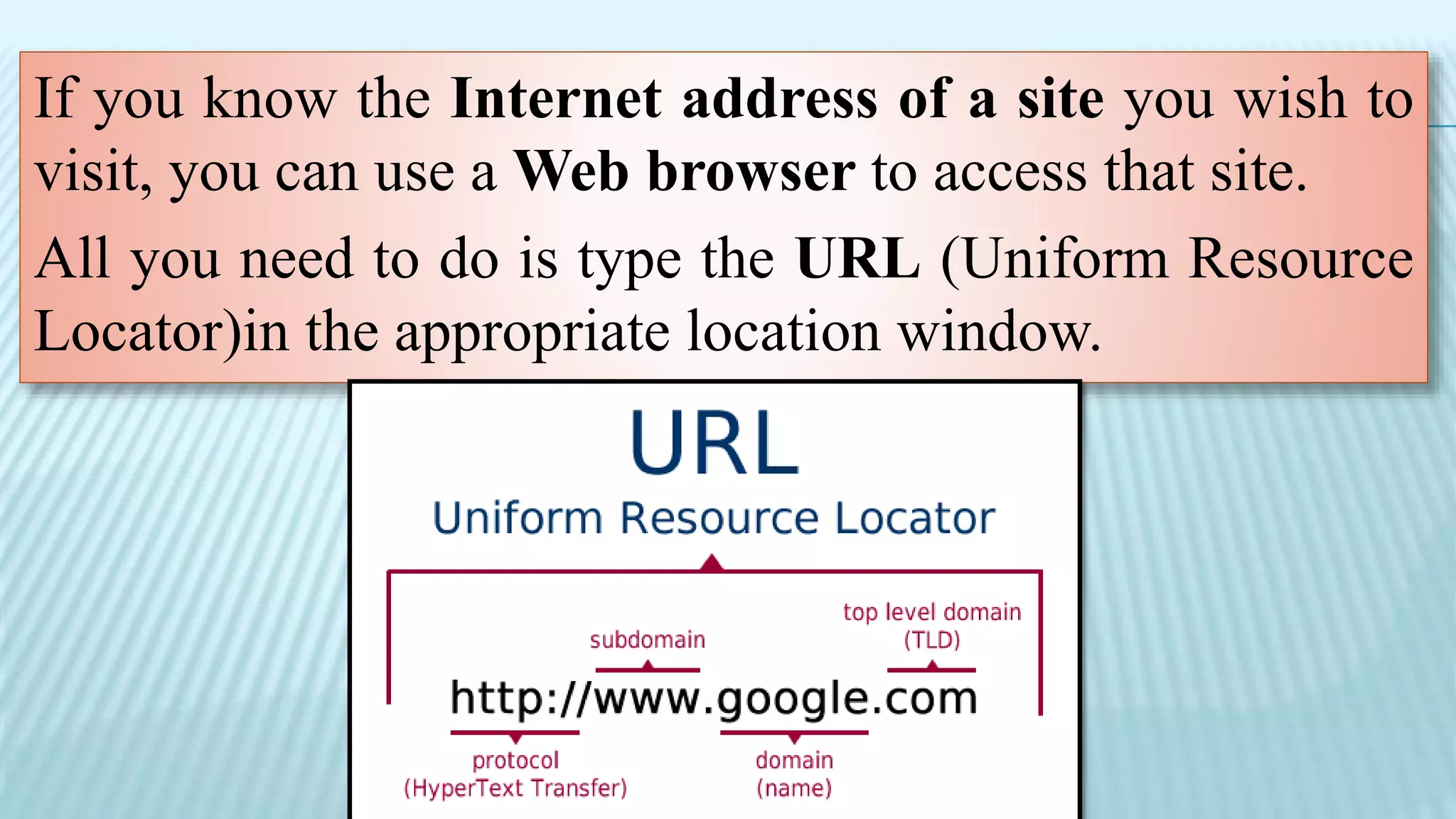
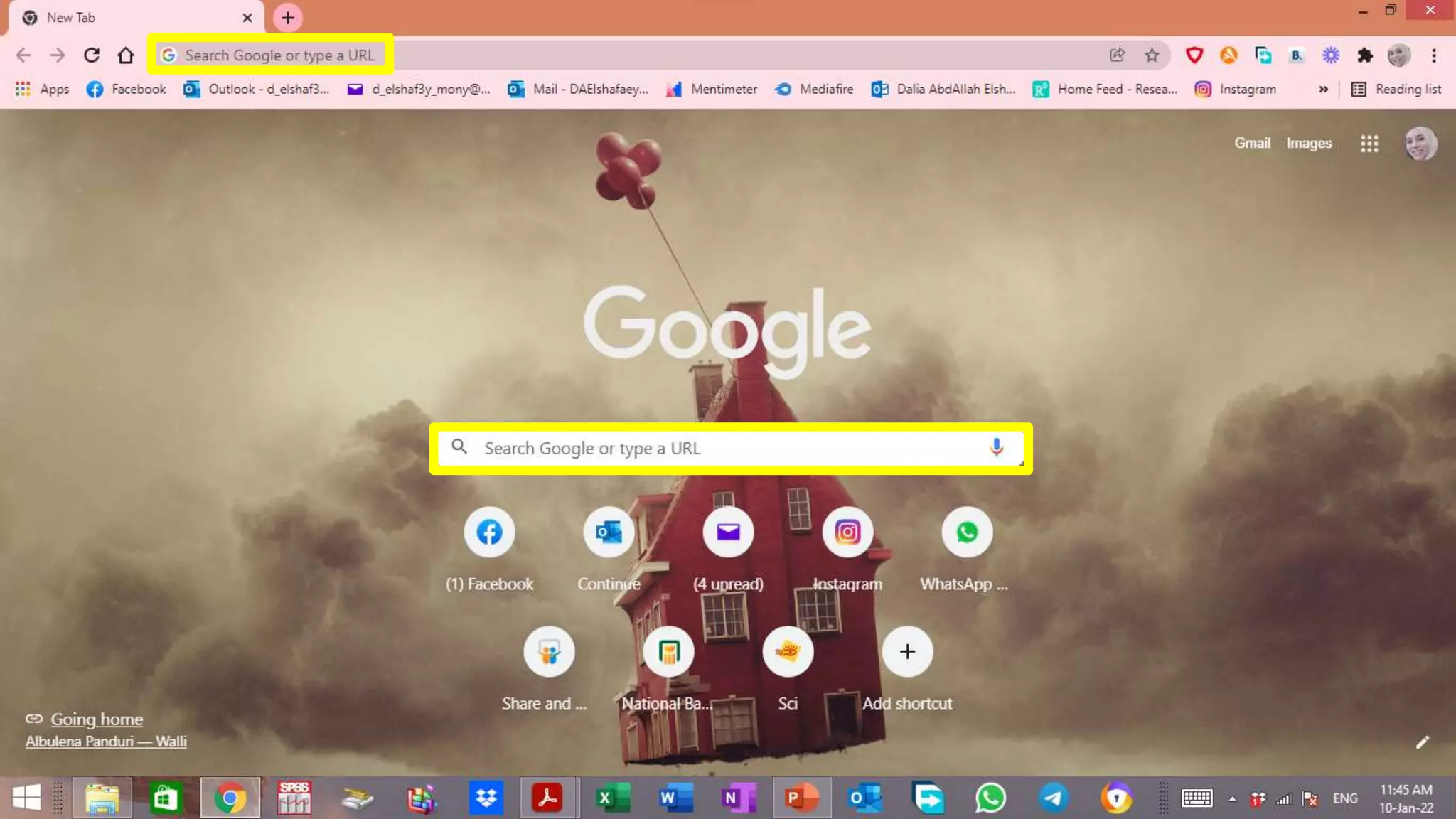
If you know the Internet address of a site you wish to
visit, you can use a Web browser to access that site.
All you need to do is type the URL (Uniform Resource
Locator)in the appropriate location window.
BROWSE
Browsing home pages on the Web is a
haphazard but interesting way of finding
desired material on the Internet.
Because the creator of a home page
programs each link, you never know
where these links might lead.
High quality starting pages will contain
high quality links.
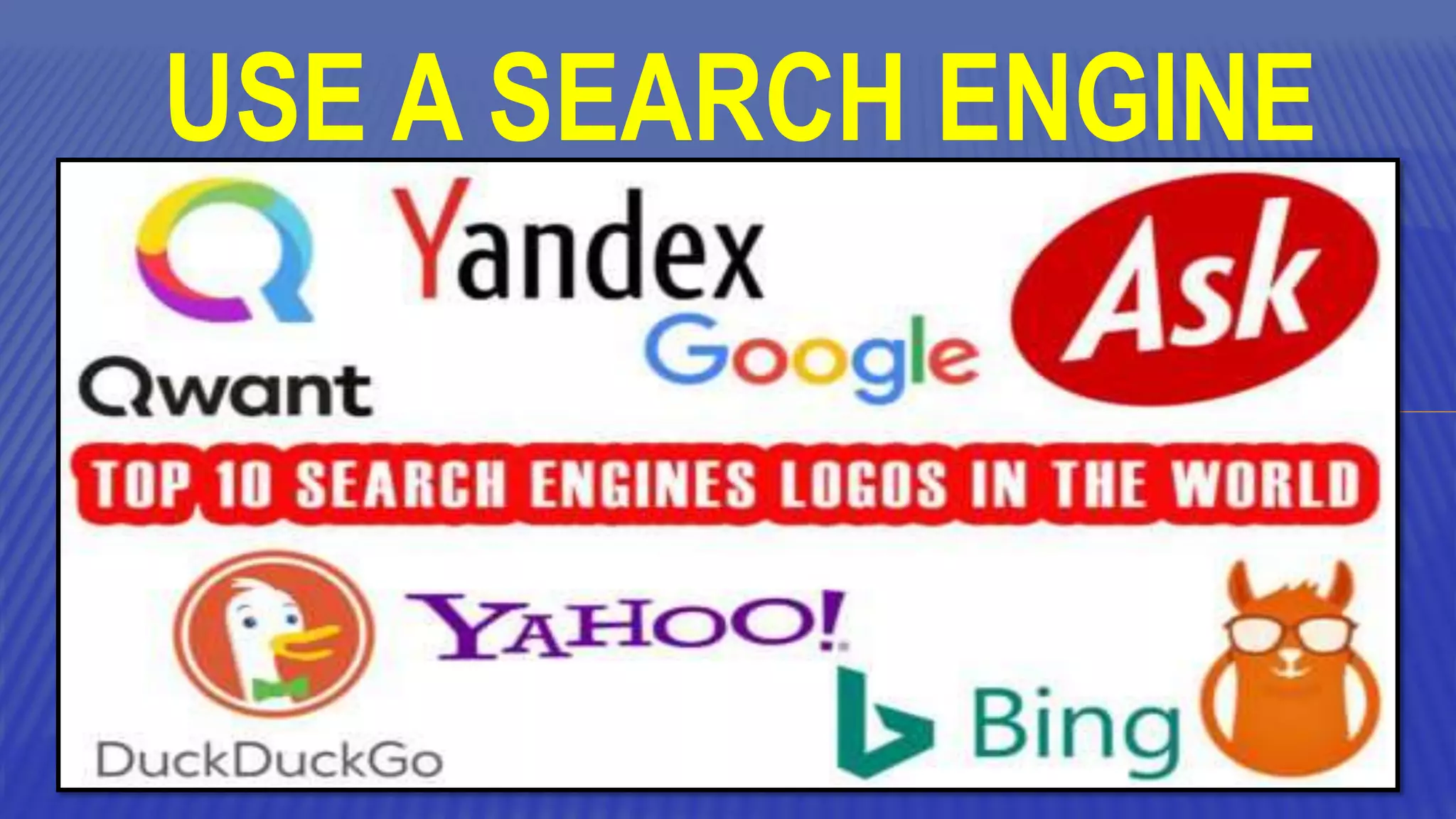
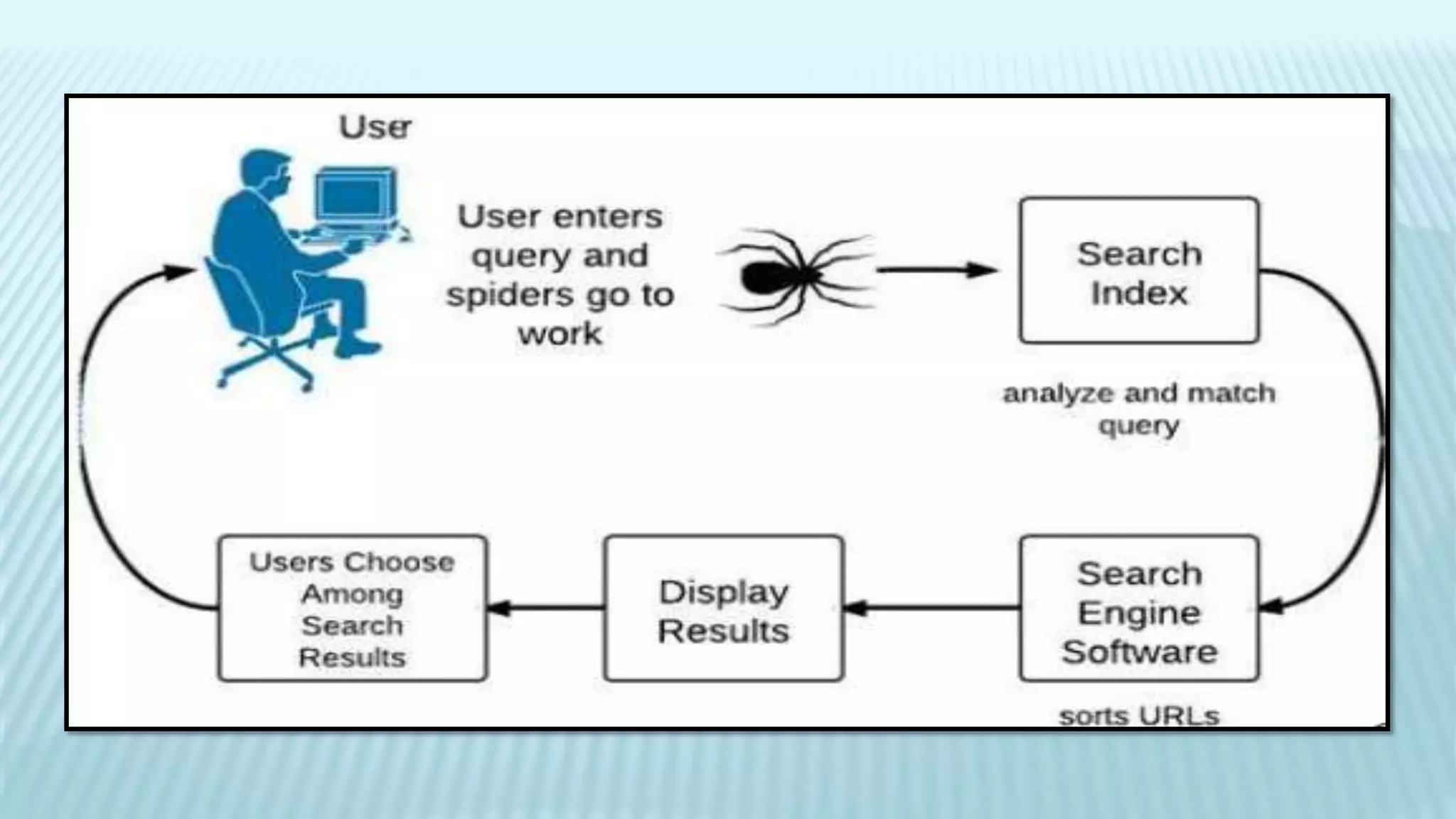
USE A SEARCH ENGINE
DEFINITION:
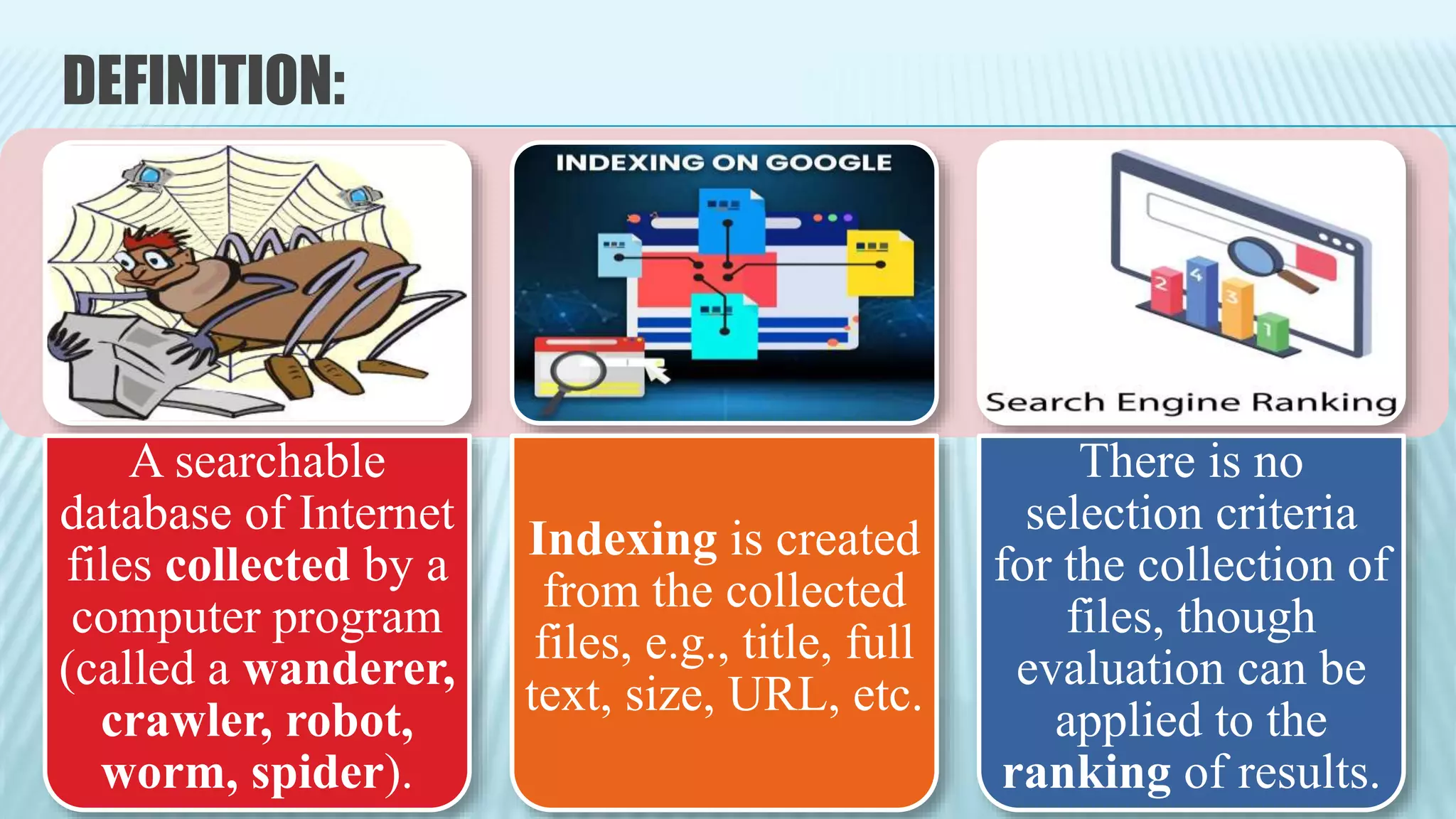
A searchable
database of Internet
files collected by a
computer program
(called a wanderer,
crawler, robot,
worm, spider).
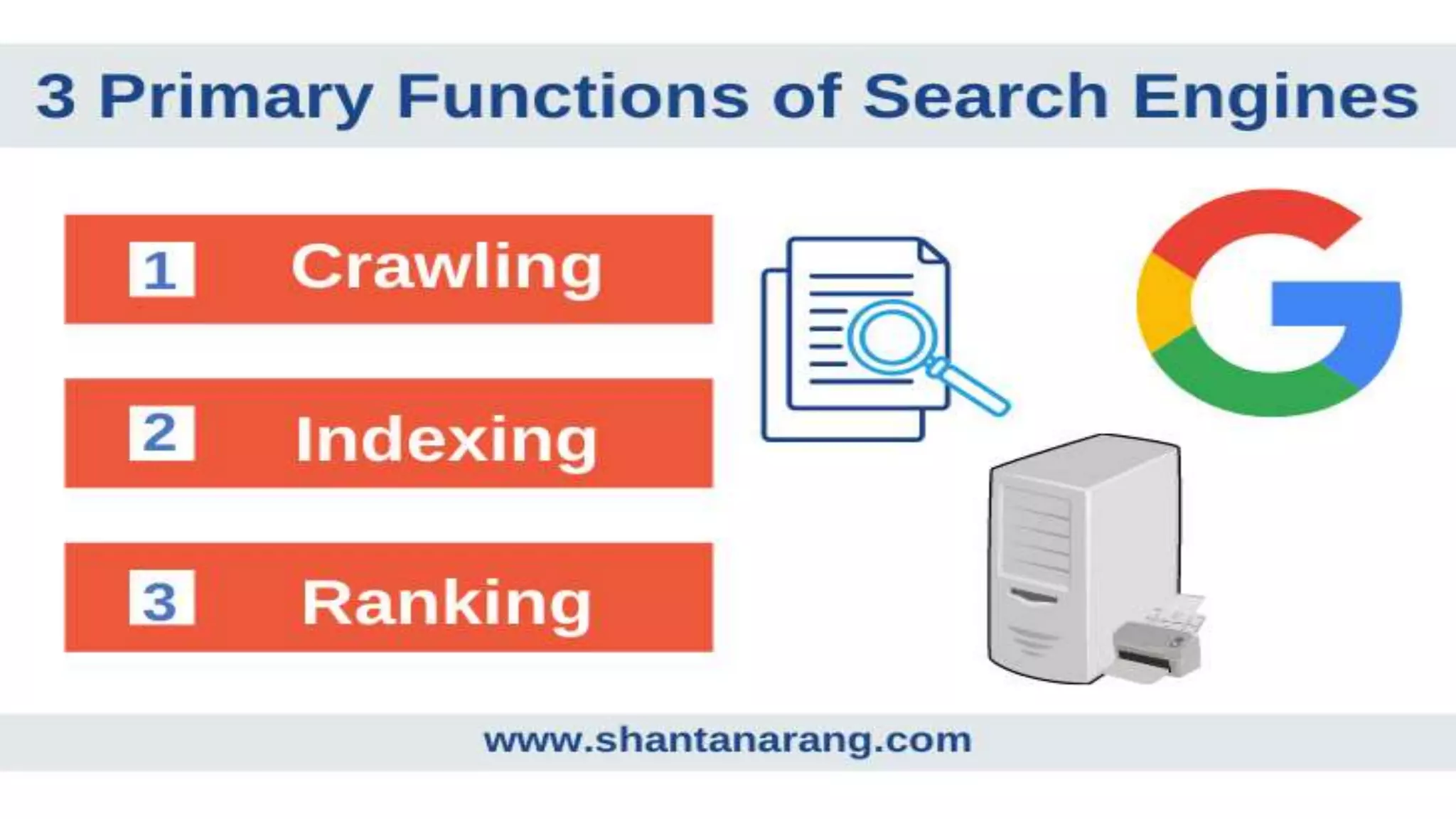
Indexing is created
from the collected
files, e.g., title, full
text, size, URL, etc.
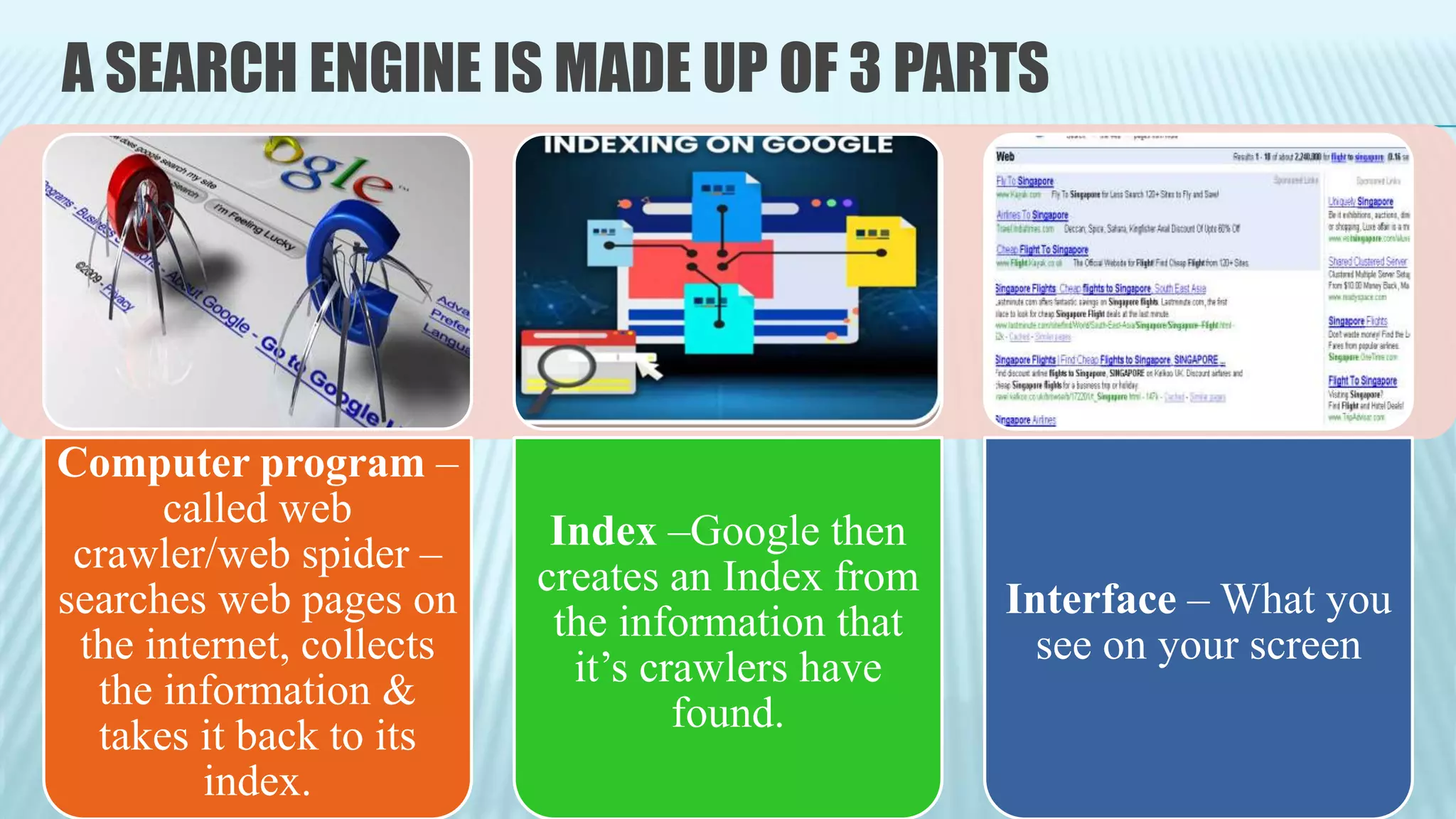
There is no
selection criteria
for the collection of
files, though
evaluation can be
applied to the
ranking of results.
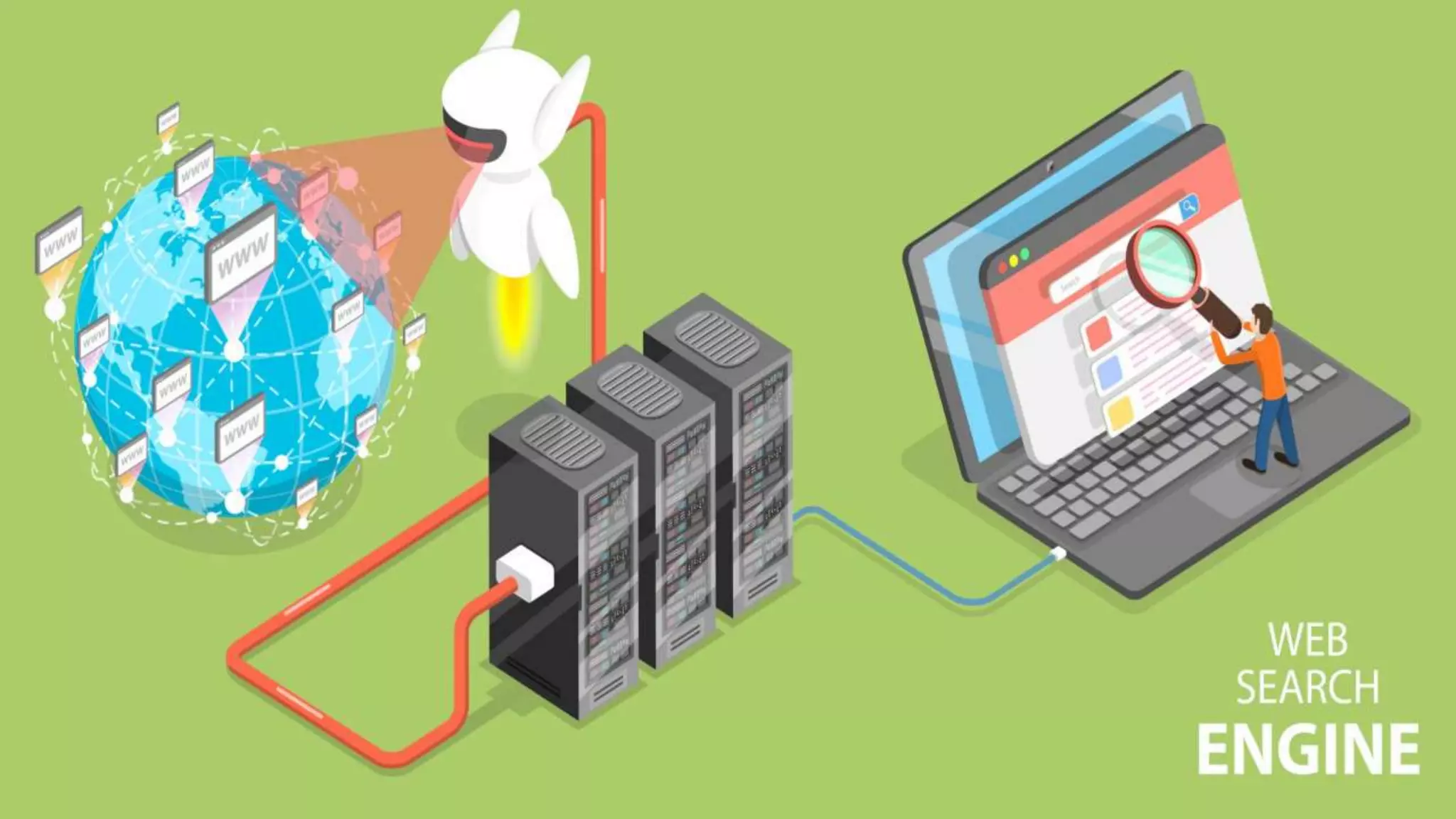
A SEARCH ENGINE IS MADE UP OF 3 PARTS
Computer program –
called web
crawler/web spider –
searches web pages on
the internet, collects
the information &
takes it back to its
index.
Index –Google then
creates an Index from
the information that
it’s crawlers have
found.
Interface – What you
see on your screen
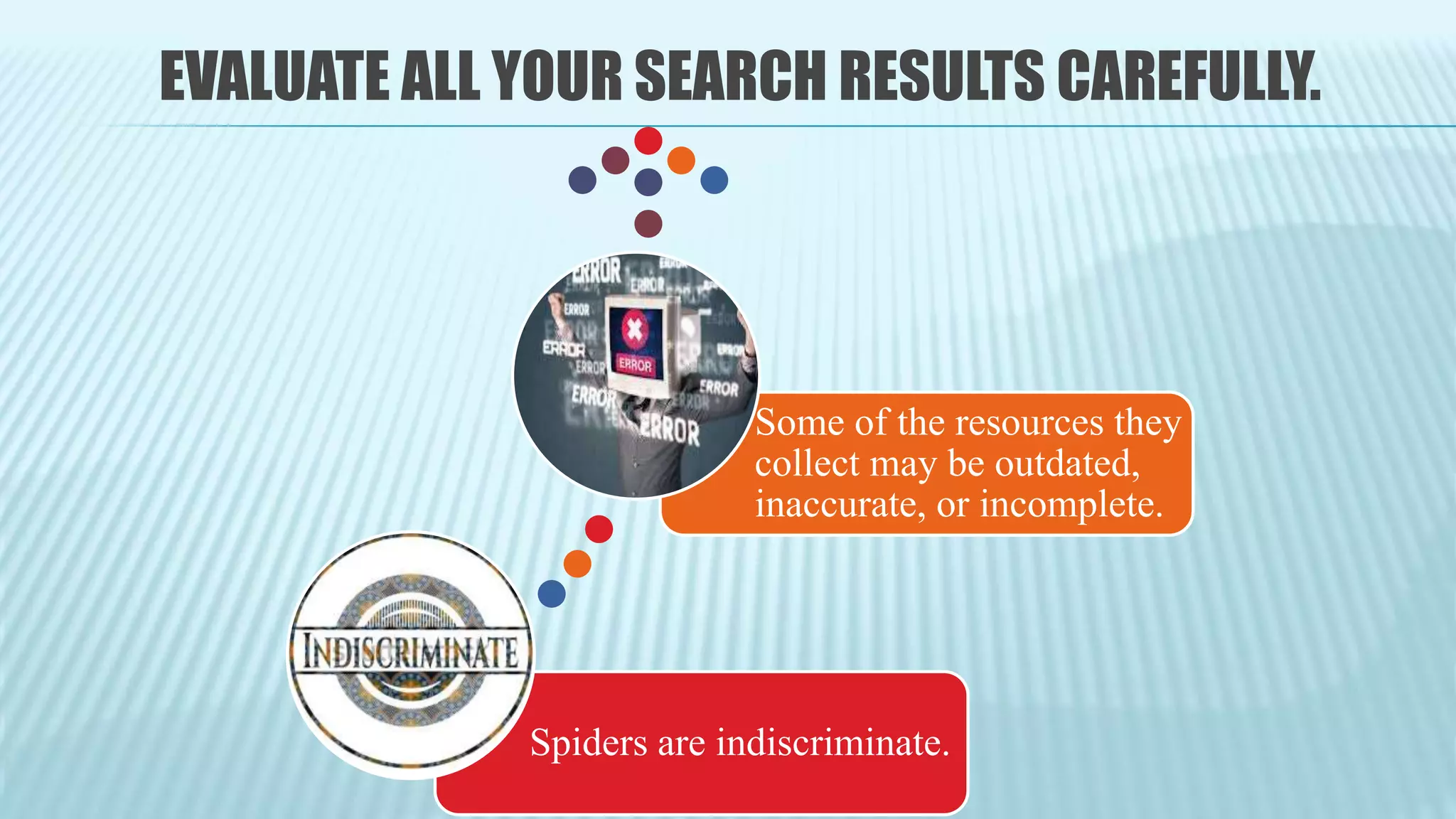
EVALUATE ALL YOUR SEARCH RESULTS CAREFULLY.
Spiders are indiscriminate.
Some of the resources they
collect may be outdated,
inaccurate, or incomplete.
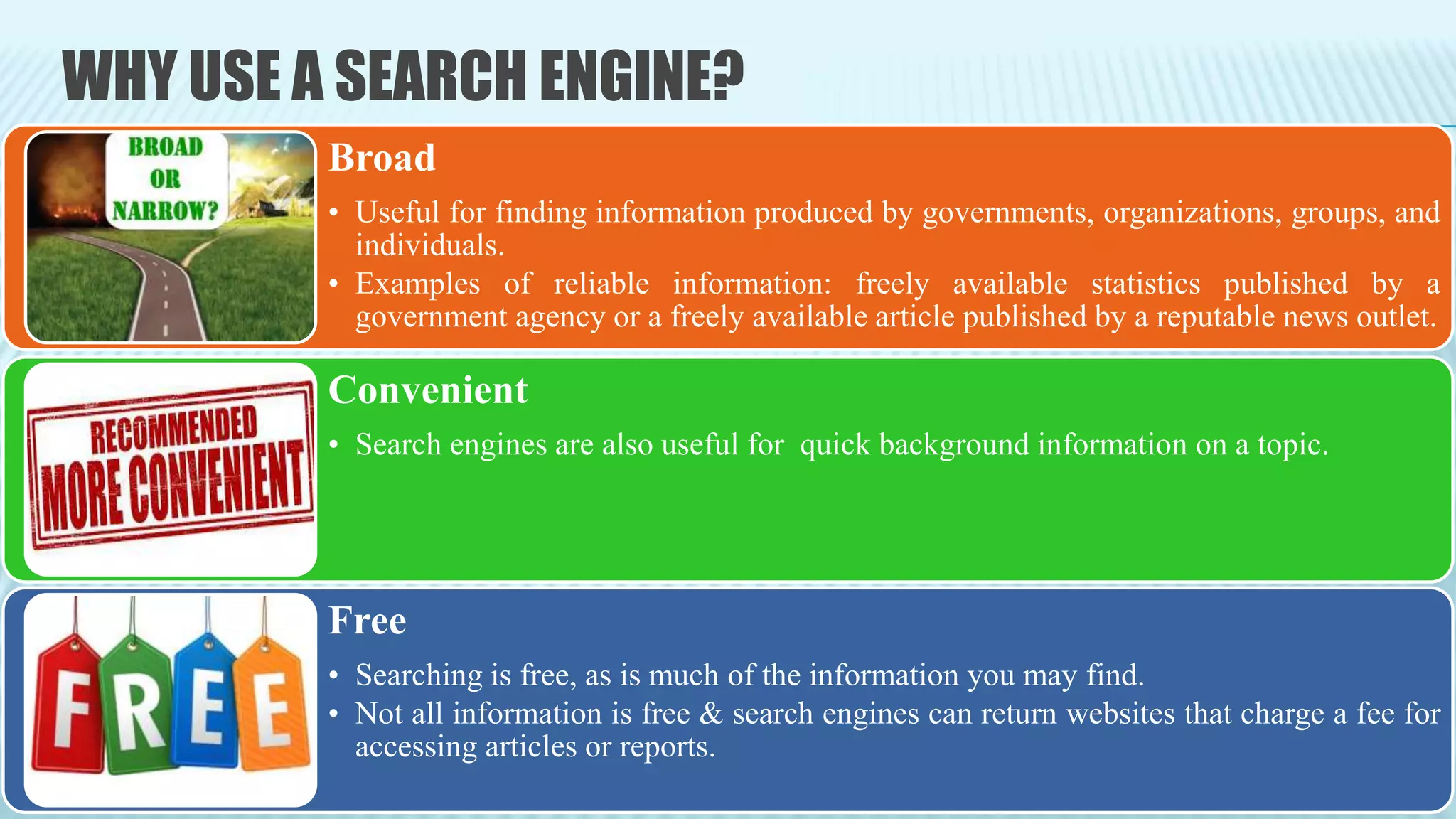
WHY USE A SEARCH ENGINE?
Broad
• Useful for finding information produced by governments, organizations, groups, and
individuals.
• Examples of reliable information: freely available statistics published by a
government agency or a freely available article published by a reputable news outlet.
Convenient
• Search engines are also useful for quick background information on a topic.
Free
• Searching is free, as is much of the information you may find.
• Not all information is free & search engines can return websites that charge a fee for
accessing articles or reports.
It is more challenging to narrow results effectively, find
relevant material, and assess the legitimacy of information
in your search results when using a search engine.
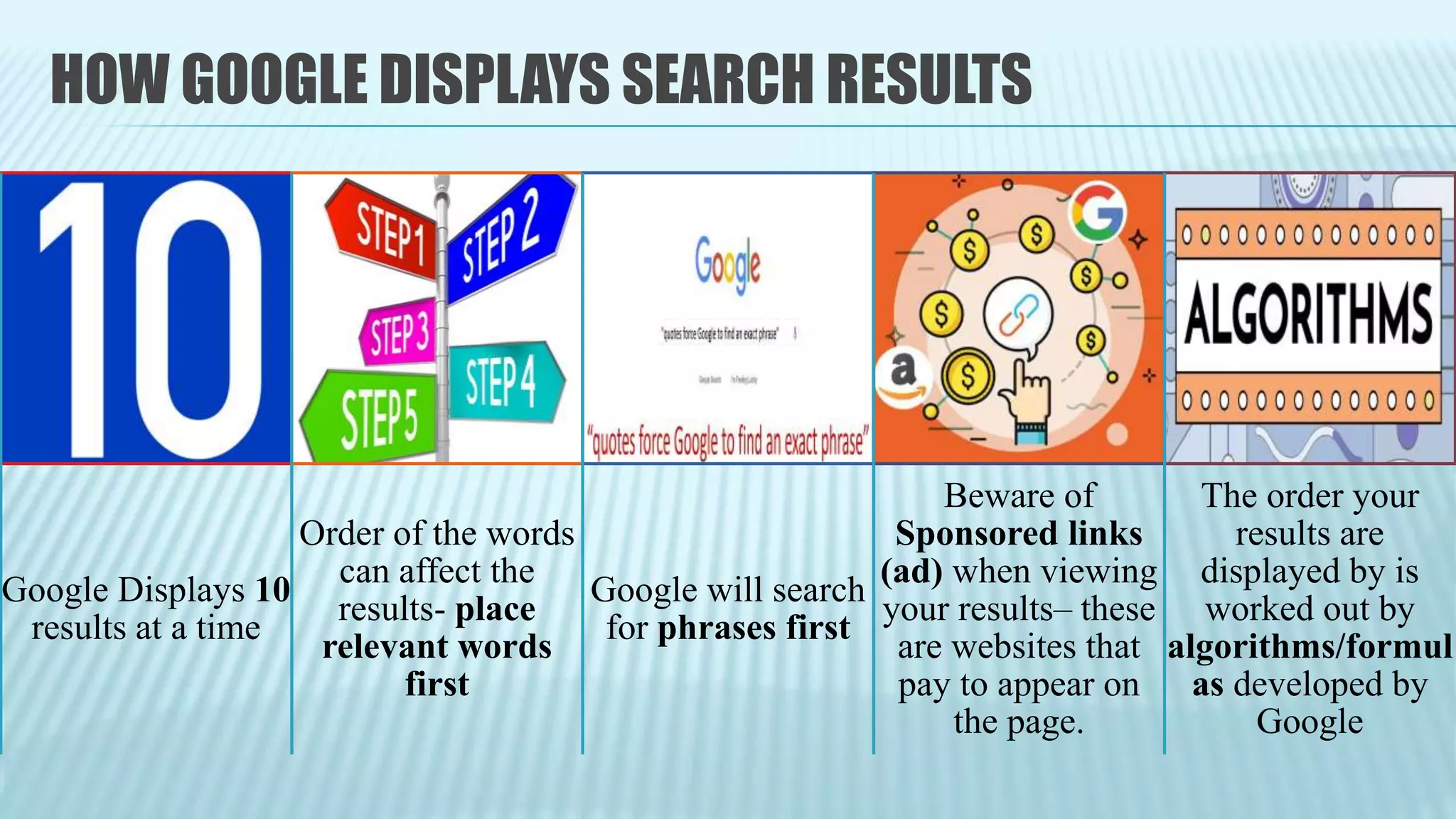
HOW GOOGLE DISPLAYS SEARCH RESULTS
Google Displays 10
results at a time
Order of the words
can affect the
results- place
relevant words
first
Google will search
for phrases first
Beware of
Sponsored links
(ad) when viewing
your results– these
are websites that
pay to appear on
the page.
The order your
results are
displayed by is
worked out by
algorithms/formul
as developed by
Google
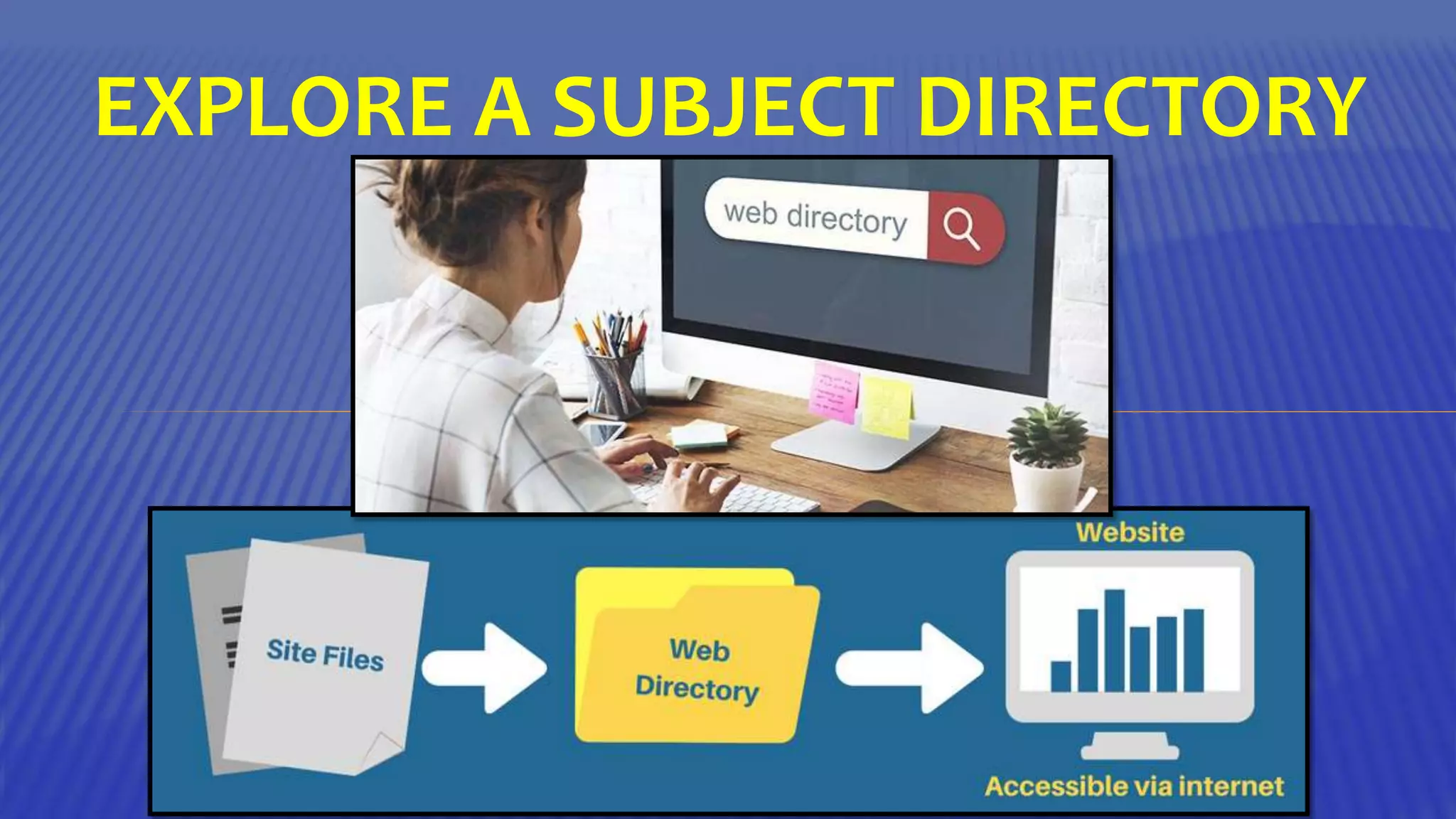
EXPLORE A SUBJECT DIRECTORY
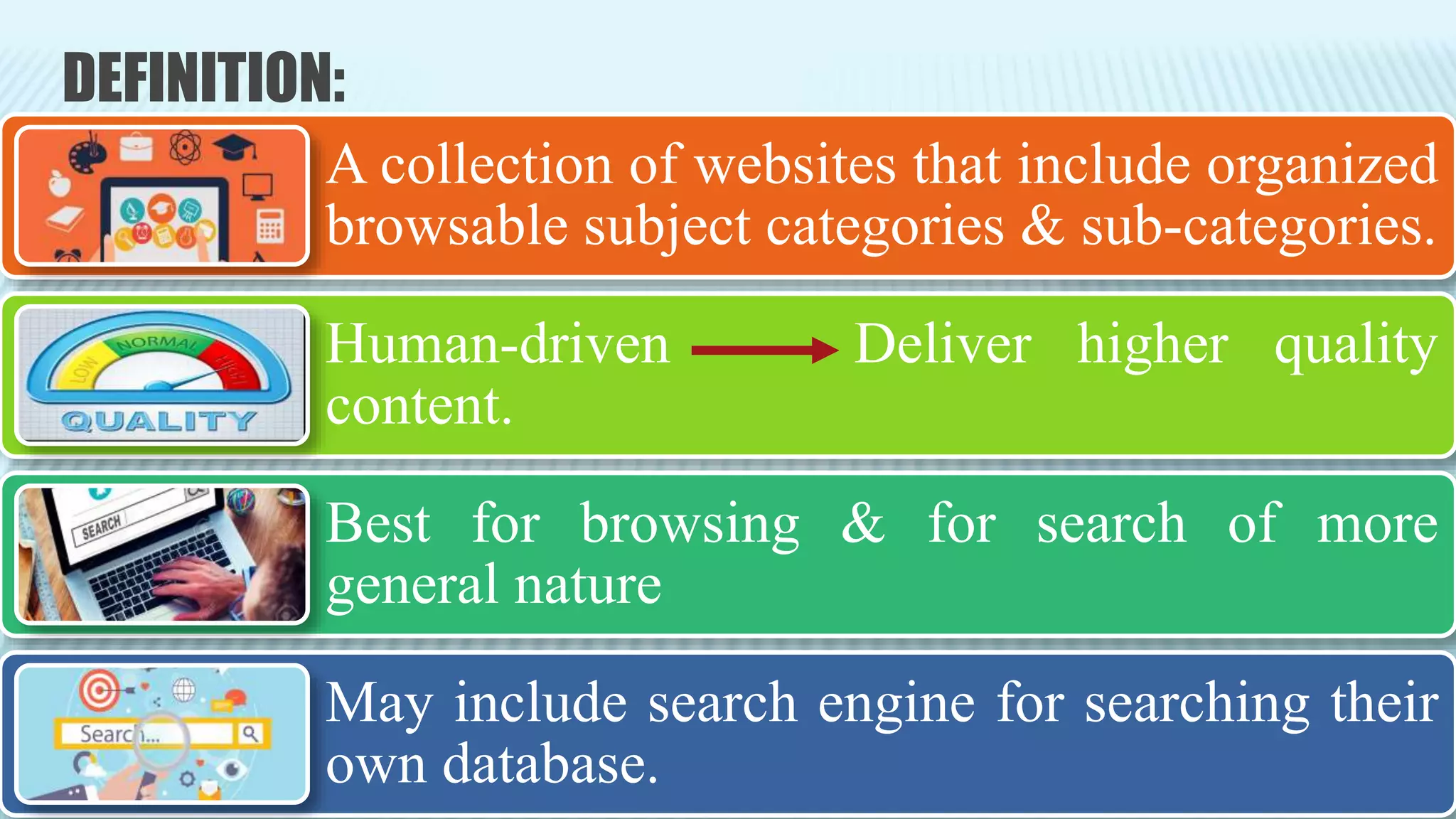
DEFINITION:
A collection of websites that include organized
browsable subject categories & sub-categories.
Human-driven Deliver higher quality
content.
Best for browsing & for search of more
general nature
May include search engine for searching their
own database.
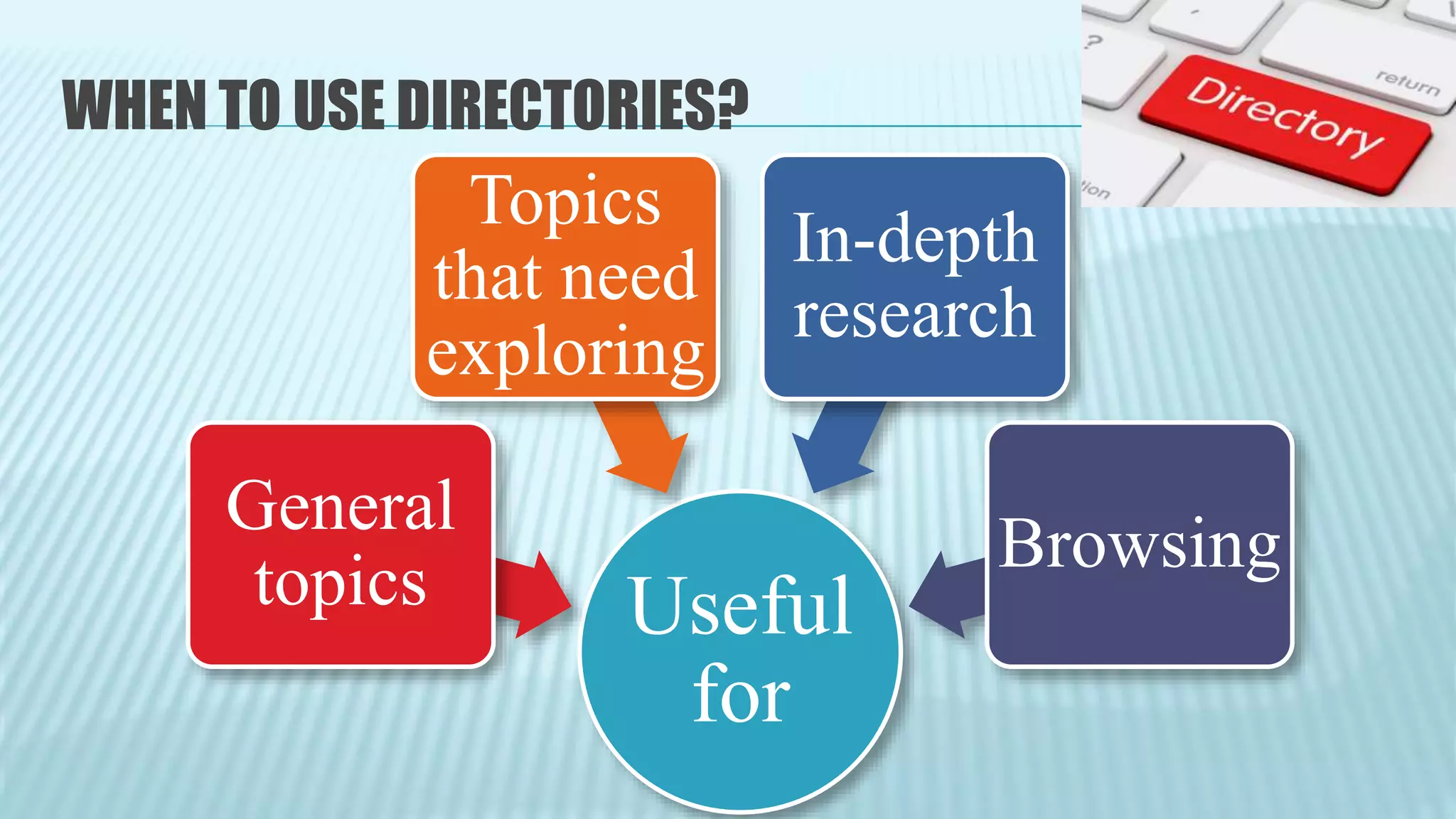
WHEN TO USE DIRECTORIES?
Useful
for
General
topics
Topics
that need
exploring
In-depth
research
Browsing
THERE ARE 2 BASIC TYPES OF DIRECTORIES:
Academic /professional
Often created &
maintained by subject
experts to support the
needs of researchers
Commercial
Satisfy the general public
& are competing for
traffic.
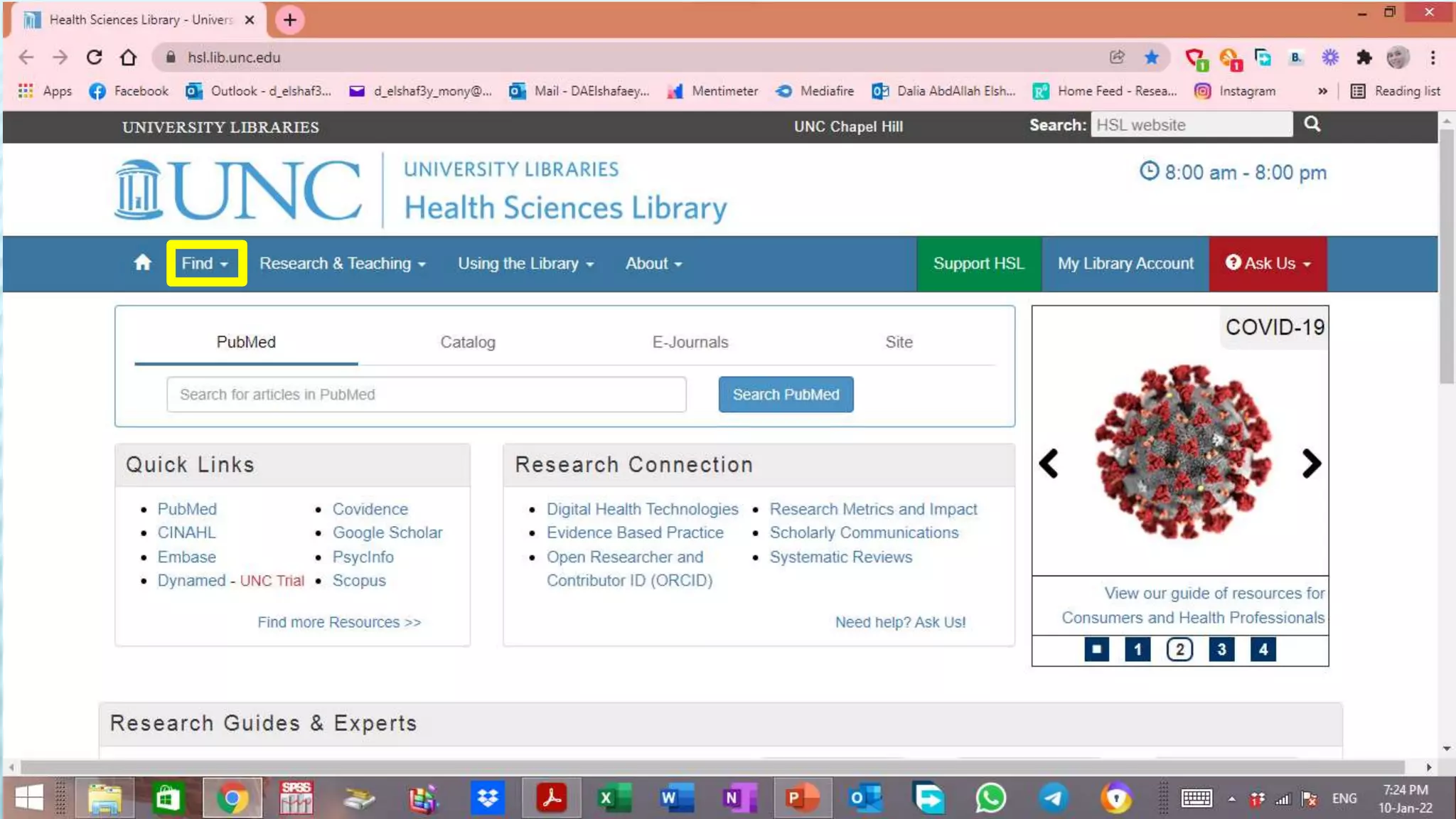
Example of an Academic Subject
Directory
“University Library”
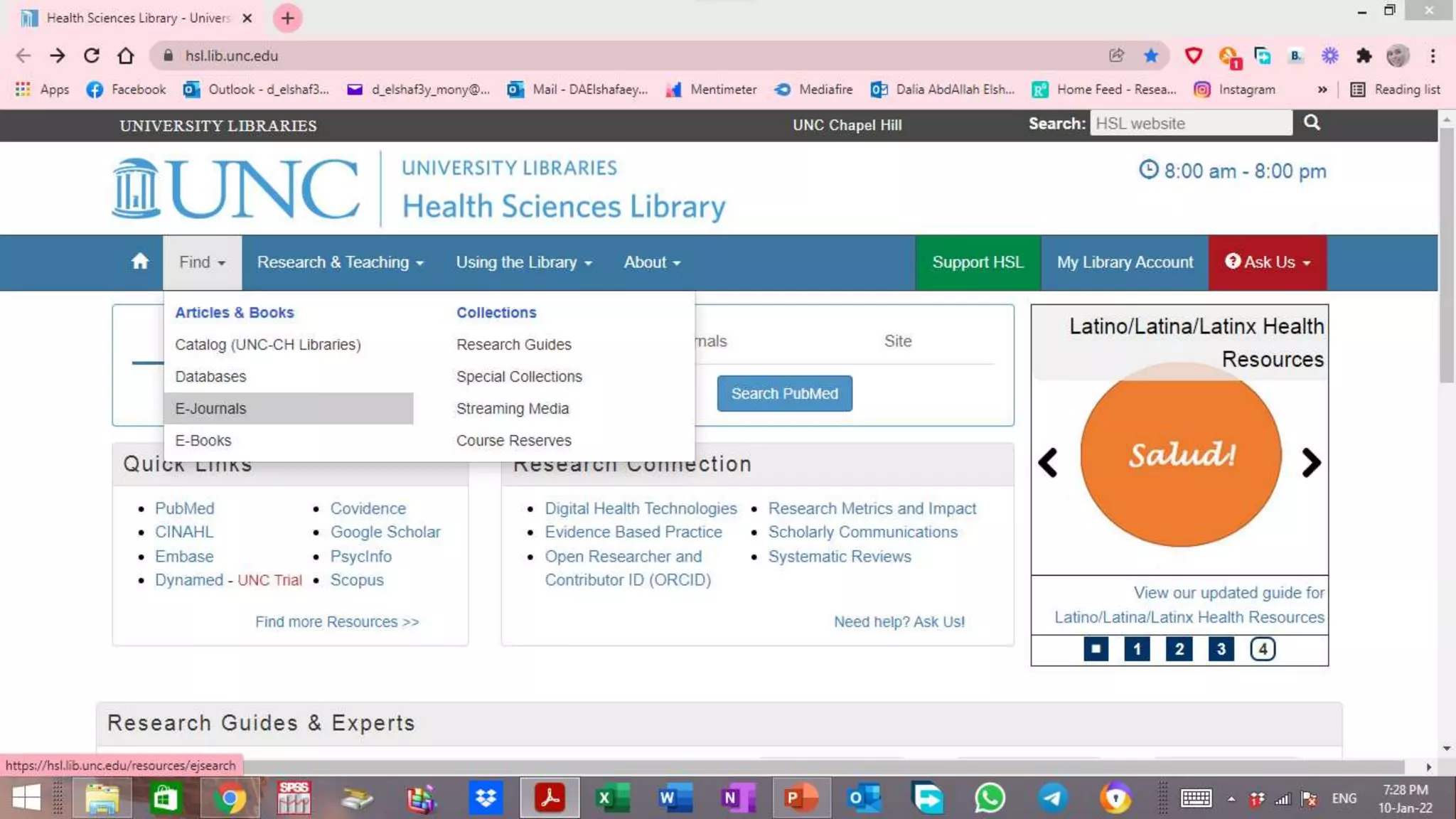
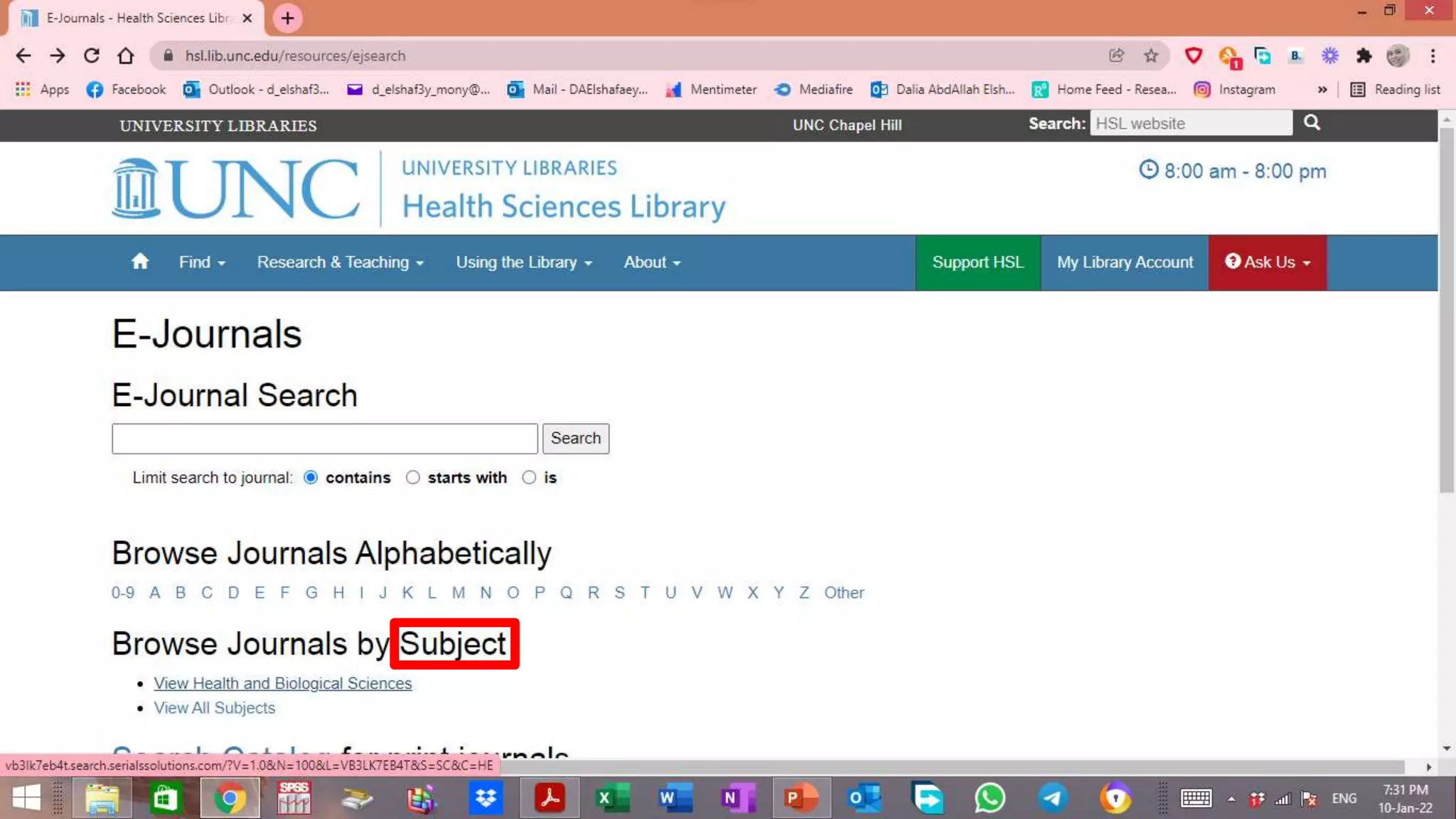
Health Sciences Library (hsl) of the “UNIVERSITY of
NORTH CAROLINA” (UNC.edu)
https://hsl.lib.unc.edu/
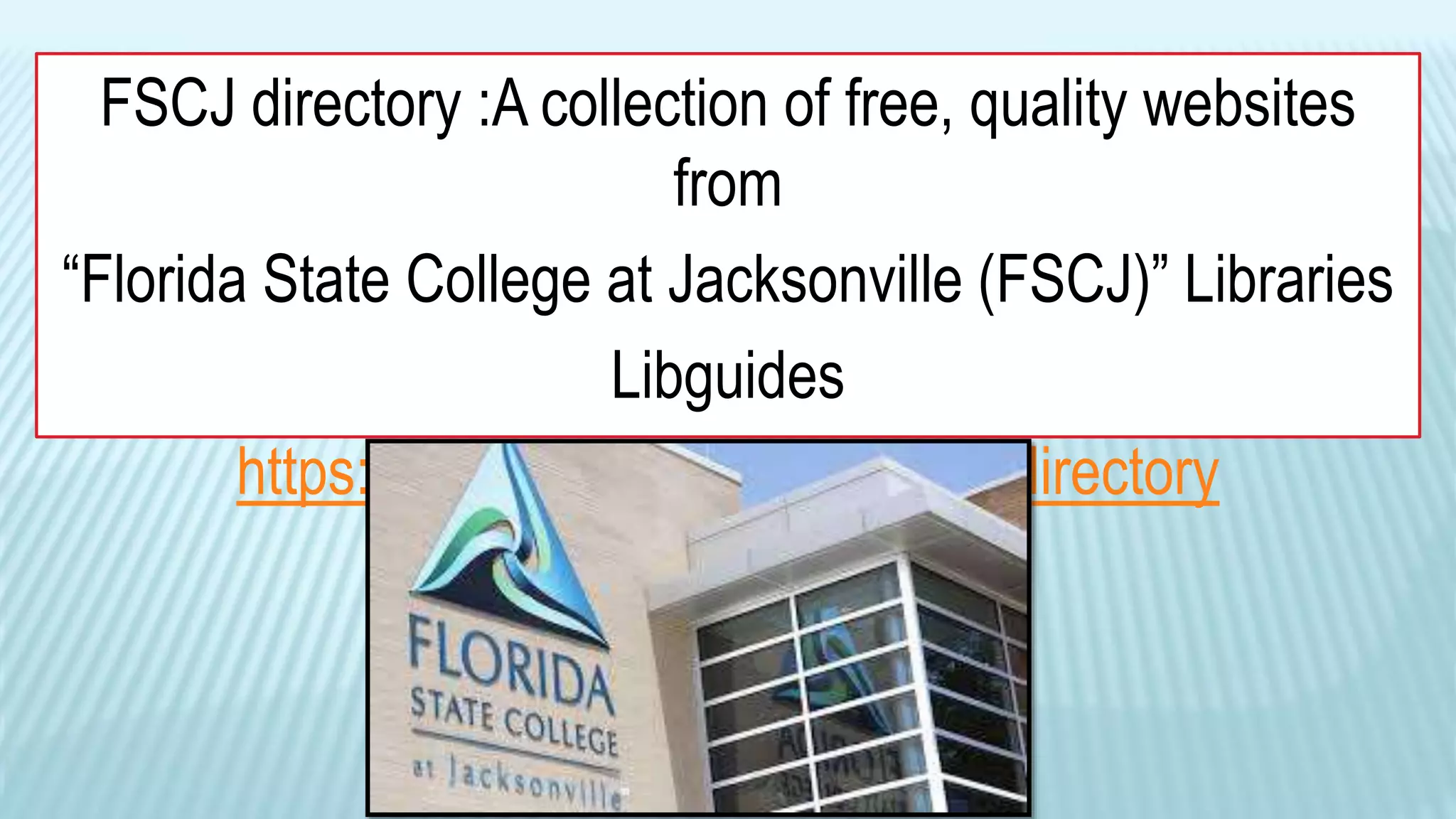
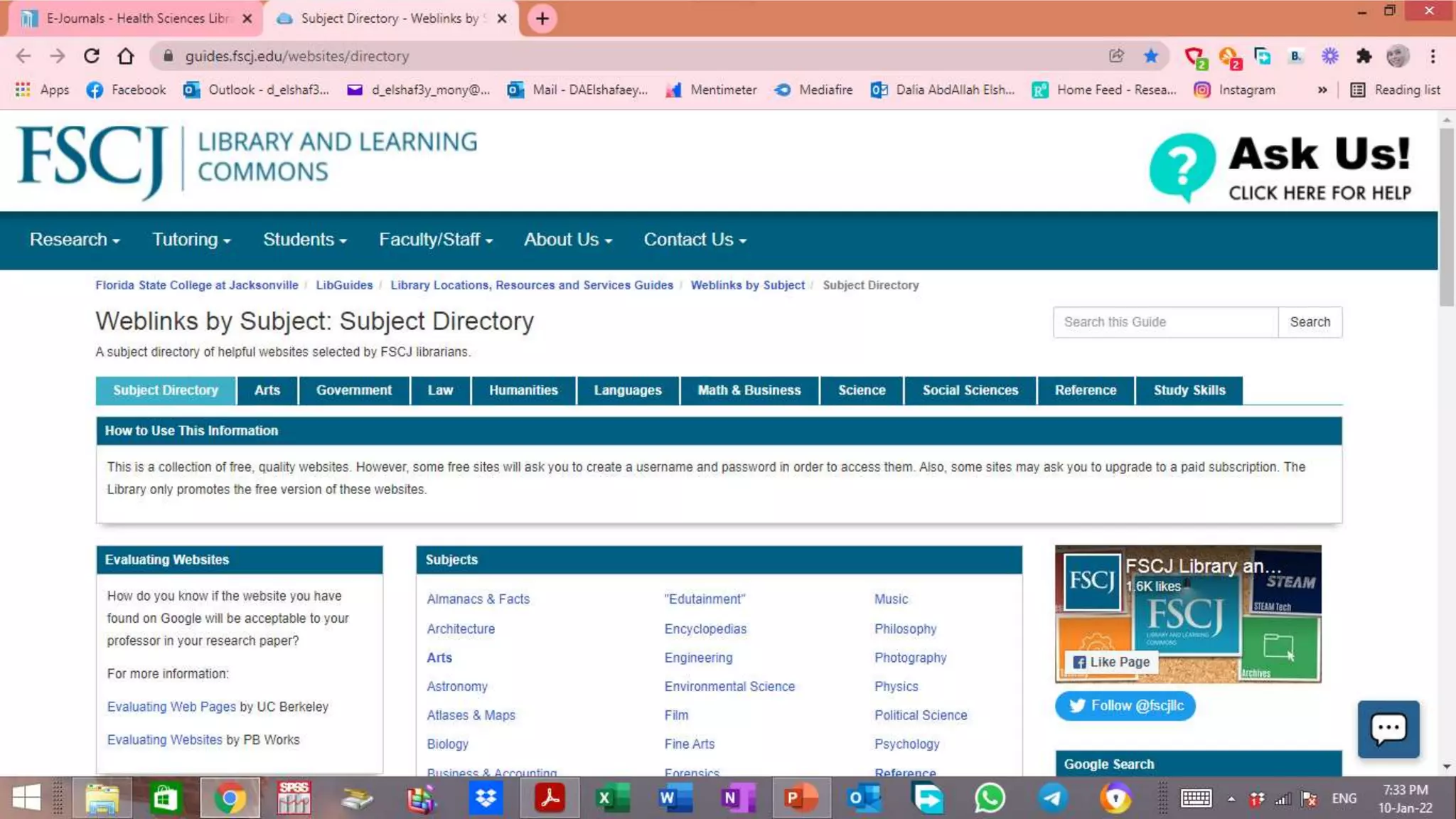
FSCJ directory :A collection of free, quality websites
from
“Florida State College at Jacksonville (FSCJ)” Libraries
Libguides
https://guides.fscj.edu/websites/directory
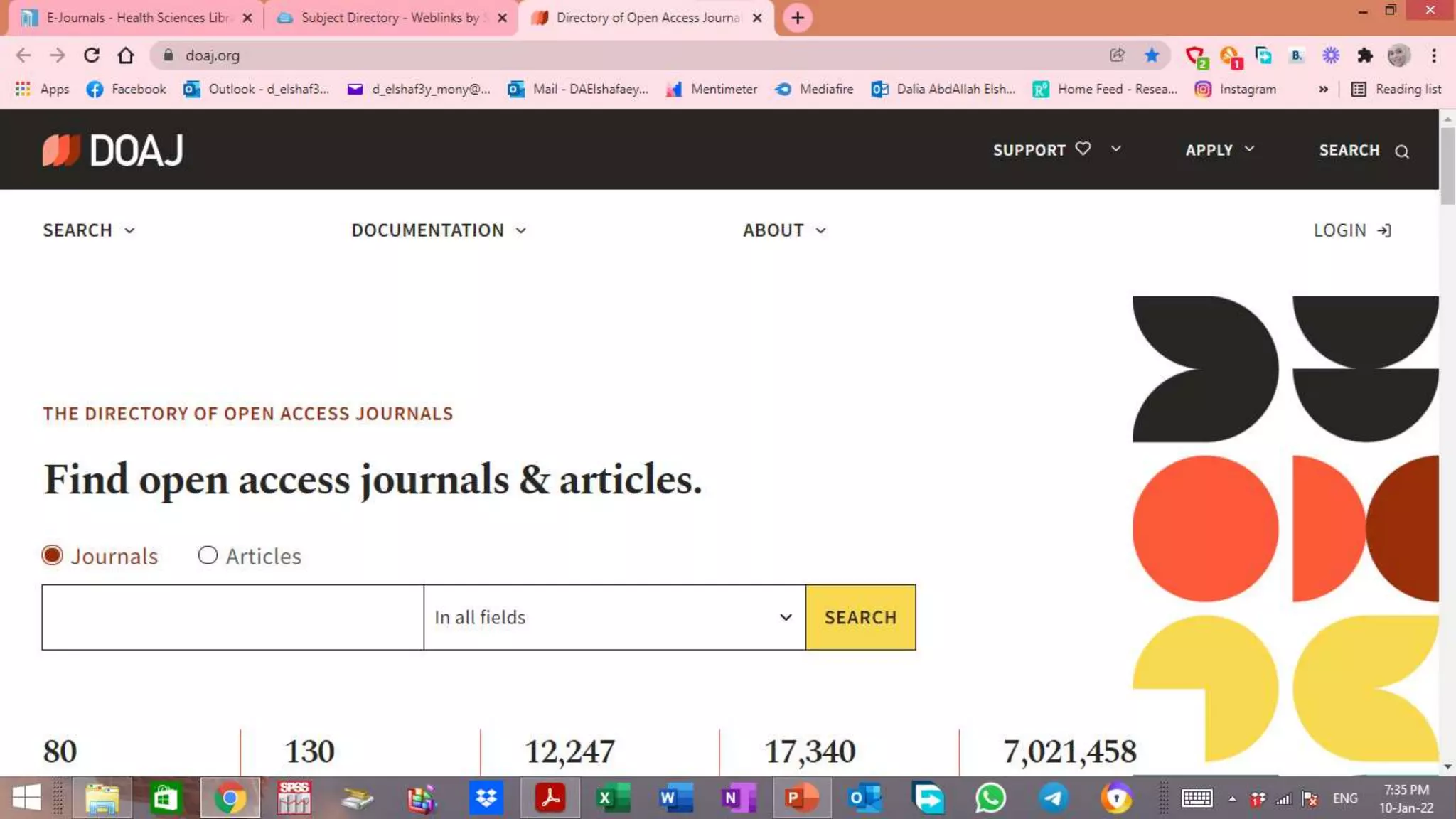
THE DIRECTORY OF OPEN ACCESS
JOURNALS
HTTPS://DOAJ.ORG/
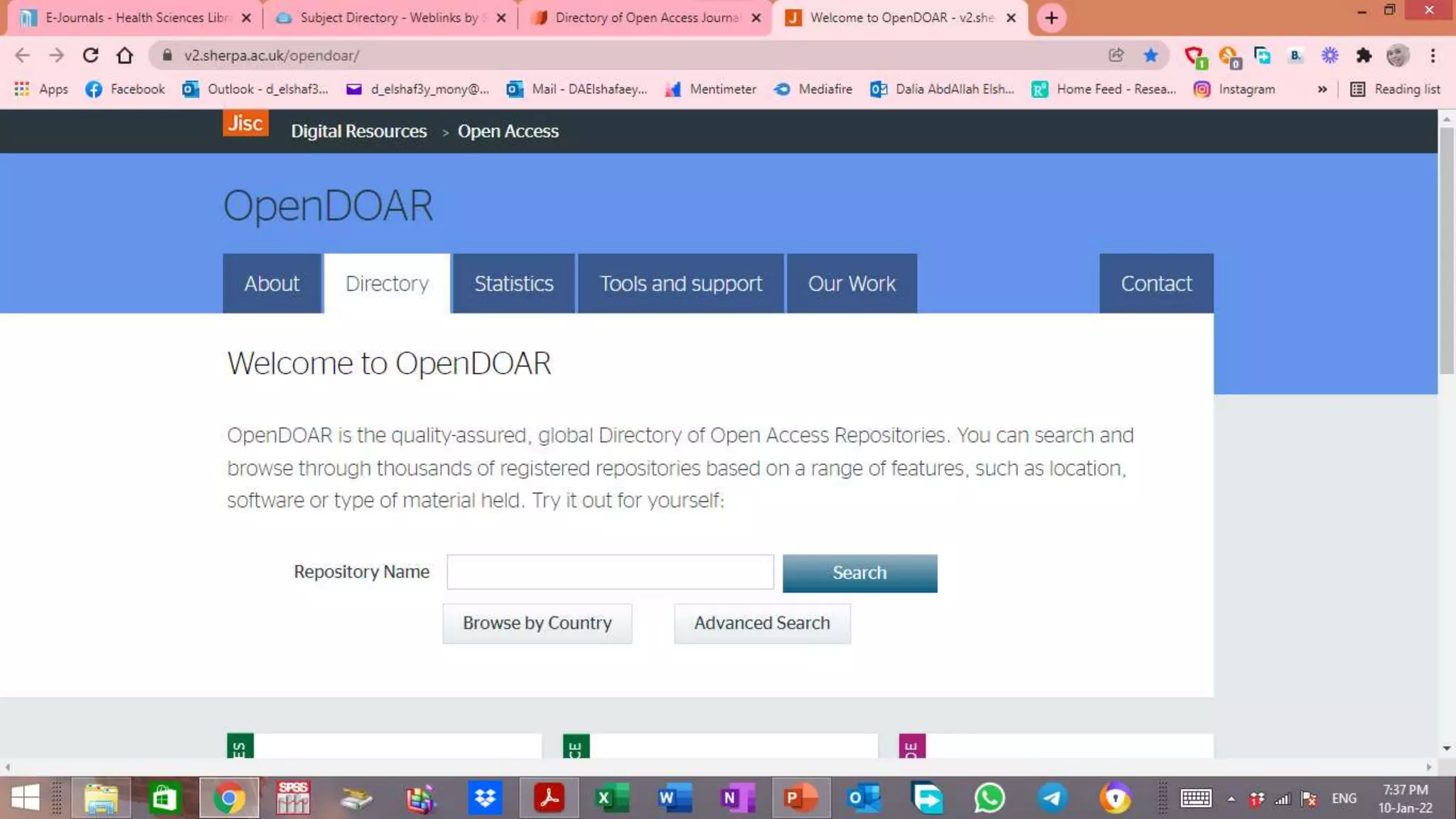
OpenDOAR is the quality-assured, global Directory
of
Open Access Repositories. You can search and
browse through thousands of registered
repositories
https://v2.sherpa.ac.uk/opendoar/
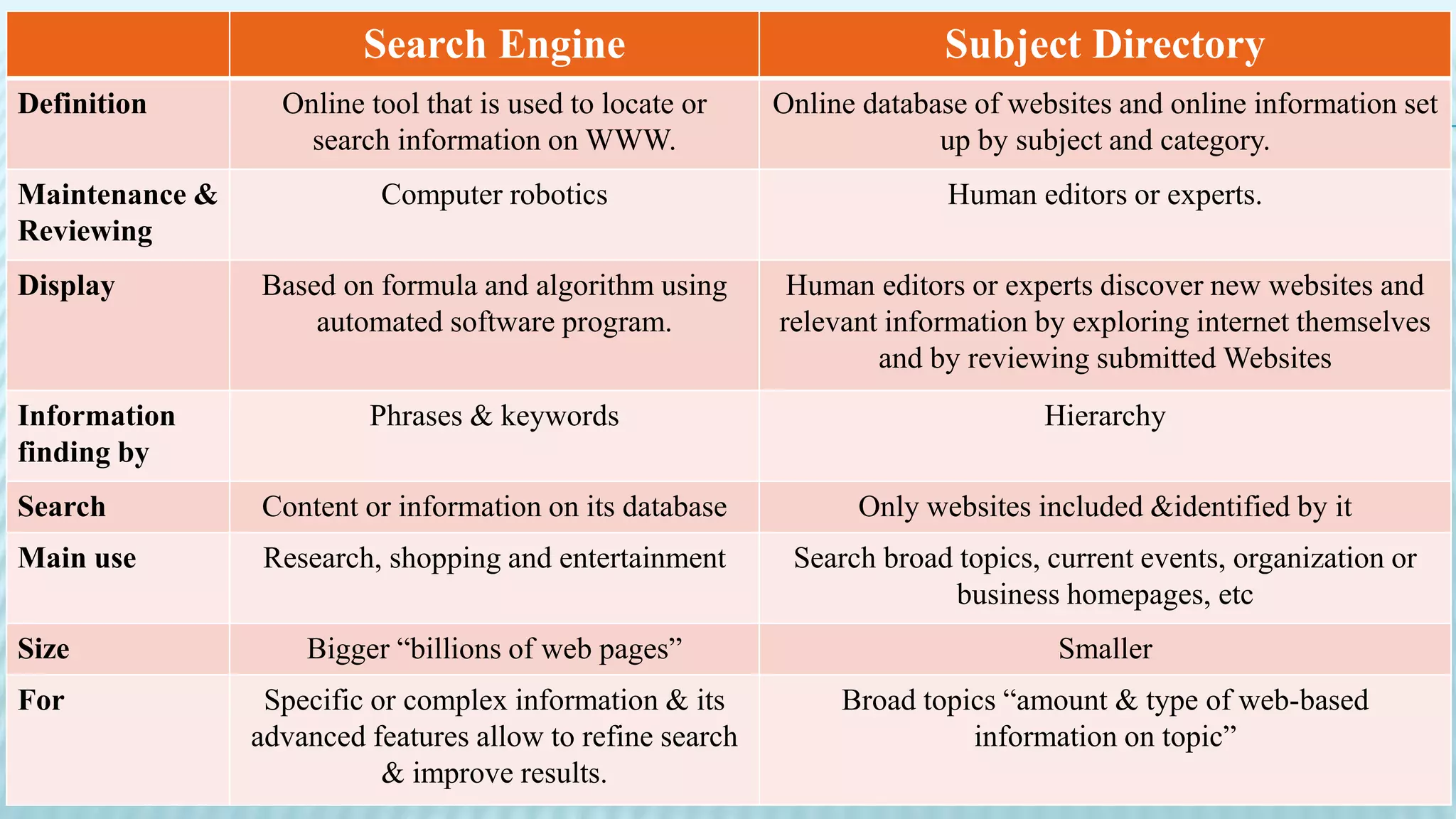
Search Engine Subject Directory
Definition Online tool that is used to locate or
search information on WWW.
Online database of websites and online information set
up by subject and category.
Maintenance &
Reviewing
Computer robotics Human editors or experts.
Display Based on formula and algorithm using
automated software program.
Human editors or experts discover new websites and
relevant information by exploring internet themselves
and by reviewing submitted Websites
Information
finding by
Phrases & keywords Hierarchy
Search Content or information on its database Only websites included &identified by it
Main use Research, shopping and entertainment Search broad topics, current events, organization or
business homepages, etc
Size Bigger “billions of web pages” Smaller
For Specific or complex information & its
advanced features allow to refine search
& improve results.
Broad topics “amount & type of web-based
information on topic”
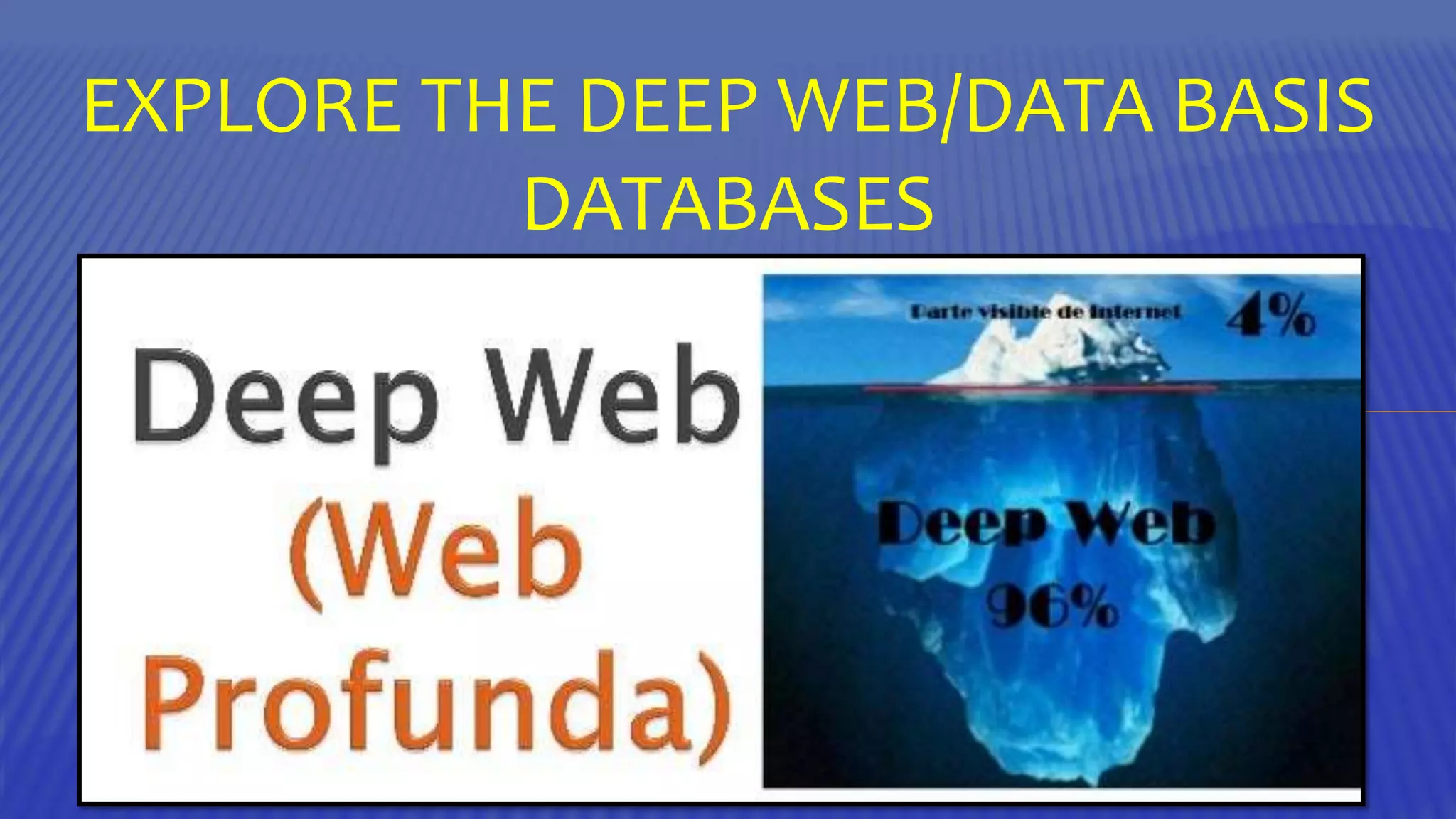
EXPLORE THE DEEP WEB/DATA BASIS
DATABASES
DEFINITION:
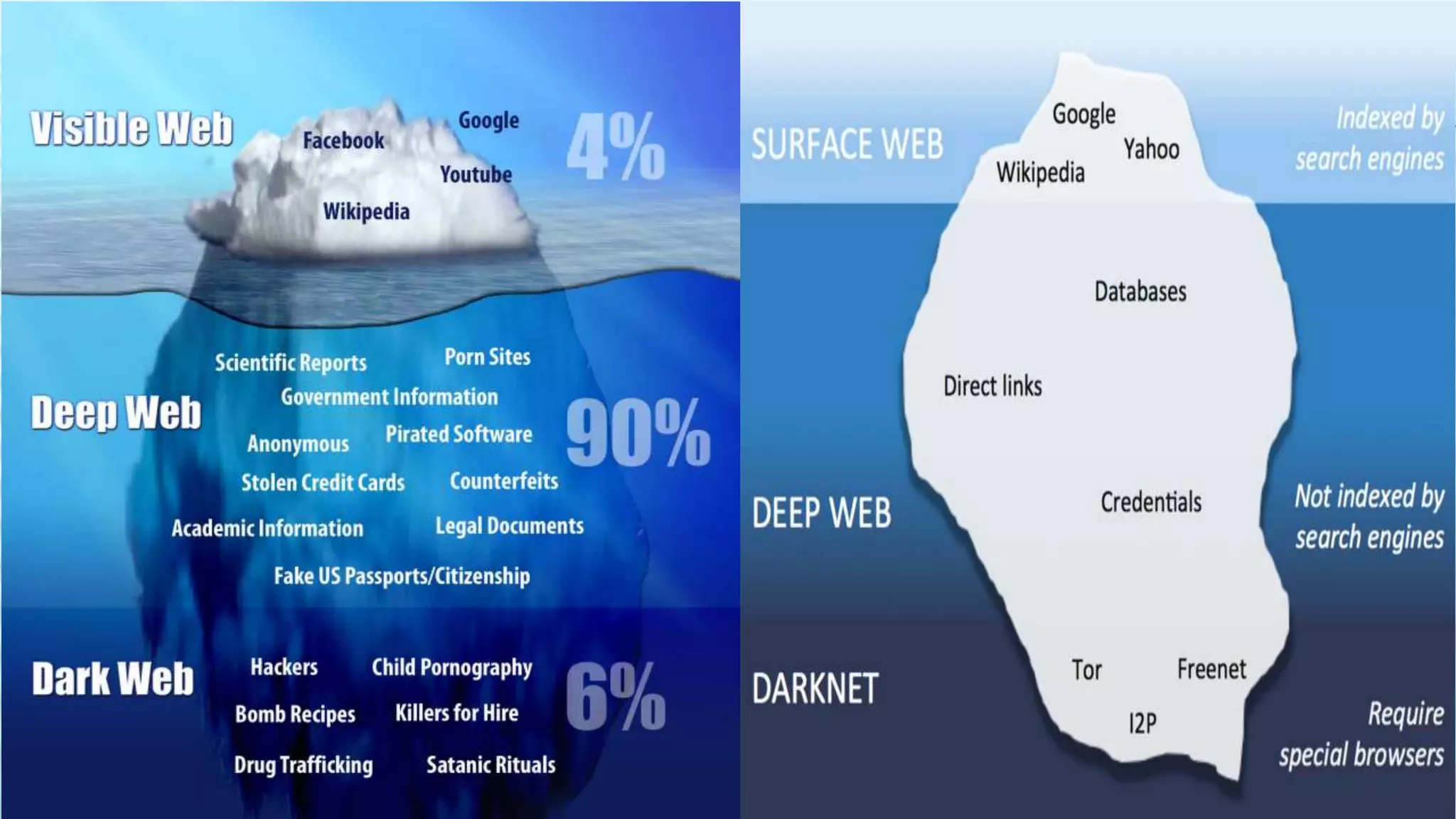
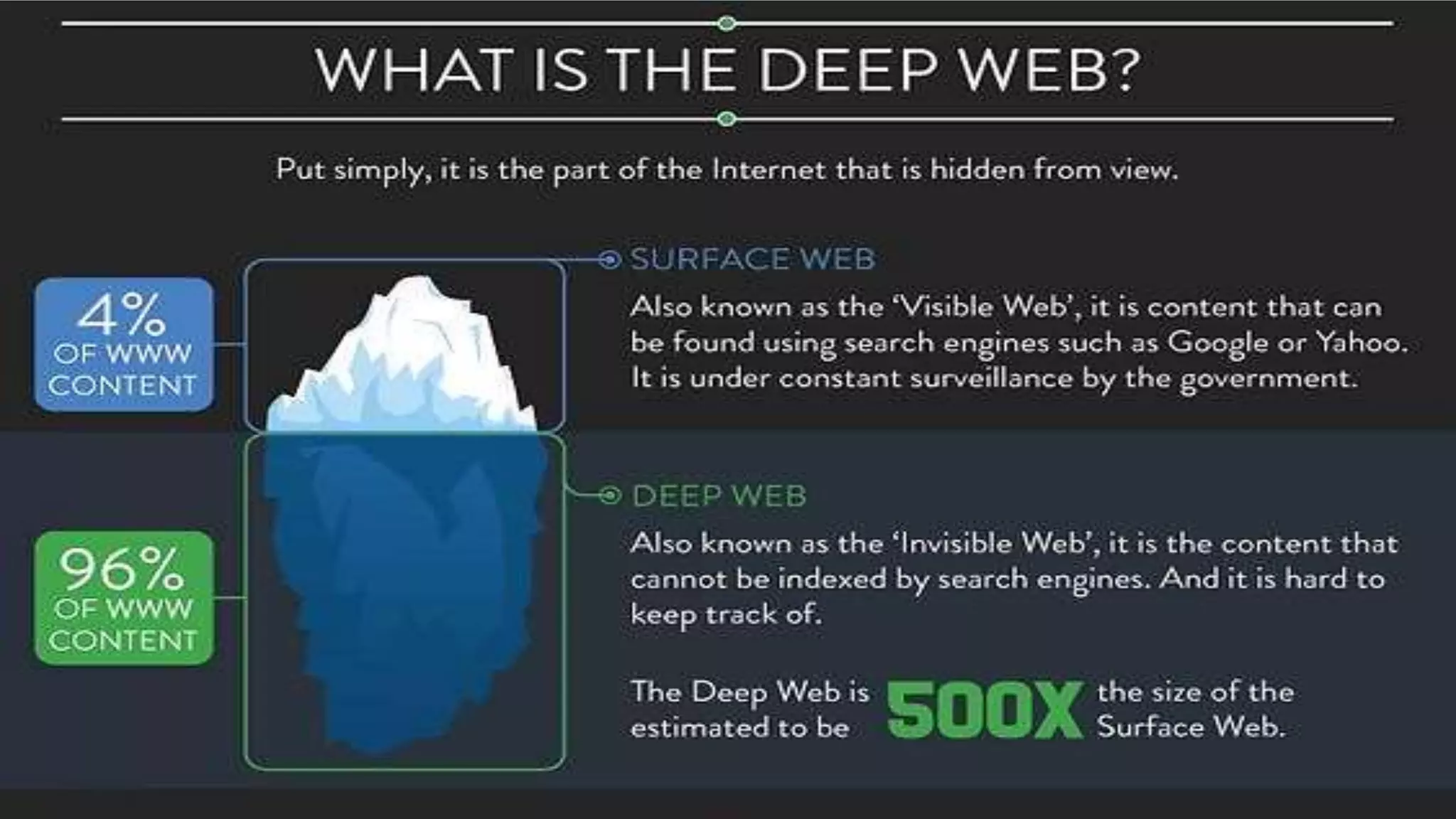
The deep Web consists of information stored in searchable
databases mounted on the Web.
Information stored in these databases is accessible by user
query.
Search engine spiders cannot or will not index this information.
This content is "invisible" to search engines. This is because
spiders cannot or will not enter into databases and extract
content from them as they can from static Web pages.
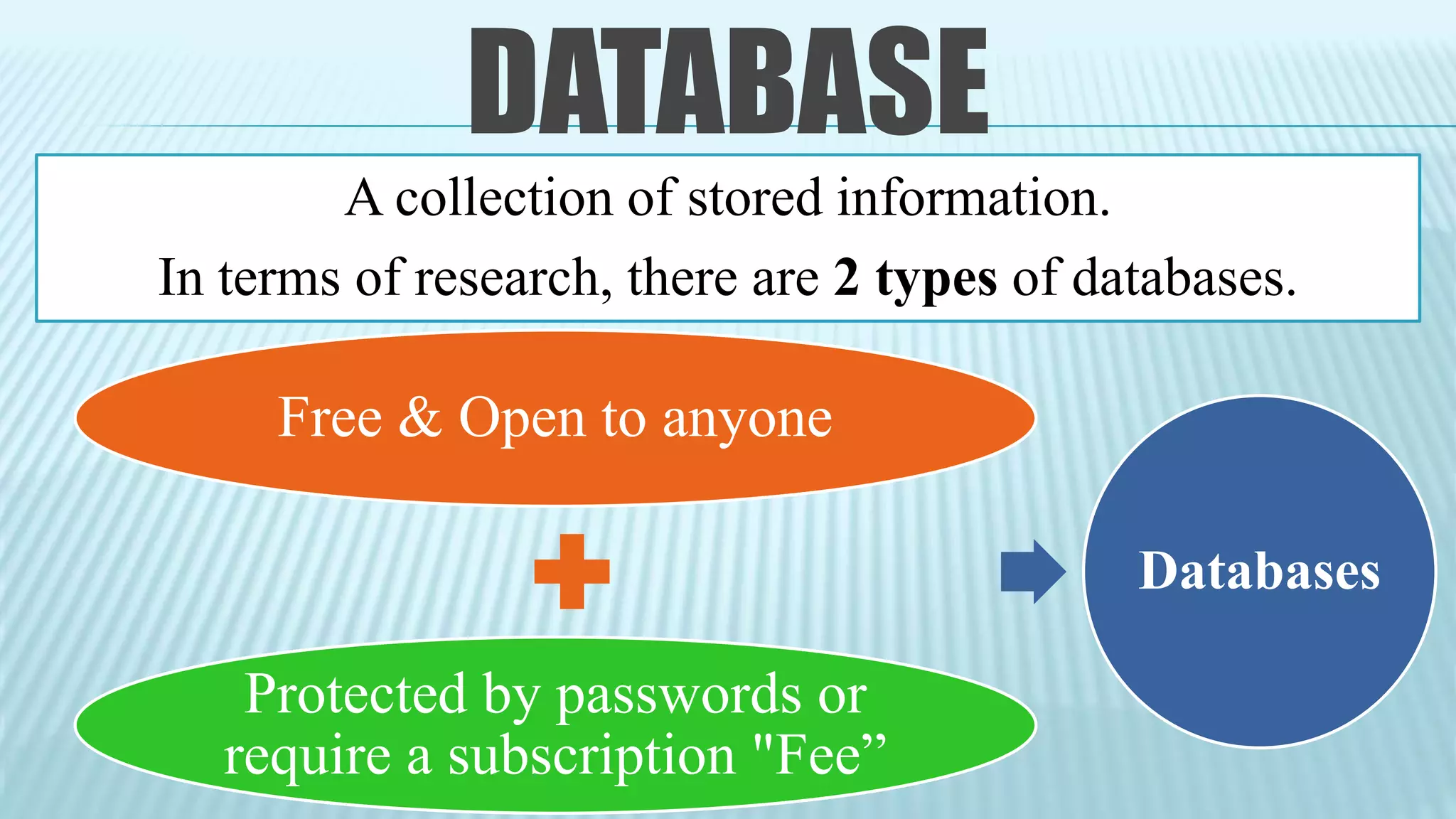
DATABASE
A collection of stored information.
In terms of research, there are 2 types of databases.
Free & Open to anyone
Protected by passwords or
require a subscription "Fee”
Databases
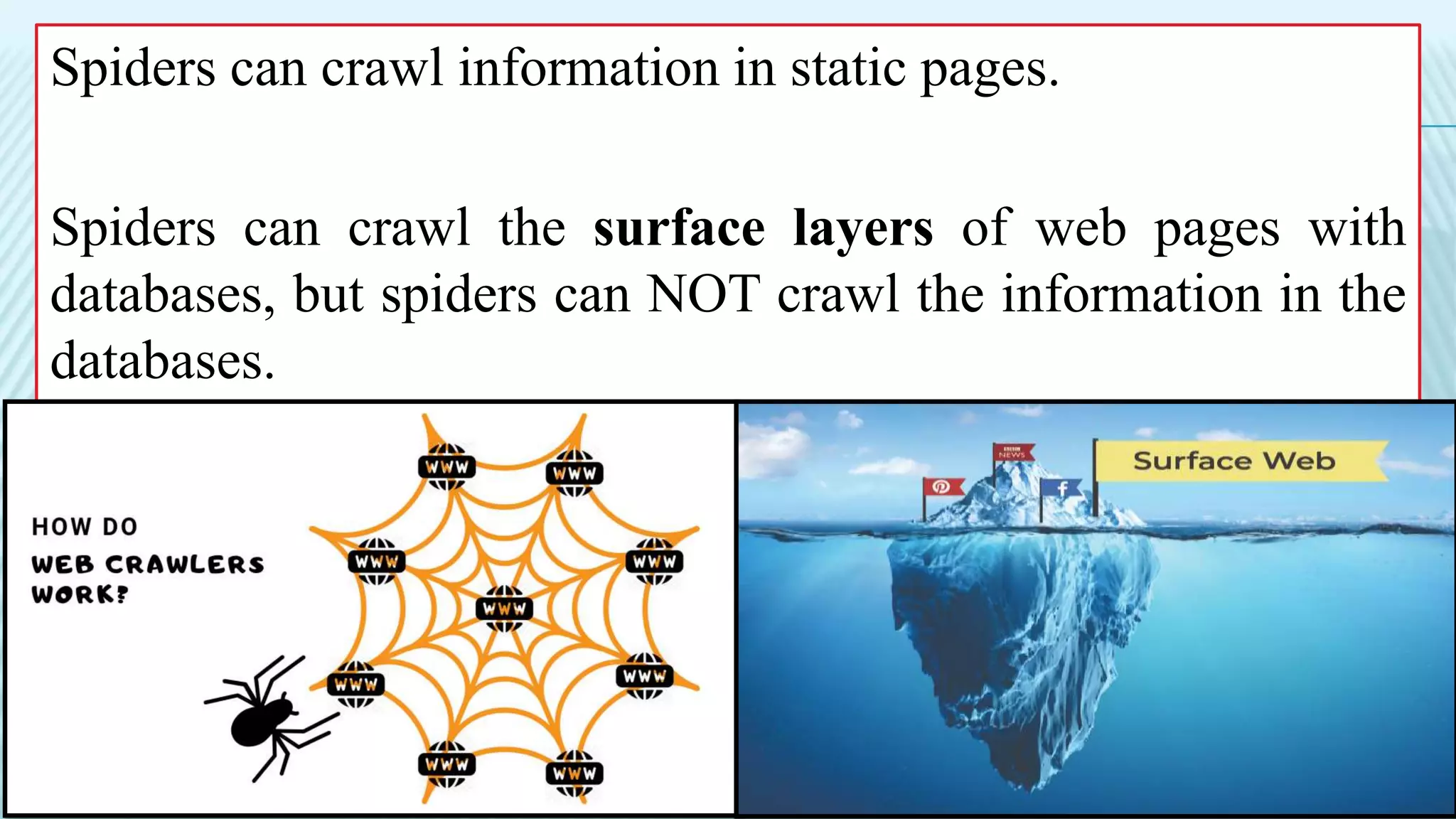
Spiders can crawl information in static pages.
Spiders can crawl the surface layers of web pages with
databases, but spiders can NOT crawl the information in the
databases.
LIBRARY DATABASE
Collections of
published
information from
magazines, journals,
and newspapers.
General (all
disciplines) or
discipline-specific
(e.g. a psychology
database).
Libraries pay
subscription fees so
that faculty, staff, and
students can access
databases “log in
with your student ID
& password”.
WHY USE A DATABASE?
Reliable
• Many articles found in library databases have undergone a peer review
process.
• Provide all the information to evaluate a source for credibility (such as author
name, publication details, and a summary).
Relevant
• Customize search to get the most relevant results.
• Search using keywords, discipline-specific terminology, subject headings,
descriptors, author, and title
• Limit results using various criteria (date, source type, etc.).
Accessible
• Often provide access to the full-text of an article so you do not need to go to
the library to retrieve it in person.
• Database access is purchased by libraries for its patrons which allows access
otherwise pricey information at no charge.
CHOOSING DATABASE TO USE
Discipline
• Academic area of
study.
Coverage
• Type of records
• No. of journals
• Years of publication
Full-Text
• Article records (or some
article records & some
full-text)
• Record provide details
like author, date, source,
and abstract “article order
through Interlibrary Loan
or another source”
SPECIAL FEATURES
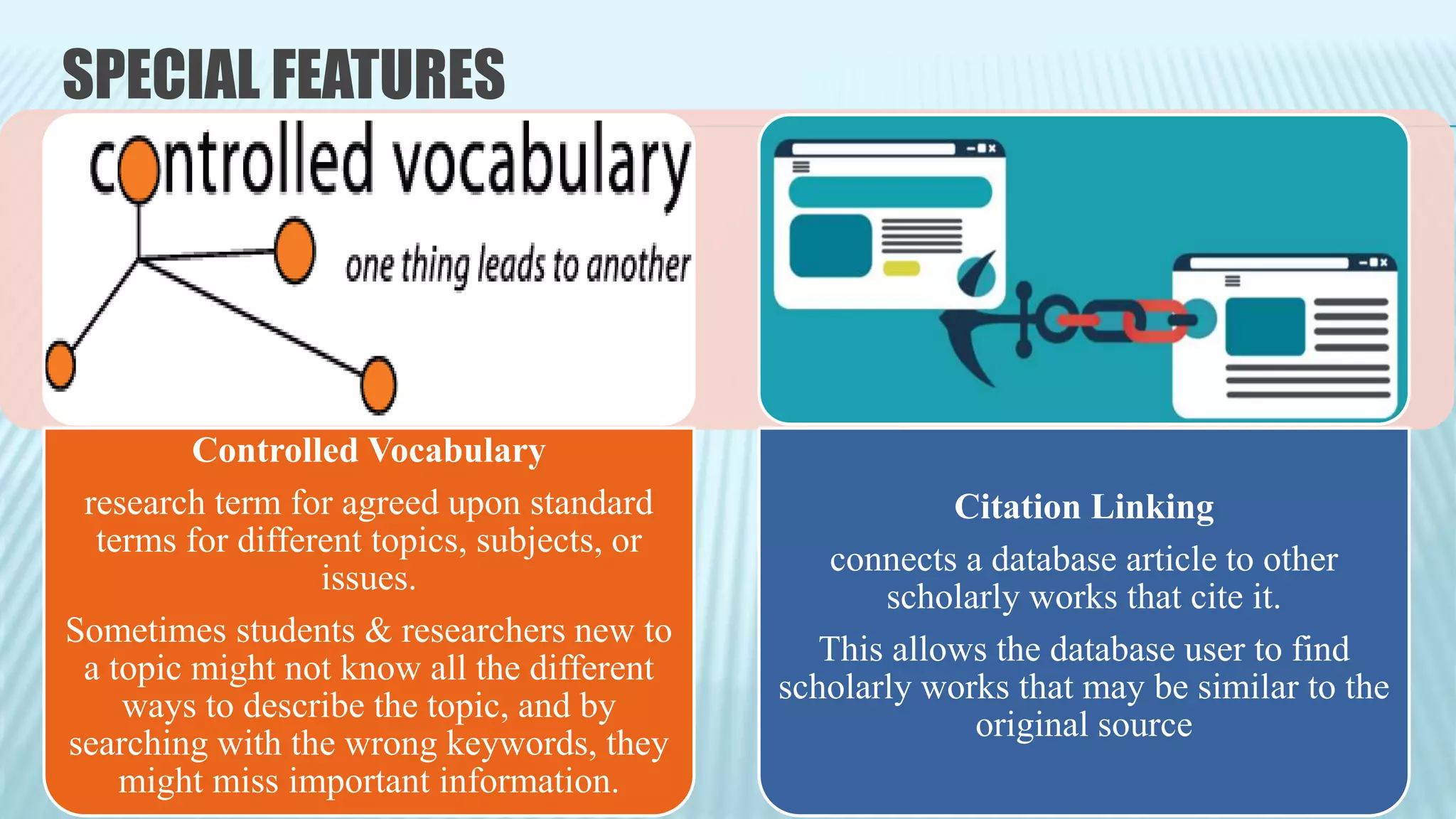
Controlled Vocabulary
research term for agreed upon standard
terms for different topics, subjects, or
issues.
Sometimes students & researchers new to
a topic might not know all the different
ways to describe the topic, and by
searching with the wrong keywords, they
might miss important information.
Citation Linking
connects a database article to other
scholarly works that cite it.
This allows the database user to find
scholarly works that may be similar to the
original source
HEALTH-RELATED
DATABASES
PsycINFO Embase
Cochrane
Library
Web of
Science
(WOS)
CINAHL
“Current Index
to Nursing &
Allied Health
Literature”
PsycINFO, an American Psychological Association database
Provides coverage of the academic research & practice
literature in psychology + related disciplines “medicine,
psychiatry, education, social work, law, and criminology”.
Indexes > 2450 journal titles, 99% of which are peer reviewed
“some resources as far back as the 1600s!”
Embase is a biomedical & pharmacological bibliographic database
Provides access to citations & abstracts from > 7,000 journals with
indexing back to 1947.
Content is somewhat like PubMed, but it indexes 1800journals that are
not indexed in PubMed.
Although its coverage is world-wide, Embase has more of a European
focus than PubMed and concentrates to a greater degree on the
pharmacological literature.
Cochrane Library is a collection of databases for research on the effectiveness
of healthcare ttts & interventions.
Contains high quality independent evidence to inform healthcare decision-
making.
Includes evidence from Cochrane & other systematic reviews, clinical trials &
more.
Cochrane reviews bring the combined results of various research studies together
(meta-analysis) & are recognized as the “Gold standards” in the evidence
hierarchy.
Web of Science (WOS) is a unique database whose 1ry function is to
collect information for citation analysis from >5600 journals from
Science Citation Index, Social Science Citation Index and Arts &
Humanities Citation Index.
You can search a specific reference to discover who has cited it over
the years and learn about the impact of specific papers.
Each article in WOS includes the citation as well as a list of the
references cited by the article and a link to who has cited it.
CINAHL “Current Index to Nursing & Allied Health Literature”
Bibliographic database containing references to articles from > 2900
journals + a no. of government documents, dissertations, and standards
of practice.
Covers nursing, biomedicine, alternative / complementary medicine,
consumer health and 17 allied health disciplines.
A valuable resource, especially for identifying qualitative research
studies.
GOOGLE SCHOLAR
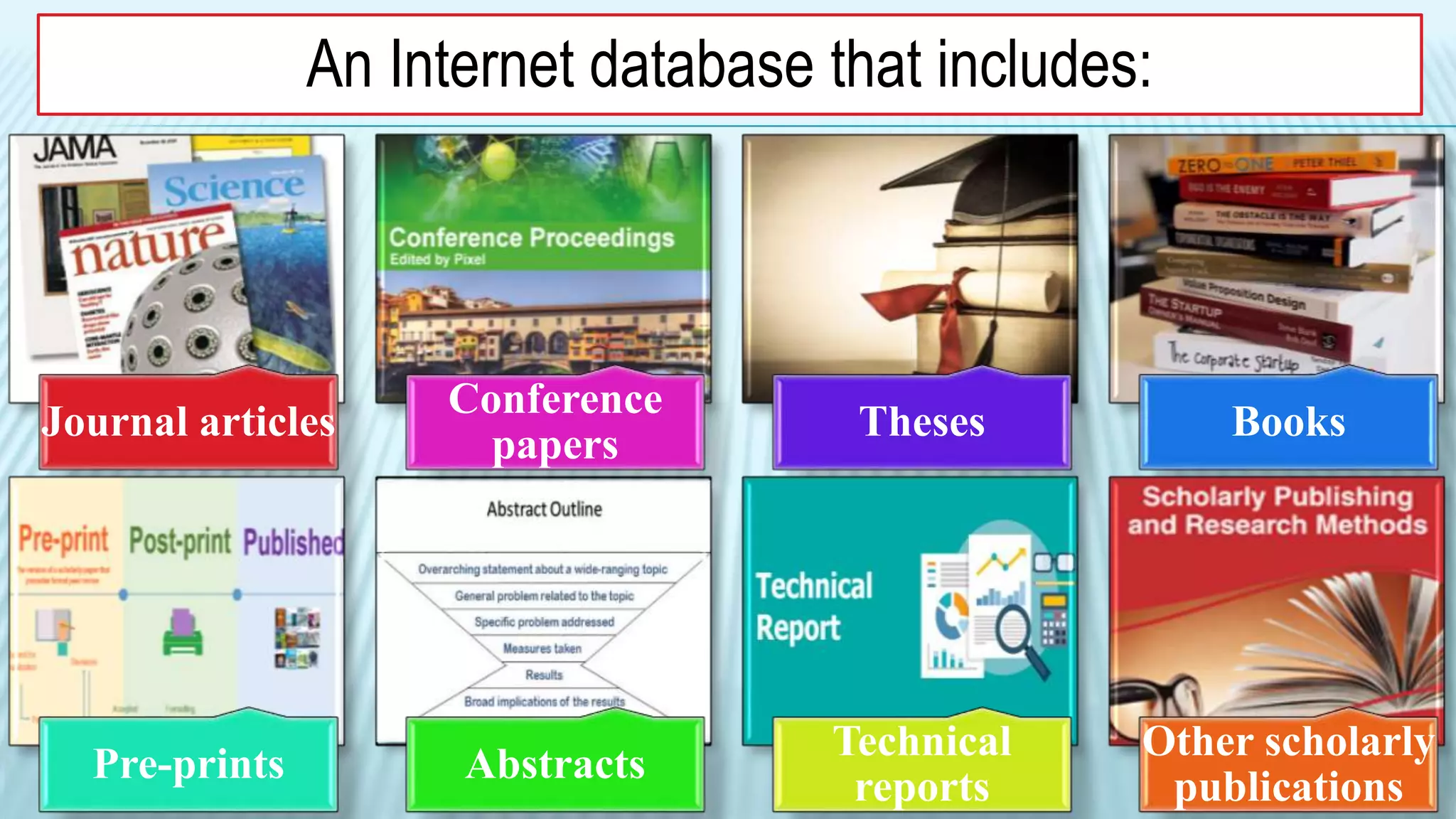
An Internet database that includes:
Journal articles
Conference
papers
Theses Books
Pre-prints Abstracts
Technical
reports
Other scholarly
publications
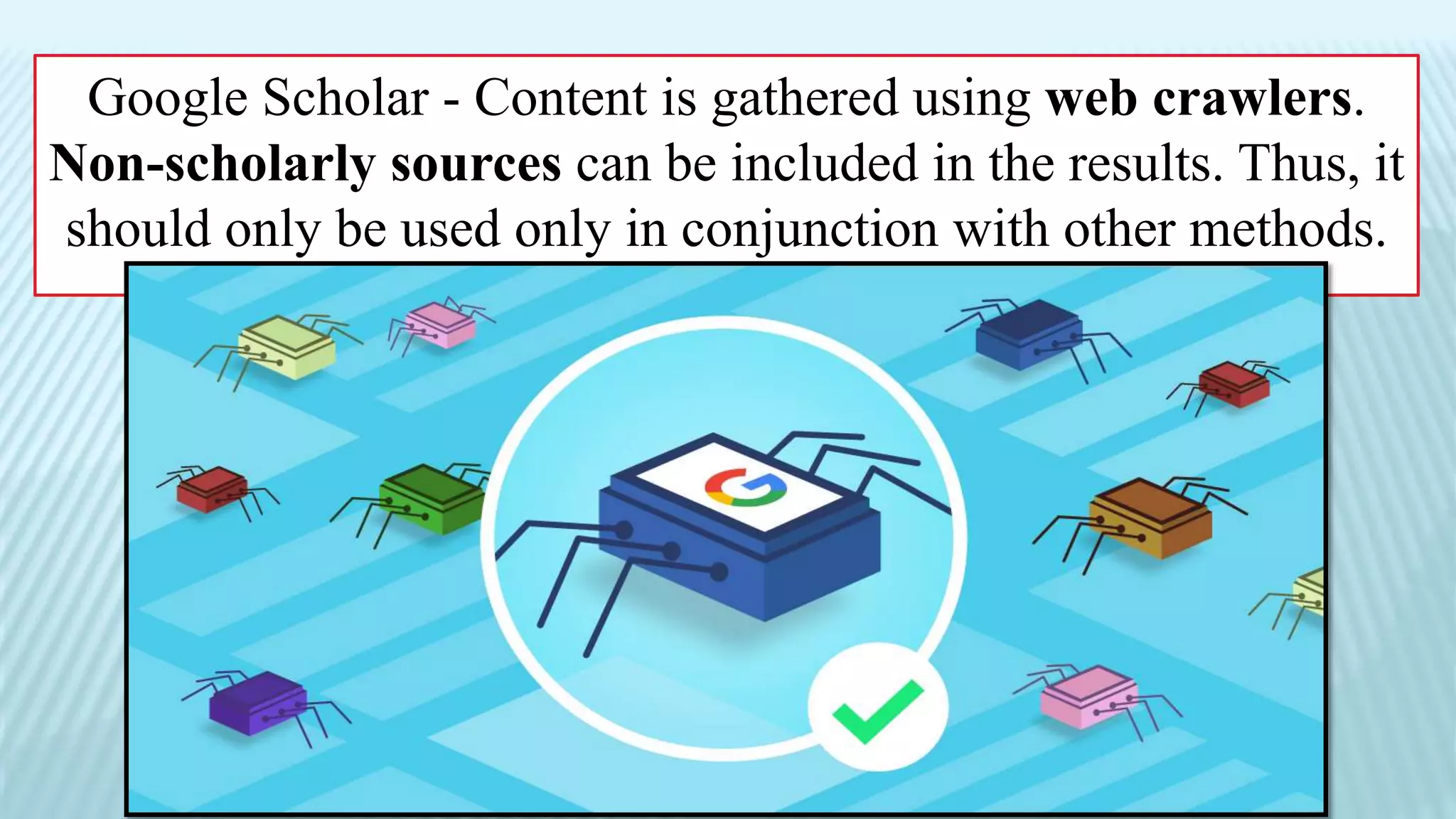
Google Scholar - Content is gathered using web crawlers.
Non-scholarly sources can be included in the results. Thus, it
should only be used only in conjunction with other methods.
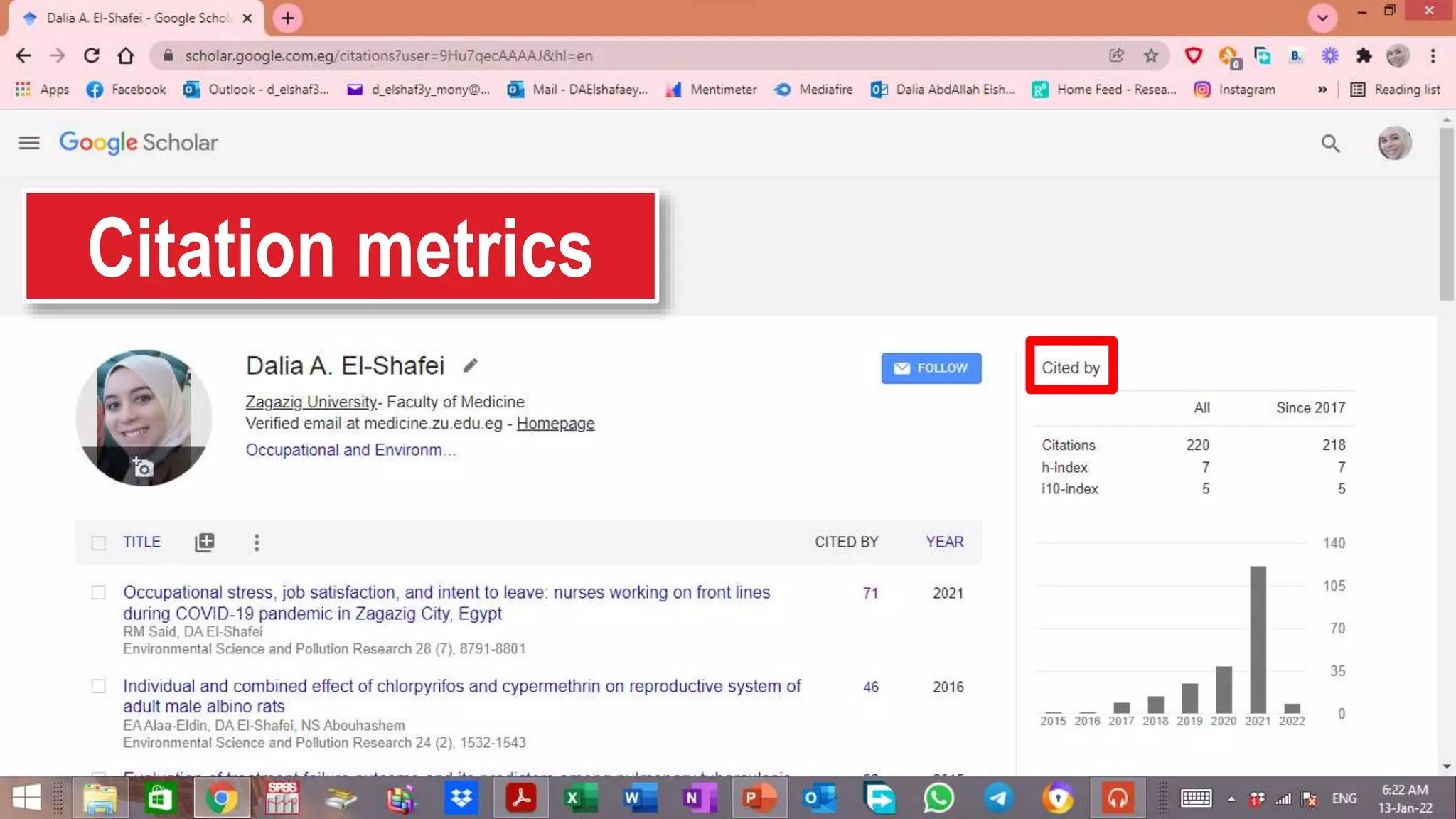
Citation metrics
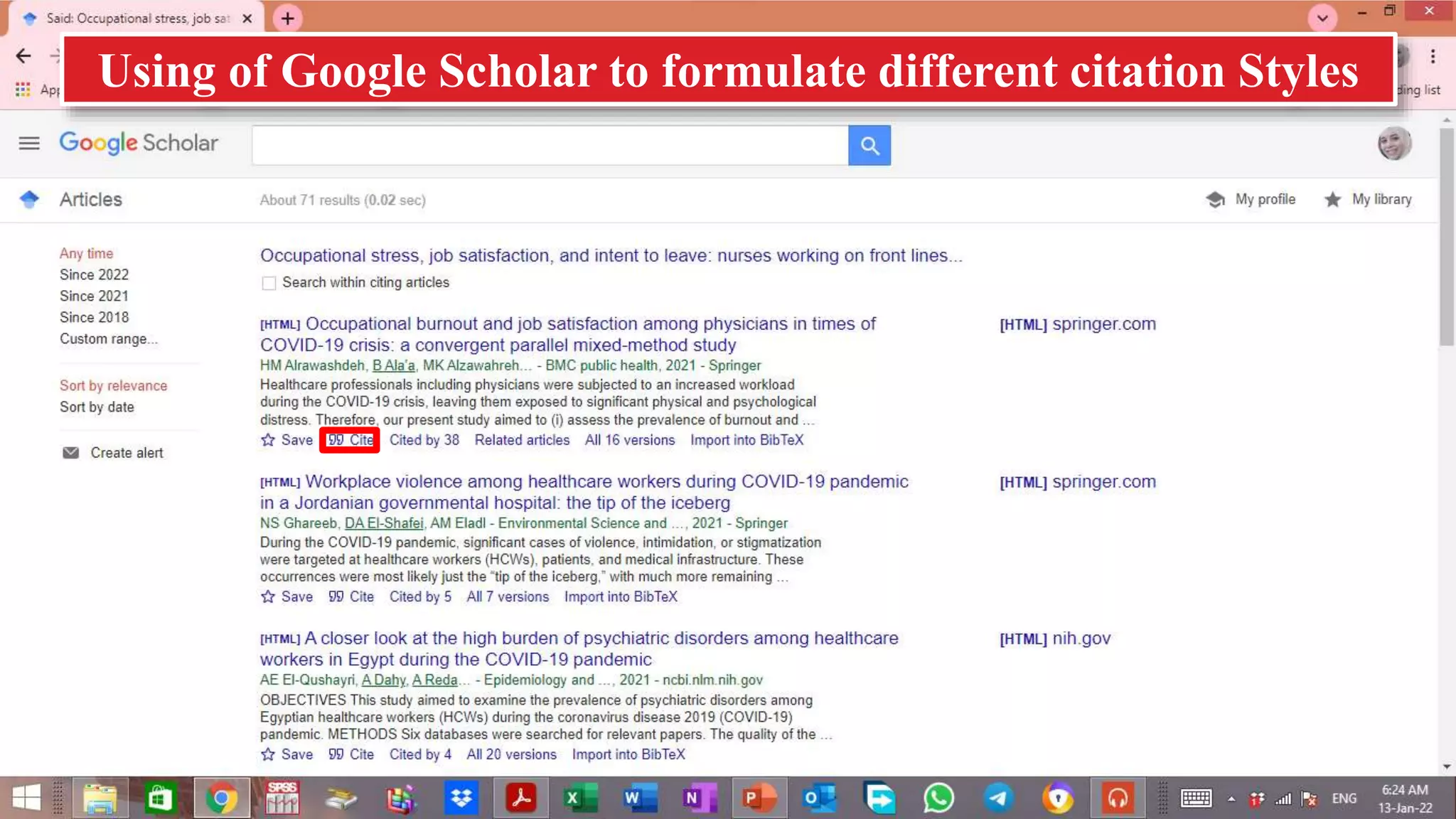
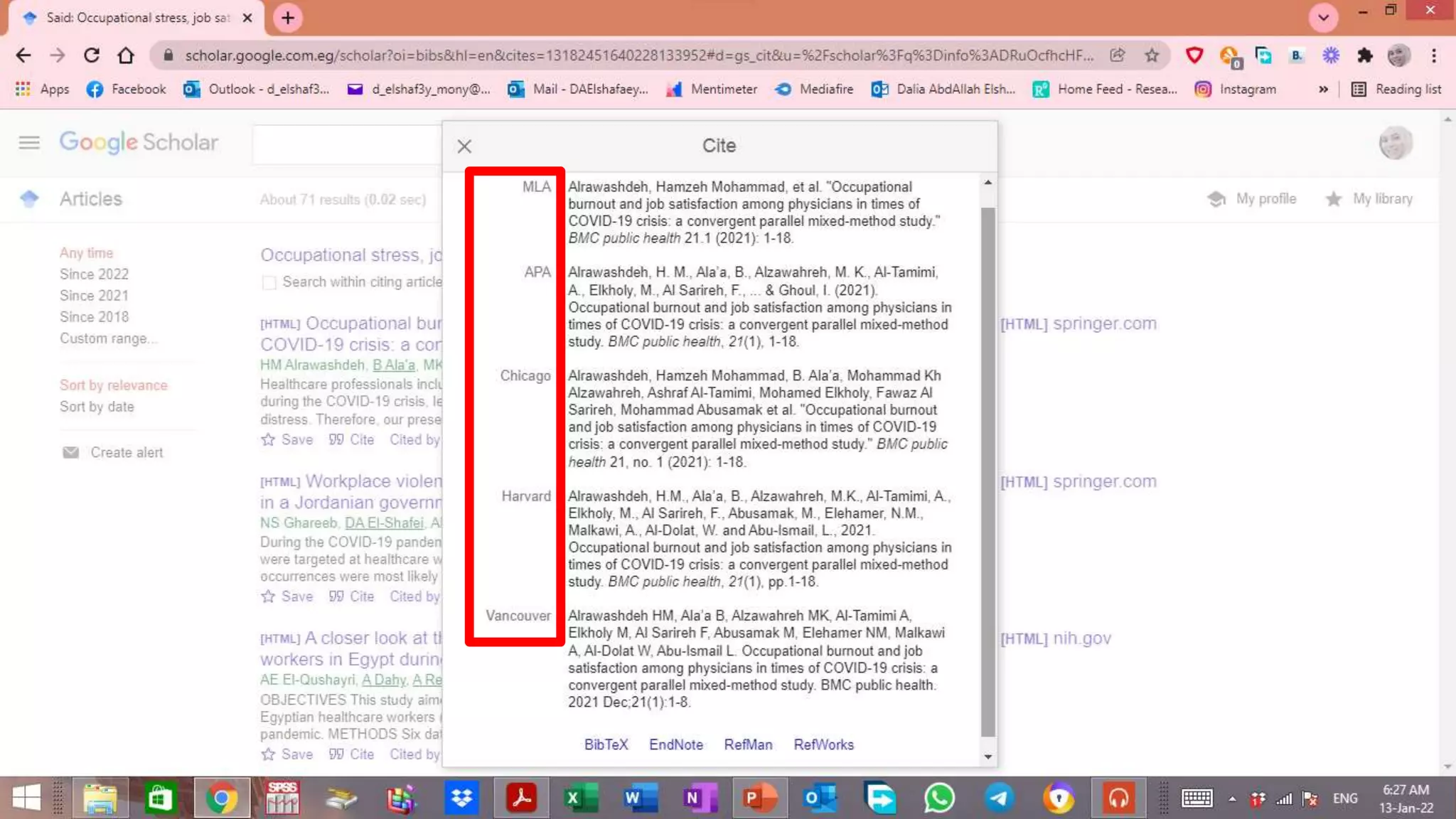
Using of Google Scholar to formulate different citation Styles
How to find information on the internet

How to find information on the internet

  • 1.
    APPLICATION OF COMPUTER &INTERNET IN MEDICINE HOW TO FIND INFORMATION ON THE INTERNET Dr. Dalia El-Shafei Assist. Prof., CEOM Department, Zagazig University http://www.slideshare.net/daliaelshafei
  • 3.
    BASIC WAYS TOACCESS INFORMATION ON THE INTERNET Go directly to a site if you have the address Explore a subject directory Conduct a search using a Web search engine Explore the information stored in live databases on the Web “Deep Web" Join an e- mail discussion group or Usenet newsgroup Subscribe to RSS feeds
  • 4.
    GO DIRECTLY TOA SITE IF YOU HAVE THE ADDRESS
  • 5.
    If you knowthe Internet address of a site you wish to visit, you can use a Web browser to access that site. All you need to do is type the URL (Uniform Resource Locator)in the appropriate location window.
  • 7.
  • 8.
    Browsing home pageson the Web is a haphazard but interesting way of finding desired material on the Internet. Because the creator of a home page programs each link, you never know where these links might lead. High quality starting pages will contain high quality links.
  • 9.
  • 10.
    DEFINITION: A searchable database ofInternet files collected by a computer program (called a wanderer, crawler, robot, worm, spider). Indexing is created from the collected files, e.g., title, full text, size, URL, etc. There is no selection criteria for the collection of files, though evaluation can be applied to the ranking of results.
  • 12.
    A SEARCH ENGINEIS MADE UP OF 3 PARTS Computer program – called web crawler/web spider – searches web pages on the internet, collects the information & takes it back to its index. Index –Google then creates an Index from the information that it’s crawlers have found. Interface – What you see on your screen
  • 15.
    EVALUATE ALL YOURSEARCH RESULTS CAREFULLY. Spiders are indiscriminate. Some of the resources they collect may be outdated, inaccurate, or incomplete.
  • 16.
    WHY USE ASEARCH ENGINE? Broad • Useful for finding information produced by governments, organizations, groups, and individuals. • Examples of reliable information: freely available statistics published by a government agency or a freely available article published by a reputable news outlet. Convenient • Search engines are also useful for quick background information on a topic. Free • Searching is free, as is much of the information you may find. • Not all information is free & search engines can return websites that charge a fee for accessing articles or reports.
  • 17.
    It is morechallenging to narrow results effectively, find relevant material, and assess the legitimacy of information in your search results when using a search engine.
  • 18.
    HOW GOOGLE DISPLAYSSEARCH RESULTS Google Displays 10 results at a time Order of the words can affect the results- place relevant words first Google will search for phrases first Beware of Sponsored links (ad) when viewing your results– these are websites that pay to appear on the page. The order your results are displayed by is worked out by algorithms/formul as developed by Google
  • 19.
  • 20.
    DEFINITION: A collection ofwebsites that include organized browsable subject categories & sub-categories. Human-driven Deliver higher quality content. Best for browsing & for search of more general nature May include search engine for searching their own database.
  • 21.
    WHEN TO USEDIRECTORIES? Useful for General topics Topics that need exploring In-depth research Browsing
  • 22.
    THERE ARE 2BASIC TYPES OF DIRECTORIES: Academic /professional Often created & maintained by subject experts to support the needs of researchers Commercial Satisfy the general public & are competing for traffic.
  • 23.
    Example of anAcademic Subject Directory “University Library”
  • 24.
    Health Sciences Library(hsl) of the “UNIVERSITY of NORTH CAROLINA” (UNC.edu) https://hsl.lib.unc.edu/
  • 28.
    FSCJ directory :Acollection of free, quality websites from “Florida State College at Jacksonville (FSCJ)” Libraries Libguides https://guides.fscj.edu/websites/directory
  • 30.
    THE DIRECTORY OFOPEN ACCESS JOURNALS HTTPS://DOAJ.ORG/
  • 32.
    OpenDOAR is thequality-assured, global Directory of Open Access Repositories. You can search and browse through thousands of registered repositories https://v2.sherpa.ac.uk/opendoar/
  • 34.
    Search Engine SubjectDirectory Definition Online tool that is used to locate or search information on WWW. Online database of websites and online information set up by subject and category. Maintenance & Reviewing Computer robotics Human editors or experts. Display Based on formula and algorithm using automated software program. Human editors or experts discover new websites and relevant information by exploring internet themselves and by reviewing submitted Websites Information finding by Phrases & keywords Hierarchy Search Content or information on its database Only websites included &identified by it Main use Research, shopping and entertainment Search broad topics, current events, organization or business homepages, etc Size Bigger “billions of web pages” Smaller For Specific or complex information & its advanced features allow to refine search & improve results. Broad topics “amount & type of web-based information on topic”
  • 35.
    EXPLORE THE DEEPWEB/DATA BASIS DATABASES
  • 36.
    DEFINITION: The deep Webconsists of information stored in searchable databases mounted on the Web. Information stored in these databases is accessible by user query. Search engine spiders cannot or will not index this information. This content is "invisible" to search engines. This is because spiders cannot or will not enter into databases and extract content from them as they can from static Web pages.
  • 39.
    DATABASE A collection ofstored information. In terms of research, there are 2 types of databases. Free & Open to anyone Protected by passwords or require a subscription "Fee” Databases
  • 40.
    Spiders can crawlinformation in static pages. Spiders can crawl the surface layers of web pages with databases, but spiders can NOT crawl the information in the databases.
  • 41.
    LIBRARY DATABASE Collections of published informationfrom magazines, journals, and newspapers. General (all disciplines) or discipline-specific (e.g. a psychology database). Libraries pay subscription fees so that faculty, staff, and students can access databases “log in with your student ID & password”.
  • 42.
    WHY USE ADATABASE? Reliable • Many articles found in library databases have undergone a peer review process. • Provide all the information to evaluate a source for credibility (such as author name, publication details, and a summary). Relevant • Customize search to get the most relevant results. • Search using keywords, discipline-specific terminology, subject headings, descriptors, author, and title • Limit results using various criteria (date, source type, etc.). Accessible • Often provide access to the full-text of an article so you do not need to go to the library to retrieve it in person. • Database access is purchased by libraries for its patrons which allows access otherwise pricey information at no charge.
  • 43.
    CHOOSING DATABASE TOUSE Discipline • Academic area of study. Coverage • Type of records • No. of journals • Years of publication Full-Text • Article records (or some article records & some full-text) • Record provide details like author, date, source, and abstract “article order through Interlibrary Loan or another source”
  • 44.
    SPECIAL FEATURES Controlled Vocabulary researchterm for agreed upon standard terms for different topics, subjects, or issues. Sometimes students & researchers new to a topic might not know all the different ways to describe the topic, and by searching with the wrong keywords, they might miss important information. Citation Linking connects a database article to other scholarly works that cite it. This allows the database user to find scholarly works that may be similar to the original source
  • 45.
  • 46.
  • 47.
    PsycINFO, an AmericanPsychological Association database Provides coverage of the academic research & practice literature in psychology + related disciplines “medicine, psychiatry, education, social work, law, and criminology”. Indexes > 2450 journal titles, 99% of which are peer reviewed “some resources as far back as the 1600s!”
  • 48.
    Embase is abiomedical & pharmacological bibliographic database Provides access to citations & abstracts from > 7,000 journals with indexing back to 1947. Content is somewhat like PubMed, but it indexes 1800journals that are not indexed in PubMed. Although its coverage is world-wide, Embase has more of a European focus than PubMed and concentrates to a greater degree on the pharmacological literature.
  • 49.
    Cochrane Library isa collection of databases for research on the effectiveness of healthcare ttts & interventions. Contains high quality independent evidence to inform healthcare decision- making. Includes evidence from Cochrane & other systematic reviews, clinical trials & more. Cochrane reviews bring the combined results of various research studies together (meta-analysis) & are recognized as the “Gold standards” in the evidence hierarchy.
  • 50.
    Web of Science(WOS) is a unique database whose 1ry function is to collect information for citation analysis from >5600 journals from Science Citation Index, Social Science Citation Index and Arts & Humanities Citation Index. You can search a specific reference to discover who has cited it over the years and learn about the impact of specific papers. Each article in WOS includes the citation as well as a list of the references cited by the article and a link to who has cited it.
  • 51.
    CINAHL “Current Indexto Nursing & Allied Health Literature” Bibliographic database containing references to articles from > 2900 journals + a no. of government documents, dissertations, and standards of practice. Covers nursing, biomedicine, alternative / complementary medicine, consumer health and 17 allied health disciplines. A valuable resource, especially for identifying qualitative research studies.
  • 52.
  • 53.
    An Internet databasethat includes: Journal articles Conference papers Theses Books Pre-prints Abstracts Technical reports Other scholarly publications
  • 54.
    Google Scholar -Content is gathered using web crawlers. Non-scholarly sources can be included in the results. Thus, it should only be used only in conjunction with other methods.
  • 55.
  • 56.
    Using of GoogleScholar to formulate different citation Styles