How To Create An Event VideoHow To Create An Event Video
Bold Content Production
www.BoldContentVideo.com
Key BenefitsKey Benefits
Event videos are perfect
for delivering your
company's key messages
1.1.
2.2.
3.3.
Use your event video as a
platform to explain your
vision, for both internal
and external promotion
Interview your clients,
vendors or other event
attendees and use their
experiences for selling
your event
Key BenefitsKey Benefits
It is possible to capture a
great event which
included lots of
organisation and planning
4.4.
5.5.
6.6.
You don't have to limit
your event to a small
audience
Show your great event
and open it to staff, work
force or the general public
Key BenefitsKey Benefits
By making the
entertaining elements of
your event part of the
video, your viewers can be
impressed easily
7.7.
8.8.
9.9.
Video can be used to show
your event in the best
possible light also to
attract new employees
and business partners
Show your great event
and open it to staff, work
force or the general public
Key BenefitsKey Benefits
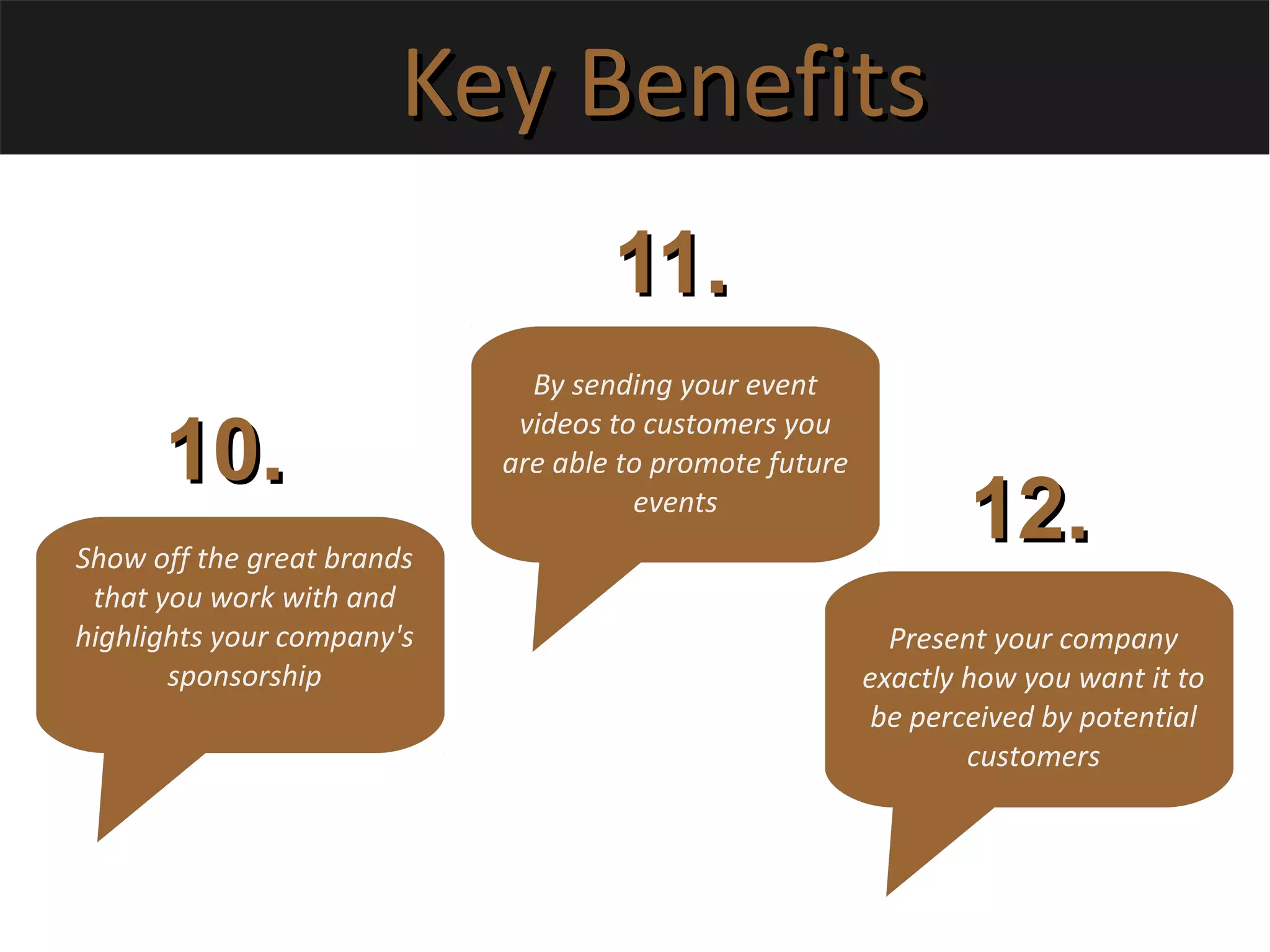
Show off the great brands
that you work with and
highlights your company's
sponsorship
10.10.
11.11.
12.12.
By sending your event
videos to customers you
are able to promote future
events
Present your company
exactly how you want it to
be perceived by potential
customers
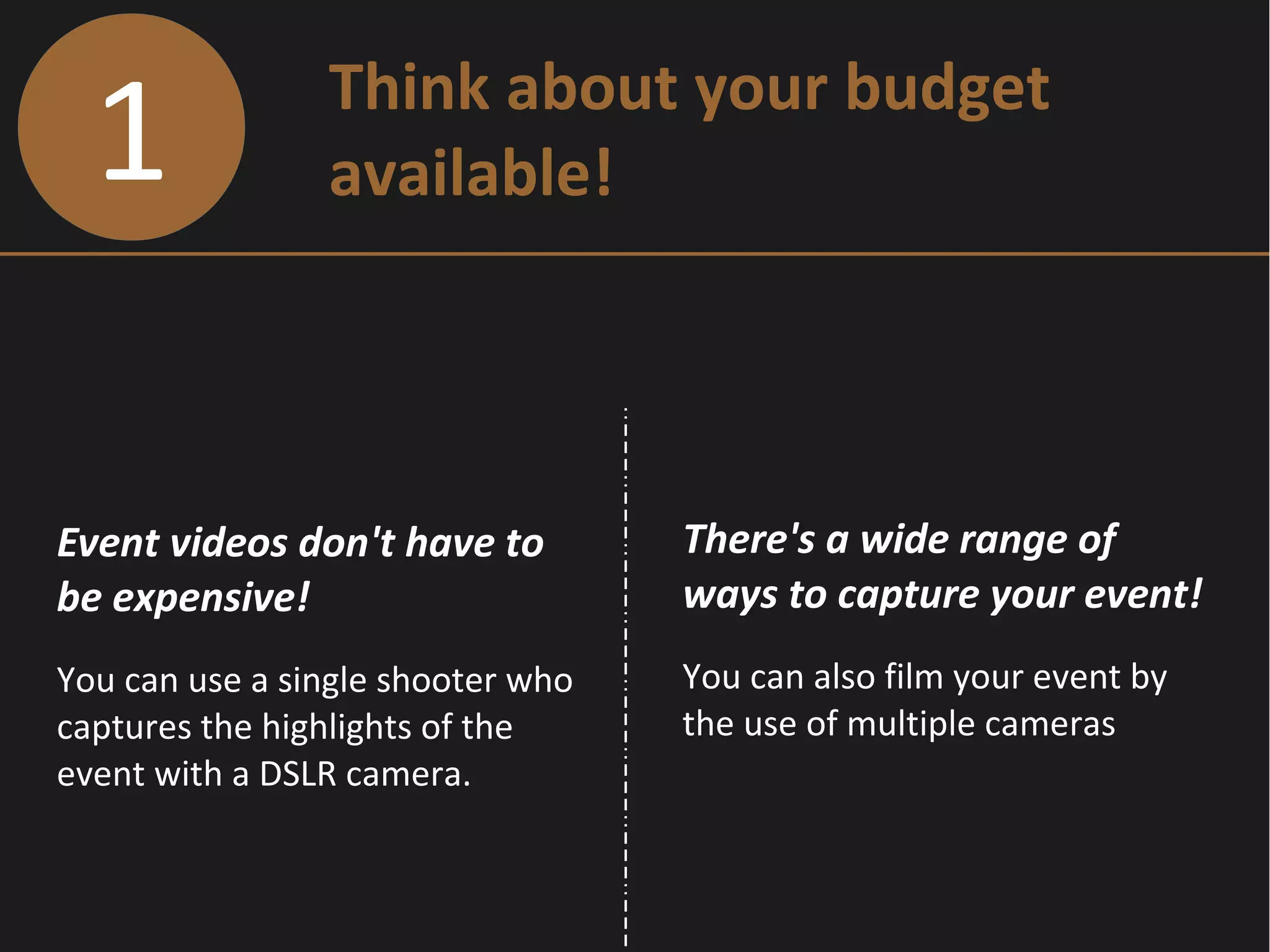
1 Think about your budget
available!
Event videos don't have to
be expensive!
You can use a single shooter who
captures the highlights of the
event with a DSLR camera.
There's a wide range of
ways to capture your event!
You can also film your event by
the use of multiple cameras
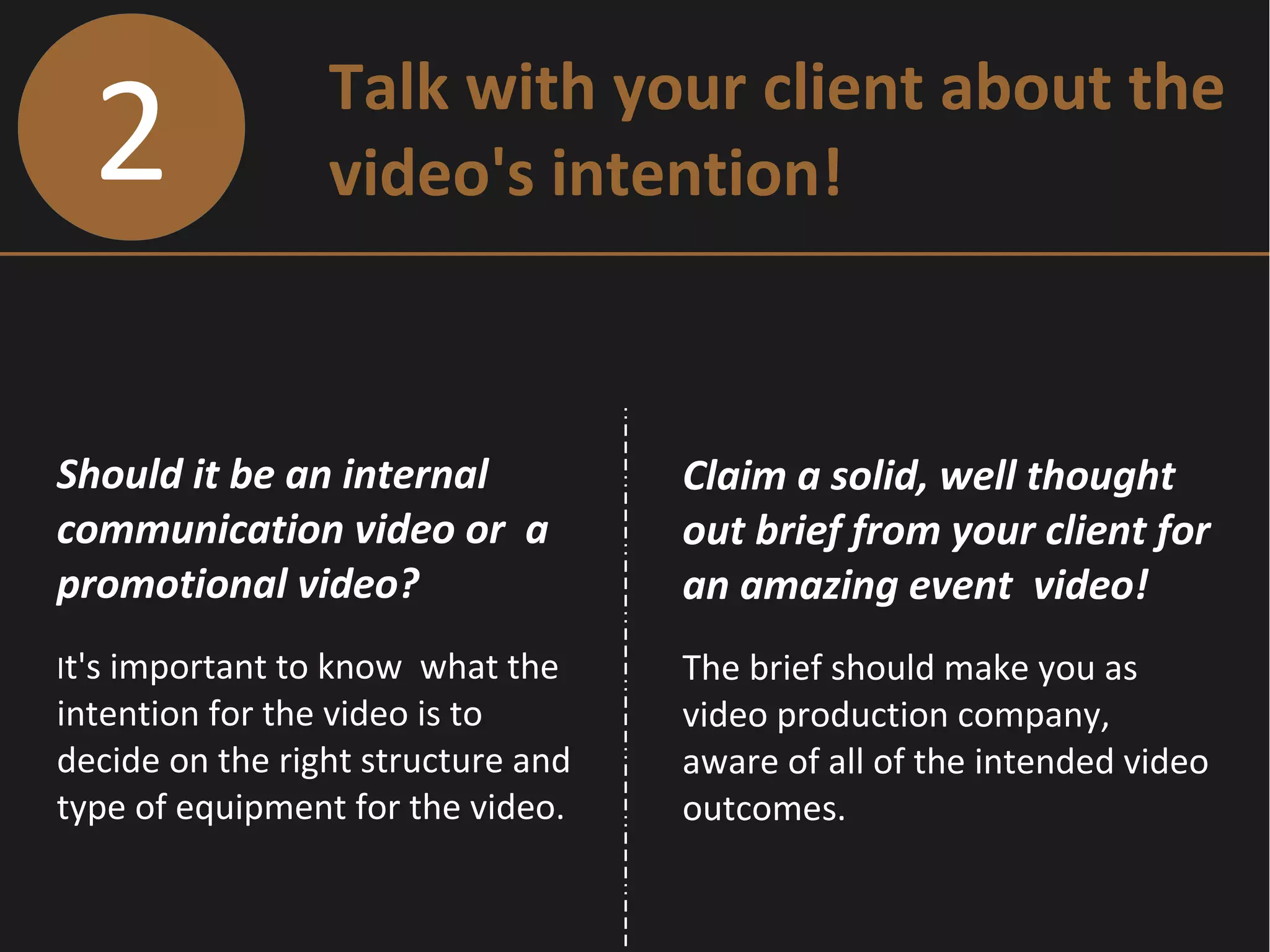
2 Talk with your client about the
video's intention!
Should it be an internal
communication video or a
promotional video?
It's important to know what the
intention for the video is to
decide on the right structure and
type of equipment for the video.
Claim a solid, well thought
out brief from your client for
an amazing event video!
The brief should make you as
video production company,
aware of all of the intended video
outcomes.
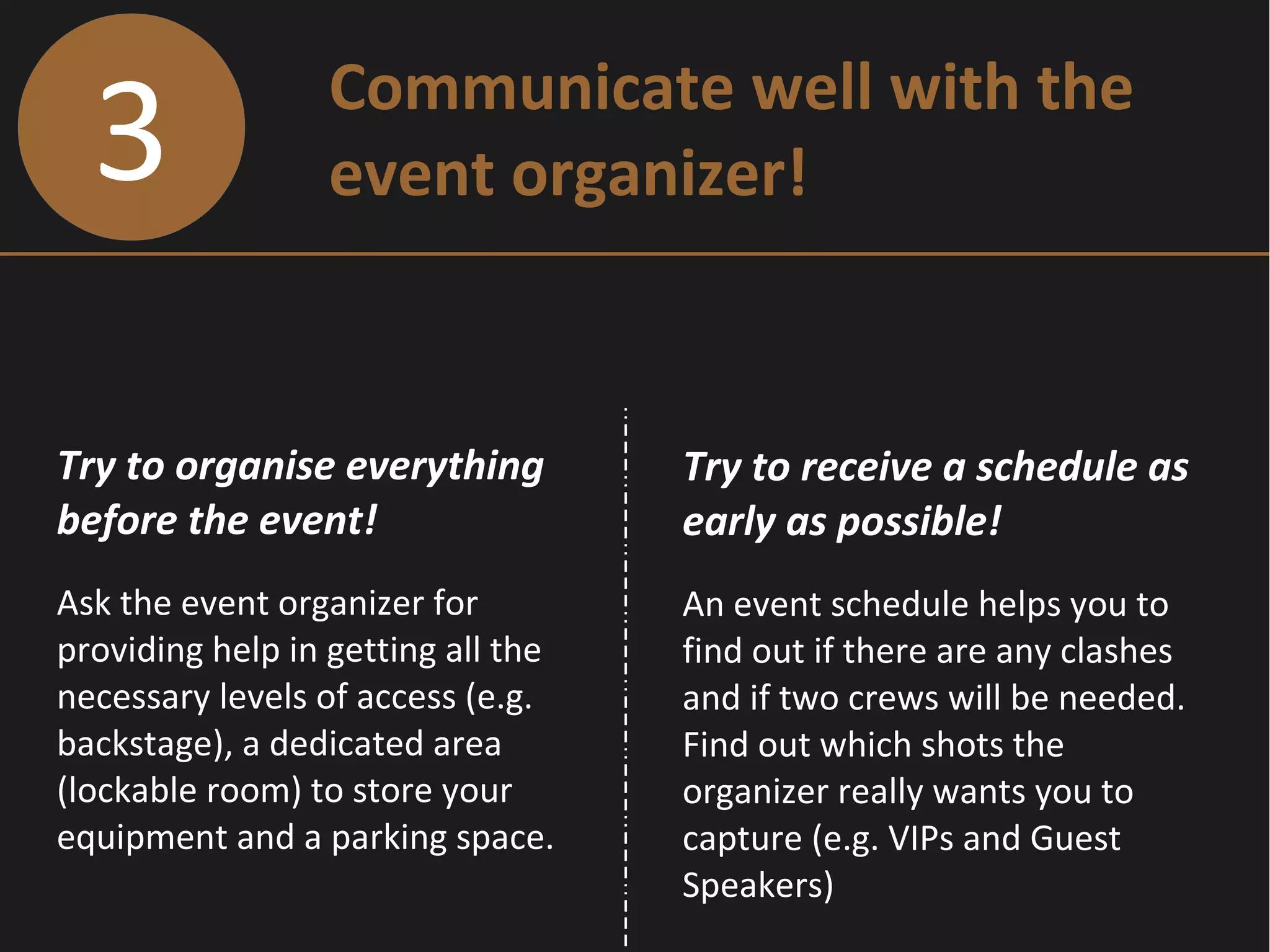
3 Communicate well with the
event organizer!
Try to organise everything
before the event!
Ask the event organizer for
providing help in getting all the
necessary levels of access (e.g.
backstage), a dedicated area
(lockable room) to store your
equipment and a parking space.
Try to receive a schedule as
early as possible!
An event schedule helps you to
find out if there are any clashes
and if two crews will be needed.
Find out which shots the
organizer really wants you to
capture (e.g. VIPs and Guest
Speakers)
4 Watch out for problems that
possibly occur !
What if the client wants
something different on
shooting day?
If you plan on shooting a certain
type of video you might not
necessarily bring the right
equipment for shooting other
types of videos.
Shoot the event on a DSLR
or small sensor camera?
DSLR cameras are more suitable
for doing a highlights video as it
has a 10 minute record limit. The
small sensor camera is better for
filming an entire speech at a
conference.
4 Watch out for problems that
possibly occur !
What if the client wants
something different on
shooting day?
If you plan on shooting a certain
type of video you might not
necessarily bring the right
equipment for shooting other
types of videos.
Shoot the event on a DSLR
or small sensor camera?
DSLR cameras are more suitable
for doing a highlights video as it
has a 10 minute record limit. The
small sensor camera with a
longer focal length is better for
filming an entire speech at a
conference.
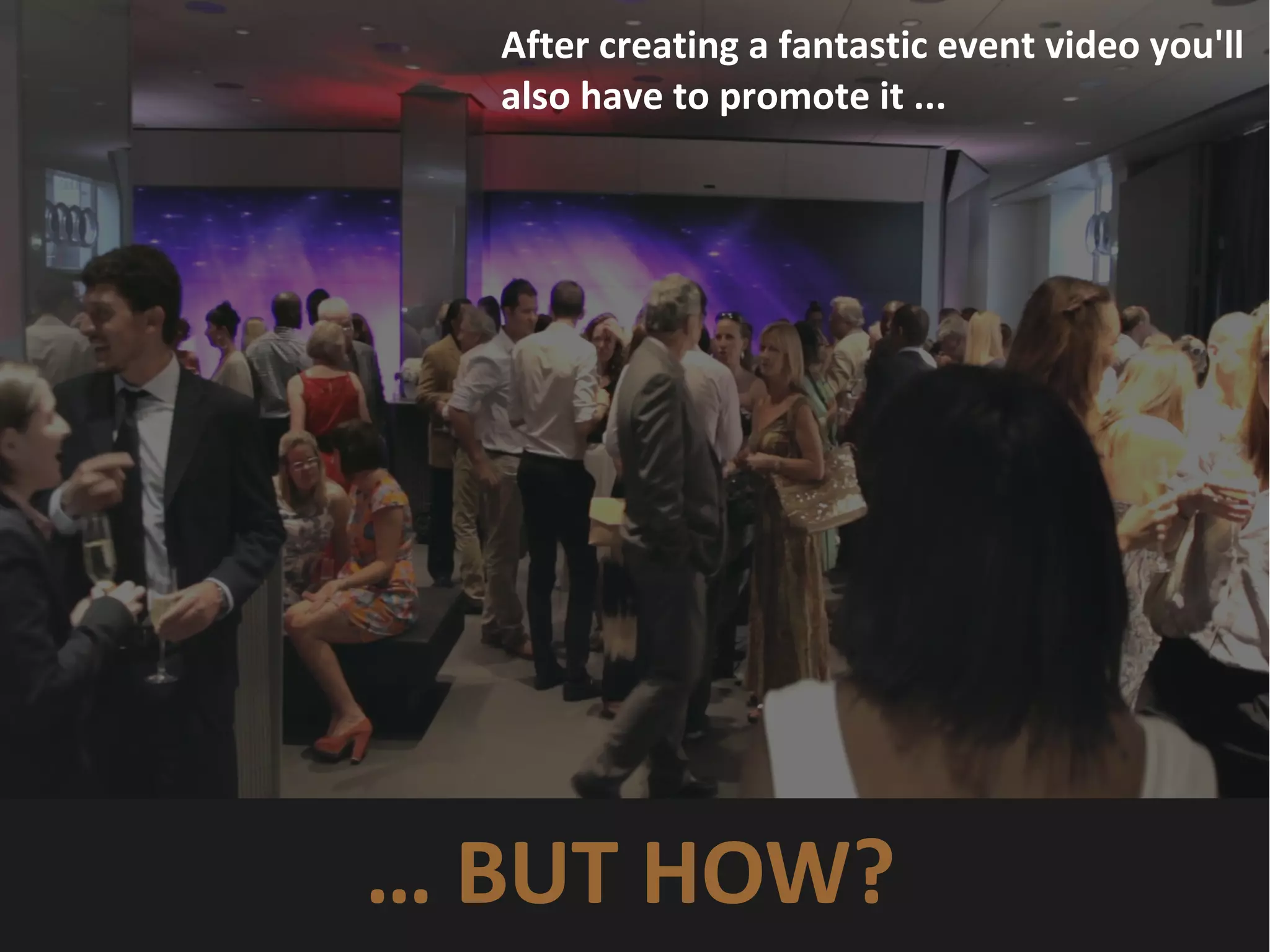
After creating a fantastic event video you'll
also have to promote it ...
… BUT HOW?
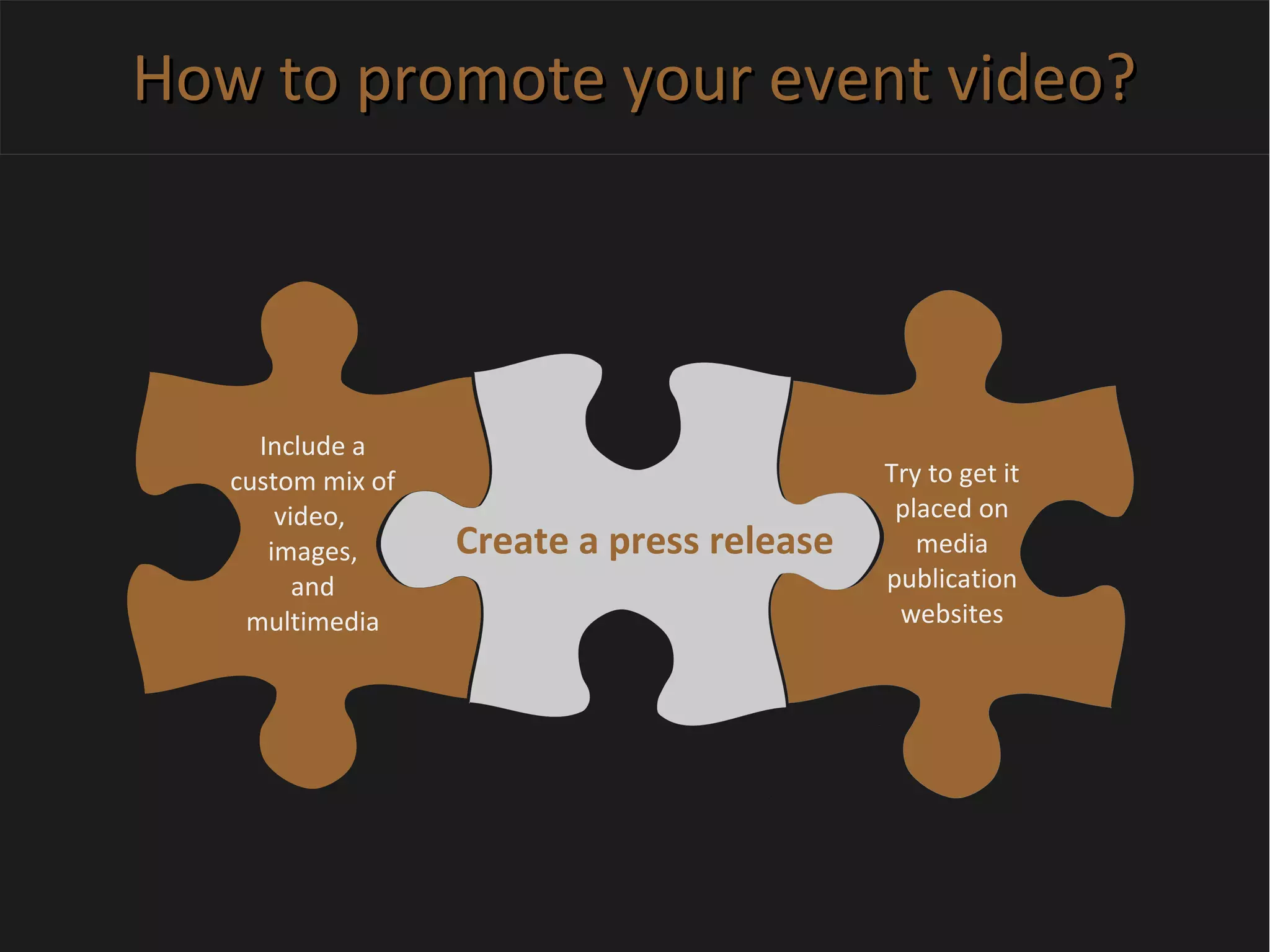
How to promote your event video?How to promote your event video?
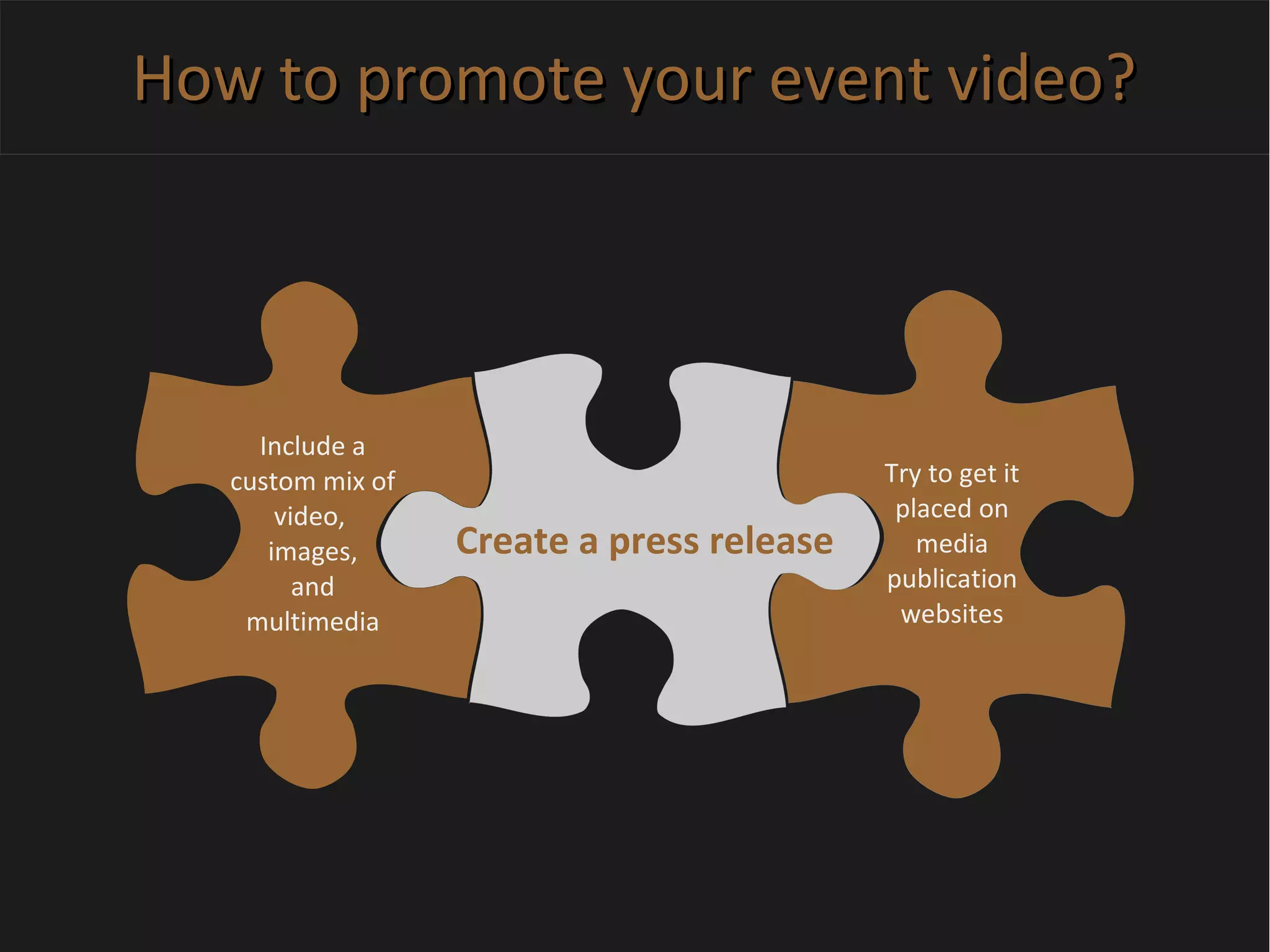
Create a press release
Include a
custom mix of
video,
images,
and
multimedia
Try to get it
placed on
media
publication
websites
How to promote your event video?How to promote your event video?
Create a press release
Include a
custom mix of
video,
images,
and
multimedia
Try to get it
placed on
media
publication
websites
How to promote your event video?How to promote your event video?
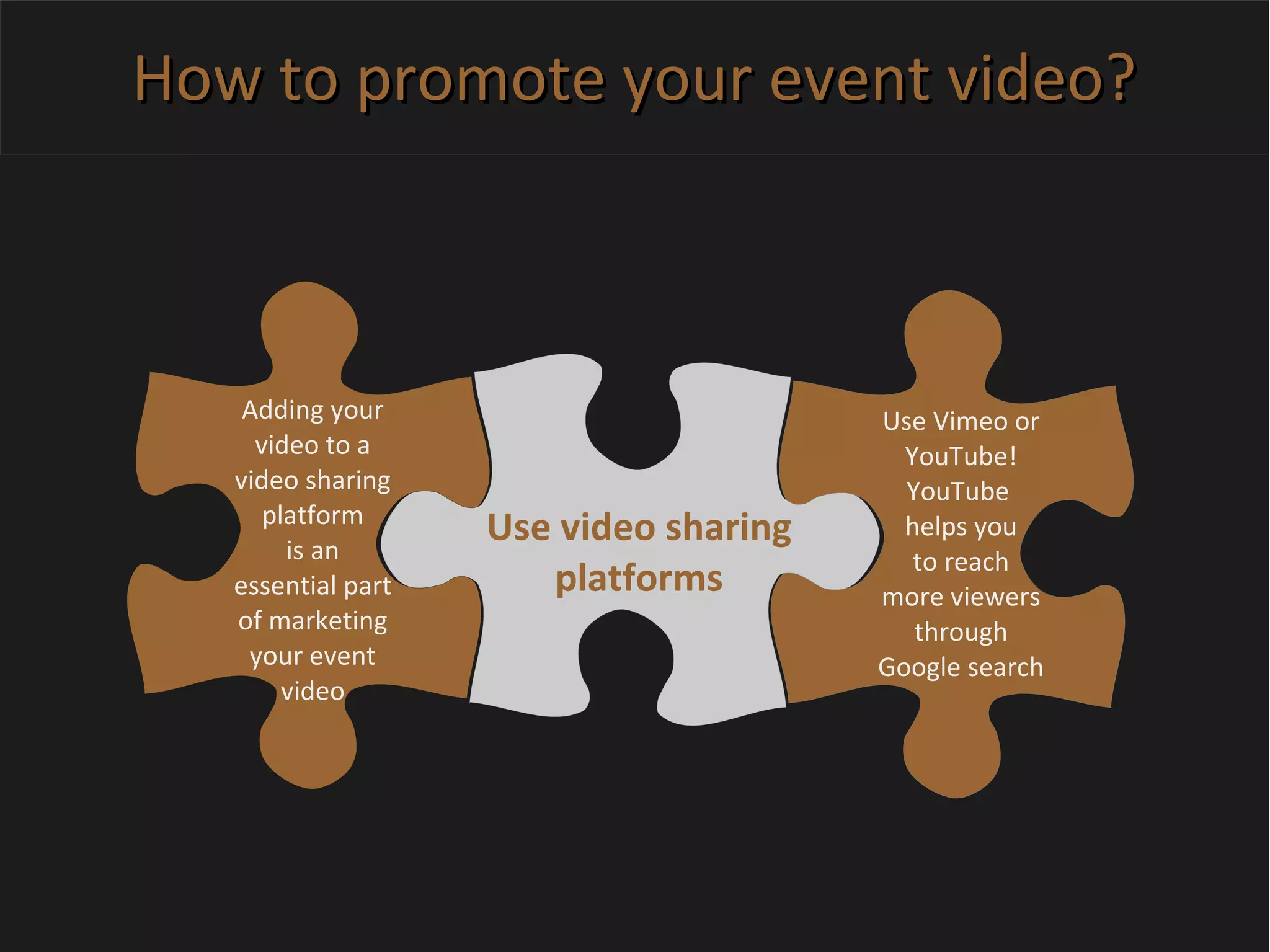
Use video sharing
platforms
Adding your
video to a
video sharing
platform
is an
essential part
of marketing
your event
video
Use Vimeo or
YouTube!
YouTube
helps you
to reach
more viewers
through
Google search
How to promote your event video?How to promote your event video?
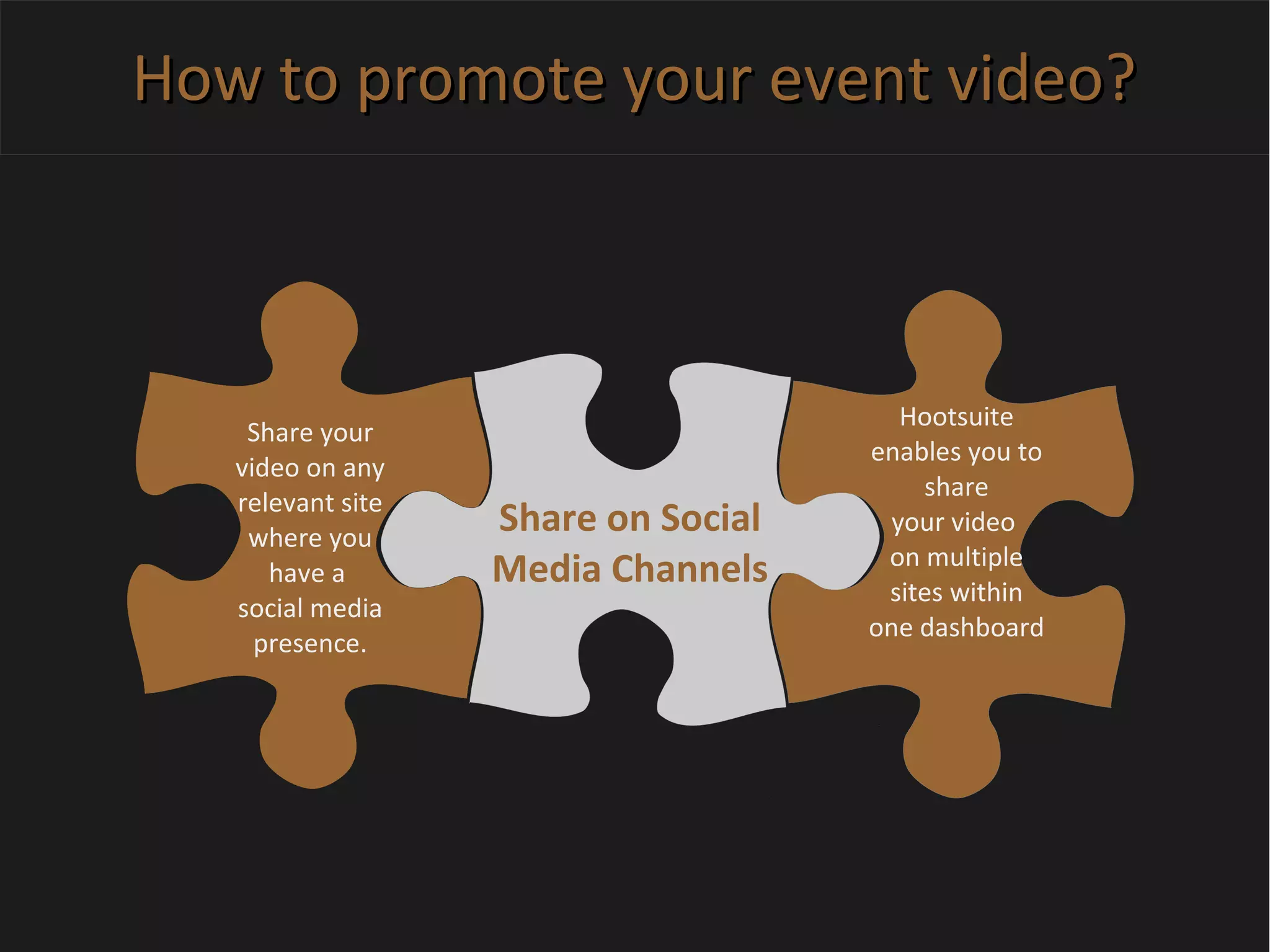
Share on Social
Media Channels
Share your
video on any
relevant site
where you
have a
social media
presence.
Hootsuite
enables you to
share
your video
on multiple
sites within
one dashboard
How to promote your event video?How to promote your event video?
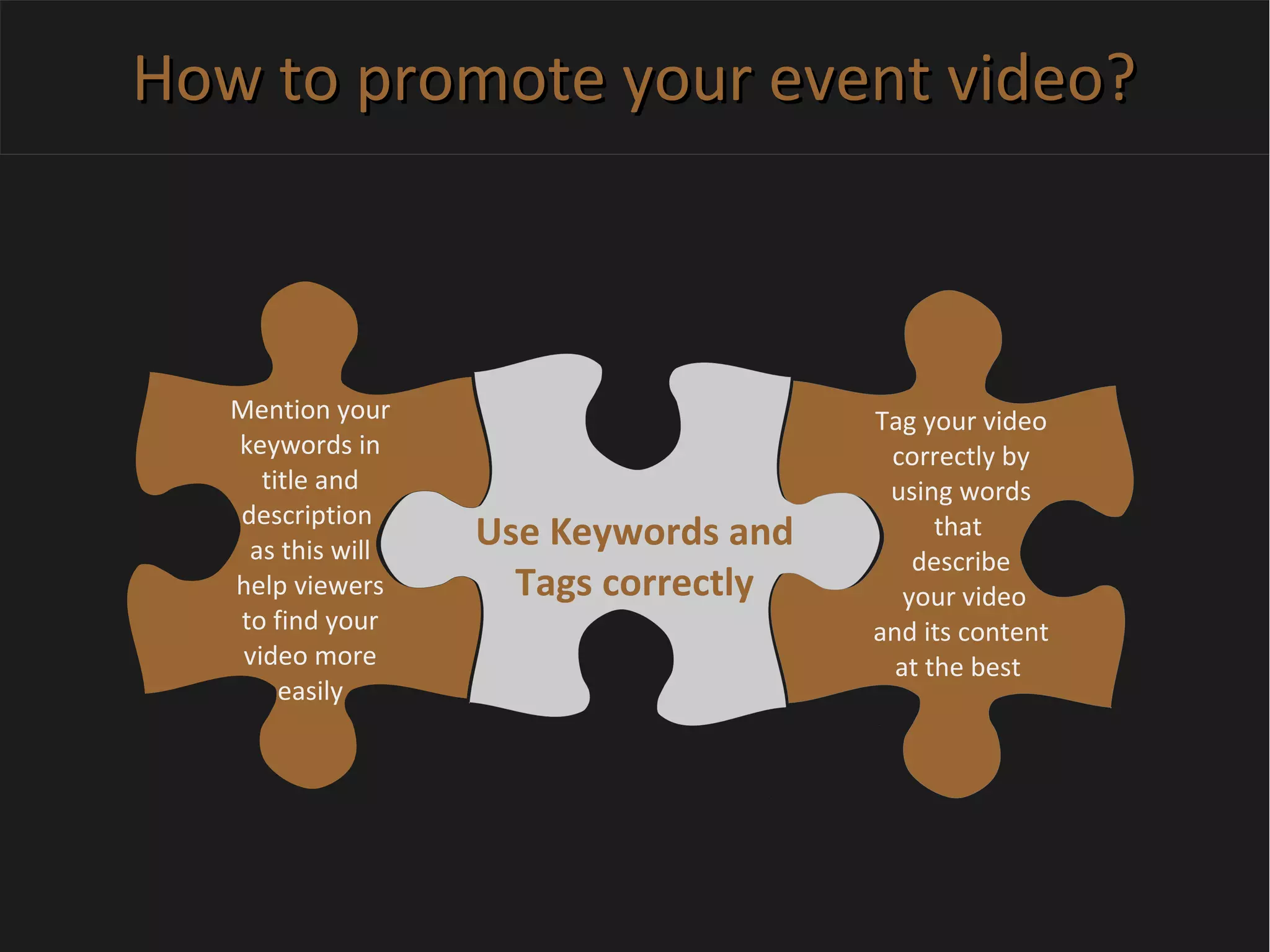
Use Keywords and
Tags correctly
Mention your
keywords in
title and
description
as this will
help viewers
to find your
video more
easily
Tag your video
correctly by
using words
that
describe
your video
and its content
at the best
How to promote your event video?How to promote your event video?
Embed the video in
your blog
Create
relevant
content to the
video,
like an
event review
or “Behind the
scenes” article
Text based
content in
addition to
the video
helps to
create more
information
for viewers.
How to promote your event video?How to promote your event video?
Use paid advertising
Twitter and
Facebook are
perfect if you
are trying
to reach
a specific
demographic
with your
video
You can also
use paid
advertising
with a link
to an
external video
site like
YouTube
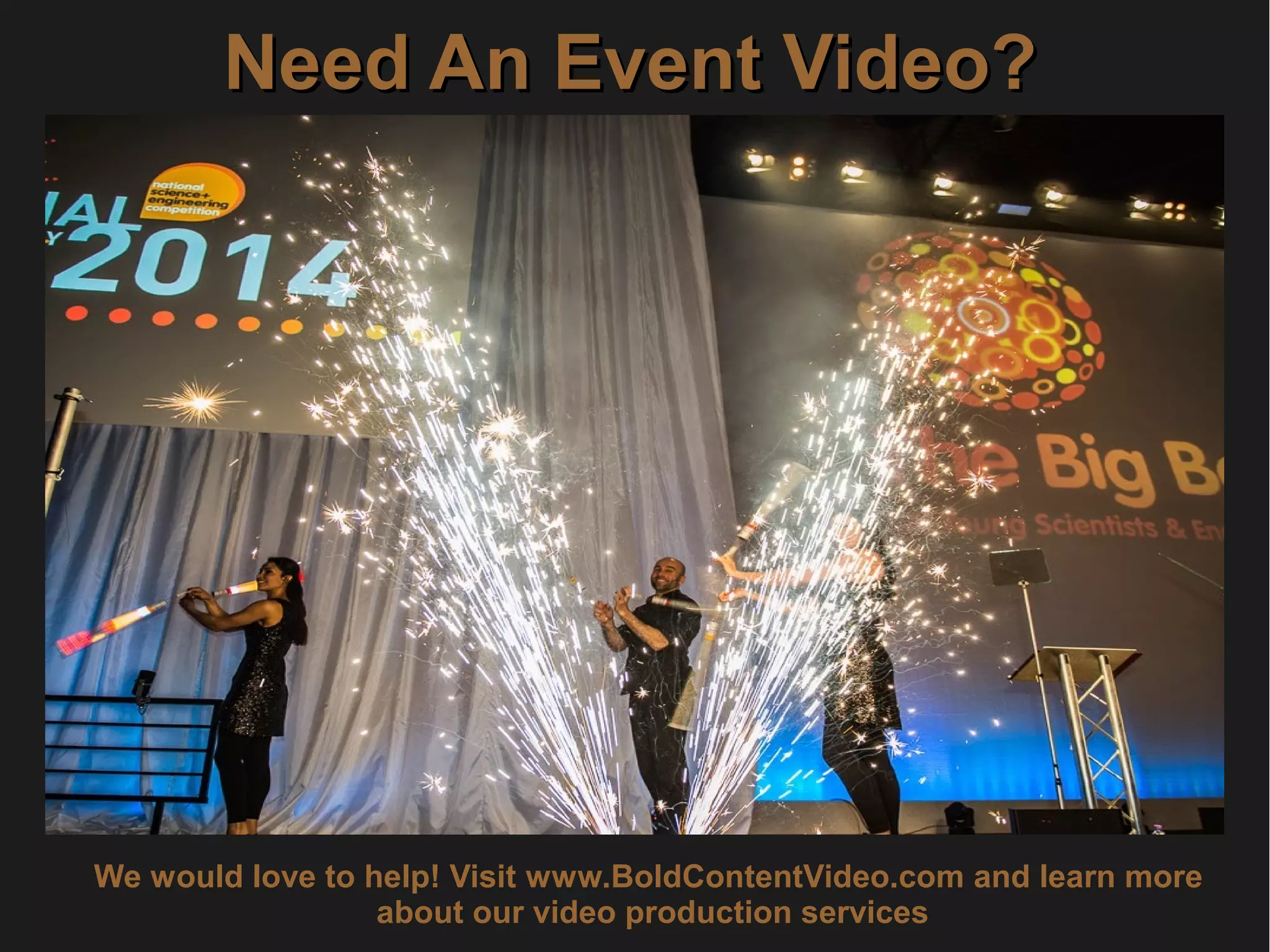
Need An Event Video?Need An Event Video?
We would love to help! Visit www.BoldContentVideo.com and learn more
about our video production services

How to create an event video

  • 1.
    How To CreateAn Event VideoHow To Create An Event Video Bold Content Production www.BoldContentVideo.com
  • 2.
    Key BenefitsKey Benefits Eventvideos are perfect for delivering your company's key messages 1.1. 2.2. 3.3. Use your event video as a platform to explain your vision, for both internal and external promotion Interview your clients, vendors or other event attendees and use their experiences for selling your event
  • 3.
    Key BenefitsKey Benefits Itis possible to capture a great event which included lots of organisation and planning 4.4. 5.5. 6.6. You don't have to limit your event to a small audience Show your great event and open it to staff, work force or the general public
  • 4.
    Key BenefitsKey Benefits Bymaking the entertaining elements of your event part of the video, your viewers can be impressed easily 7.7. 8.8. 9.9. Video can be used to show your event in the best possible light also to attract new employees and business partners Show your great event and open it to staff, work force or the general public
  • 5.
    Key BenefitsKey Benefits Showoff the great brands that you work with and highlights your company's sponsorship 10.10. 11.11. 12.12. By sending your event videos to customers you are able to promote future events Present your company exactly how you want it to be perceived by potential customers
  • 6.
    1 Think aboutyour budget available! Event videos don't have to be expensive! You can use a single shooter who captures the highlights of the event with a DSLR camera. There's a wide range of ways to capture your event! You can also film your event by the use of multiple cameras
  • 7.
    2 Talk withyour client about the video's intention! Should it be an internal communication video or a promotional video? It's important to know what the intention for the video is to decide on the right structure and type of equipment for the video. Claim a solid, well thought out brief from your client for an amazing event video! The brief should make you as video production company, aware of all of the intended video outcomes.
  • 8.
    3 Communicate wellwith the event organizer! Try to organise everything before the event! Ask the event organizer for providing help in getting all the necessary levels of access (e.g. backstage), a dedicated area (lockable room) to store your equipment and a parking space. Try to receive a schedule as early as possible! An event schedule helps you to find out if there are any clashes and if two crews will be needed. Find out which shots the organizer really wants you to capture (e.g. VIPs and Guest Speakers)
  • 9.
    4 Watch outfor problems that possibly occur ! What if the client wants something different on shooting day? If you plan on shooting a certain type of video you might not necessarily bring the right equipment for shooting other types of videos. Shoot the event on a DSLR or small sensor camera? DSLR cameras are more suitable for doing a highlights video as it has a 10 minute record limit. The small sensor camera is better for filming an entire speech at a conference.
  • 10.
    4 Watch outfor problems that possibly occur ! What if the client wants something different on shooting day? If you plan on shooting a certain type of video you might not necessarily bring the right equipment for shooting other types of videos. Shoot the event on a DSLR or small sensor camera? DSLR cameras are more suitable for doing a highlights video as it has a 10 minute record limit. The small sensor camera with a longer focal length is better for filming an entire speech at a conference.
  • 11.
    After creating afantastic event video you'll also have to promote it ... … BUT HOW?
  • 12.
    How to promoteyour event video?How to promote your event video? Create a press release Include a custom mix of video, images, and multimedia Try to get it placed on media publication websites
  • 13.
    How to promoteyour event video?How to promote your event video? Create a press release Include a custom mix of video, images, and multimedia Try to get it placed on media publication websites
  • 14.
    How to promoteyour event video?How to promote your event video? Use video sharing platforms Adding your video to a video sharing platform is an essential part of marketing your event video Use Vimeo or YouTube! YouTube helps you to reach more viewers through Google search
  • 15.
    How to promoteyour event video?How to promote your event video? Share on Social Media Channels Share your video on any relevant site where you have a social media presence. Hootsuite enables you to share your video on multiple sites within one dashboard
  • 16.
    How to promoteyour event video?How to promote your event video? Use Keywords and Tags correctly Mention your keywords in title and description as this will help viewers to find your video more easily Tag your video correctly by using words that describe your video and its content at the best
  • 17.
    How to promoteyour event video?How to promote your event video? Embed the video in your blog Create relevant content to the video, like an event review or “Behind the scenes” article Text based content in addition to the video helps to create more information for viewers.
  • 18.
    How to promoteyour event video?How to promote your event video? Use paid advertising Twitter and Facebook are perfect if you are trying to reach a specific demographic with your video You can also use paid advertising with a link to an external video site like YouTube
  • 19.
    Need An EventVideo?Need An Event Video? We would love to help! Visit www.BoldContentVideo.com and learn more about our video production services