Integrating Videos into Your
                               Marketing Toolbox
                                                                               prepared for


       Workshop: Integrating Video into Your Marketing Toolbox
       Presentation Date: Sept 23, 2011
       Time: 1:15pm - 2:30pm •  Marketing Track
       Presenter: Rhea Allen | Director/Producer | Integrative Marketing Specialist |
       President/CEO Peppershock Media

Whether it’s on your website, your Facebook Page or at your
fundraising events, video is a great way to share your
nonprofit’s story!
What you will learn:
• Importance
• What to Expect
• Methods
• Best Practices
• Things to Consider
• Funding the Effort
• Distribution
• Tracking Results
• Examples & Why it Works
Importance
                                Why is a compelling video important?

• Bring controlled attention to a cause

• Visual way for people to connect or reconnect with an
  issue

• A compelling story will be shared with the WORLD
   • New audience online
   • Online action, reaction
   • 30 seconds instead of 3,000 words of text
   • Video is passive, not as much work to watch a video as it does
     to read online
   • People get distracted easily when reading online
   • Video can elicit quick response
What to Expect
                     When working with a video production team.


1. Pre-pro
    The more we plan ahead,
    the better the outcome!


                 2. Production


                                 3. Post-Production
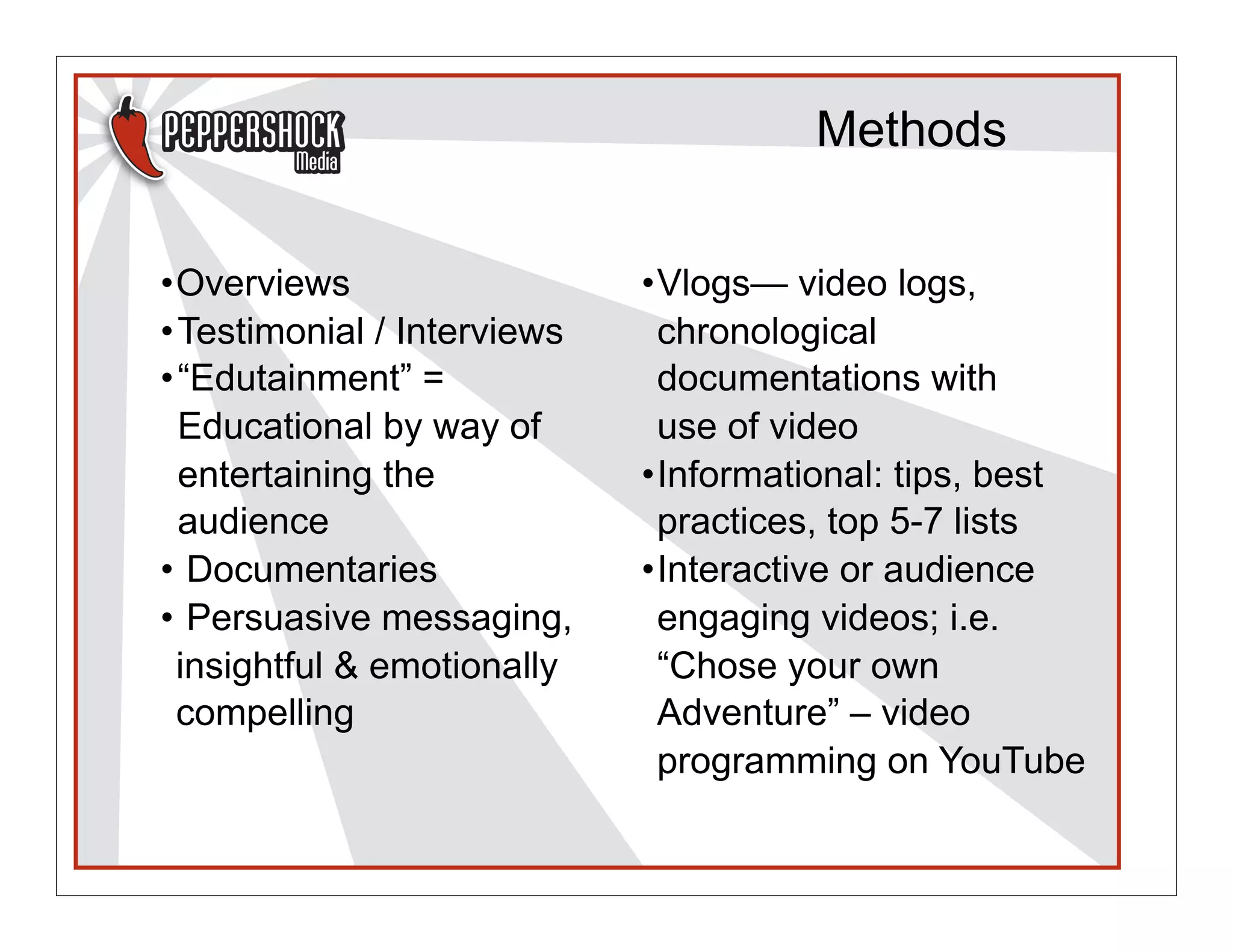
Methods


•Overviews                   •Vlogs— video logs,
• Testimonial / Interviews    chronological
• “Edutainment” =             documentations with
  Educational by way of       use of video
  entertaining the           •Informational: tips, best
  audience                    practices, top 5-7 lists
• Documentaries              •Interactive or audience
• Persuasive messaging,       engaging videos; i.e.
  insightful & emotionally    “Chose your own
  compelling                  Adventure” – video
                              programming on YouTube
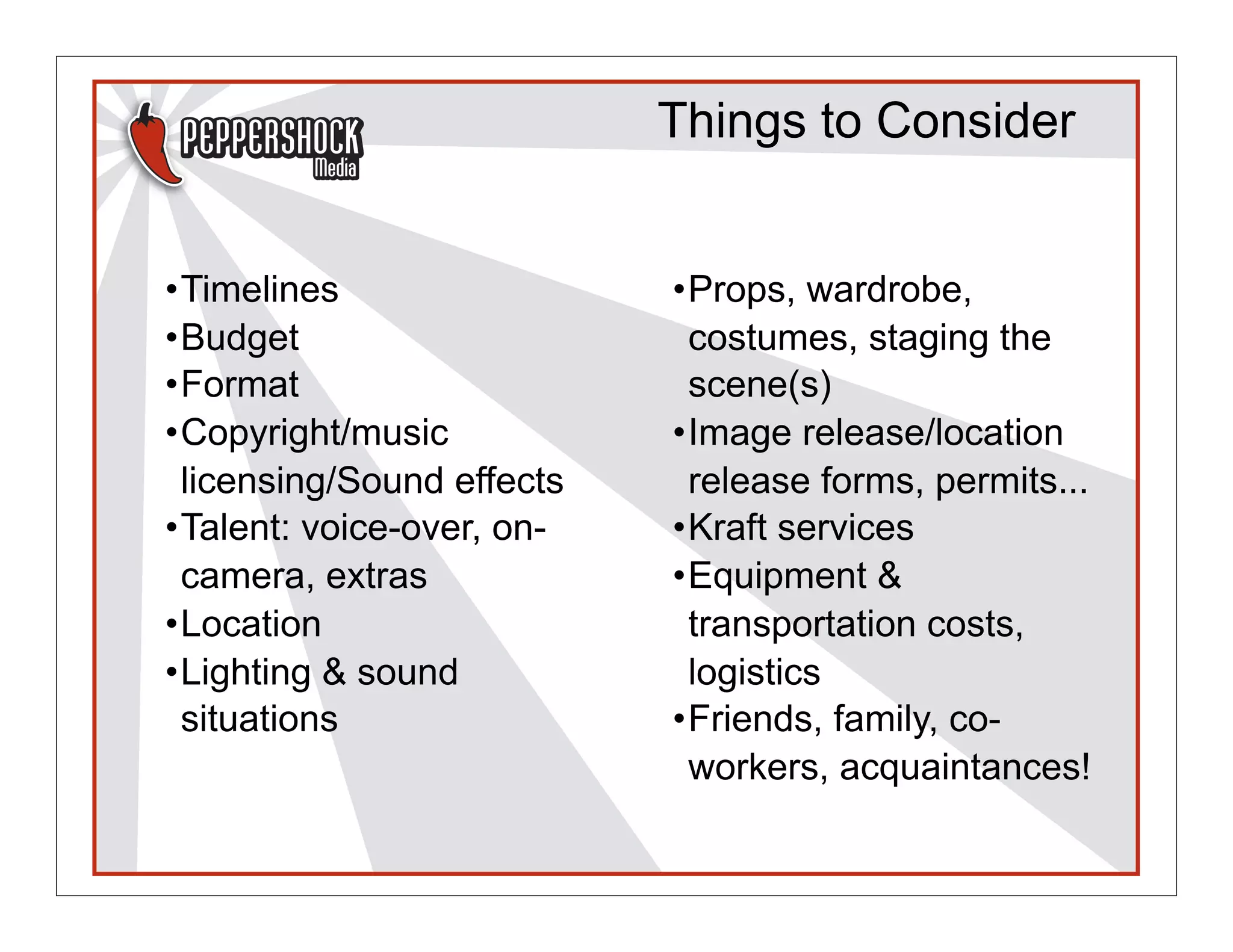
Things to Consider


•Timelines                 •Props, wardrobe,
•Budget                     costumes, staging the
•Format                     scene(s)
•Copyright/music           •Image release/location
 licensing/Sound effects    release forms, permits...
•Talent: voice-over, on-   •Kraft services
 camera, extras            •Equipment &
•Location                   transportation costs,
•Lighting & sound           logistics
 situations                •Friends, family, co-
                            workers, acquaintances!
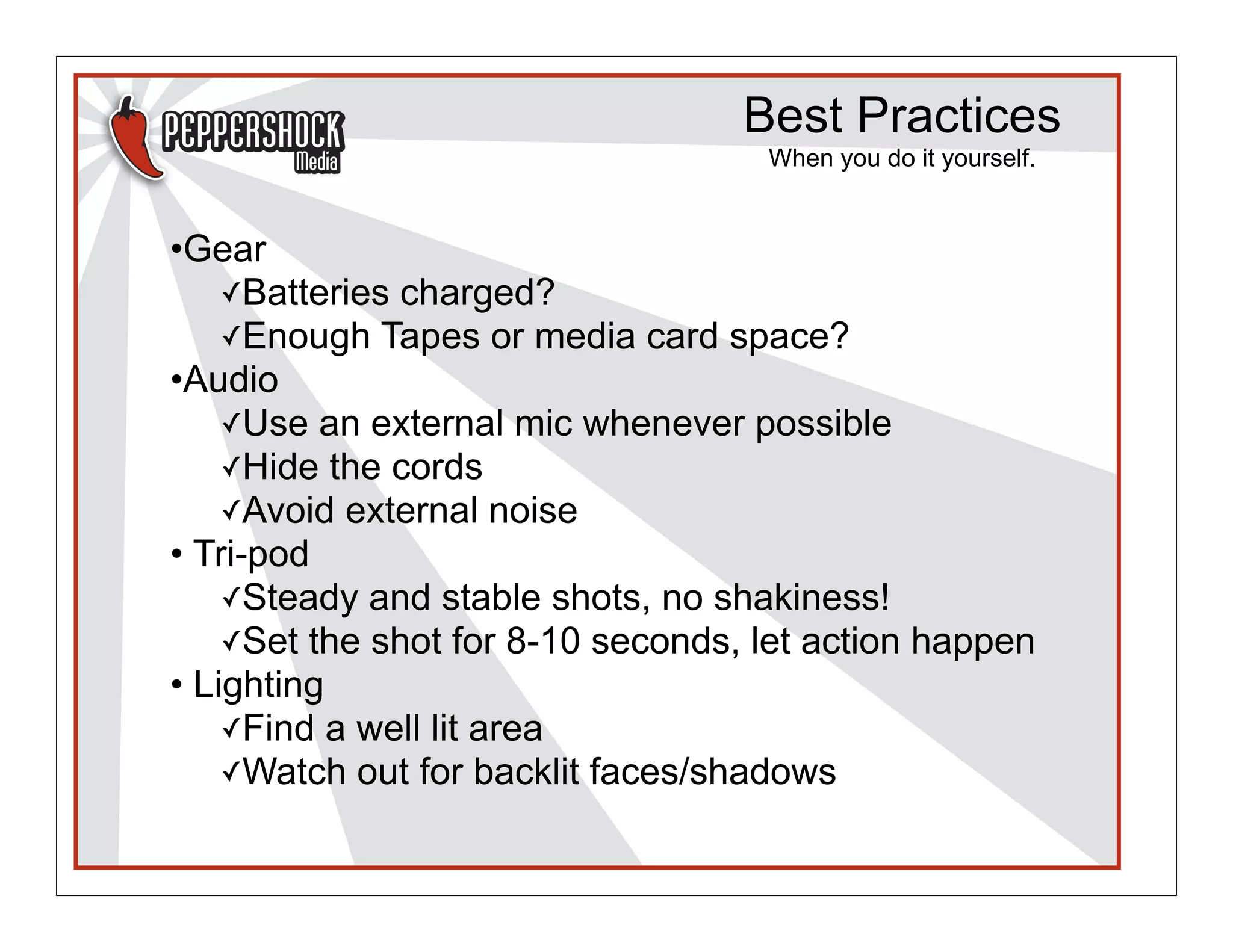
Best Practices
                                    When you do it yourself.


•Gear
    ✓Batteries charged?
    ✓Enough Tapes or media card space?
•Audio
    ✓Use an external mic whenever possible
    ✓Hide the cords
    ✓Avoid external noise
• Tri-pod
    ✓Steady and stable shots, no shakiness!
    ✓Set the shot for 8-10 seconds, let action happen
• Lighting
    ✓Find a well lit area
    ✓Watch out for backlit faces/shadows
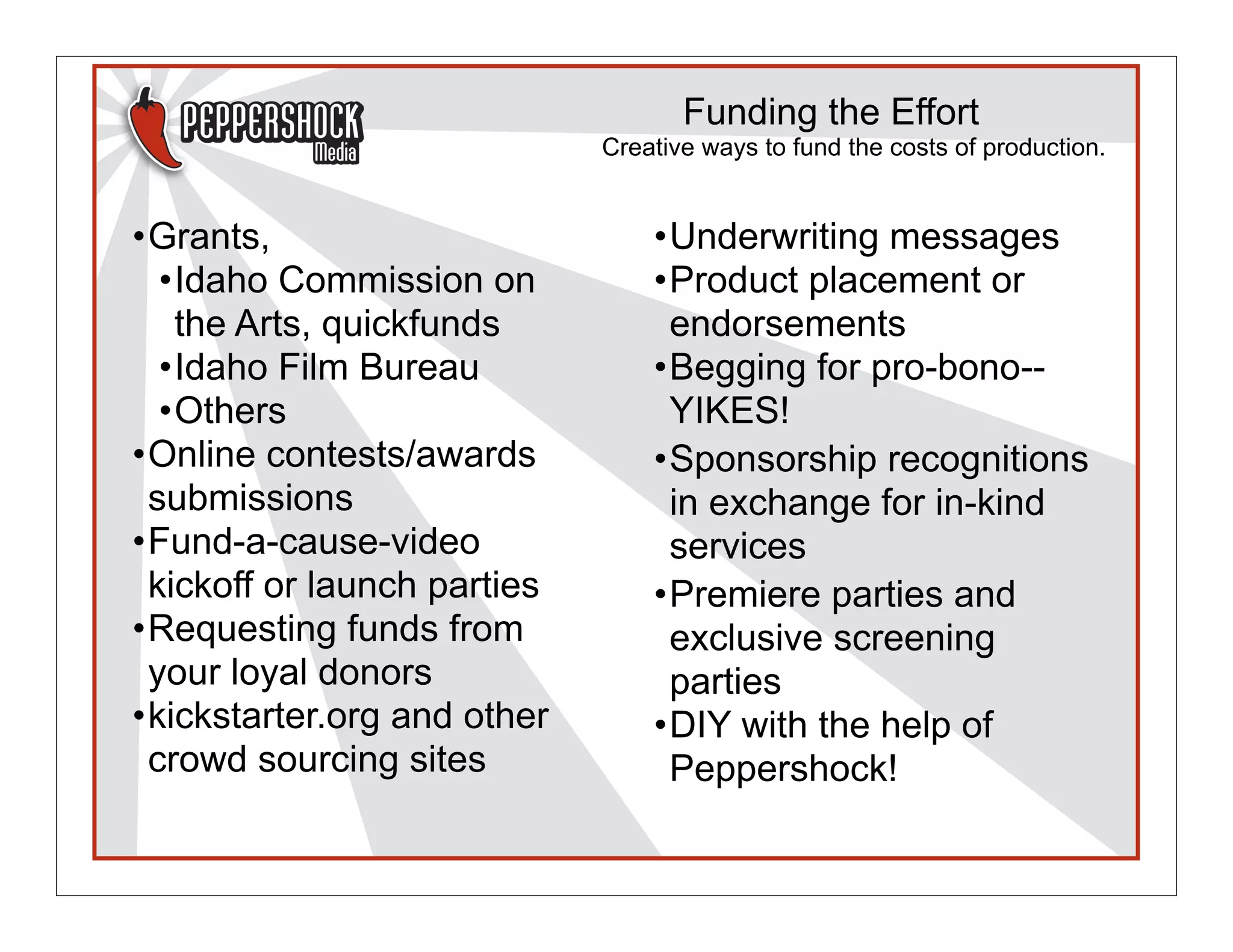
Funding the Effort
                             Creative ways to fund the costs of production.


•Grants,                         •Underwriting messages
  •Idaho Commission on           •Product placement or
   the Arts, quickfunds           endorsements
  •Idaho Film Bureau             •Begging for pro-bono--
  •Others                         YIKES!
•Online contests/awards          •Sponsorship recognitions
 submissions                      in exchange for in-kind
•Fund-a-cause-video               services
 kickoff or launch parties       •Premiere parties and
•Requesting funds from            exclusive screening
 your loyal donors                parties
•kickstarter.org and other       •DIY with the help of
 crowd sourcing sites             Peppershock!
Best Practices
                                        When you do it yourself.


• Shooting Footage
      ✓ Move to different angles of a room
      ✓ Do not shoot backs of peoples heads
      ✓ Get speaker & crowd reaction shots
      ✓ Wide Shot - establish the scene
      ✓ Medium Shot
      ✓ Close Ups - to break up the shot to avoid jump cuts
      ✓ Extreme CU - compelling angle, hands clapping, faces
        smiling, emotional component
      ✓ Move your body closer, don’t just zoom in - shakiness!

• Practice, Practice, Practice
      ✓ Do you know the camera settings
      ✓ Events -- one time shot!
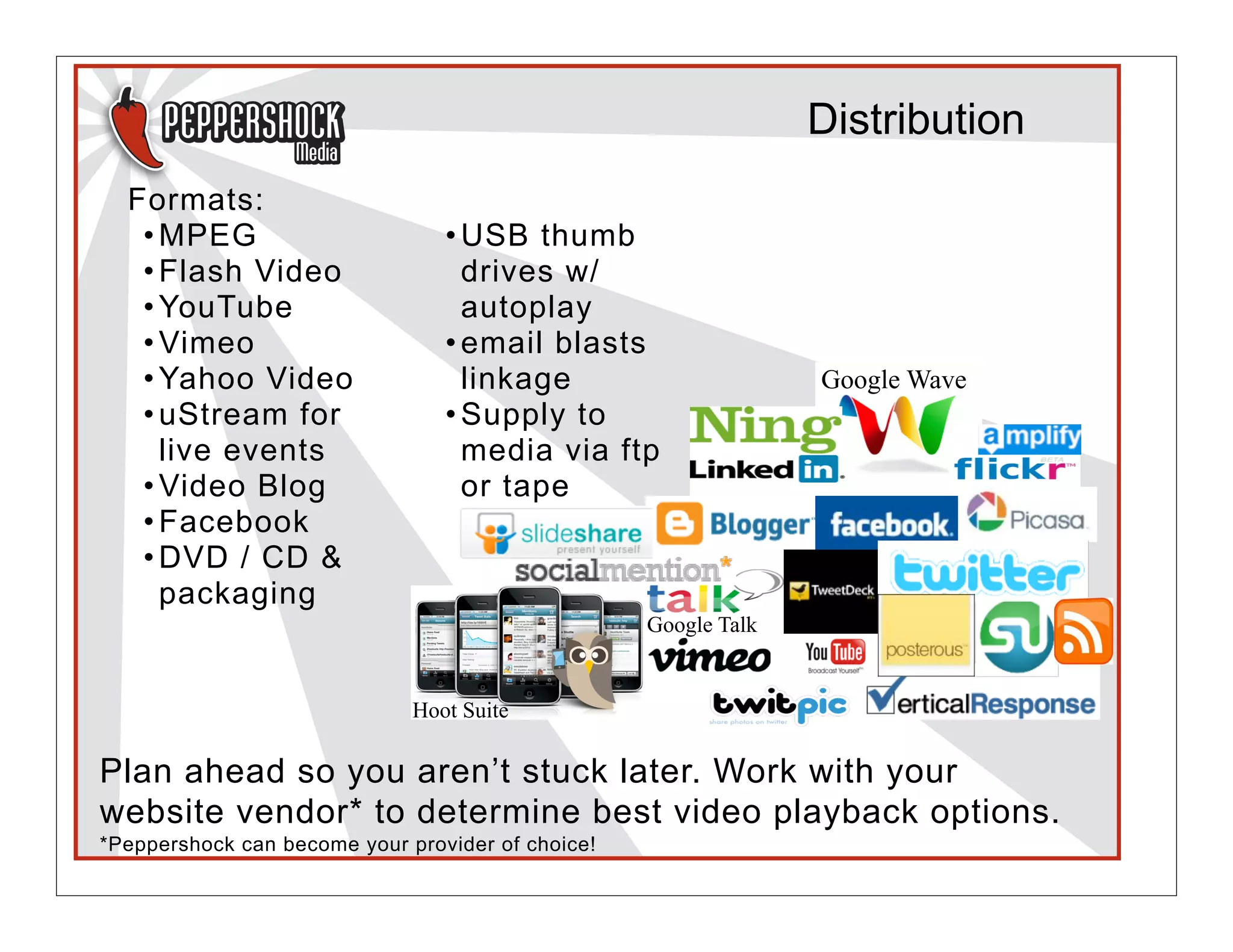
Distribution
  Formats:
   • MPEG                        • USB thumb
   • Flash Video                   drives w/
   • YouTube                       autoplay
   • Vimeo                       • email blasts
   • Yahoo Video                   linkage                       Google Wave
   • uStream for                 • Supply to
     live events                   media via ftp
   • Video Blog                    or tape
   • Facebook
   • DVD / CD &
     packaging
                                                   Google Talk


                              Hoot Suite

Plan ahead so you aren’t stuck later. Work with your
website vendor* to determine best video playback options.
*Peppershock can become your provider of choice!
Tracking Results

• Tracking
    • # of views
    • How long it’s been viewed?
      Do people quit watching after a certain point? Why?
    • Comments made?
    • Shared or RT’d, forwarded or searched?
    • Google Analytics or other
    • Hootsuite - a social media team collaboration too
    • SocialMention.com
    • Facebook Insights - admin on your FB page

Track conversions -- determine a monetary value of what the
video contributed to your nonprofit over a defined period of
time. If it’s well done, it can pay for itself triple-fold!!
Examples

Sample Video: event video from day one of the 2011
conference

How & why video works in augmenting your fundraising,
public outreach & awareness efforts

Words of Advice!
 •Gala Videos - Polished, Compelling - Paddle Auction
 •A/V Equipment
 •DVD player overheating - don’t leave it on too long!
QUESTIONS?

                    Rhea Allen, M.B.A.
                    Director/Producer | Integrative Marketing Specialist |
                    President/CEO
                    Peppershock Media
                    rhea@peppershock.com | Twitter: @Peppershock |
                    208.461.5070 | www.peppershock.com
          *Mention the presentation you attended to receive a 15% non-profit discount on our
              marketing strategy & creative production services, (excludes hard-costs).


Peppershock Media, a hybrid agency.
Fresh Marketing Strategy + Creative Production Services.
Campaign Planning | HD Video Production | Graphic Design | Advertising Services

Video in your Nonprofit Marketing Toolbox

  • 1.
    Integrating Videos intoYour Marketing Toolbox prepared for Workshop: Integrating Video into Your Marketing Toolbox Presentation Date: Sept 23, 2011 Time: 1:15pm - 2:30pm •  Marketing Track Presenter: Rhea Allen | Director/Producer | Integrative Marketing Specialist | President/CEO Peppershock Media Whether it’s on your website, your Facebook Page or at your fundraising events, video is a great way to share your nonprofit’s story!
  • 2.
    What you willlearn: • Importance • What to Expect • Methods • Best Practices • Things to Consider • Funding the Effort • Distribution • Tracking Results • Examples & Why it Works
  • 3.
    Importance Why is a compelling video important? • Bring controlled attention to a cause • Visual way for people to connect or reconnect with an issue • A compelling story will be shared with the WORLD • New audience online • Online action, reaction • 30 seconds instead of 3,000 words of text • Video is passive, not as much work to watch a video as it does to read online • People get distracted easily when reading online • Video can elicit quick response
  • 4.
    What to Expect When working with a video production team. 1. Pre-pro The more we plan ahead, the better the outcome! 2. Production 3. Post-Production
  • 5.
    Methods •Overviews •Vlogs— video logs, • Testimonial / Interviews chronological • “Edutainment” = documentations with Educational by way of use of video entertaining the •Informational: tips, best audience practices, top 5-7 lists • Documentaries •Interactive or audience • Persuasive messaging, engaging videos; i.e. insightful & emotionally “Chose your own compelling Adventure” – video programming on YouTube
  • 6.
    Things to Consider •Timelines •Props, wardrobe, •Budget costumes, staging the •Format scene(s) •Copyright/music •Image release/location licensing/Sound effects release forms, permits... •Talent: voice-over, on- •Kraft services camera, extras •Equipment & •Location transportation costs, •Lighting & sound logistics situations •Friends, family, co- workers, acquaintances!
  • 7.
    Best Practices When you do it yourself. •Gear ✓Batteries charged? ✓Enough Tapes or media card space? •Audio ✓Use an external mic whenever possible ✓Hide the cords ✓Avoid external noise • Tri-pod ✓Steady and stable shots, no shakiness! ✓Set the shot for 8-10 seconds, let action happen • Lighting ✓Find a well lit area ✓Watch out for backlit faces/shadows
  • 8.
    Funding the Effort Creative ways to fund the costs of production. •Grants, •Underwriting messages •Idaho Commission on •Product placement or the Arts, quickfunds endorsements •Idaho Film Bureau •Begging for pro-bono-- •Others YIKES! •Online contests/awards •Sponsorship recognitions submissions in exchange for in-kind •Fund-a-cause-video services kickoff or launch parties •Premiere parties and •Requesting funds from exclusive screening your loyal donors parties •kickstarter.org and other •DIY with the help of crowd sourcing sites Peppershock!
  • 9.
    Best Practices When you do it yourself. • Shooting Footage ✓ Move to different angles of a room ✓ Do not shoot backs of peoples heads ✓ Get speaker & crowd reaction shots ✓ Wide Shot - establish the scene ✓ Medium Shot ✓ Close Ups - to break up the shot to avoid jump cuts ✓ Extreme CU - compelling angle, hands clapping, faces smiling, emotional component ✓ Move your body closer, don’t just zoom in - shakiness! • Practice, Practice, Practice ✓ Do you know the camera settings ✓ Events -- one time shot!
  • 10.
    Distribution Formats: • MPEG • USB thumb • Flash Video drives w/ • YouTube autoplay • Vimeo • email blasts • Yahoo Video linkage Google Wave • uStream for • Supply to live events media via ftp • Video Blog or tape • Facebook • DVD / CD & packaging Google Talk Hoot Suite Plan ahead so you aren’t stuck later. Work with your website vendor* to determine best video playback options. *Peppershock can become your provider of choice!
  • 11.
    Tracking Results • Tracking • # of views • How long it’s been viewed? Do people quit watching after a certain point? Why? • Comments made? • Shared or RT’d, forwarded or searched? • Google Analytics or other • Hootsuite - a social media team collaboration too • SocialMention.com • Facebook Insights - admin on your FB page Track conversions -- determine a monetary value of what the video contributed to your nonprofit over a defined period of time. If it’s well done, it can pay for itself triple-fold!!
  • 12.
    Examples Sample Video: eventvideo from day one of the 2011 conference How & why video works in augmenting your fundraising, public outreach & awareness efforts Words of Advice! •Gala Videos - Polished, Compelling - Paddle Auction •A/V Equipment •DVD player overheating - don’t leave it on too long!
  • 13.
    QUESTIONS? Rhea Allen, M.B.A. Director/Producer | Integrative Marketing Specialist | President/CEO Peppershock Media rhea@peppershock.com | Twitter: @Peppershock | 208.461.5070 | www.peppershock.com *Mention the presentation you attended to receive a 15% non-profit discount on our marketing strategy & creative production services, (excludes hard-costs). Peppershock Media, a hybrid agency. Fresh Marketing Strategy + Creative Production Services. Campaign Planning | HD Video Production | Graphic Design | Advertising Services