Downloaded 19 times
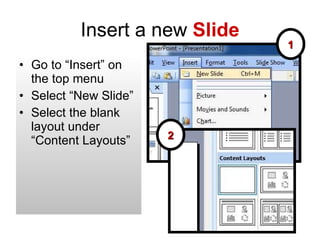
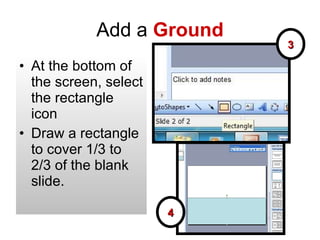
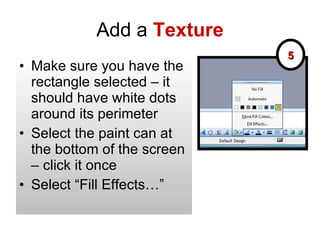
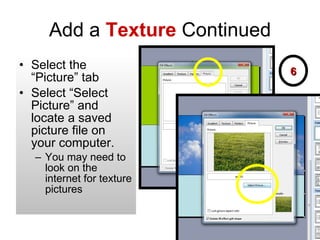
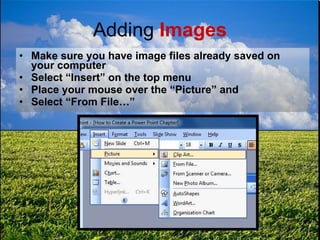
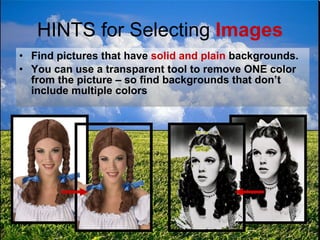
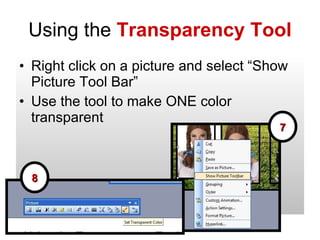

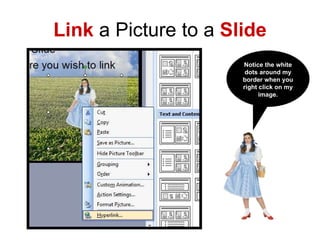
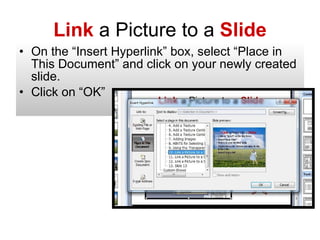
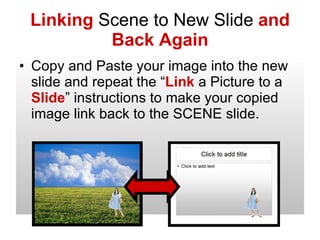
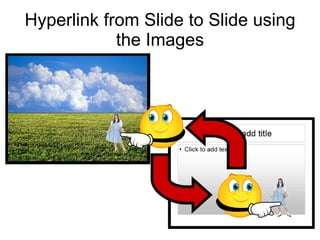
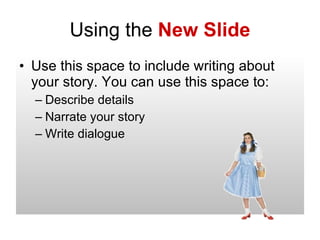

This document provides instructions for creating a PowerPoint chapter presentation with the following key steps: 1. Insert a new slide and add a rectangle as a background covering 1/3 to 2/3 of the slide. 2. Select a texture picture to fill the rectangle background. 3. Insert image files and use the transparency tool to remove one color so images have a plain background. 4. Link inserted images to other slides by selecting hyperlink and choosing the slide to link to, allowing images to navigate between slides.


