Download to read offline


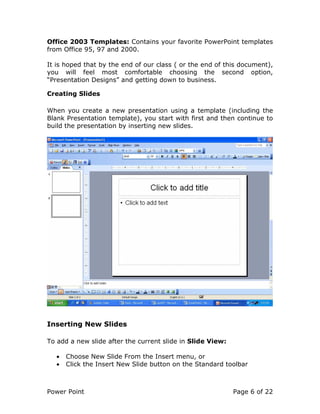
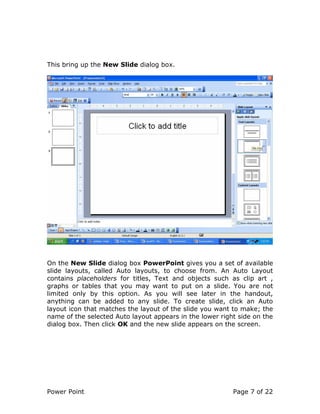
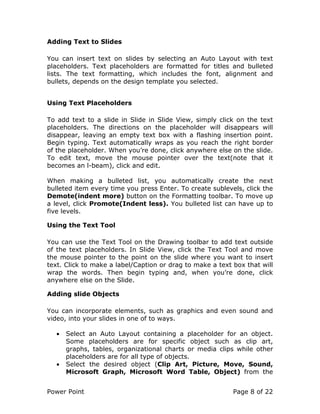
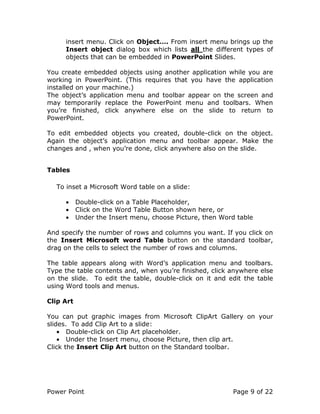
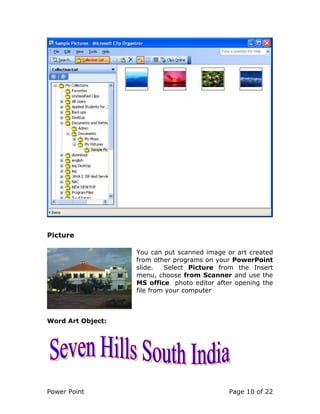
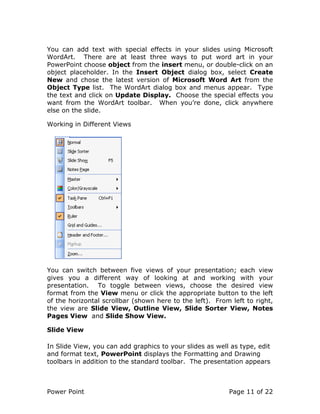
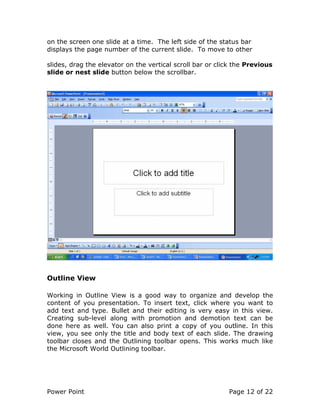
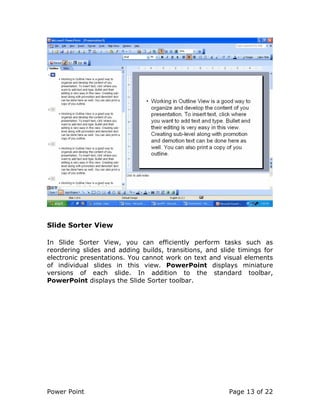
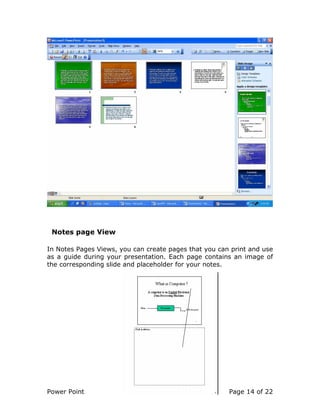
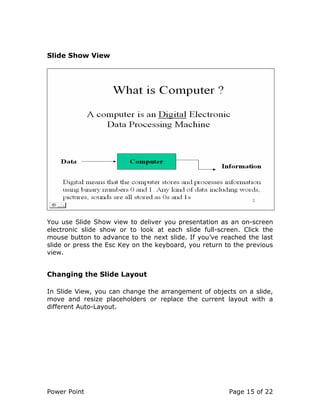
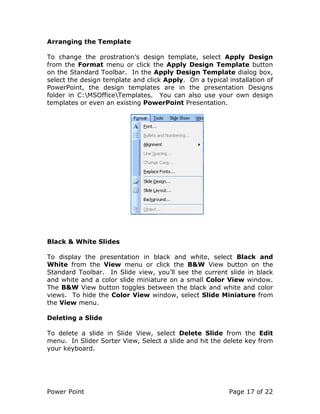

This document provides an overview of PowerPoint, including how to create and format presentations, add text, images, and other objects to slides, switch between different views, change slide layouts, reorder slides, and deliver presentations. The key points covered are: - PowerPoint allows creating presentations with slides for on-screen shows, overheads, or handouts. - New presentations can be blank or use templates, and slides can be added and edited. - Text, tables, graphics, and other objects can be inserted on slides. - Views include Slide, Outline, Sorter, Notes Pages, and Slide Show for building and presenting. - Layout, formatting, and contents of slides can


