Download as PDF, PPTX
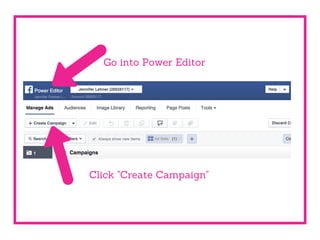
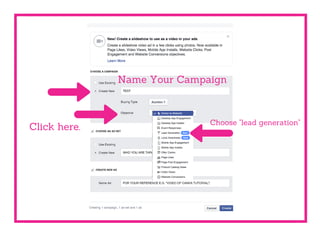
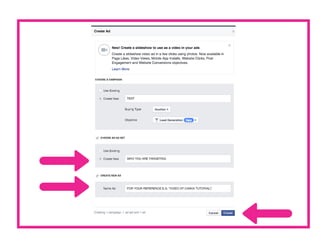
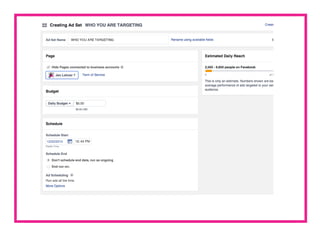
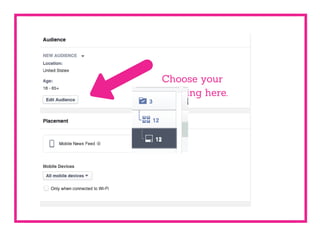
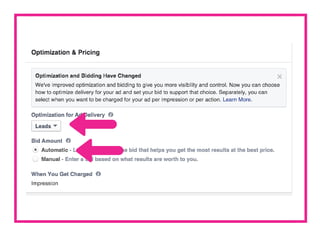
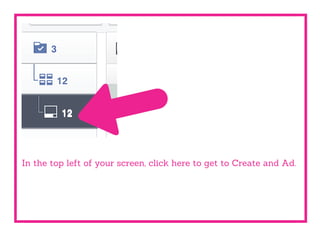
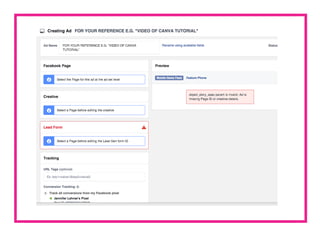
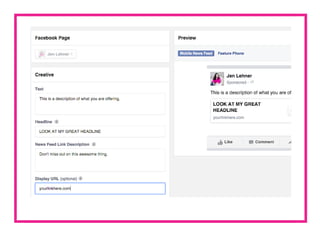
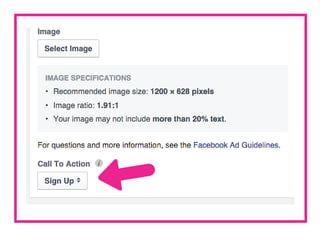
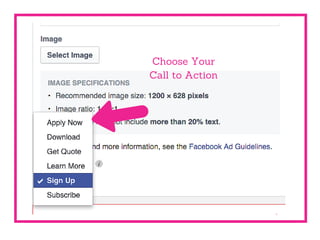
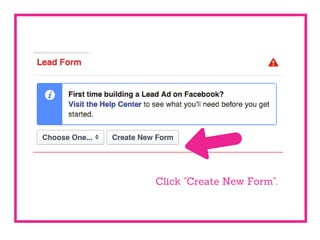
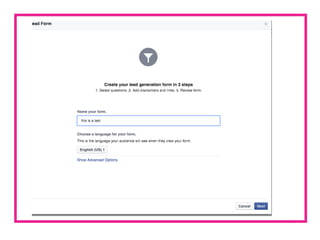
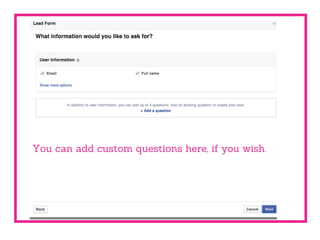
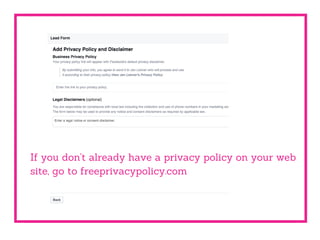
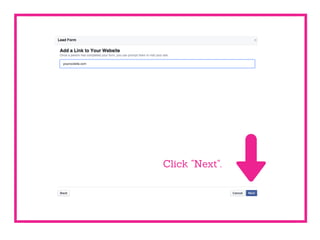
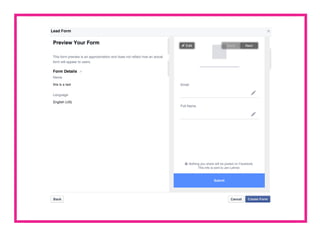
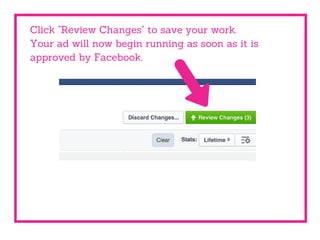
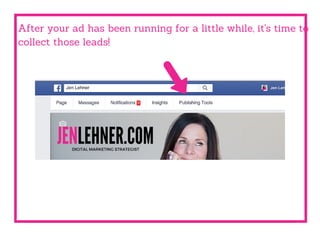
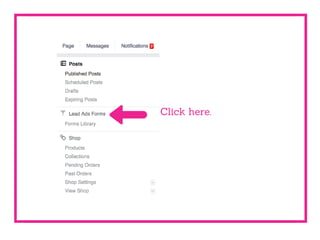
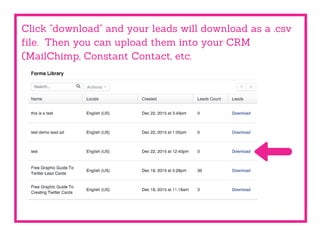


Create a lead generation ad on Facebook by naming your campaign, choosing your targeting, and creating a call to action form with custom questions. Review and save your work, and once approved, the ad will run and collect leads that can be downloaded as a CSV file to import into a CRM.


![[E book] Step-by-Step Guide to Lead Generation Using Facebook Ads](https://cdn.slidesharecdn.com/ss_thumbnails/e-book-step-by-stepguidetogenerateleadsfromfacebookads-140113004028-phpapp01-thumbnail.jpg?width=640&height=640&fit=bounds)


