How did you use new media
technologies in the construction and
research, planning and evaluation
stages?
BY JAMIE SMITH
Adobe Premier Pro CC 2015
For editing, we used ‘Adobe Premier Pro’ to help piece each
of our individual shots together to create our film. This
programme was very useful as it gave us the option to layer
shots with sound effects and music and also use things such a
colour correction which came in use for some of our more
darker and discoloured shots. We also used Premier to help
piece together our Radio Trailer. Premier was good for this as
it allowed us to work with audio alone as well as audio and
video for our film.
Adobe Photoshop & Illustrator
We used both Photoshop and Illustrator to create our film
poster. The majority of our poster was put together on
Photoshop and this was a good programme to use at it allows
you to build up the poster in layers. You can also lock layers and
edit different layers separately, making the process very quick
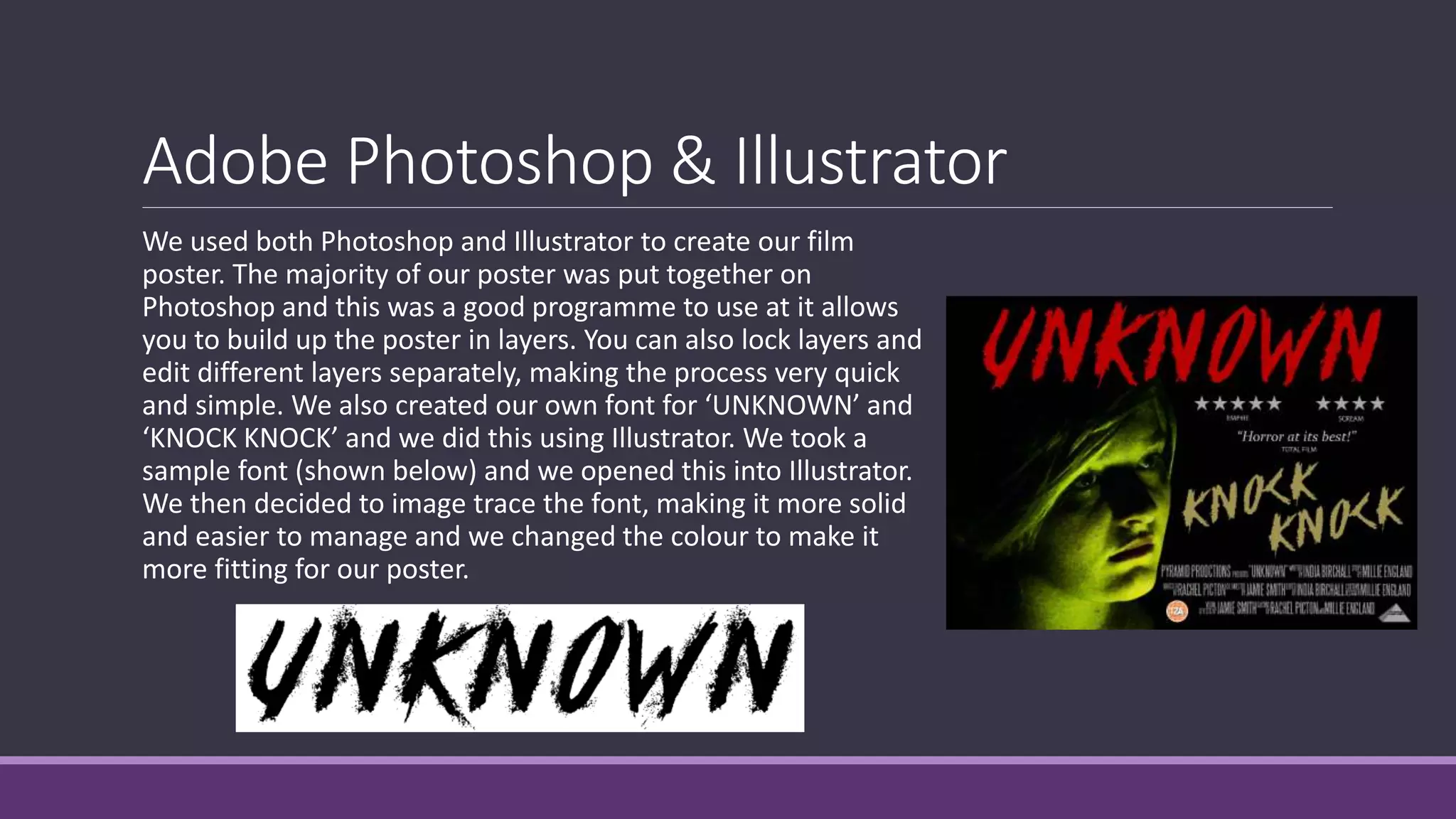
and simple. We also created our own font for ‘UNKNOWN’ and
‘KNOCK KNOCK’ and we did this using Illustrator. We took a
sample font (shown below) and we opened this into Illustrator.
We then decided to image trace the font, making it more solid
and easier to manage and we changed the colour to make it
more fitting for our poster.
Blogger
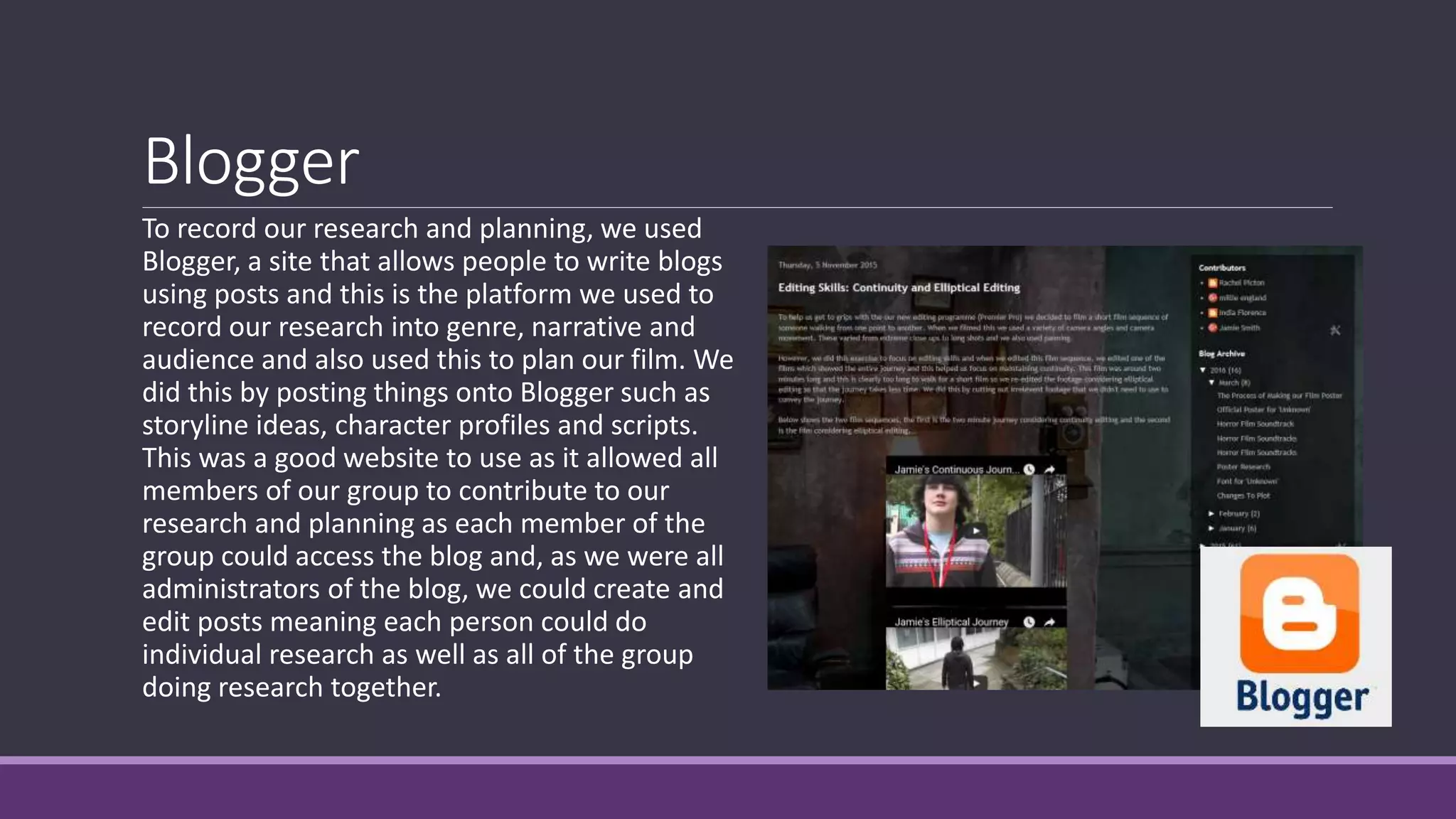
To record our research and planning, we used
Blogger, a site that allows people to write blogs
using posts and this is the platform we used to
record our research into genre, narrative and
audience and also used this to plan our film. We
did this by posting things onto Blogger such as
storyline ideas, character profiles and scripts.
This was a good website to use as it allowed all
members of our group to contribute to our
research and planning as each member of the
group could access the blog and, as we were all
administrators of the blog, we could create and
edit posts meaning each person could do
individual research as well as all of the group
doing research together.
Google Forms
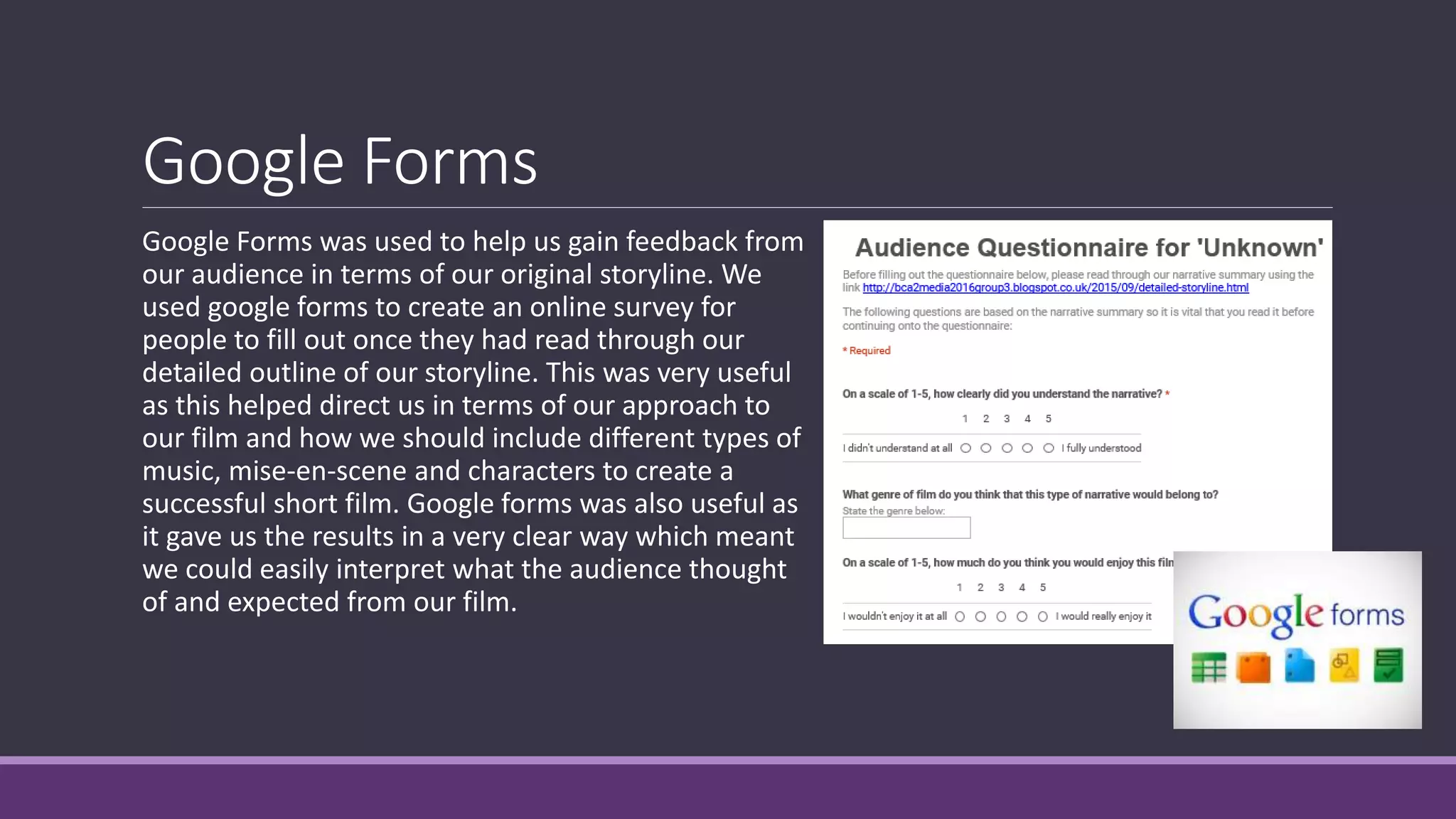
Google Forms was used to help us gain feedback from
our audience in terms of our original storyline. We
used google forms to create an online survey for
people to fill out once they had read through our
detailed outline of our storyline. This was very useful
as this helped direct us in terms of our approach to
our film and how we should include different types of
music, mise-en-scene and characters to create a
successful short film. Google forms was also useful as
it gave us the results in a very clear way which meant
we could easily interpret what the audience thought
of and expected from our film.
Celtx
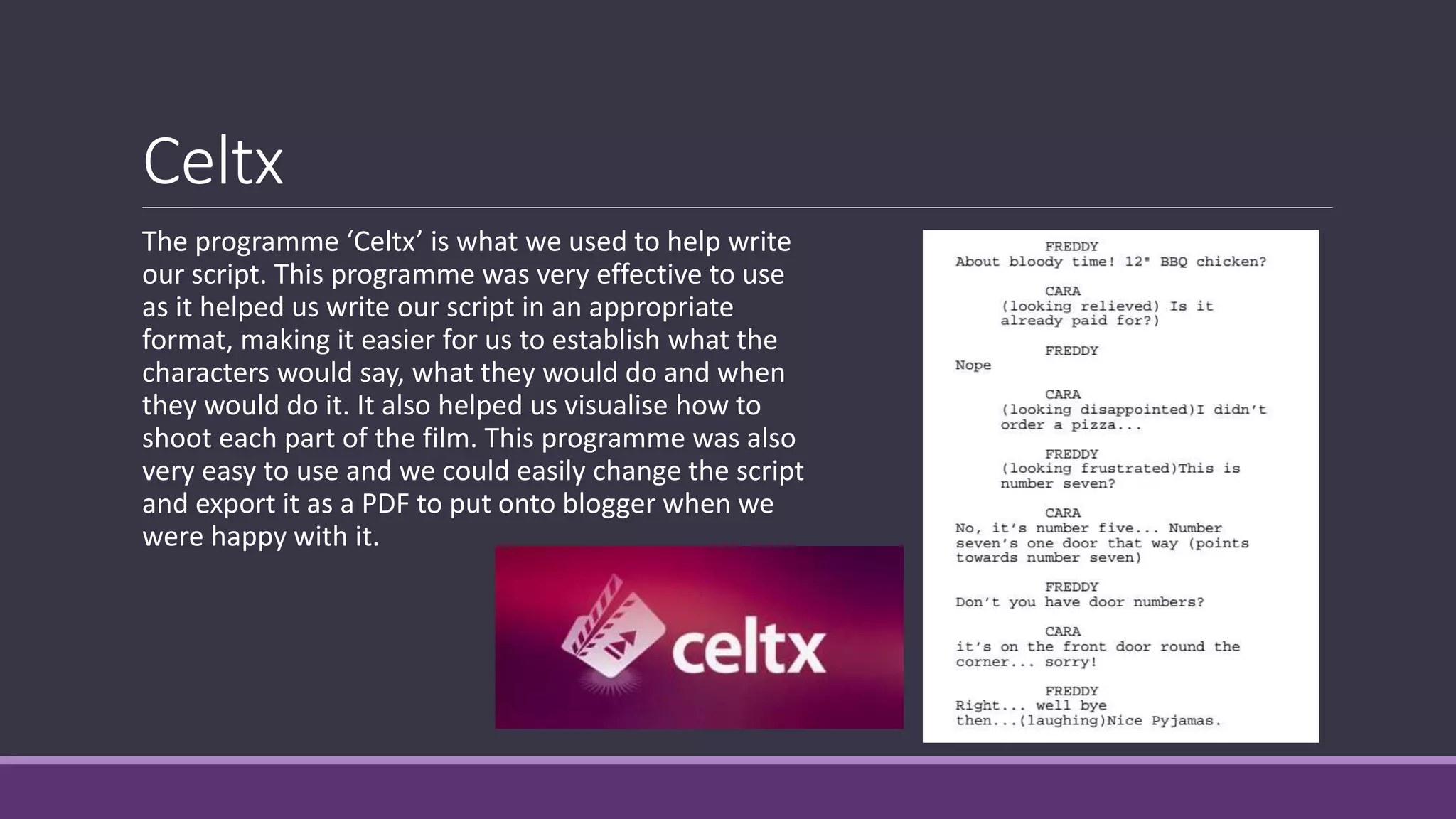
The programme ‘Celtx’ is what we used to help write
our script. This programme was very effective to use
as it helped us write our script in an appropriate
format, making it easier for us to establish what the
characters would say, what they would do and when
they would do it. It also helped us visualise how to
shoot each part of the film. This programme was also
very easy to use and we could easily change the script
and export it as a PDF to put onto blogger when we
were happy with it.
Camera and Tripod
When filming our footage we used a camera and a tripod. The camera was useful as it allowed
us to record, zoom and control the focus which really helped during our filming sessions. Also,
the size of the camera was very convenient as it was small and compact and this allowed us to
take shots that would’ve been tricky to shoot with a larger camera. We also used a tripod
during our filming sessions. This was very helpful as it allowed us to take still shots and also
allowed us to experiment with camera angles and also panning.
Zoom Recorder
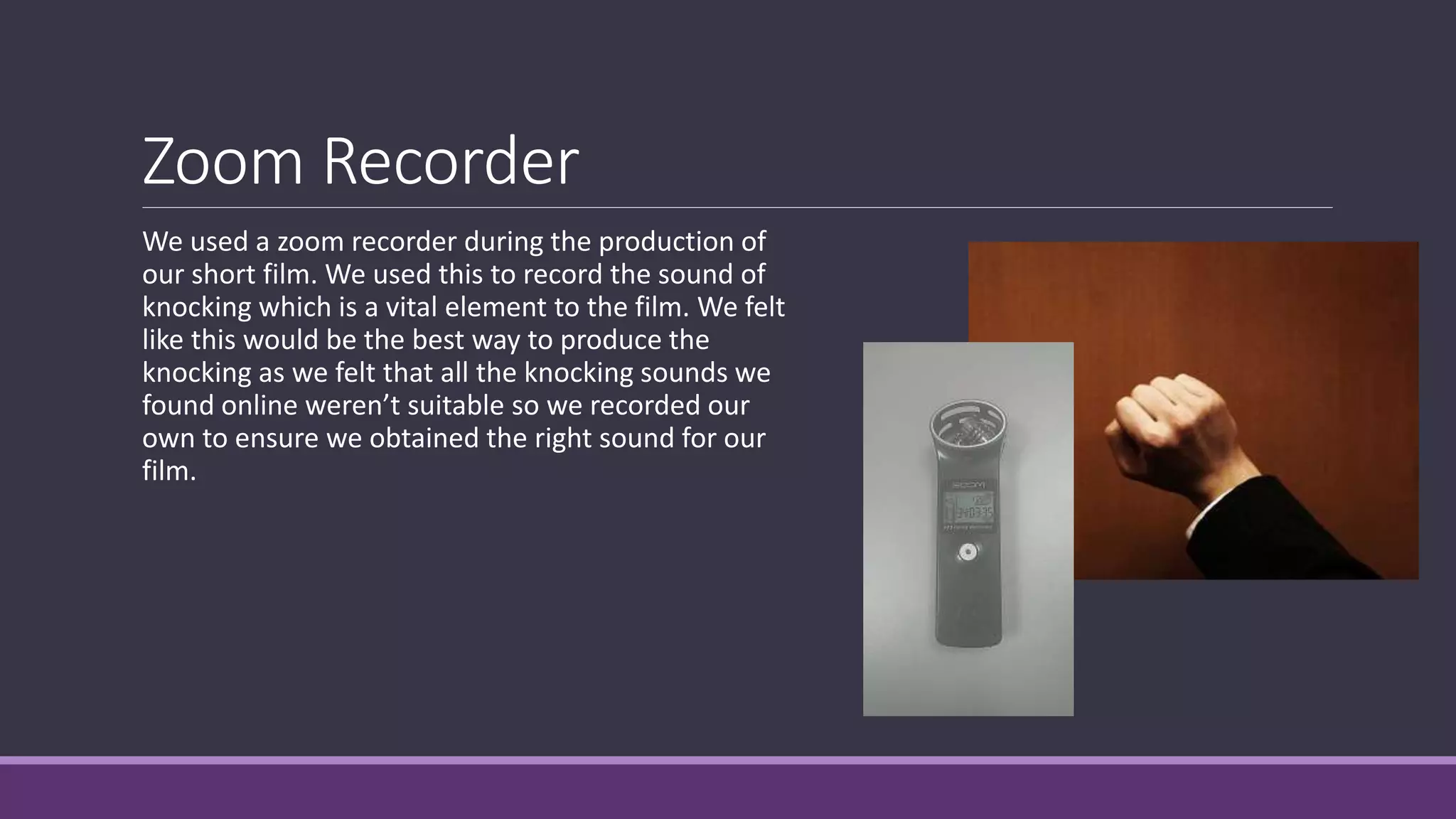
We used a zoom recorder during the production of
our short film. We used this to record the sound of
knocking which is a vital element to the film. We felt
like this would be the best way to produce the
knocking as we felt that all the knocking sounds we
found online weren’t suitable so we recorded our
own to ensure we obtained the right sound for our
film.
What we learnt
From using these different technologies, we learnt, and enhanced on, many new skills and
these include:
- Working with editing programmes
We learnt how to use Adobe Premier to make a high quality film. We learnt how to edit
footage while maintaining continuity as well as using a range of different camera angles and
movement.
- Using a camera and tripod effectively
We learnt how to shoot footage in the most effective way. This included repeating the same
action to ensure that we maintained continuity. We also learnt how to use a tripod effectively
which also helped us use a range of shots.
What we learnt
From using these different technologies, we learnt, and enhanced on, many new skills and
these include:
- How to research and plan effectively
We learnt during our research stages that research is key to creating a high quality final
product. We used a variety of different online resources and platforms to carry out effective
research and planning
- We learnt how to gain feedback from our target audience
We used Google Forms to reach out to our audience and this helped us gain knowledge on
how to improve our film, making it of higher quality and more enjoyable to watch.

How did you use new media technologies in

  • 1.
    How did youuse new media technologies in the construction and research, planning and evaluation stages? BY JAMIE SMITH
  • 2.
    Adobe Premier ProCC 2015 For editing, we used ‘Adobe Premier Pro’ to help piece each of our individual shots together to create our film. This programme was very useful as it gave us the option to layer shots with sound effects and music and also use things such a colour correction which came in use for some of our more darker and discoloured shots. We also used Premier to help piece together our Radio Trailer. Premier was good for this as it allowed us to work with audio alone as well as audio and video for our film.
  • 3.
    Adobe Photoshop &Illustrator We used both Photoshop and Illustrator to create our film poster. The majority of our poster was put together on Photoshop and this was a good programme to use at it allows you to build up the poster in layers. You can also lock layers and edit different layers separately, making the process very quick and simple. We also created our own font for ‘UNKNOWN’ and ‘KNOCK KNOCK’ and we did this using Illustrator. We took a sample font (shown below) and we opened this into Illustrator. We then decided to image trace the font, making it more solid and easier to manage and we changed the colour to make it more fitting for our poster.
  • 4.
    Blogger To record ourresearch and planning, we used Blogger, a site that allows people to write blogs using posts and this is the platform we used to record our research into genre, narrative and audience and also used this to plan our film. We did this by posting things onto Blogger such as storyline ideas, character profiles and scripts. This was a good website to use as it allowed all members of our group to contribute to our research and planning as each member of the group could access the blog and, as we were all administrators of the blog, we could create and edit posts meaning each person could do individual research as well as all of the group doing research together.
  • 5.
    Google Forms Google Formswas used to help us gain feedback from our audience in terms of our original storyline. We used google forms to create an online survey for people to fill out once they had read through our detailed outline of our storyline. This was very useful as this helped direct us in terms of our approach to our film and how we should include different types of music, mise-en-scene and characters to create a successful short film. Google forms was also useful as it gave us the results in a very clear way which meant we could easily interpret what the audience thought of and expected from our film.
  • 6.
    Celtx The programme ‘Celtx’is what we used to help write our script. This programme was very effective to use as it helped us write our script in an appropriate format, making it easier for us to establish what the characters would say, what they would do and when they would do it. It also helped us visualise how to shoot each part of the film. This programme was also very easy to use and we could easily change the script and export it as a PDF to put onto blogger when we were happy with it.
  • 7.
    Camera and Tripod Whenfilming our footage we used a camera and a tripod. The camera was useful as it allowed us to record, zoom and control the focus which really helped during our filming sessions. Also, the size of the camera was very convenient as it was small and compact and this allowed us to take shots that would’ve been tricky to shoot with a larger camera. We also used a tripod during our filming sessions. This was very helpful as it allowed us to take still shots and also allowed us to experiment with camera angles and also panning.
  • 8.
    Zoom Recorder We useda zoom recorder during the production of our short film. We used this to record the sound of knocking which is a vital element to the film. We felt like this would be the best way to produce the knocking as we felt that all the knocking sounds we found online weren’t suitable so we recorded our own to ensure we obtained the right sound for our film.
  • 9.
    What we learnt Fromusing these different technologies, we learnt, and enhanced on, many new skills and these include: - Working with editing programmes We learnt how to use Adobe Premier to make a high quality film. We learnt how to edit footage while maintaining continuity as well as using a range of different camera angles and movement. - Using a camera and tripod effectively We learnt how to shoot footage in the most effective way. This included repeating the same action to ensure that we maintained continuity. We also learnt how to use a tripod effectively which also helped us use a range of shots.
  • 10.
    What we learnt Fromusing these different technologies, we learnt, and enhanced on, many new skills and these include: - How to research and plan effectively We learnt during our research stages that research is key to creating a high quality final product. We used a variety of different online resources and platforms to carry out effective research and planning - We learnt how to gain feedback from our target audience We used Google Forms to reach out to our audience and this helped us gain knowledge on how to improve our film, making it of higher quality and more enjoyable to watch.