Hadoop manages:
› processor time
› memory
› disk space
› network bandwidth
 Does not have a security model
 Can handle HW failure
www.kellytechno.com
 Issues:
› race conditions
› synchronization
› deadlock
 i.e., same issues as distributed OS &
distributed filesystem
www.kellytechno.com
 Grid computing: (What is this?)
 e.g. Condor
› MPI model is more complicated
› does not automatically distribute data
› requires separate managed SAN
www.kellytechno.com
 Hadoop:
› simplified programming model
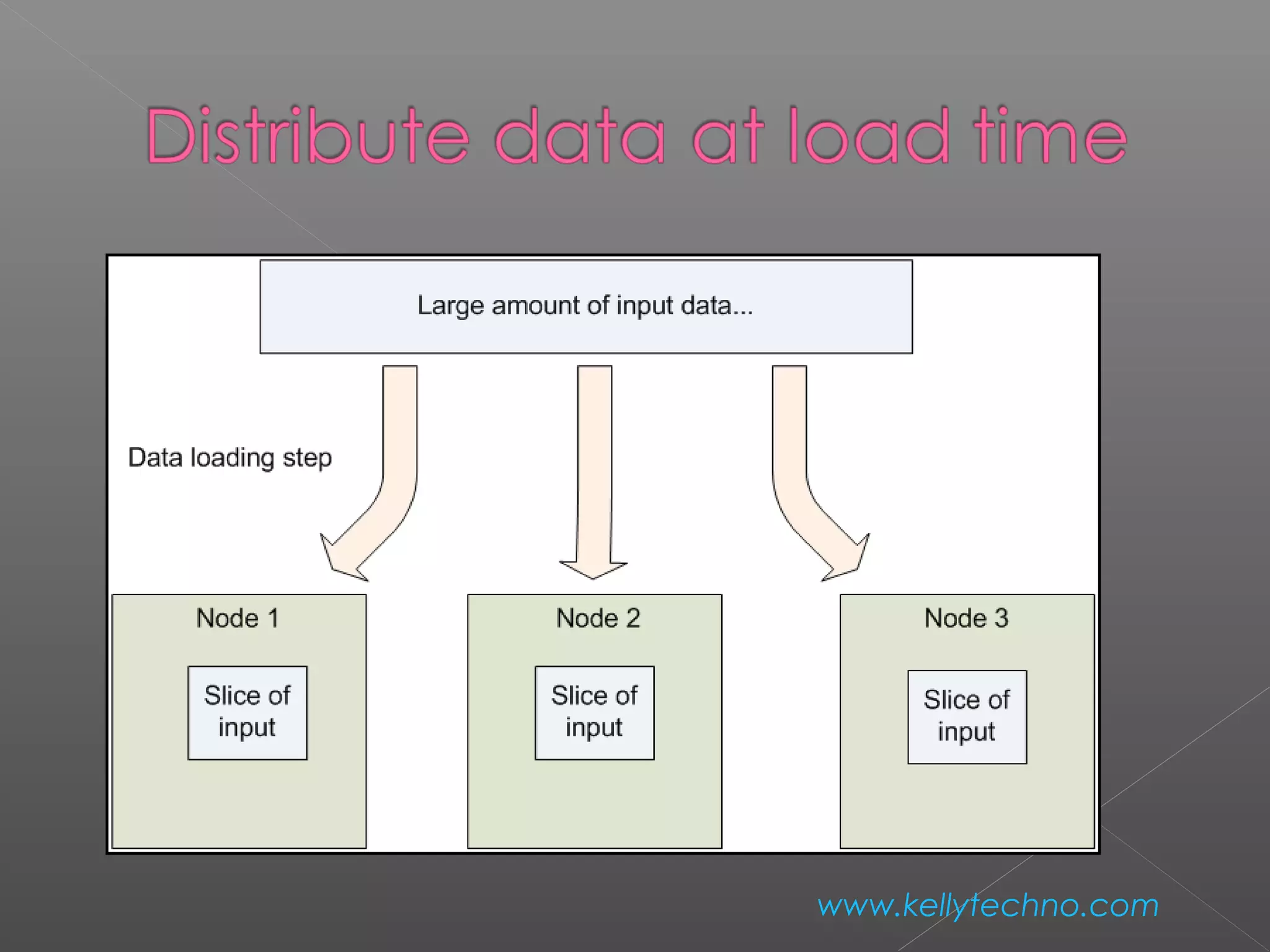
› data distributed as it is loaded
 HDFS splits large data files across machines
 HDFS replicates data
› failure causes additional replication
www.kellytechno.com
www.kellytechno.com
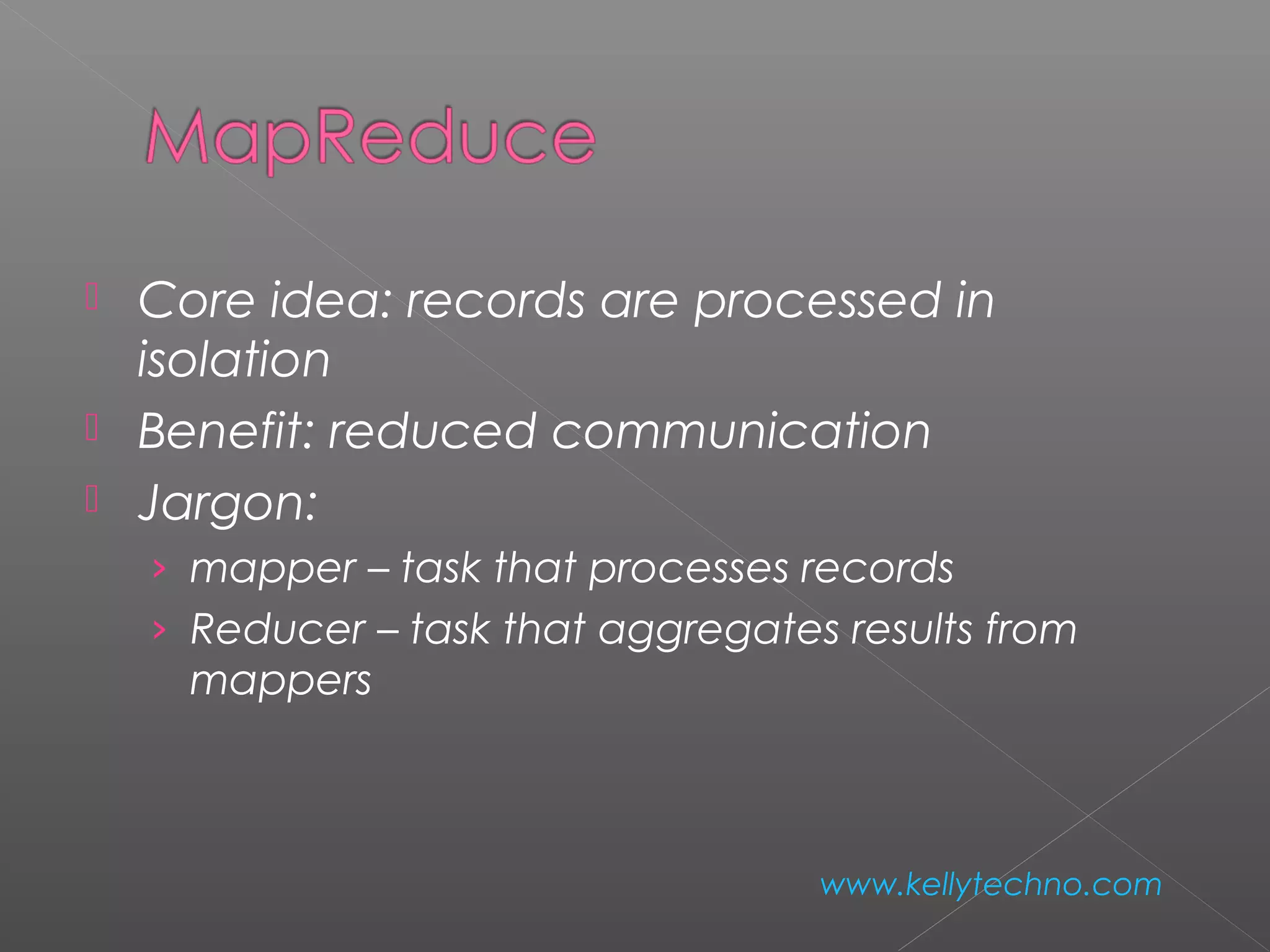
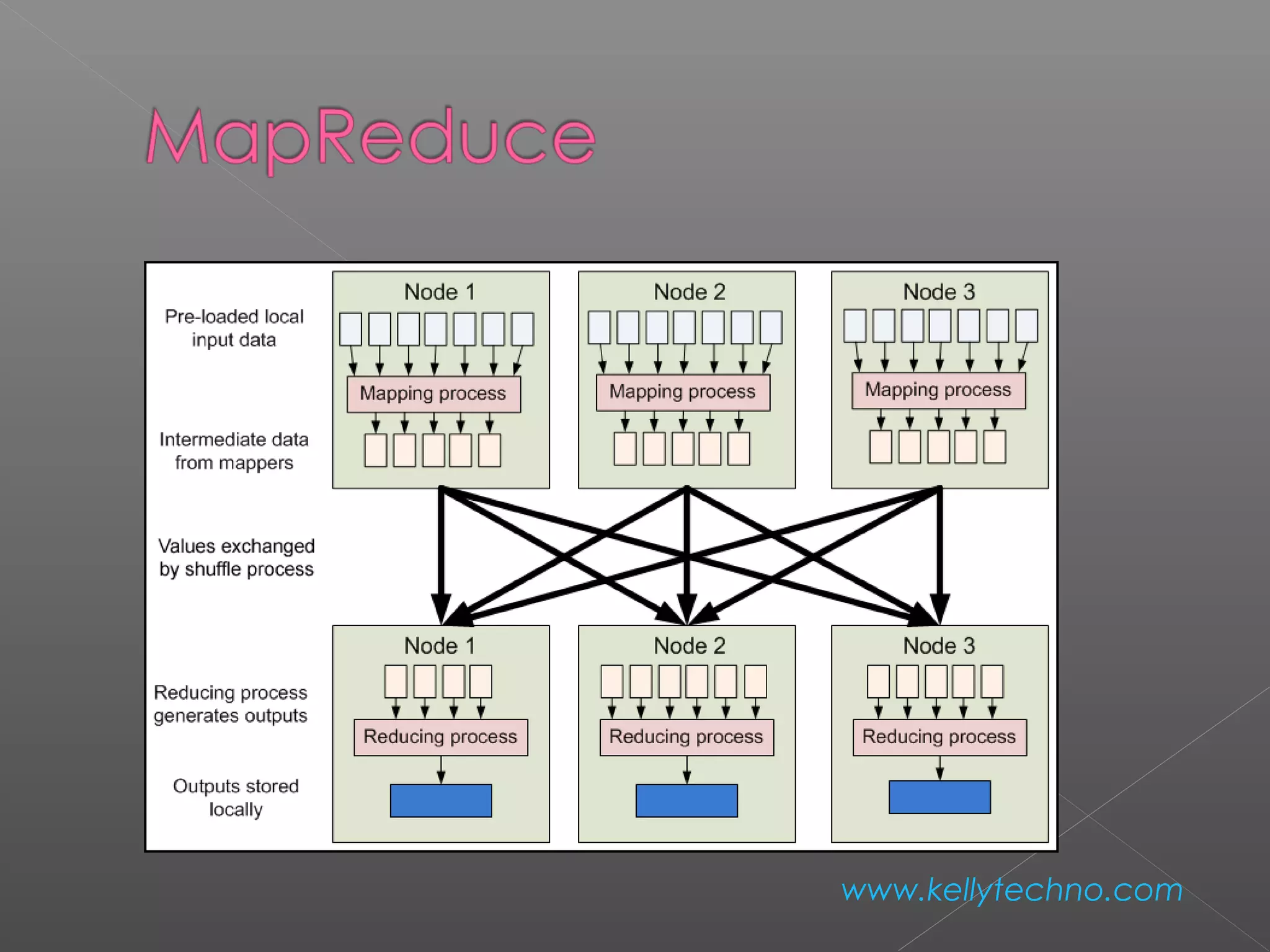
 Core idea: records are processed in
isolation
 Benefit: reduced communication
 Jargon:
› mapper – task that processes records
› Reducer – task that aggregates results from
mappers
www.kellytechno.com
www.kellytechno.com
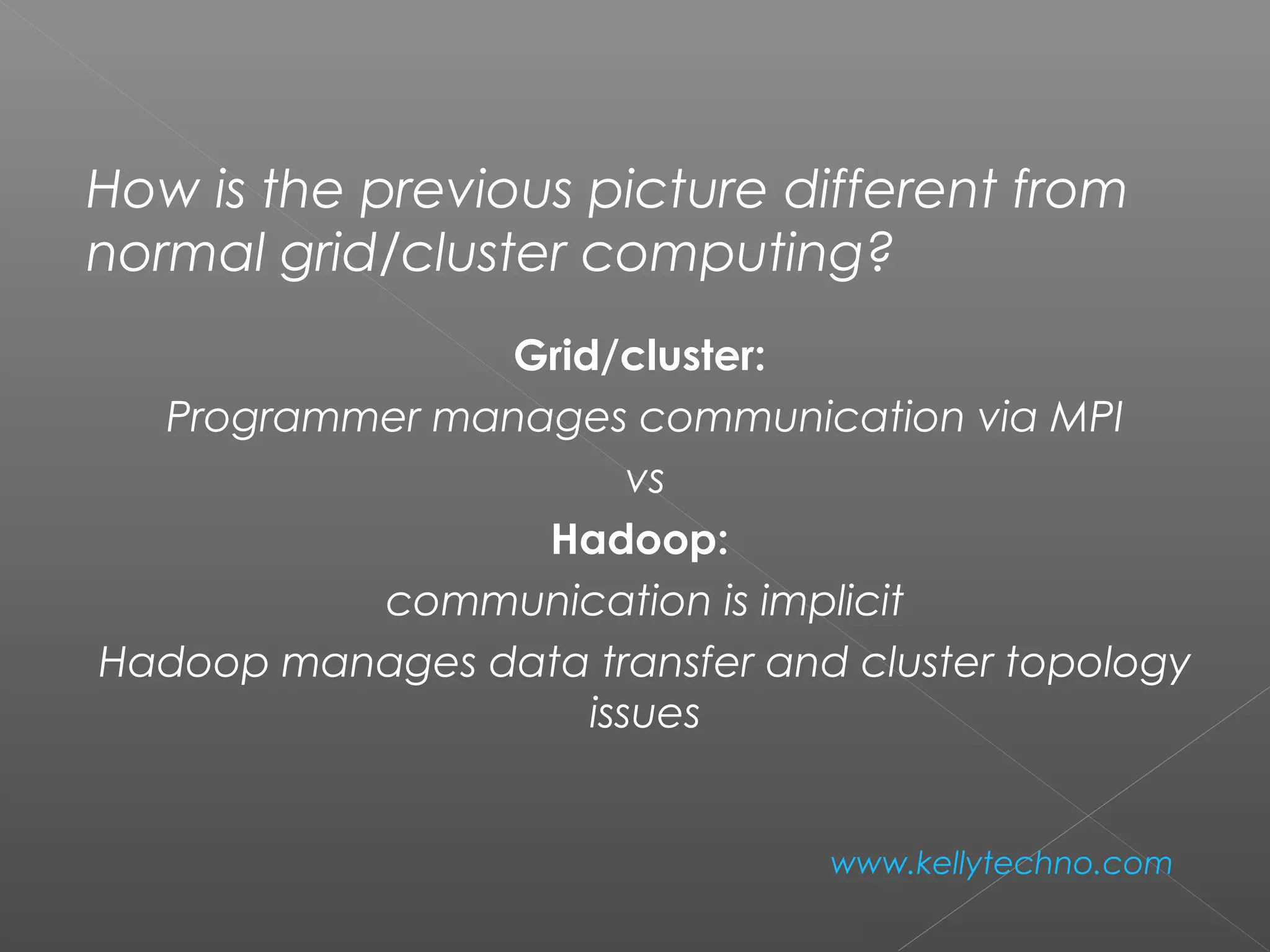
How is the previous picture different from
normal grid/cluster computing?
Grid/cluster:
Programmer manages communication via MPI
vs
Hadoop:
communication is implicit
Hadoop manages data transfer and cluster topology
issues
www.kellytechno.com
 Hadoop overhead
› MPI does better for small numbers of nodes
 Hadoop – flat scalabity  pays off with
large data
› Little extra work to go from few to many nodes
 MPI – requires explicit refactoring from small
to larger number of nodes
www.kellytechno.com
 NFS: the Network File System
› Saw this in OS class
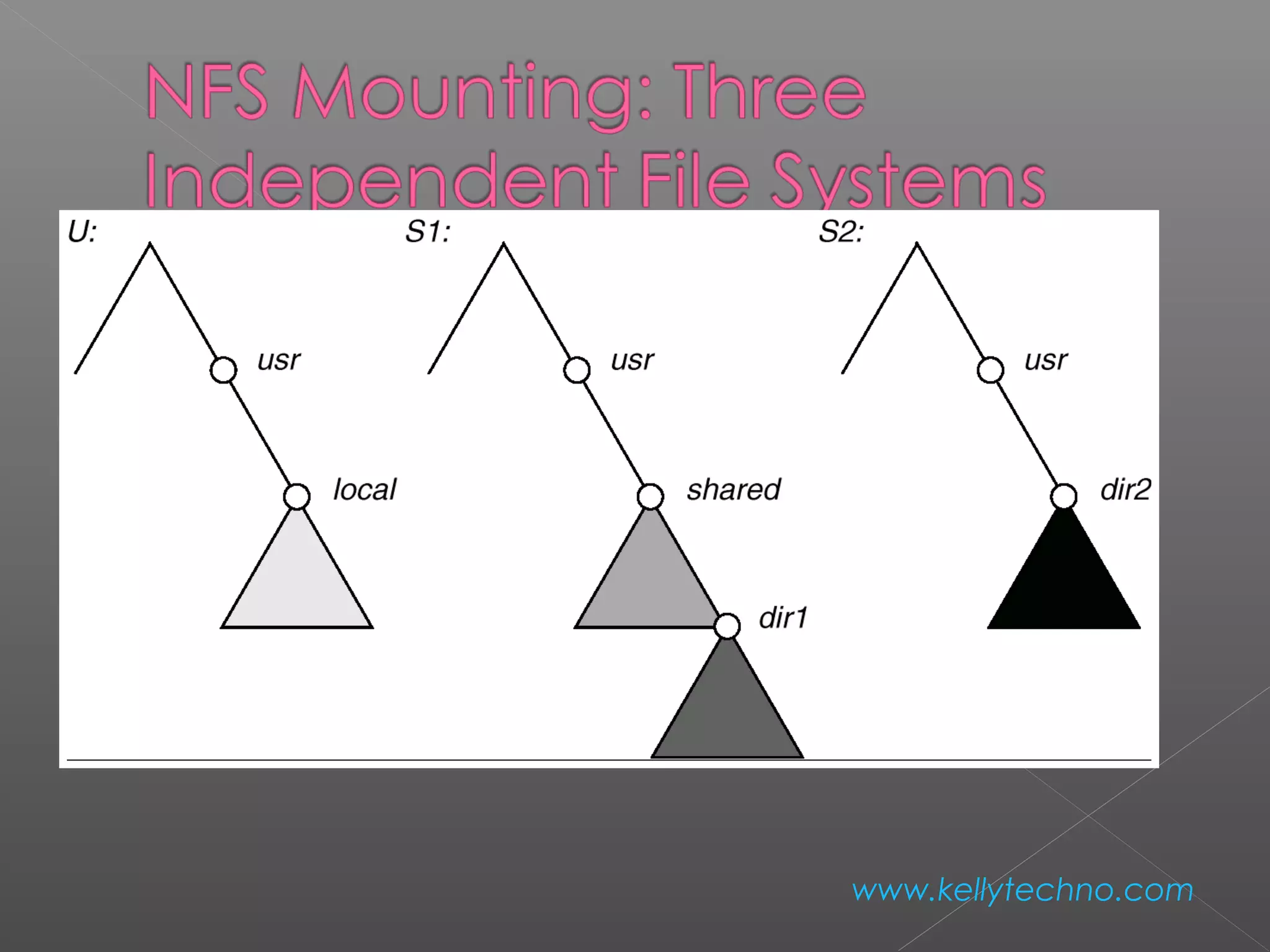
› Supports file system exporting
› Supports mounting of remote file system
www.kellytechno.com
www.kellytechno.com
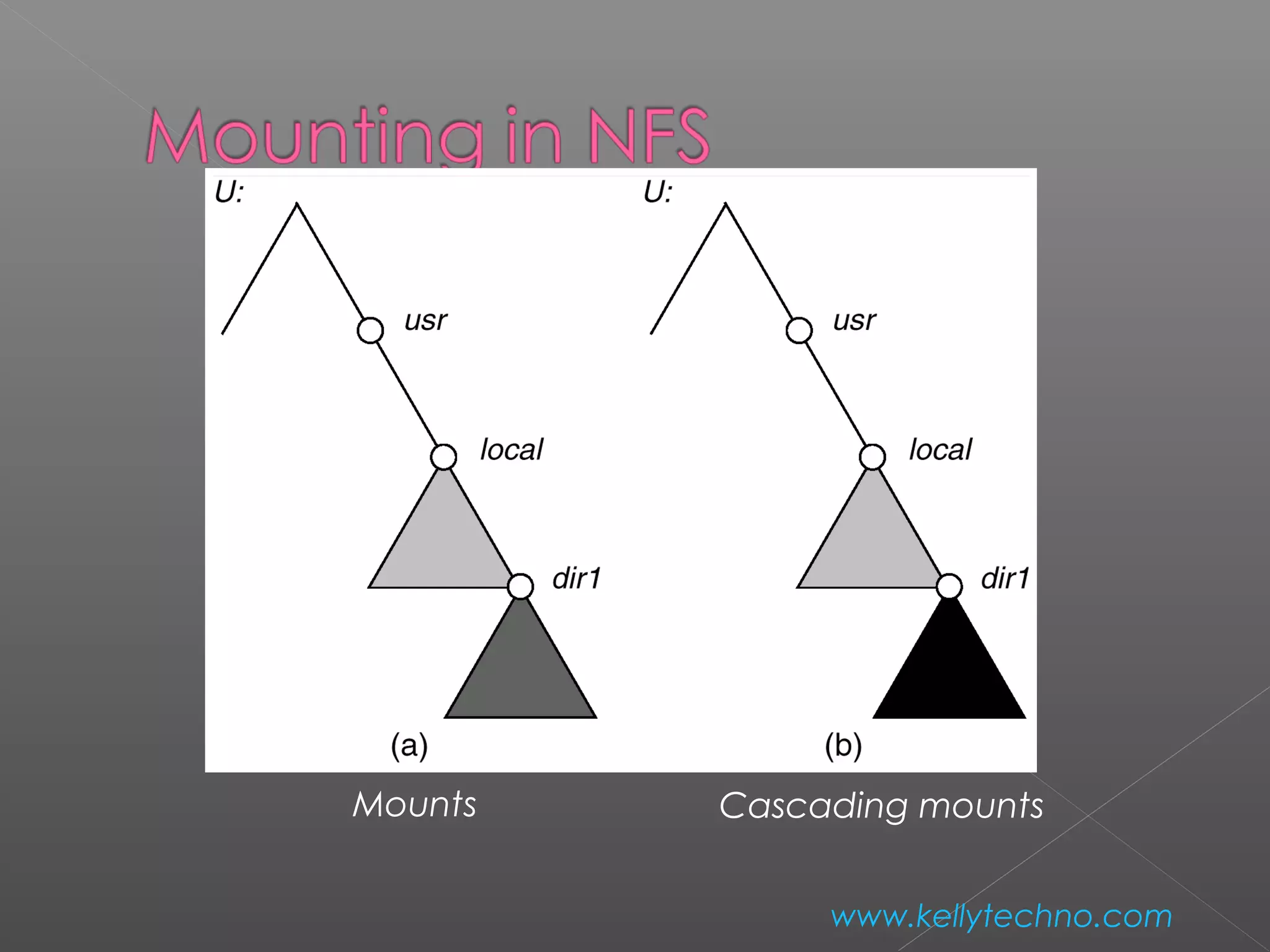
Mounts Cascading mounts
www.kellytechno.com
 Establishes logical connection between server
and client.

 Mount operation: name of remote directory &
name of server
› Mount request is mapped to corresponding RPC
and forwarded to mount server running on server
machine.
› Export list – specifies local file systems that server
exports for mounting, along with names of
machines that are permitted to mount them.
www.kellytechno.com
 server returns a file handle—a key for further
accesses.
 File handle – a file-system identifier, and an
inode number to identify the mounted directory
 The mount operation changes only the user’s
view and does not affect the server side.
www.kellytechno.com
NFS Advantages
› Transparency – clients unaware of local vs remote
› Standard operations - open(), close(), fread(), etc.
NFS disadvantages
› Files in an NFS volume reside on a single machine
› No reliability guarantees if that machine goes down
› All clients must go to this machine to retrieve their
data
www.kellytechno.com
 HDFS Advantages:
› designed to store terabytes or petabytes
› data spread across a large number of machines
› supports much larger file sizes than NFS
› stores data reliably (replication)
www.kellytechno.com
 HDFS Advantages:
›  provides fast, scalable access
› serve more clients by adding more machines
› integrates with MapReduce local
computation
www.kellytechno.com
 HDFS Disadvantages
› Not as general-purpose as NFS
› Design restricts use to a particular class of
applications
› HDFS optimized for streaming read performance
not good at random access
www.kellytechno.com
 HDFS Disadvantages
› Write once read many model
› Updating a files after it has been closed is not
supported (can’t append data)
› System does not provide a mechanism for local
caching of data
www.kellytechno.com
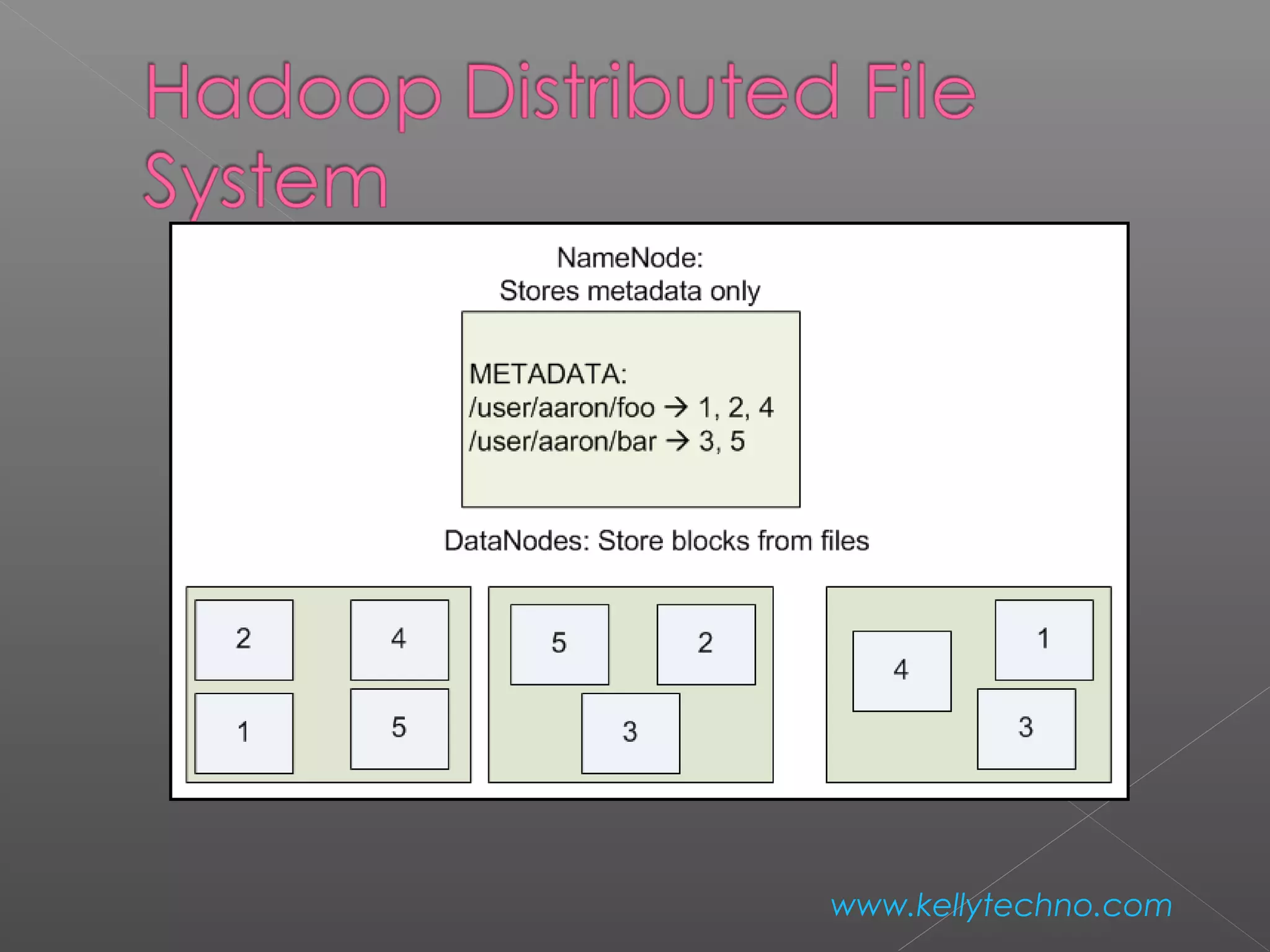
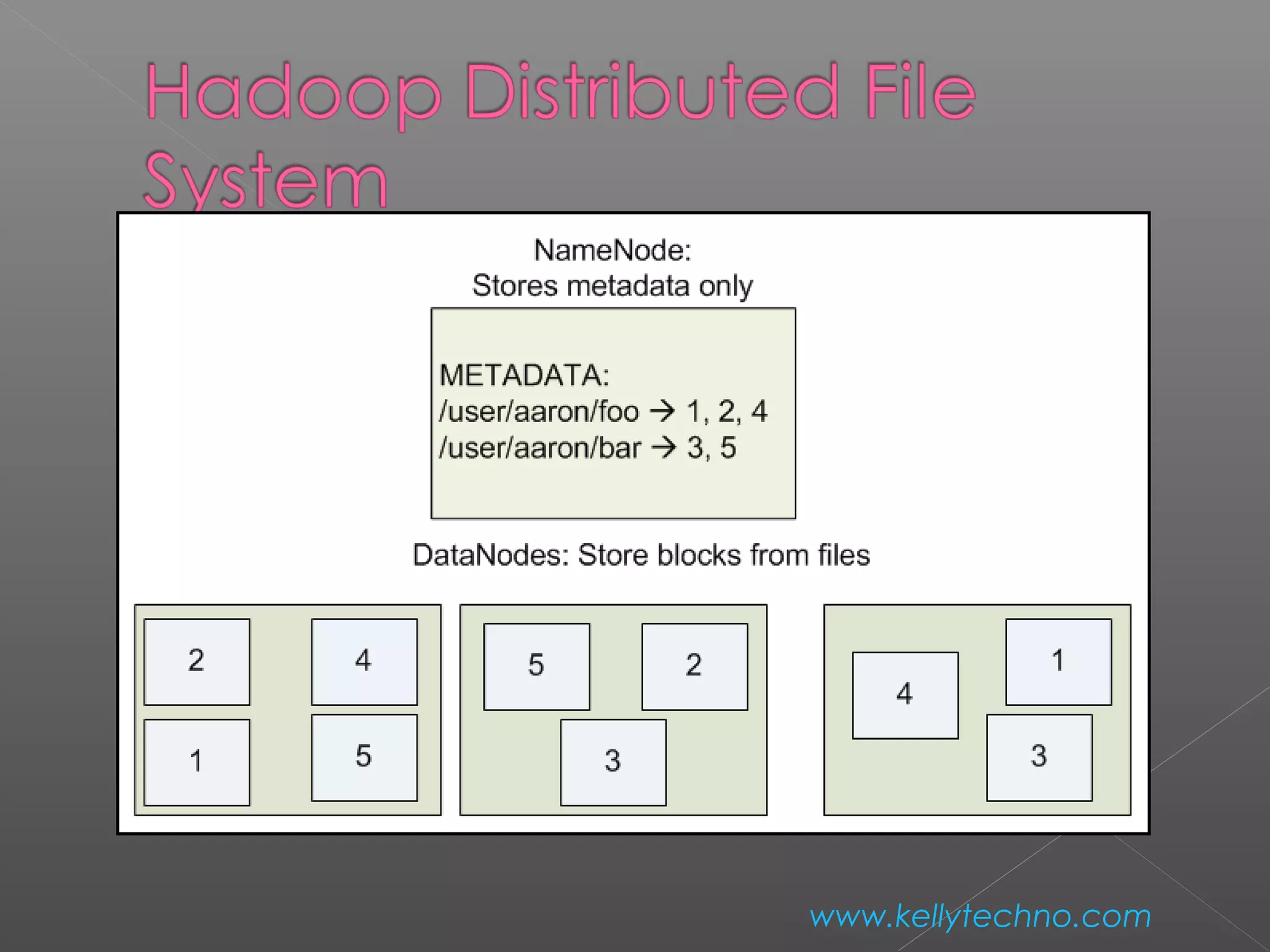
 HDFS – block-structured file system
 File broken into blocks distributed among
DataNodes
 DataNodes – machines used to store data blocks
www.kellytechno.com
 Target machines chosen randomly on a block-
by-block basis
 Supports file sizes far larger than a single-
machine DFS
 Each block replicated across a number of
machines (3, by default)
www.kellytechno.com
www.kellytechno.com
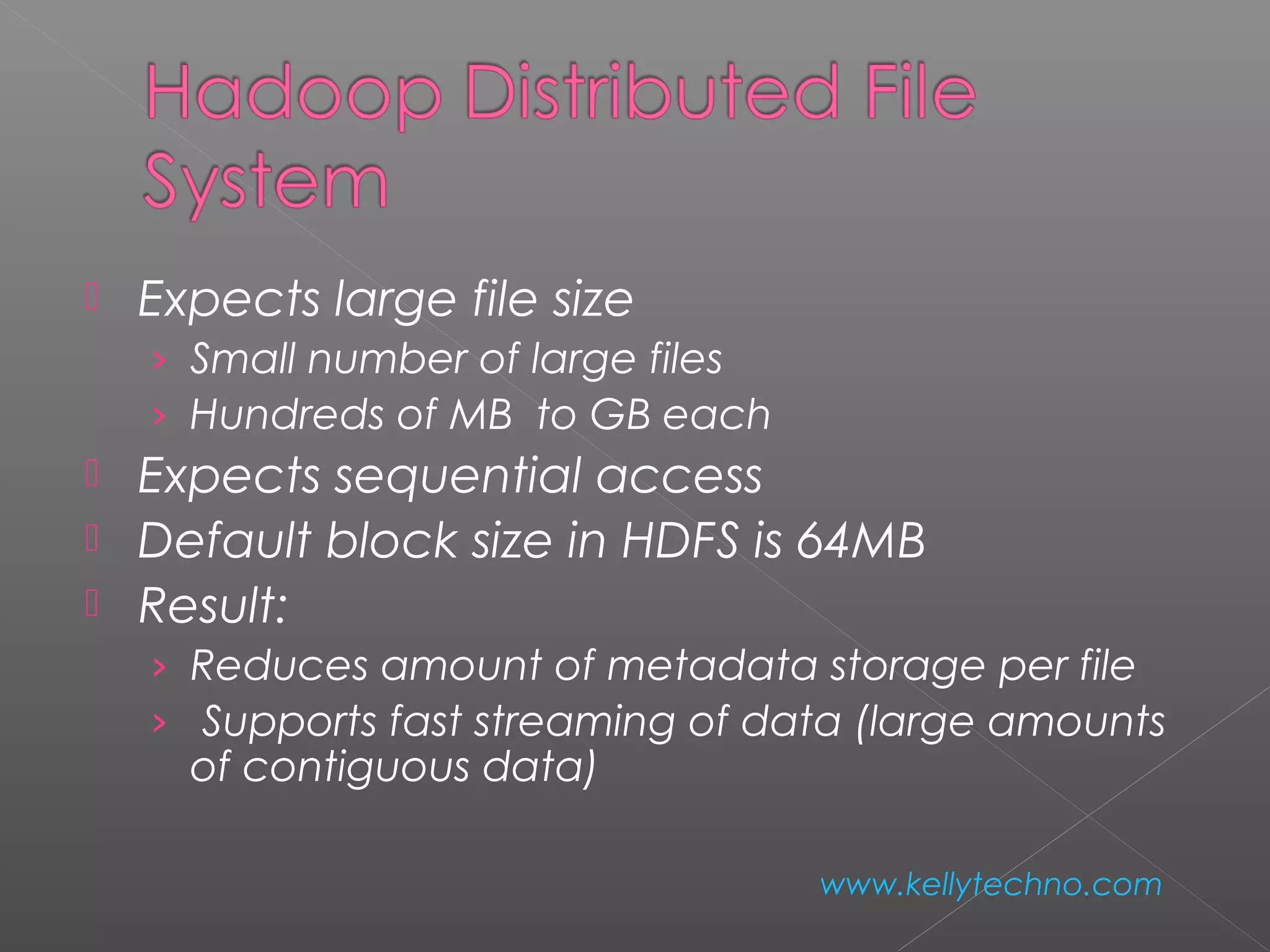
 Expects large file size
› Small number of large files
› Hundreds of MB to GB each
 Expects sequential access
 Default block size in HDFS is 64MB
 Result:
› Reduces amount of metadata storage per file
›  Supports fast streaming of data (large amounts
of contiguous data)
www.kellytechno.com
 HDFS expects to read a block start-to-
finish
› Useful for MapReduce
› Not good for random access
› Not a good general purpose file system
www.kellytechno.com
 HDFS files are NOT part of the ordinary file system
 HDFS files are in separate name space
 Not possible to interact with files using ls, cp, mv,
etc.
 Don’t worry: HDFS provides similar utilities
www.kellytechno.com
 Meta data handled by NameNode
› Deal with synchronization by only allowing
one machine to handle it
› Store meta data for entire file system
› Not much data: file names, permissions, &
locations of each block of each file
www.kellytechno.com
www.kellytechno.com
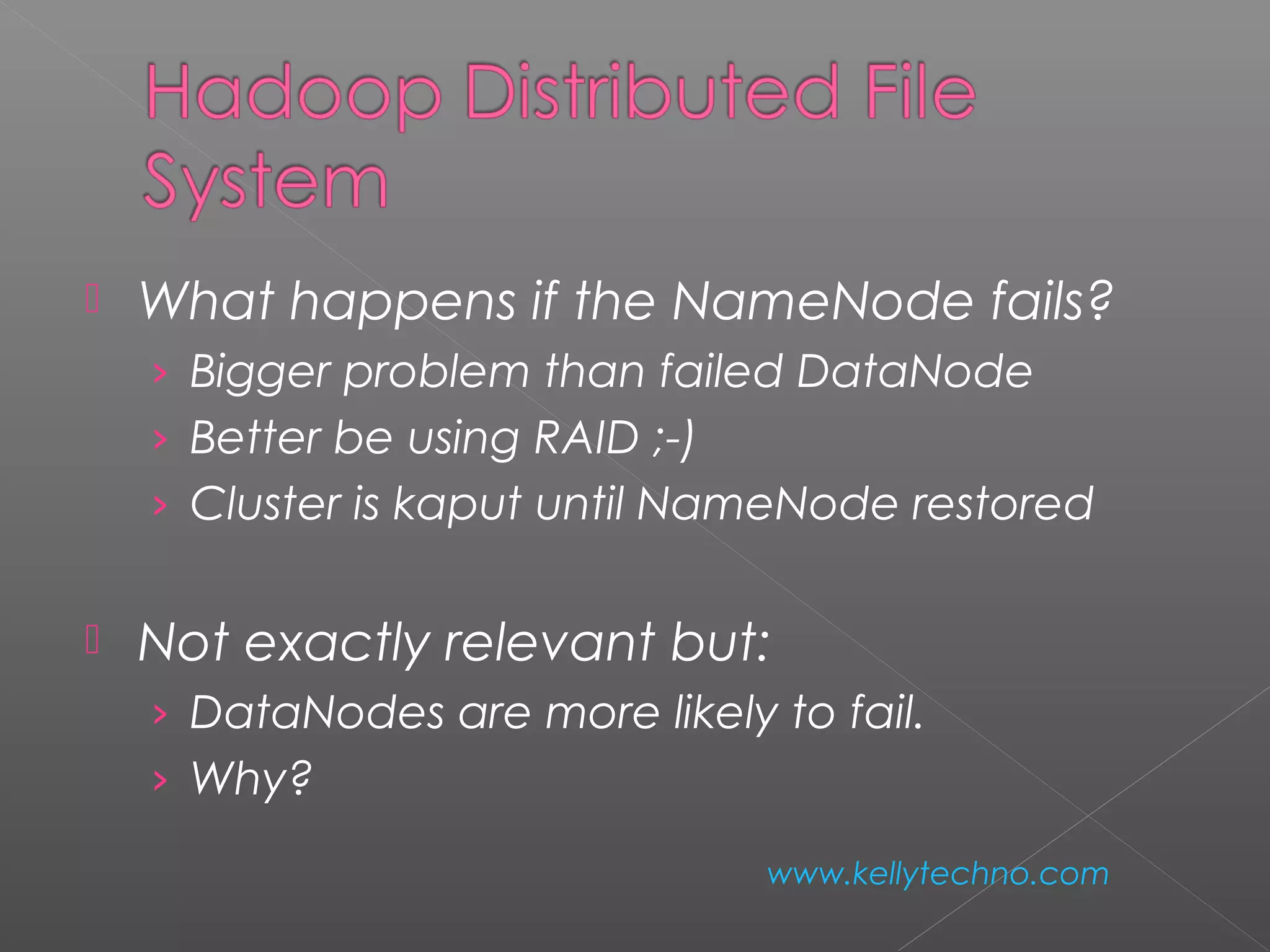
 What happens if the NameNode fails?
› Bigger problem than failed DataNode
› Better be using RAID ;-)
› Cluster is kaput until NameNode restored
 Not exactly relevant but:
› DataNodes are more likely to fail.
› Why?
www.kellytechno.com
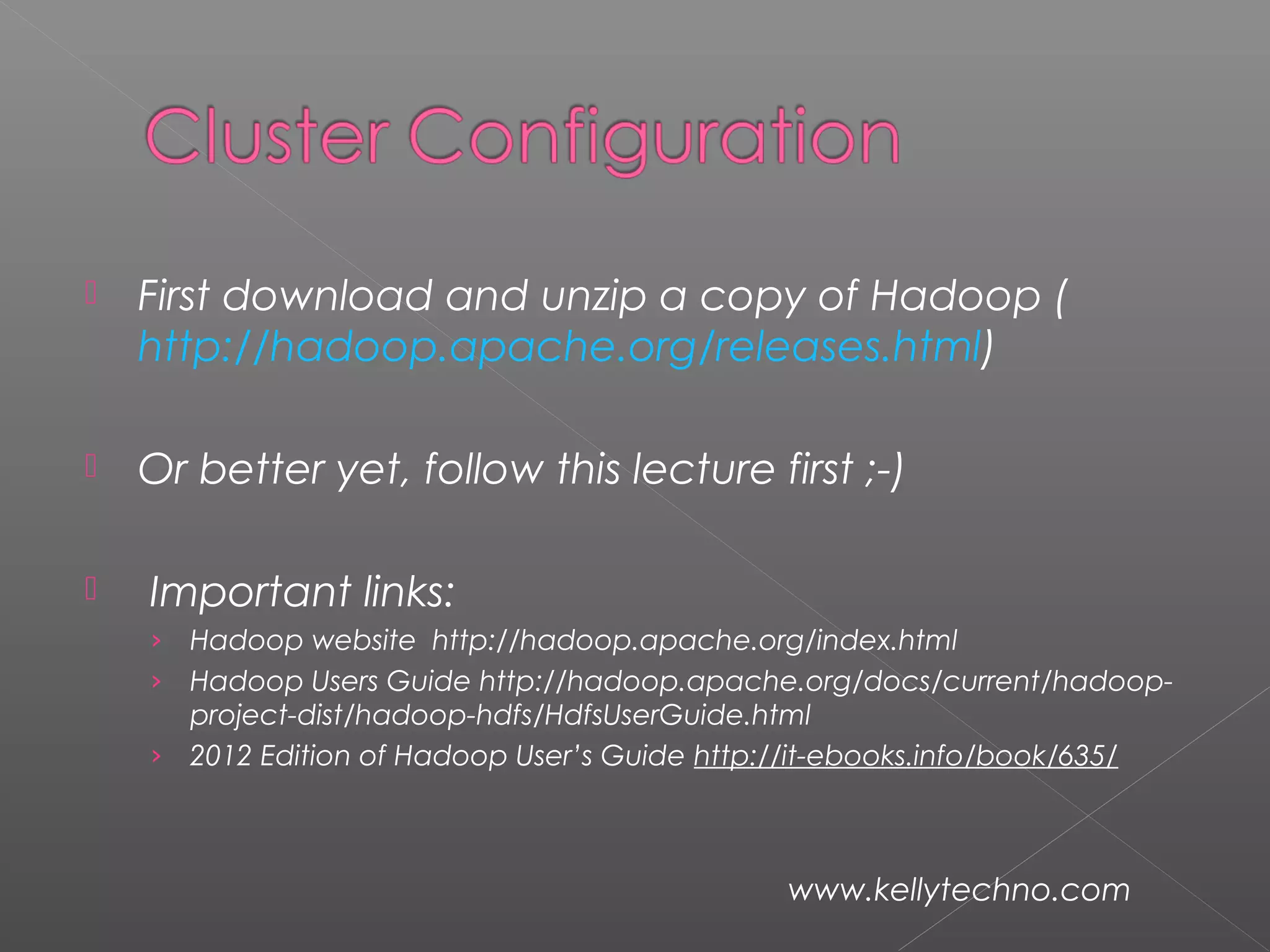
 First download and unzip a copy of Hadoop (
http://hadoop.apache.org/releases.html)
 Or better yet, follow this lecture first ;-)
  Important links:
› Hadoop website http://hadoop.apache.org/index.html
› Hadoop Users Guide http://hadoop.apache.org/docs/current/hadoop-
project-dist/hadoop-hdfs/HdfsUserGuide.html
› 2012 Edition of Hadoop User’s Guide http://it-ebooks.info/book/635/
www.kellytechno.com
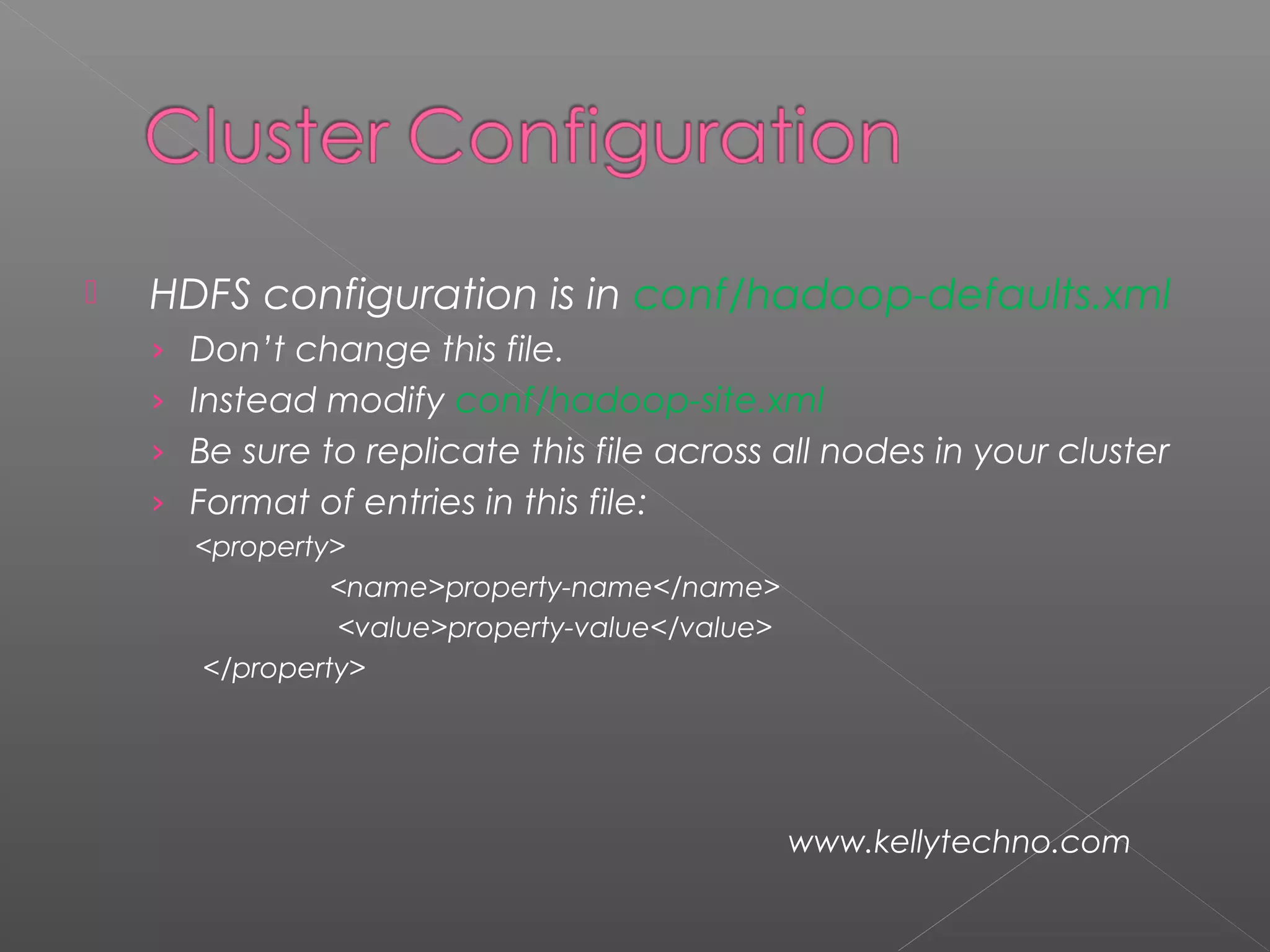
  HDFS configuration is in conf/hadoop-defaults.xml
› Don’t change this file.
› Instead modify conf/hadoop-site.xml
› Be sure to replicate this file across all nodes in your cluster
› Format of entries in this file:
<property>
<name>property-name</name>
<value>property-value</value>
</property>
www.kellytechno.com
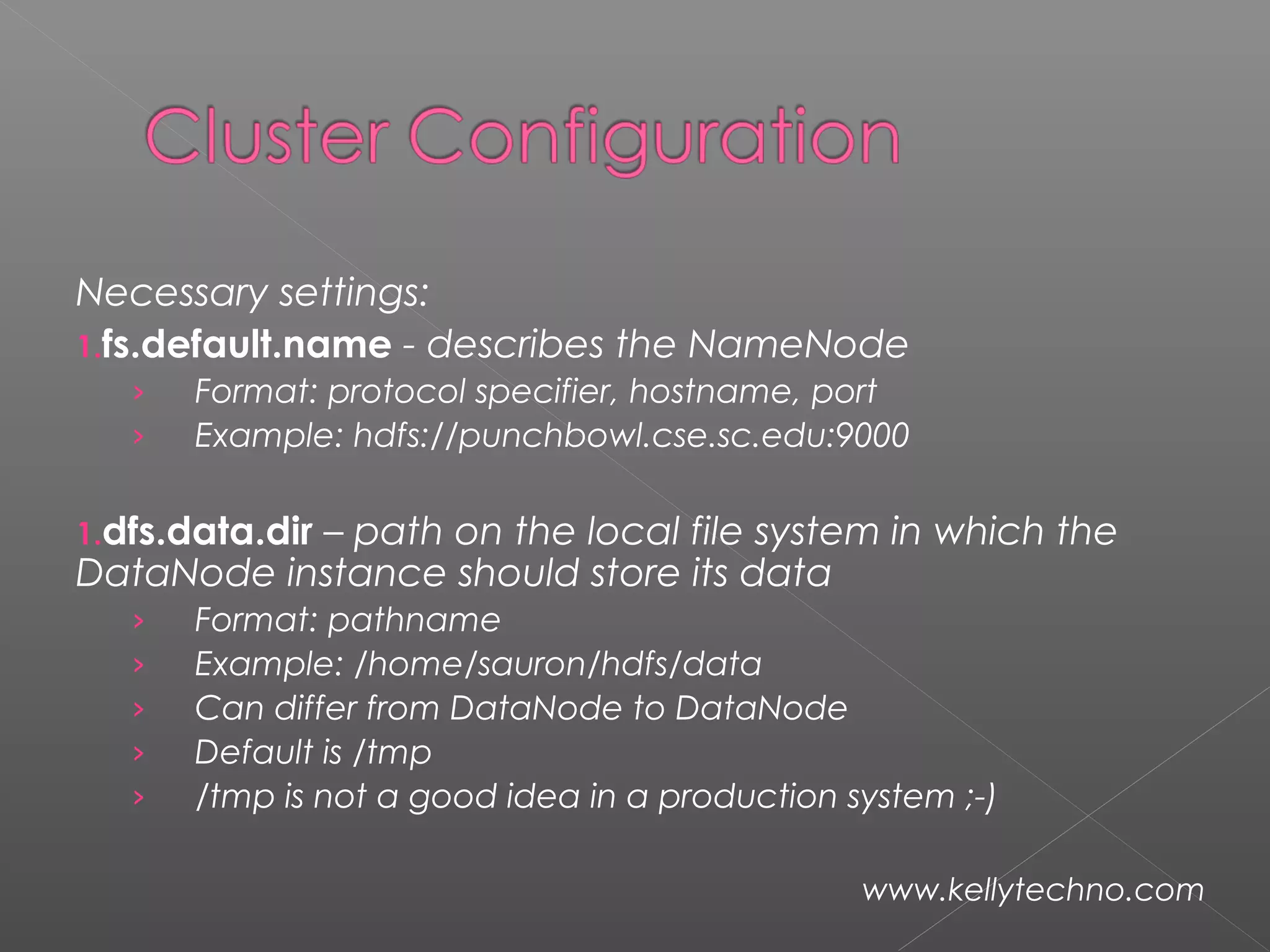
Necessary settings:
1.fs.default.name - describes the NameNode
› Format: protocol specifier, hostname, port
› Example: hdfs://punchbowl.cse.sc.edu:9000
1.dfs.data.dir – path on the local file system in which the
DataNode instance should store its data
› Format: pathname
› Example: /home/sauron/hdfs/data
› Can differ from DataNode to DataNode
› Default is /tmp
› /tmp is not a good idea in a production system ;-)
www.kellytechno.com
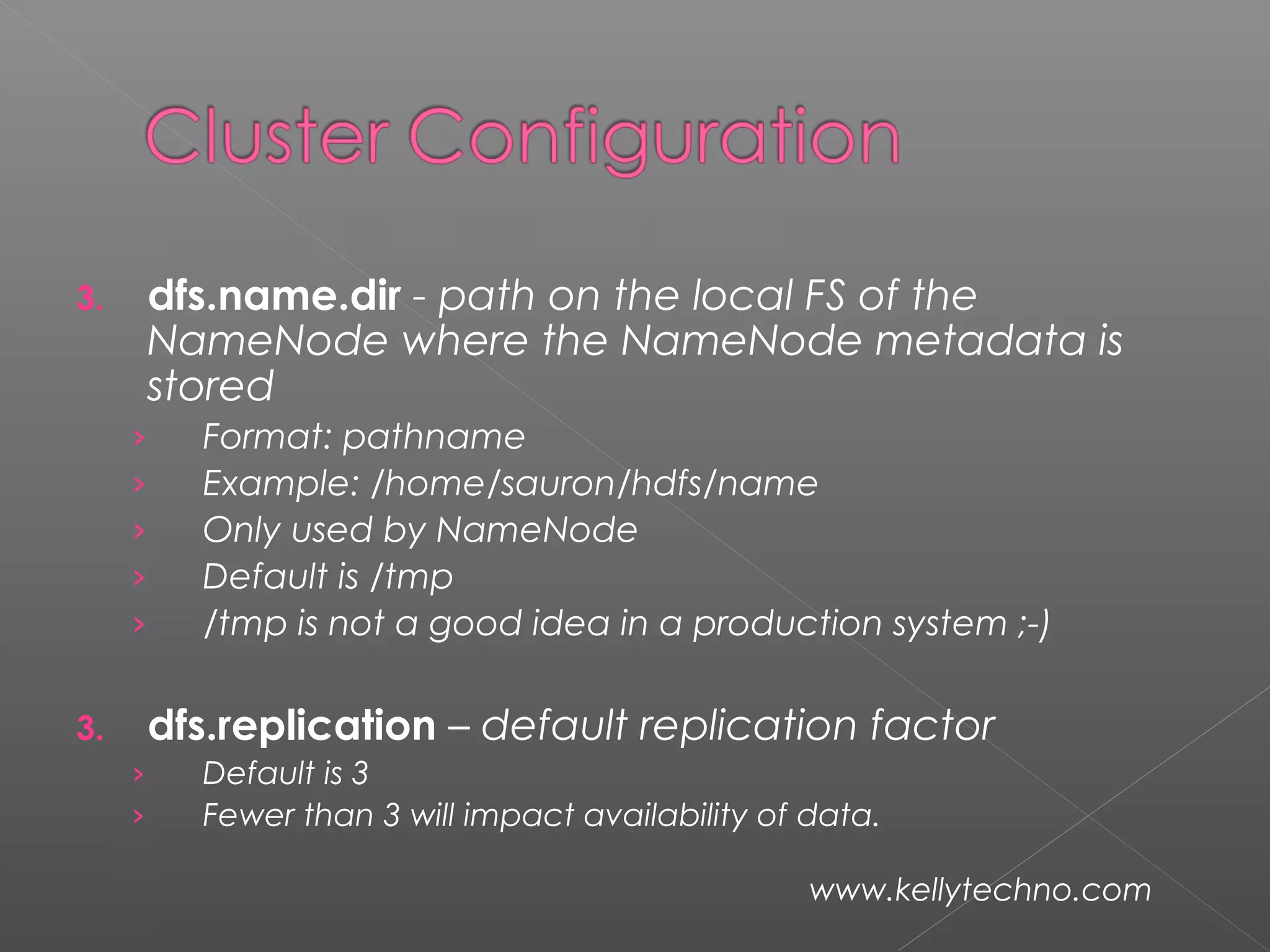
3. dfs.name.dir - path on the local FS of the
NameNode where the NameNode metadata is
stored
› Format: pathname
› Example: /home/sauron/hdfs/name
› Only used by NameNode
› Default is /tmp
› /tmp is not a good idea in a production system ;-)
3. dfs.replication – default replication factor
› Default is 3
› Fewer than 3 will impact availability of data.
www.kellytechno.com
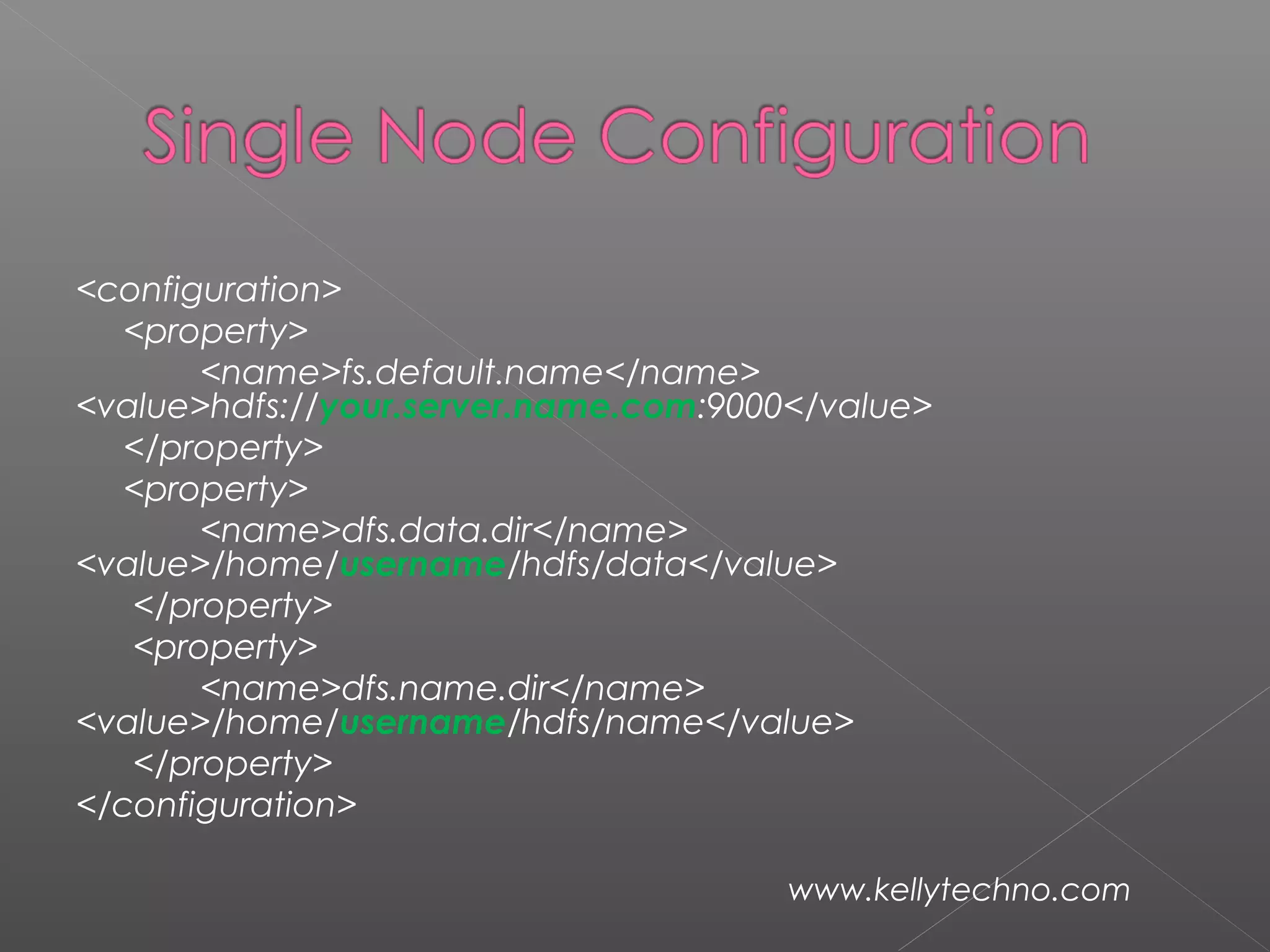
<configuration>
<property>
<name>fs.default.name</name>
<value>hdfs://your.server.name.com:9000</value>
</property>
<property>
<name>dfs.data.dir</name>
<value>/home/username/hdfs/data</value>
</property>
<property>
<name>dfs.name.dir</name>
<value>/home/username/hdfs/name</value>
</property>
</configuration>
www.kellytechno.com
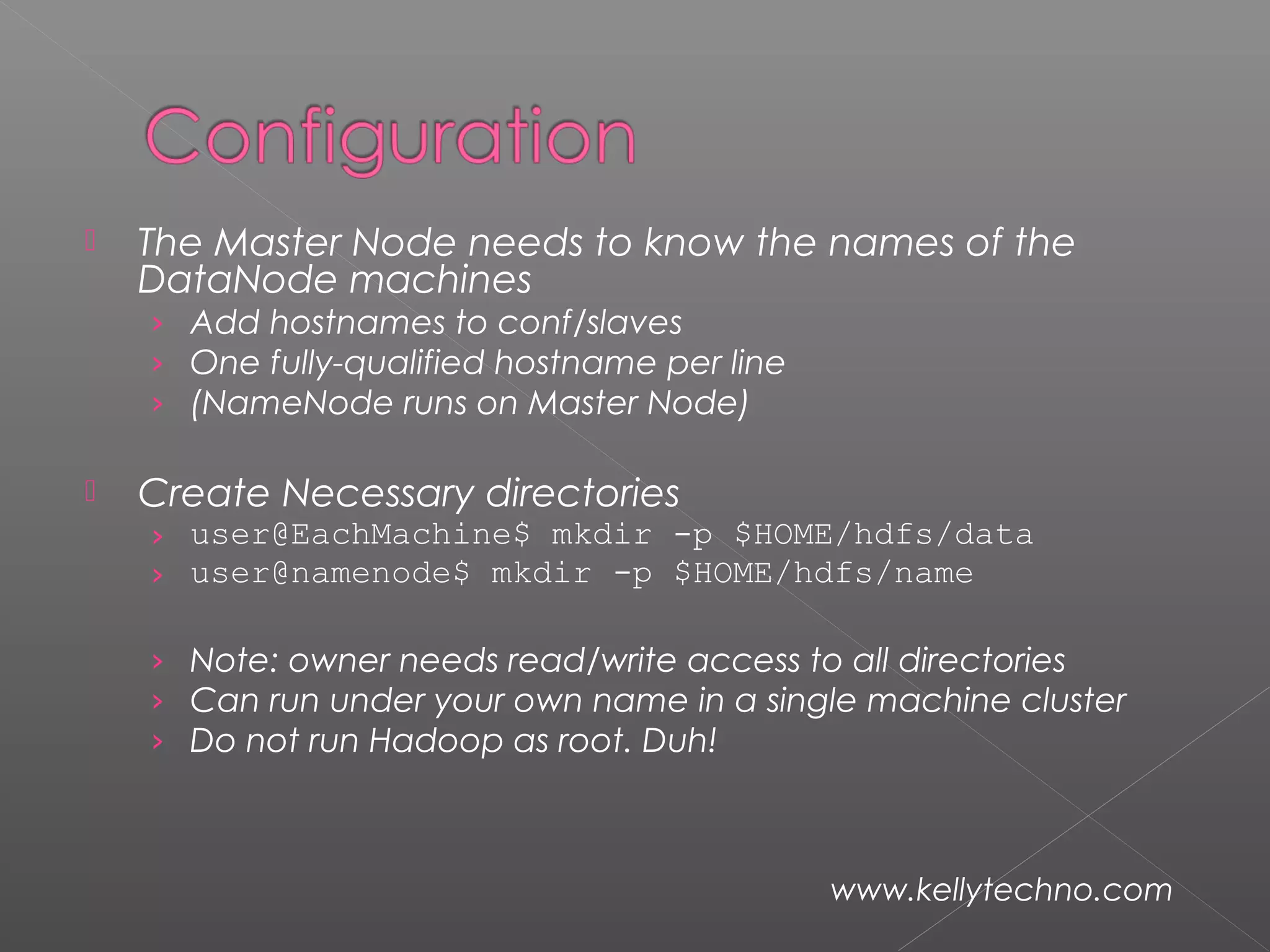
 The Master Node needs to know the names of the
DataNode machines
› Add hostnames to conf/slaves
› One fully-qualified hostname per line
› (NameNode runs on Master Node)
 Create Necessary directories
› user@EachMachine$ mkdir -p $HOME/hdfs/data
› user@namenode$ mkdir -p $HOME/hdfs/name
› Note: owner needs read/write access to all directories
› Can run under your own name in a single machine cluster
› Do not run Hadoop as root. Duh!
www.kellytechno.com
www.kellytechno.com

Hadoop training institute in bangalore

  • 2.
    Hadoop manages: › processortime › memory › disk space › network bandwidth  Does not have a security model  Can handle HW failure www.kellytechno.com
  • 3.
     Issues: › raceconditions › synchronization › deadlock  i.e., same issues as distributed OS & distributed filesystem www.kellytechno.com
  • 4.
     Grid computing:(What is this?)  e.g. Condor › MPI model is more complicated › does not automatically distribute data › requires separate managed SAN www.kellytechno.com
  • 5.
     Hadoop: › simplifiedprogramming model › data distributed as it is loaded  HDFS splits large data files across machines  HDFS replicates data › failure causes additional replication www.kellytechno.com
  • 6.
  • 7.
     Core idea:records are processed in isolation  Benefit: reduced communication  Jargon: › mapper – task that processes records › Reducer – task that aggregates results from mappers www.kellytechno.com
  • 8.
  • 9.
    How is theprevious picture different from normal grid/cluster computing? Grid/cluster: Programmer manages communication via MPI vs Hadoop: communication is implicit Hadoop manages data transfer and cluster topology issues www.kellytechno.com
  • 10.
     Hadoop overhead ›MPI does better for small numbers of nodes  Hadoop – flat scalabity  pays off with large data › Little extra work to go from few to many nodes  MPI – requires explicit refactoring from small to larger number of nodes www.kellytechno.com
  • 11.
     NFS: the NetworkFile System › Saw this in OS class › Supports file system exporting › Supports mounting of remote file system www.kellytechno.com
  • 12.
  • 13.
  • 14.
     Establishes logicalconnection between server and client.  Mount operation: name of remote directory & name of server › Mount request is mapped to corresponding RPC and forwarded to mount server running on server machine. › Export list – specifies local file systems that server exports for mounting, along with names of machines that are permitted to mount them. www.kellytechno.com
  • 15.
     server returnsa file handle—a key for further accesses.  File handle – a file-system identifier, and an inode number to identify the mounted directory  The mount operation changes only the user’s view and does not affect the server side. www.kellytechno.com
  • 16.
    NFS Advantages › Transparency– clients unaware of local vs remote › Standard operations - open(), close(), fread(), etc. NFS disadvantages › Files in an NFS volume reside on a single machine › No reliability guarantees if that machine goes down › All clients must go to this machine to retrieve their data www.kellytechno.com
  • 17.
     HDFS Advantages: ›designed to store terabytes or petabytes › data spread across a large number of machines › supports much larger file sizes than NFS › stores data reliably (replication) www.kellytechno.com
  • 18.
     HDFS Advantages: › provides fast, scalable access › serve more clients by adding more machines › integrates with MapReduce local computation www.kellytechno.com
  • 19.
     HDFS Disadvantages ›Not as general-purpose as NFS › Design restricts use to a particular class of applications › HDFS optimized for streaming read performance not good at random access www.kellytechno.com
  • 20.
     HDFS Disadvantages ›Write once read many model › Updating a files after it has been closed is not supported (can’t append data) › System does not provide a mechanism for local caching of data www.kellytechno.com
  • 21.
     HDFS –block-structured file system  File broken into blocks distributed among DataNodes  DataNodes – machines used to store data blocks www.kellytechno.com
  • 22.
     Target machineschosen randomly on a block- by-block basis  Supports file sizes far larger than a single- machine DFS  Each block replicated across a number of machines (3, by default) www.kellytechno.com
  • 23.
  • 24.
     Expects largefile size › Small number of large files › Hundreds of MB to GB each  Expects sequential access  Default block size in HDFS is 64MB  Result: › Reduces amount of metadata storage per file ›  Supports fast streaming of data (large amounts of contiguous data) www.kellytechno.com
  • 25.
     HDFS expectsto read a block start-to- finish › Useful for MapReduce › Not good for random access › Not a good general purpose file system www.kellytechno.com
  • 26.
     HDFS filesare NOT part of the ordinary file system  HDFS files are in separate name space  Not possible to interact with files using ls, cp, mv, etc.  Don’t worry: HDFS provides similar utilities www.kellytechno.com
  • 27.
     Meta datahandled by NameNode › Deal with synchronization by only allowing one machine to handle it › Store meta data for entire file system › Not much data: file names, permissions, & locations of each block of each file www.kellytechno.com
  • 28.
  • 29.
     What happensif the NameNode fails? › Bigger problem than failed DataNode › Better be using RAID ;-) › Cluster is kaput until NameNode restored  Not exactly relevant but: › DataNodes are more likely to fail. › Why? www.kellytechno.com
  • 30.
     First downloadand unzip a copy of Hadoop ( http://hadoop.apache.org/releases.html)  Or better yet, follow this lecture first ;-)   Important links: › Hadoop website http://hadoop.apache.org/index.html › Hadoop Users Guide http://hadoop.apache.org/docs/current/hadoop- project-dist/hadoop-hdfs/HdfsUserGuide.html › 2012 Edition of Hadoop User’s Guide http://it-ebooks.info/book/635/ www.kellytechno.com
  • 31.
      HDFS configurationis in conf/hadoop-defaults.xml › Don’t change this file. › Instead modify conf/hadoop-site.xml › Be sure to replicate this file across all nodes in your cluster › Format of entries in this file: <property> <name>property-name</name> <value>property-value</value> </property> www.kellytechno.com
  • 32.
    Necessary settings: 1.fs.default.name -describes the NameNode › Format: protocol specifier, hostname, port › Example: hdfs://punchbowl.cse.sc.edu:9000 1.dfs.data.dir – path on the local file system in which the DataNode instance should store its data › Format: pathname › Example: /home/sauron/hdfs/data › Can differ from DataNode to DataNode › Default is /tmp › /tmp is not a good idea in a production system ;-) www.kellytechno.com
  • 33.
    3. dfs.name.dir -path on the local FS of the NameNode where the NameNode metadata is stored › Format: pathname › Example: /home/sauron/hdfs/name › Only used by NameNode › Default is /tmp › /tmp is not a good idea in a production system ;-) 3. dfs.replication – default replication factor › Default is 3 › Fewer than 3 will impact availability of data. www.kellytechno.com
  • 34.
  • 35.
     The MasterNode needs to know the names of the DataNode machines › Add hostnames to conf/slaves › One fully-qualified hostname per line › (NameNode runs on Master Node)  Create Necessary directories › user@EachMachine$ mkdir -p $HOME/hdfs/data › user@namenode$ mkdir -p $HOME/hdfs/name › Note: owner needs read/write access to all directories › Can run under your own name in a single machine cluster › Do not run Hadoop as root. Duh! www.kellytechno.com
  • 36.