Downloaded 22 times
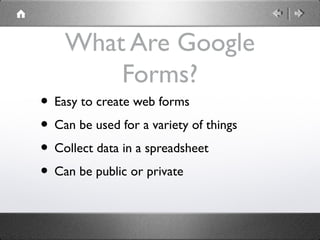
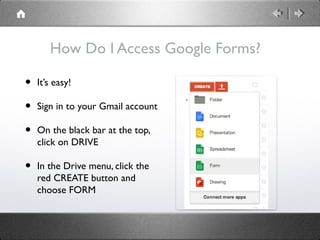
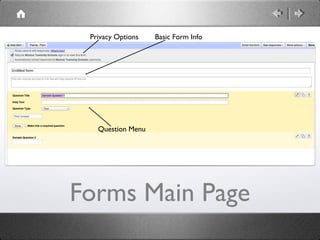
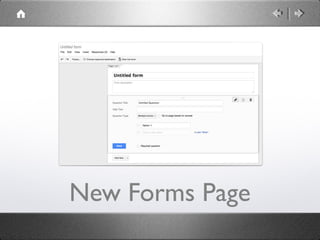
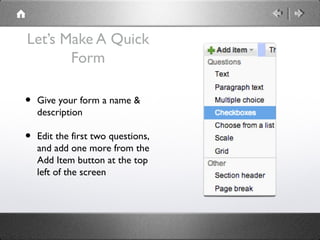
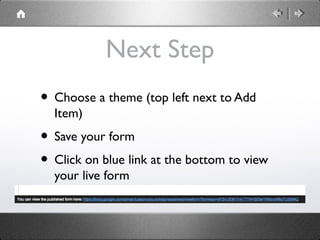
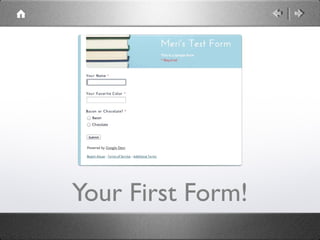
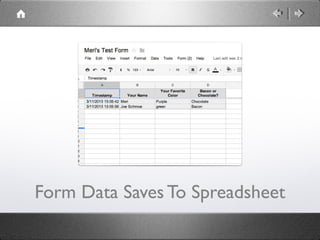
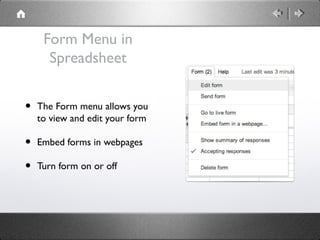

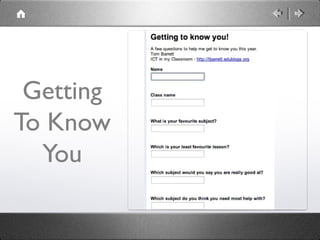
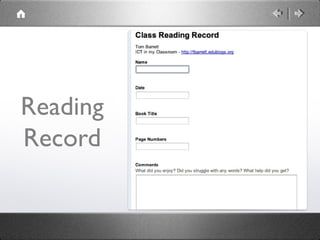
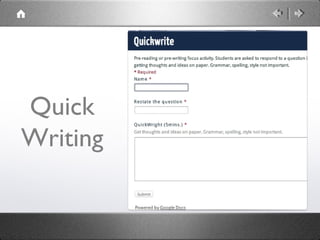
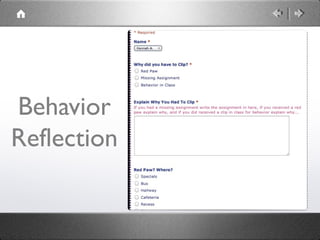
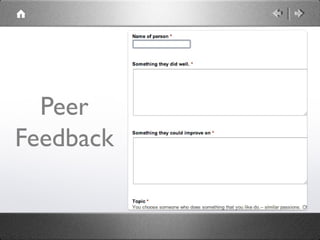
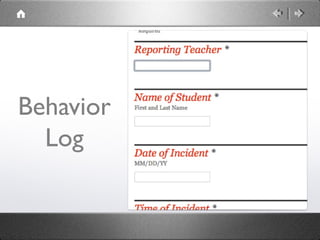
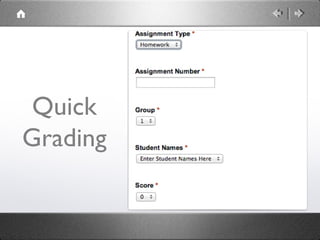
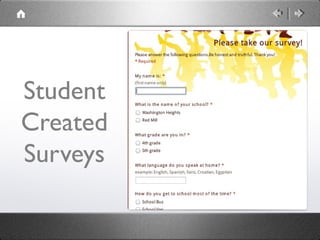
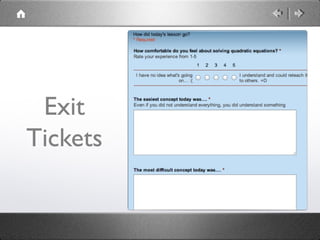
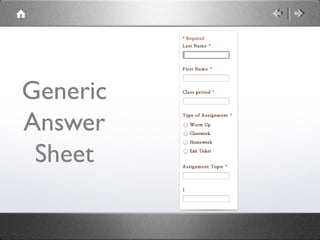
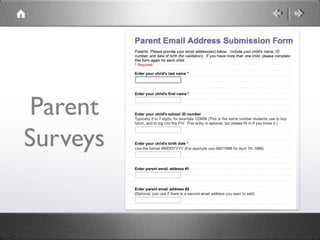
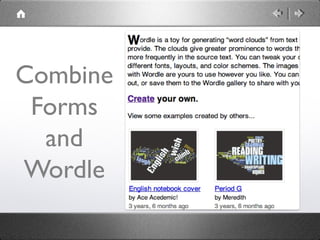
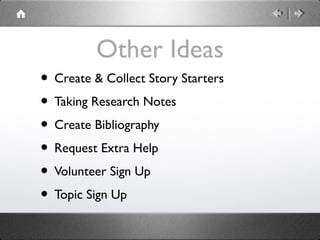

Google Forms allows teachers to easily create web forms and surveys that collect responses in a spreadsheet. Teachers can access Google Forms through their Gmail account in Google Drive. Forms can be public or private. Common uses of forms include self-grading quizzes, surveys, feedback forms, and data collection. The document provides examples of different types of forms teachers can create and shares additional ideas for implementing forms in the classroom.


